A:AnswerI have the same issue with my mesh router. I actually have 2, 5- port switches in series. The drive is connected to the 2nd switch with no issues.
A:AnswerYes, the WD appears as a Service that Sonos will pick up with its built in capabilities. The only issue that happens is how WD indexes your LP- it might list the individual songs rather than by Albums. Not sure if this is a bug in WD indexing or Sonos.
Good Luck
A:AnswerYes, it will work with Acronis 2020. I have it working with the 8GB version of the cloud home. It took some work though and you need to research all the tips on the Acronis and WD websites. I had to do a factory reset after the first try failed and that got it running after I discovered all the tips. The one most important issue was to not define it as a connected network drive under Windows before you get the Acronis Backup running, use the network name instead (MYCLOUD-XXXXXX), the name is case sensitive, XXXXXX is your serial number of the WD MYCloud Home Drive.
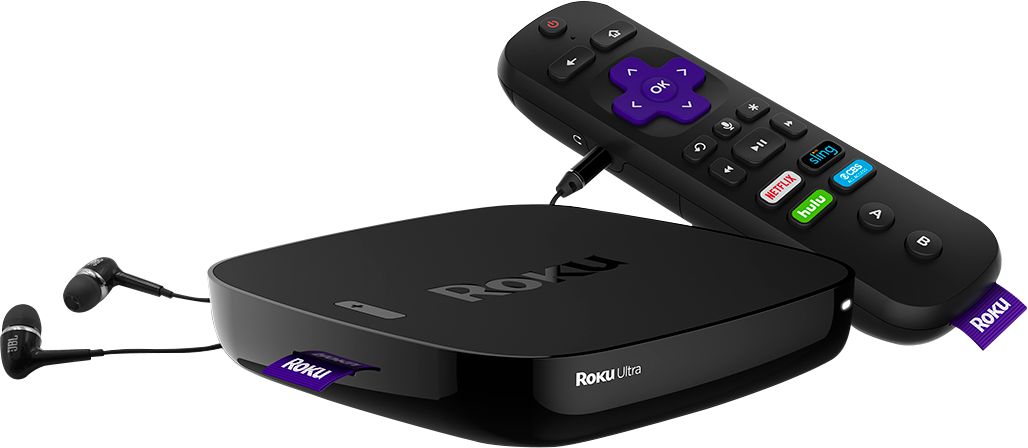
A:AnswerYes! I use this drive specifically for this purpose. It is easy to interface to many brands of smart tvs directly or as I use the PLEX app with my external ROKU. The PLEX app will download cover art and info on the film as well as allow you to edit yourself. Easy setup for this drive to your network or can be used directly as has a USB port as well. I use it as a network drive. Many smart TVs have ROKU already installed.
A:AnswerPerfect for that. I use Sonos Port to connect to amp and whole house speaker system. Ripped all my old CDs in lossless format to the MyCloud. Easy and the sound is great. Also good device to store videos.
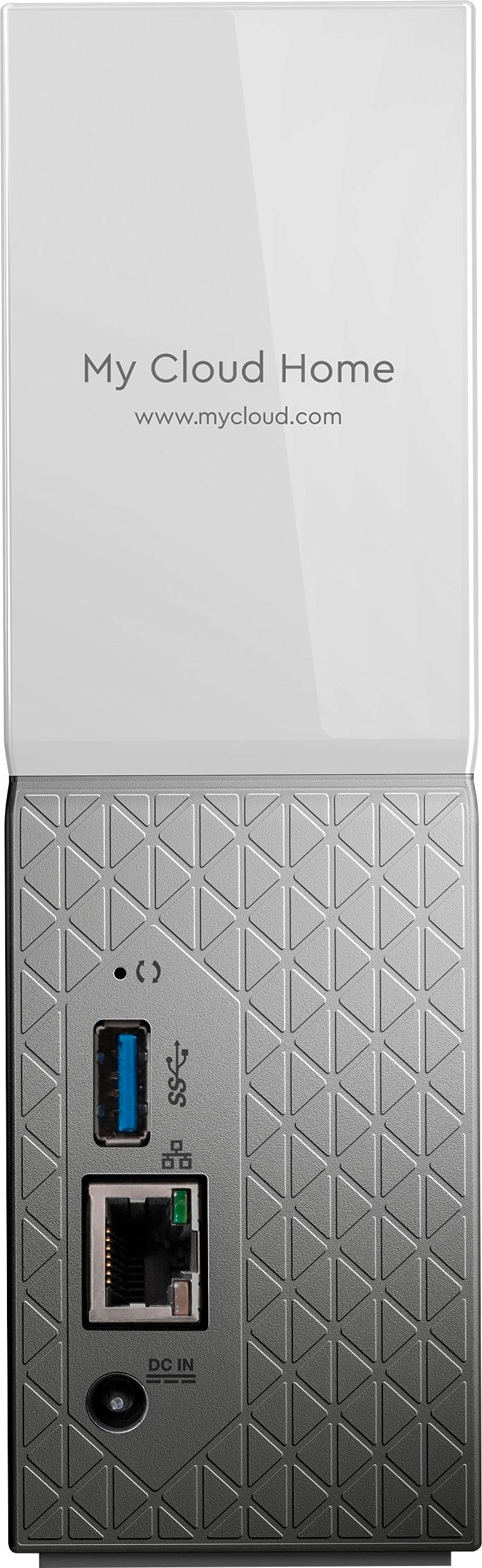
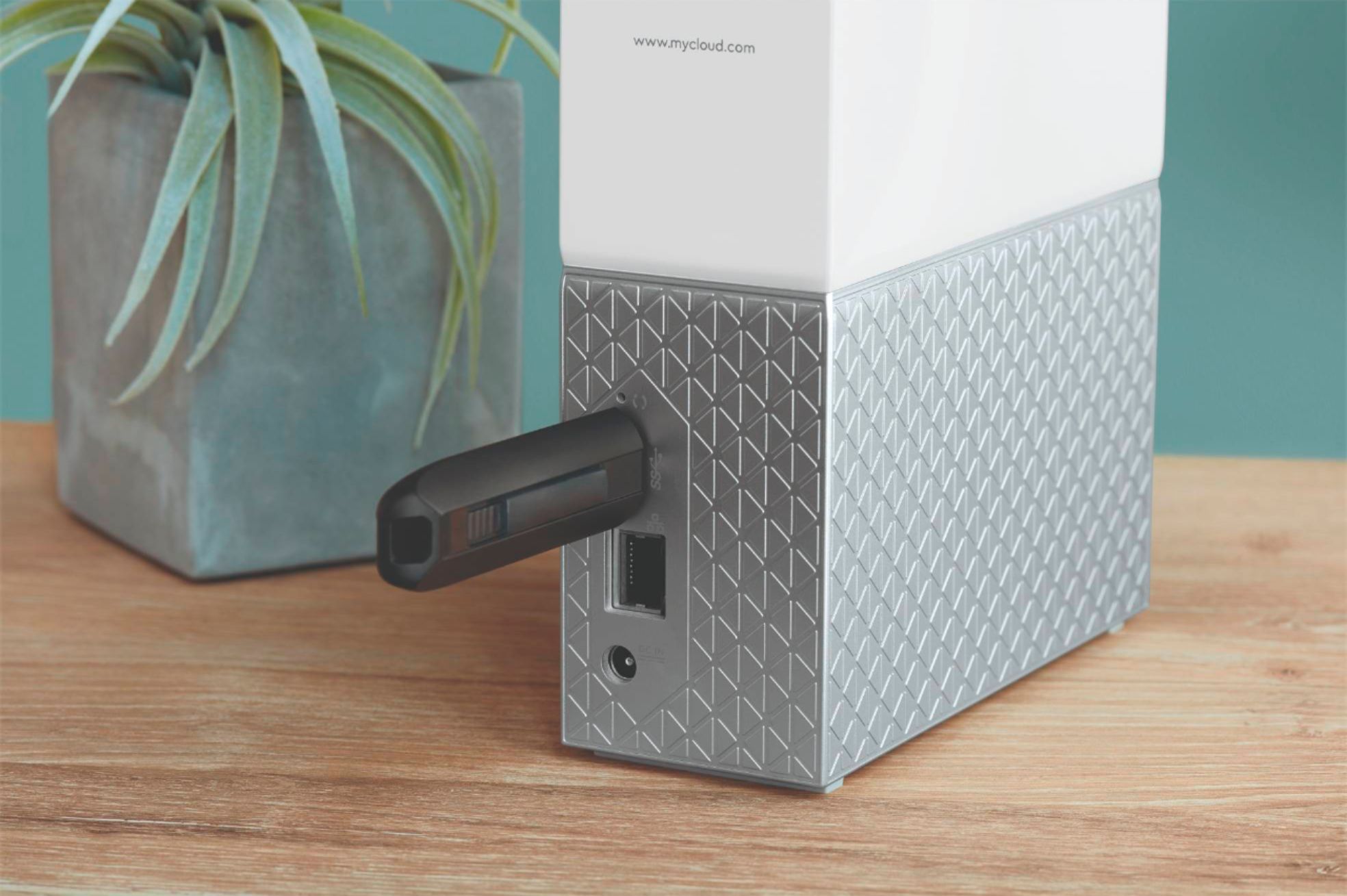
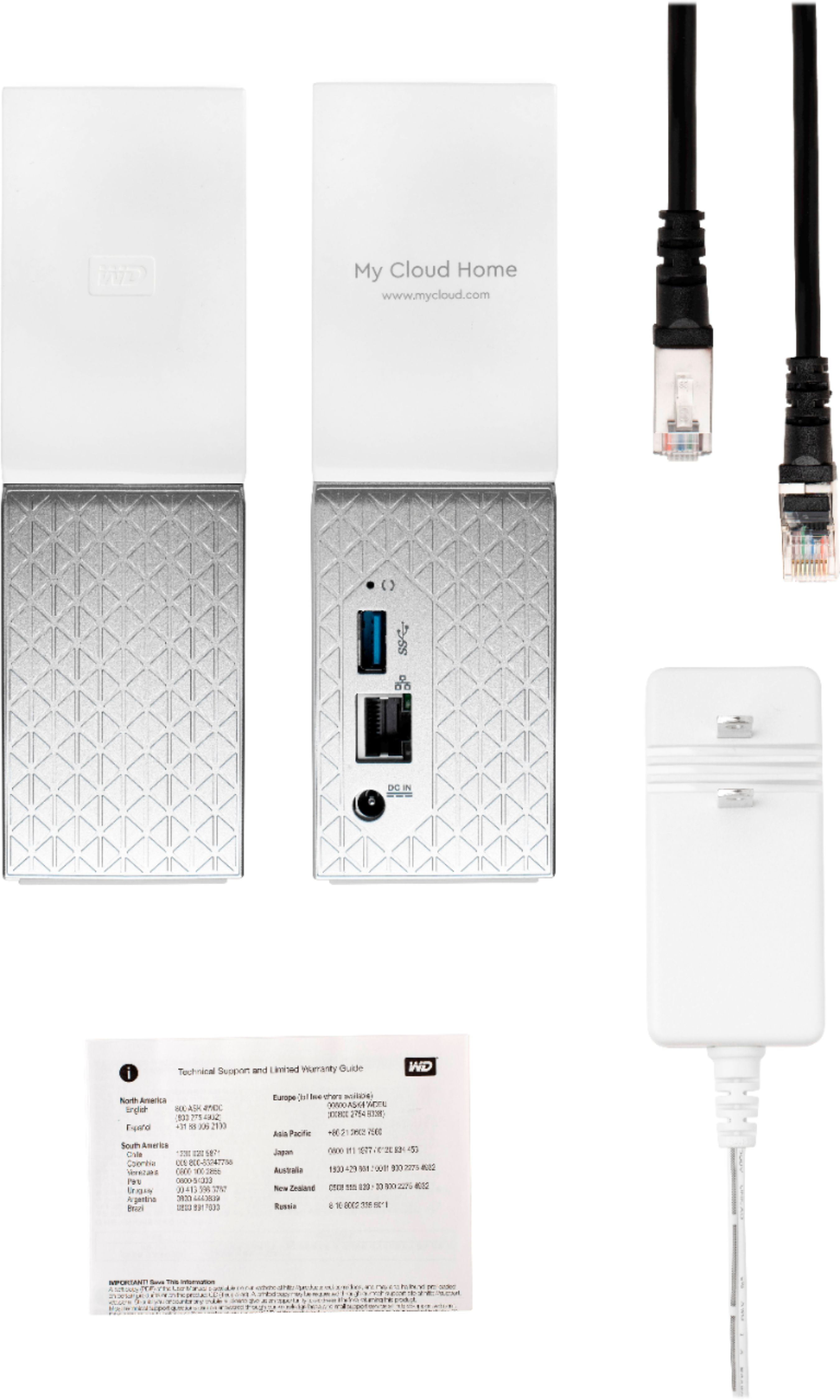
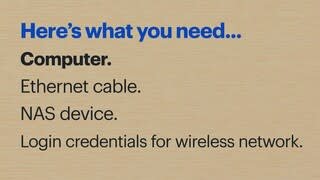
A:AnswerHello Christi, We would like to inform you that it is a Network attached storage HDD. WD My cloud home device needs to connected with the router directly using an ethernet cable. You could simply login to home.mycloud.com to access it remotely. To access it under your local network please refer to the following link: https://support-en.wd.com/app/answers/detailweb/a_id/34991/kw/local%20network%20access. You cannot add the phone numbers, However you could access it via phone using home.mycloud.com .For more information about the drive refer to the User Manual: http://products.wdc.com/library/UM/ENG/4779-705163.pdf -Need Help? Please see our "'Contact Us" page for information.
A:AnswerHello, We would like to inform you that it is a Network attached storage HDD. My cloud home device needs to connected with the router directly using an ethernet cable. You could simply login to home.mycloud.com to access it remotely. To access it under your local network please refer to the following link: https://support-en.wd.com/app/answers/detailweb/a_id/34991/kw/local%20network%20access .For more information about the drive refer to the User Manual: http://products.wdc.com/library/UM/ENG/4779-705163.pdf -Need Help? Please see our "'Contact Us" page for information. -Need Help? Please see our "'Contact Us" page for information.
A:AnswerHello DaveV, Please allow me to inform you that My Cloud Home single bay is non-user serviceable device. For more information about the drive refer to the User Manual: http://products.wdc.com/library/UM/ENG/4779-705163.pdf -Need Help? Please see our "'Contact Us" page for information.
A:AnswerHello, Based on your concern we request you to refer to the mentioned link below for the Video Playback Solutions on My Cloud Home device: https://support-en.wd.com/app/answers/detailweb/a_id/14347#apps -Need Help? Please see our "'Contact Us" page for information.
A:AnswerHello, We would request you to open a support ticket in brief and share with possible error screenshots. Please refer to the link mentioned:https://support-en.wd.com/app/ask/session/ -Need Help? Please see our "'Contact Us" page for information.