A:AnswerI have not tried that one, but I do not see why it would not?
I have connected my laptop to a wireless extender and it is on my network. So, my guess is yes, but I cannot say 100% for sure.
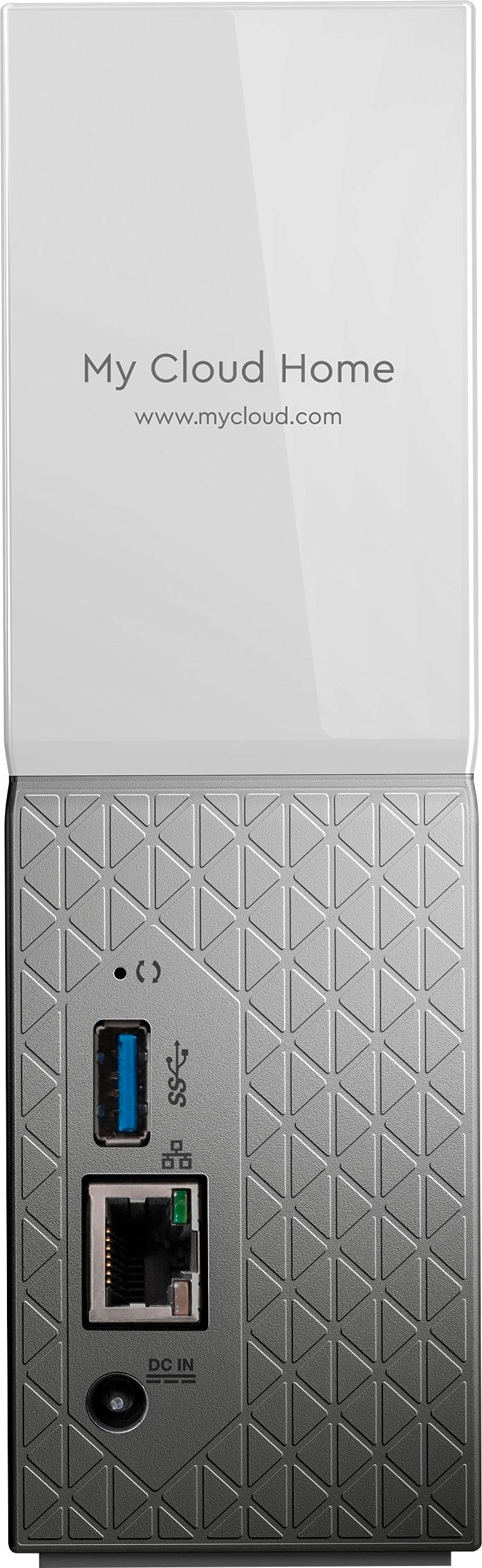
A:AnswerI believe the device has to be plugged into the router?
And then, after that, you can share wirelessly, or wired with any device that has the app on it.
A:AnswerNo the WD has stopped all development of the current software to this product, and this product has become obsolete. It cannot be used as a storage any longer.
A:AnswerWhile it will work wirelessly, the device has to be connected to the router which has wireless capabilities. So yes, it must have a wired source from somewhere.
A:AnswerYes.
Each user that installs the MyCloud app can sync to a folder specific to them. Typically, it is named after the user’s iPhone name, ie “Steve’s Camera Roll” using the AutoBackup feature.
You can add multiple users to MyCloud so they would each get their own.
A:AnswerHello , Please be informed that both computers can be backed up to the single my cloud home device. However, If you face any issues, Please open a support ticket : https://support-en.wd.com/app/ask/session/ .For more information on the device refer to the link: http://products.wdc.com/library/UM/ENG/4779-705163.pdf -Need Help? Please see our "'Contact Us" page for information. -Need Help? Please see our "'Contact Us" page for information.
A:AnswerYes. If you want to delete from MyCloud you have to do it separately after it has been backed up. Deleting from your phone after you backed up to My Cloud will not delete it there.
A:AnswerHello Canche, Please be informed that the support for prior generations of My Cloud OS, including My Cloud OS 3 will end. The my cloud home device is not getting affected in it and will work as it is . In my cloud home firmware updates automatically , you may refer to link mentioned below:https://bit.ly/37AyfuA -Need Help? Please see our "'Contact Us" page for information.
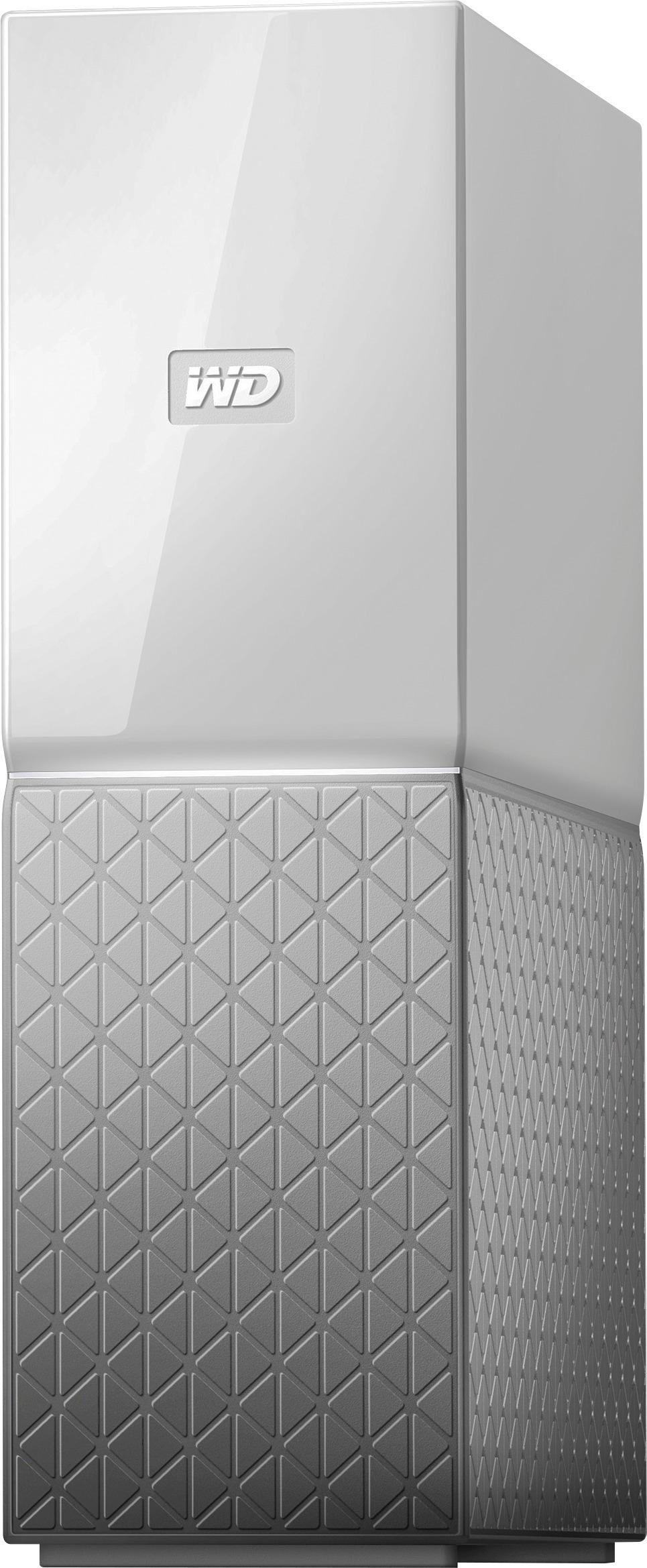
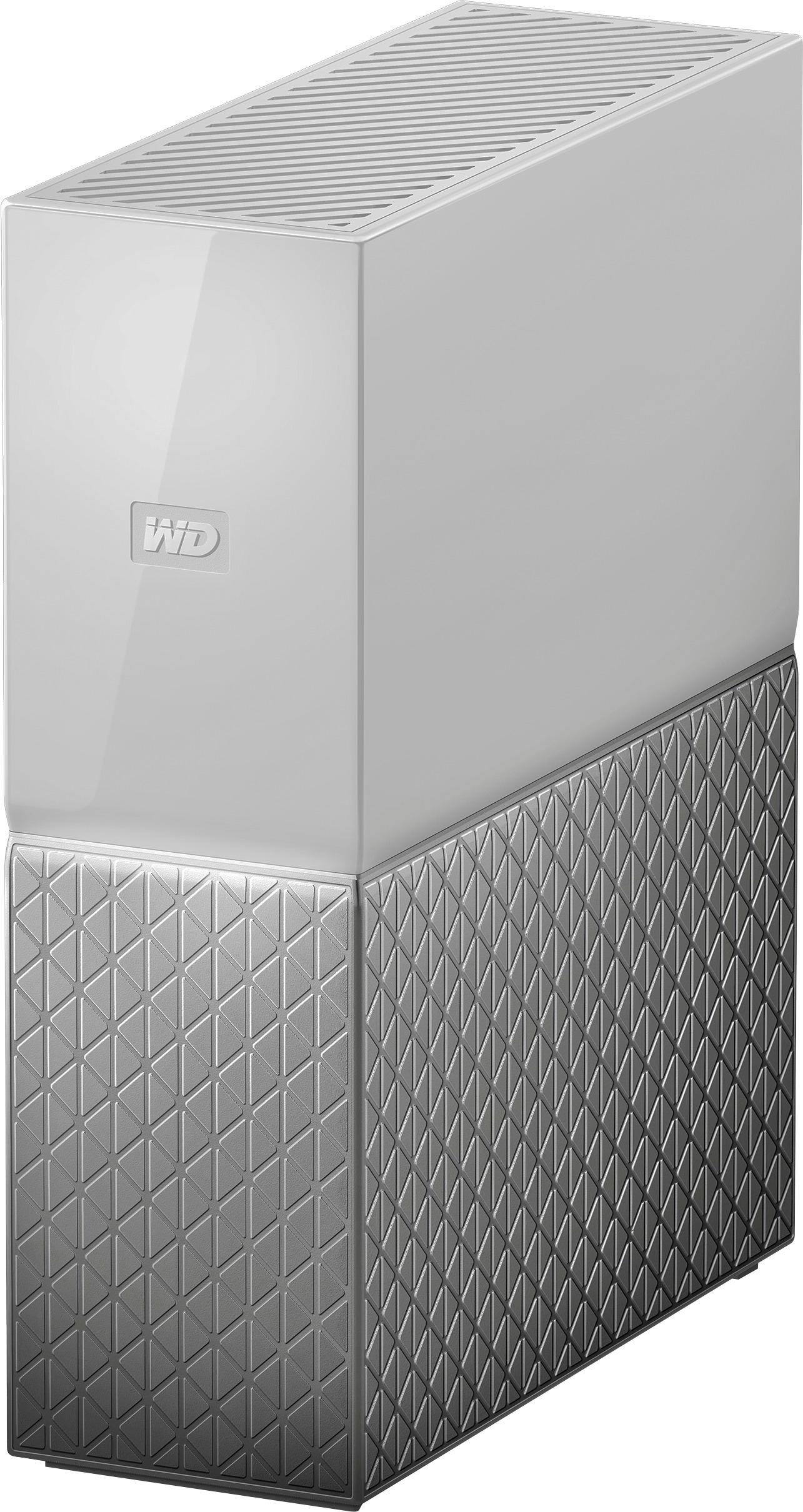
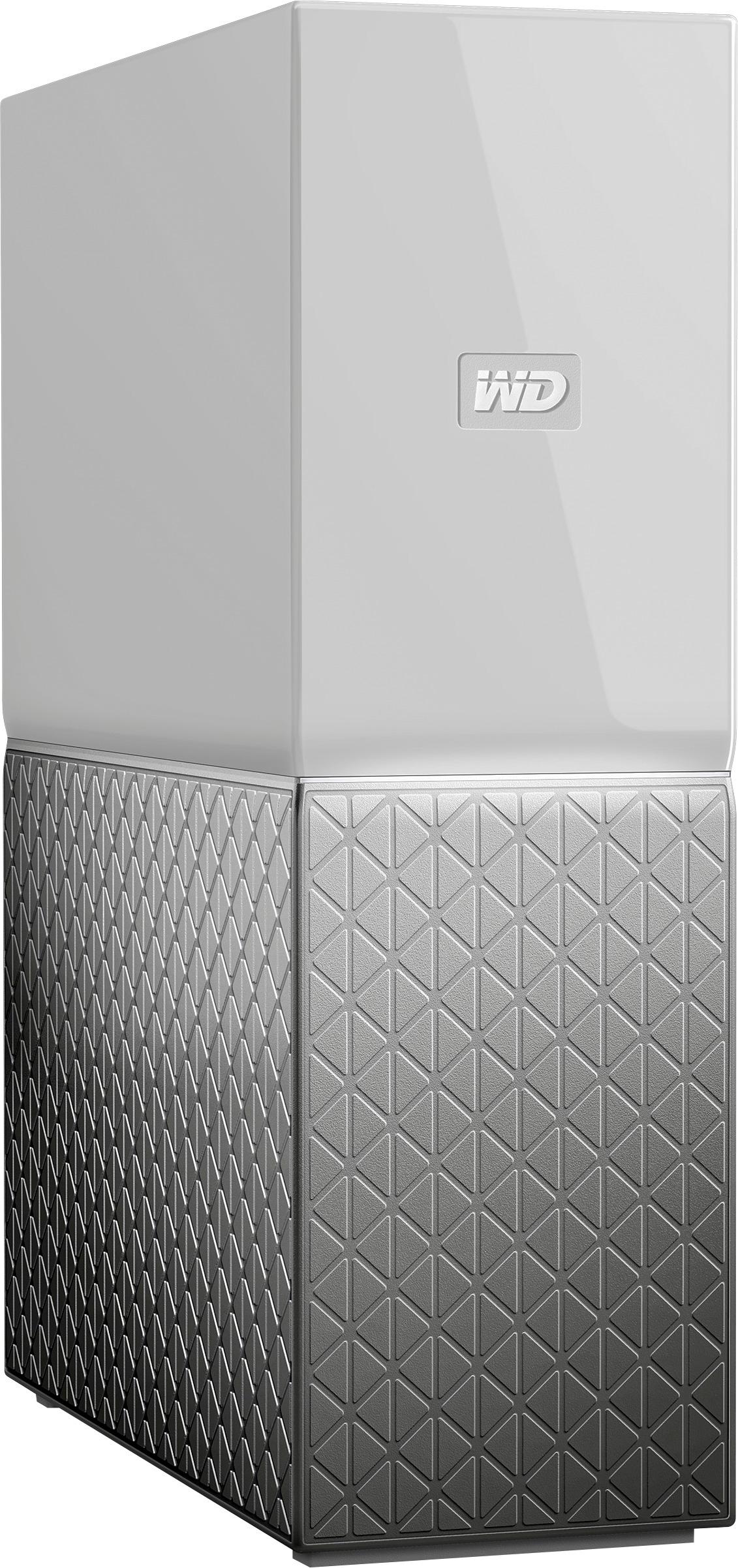
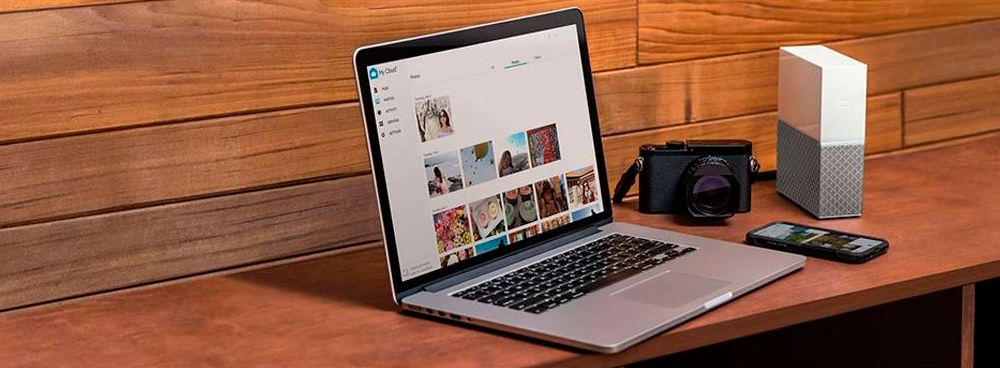
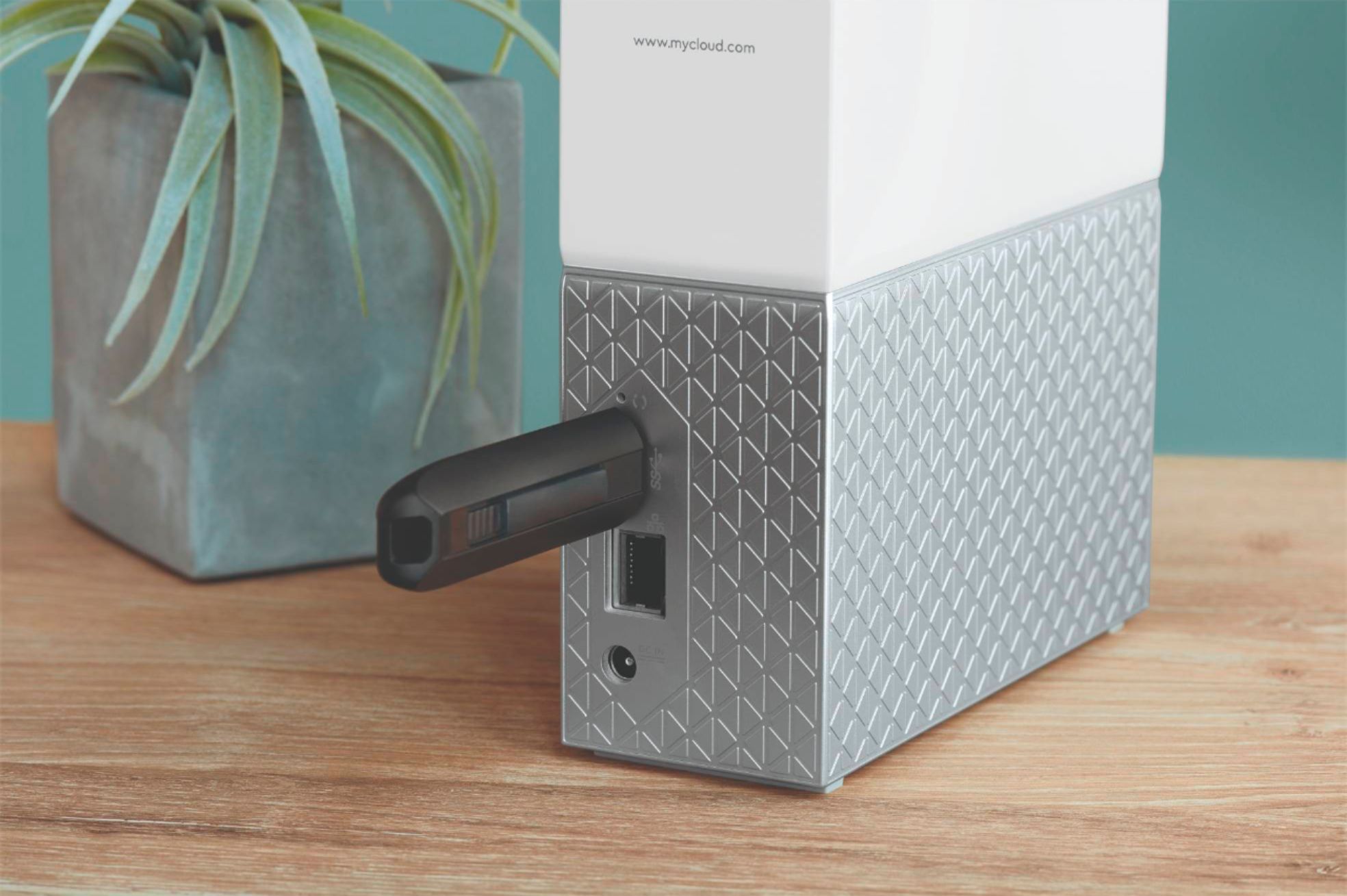
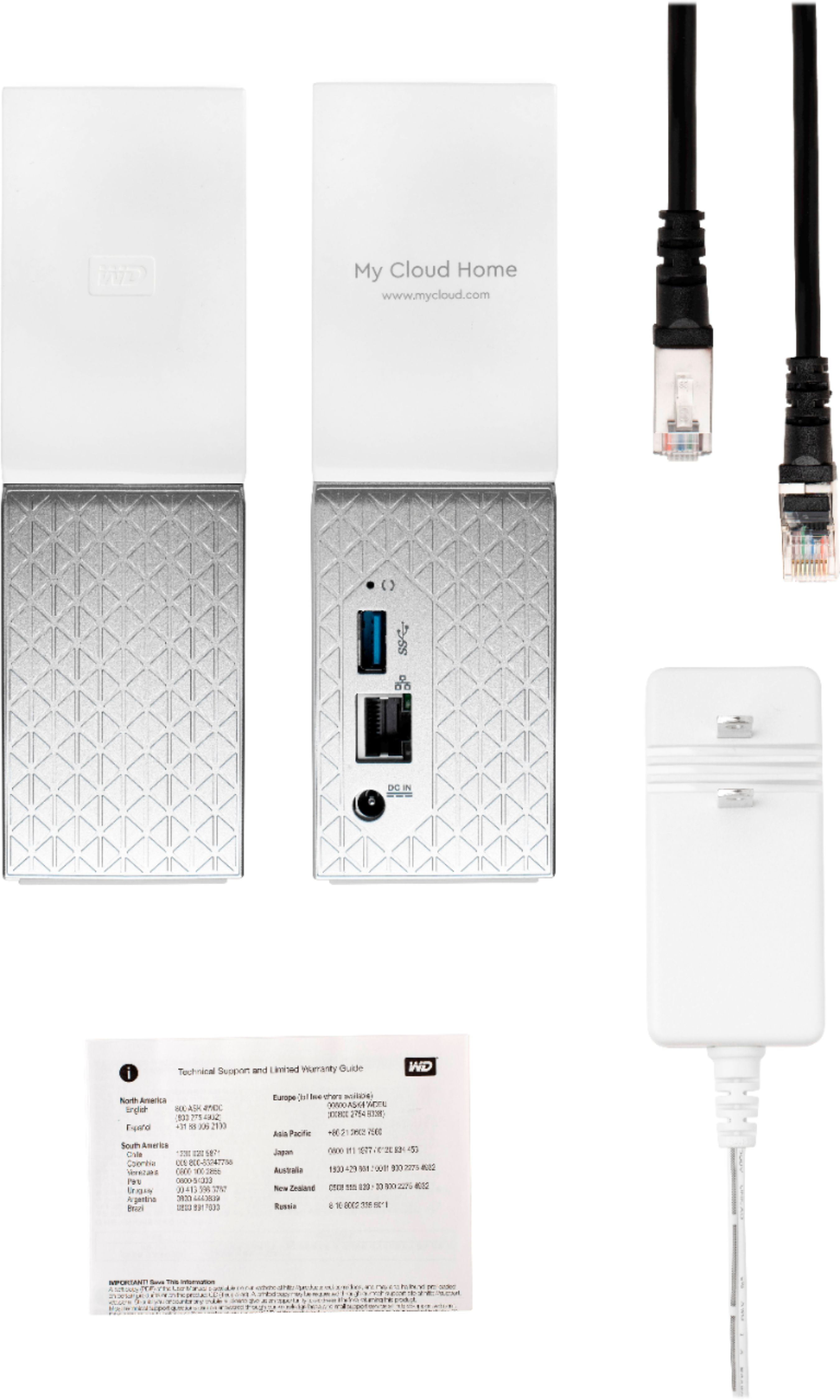
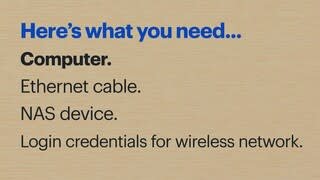
A:AnswerHello ED, Please be informed that you need to connect the device to the router using the ethernet cable . You not need to buy a USB cable please connect the laptop on the same network on which the device is connected. To access the device please login to home.mycloud.com and to access it locally over the computer please install WD discovery by given below link https://downloads.wdc.com/wdapp/Install_WD_Discovery_for_Windows.zip .For more information on the device refer to the link: http://products.wdc.com/library/UM/ENG/4779-705163.pdf -Need Help? Please see our "'Contact Us" page for information.