A:AnswerYes, but it always depends on your phone and Internet connection and depending on the audio file quality the file might be big enough to cause a hiccup on your network connection.
A:AnswerI had no trouble accessing it over my LAN both from my MacBook Pro and my wife's Windows 10 laptop, though in my case the Mac is via ethernet and the Win 10 is via WiFi. I hope that helps.
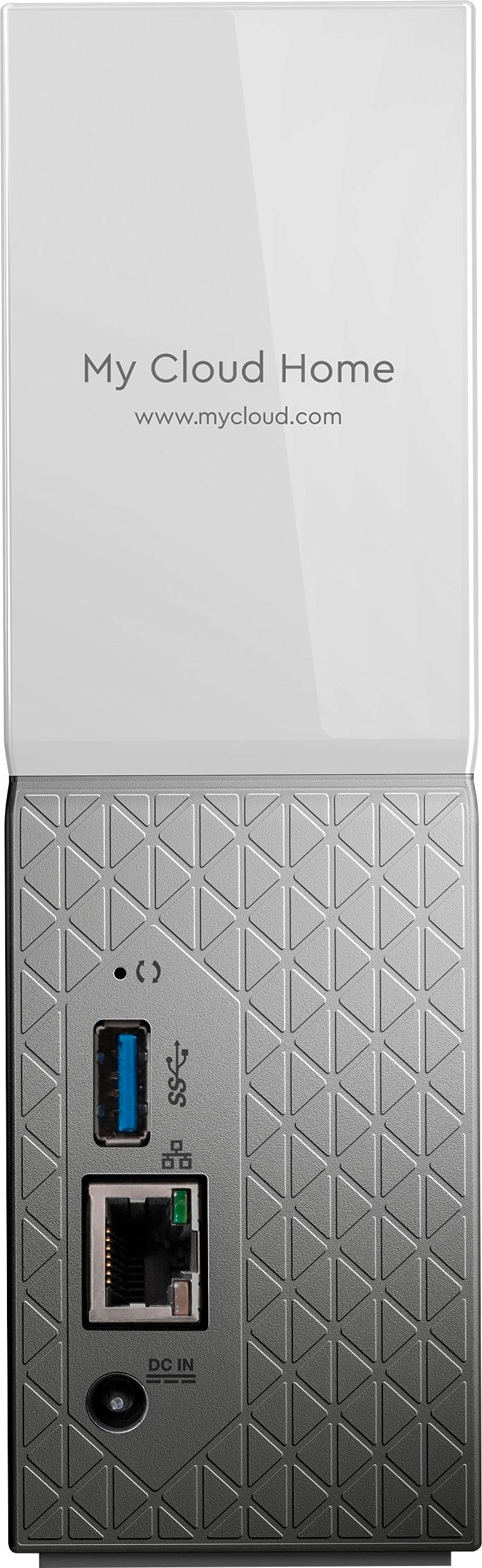
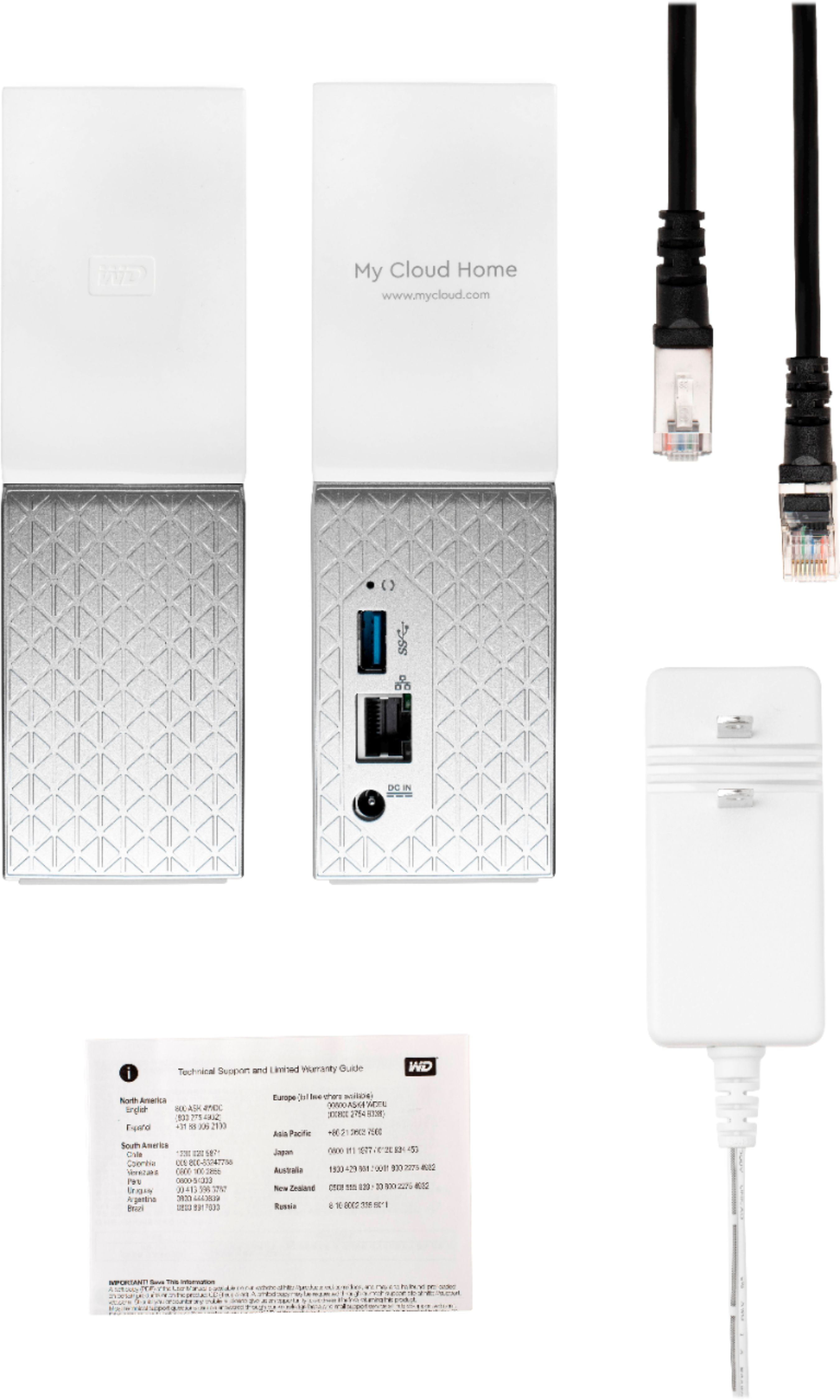
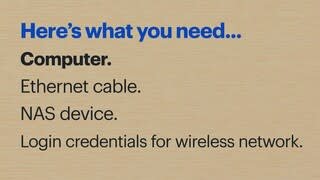
A:AnswerSadly, I do not believe you can connect it to the network via Wi-Fi for greater flexibility on where it can be physically placed. It required an Ethernet cable / open port.
A:AnswerWD external hard drive is plugged directly into your router with a ethernet cable. Yes it is compatible with all versions of windows 78 and 10. You can move copy you delete or share files between your PC, Mac, laptops or tablets.
A:AnswerI don't see why not. If you add a small ethernet switch in the safe you should be able to add even more devices & backup sources within the safe, as long as it has power as well as ethernet.
A:AnswerYou won't have to worry because it is password protected, so not just anyone with wifi can access it. If you want to have other friends or family use it, you have to send them an invite. They will have a separate folder that only they can access. We love it!
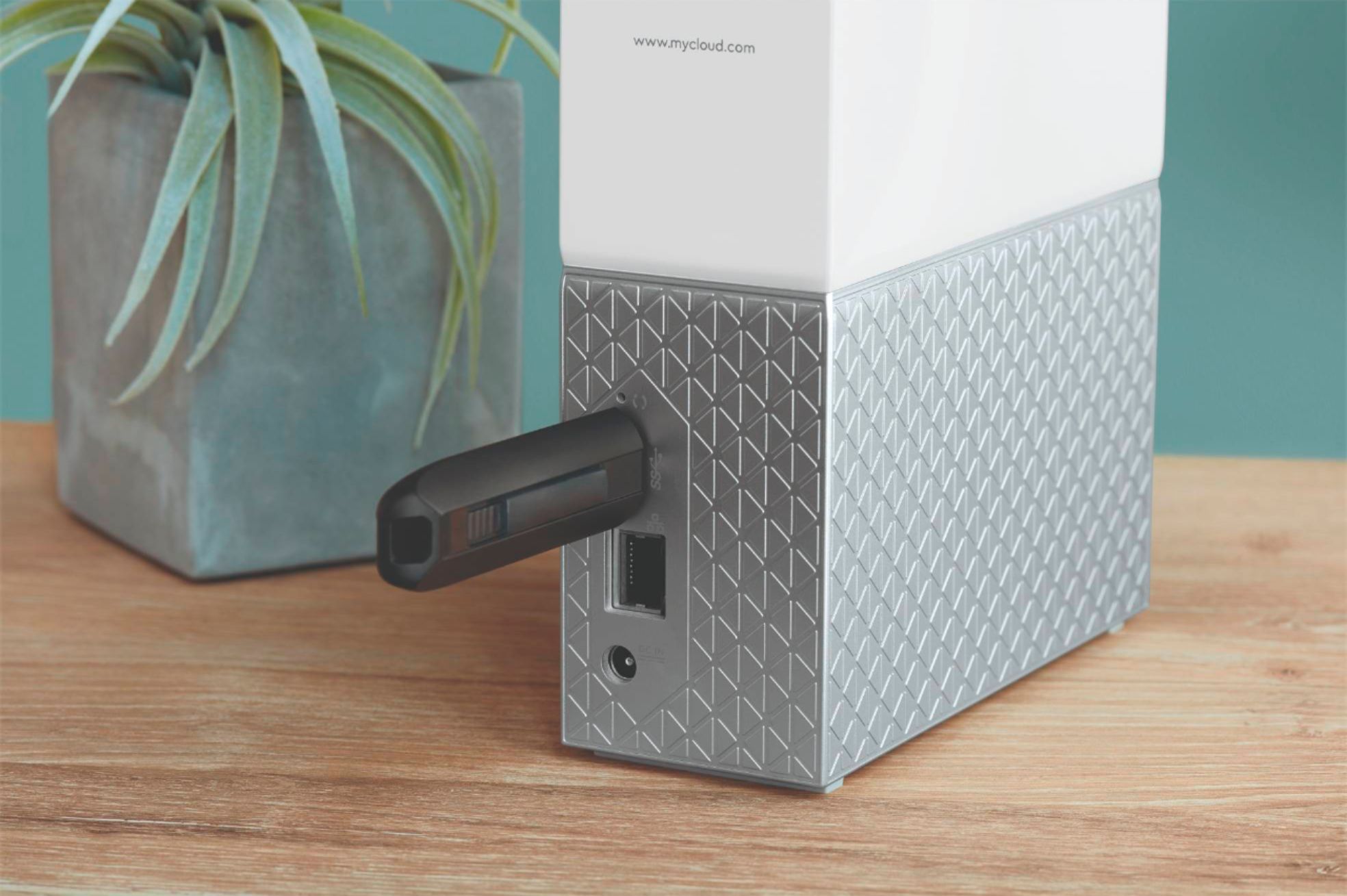
A:AnswerYes you can via usb, but keep in mind backup is one way via usb. You can save to the My Cloud but you cant retrieve for the my cloud unless you login or utilize the My Cloud Discovery App.
A:AnswerYes,
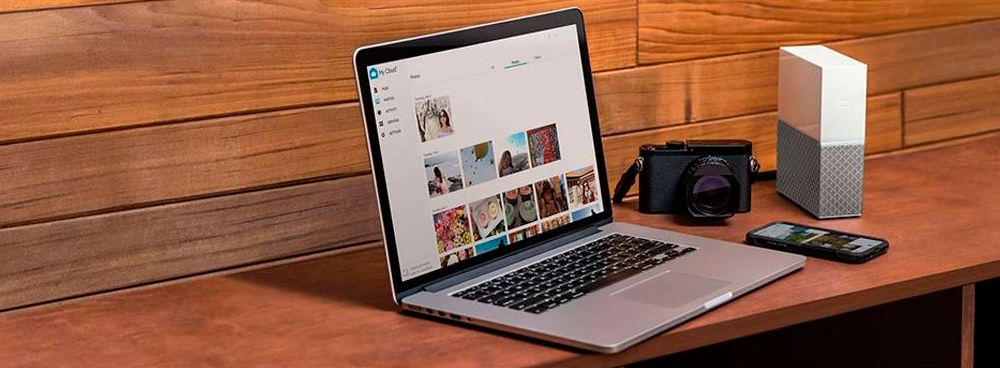
You can save all you photos from you Nikon camera on your My Cloud Home. Just save all the photo in you computer and then export or copy and paste everything in your cloud. After that do double check and make sure that all you photos are out there, then delete everything from your camera. It's Super Easy!
I hope that this answer your question.
A:AnswerYeah it should. I use a different one for this. Loaded with movies I use my Apple tv (in a different room) to stream movies. It just connects to my mbp and plays that way.
A:AnswerDownload and install WD discovery, from there you can map it as a network drive //Z as standard and shows up on my computer, at least for me on my Win 10 laptop