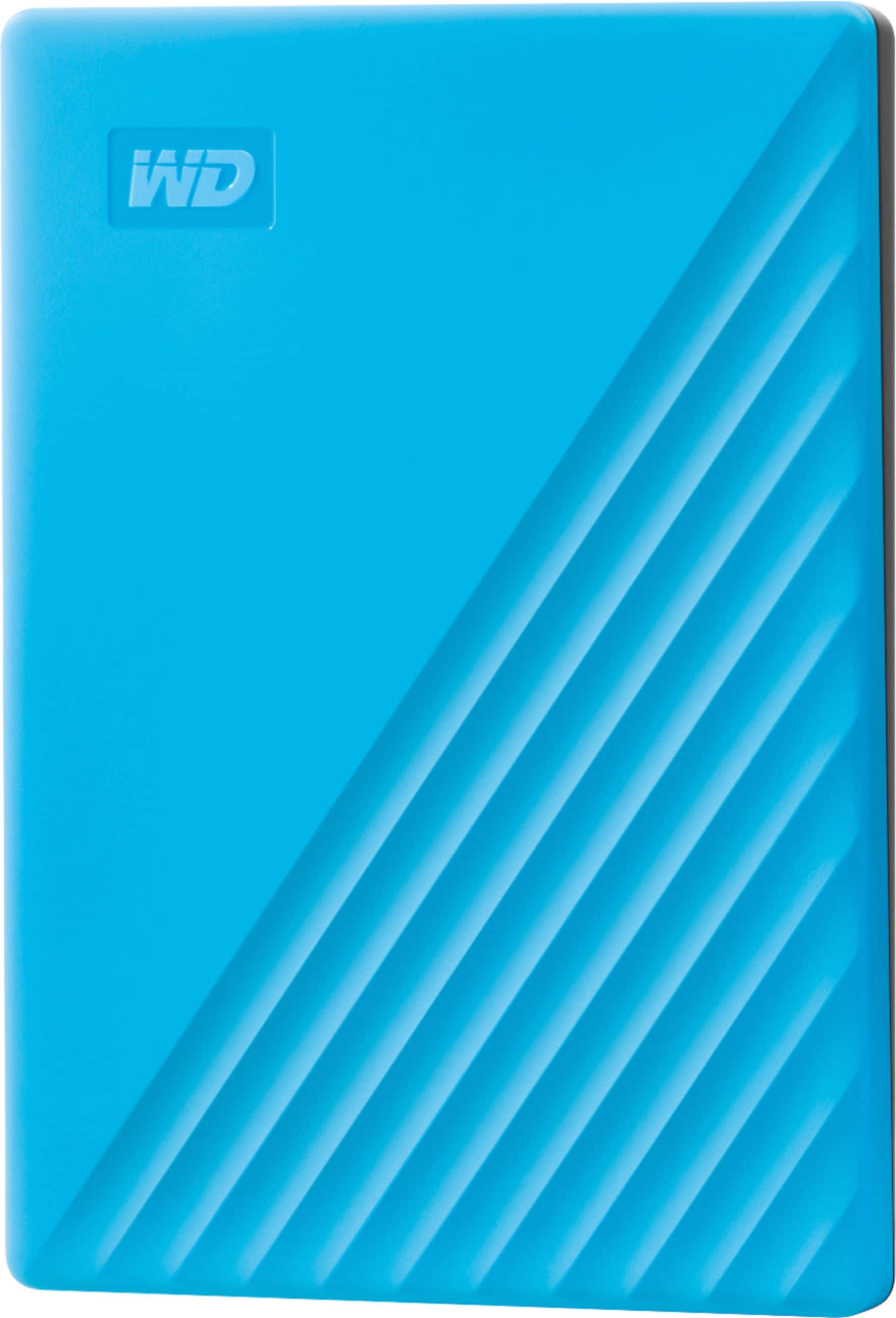
A:AnswerGenerally format for extrenal drives is extFat or FAT32. I dont own a mac but if a mac can read those formats then you can format the external drive to that and windows and mac could use it. If mac cannot use FAT32 or extFAT then you will have to choose what tonise it for or partition the drive and basically make it 2 drives in one. For 2TB drives they have to be extFAT to use all storage in a single partition.
A:AnswerIt should work. Your console will just encrypt the drive so it works with that console only. Then it should be recognized and all new game data will automatically be saved on the drive.
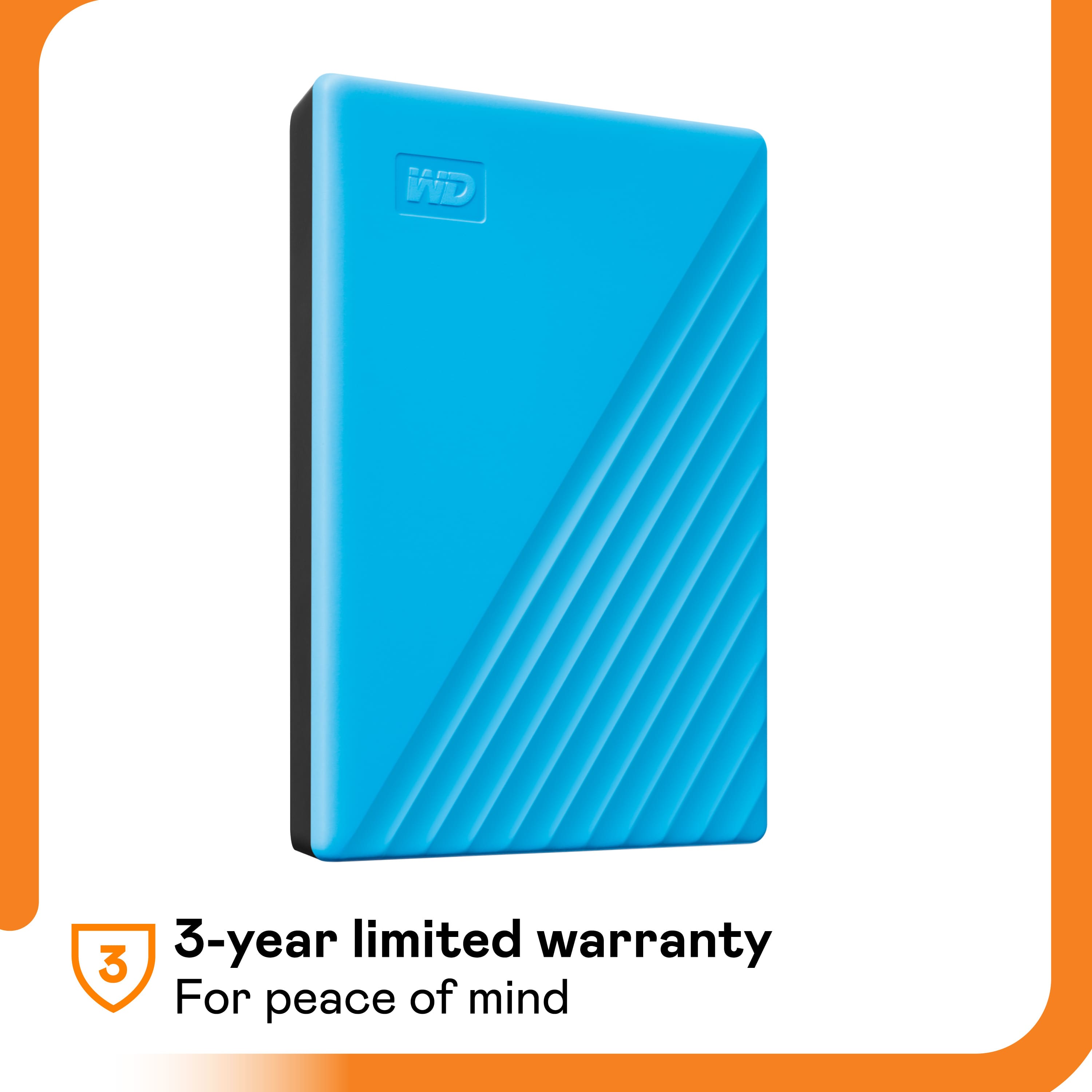
A:AnswerHi SailorCV41, Please be informed that the WD My Passport drive is a plug 'n' play device tested and designed for Windows and Mac computers. We recommend you to please check with your host device vendor for more compatibility info. To know more about the drive refer to the link: http://products.wdc.com/library/AAG/ENG/4078-705155.pdf -Need Help? Please see our "'Contact Us" page for information.
A:AnswerThis drive works like any other external drive. Plug it into computer USB port (USB 3 or better for faster performance) and give the computer a minutes to detect it. If you don't see a drive letter or volume, you may need to repartition it and reformat it.
A:AnswerYES.. IF you format the drive to NTFS. Using windows 10 anyway, when you plug it into your pc, right click on the drive, scroll to Format, make sure its set to NTFS wah lah! WARNING, It will wipe the hard drive when you reformat. Make sure there's nothing on it you can't live without.
A:AnswerHi Karen, Please be informed that the WD My Passport external portable drive comes preformatted in NTFS format for Windows OS, However, you can reformat the drive with macOS supported HFS+J file system by using this link: "Reformatting Required for Mac OS Compatibility" https://support-en.wd.com/app/answers/detail/a_id/3879 -Need Help? Please see our "'Contact Us" page for information.