A:AnswerTo use HDD with a PS5, once plugged in, go to settings and under external storage it will require you to format the drive to only be used with your PS5/PS4. It cannot be used anywhere else unless formatted again. It (will work) for your CHROMEBOOK out of the box, and a pc, long as it hasn’t been set to your PlayStation console.
A:AnswerHi Benjamin, Please be informed that the WD My Passport drive is a plug and play device tested and designed for Windows and Mac computers for seamless operation. To know more about the drive refer link- http://products.wdc.com/library/AAG/ENG/4078-705155.pdf Need Help? Please see our "'Contact Us" page for information.
A:AnswerHi ChrisL,
Please refer to the links given below to know more about the difference between two drives.
http://products.wdc.com/library/AAG/ENG/4078-705133.pdf
http://products.wdc.com/library/AAG/ENG/4078-705155.pdf
Need Help? Please see our "'Contact Us" page for information.
A:AnswerIt can work to backup up data from different PCs as long as there is space on the external drive. You will need to label the backup files differently so that each PC backup is separate.
A:AnswerHi,
Please be informed that the WD My Passport drive is a plug and play device tested and designed only for Windows and Mac computers for seamless operation.
Need Help? Please see our "'Contact Us" page for information.
A:AnswerHi LindaP
Please be informed that the WD Easystore drive is a plug and play device tested and designed only for Windows and Mac computers for seamless operation.
How to Format a WD Drive on Windows and macOS":
https://support-en.wd.com/app/answers/detail/a_id/8200
Need Help? Please see our "'Contact Us" page for information.
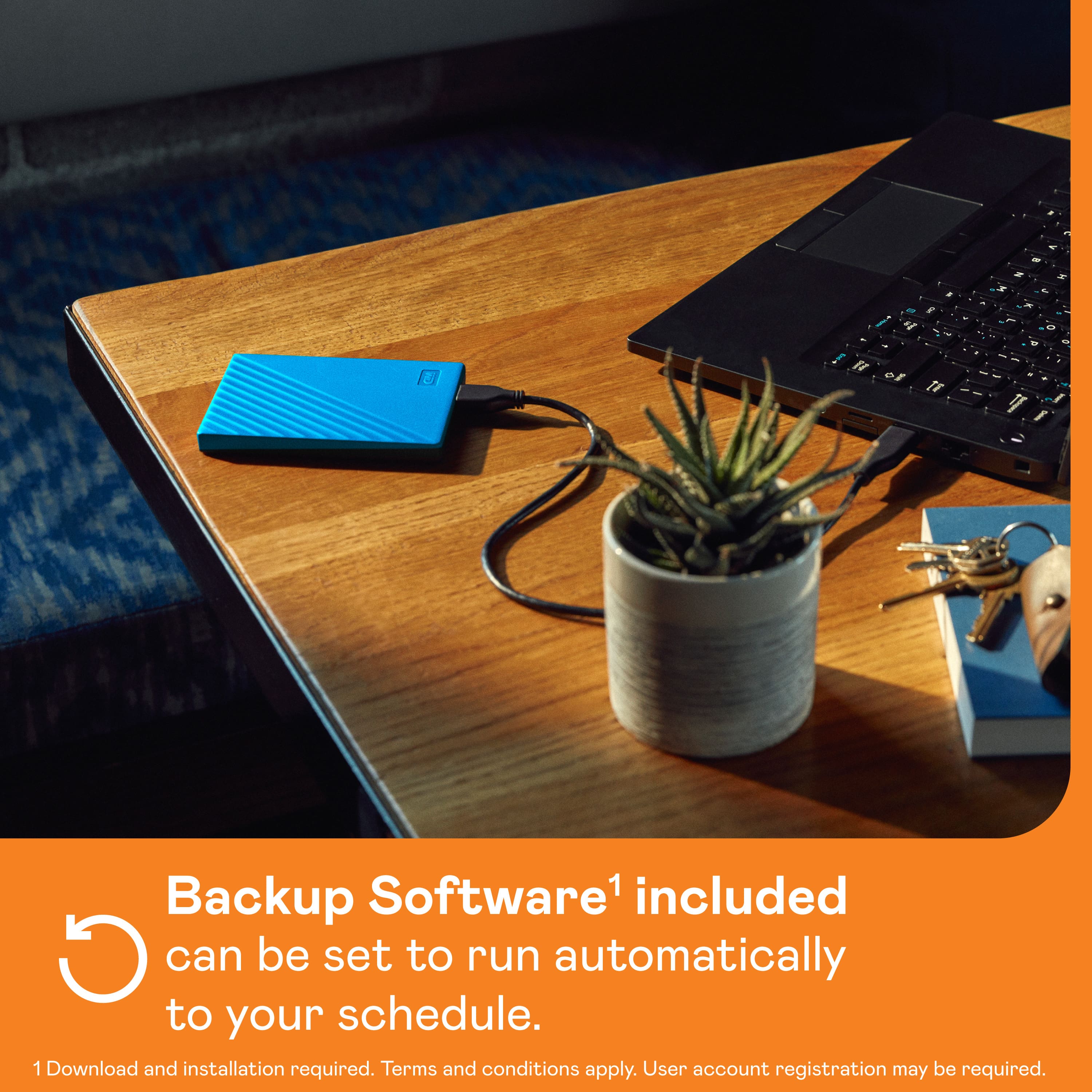
A:AnswerIt is meant to run off the power that is supplied by your computer so, I can't see that you would have any problem especially if you use a powered hub. I plug mine directly into the USB socket on my computer because I use it for my TimeMachine back up.
A:AnswerYes, absolutely. Plug into a USB port on the back (or side if you'd like). You can also then move files between this drive and your internal drive if you need to.
A:AnswerHi nellka,
These drives are pre-formatted for windows OS.The hard drive can be reformatted in the supported file system for Mac OS by following simple steps mentioned in the link mentioned below: Reformatting Required for Mac OS Compatibility: https://support-en.wd.com/app/answers/detail/a_id/3879
"Starting macOS Time Machine Backups to My Passport and External USB Drives" https://support-en.wd.com/app/answers/detail/a_id/18952
Need Help? Please see our "'Contact Us" page for information
A:AnswerI do recommend this product for gaming. I purchased this product for my PlayStation 4 in order to download more games due to only having 500 mg. I currently have 5 games installed and downloaded on my extended storage and it has no problem loading the games in.
A:AnswerHi ML,
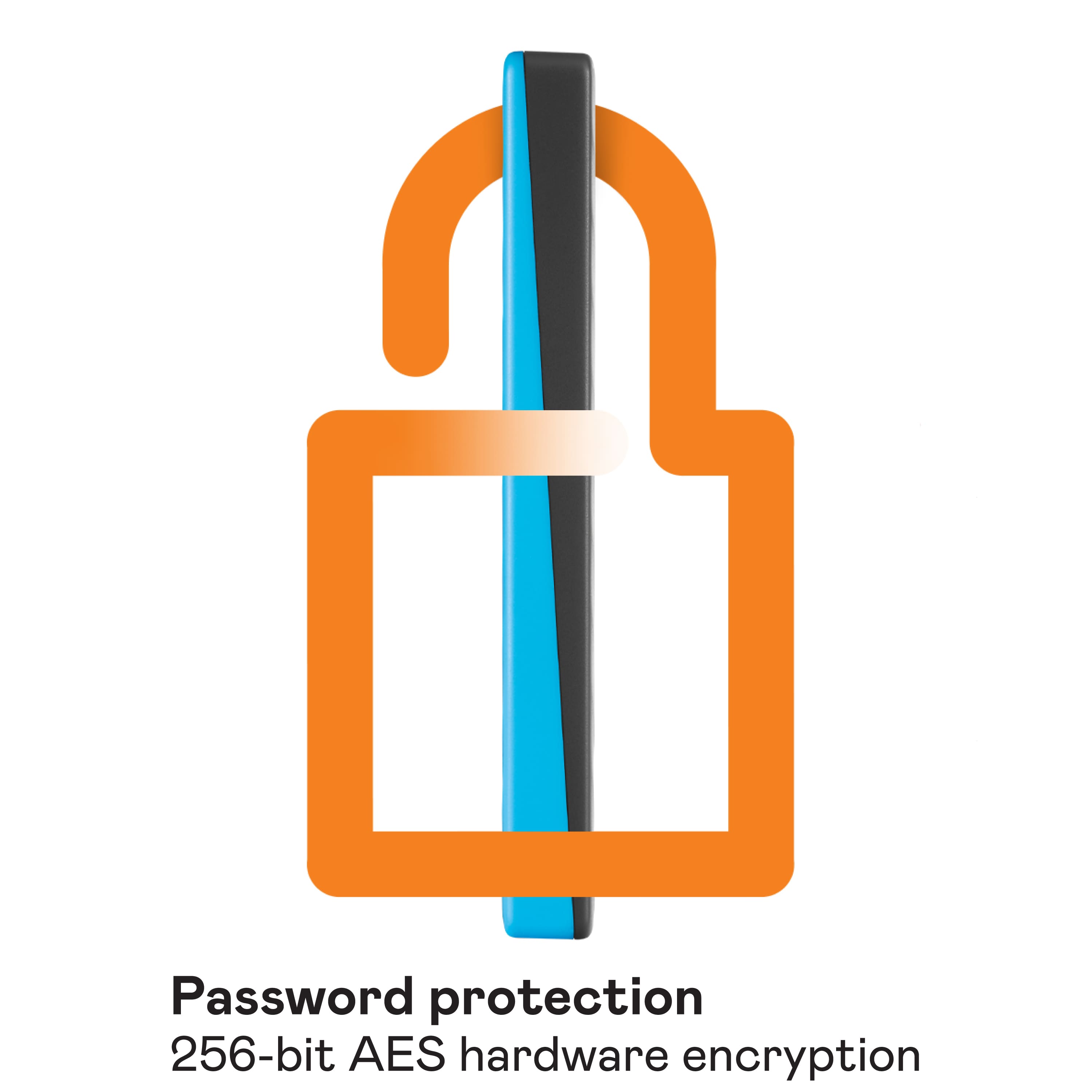
Please know, The My Passport™ drive’s password protection and built-in 256-bit AES
hardware encryption helps keep your digital life’s contents secure. Just
activate password protection and set your own personalized password
using WD Discovery™.
For more information please refer to the link given below.
https://documents.westerndigital.com/content/dam/doc-library/en_us/assets/public/wd/product/external-storage/my_passport/my-passport-new/product-overview-wd-my-passport.pdf
Need Help? Please see our "'Contact Us" page for information
A:AnswerHi Timemachine,
Yes, You can Backup your all stuff on this drive via Time machine backup. Before proceeding you may need to reformat the drive in the compatible file system.
Reformatting Required for Mac OS Compatibility: https://support-en.wd.com/app/answers/detail/a_id/3879
Please refer to the link mentioned below to know how to set up backup.
"Starting macOS Time Machine Backups to My Passport and External USB Drives"
https://support-en.wd.com/app/answers/detail/a_id/18952
Need Help? Please see our "'Contact Us" page for information.
A:AnswerHi,
Please refer to the link mentioned below in order to install the NTFS driver for mac.
https://support-en.wd.com/app/answers/detail/a_id/19554
Need Help? Please see our "'Contact Us" page for information.
A:AnswerHi BUBBA,
Thanks for showing your interest in WD My Passport external hard drive. Please refer to the link mentioned below for My Passport user guide.
http://products.wdc.com/library/AAG/ENG/4078-705155.pdf
Need Help? Please see our "'Contact Us" page for information.