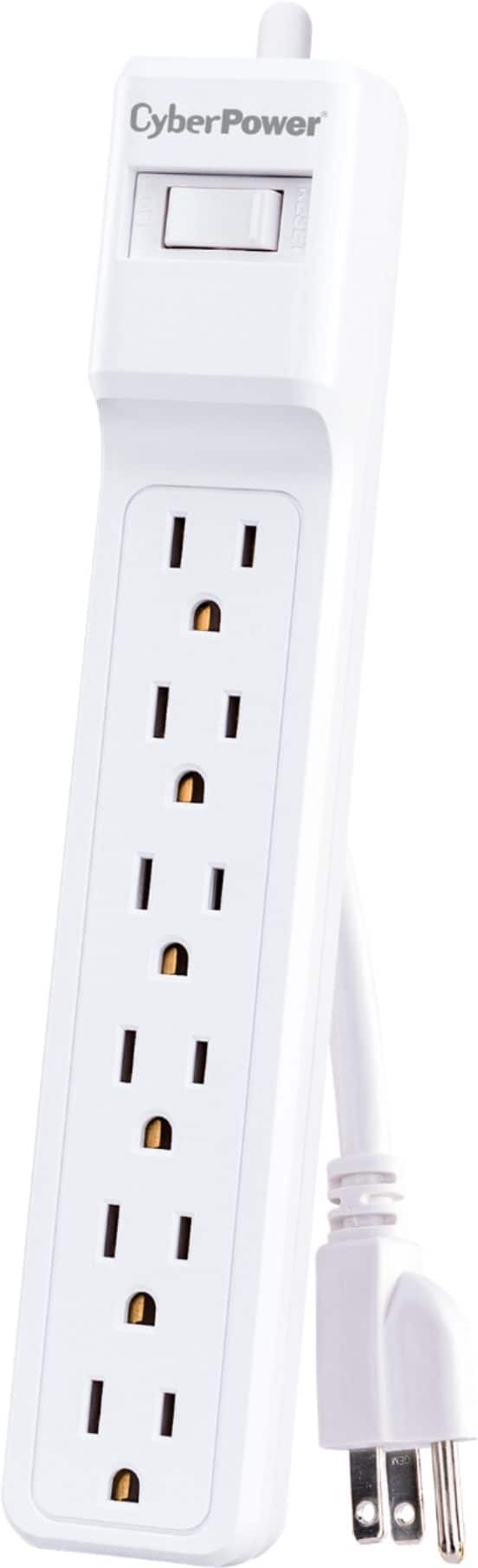
A:AnswerGood question. Do you have a lot of issues with "shock" blowing up your electronic devices? If yes, the problem is not with the devices. If no, then I'd say no, you won't have an issue of shock with this device. If this is plugged into your computer via USB port, and shock comes, it will come through your computer, so the problems will be much worse than a $40 external DVD R/W. A surge protector, with your computer plugged into it, should provide the safety ordinarily needed.
A:AnswerProbably not unless there is a way on the PS to format the drive to the PS file system. I wouldn’t bother. If you run into issues WD support is off-shored canned response garbage.
A:AnswerYes. This an any USB 3.0 external hard drive can be used as additional storage for the PlayStation 5 (and Xbox Series X/S). However, you can only use the drive to play PlayStation 4 games. Games designed for PS5 must be run from the system's internal drive. This is the same for the new Xbox Series X/S systems - only Xbox One, Xbox 360, and Original Xbox games can be stored and run from the USB 3.0 drive. Xbox Series X/S games must be run from the internal drive.
A:AnswerHi Lucky, Please be informed that the WD My Passport drive is a plug and play device tested and designed only for Windows and Mac computers for seamless operation. Moreover, Please check with the host device vendor for compatibility information. To know more about the drive refer to the link: http://products.wdc.com/library/AAG/ENG/4078-705155.pdf -Need Help? Please see our "'Contact Us" page for information.
A:AnswerHi Fuddle, Please be informed that the WD My Passport drive is a plug and play device tested and designed only for Windows and Mac computers for seamless operation. Moreover, for XBOX, you can consider the WD Gaming Drive Accelerated for Xbox One. Please refer to the link mentioned below to know more about the WD Gaming Drive. https://shop.westerndigital.com/products/portable-drives/wd-gaming-drive-accelerated-for-xbox-one-usb-3-0-ssd#WDBA4V5000AWB-WESN Need Help? Please see our "'Contact Us" page for information
A:AnswerHi Jk, Please be informed that the WD My Passport drive comes pre-formatted into NTFS file format for Windows OS. You can reformat the drive in exFAT format to use it with macOS and Windows both. . Refer the below link to reformat the drive to exFAT file format- https://support-en.wd.com/app/answers/detail/a_id/20821/kw/exfat Need Help? Please see our "'Contact Us" page for information.