A:AnswerHi Barb, The WD My Passport external hard drive comes pre-formatted for Windows computer. The hard drive can be reformatted in a supported filesystem for Mac OS. Please refer to the link mentioned below for more information. Reformatting Required for Mac OS Compatibility: https://support-en.wd.com/app/answers/detail/a_id/3879 Need Help? Please see our "'Contact Us" page for information.
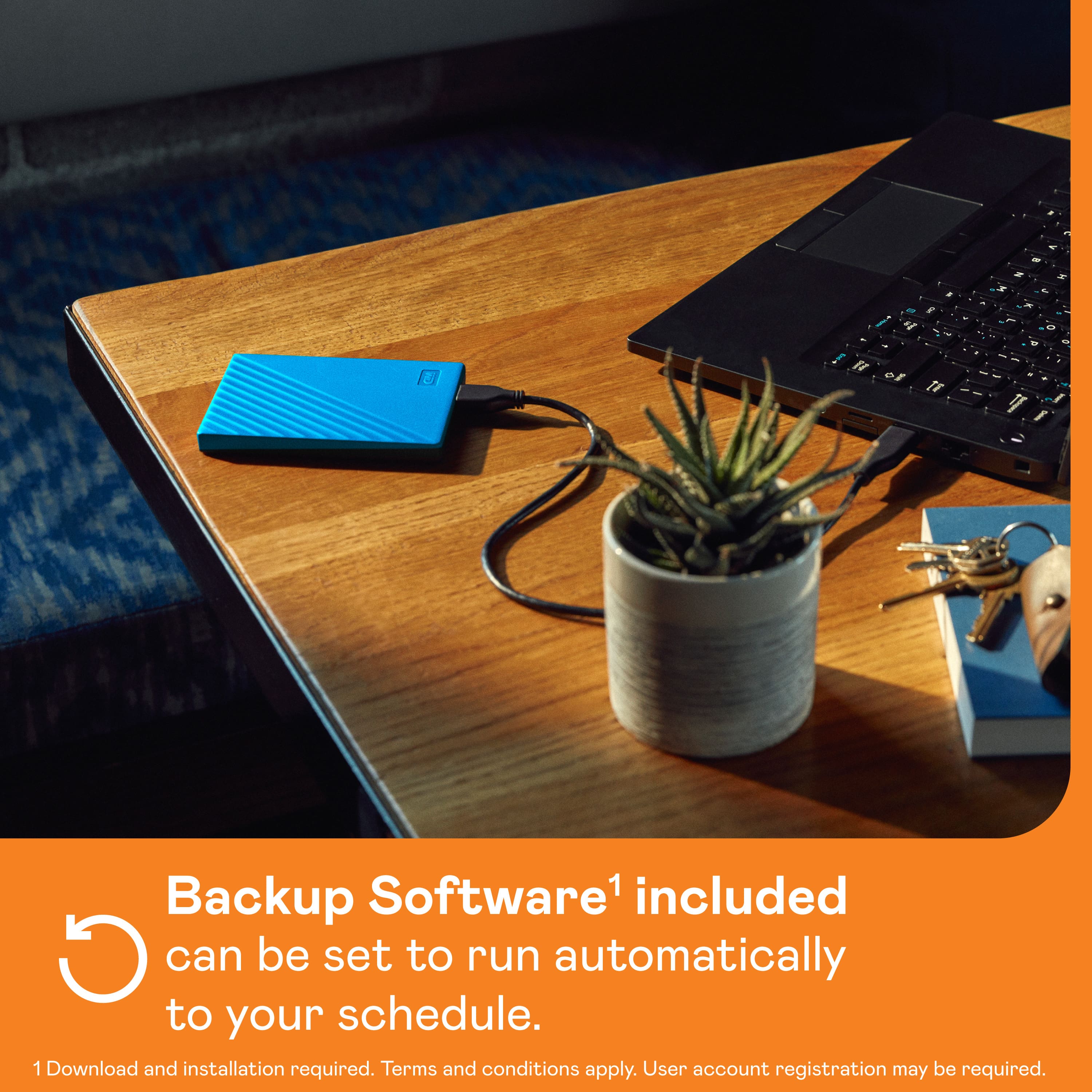
A:AnswerHi Gunny, The WD My Passport Portable can be used to backup the data from the Windows 7 computer and to restore it on Windows 10 computer. The hard drive supports WD Backup software which can be used to backup the data from the computer. Please refer to the link mentioned below for more information. How To Backup Files Using WD Backup: https://support-en.wd.com/app/answers/detail/a_id/3653/kw/wd%20backup Need Help? Please see our "'Contact Us" page for information
A:AnswerYes, I have WD Backup Software and Drive Utilities from Western Digital. You can schedule when you want your data backed up with this software. Contact Western Digital and they can download it all for you. I strongly recommend another backup, perhaps Google or the Cloud, because these drives are temperamental..Always good to have 2 backups
A:AnswerNO it does not come with everything you need. If you have a MAC BOOK PRO the cord to the device is not compatible, you will need a USB-C to USB Adapter.
A:AnswerYes you have to partition it if you want to make it work with both because it will need to be formatted for OS X as well a pc or just leave as is for pc. Or just reformat for OS X. Partitioning would create two “spaces” for separate operating systems, be advised you will only be able to read one partition on either or.
A:Answeryes but i might suggest pitching in a few more dollars and getting a 4tb instead if you can afford it.
it comes as a ntfs drive, so you will need to plug it in your computer, right click the drive and pick format, and pick exfat
playstation doesnt read ntfs which is the factory setting on this drive but it only takes seconds to switch to exfat.
A:AnswerHi, Please be informed that the WD My Passport drive is a plug 'n' play device tested and designed for Windows and Mac computers. The WD My Passport External USB 3.0 Portable Hard Drive is pre-formatted with the NTFS file system, making it compatible with Windows. Refer to the link in order to know more about the drive: http://products.wdc.com/library/AAG/ENG/4078-705155.pdf
A:AnswerHello Keith, Please be informed that the WD My Passport drive is a plug 'n' play device tested and designed for Windows and Mac computers. This device is compatible with Windows 10+ | ChromeOS | Downloadable NTFS driver to read/write on macOS 11+ with the need to reformat. Compatibility may vary depending on user’s hardware configuration and operating system. To know more about the drive refer to the link: http://products.wdc.com/library/AAG/ENG/4078-705155.pdf
A:AnswerHello, Please note that WD My Passport External drive comes preformatted in NTFS format for Windows OS. To use the drive for MacOS you can reformat the drive with macOS supported APFS file system using this link: https://support-en.wd.com/app/answers/detailweb/a_id/8200/ Please note that reformatting is a data destructive process, please backup data from the drive before reformatting it. For Time Machine backup and restore from MacOS to WD External Drive please refer to the link: https://support-in.wd.com/app/answers/detailweb/a_id/18952/ If you are facing any issue, please open a support ticket at https://support-en.wd.com/app/ask/session, the customer support team will contact you as soon as possible.
A:AnswerHello RyanM, Please be informed No, the offer is not expired. you can install the WD Acronis True Image For Western Digital and get the 5 year license. After 5 years, the license will expirer and you need to add a new WD drive to extend the license. Please refer to the WD Acronis True Image For Western Digital user manual: https://products.wdc.com/library/UM/ENG/AcronisTrueImageWDEditionUMWindows.pdf
A:AnswerHello RyanM, Please be informed that you could use Acronis True Image for Western Digital to backup your computer to the drive. Please refer to the following link: https://support-in.wd.com/app/answers/detailweb/a_id/15564/ If you are facing any issues, please contact us at https://support-en.wd.com/app/ask/session/ the customer support team will contact you as soon as possible.
A:AnswerHi Maurice, Please be informed that the WD My Passport drive is a plug 'n' play device tested and designed for Windows and Mac computers. The WD My Passport External USB 3.0 Portable Hard Drive is pre-formatted with the NTFS file system, making it compatible with Windows. Refer to the link in order to know more about the drive: http://products.wdc.com/library/AAG/ENG/4078-705155.pdf
A:AnswerHello, Please be informed that WD My Passport portable hard drive is a plug and play device which designed for Windows and Mac operating system. We have not tested the drive on mobile devices or an iPhone. Therefore, we recommend you to move the data from phone to computer or vice versa using your computer. For more info about the drive, refer to the link: https://products.wdc.com/library/AAG/ENG/4078-705155.pdf
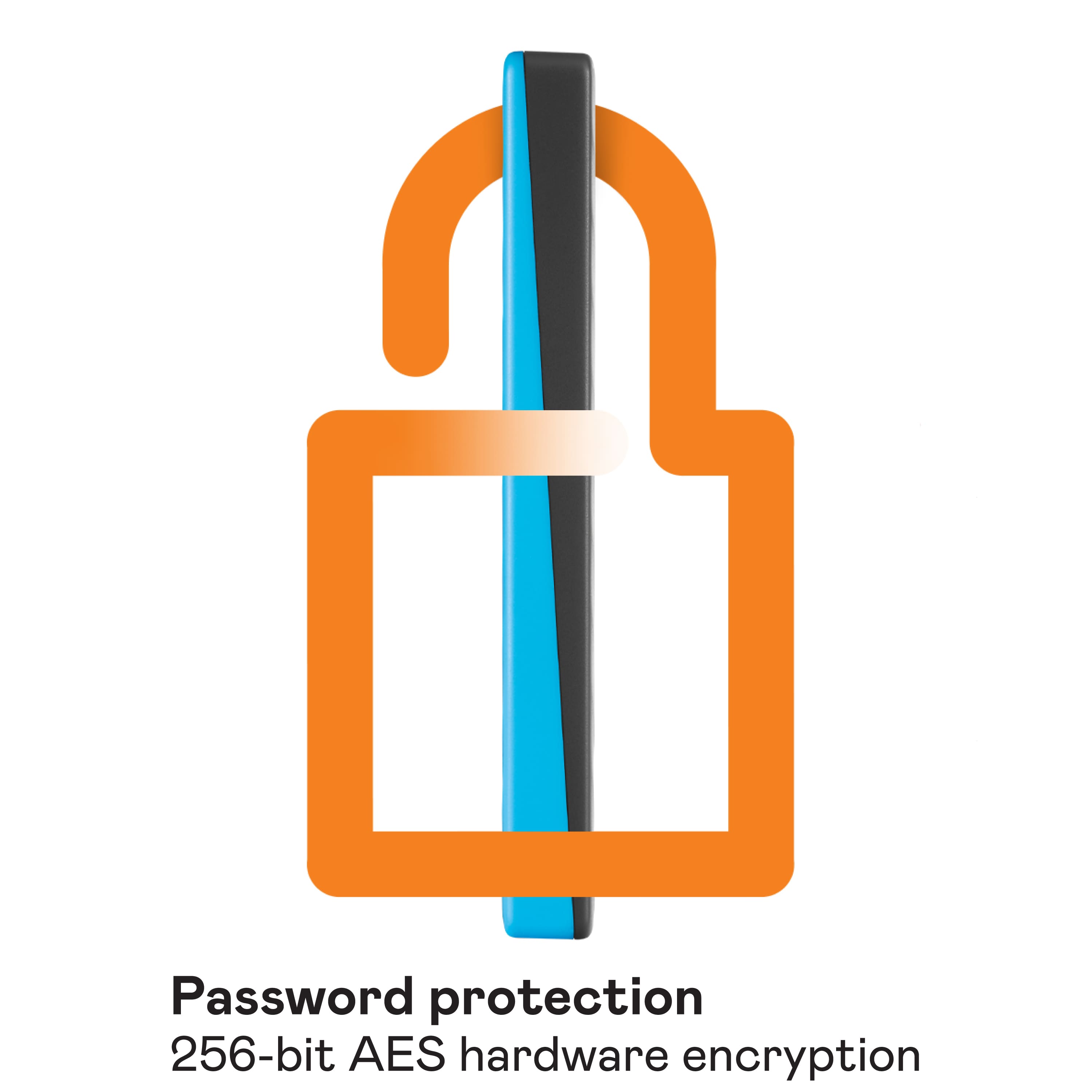
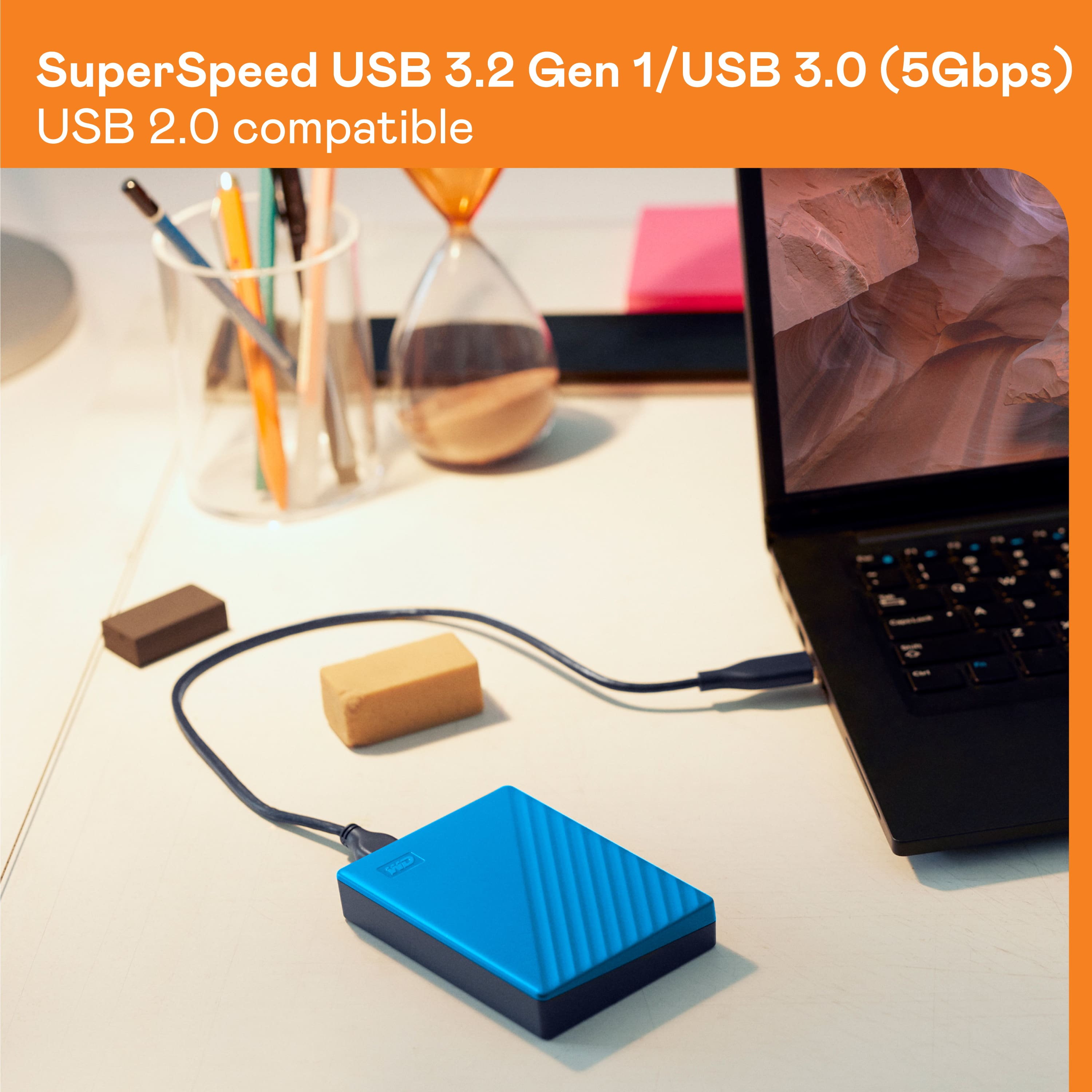
A:AnswerHello Jake, Please be informed that you could password protect the device using WD security software. Please refer to the mentioned link to use WD Security Software : https://support-en.wd.com/app/answers/detailweb/a_id/50696/. It comes with Connector Micro-B, Interface
USB 3.2 Gen 1, USB 2.0 For more info about the drive, refer to the link: https://products.wdc.com/library/AAG/ENG/4078-705155.pdf
A:AnswerHi, Please be informed that WD My Passport External drive comes preformatted in NTFS format for Windows OS, However, In order to use the drive for macOS you can reformat the drive to APFS file system compatible on Mac by using this link: https://support-en.wd.com/app/answers/detailweb/a_id/8200/ Please be informed that reformatting is a data destructive process, please backup the data from the drive before reformatting it. If you are facing any issue, please open a support ticket at https://support-en.wd.com/app/ask/session, the customer support team will contact you as soon as possible.
A:AnswerHi Izzi, Please be informed that WD My Passport portable hard drive is a plug and play device which designed for Windows and Mac operating system. We have not tested the drive on mobile devices or an android device. Therefore, we recommend you to move the data from phone to computer or vice versa using your computer. For more info about the drive, refer to the link: https://products.wdc.com/library/AAG/ENG/4078-705155.pdf