A:AnswerHello, Please be informed that the WD My Passport drive is a plug and play device tested and designed for Windows and Mac computers for seamless operation. To know more about the drive compatibility refer to the link: http://products.wdc.com/library/AAG/ENG/4078-705155.pdf -Need Help? Please see our "'Contact Us" page for information.
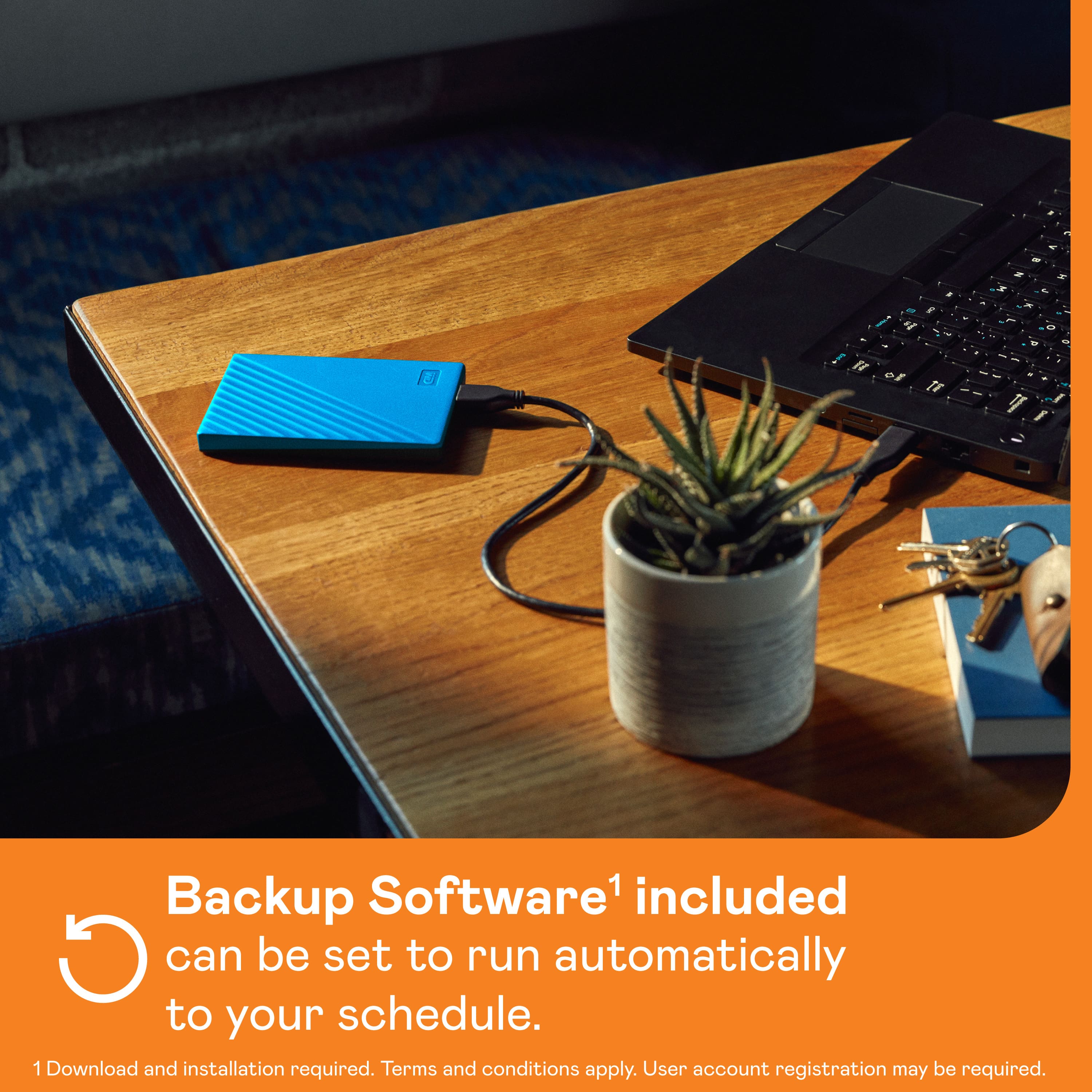
A:AnswerI'm currently using one of these as a Time Machine backup on my iMac. It comes pre-formatted for Windows, but it's a simple matter to do an Erase in Disk Utility, and then you're good to go...
A:AnswerHi Peezy, Please be informed that the WD My Passport drive is a plug 'n' play device tested and designed for Windows and Mac computers. Please check with your host device vendor support whether the drive will fit and support. To know more about the drive, refer to the link: http://products.wdc.com/library/AAG/ENG/4078-705155.pdf -Need Help? Please see our "'Contact Us" page for information.
A:AnswerSounds like the same problem I was having. The short answer is that manufactures no longer include Win 7. What was confusing to me was one place said yes it is compatible another said no. Quite frankly the print was so tiny I was unable to read the compatibility statement. So read what it says, if you can make it out.
A:AnswerLittle late I know... but.. if you are able to actually SEE the drive, you should be able to Reformat it to be compatible. IF you can see the drive, right click on it. Scroll to Format, set it for NTFS and you SHOULD be good to go. IF that doesn't work, Contact the manufacturer, it's under warranty thru them for at least 2 years.