A:AnswerIt will work with the computer.
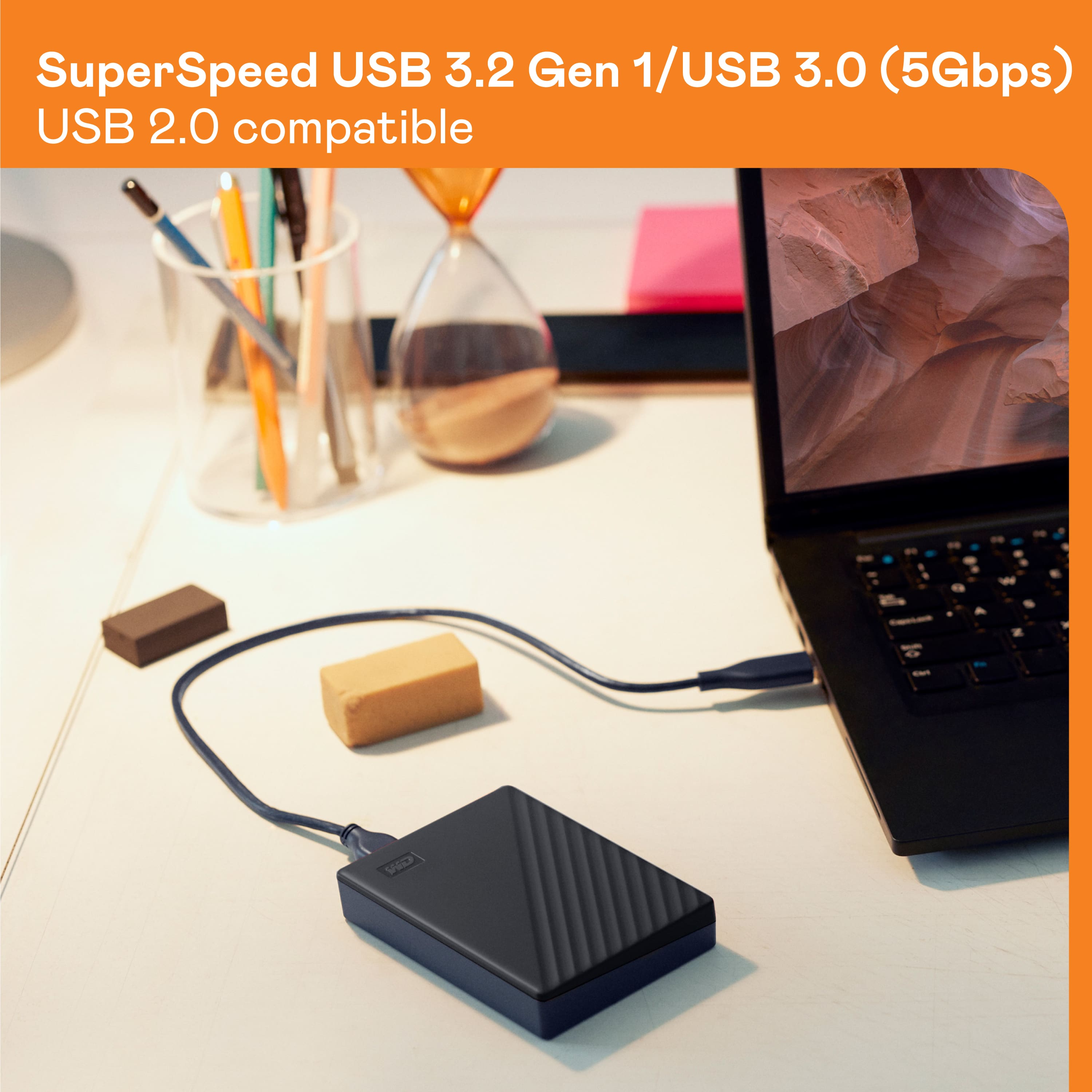
As long as you are running an "up to date" windows 7 machine you will not have issues. USB 3.0 is backwards compatible to USB 2.0 . Just a tad slower.
It is probably saying that because Windows 7 was based mostly off of fat32 instead of NTFS. NTFS can handle bigger drives.
A:AnswerIt does not require a separate power cable. The device obtains it's power through the USB data cable. With that said, I have tried this drive (and others) on a Keyboard USB extension and it failed to provide enough power, so the drive should be plugged directly into the PC or a powered USB hub.
A:AnswerHi zom,
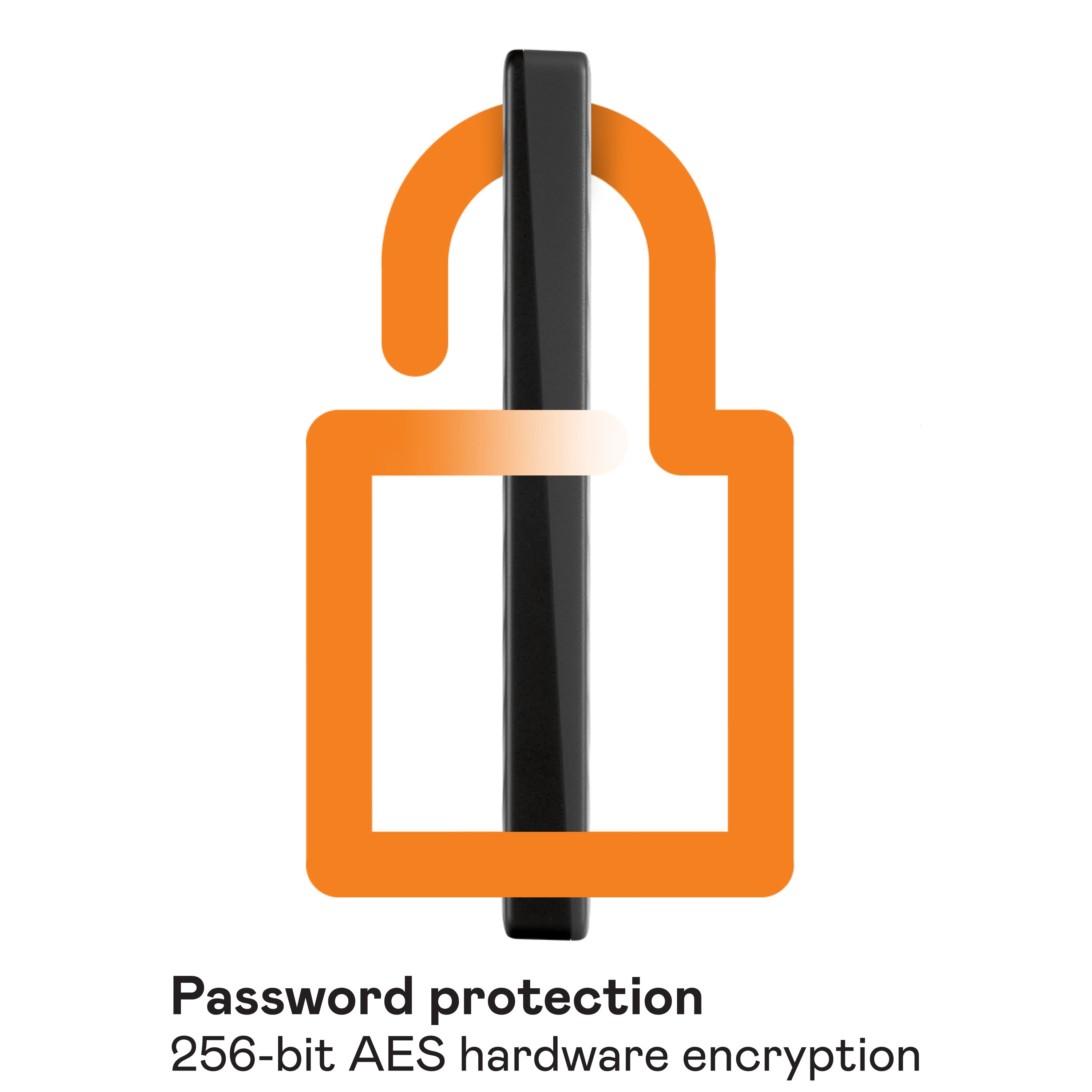
In order to know the encryption and password protection, you can refer to the link given below.
https://documents.westerndigital.com/content/dam/doc-library/en_us/assets/public/wd/product/external-storage/my_passport/my-passport-new/product-overview-wd-my-passport.pdf
Need Help? Please see our "'Contact Us" page for information
A:AnswerThis drive will be able to be used to store PS4 games to be played on PS5, but it will NOT be able to store PS5 games. Sony stated this in their hardware presentation. The only expansion drives that will be able to store PS5 games are certain NVME SSDs. Sony intends to release a list of verified NVME drives that offer enough bandwidth to support their custom drive controller later this year or early next year.
A:AnswerIt really depends on the actual size of the files, not the number of files. You'll have to determine how large the total size of all the photos and videos are. Only then will you be able to tell if this 5TB drive will be large enough for you.
A:AnswerYes. Use Disk Utility to erase and format Mac OS Extended (Journaled) and you're ready to go.
Mine was delivered an hour ago ( 9:15am 2*28*2020) and it's backing up as I type. I'm using Catalina, OS X 10.15.3...
A:AnswerHi, Please be informed that the WD My Passport drive is a plug 'n' play device tested and designed for Windows and Mac computers. Please see answer ID: 5043 about Theoretical USB Interface Speeds: https://support-en.wd.com/app/answers/detail/a_id/5043 Please refer to the link to know more about the drive: http://products.wdc.com/library/AAG/ENG/4078-705155.pdf -Need Help? Please see our "'Contact Us" page for information.
A:AnswerHi oldguy, Please be informed that the WD My Passport drive is a plug and play device tested and designed for both Windows and Mac computers for seamless operation. To know more about the drive refer to the link- http://products.wdc.com/library/AAG/ENG/4078-705155.pdf . Need Help? Please see our "'Contact Us" page for information.
A:AnswerAccording to blocksandfiles it in fact IS SVR - so hands off!
https://blocksandfiles.com/2020/03/13/wd-my-passport-2019/
(the WD "answer" does NOT tell that)
My experience with Toshiba Canvio (SVR): transfer rate down to 4 MB/s (FOUR MEGA) - under all circumstances, after filling the 6 GB cache. SVR is bad, simply bad.
A:AnswerHi CapnRic, Both the drives are designed to work with Windows and macOS computers. Please refer to the links we have mentioned with the device overview. MY Passport Ultra Portable Storage: http://products.wdc.com/library/AAG/ENG/4078-705133.pdf, My Passport Portable Storage: http://products.wdc.com/library/AAG/ENG/4078-705155.pdf. -Need Help? Please see our "'Contact Us" page for information.
A:AnswerHi Aru,
You will get the read/write speed per the USB interface, as this drive supports USB 3.0. For more information connect with our tech support team via call. Please contact us (https://t.co/A4CnCZLf4F), and we'd be happy to help.
A:AnswerHi jagr, Please know the WD My Passport is an ordinary external hard drive. You can refer to link given below know more about internal drives. https://blog.westerndigital.com/wd-red-nas-drives/
For more information and feature related to this drive please follow the link provided below.
https://shop.westerndigital.com/en-us/products/portable-drives/wd-my-passport-usb-3-0-hdd#WDBYVG0010BBK-WESN
Need Help? Please see our "'Contact Us" page for information.
A:AnswerThe 5TB model, WDBPKJ0050BBK-WESN, utilizes 5400 RPM tech (in a proprietary enclosure that does not allow for repurposing the internal platters).