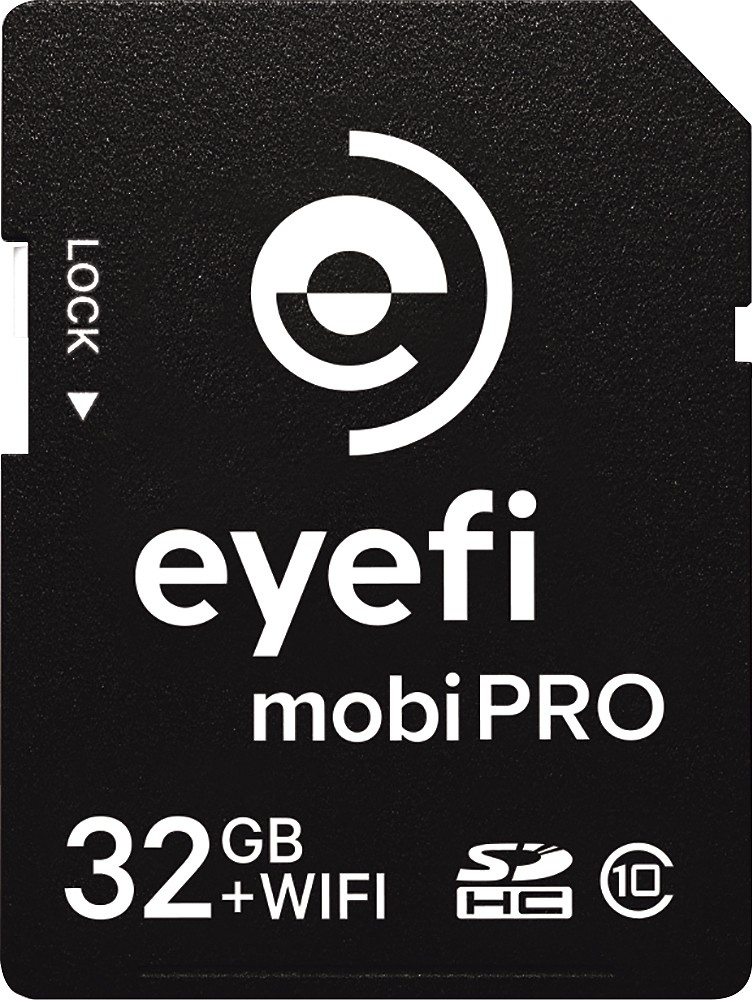
A:AnswerNo. This drive is designed to work with a computer. It does not work as a stand alone. I don't think that there is a wired drive available that will do what you want. You might consider using a card like EyeFi so that your photos go to an tablet (IOS or Android) or your phone. EyeFi cards can also upload to file sharing sites if you have a wifi network available when you shoot.
I haven't tried it but a wireless hard drive may also work. Do a bit of searching on the manufacturers site and the Eye-Fi site. When you find an answer come back here and tell all of us what you found. It works best when we help each other with info like this.
http://www.bestbuy.com/site/eye-fi-mobi-pro-32gb-sdhc-class-10-memory-card-black/6715023.p?skuId=6715023
A:AnswerThe USB connector should work with your laptop. You can basically treat it as another disk drive for your computer and put any files you like on it. You don't place the drive in the cloud. Cloud storage is off-site at a storage provider through (via) the internet.
A:AnswerAs far as I know, no, with these it's just plug in play and move whatever files you need to move. But if you are doing a fresh operating system install on your pc or laptop, backup everything using this drive first then install
A:AnswerUnfortunately, PS4 cannot use external hard drives. You have to purchase an internal hard drive. I recommend a 2TB. Installation is easy. Plenty of videos on YouTube to walk you through it.
A:AnswerIn an onboard Flash, and also on an HPA sector on the Hardrive, which is protected by the drive controller so you can't read it, unless you can bypass the controller using an external controller. Without that, you cannot decrypt the data on this bloody self encrypting hardrive (read my review)
A:AnswerPersonally, I wouldn't edit video from an external drive unless it's a solid state. I have several photog friends that burn through hard drives by editing from externals.
A:AnswerYes it will work for the Nvidia Shield. I know because that's what I purchased it for. You don't need to format on a computer. Once you connext it to the shields USB go to setting/device/storage and reset/ then select wd USB drive and click it and will set up by itself. Then your good to go!