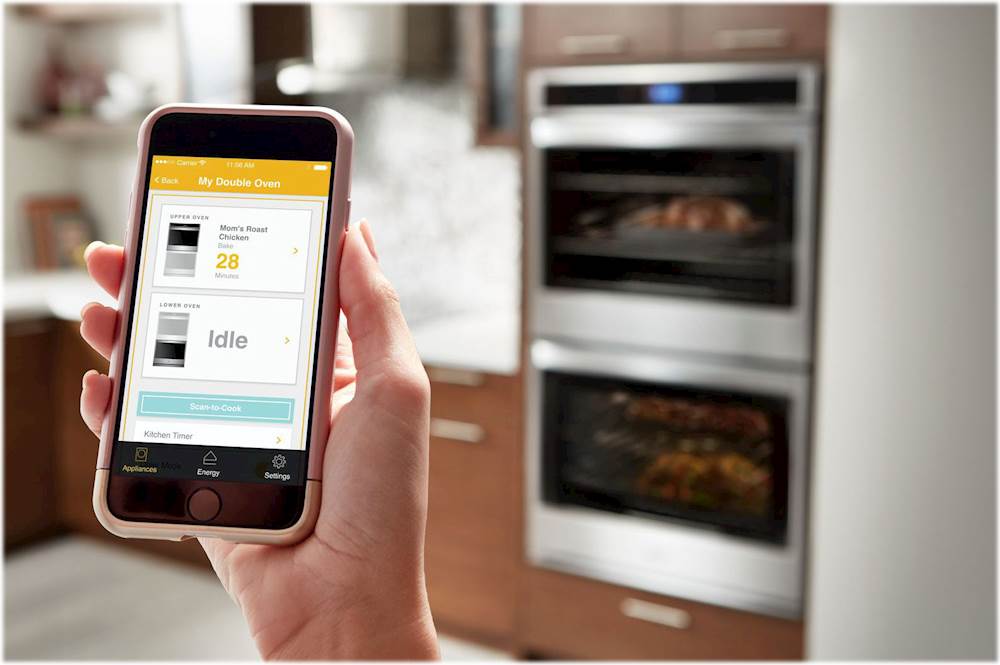
A:AnswerUnfortunately, I just had my new oven hooked up this past week and the panel works, wi-fi hooked up just fine, but the upper and lower ovens do not heat up.
A:AnswerI have not had my oven for very long, so have not used the self cleaning mode. On mine, I hit the tool (looks like gears) and the bottom left selection is 'self cleaning'. Hit that and you have two options, one is steam, the other is a regular mode. I have not gone beyond that point.
I guess I would know more had I used it once or twice.
Getting used to that touch screen, rather than knobs you turn and set, takes some getting used to, but otherwise, I am satisfied with how it works and what it turns out.
A:AnswerHello Kai! We are providing a link to the Installation Instructions. This should provide you more information on what you are looking for. https://content.webcollage.net/apps/cs/mini-site/bestbuy/module/whirlpool/wcpc/wod77ec0hs/tab/docs-44566d4a/page//access.whirlpool.com/mr/WOD77EC0HS/InstallationInstruction_EN.pdf?asset-title=Installation+Instruction&from-pp=&index-in-collection=1&suppress-site-prefs=&collection-size=3&showtabs=§ion-type=document-gallery&enable-reporting=true&wc-target=&action=view-resource&channel-product-id=6181296
A:AnswerHello Kimmy! Food must be at serving temperature before placing it in the warmed oven.
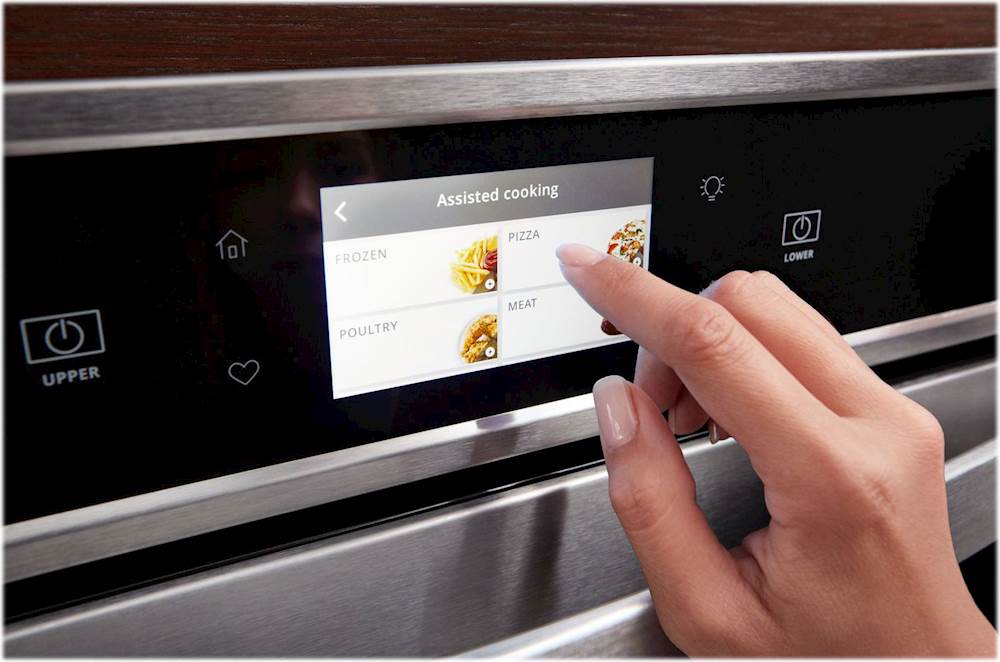
1. Press the Oven Power or Upper or Lower keypad for the desired oven.
2. Select COOKING METHODS.
3. Select KEEP WARM.
4. Select the desired temperature by scrolling left to right or manually by selecting the
grid in the upper right corner and entering the desired temperature into the keypad.
5. Select START.
6. Press the Oven Cancel or Upper or Lower keypad for the desired oven when finished.