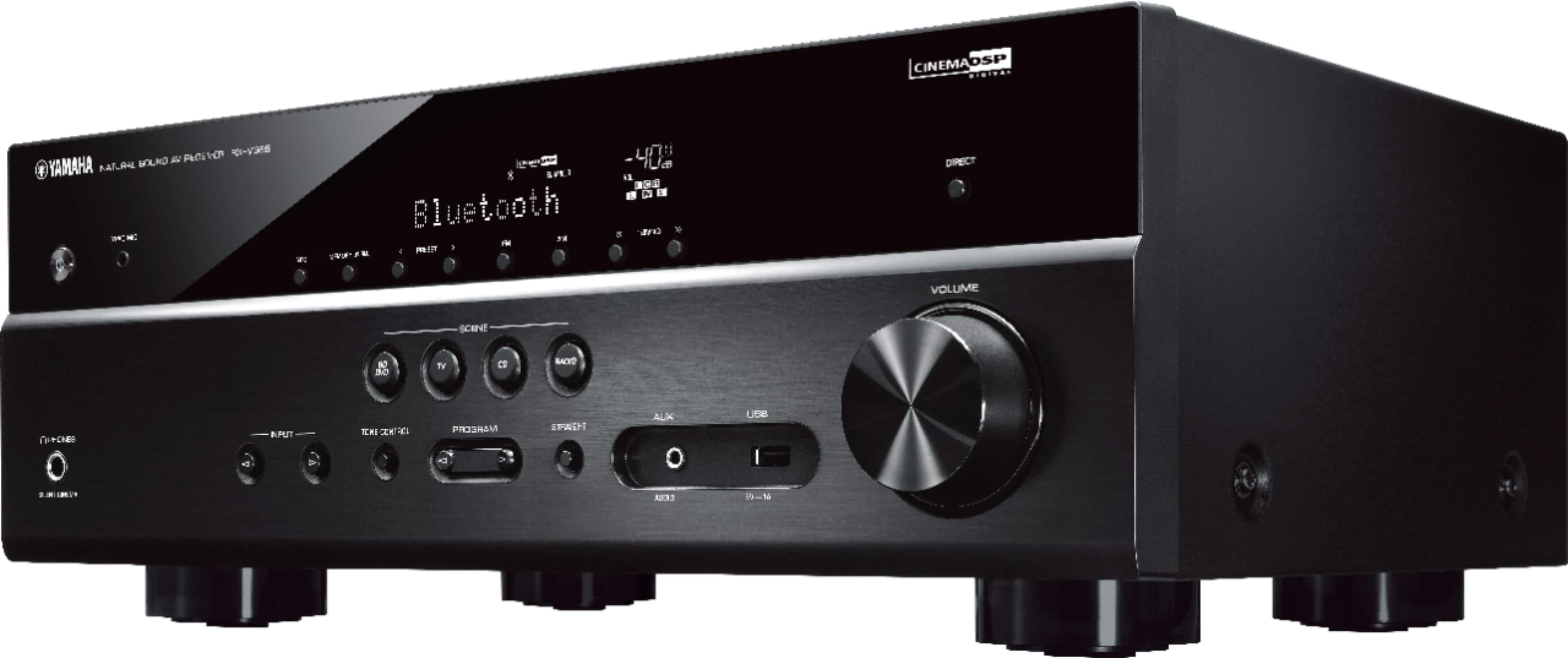
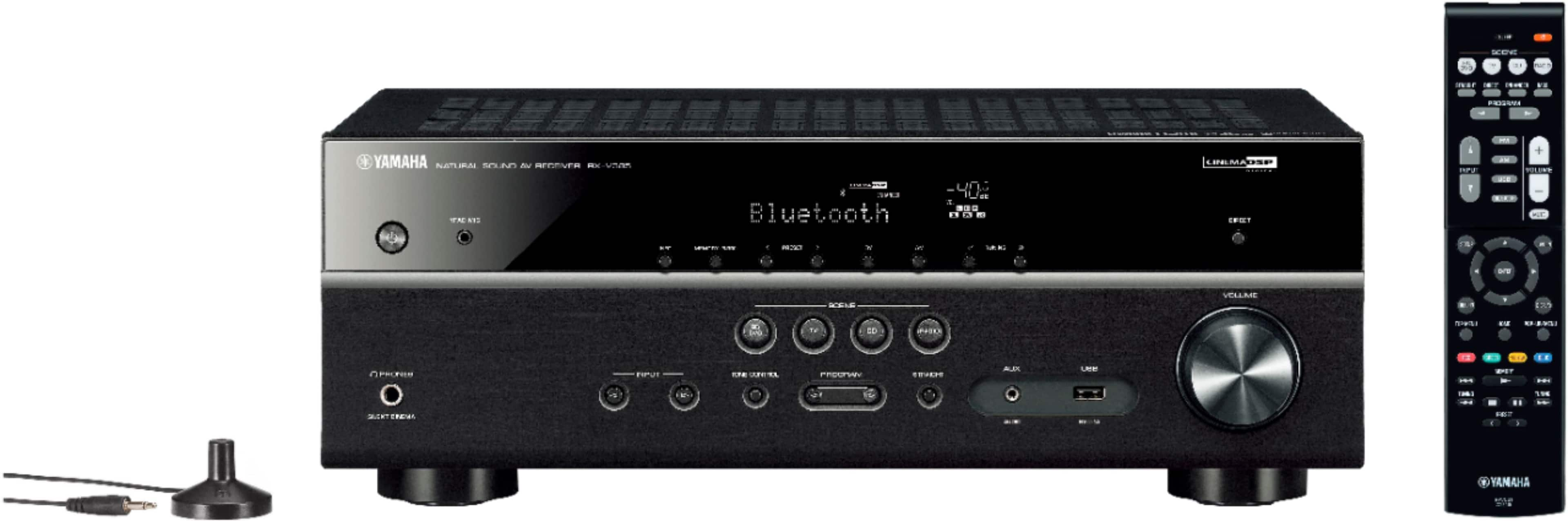
A:AnswerThis Yamaha - 5.1-Ch. 4K Ultra HD A/V home Theater Receiver - Black has a 2 year parts and labor warranty from Yamaha. Keep your sales receipt and register it on-line at Yamaha.com . I had a previous Yamaha Receiver for 7 & 1/2 years that still was working when I decided to replace it with this new receiver. The main reason that I replaced my old receiver was that the new receiver has Bluetooth built in which allows me to wirelessly stream my music from my I-Phone 12 to the receiver.
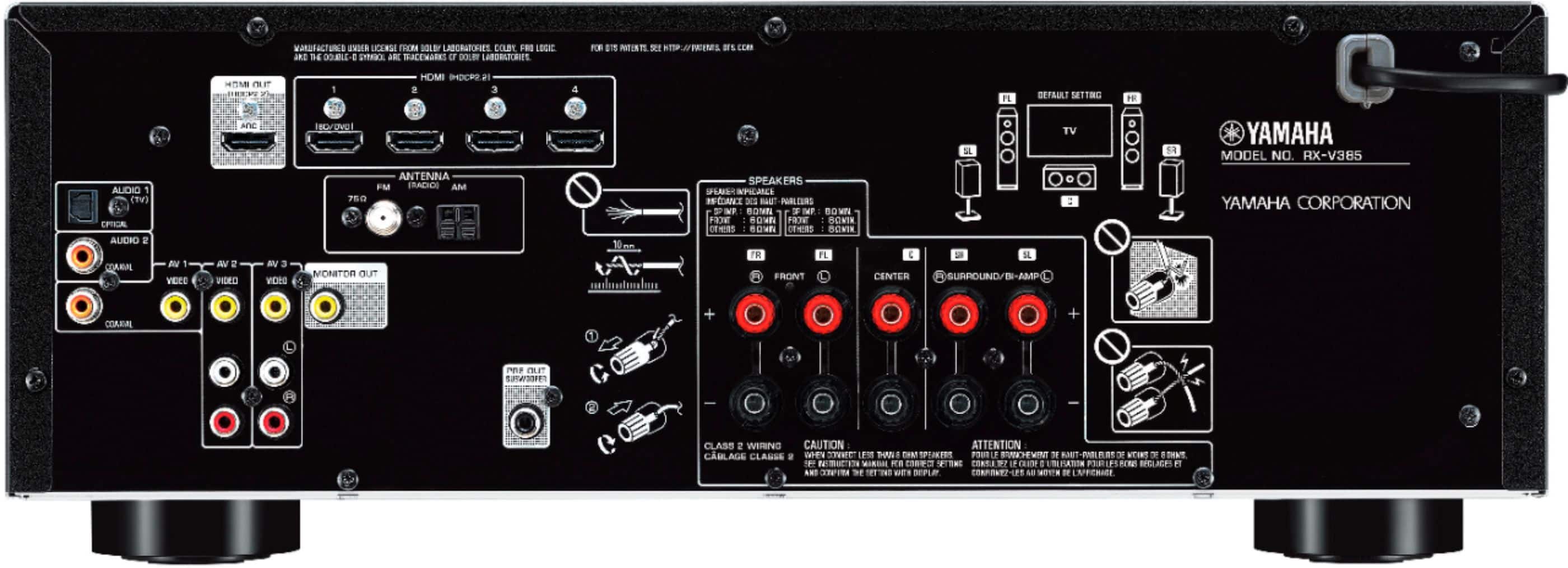
A:AnswerUnfortunately, you are correct. The optical is an input for connecting other playback devices (TV, DVD, etc). Hopefully your sound bar offers other alternatives.
A:AnswerQ: Can I hook up a Bose acoustimas 10 with this rcvr? (1 Answer)
By Aries 3 weeks ago
Helpful (0)Unhelpful (0)Report
Answer this question
Answers
A: The Acoustimass 10 series V is rated for 10-200 W per channel, 4-8 ohms so this AV receiver should work fine
By Hood63 3 weeks ago
My Best Buy® Elite Member
Helpful (0)Unhelpful (0)Report
A:AnswerYou can use a HDMI cable to connect it, if your projector supports it. If your Firestick has a HDMI connector you can input it to the Yamaha 5.1 Receiver.
A:AnswerI hooked up my VIZIO 4K HDTV to the receiver by using Left and Right Audio cables from my HDTV and out to the AV 2 inputs of the receiver. All components (Blue-ray DVD Player, 4K Roku streaming stick are connected to my HDTV. My HDTV has 4 HDMI inputs and I find this as an easier way to connect to the receiver. Just make sure you choose the AV 2 setting of your receiver for playback of sound from your HDTV. Be sure to turn the volume on your HDTV to 0. Then you can choose on your receiver: 2 Channel, 5 Channel and all of the settings on your receiver for the best sound. I have 5 speakers and a Sony powered Subwoofer connected to my receiver. When I watch 4K movies on my 4K HDTV, I set my receiver for Dolby ATMOS for a truer 5.1 surround sound experience. I did not hook up to AV 1 because AV 1 showed a video input next to AV 2 inputs of video, audio left & right. I believe the audio left and right were to the left of the video input but are only labeled as coaxial inputs so not being sure of this connection I opted for AV 2.
A:Answerthe analog input will show up as AV 1 or something like that. You can manually change it to display CD if you like.
It will work with a CD player.
A:AnswerSigh
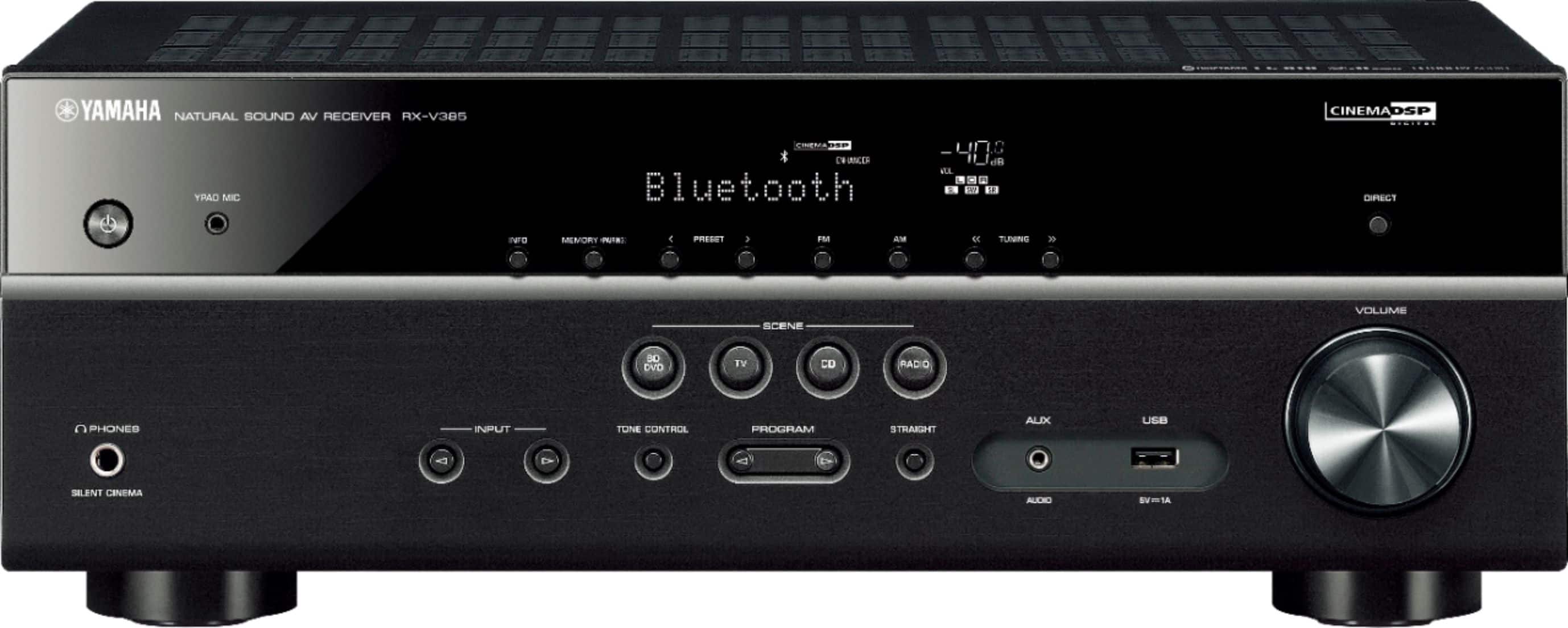
As long as it's FAT16 or FAT32 format.
Supports WAV (PCM format only) MP3, WMA and MPEG4 (1-2 channel audio only).
Sampling rate up to 48 kHz
Quantization bit rate is 16 bit only.
Will not work with Digital Rights Management (DRM) content.
Will not work with an extension cord (device must be connected directly)
Will not work with encrypted files.
OPERATION OF ALL USB DEVICES CANNOT BE GUARANTEED.