Customer Ratings & Reviews

- Model:
- C11CH03201
- SKU:
- 6280710
Rating by feature
- Value
Rating 4.4 out of 5 stars
- Quality
Rating 4.4 out of 5 stars
- Ease of Use
Rating 4.3 out of 5 stars
Customers are saying
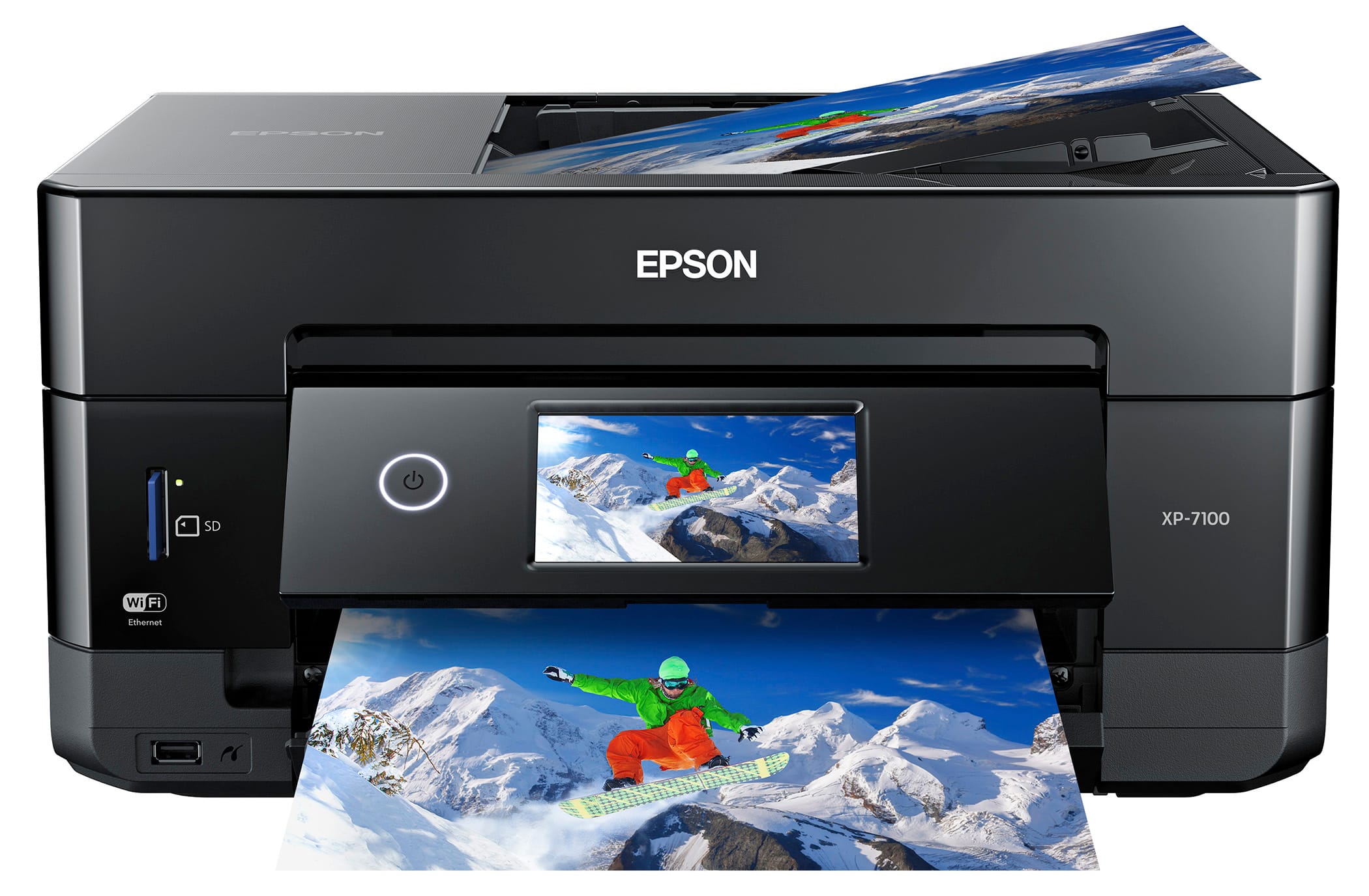
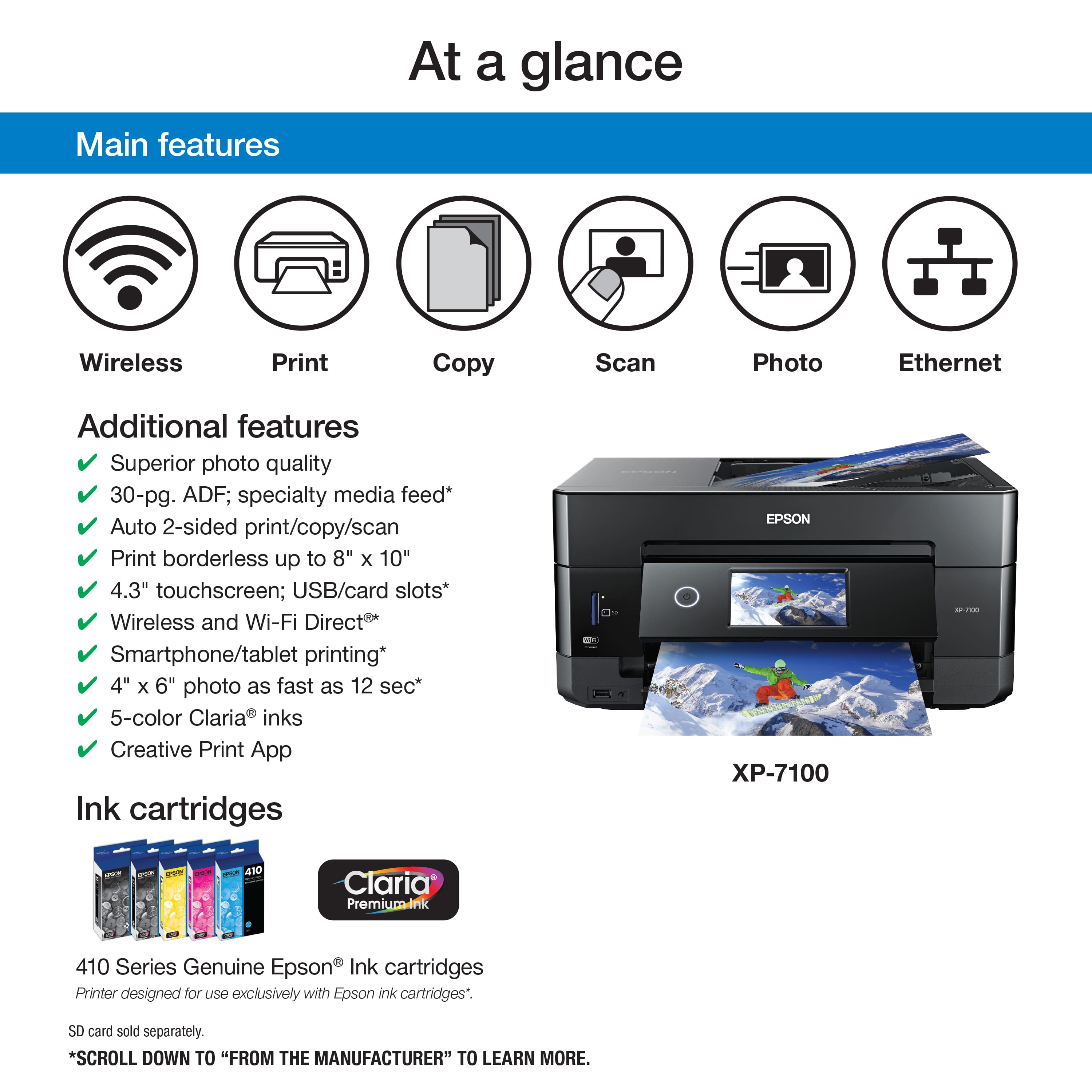
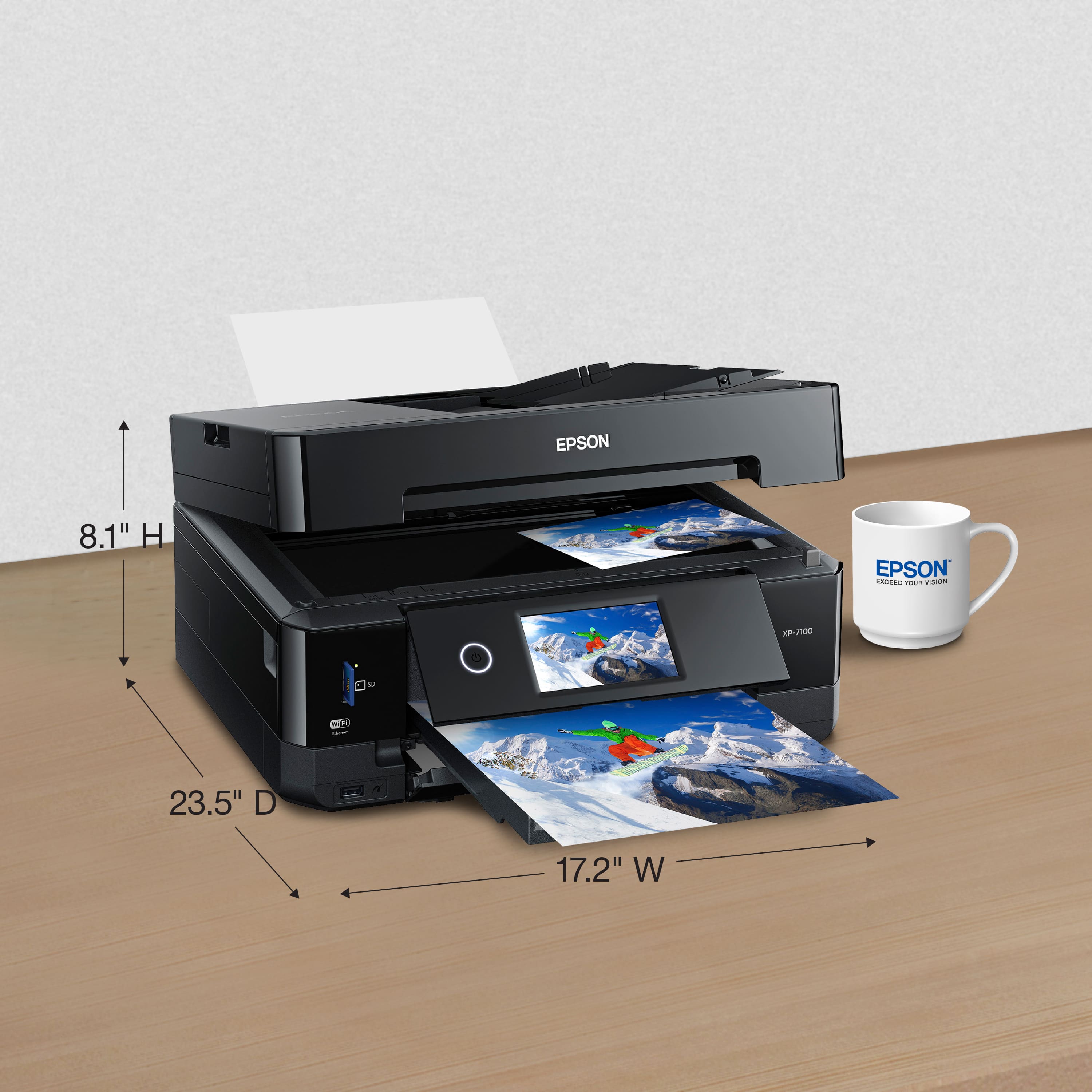
Customers are pleased with the Expression Premium XP-7100 Wireless All-In-One Inkjet Printer's print quality and ease of use. Many customers appreciate its overall performance and compact size, as well as the simple setup. The paper tray is one potential drawback that some customers have mentioned.
This summary was generated by AI based on customer reviews.
Don't Waste Your Money
||Posted . Owned for 5 months when reviewed.This reviewer received promo considerations or sweepstakes entry for writing a review.Don't buy unless you like buying only very expensive Epson cartridges. Epson has now locked out generic cartridges. I'll never buy an Epson printer again!
No, I would not recommend this to a friendWifi unreliable
||Posted . Owned for 1 week when reviewed.This reviewer received promo considerations or sweepstakes entry for writing a review.I have a strong mesh network for wifi, so it is solely this Epson printer that was the problem. I have no problem with the old or new HP printer. I would need to reset the Epson printer everytime I tried to print.
No, I would not recommend this to a friendExpensive Ink
||Posted . Owned for 1 year when reviewed.This reviewer received promo considerations or sweepstakes entry for writing a review.Goes through ink VERY quickly. Ink cartridges are expensive. And even if you only print in black and white for some reason it still uses all of the individual color cartridges. This is a scam.
No, I would not recommend this to a friendBrand response from Epson
Posted .Hi SJGuy, Epson printers, including XP-7100, contain a permanent print head that needs to be charged with all colors to work. Even when you are printing black text only, a small amount of color ink is used to keep the print head charged, preventing air bubbles from entering. Air bubbles can damage the print head. If we can help you with optimizing your print settings for more efficient ink consumption or anything else, our support team can be reached by phone at (562) 276-4382 or by email at https://epson.custhelp.com/app/ask/p_model_name/Epson%20XP-7100; Hours: Monday - Friday, 7 am - 4 pm PT. Kind Regards, Bobby - The Epson Team.

Nothing but junk
||Posted . Owned for 3 months when reviewed.This reviewer received promo considerations or sweepstakes entry for writing a review.Thought I’d try something other than HP and I guess I got what I paid for. Used this printer a total of three times and now the fourth time I need to use it, the printer won’t even power on. Nothing but junk.
No, I would not recommend this to a friendTerrible network support
||Posted . Owned for 7 months when reviewed.This reviewer received promo considerations or sweepstakes entry for writing a review.This is a disappointing printer. It constantly looses WI-FI connection and often fails to connect to Epson cloud. Also very slow to print. Would not get again.
No, I would not recommend this to a friendgreat printer
||Posted .This reviewer received promo considerations or sweepstakes entry for writing a review.I love this Epson printer. I especially like the individual ink tanks.
I would recommend this to a friendGreat
||Posted .This reviewer received promo considerations or sweepstakes entry for writing a review.Very nice, my is very good. Please buy this printer whoever they want.
I would recommend this to a friendReturned
||Posted . Owned for 3 weeks when reviewed.This reviewer received promo considerations or sweepstakes entry for writing a review.purchased item at store got home and looked it up on reviews epson 7700 and 7750 were better printers and have e tanks so ink cartridge were 70 bucks so returned printer getting 7750 instead
No, I would not recommend this to a friendDon't buy
||Posted . Owned for 1 month when reviewed.This reviewer received promo considerations or sweepstakes entry for writing a review.Colors are not consistent. Even simple photos, certain shades will be completely pink. Check ink levels and nozzle - none of those fix the problem. I wish I could return this.
No, I would not recommend this to a friendBrand response from Epson
Posted .Hello arnelephant, we apologize for the disappointing experience that you've encountered with the Epson XP-7100. Your business is important to us, and we're here to help. Epson provides information in the FAQs at https://epson.com/Support/Printers/All-In-Ones/XP-Series/Epson-XP-7100/s/SPT_C11CH03201#faq-8796127537228 to help you address most issues with print quality. Your Expression Premium printer also includes free lifetime tech support, so if you need further assistance, our support team can be reached at (562) 276-4382 between 7 am - 4 pm (PT), Monday - Friday. Sincerely, Kevin - The Epson Team.
Slow and lacks detail but effective
||Posted .This reviewer received promo considerations or sweepstakes entry for writing a review.Screen is too offset for touch accuracy. Troubleshooting is a waist of time in menu. Alignment is to complex for the printer that it is. You get what you pay for though. It’s fine for home use but I miss my canon.
I would recommend this to a friendBrand response from Epson
Posted .Hi XP71002019, we apologize for the disappointing experience you’re having with your Epson XP-7100. The printer comes with free lifetime tech support and we’d like to try and address any printing issues. Please call Epson Support at (562) 276-4382 between 6am - 8pm (PT), Monday - Friday, or from 7am - 4pm (PT) on Saturdays. We appreciate your feedback and will be sure to pass the information along to our product teams. Sincerely, Patrick – The Epson Team
bad product
||Posted . Owned for 3 weeks when reviewed.This reviewer received promo considerations or sweepstakes entry for writing a review.after multiple tries and days I could not get this printer to work. Even after having a tech try to figure it he couldn't figure out why it would not work properly.
No, I would not recommend this to a friendBrand response from Epson
Posted .Hi gonzo, we're sorry to hear about the trouble you're having with the initial setup. Your XP-7100 printer is backed by a 1-year limited warranty and includes free tech support for the product's life. Please allow us to assist by calling our Advanced Support Team at 1-800-241-5794 between 7 am - 4 pm (PT), Monday - Friday. You can also find useful information in the FAQs at https://epson.com/Support/Printers/All-In-Ones/XP-Series/Epson-XP-7100/s/SPT_C11CH03201#questions to guide you through setup and software installation. Sincerely, Kevin - The Epson Team.
- Pros mentioned:Ease of use, Size
Great Experience so far
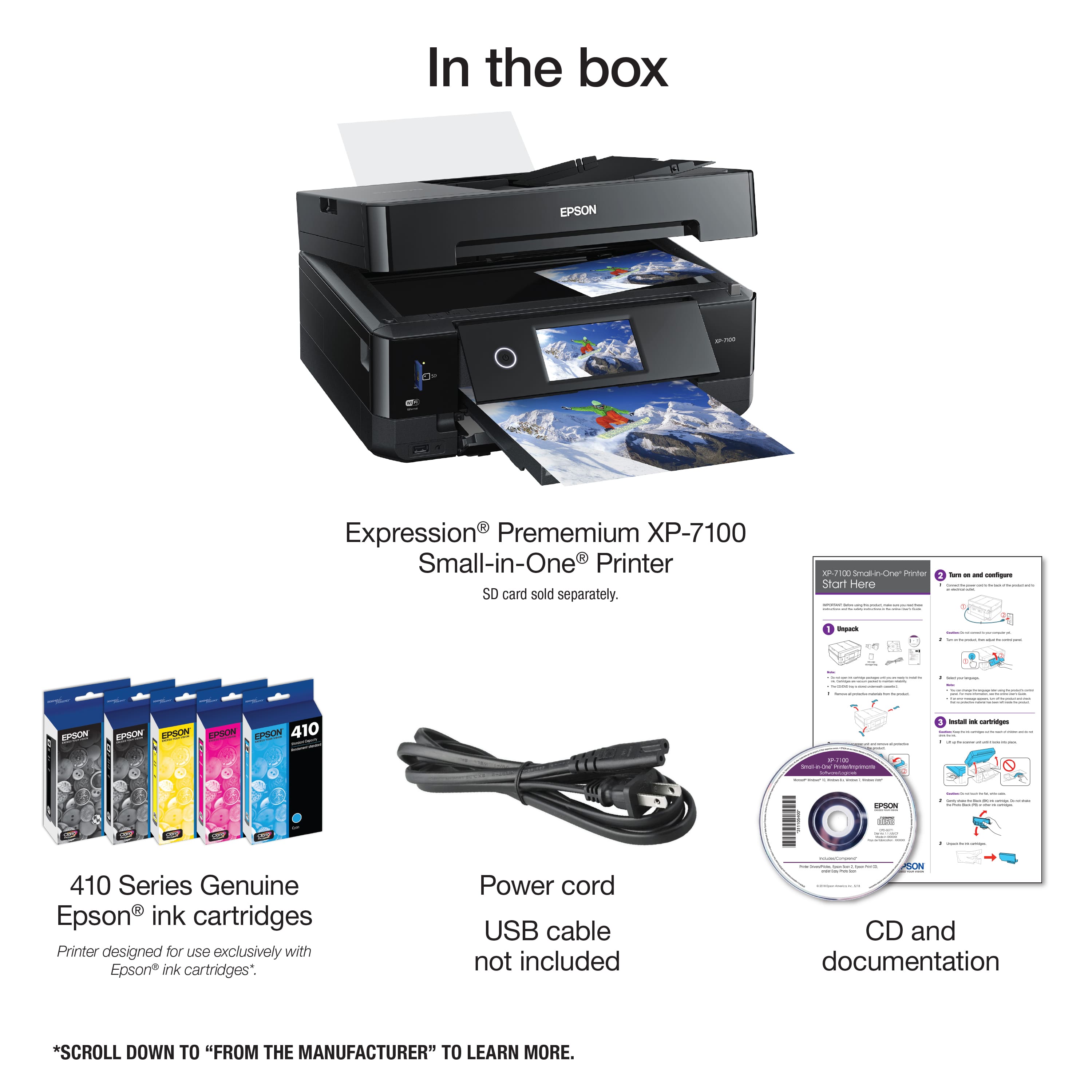
Posted .This reviewer received promo considerations or sweepstakes entry for writing a review.Printers have come a long way. I am replacing my Canon MX870 with this Epson XP-7100. My Canon broke my fault and was ready to see what was new after many years with the Canon. Things I was looking for in 2018: Solid Build Quality, Ethernet, Scan to PDF, Looks and of course Price. I went to several stores with a serious preference for finding another Canon Printer. I noticed the build quality of the Canons seemed worse than my MX870. I then noticed that the Epsons were much higher build quality and the $100 off sealed the deal.. features checked out time to try Epson. Set up was fine here are some tips: Make sure you remove ALL packing materials including those hidden by the INK under the scanner or you will get an error. Once all packing materials are removed setup is a breeze. So make sure everything is clear first. I went through setup as they said without connecting to the PC... calibrated it (very thorough calibration steps). Then set up Wired Ethernet (DHCP) to my router. Updated Firmware on the Printer. Then downloaded the software from Epson. Set up the software which then did another firmware update and it was good. To set up my wireless devices software download then selected WIRED NETWORK and since the printer was connected to the router the software found it just fine. This streamlines the setup no need for Wi-FI direct if you already have a Wi-Fi network. Some other notes: The output tray can automatically slide in and slide out so make sure you have some room in front for the sliding out tray. Too many things want to start up (3 Epson things) so I disabled them in Startup in Control Panel on my Surface, still prints fine without them on my Surface Pro 4, I don't like a lot of background apps. I left them on my desktop where I do scanning only bothers me on other devices. Good to know you don't actually need them to print. Overall impressed with the hardware, software, ease of setup, size and has some nice more modern features like cloud print /mobile stuff. In all exactly what I needed at a great price. Looks great and was able to place it where it belongs due to its smaller size. Great job Epson been years since I had a dot-matrix Epson. I'm back.
I would recommend this to a friendBrand response from Epson
Posted .Hi Boltman, thank you for this stellar review of your new Epson XP-7100 printer. We hope you continue to enjoy the all-in-one capabilities, and are glad to hear you appreciated the easy setup! Cheers, Marina – The Epson Team.
- Pros mentioned:Print quality, Size
great features
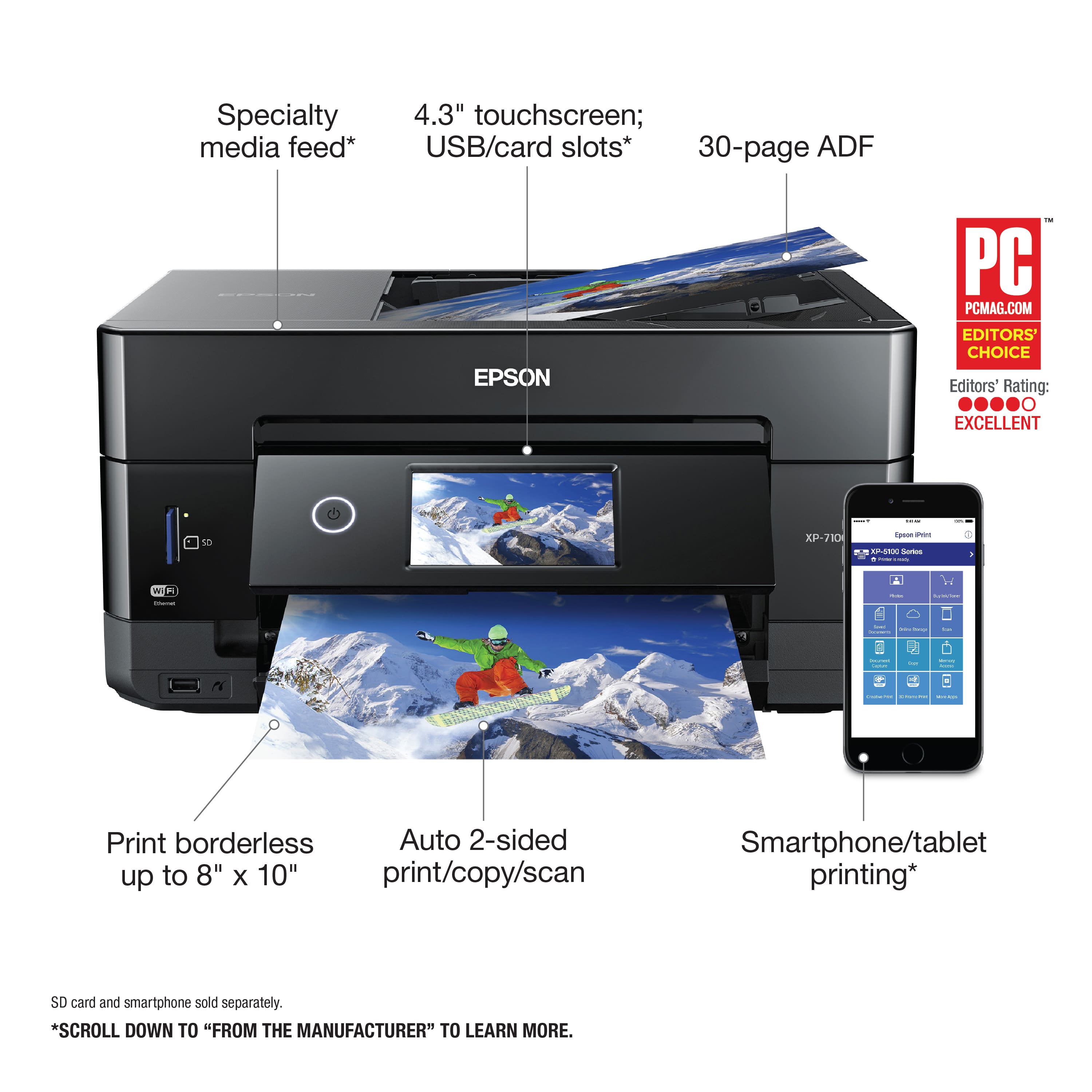
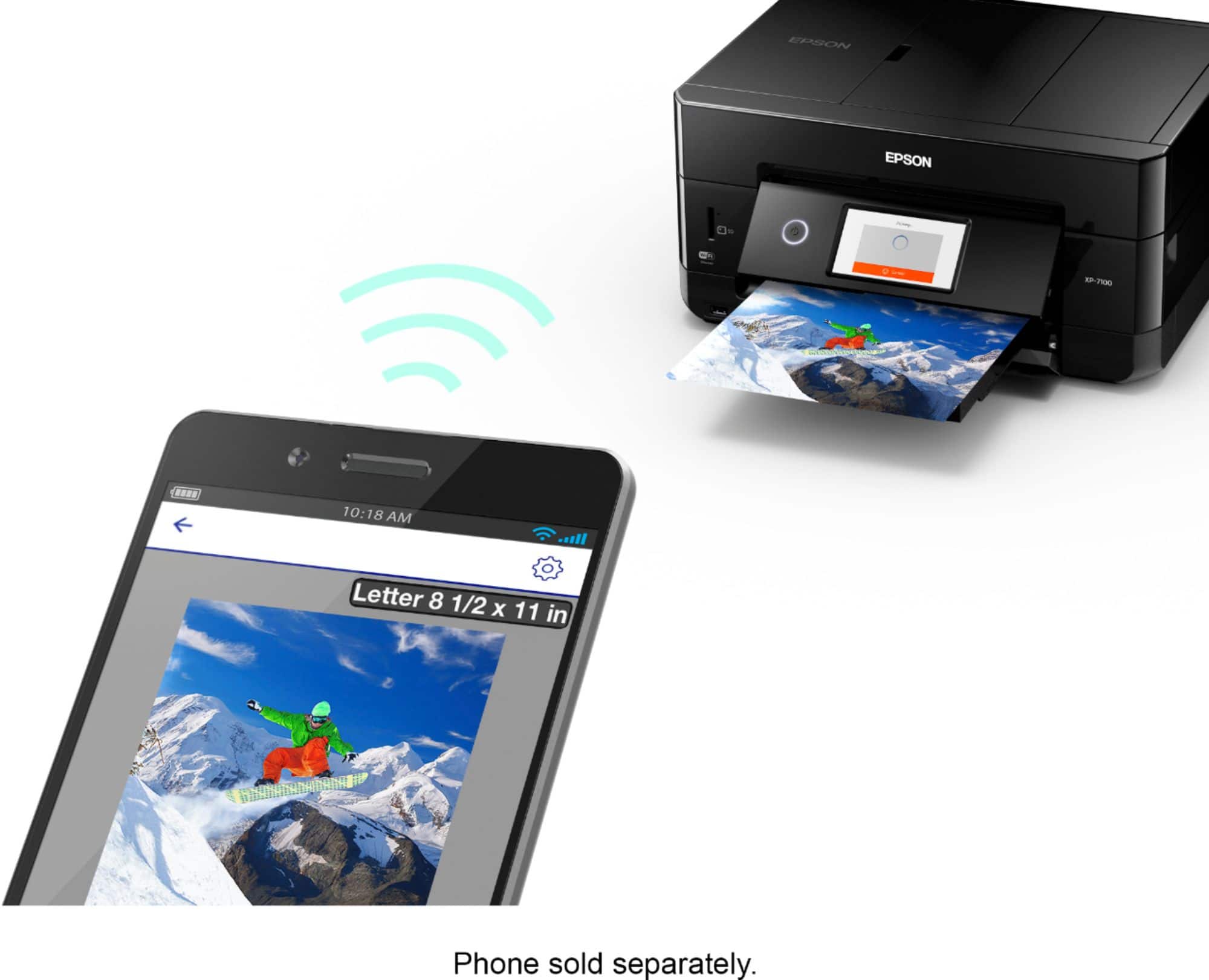
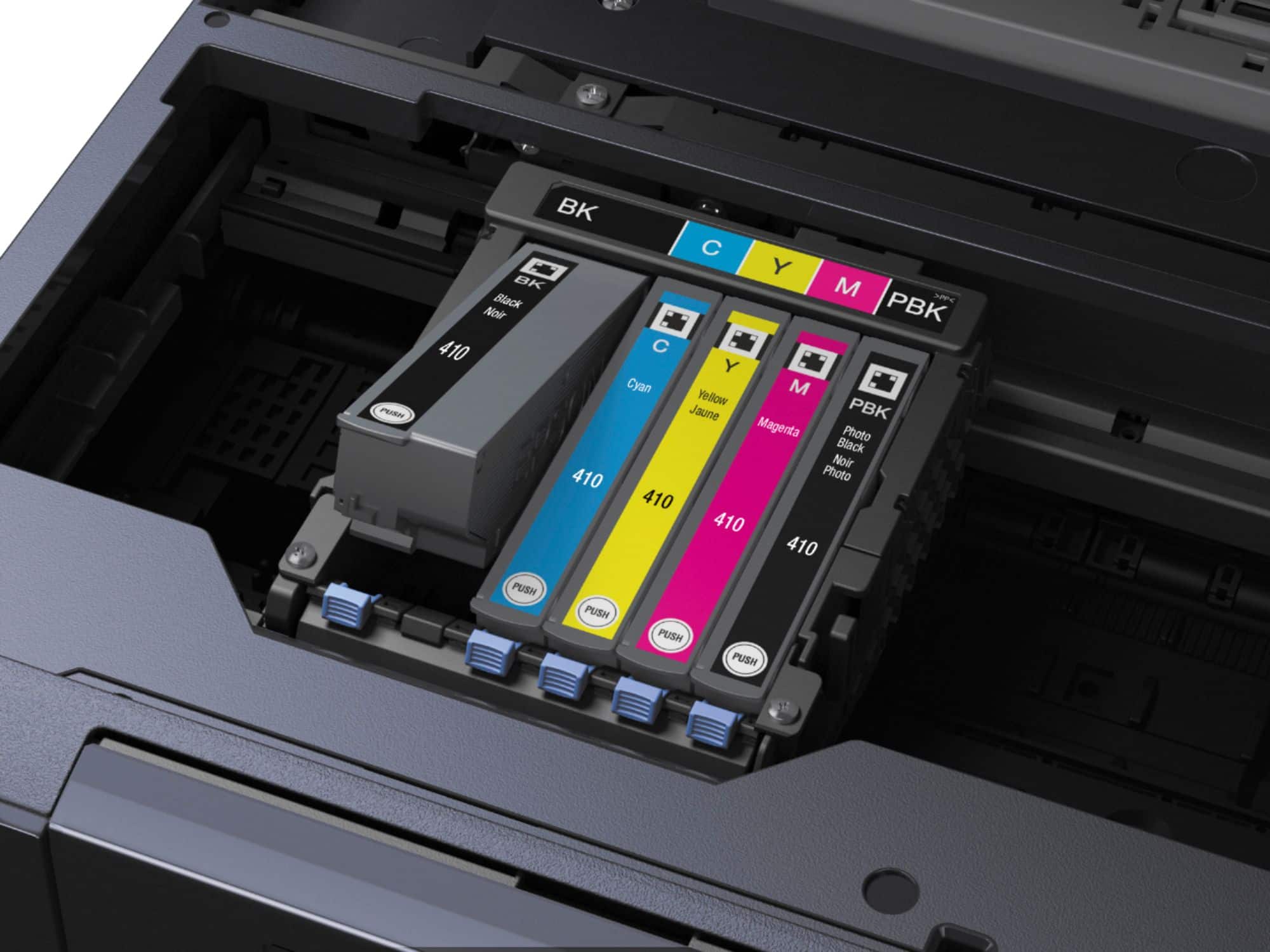
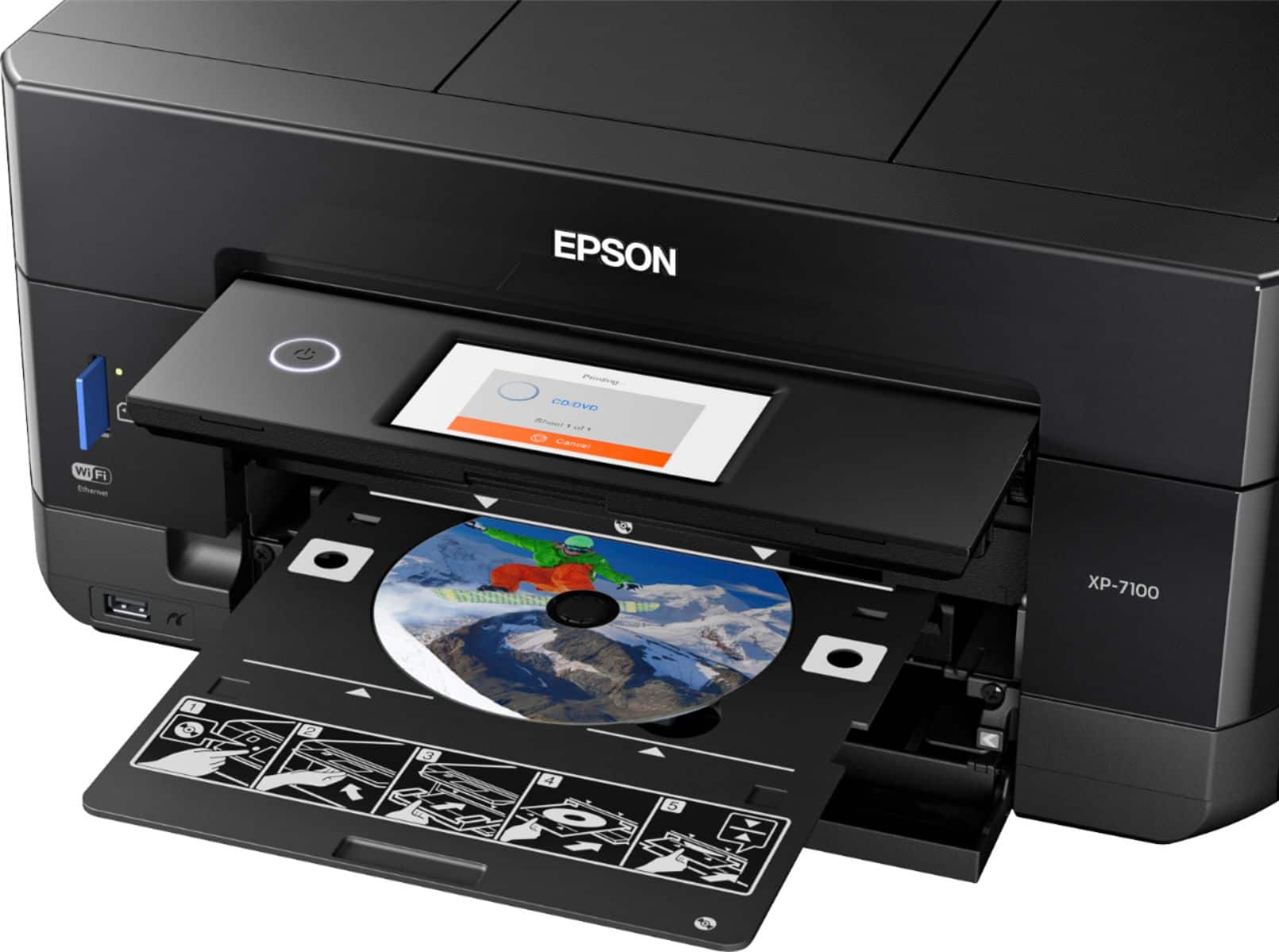
Posted .This reviewer received promo considerations or sweepstakes entry for writing a review.This is a review for the Epson Expression Premium XP-7100 Wireless Printer that I received free of charge to do a beta test and review. Really love that it is small and compact and not so bulky. There are a total of 5 cartridges and easy to install cartridges. We are big sd card and USB users so it was a huge plus to have this printer that takes both including prints on cds. I have never had a printer that I can print pictures of my family so I'm happy I have an option of printing at home instead of cvs or walgreens Prints fast so that is another plus. I am happy that we no longer have to use our old printer and was given the opportunity to try this printer. Setup was quick about 10 minutes or less and came with ink so that is a plus since it says ink is about 45 dollars. Also love that it is not loud when printing nor a distraction. Color quality with Epson printers are amazing. Love that I can connect my android phone to print. I am always looking at documents and pdfs and coupons on my phone so I'm happy I can print this way and connecting to my home wifi was quick and easy just like the installation was. Excited to do everything this printer offers.
I would recommend this to a friend - Pros mentioned:Print quality, Setup, Size
Excellent Printer!
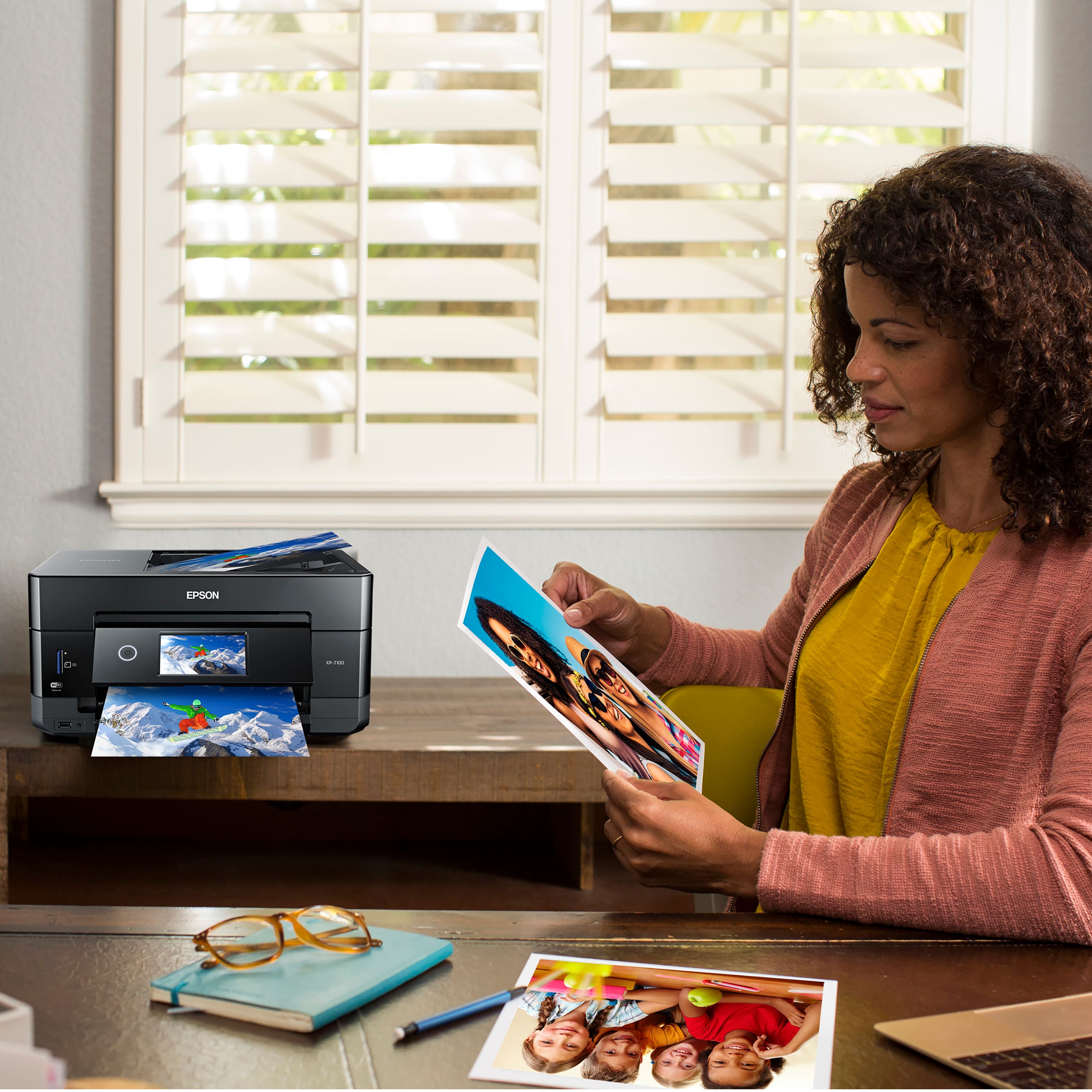
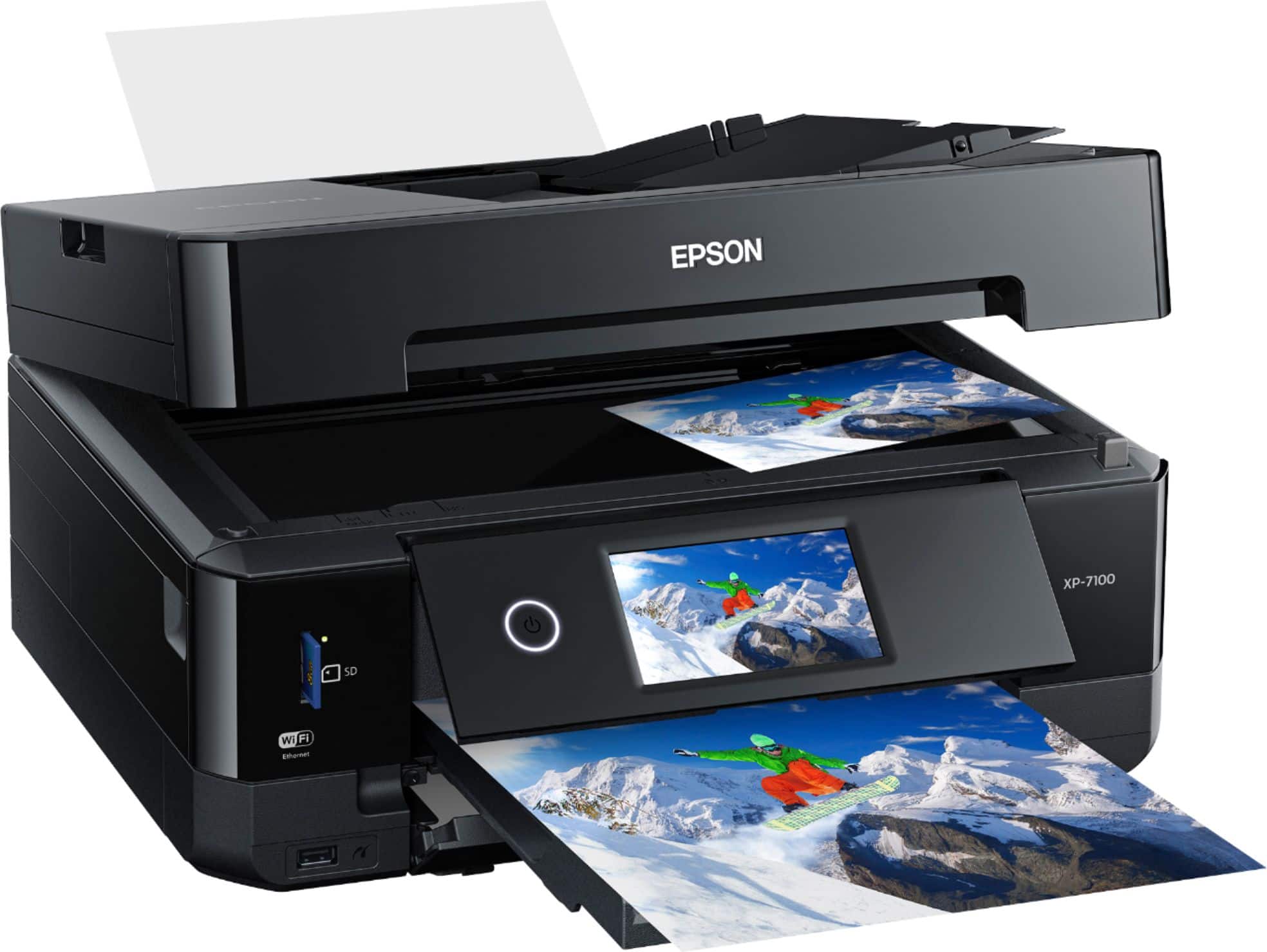
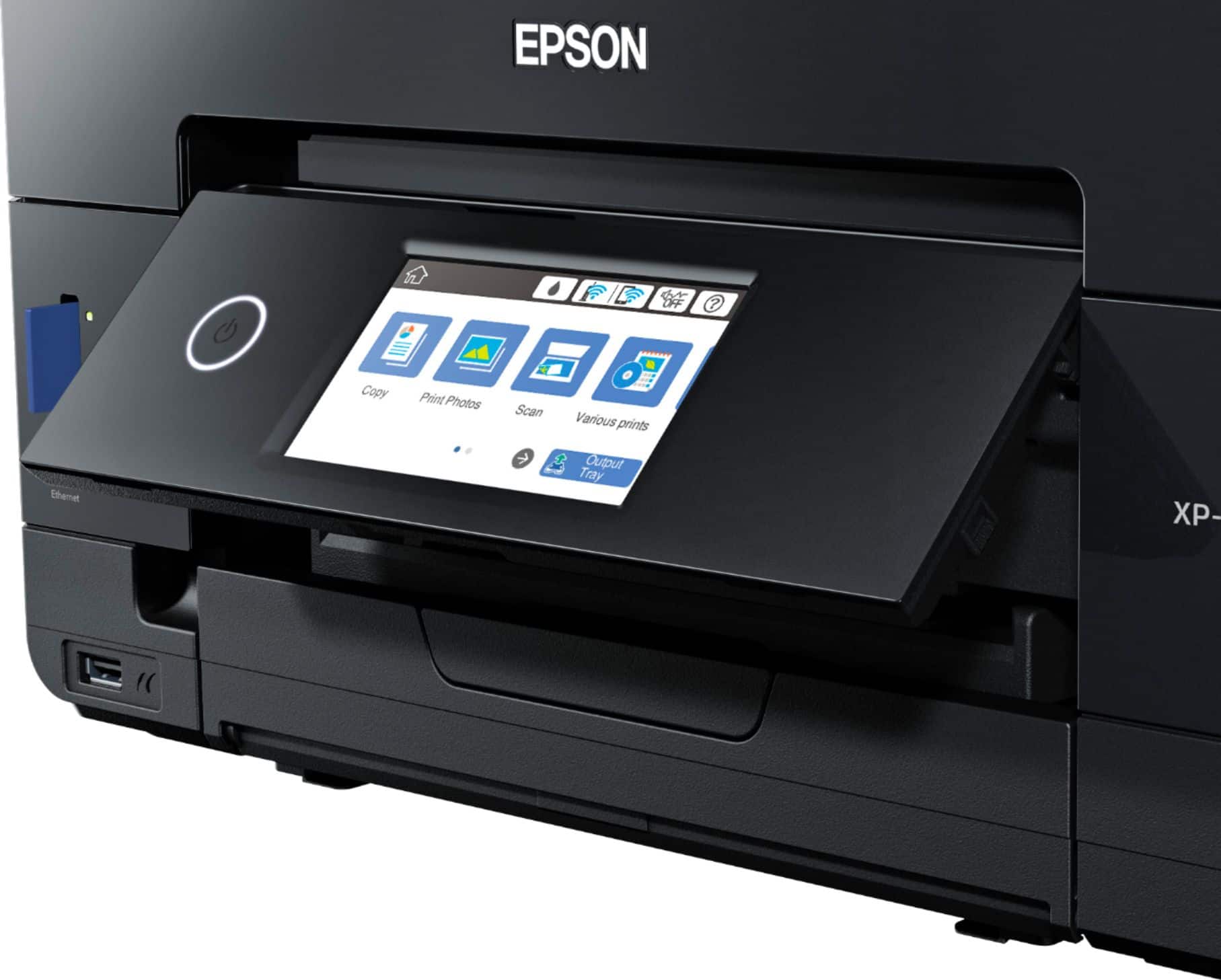
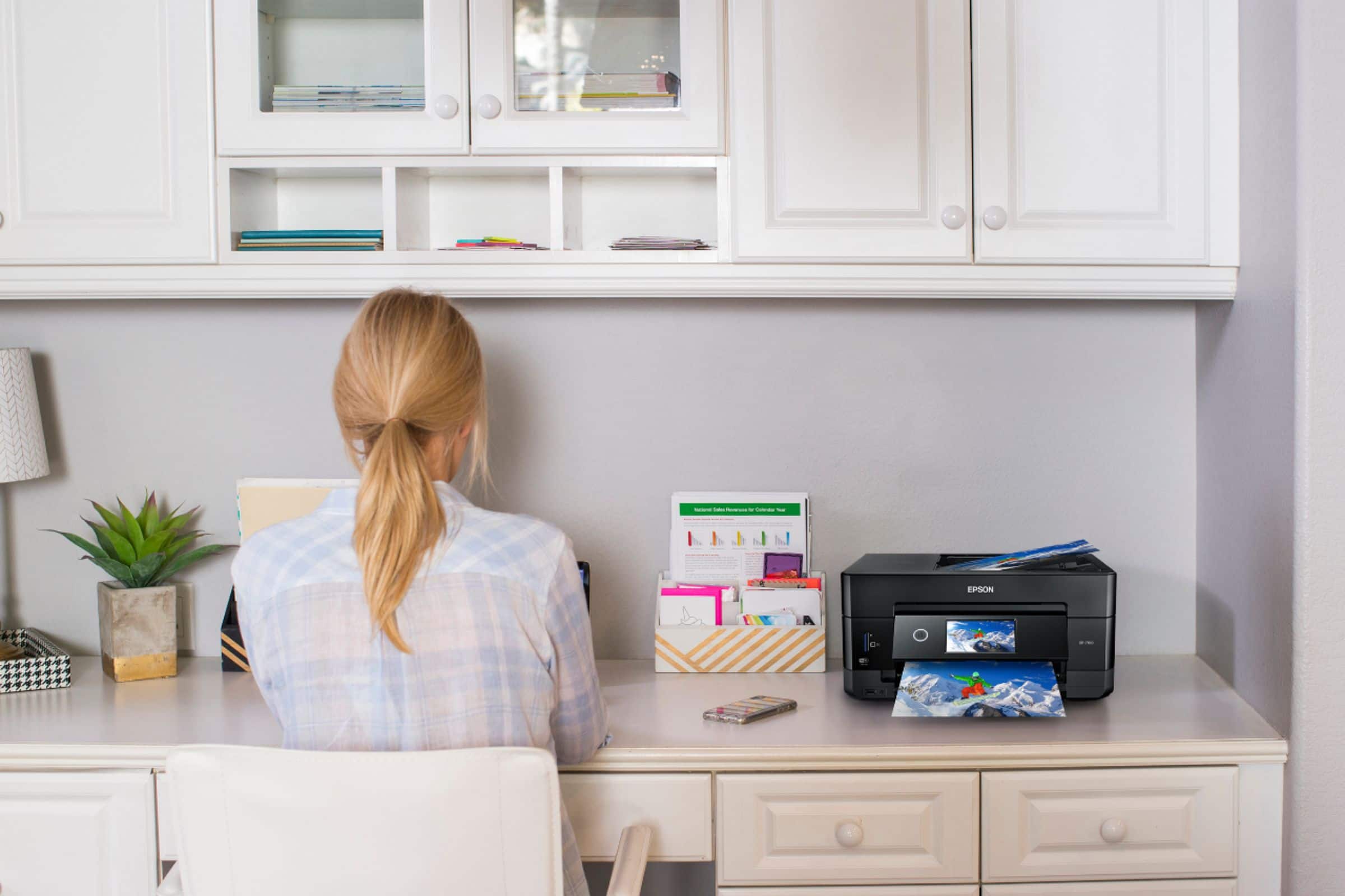
Posted .This reviewer received promo considerations or sweepstakes entry for writing a review.I have owned several Epson all in one printers over the years between home and work, this is by far my favorite. The printer is very compact which makes it very easy to find a place for it when you don't have much extra space. The cool part is that the control panel and the document dispenser both retract into the unit when you power it off. Setup was very simple and only took less than thirty minutes to complete. I was able to easily print from Android and IOS phones as well as my Windows laptop. The first thing I printed was my sons homework which included both color and B&W pages. The quality of the printed docs was great. What really impressed me about this printer was how well it printed photos for my daughter, they looked outstanding. I wouldn't use this to fill a photo album but it's great if you need to print a few pics at a time. The only con I could find with this printer is that the paper tray isn't that big, not a big deal for though. It's still a great printer that I definitely recommend. This is a review for the Epson Expression Premium XP-7100 Wireless Printer that I received free of charge to do a beta test and review.
I would recommend this to a friend Once figured out, works great
||Posted .This reviewer received promo considerations or sweepstakes entry for writing a review.Still learning how to use this printer. Works well
I would recommend this to a friendPrinter
||Posted . Owned for more than 2 years when reviewed.This reviewer received promo considerations or sweepstakes entry for writing a review.Did not work the way I wanted it poor print quality
No, I would not recommend this to a friendSlow printer
||Posted .This reviewer received promo considerations or sweepstakes entry for writing a review.Mainly got this printer for pics but found the WiFi printing is slow responding to your printing. My old HP Envy didn't have this issue just printing documents but this printer is slow on all.
I would recommend this to a friendDon't buy it cuz they won't take it back
||Posted . Owned for 1 month when reviewed.This reviewer received promo considerations or sweepstakes entry for writing a review.It doesn't work I don't want it it doesn't work no
No, I would not recommend this to a friendNothing but Problems!
||Posted . Owned for 6 months when reviewed.This reviewer received promo considerations or sweepstakes entry for writing a review.I took a chance with this Epson. It absolutely sucks!! I'm going back to HP.
No, I would not recommend this to a friend- Pros mentioned:Print quality
Another winner from Epson
Posted .This reviewer received promo considerations or sweepstakes entry for writing a review.This is a review for the Epson Expression Premium XP-7100 Wireless Printer that I received free of charge to do a beta test and review. This is my third review of Epson printers over the last couple of years so I'm fairly familiar with these printers. Setting up has always been super easy with Epson printers. Part of the fun was tearing off of the tape on the shipping box. Total setup time was about 20 minutes. That includes unboxing, pulling all the little blue tap has been removed from the printer itself, loading in the ink cartridges (only shake the black ink), letting the printer initialize, and having it connect to our wi-fi network. Additionally if you installed the software/drive from the CD and hooked up the printer via USB cable setup the network that way too, if you didn't want to do it from the front control panel. However the front panel is very easy to use, touch screen, large icons, setup wizards...etc. First time going through setup, it takes you through adjusting the print heads and such, so be prepared to have the paper tray loaded. After about 8 pages, my printer was setup properly and ready to accept print jobs from the household. I have 2 teenage kids in middle and high school so there is always things to print. First up was a 9 page report, completed very quick. Tried a couple of PowerPoint slides and while the color took a little longer, it was bright and clean. Text quality is good, certainly on just as good if not better than some of the other Epsons I've used in the past. I've not yet tried printing photos on photo paper but that is on my list to try, I'm expecting it to be just as good if not better as my other Epsons. I'm also very excited to try printing on DVD/CD. Scanning documents with the auto feeder is quick and painless, very helpful when you're having to scan multiple documents. I tested scanning various documents as well as photos. you can let the software use it's defaults or you can user your own settings and setup different profiles for each type of scan. I used Adobe PDF as well as a couple applications with scanner capability and all of them had no problems with using the scanner. To be totally transparent, I did run into 1 problem after running through the initial tests over the span of 3 days. During the initial setup, once you've got the printer connected to the network, it recognizes that there is a firmware update available and it asks if you want it updated. I skipped it at first so that I could start my testing and review. Going back to to update the firmware via the control panel was easy. However, the first time around the printer got stuck (or maybe it became unresponsive). The control panel just said "do not power off, firmware upgrade in progress" (or something like that) and power buttone just flashing. I left it alone and just figured it would complete on it's own. Well after 18 hours, the printer was showing the same message. There was not an option to press a cancel button so the only option was to power cycle the printer and hope it didn't turn it into a brick. Luckily after the power cycle the printer came back and works normally. I used the Epson Software Updater the second time around and it updated the firmware as well as the other Epson software (drivers and utilities) automatically and without any issues. The footprint of this printer is small which is nice since desk space is limited. For so many features, and with an auto-feeder, the small size is greatly appreciated. The output tray automatically retracts and comes out, which makes it easier to keep in small spaces. In my opinion this is a nice small home or small office usage printer that is easy to set up, fast, and highly convenient thanks to its many ways of connecting to various devices, its features such as auto-feed and double-sided printing, and its ability to do some work even without a computer connected to it (web printing, print from your phone or tablet, print from a USB memory stick or a SD memory card) makes it very convenient!
I would recommend this to a friend