Customer Ratings & Reviews



- Model:
- 8VRASZ-SEN0
- SKU:
- 6441424
Rating by feature
- Video Quality
Rating 4.7 out of 5 stars
- Mobile App
Rating 4.7 out of 5 stars
- Sound Quality
Rating 4.7 out of 5 stars
Customers are saying
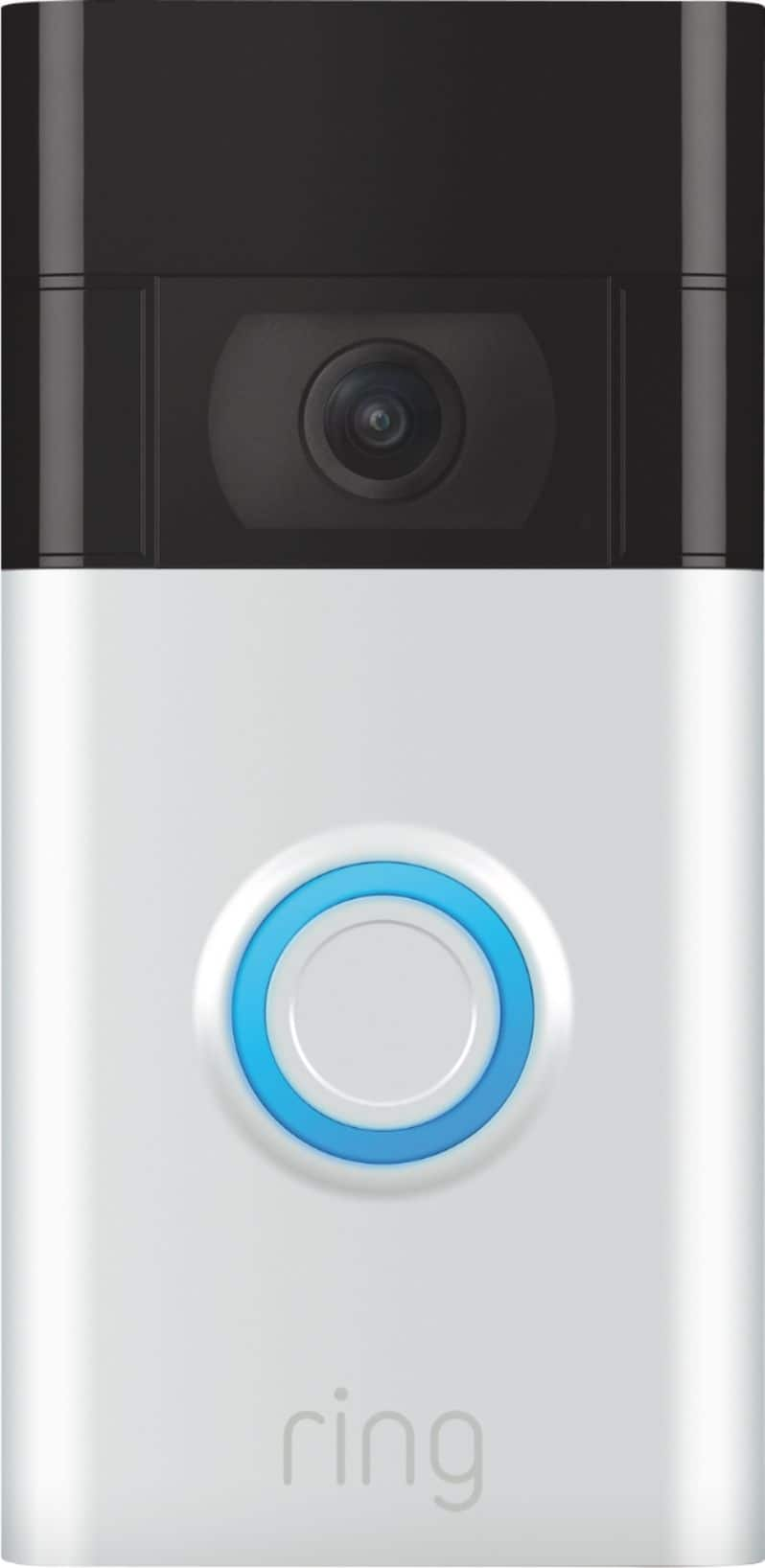
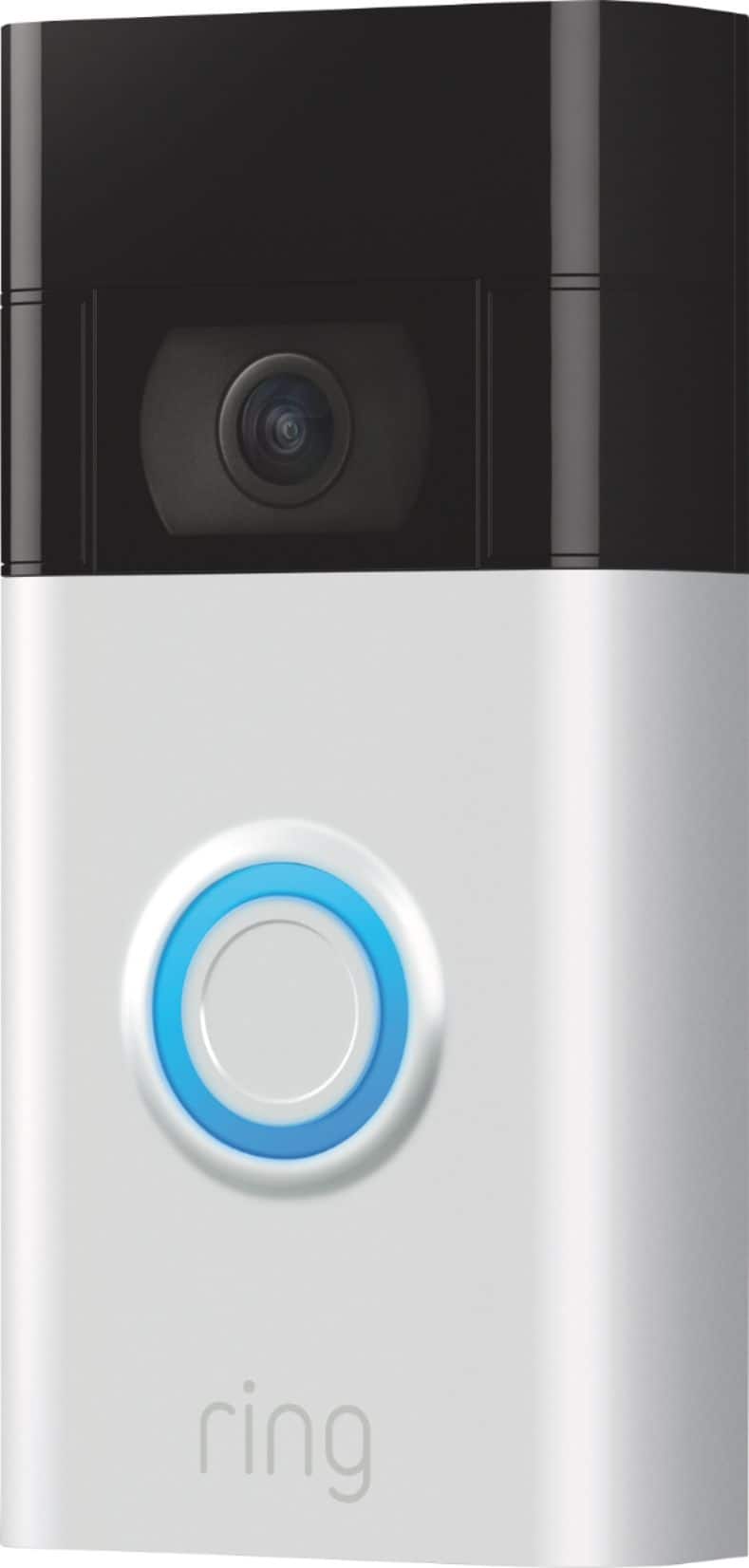
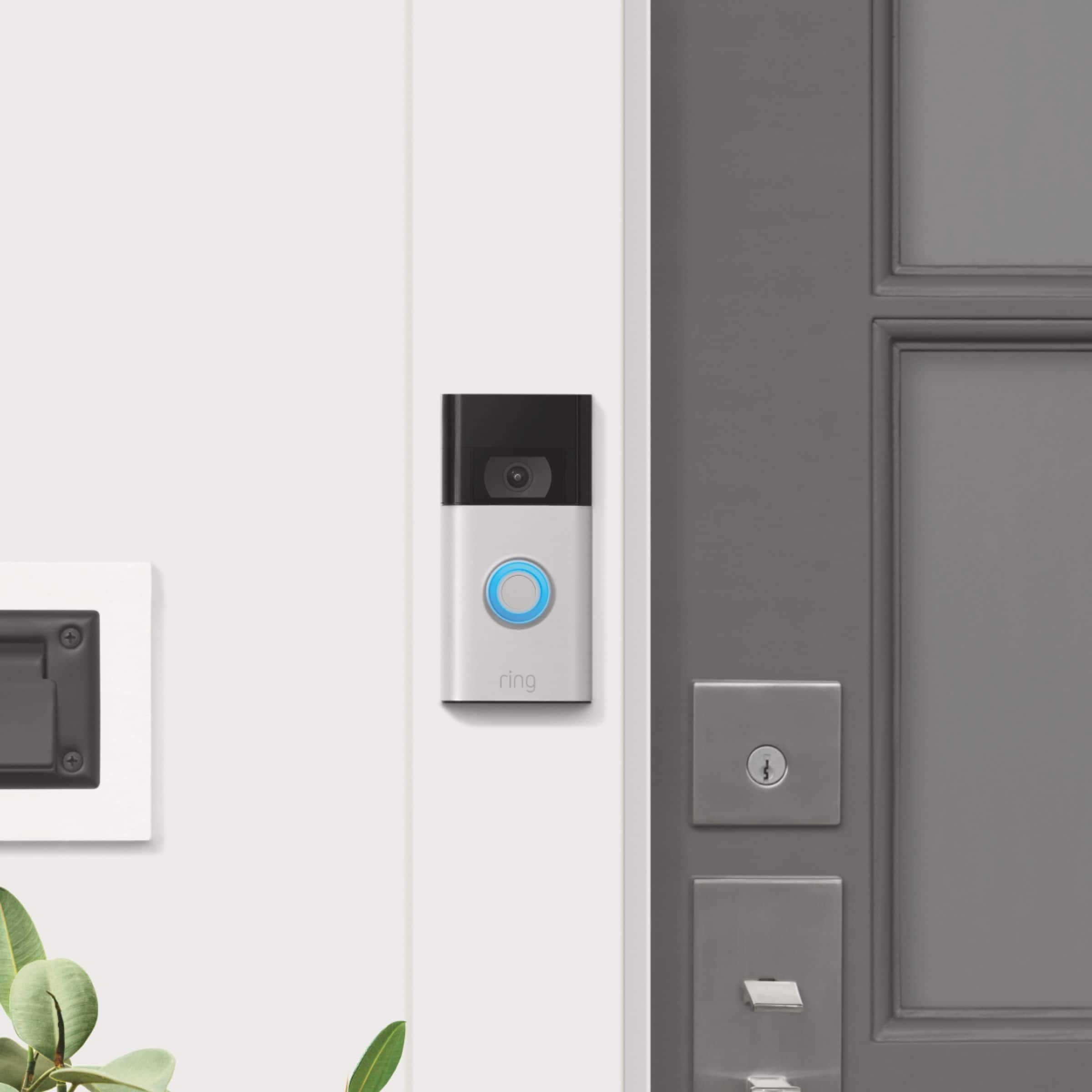
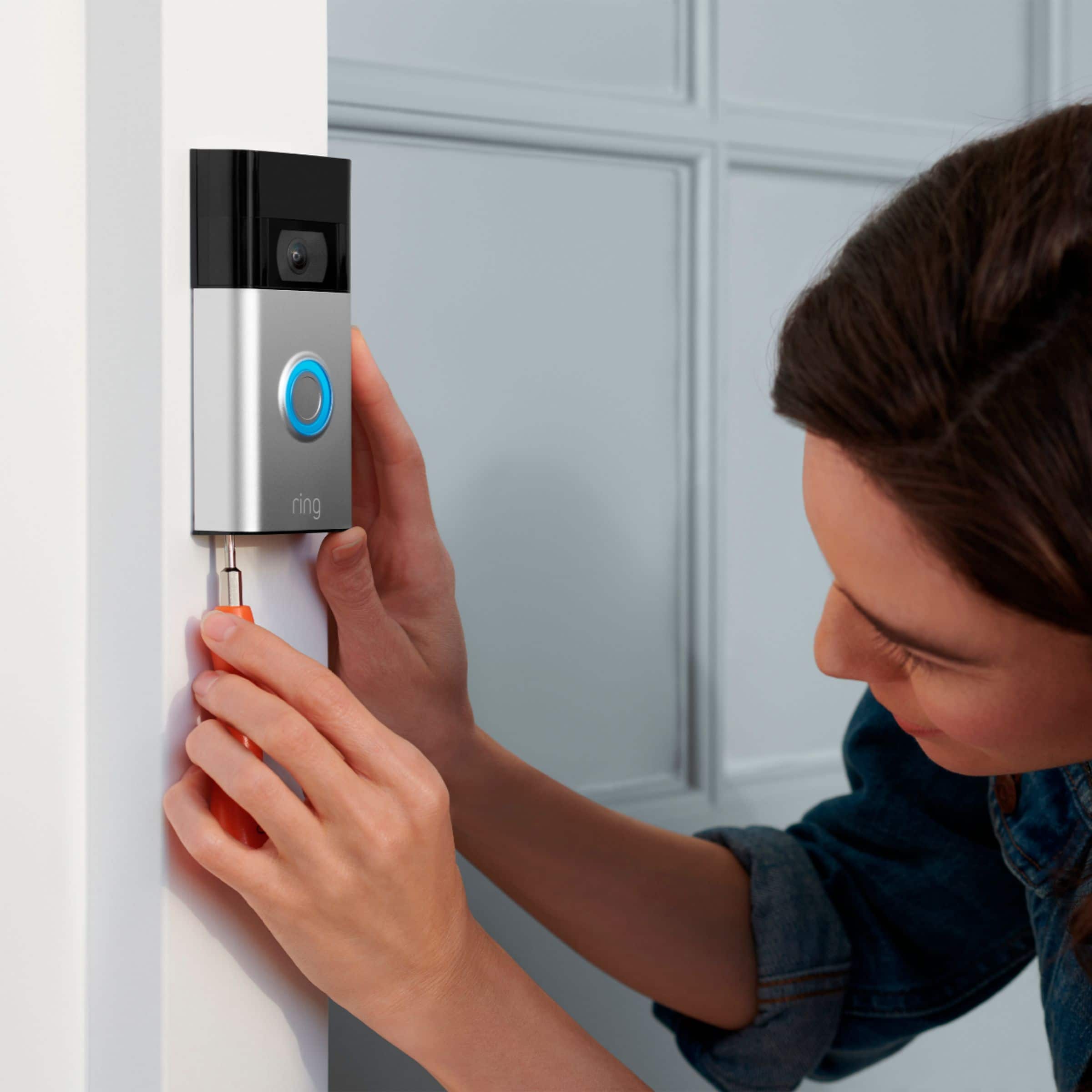
Customers frequently mention the excellent video quality, ease of use, and long battery life as significant advantages. Many also appreciate the relatively easy installation process and the added security the Video Doorbell provides. While some found the device larger than anticipated, most users reported positive experiences. A small number of users noted occasional connectivity problems and concerns about the sensitivity settings and subscription requirements.
This summary was generated by AI based on customer reviews.
- Pros mentioned:Video quality
Great product that allows my gf to spy on me
||Posted . Owned for 4 months when reviewed.This reviewer received promo considerations or sweepstakes entry for writing a review.Great product that my gf uses to keep an eye on when she isn’t home. Make sure she doesn’t change the lock on your door or you might rip it off and toss it into the apartment pools
I would recommend this to a friend - Pros mentioned:Video quality
Texas
||Posted . Owned for 3 weeks when reviewed.This reviewer received promo considerations or sweepstakes entry for writing a review.So far the camera has been great at keeping me at peace in the new place we moved into..
I would recommend this to a friend - Pros mentioned:Battery life
Doorbell is great
||Posted . Owned for 2 months when reviewed.This reviewer received promo considerations or sweepstakes entry for writing a review.Great device.. love that it has a great battery and I don’t have to keep charging
I would recommend this to a friend - Pros mentioned:Video quality
Great doorbell cam
||Posted . Owned for 3 weeks when reviewed.This reviewer received promo considerations or sweepstakes entry for writing a review.Very happy with this doorbell cam. Great video & audio quality. App could be a little more user friendly, but instalation was a breeze.
I would recommend this to a friendBrand response from Ring
Posted .Hi MarkH.
At Ring, we appreciate you taking the time to share your feedback with us. We are glad to read that you are enjoying your new Ring Video Doorbell (2nd Gen.)! Furthermore, we believe in keeping people close to what’s important. That is why we are driven to create products that help you protect what matters most at home and empower you to connect with your visitors from wherever you are. Together, we’ll make neighborhoods safer!
We are happy to provide you with some information on using the Ring app. The Dashboard is the first screen you'll see when you open the Ring app. It has three main sections:
The tiles at the top of the screen which can be moved around and organized using the edit tile.
Images from your security cameras or doorbells, which you can tap to quickly get to Live View.
A Discover section which highlights new features available to you.
This navigation bar contains four important tools, depending on your setup.
The menu (≡): This three-lined icon is always in the same place in the upper-left corner of the app. Tapping on it will open a side menu and give you access to the rest of the app's functions.
Global Snooze: This moon icon will allow you to snooze motion alerts for all of your cameras for a selected amount of time. Tap here to learn more about Motion Snooze.
SOS Button: If you have Ring Alarm with professional monitoring1 or are enrolled in SOS for cameras, this feature allows you to request medical, fire, or police dispatch during an emergency. Professional monitoring1 and SOS for cameras requires a Protect Pro subscription, sold separately. Tap here to learn more about the SOS Button.1
Ring Alarm Mode: If you have Ring Alarm, an extension to your Utility Bar will display the current mode and allow you to switch between modes.1
Ring Alarm and all Ring Alarm accessories require a subscription for digital notifications, in-app features, digital arming/disarming, and integration with other Ring, Echo, and third party products. Subscription sold separately. View ring.com/protect-plans for pricing and details. Tap here to learn about setting modes for your Alarm.
Main Tiles: This section contains Camera Preview Tiles for each of your cameras, as well as a Neighbors and Event History tile.
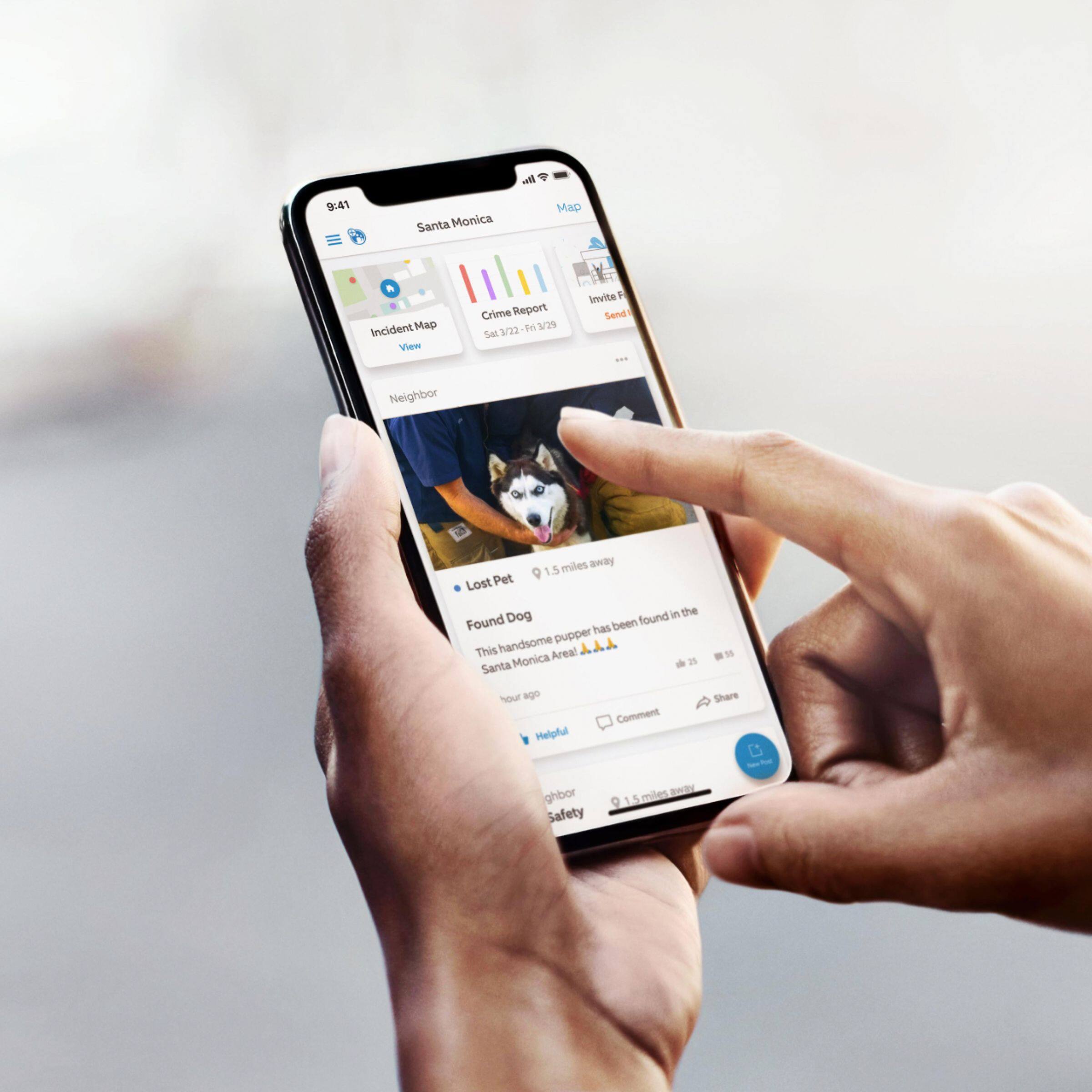
Neighbors Nearby Incidents: Ring Neighbors expands your security from your home to your neighborhood by letting you easily share up-to-date local crime data and communicate with your neighbors about crime and safety. Tap here to learn more about Ring Neighbors.
History: This opens an aggregated list of all events for all devices at this location.
Camera Preview Tiles: These previews let you know at a glance whether something is happening within range of your cameras that needs your attention. Each Preview is labeled with the time since it was taken and which camera took the image. Tap here to learn more about Camera Previews.
Set Up a Device: This is an easy-access tile for setting up a new Ring device.
These are the functions that can be accessed from the side menu:
Locations: Tap the Location name in the upper-left hand corner of the screen to open up the list of Locations. From here, you can choose which Location to view.
Dashboard: Tap this option to return to the Dashboard.
Neighbors: This opens your Neighbors feed, detailing all of the up-to-date local crime data in your selected area. Tap here to learn more about Ring Neighbors.
Devices: This option brings you to a list of each device set up at this location, including Chime devices.
History: This control takes you to the same History screen you can find on the main Dashboard.
At the top of the screen, you can choose to view events from your cameras, Alarm1, or lights
With a Ring Protect Plan, tap on any event listing to view the associated recording.
Ring Alarm and all Ring Alarm accessories require a subscription for digital notifications, in-app features, digital arming/disarming, and integration with other Ring, Echo, and third party products. Subscription sold separately. View ring.com/protect-plans for pricing and details. Tap here for more information about Ring Protect.
On the tab for cameras, you can also tap the icons to view all events or only specific event types. These event types include: ring, motion, Live View, and starred.
Settings: Tapping here takes you to the General and Location Settings.
Under General Settings, you can change your Location’s name, address, and Ring Alarm Monitoring version. Tap here to learn more about professional and self-monitoring for Ring Alarm.
Location Settings will allow you to adjust mode settings, Alarm Alerts, Users, and Neighbors Settings. You can also delete the Location from this screen.
Mode settings include which components are monitored, Sensor chirps, and Entry/Exit delays. Tap here for more information on Entry and Exit Delays.
Alarm Alerts can be customized for both push notifications and email notifications.
Ring Alarm and all Ring Alarm accessories require a subscription for digital notifications, in-app features, digital arming/disarming, and integration with other Ring, Echo, and third party products. Subscription sold separately. View ring.com/protect-plans for pricing and details.
From the Users screen, you can decide who has access to your devices and how much control they have over your system. Tap here to learn more.
Through your Neighbors settings, you can adjust alert and post preferences — learn more here.
Set Up a Device: Another easily accessible option to begin setting up a new device.
Account: This control takes you to the Account screen. From here you can change the name, phone number or password of the app's master account.
In addition to this, you can change two-factor authentication settings from here. Tap here to learn more about two-factor authorization.
Control Center: In the Control Center you can manage your account under Account Management, manage Account Verification, manage the phone, tablets and computers authorized to log into your Ring account under Authorized Client Devices, manage Linked Accounts, manage and remove Shared Users, use Video Management to manage your settings and preferences and manage your Email preferences. In addition, you have access to Community Control and Privacy Information in control Center.
What's New: This is where Ring informs our neighbors about new abilities added to Ring devices or new controls within the Ring app. The New Features page will pop up the first time you open the Ring app after Ring releases a new feature. Tap here to learn more about this page.
Invite Neighbors: Tapping this option will allow you to share a link to invite your friends, family, and neighbors to the Neighbors app.
Help: Quickly access external links to Help Center and Community Support.
Shop Deals: You may need to scroll up to see the latest deals. They're underneath the Help option. Also, underneath Shop Deals, you can see the numeric version of the Ring app that you have.
Ring Community launched in March 2019 to help deliver the most current news and educational information to our neighbors. It is our first peer-to-peer community forum, giving our customers the ability to help one another and share their feedback and experiences with Ring. Please reach out to our community if any additional information is needed regarding your Ring Video Doorbell (2nd Gen.).
Thank you,
Melissa from Ring.
Cam doorbell
||Posted . Owned for 4 months when reviewed.This reviewer received promo considerations or sweepstakes entry for writing a review.Nice color Ring camera doorbell and would highly recommend
I would recommend this to a friend- Pros mentioned:Installation
Works great!
||Posted . Owned for 1 month when reviewed.This reviewer received promo considerations or sweepstakes entry for writing a review.This is my second Ring doorbell. Installation was easy, but I did encounter a hiccup on software setup and had to redo it a couple times, but once it worked all the way through, it's worked great since. Nice features and price!
I would recommend this to a friend - Pros mentioned:Video quality
Good
||Posted . Owned for 1.5 years when reviewed.This reviewer received promo considerations or sweepstakes entry for writing a review.I have found the Speaker feature on the ring should be better. But great picture
I would recommend this to a friend - Pros mentioned:Video quality
Good
||Posted . Owned for 11 months when reviewed.This reviewer received promo considerations or sweepstakes entry for writing a review.Great camera quality is good, but you need to pay separately for a membership
I would recommend this to a friend - Pros mentioned:Video quality
Great camera
||Posted . Owned for 2 months when reviewed.This reviewer received promo considerations or sweepstakes entry for writing a review.Really good camera with great quality videos,subscription price monthly is only 3$
I would recommend this to a friend - Pros mentioned:Ease of use
Ring Doorbell
||Posted . Owned for 1 month when reviewed.This reviewer received promo considerations or sweepstakes entry for writing a review.Purchased RING Doorbell, easy to install and provides great view along with notifications of someone approaching.
I would recommend this to a friend - Pros mentioned:Video quality
Ding Dong
||Posted . Owned for 3 weeks when reviewed.This reviewer received promo considerations or sweepstakes entry for writing a review.Buy it! It's worth it! This is amazing quality, works beautifully the features are great! I would recommend it to everyone.
I would recommend this to a friend - Pros mentioned:Video quality
Ring doorbell (battery/wired)
||Posted . Owned for 1 month when reviewed.This reviewer received promo considerations or sweepstakes entry for writing a review.Okay im sure most people know this is one of the best cameras out now, good quality pictures, you can talk to people on the cameras, also come with a subscription. And it can run by batteries or wired power
I would recommend this to a friend - Pros mentioned:Video quality
Love my ring camera
||Posted . Owned for less than 1 week when reviewed.This reviewer received promo considerations or sweepstakes entry for writing a review.Love buying from ring it has good quality, it makes me feel safer and notifies me right away when something happens
I would recommend this to a friend - Pros mentioned:Video quality
Ring Door bell Camera
||Posted . Owned for 2 months when reviewed.This reviewer received promo considerations or sweepstakes entry for writing a review.I love this camera , it always updates me whenever there’s a person passing by and alerts me if something happened. i will recommend this ring door bell camera 100%. i purchased two.
I would recommend this to a friend - Pros mentioned:Video quality
I’m always Home
||Posted . Owned for 2 weeks when reviewed.This reviewer received promo considerations or sweepstakes entry for writing a review.Great Purchase…the 1080p camera is solid…I’ve got no problems except it doesn’t work with my pre existing doorbell…really pushing for the chimes nowadays…but overall solid and does the job.
I would recommend this to a friend - Pros mentioned:Video quality
Great product
||Posted . Owned for 2 weeks when reviewed.This reviewer received promo considerations or sweepstakes entry for writing a review.I left my other one at my previous home when I sold it but it’s so good I’m buying another one for my current home 
I would recommend this to a friend - Pros mentioned:Ease of use
Great value
||Posted . Owned for 3 weeks when reviewed.This reviewer received promo considerations or sweepstakes entry for writing a review.This is easy to setup. And hooked into my current ring setup. Have no problem with device.
I would recommend this to a friend - Pros mentioned:Ease of use
Ring doorbell
||Posted . Owned for 2 months when reviewed.This reviewer received promo considerations or sweepstakes entry for writing a review.Love it works amazing and easy to install. Without any problems
I would recommend this to a friend - Pros mentioned:Video quality
Easy choice if upgrading, or just jumping in
||Posted . Owned for 2 months when reviewed.This reviewer received promo considerations or sweepstakes entry for writing a review.Had a first gen one, decided to upgrade to this one since it looked like the best cost/benefit ratio compared to the 3 and pro. It was like a night and day difference of video quality. Would recommend.
I would recommend this to a friend Geek Squad is my go to
||Posted . Owned for more than 2 years when reviewed.This reviewer received promo considerations or sweepstakes entry for writing a review.Very convenient product and calmed my safety concerns and inexpensive!
I would recommend this to a friend