Customer Ratings & Reviews
















- Model:
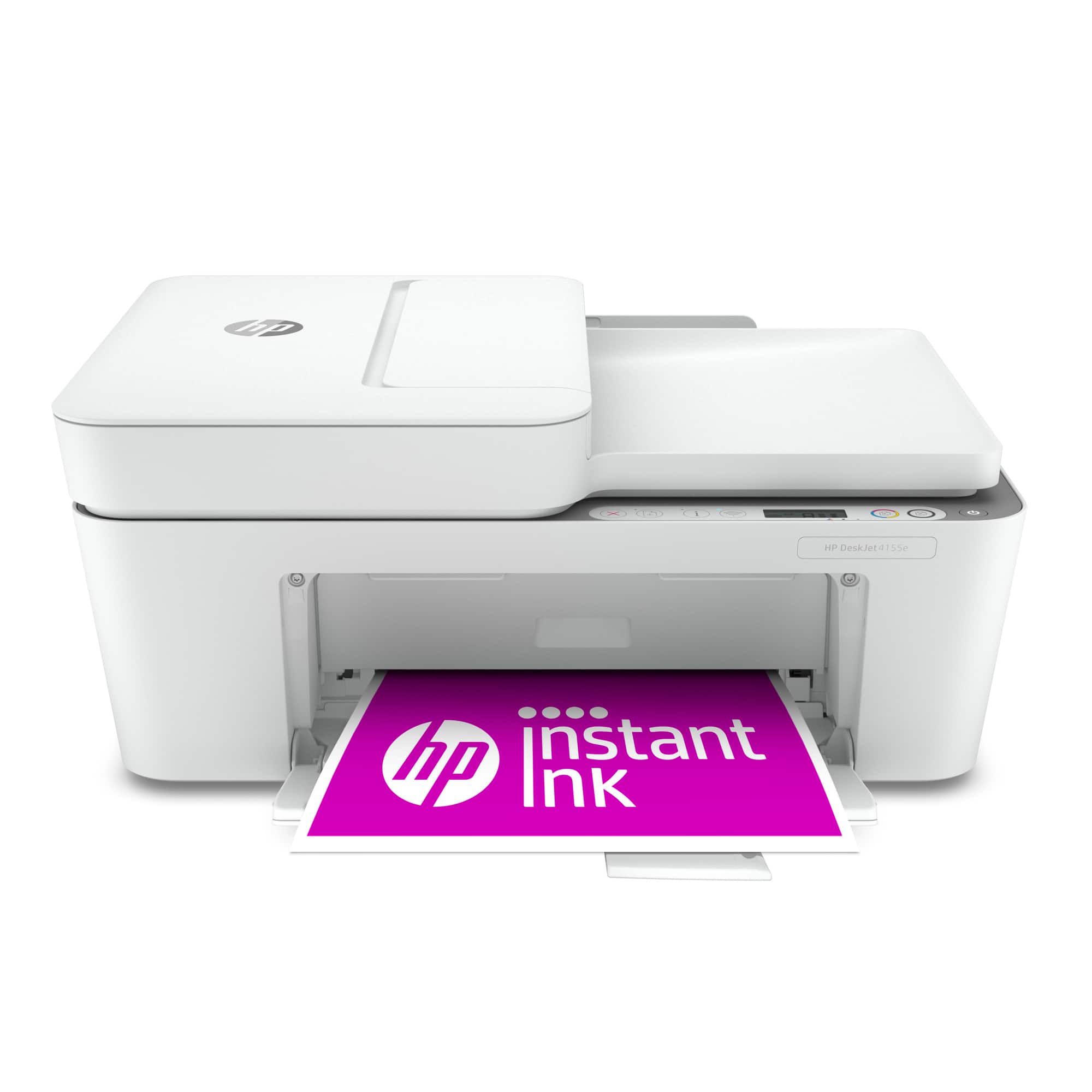
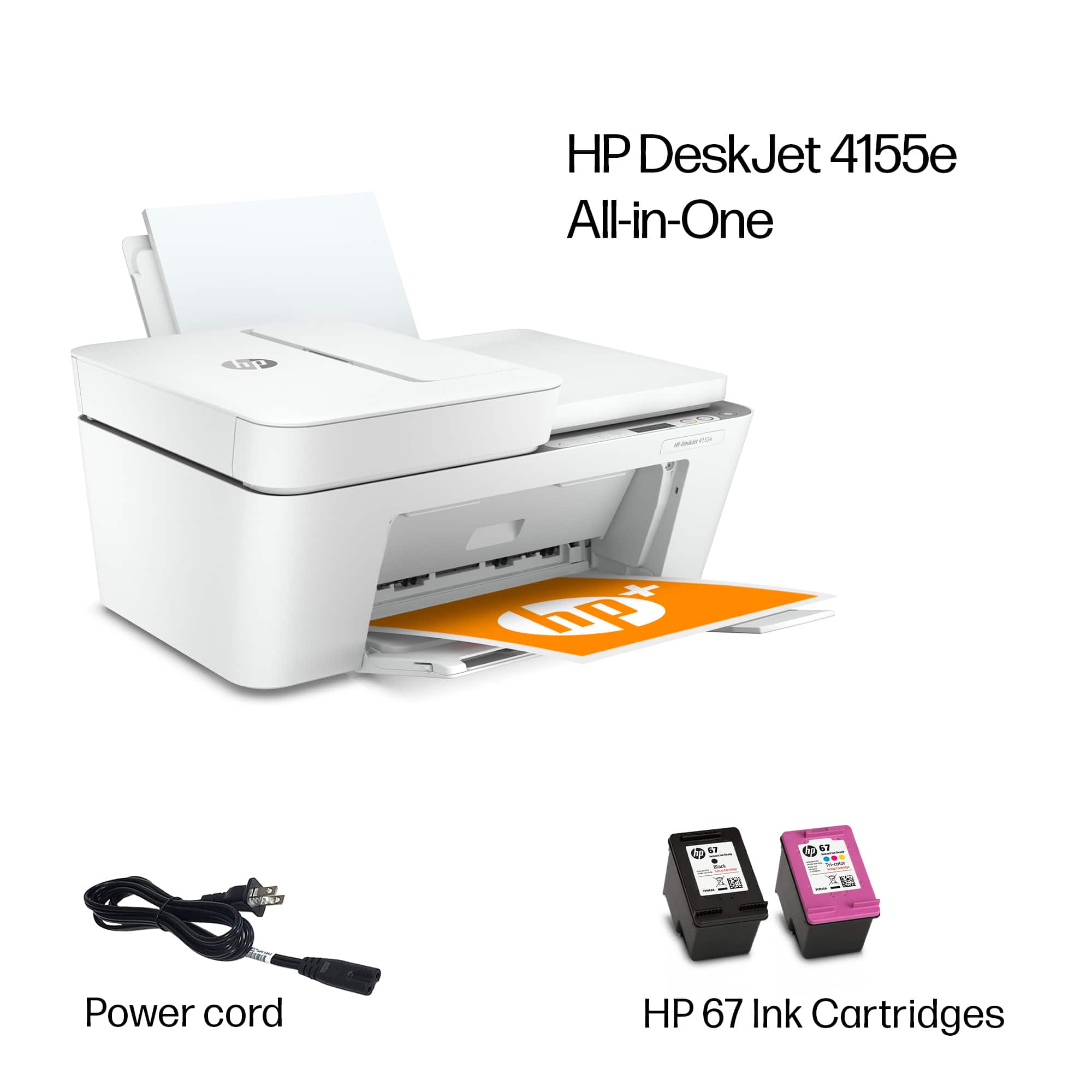
- DeskJet 4155e
- SKU:
- 6454283
Rating by feature
- Value
Rating 4.1 out of 5 stars
- Quality
Rating 4.0 out of 5 stars
- Ease of Use
Rating 3.8 out of 5 stars
Customers are saying
Customers are impressed with the DeskJet Plus 4155's ease of use and print quality, frequently praising its simple operation and clear output. Many also appreciate the printer's compact size and reasonable price. However, some users experienced challenges with WiFi connectivity and found the setup instructions unclear.
This summary was generated by AI based on customer reviews.
- Pros mentioned:Size
Best printer I've owned
||Posted . Owned for 1 month when reviewed.This reviewer received promo considerations or sweepstakes entry for writing a review.I love this printer. It's doesn't take up much room. It's a printer and scanner. Needs only 2 cartridges unlike my previous HP printer; and the ink subscription makes it easy. I dont have to worry about running out for ink. It's delivered to me.
I would recommend this to a friend - Pros mentioned:Print quality
Good printer
||Posted . Owned for 1 year when reviewed.This reviewer received promo considerations or sweepstakes entry for writing a review.This printer is a good printer for occasional use. Wouldn’t use it for heave use
I would recommend this to a friend - Pros mentioned:Print quality
Satisfied!
||Posted . Owned for 3 weeks when reviewed.This reviewer received promo considerations or sweepstakes entry for writing a review.Great price, great on ink and great reproductions.
I would recommend this to a friend - Pros mentioned:Ease of use
Ease of setup
||Posted . Owned for 3 weeks when reviewed.This reviewer received promo considerations or sweepstakes entry for writing a review.I love my printer. Being a Senior over 70 years old caused a little anxiety. After I got it to set in up to start printing. I read the instructions and felt accomplished it worked!
I would recommend this to a friend - Pros mentioned:Print quality
Outstanding printer
||Posted . Owned for 1 month when reviewed.This reviewer received promo considerations or sweepstakes entry for writing a review.Outstanding printer, easy to set up. Prints great, it was in stock when I found it on the website. I went into the store and bought it. Fantastic price point for my home office.
I would recommend this to a friend - Pros mentioned:Ease of use
Great all-in-one. Great price.
||Posted . Owned for 1.5 years when reviewed.This reviewer received promo considerations or sweepstakes entry for writing a review.Easy to setup and use. Makes great copies. Affordable
I would recommend this to a friend - Cons mentioned:Connectivity, Setup
Connection issues
||Posted . Owned for 2 weeks when reviewed.This reviewer received promo considerations or sweepstakes entry for writing a review.Connection is terrible. Signal will fall often. Setup is time consuming and does not work as instructed
No, I would not recommend this to a friendBrand response from HP Team
Posted .Hi there.
I’m sorry that your printer has lost its wireless connection so frequently. Your review is brief, but your frustration is wholly understandable here. I want to help you resolve this problem, so I’ll suggest some resources aimed at making that happen.
First, I recommend you visit a page on our support site that has diagnostic tools for various issues, including wireless connectivity. You can find that page here:
- support.hp.com/us-en/help/printer
You can also find troubleshooting guides specific to your printer, including ones on connectivity, in addition to the main user manual, how-to documents and software updates here:
- support.hp.com/us-en/product/model/2100187854
If connectivity does not adequately improve, I suggest that you contact us directly at +1 800-474-6836 so we can help you assess what’s happening and find the best course of action. To expedite the process, I recommend gathering the following information before the call:
- Model number
- Serial number
- Your location
- Case number (from any previous contact with HP support)
Keith
HP Care
hp.com/support
- Pros mentioned:Ease of use
Easy to use printer
||Posted . Owned for 3 weeks when reviewed.This reviewer received promo considerations or sweepstakes entry for writing a review.Love this printer for simple printing needs such as shipping labels!! Set up was easy too!! Definitely recommend
I would recommend this to a friend Windows 10 or 11 'required' vs. 'recommended'
||Posted . Owned for 1 month when reviewed.This reviewer received promo considerations or sweepstakes entry for writing a review.Have only had product for short time. Had difficulty setting up as I was dealing with Windows8 on my laptop. Engaged with HP support. The first question they asked was what OS I had. Told them Windows8. Then after a 1 1/2 hour without being able to set-up printer, I was told it doesn't work with Windows8. Why wasn't told that at the beginning. Also, I pointed out the info on their website which stated Windows 10 or 11 was 'recommended.' The agent then referred be to the small print on the box which said Windows 10 or 11 was 'required.' I believe 'recommended' and 'required' have two different meanings. Ugh! Very frustrating.
I would recommend this to a friend- Pros mentioned:Ease of use
HP Printer
||Posted . Owned for 1 month when reviewed.This reviewer received promo considerations or sweepstakes entry for writing a review.Nicely packaged, easy to set up & easy to link to my phone. Have printed a few forms, no issues printing
I would recommend this to a friend - Pros mentioned:Print quality
Great printer
||Posted . Owned for 1 month when reviewed.This reviewer received promo considerations or sweepstakes entry for writing a review.This printer is perfect for what I need. I had purchased another brand and it was a disaster so I switched back to HP. It is better to pay a little more and get a good product!
I would recommend this to a friend Bought second one
||Posted . Owned for 3 weeks when reviewed.This reviewer received promo considerations or sweepstakes entry for writing a review.My last one lasted for two years. The paper rollers went bad. But bought another one for the price you can't beat it! We don't print an enormous amount.
I would recommend this to a friend- Pros mentioned:Print quality
Mad
||Posted . Owned for 1 week when reviewed.This reviewer received promo considerations or sweepstakes entry for writing a review.The reasons why I only gave it 2 stars instead of 5 stars is because HP made it more difficult to install the printer because of inadequate poor documentation that was all wrong. The online support was useless and all wrong. I ended up ignoring all of the HP useless documentation and used my operating system installation tools to install it to get it to work since the HP software is useless rubbish. Once I was able to get it to work which took about 3 hours the printer works great. The first thing I recommend you do is to throw out all of the documentation if you want the printer to work.
I would recommend this to a friendBrand response from HP Team
Posted .Hi there.
I’m sorry that your printer setup experience was more difficult because of inadequate instructional material. While I’m glad that you eventually got your printer installed and working, the frustration you express is totally understandable considering you spent so much time and needed to find your own workaround. I want you to get all you can from the printer from here forward, so I’ll provide some resources I hope will help get you there.
To learn more about your printer and all its features, or for help solving problems, you can access a setup tutorial – if you want to use it – as well as user manuals, how-to documents, software updates and troubleshooting guides here:
- support.hp.com/us-en/product/model/2100187854
You can also visit a page on our support site that has diagnostic tools for various tasks and issues, including cartridge installation and connectivity. There you’ll also find a general-purpose tool called the HP Print and Scan Doctor. If you use Windows, the tool will help identify and guide you through solutions to a wide range of common printing and scanning issues. Visit that page here:
- support.hp.com/us-en/topic/diagnostics
If you need any further assistance, I suggest that you contact us directly at +1 800-474-6836 so we can help you assess the situation and find a solution. (Please note that because of restrictions on personal movement and workplace attendance associated with the COVID-19 pandemic, wait times for agents are longer than normal. Thanks in advance for your understanding.) To expedite the process, I recommend gathering the following information before the call:
- Model number
- Serial number
- Your location
- Case number (from any previous contact with HP support)
Keith
HP Care
hp.com/support
Kudos to Best Buy
||Posted . Owned for 1 month when reviewed.This reviewer received promo considerations or sweepstakes entry for writing a review.Kudos to Best Buy! Best price. Fastest delivery and I was able to recycle the old printer at the store when it was convenient for me a few weeks later.
No, I would not recommend this to a friend- Pros mentioned:Print quality
Good printer
||Posted . Owned for 3 weeks when reviewed.This reviewer received promo considerations or sweepstakes entry for writing a review.We bought this printer specifically to print from our phones. It works great for our needs. I like the fact that there are only two ink cartridges but concerned about how long they will last. The installation APP seemed to go on forever.
I would recommend this to a friend - Pros mentioned:Print quality
new printer
||Posted . Owned for 1 month when reviewed.This reviewer received promo considerations or sweepstakes entry for writing a review.very nice printer. quicker than expected. a few problems setting it up. not enough instructions included for me. I am not very computer literate. but did get everything working and now love the printer. works great for my small business.
I would recommend this to a friend Mrs Antoine’s review
||Posted . Owned for 5 months when reviewed.This reviewer received promo considerations or sweepstakes entry for writing a review.I would have given 5 but I had trouble logging in with my account username and password word however I didn’t have any trouble once I logged in with updated passwords
I would recommend this to a friendAverage
||Posted . Owned for 4 months when reviewed.This reviewer received promo considerations or sweepstakes entry for writing a review.It's okay. All of the jams, feed issues, etc really can slow you down when you are trying to complete work or a project. I don't like the fact that it doesn't print double sided. I had an issue with the paper tray that was very annoying. Printer kept giving me an error or Jam message and it wasn't a jam. The paper begin becoming unaligned, which causes me to waste paper an expensive label sheets. Major feed issues. Everything worked well, then I started getting these issues after about 30 days of the purchase. I think the upright paper tray design is what causes the issues. Not sure but definitely would not purchase again.
No, I would not recommend this to a friendAlmost great product
||Posted . Owned for 1 month when reviewed.This reviewer received promo considerations or sweepstakes entry for writing a review.This is a great all-in-one printer. I particularly like the HP software. My only complaint is the weight of the cover that holds the paper against the glass. Since the cover does not have a soft close type feature, I am afraid the cover may slam down and shatter the glass plate.
I would recommend this to a friendNew White Printer.
||Posted . Owned for less than 1 week when reviewed.This reviewer received promo considerations or sweepstakes entry for writing a review.Working well. It was not easy to set up , but I think it was because I didn't read all the instructions. A white printer looks very pretty in my office. I had thought maybe I could wait to get a new one, but, since I do quite a lot of business, it is an important part of my office.
I would recommend this to a friend