Customer Ratings & Reviews

- Model:
- CB311-11H-K04N
- SKU:
- 6471196
Rating by feature
- Battery Life
Rating 4.6 out of 5 stars
- Speed
Rating 4.3 out of 5 stars
- Display
Rating 4.3 out of 5 stars
Customers are saying
Customers consistently note the Chromebook 311's ease of use, particularly for schoolwork, and its attractive price point. Its long battery life and compact, lightweight design also receive significant praise. However, some users express concern regarding the limited storage capacity.
This summary was generated by AI based on customer reviews.
Speaker issue
||Posted .This reviewer received promo considerations or sweepstakes entry for writing a review.Speaker volume is very very low...so returned it..
No, I would not recommend this to a friendBrand response from TeamAcer
Posted .Dear Happy,
We are sorry to hear that you decided to return your newly purchased Acer Chromebook. Our support team is always available to assist with getting your new product set up and configured, or assist with any other troubles you may experience with your purchase. If you should need assistance with an Acer product in the future, please contact our support team at 1-866-695-2237, chat or social media, and we will be glad to help.
We appreciate you taking the time to write this review.
Regards,
Acer America
Horrible
||Posted . Owned for 1 month when reviewed.This reviewer received promo considerations or sweepstakes entry for writing a review.You can not run the simplest apps or programs on this lap
No, I would not recommend this to a friendBrand response from TeamAcer
Posted .Thank you for taking the time to leave a review regarding the purchase of your Acer Chromebook. We are sorry to hear that the product did not meet your expectations, and we want to work with you to see how we can help improve this experience. If you are located in the US or Canada, please feel free to contact our support team at 866-695-2237; they are available to assist 24/7 for in-warranty products.
Regards,
Acer America
Horrible
||Posted . Owned for 1 month when reviewed.This reviewer received promo considerations or sweepstakes entry for writing a review.Junk computer.Not even worth the sale price of $80
No, I would not recommend this to a friendBrand response from TeamAcer
Posted .Dear Mailable,
Thank you for taking the time to leave a review regarding the purchase of your Chromebook. We are sorry to hear that the product did not meet your expectations, and we want to work with you to see how we can help improve this experience. If you are located in the US or Canada, please feel free to contact our support team at 866-695-2237; they are available to assist 24/7 for in-warranty products.
Regards,
Acer America

Great little Chromebook
|Posted .This reviewer received promo considerations or sweepstakes entry for writing a review.There's definitely a range of Chromebooks when it comes to pricing, performance, and features. While this is definitely at the low end of all 3, it's still a solid offering for those needing a basic Chromebook. In my case, my kids have been needing to use Chromebooks more and more at school. This one has been great for when the youngest needs one as he's still quite accident prone. This definitely gets the job done for his virtual school and kids game needs, but it has also kept the more expensive Chromebook safe, and keeps the kids from fighting over one laptop.
I would recommend this to a friendA good start but a disappointing finish
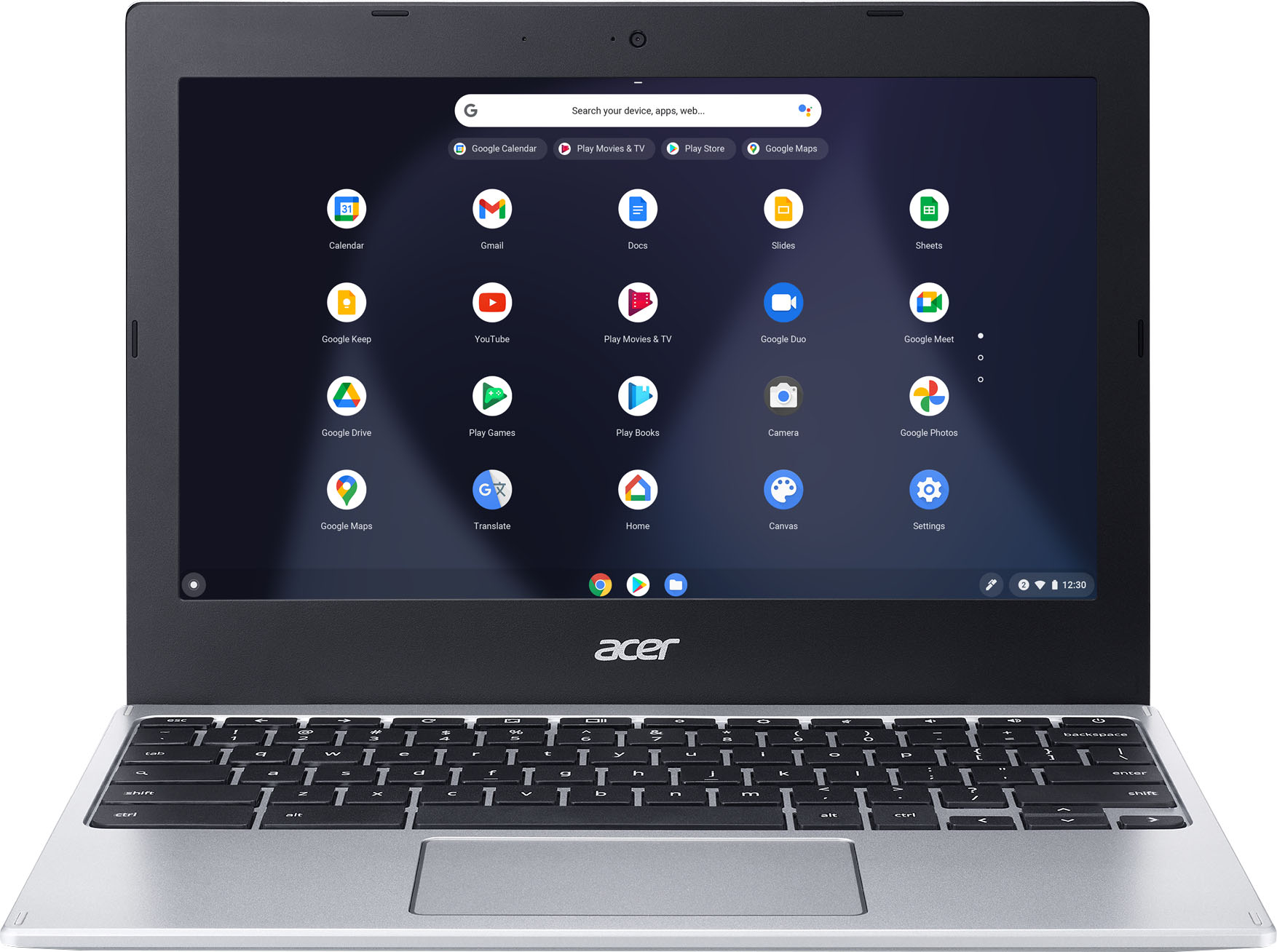
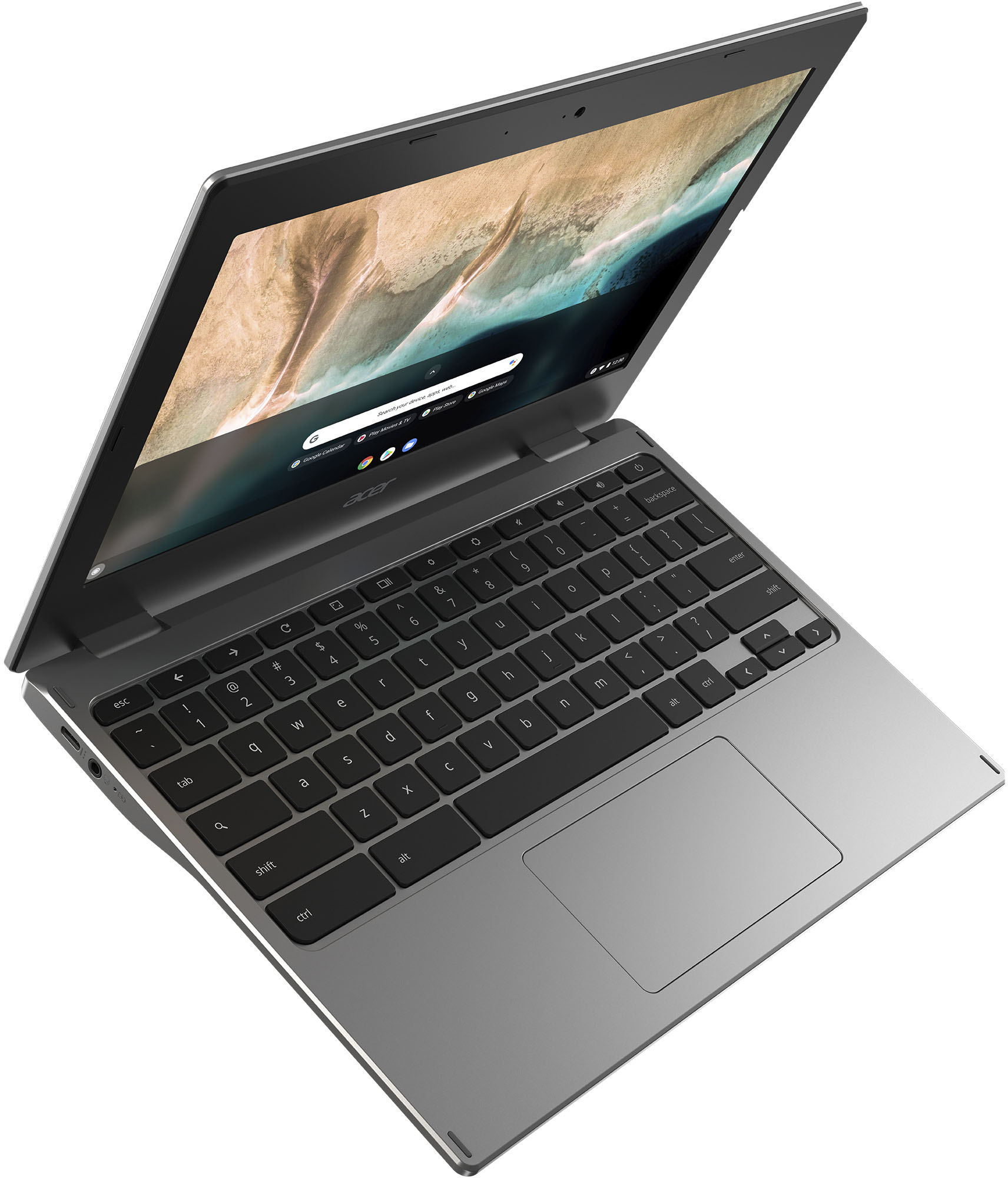
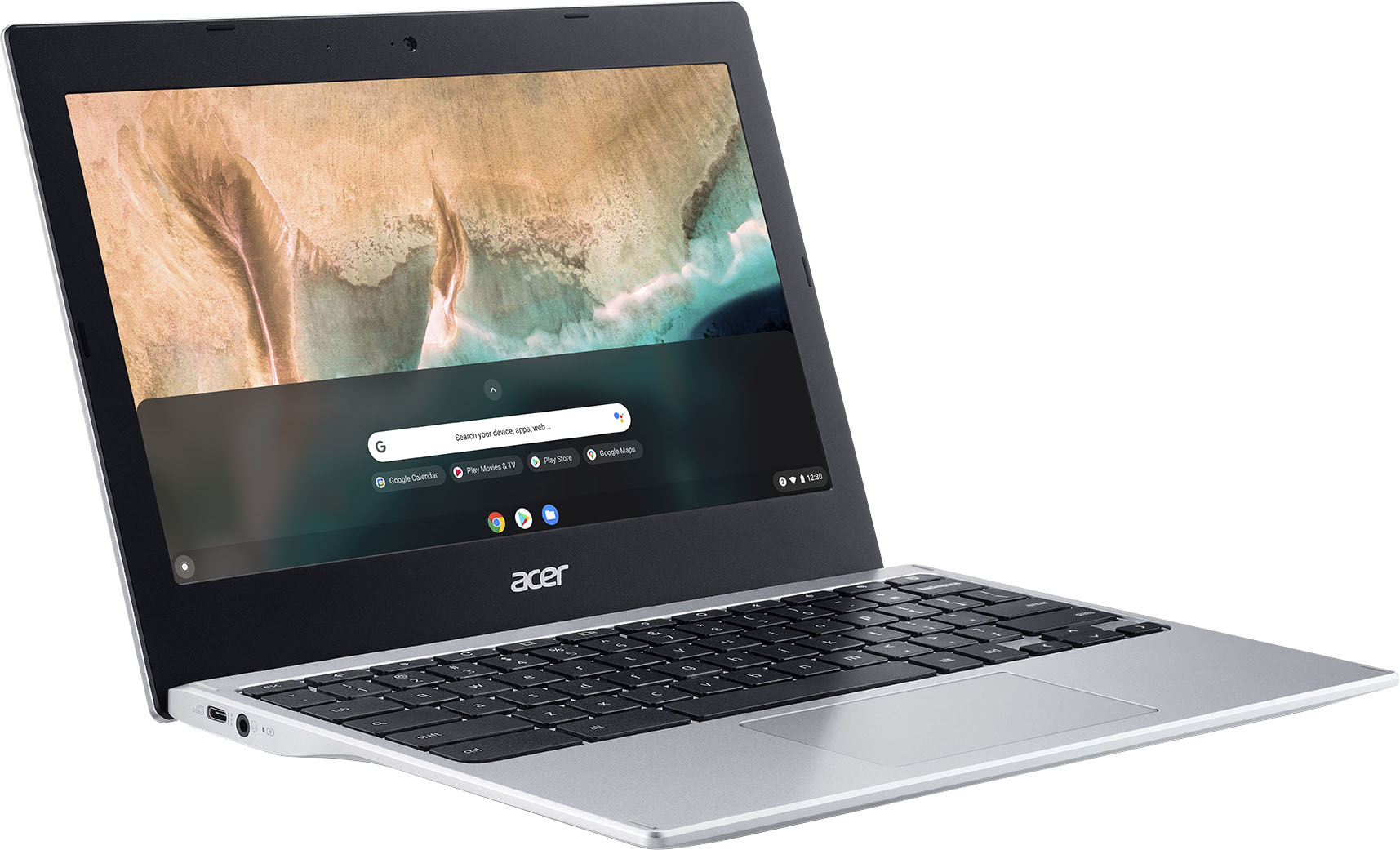
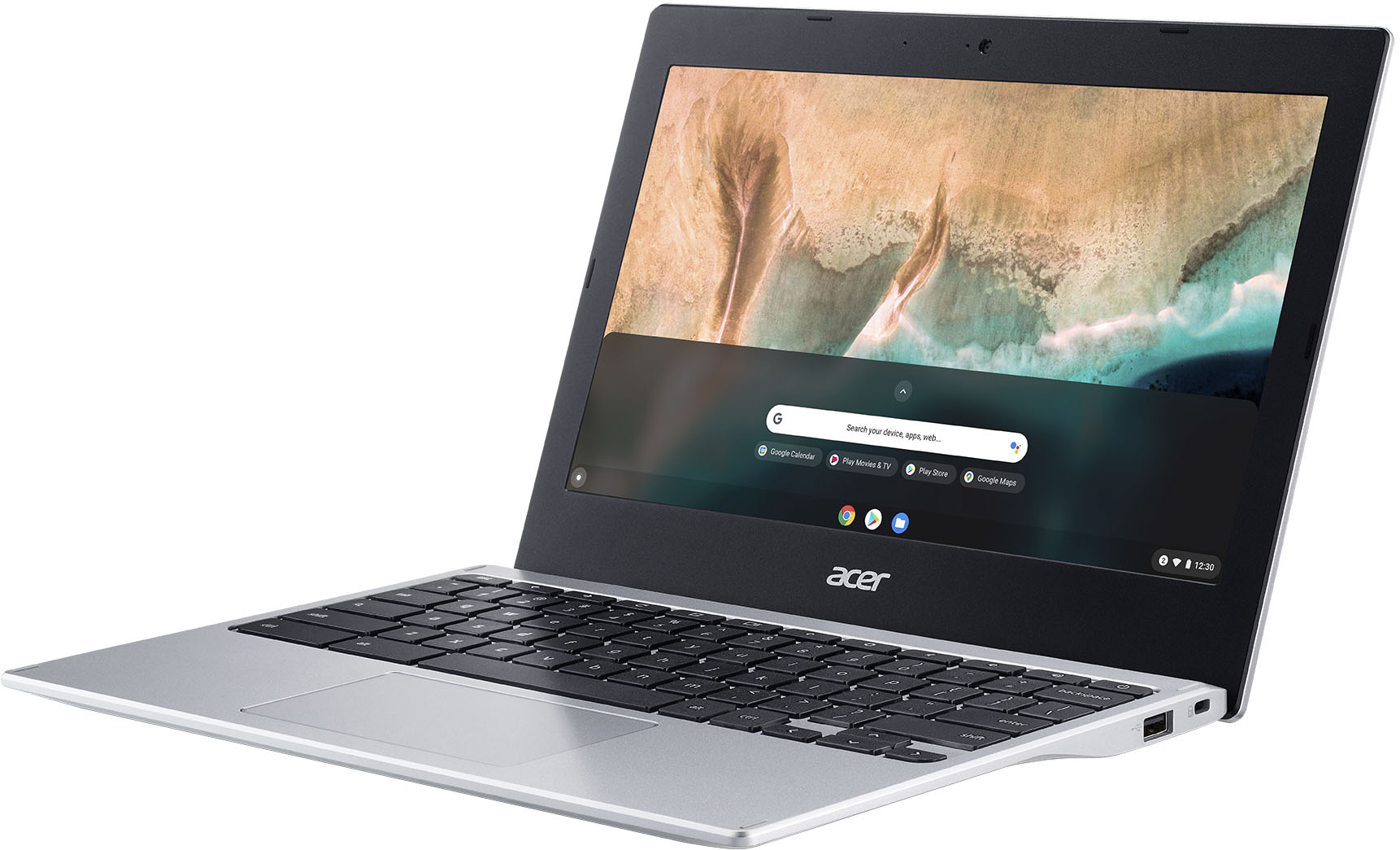
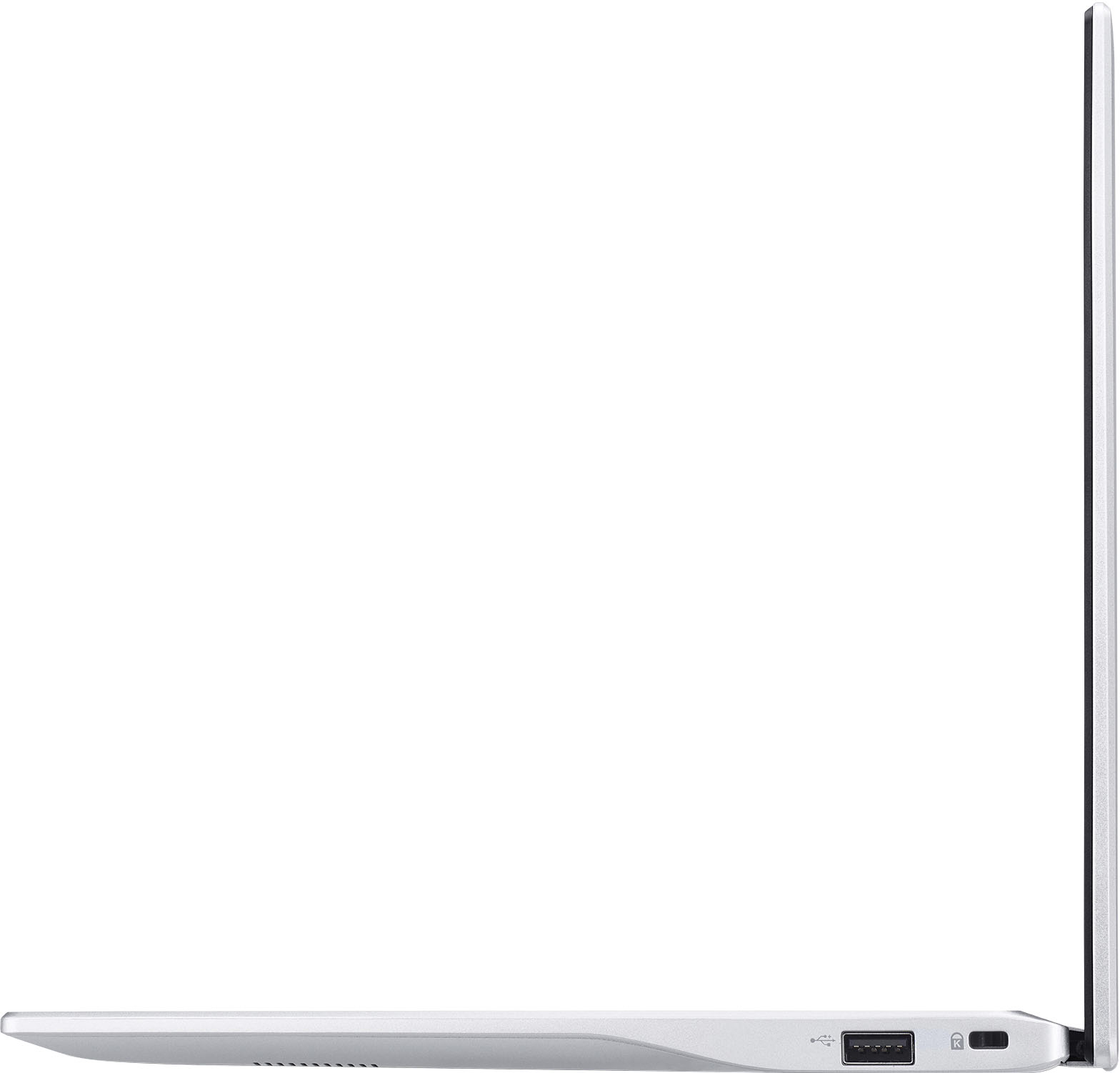
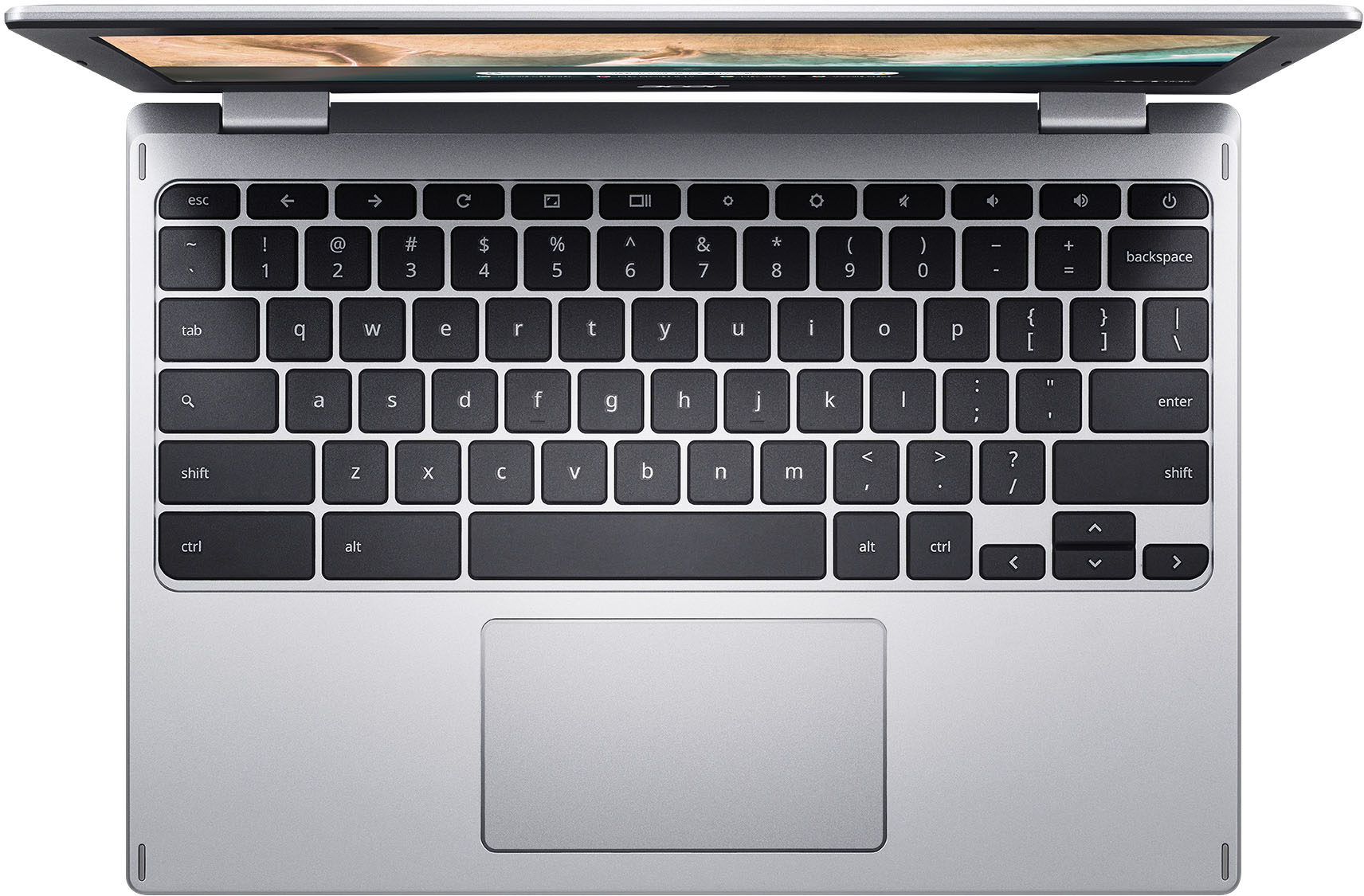
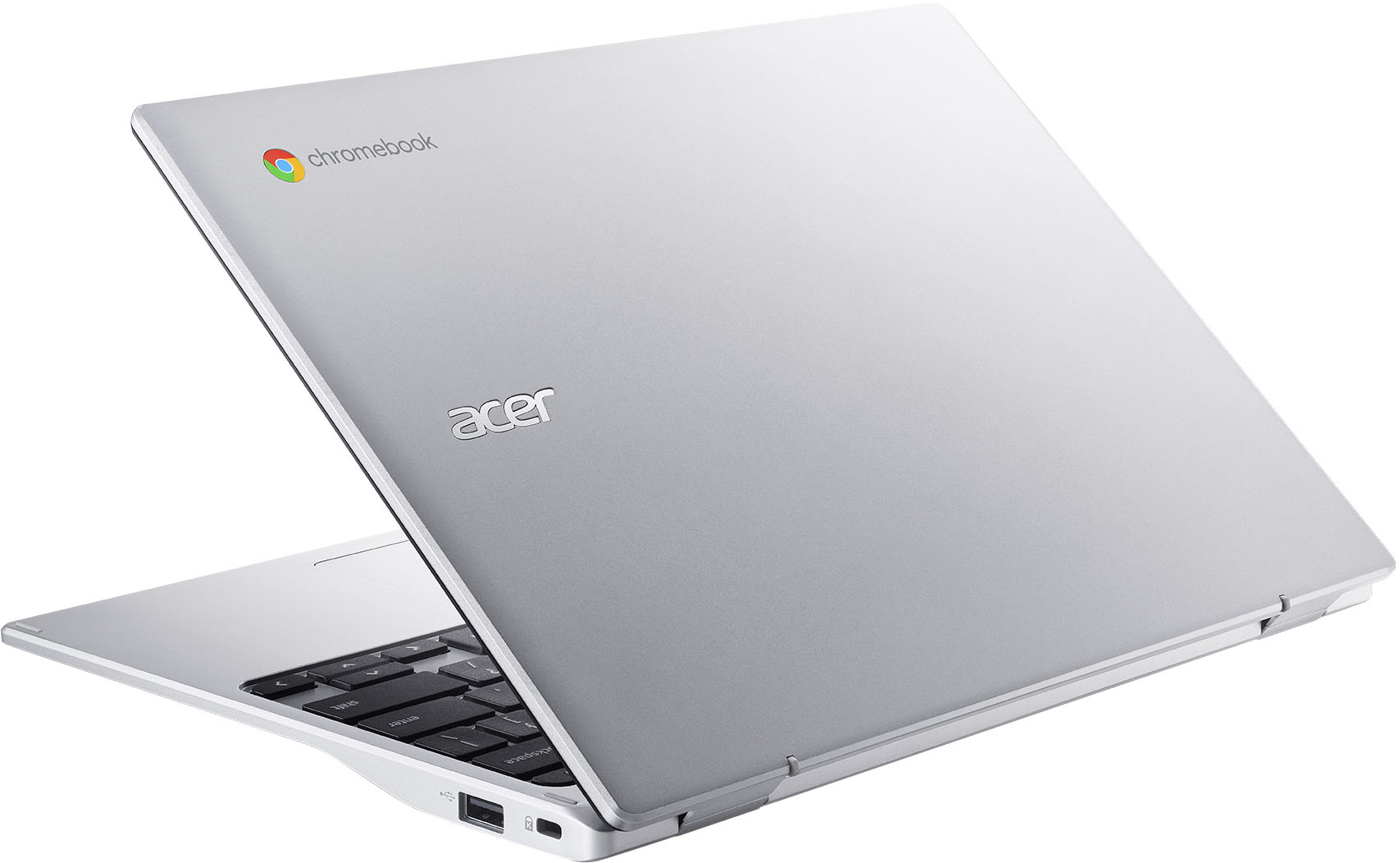
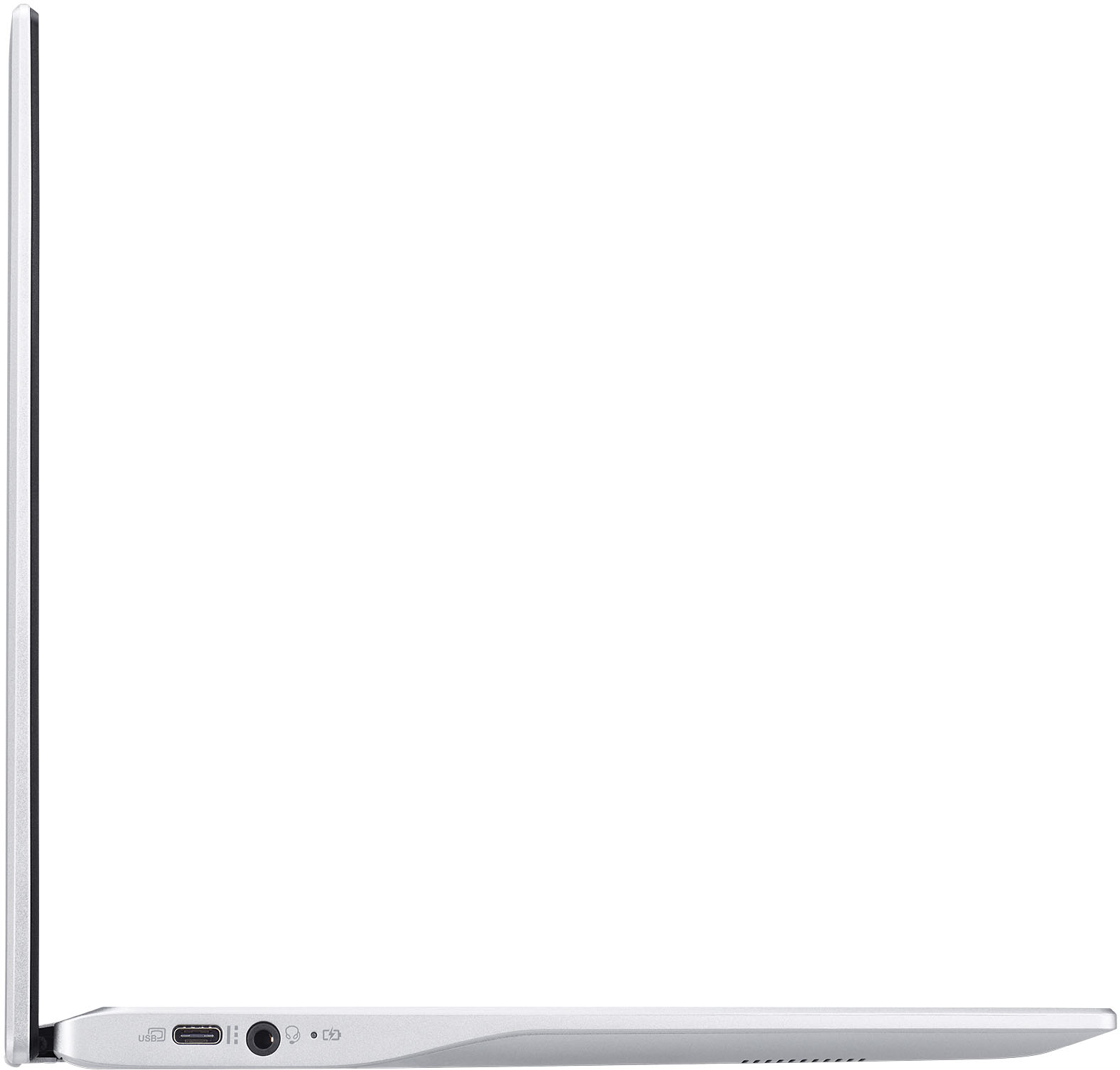
|Posted .This reviewer received promo considerations or sweepstakes entry for writing a review.I received this product in exchange for my fair and unbiased review. The Acer Chromebook 311 is an okay productivity device at its price point but that’s it. The screen is mostly clear with little ghosting, but it is not a touch screen which is a detriment to one of the best features of this device - the ability to run most Android apps. Audio quality is okay for things like video chat, but that’s about it. At it’s regular price, I’m saying hard pass because you can get a superior laptop experience with Windows for a similar price, or a superior tablet experience with an Android or Fire tablet at a lower price point. —————————————————— Unboxing, first impressions, and setup: When you pop the seal on the box and open it up, you’re greeted with the Acer 311 wrapped in a cloth bag. Pulling the laptop out, the finish looks nice but the plastic feels cheap. The screen has a large bezel around it, half an inch on each side and about an inch on the top and bottom. While I understand why it’s there - the keyboard has full-sized keys - it just adds to the cheap feeling of this laptop. The matte anti-reflective coating on the screen is nice, however. You’ll find 3 ports on this laptop useful to most people - a USB 3.1 gen1 type-A port, a USB-C port (used for data transfer and charging), and a headphone port. For institutional use, you’ll find a Kensington lock port as well. No SD card slot, no other ports. The most embarrassing thing about this laptop, however, is Acer’s solution for a webcam cover. They ship two stick-on covers with the laptop, and you’ll be thankful it’s two if you decide to add it; I broke one removing it from the adhesive tab it comes on. If you’re going to ship a laptop with a webcam cover, at least make it integrated into the bezel. —————————————————— Setup, usage, and performance: If you’ve set up the Chrome Browser before, then you know how to set up a Chromebook. There are a couple of things to agree to additionally (Google Assistant and Google Play Store), but otherwise it’s the same. It turns on quickly, but most modern laptops go from off to a login prompt near instantaneously. After that, however, the performance isn’t terrific for a brand new device. Performance in processor benchmarks is about the same as Apple A8 devices (iPhone 6/6 Plus, iPad Mini 4, iPod Touch 6th gen) or a Cherry Trail Intel Atom processor. Graphic benchmarks put this processor’s integrated graphics in the same league as a 4th or 6th generation Intel Core processor. Considering this is based on the Rockchip RK3399, this shouldn’t be a surprise. The highlight of this laptop are the keyboard and mouse. The keyboard reminds me of a 2006-2012 MacBook in both look and feel. The trackpad feels like it came from Dell Lattitude or HP ProBook from a few years back, before everyone felt the need to make Apple-sized trackpads on every laptop, and has both accurate tracking and a very functional 2 finger scroll. Picture quality on the screen was okay with clear video but slightly washed-out color. Audio quality good for video chat but horrible for everything else, as the speakers are good at midrange but shrill on the highs and lacked bass altogether. As for the centerpiece of any Chromebook or Chromebox, the Chrome browser itself was smooth on websites with only text and graphics, but once motion graphics and video were added in, scrolling became choppy and the experience was not pleasant. WebGL performance was adequate for simple things but would quickly slow the system down for more complex scenes. It can, however, run the JavaScript/WebGL port of Quake 3, just not very well if you go fullscreen. Fullscreen video from sites like YouTube and Netflix are choppy in the browser but smooth in their respective Android apps, even at 1080p. Android apps do run. However, some don’t work well - especially games - because this laptop is not a touch screen. Some productivity apps like Microsoft Office, Google Docs, and LibreOffice are fine because of this. The included game “Cut The Rope” is no fun as you get further into the game since it relies on quick cuts made easy with a touch screen. In-game performance also depends on how intricate scenes in-game are; while Robloxs rubs at 60 frames a second and Minion Rush runs at a comfortable 30 frames a second, Asphalt 9 tends to bounce back and forth between 20 and 30 frames per second, sometimes in the most jarring of ways, and that's if you can get it to run in the first place. Casting the desktop is not a smooth affair at all. As tested with a Sony XBR850C series TV, a Hisense H8G series TV, and both the ONN-branded 4k Android TV Box and 1080p Android TV Stick, using casting to mirror the desktop resulted in choppy video and audio quality. Chromecast from apps works as well as you'd expect that to, however. Battery life also left something to be desired. Acer claims up to 15 hours and I got 9 out of my first use, screen set at 50% brightness. Subsequent usage averages between 6 and 10 hours, depending on what I was doing. As a comparison, my iPad (2020 10.2 inch) averages between 10 and 12 hours with my son playing Minecraft and watching YouTube on it, and my son’s Dell Lattitude 3189 (Pentium N4000, 4GB RAM, Windows 10) averaged 9 hours a day before getting a battery warning doing Zoom meetings, Canvas (inside of Firefox), Microsoft office, image editing, and even some video editing. The only thing I did not test was video output from the Chromebook itself. According to Acer's website, the USB-C port supports video output with an appropriate adapter. I managed to fry my USB-C to HDMI adapter, however, so I can't say how well this feature does or does not work. —————————————————— Final thoughts: While I like the way ChromeOS is going, I’m not a fan of the hardware many manufacturers put it on as ChromeOS could be so much more. If Google made touchscreens a requirement, my experience with the Acer Chromebook 311 would have been much better. i’m still offended by the self-installed webcam shutter. For a very basic productivity machine, it’s okay. For anything else, however, I’d either get a tablet or a Windows laptop and have a better experience overall. I'd give it 2.5 stars if I could, but I rounded up.
No, I would not recommend this to a friendLean and efficient work machine
|Posted .This reviewer received promo considerations or sweepstakes entry for writing a review.I use my google workspace account on this chromebook. It may sound silly because one would expect i7 laptops with at least 16gb of memory and tons of productivity apps to conduct actual work. The thing is, I have been so spoiled with crazier set ups, that I forget, work does not have to be so complicated. In fact, chromebooks make everything back to being simple. What do I need everyday? Email, spreadsheets, some documents, browsing, conference calls--- google has it all seamlessly working in apps in a chromebook. This device is very lean, just like how I want my work—I won’t need things that bog me down or apps that will only cause complications. I set up my account on this device and it syncs everything I have in there, especially that google already has most of my settings from my android phone. The best thing about this device is, it’s NOT EXPENSIVE AT ALL for all it does. The design is very simple and is very sturdy—I can just put it on a body bag and ride the bike to work and not worry about it being scratched or dented. I can type with ease and the responsiveness of apps to my clicks is seamless. The camera and microphone work well on my google meet sessions. Of course the screen is not the sharpest or the sound is not exceptional—but I don’t really need that for work. It does what I need it to do. Maybe I make it sound so easy—but really, it is. Chromebooks have come a long way and the apps work so much better with the hardware. This chromebook is just what I need to get things done at work.
I would recommend this to a friend- Pros mentioned:Ease of use
Excellent
Posted .This reviewer received promo considerations or sweepstakes entry for writing a review.It was a gift and to date it works very well. my nephew likes me
I would recommend this to a friend What? No Touch Screen?
|Posted .This reviewer received promo considerations or sweepstakes entry for writing a review.This is my third Chromebook, the others were 17 and 14 inch displays. I was looking forward to a small, lighter, more portable version of those with (hopefully) the same great features. It's lighter and smaller and more portable but other than all three running the Chrome OS the similarities stop there. It's lighter since there appears to be no metal--it's all lightweight plastic. It has a nice shallow chiclet style keyboard which is quiet and a large touchpad. But no touch-screen keyboard! After several years of touchscreens in Chromebooks and Windows machines, this is what you call shock. I see the fingerprints all over the screen from where I just keep impulsively touching the screen, and then humbly go to the up and down arrow keys or the touchpad. Ugh! The display...well, it's a display. I'm not really well-versed in display types--but i will say this is the "silvery shimmery" kind that you really have to be looking straight at to see the details. The colors are anemic, making my little Chromebook look like a budget cell phone from 5 years ago. I can't even compare it to my other two Chromebooks. The stereo sound is clear and well defined with two little speakers underneath it, and full volume you won't want to be far away. It sounded great paired with good quality over-the-ear Bluetooth headphones. It played MP3s from a thumb drive just fine. The camera, well, it's a camera. With a max .9 megapixel resolution. Back to the comparison with the 5-year old budget cell phone. Ugh. Grainy and lacking color temperature. It has 32GB of storage and 4GB of RAM, and an octa-core respectable MediaTek MT8183 processor. It's fast enough for regular web browsing and YouTube, etc. It would be fine to pack along with stuff for a trip where you want to minimize what you take, but I would label this The Bare Minimum. It's decently fast or I'd give it 2 stars.
No, I would not recommend this to a friend- Pros mentioned:Battery life, Price
Great price for this Chromebook.
Posted .This reviewer received promo considerations or sweepstakes entry for writing a review.Got this Acer Chromebook, along with 'price match', for a very good sale price. Acer machine seems sturdy and stable, to date. Chromebook operating system, is very limiting, but performs as expected. Had planned to learn 'Chromebook', and after awhile was going to install LInux Mint on the machine. I since learned that due to ARM architecture in this model will delay installing Linux onto this machine, and will need to use a distro other than Linux Mint, (my favorite). So, I've got a machine that basically is almost useless unless it has internet access. Would prefer a computer with unlimited use, rather than the locked world of Google Chrome. Also, should have had a micro SD card slot! Battery life is a big plus. The laptop is very good for the price, but does have drawbacks.
I would recommend this to a friend Fast and reliable
|Posted .This reviewer received promo considerations or sweepstakes entry for writing a review.This small notebook is a powerful little device. As a Chromebook it really shines when used primarily with google based services. The days of needing Microsoft Word are way behind us. Google's office suit is free and simple to use. The internet on this laptop is wicked fast and makes this the perfect little device for traveling, work, or school. This also doubles as a screen for my Drone. I can use it as a GPS map so I can fly my drone without fumbling around with the map on my phone.
I would recommend this to a friend- Pros mentioned:Speed
Life Uninterrupted
Posted .This reviewer received promo considerations or sweepstakes entry for writing a review.We were getting the message that our Chromebooks wouldn't be able to update, which tells you that our Chromebooks were at least 5 yrs old and tells you we were happy with our Chromebooks' abilities. So, that probably tells you even more about us lol. With this Acer Chromebook, it is a little faster and has more storage than our old Chromebooks which is perfect for us. I write, browse the internet and occasionally Zoom. My husband just browses. At the sale price of $99 it was perfect for us and I got us each one. Very easy to set up, just plug in, turn on and follow a couple of instructions, we were good to go. Very similar to our old Chromebooks. These will update in 2028. So, six more years of life uninterrupted.
I would recommend this to a friend - Pros mentioned:Ease of use
Good little machine
Posted .This reviewer received promo considerations or sweepstakes entry for writing a review.Very lightweight and easy to handle. Works as expected so far. Convenient for travel.
I would recommend this to a friend - Pros mentioned:Battery life
Good value
Posted .This reviewer received promo considerations or sweepstakes entry for writing a review.Good performance at this price, outstanding battery life, nice keyboard
I would recommend this to a friend - Pros mentioned:Size
Older folks Chromebook
Posted .This reviewer received promo considerations or sweepstakes entry for writing a review.This little chromebook is perfect for an older fella who is not computer savvy ! I suggest that you get a wireless mouse to go with it ...
I would recommend this to a friend - Pros mentioned:Price
A Lot if Bang for Your Buck
Posted .This reviewer received promo considerations or sweepstakes entry for writing a review.Great bang for your buck. Bought it on a Friday to have and thankfully I did as it worked as needed to work remotely when I contracted Covid the next day. Best product for the money
I would recommend this to a friend - Pros mentioned:Battery life
Good chromebook
Posted .This reviewer received promo considerations or sweepstakes entry for writing a review.It's great. I'm comfortable working on it. It's easy and practical. It doesn't need permanent charging. I recommend it for quick and light daily use
I would recommend this to a friend - Pros mentioned:Size
Great Chromebook
Posted .This reviewer received promo considerations or sweepstakes entry for writing a review.Nice size Chromebook which I use to stay connected while traveling. Quality product!
I would recommend this to a friend - Pros mentioned:Price
Computer Purchase
Posted .This reviewer received promo considerations or sweepstakes entry for writing a review.So far I am happy with my purchase. Right price and fast delivery for free.
I would recommend this to a friend - Pros mentioned:Price
THE BEST
Posted .This reviewer received promo considerations or sweepstakes entry for writing a review.I bought two of these Chromebooks, the price was right and the kids enjoy it
I would recommend this to a friend - Pros mentioned:Ease of use
Ok
Posted .This reviewer received promo considerations or sweepstakes entry for writing a review.I use it while watching tv. Easy to use and operates great.
I would recommend this to a friend