Customer Ratings & Reviews


- Model:
- M140W/7MD72F#BGJ
- SKU:
- 6501308
Rating by feature
- Value
Rating 4.5 out of 5 stars
- Quality
Rating 4.5 out of 5 stars
- Ease of Use
Rating 4.4 out of 5 stars
Customers are saying
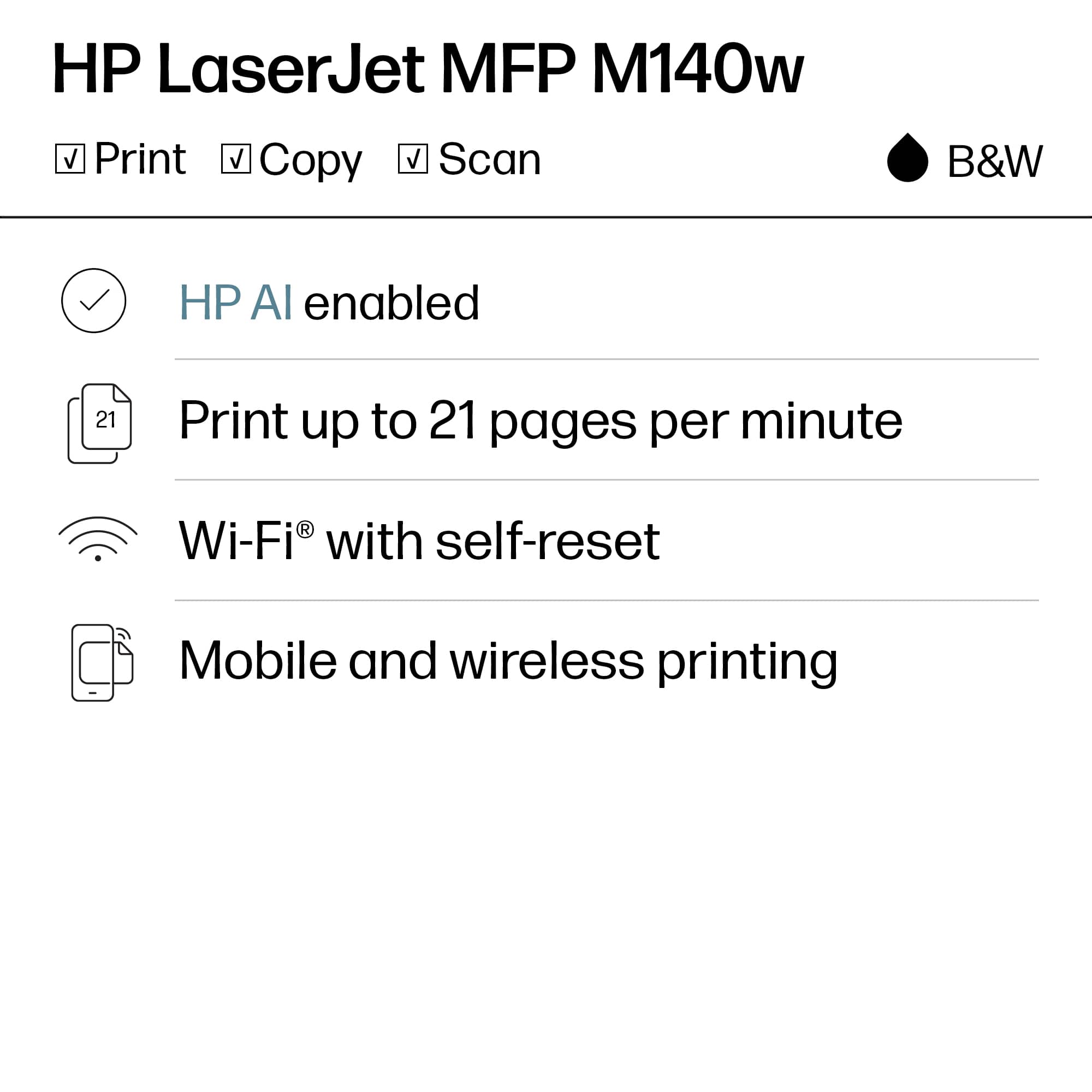
Customers find value in the LaserJet M140w Wireless AI-Enabled Black and Laser Printer's print quality, ease of use, and compact size, making it well-suited for home use. The printer's setup process is straightforward, and it offers both wired and wireless connectivity. Some customers have noted concerns about the amount of toner included in the cartridge.
This summary was generated by AI based on customer reviews.
Unhappy Annie
||Posted . Owned for 1 week when reviewed.This reviewer received promo considerations or sweepstakes entry for writing a review.I took 2 of these printers home only to have to return them. I would have a technician install them remotely; they would work when the tech was finished, but the next morning they would not! I truly do not know if it was the fault of the printer or of the technician, but I finally went elsewhere and bought a different model. It has worked very well.
No, I would not recommend this to a friendPrinter
||Posted . Owned for 1 month when reviewed.This reviewer received promo considerations or sweepstakes entry for writing a review.Will Not Sync up w/ computer even after 3 months of using properly!
No, I would not recommend this to a friend- Pros mentioned:Ease of use, Print quality, Size

Great size for a home office
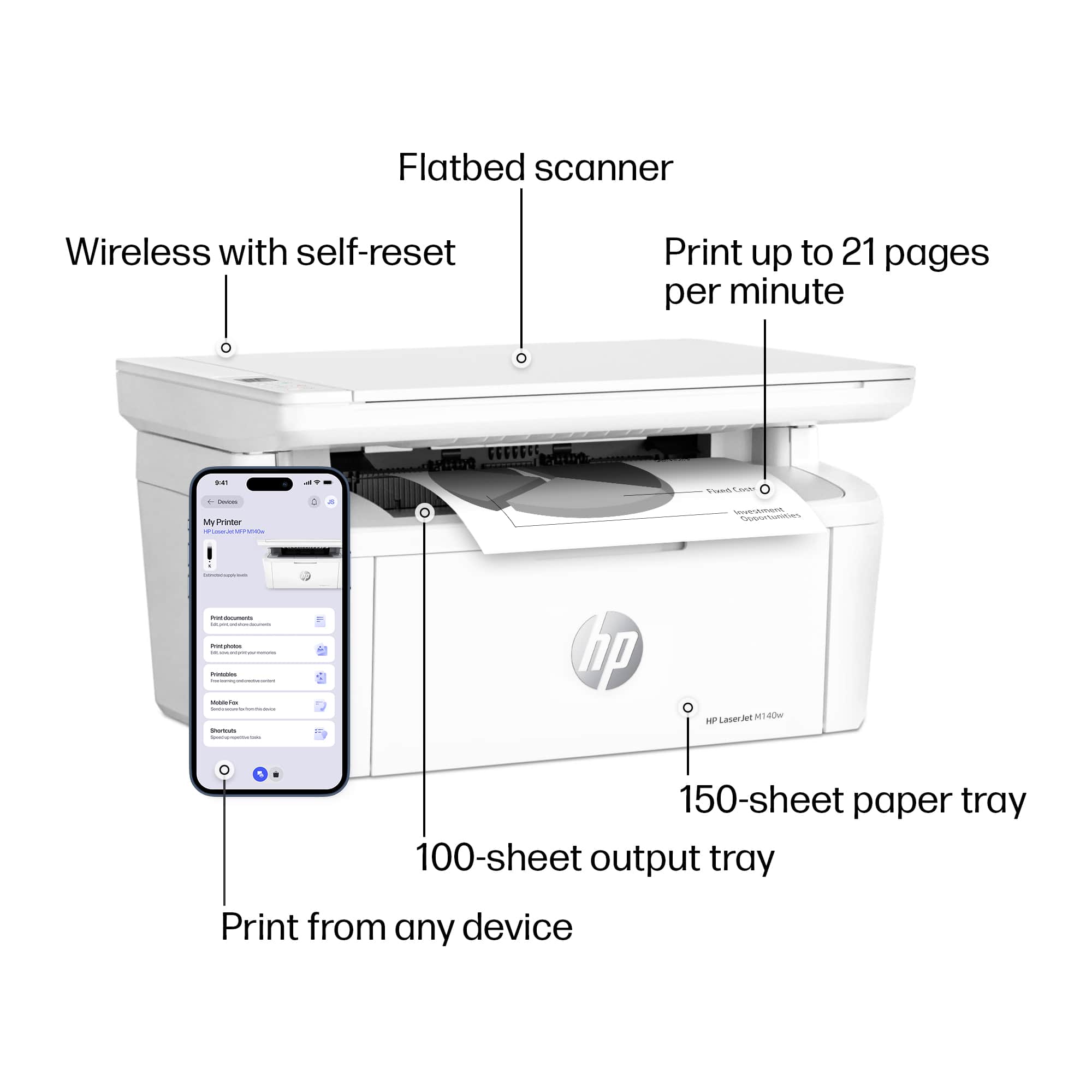
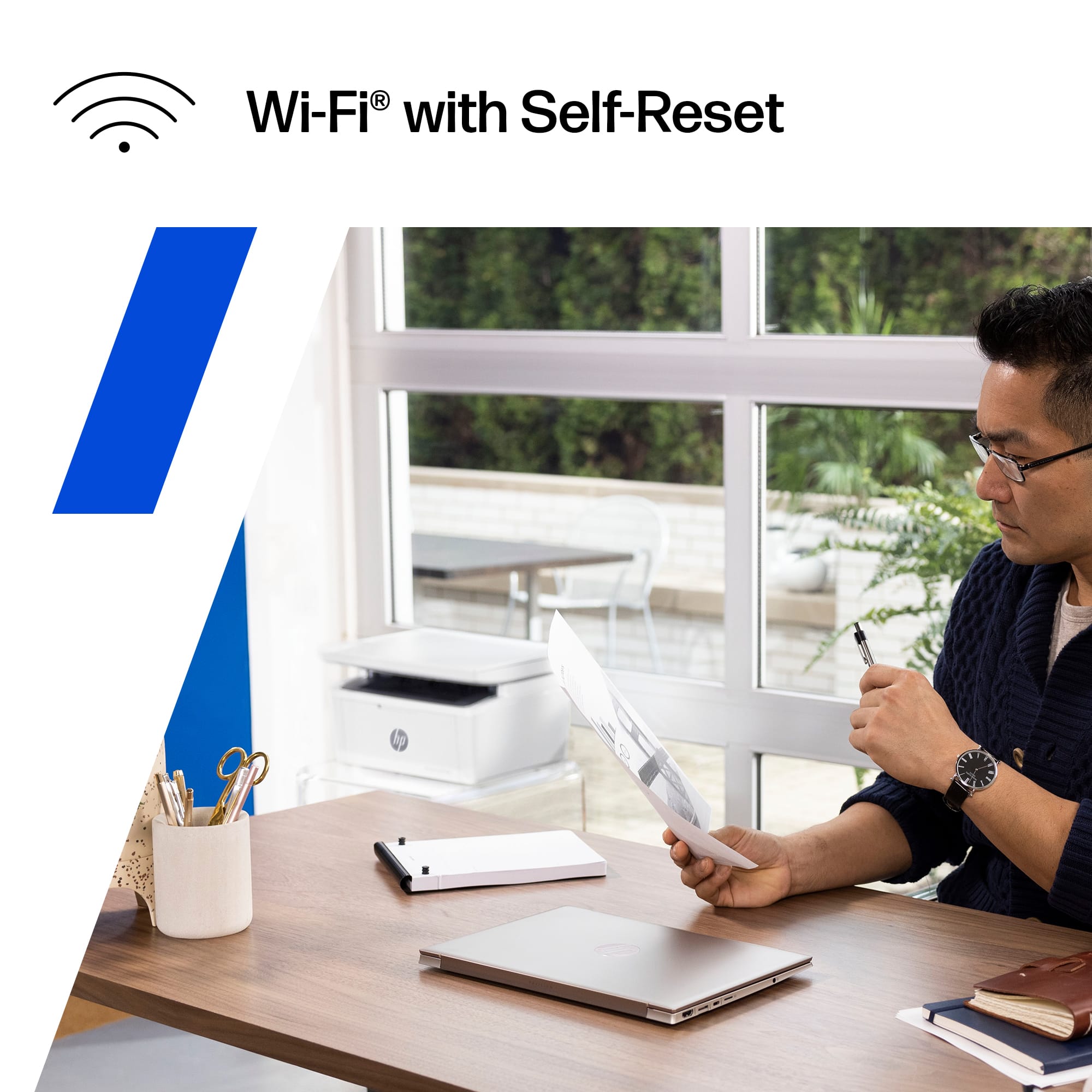
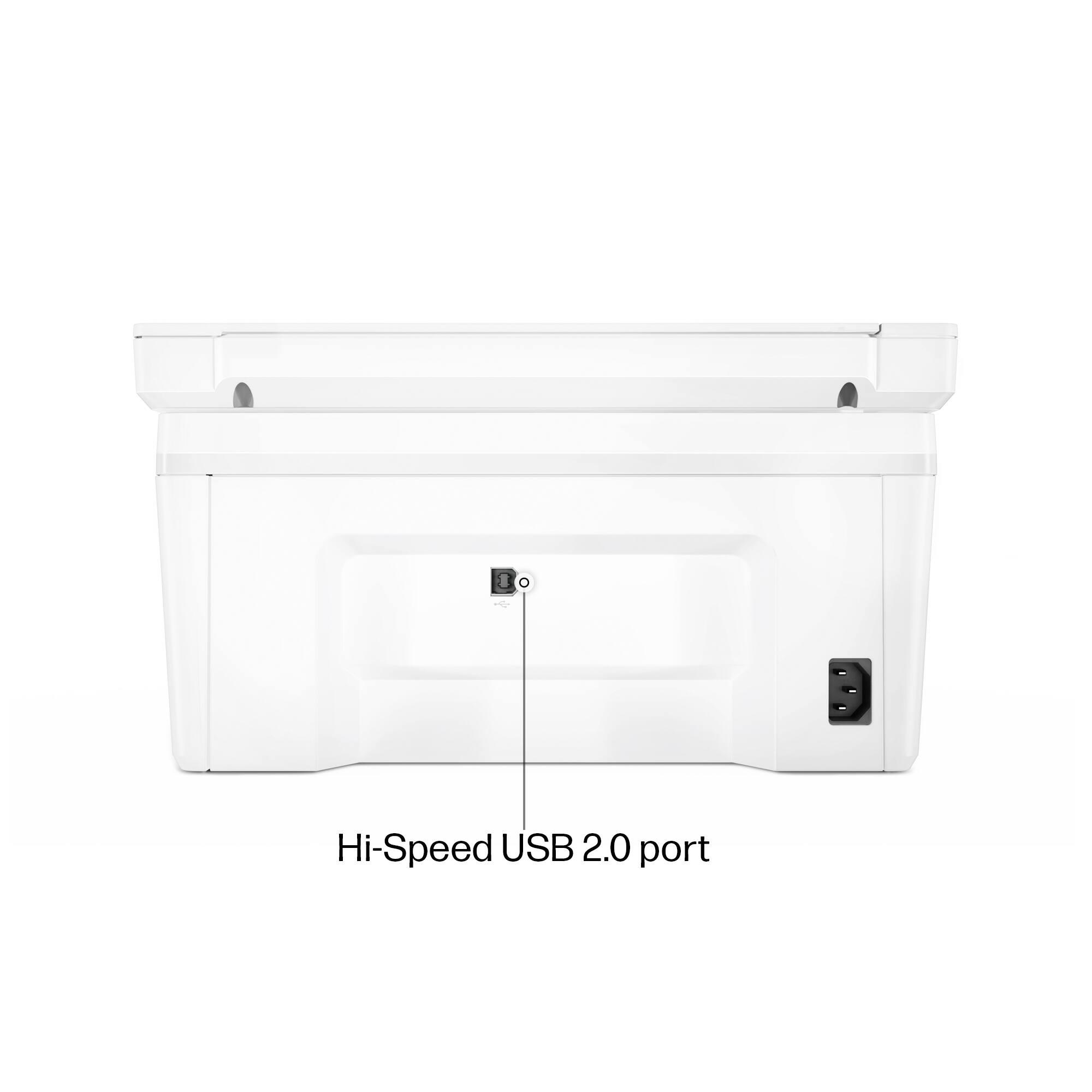
|Posted .This reviewer received promo considerations or sweepstakes entry for writing a review.I have been recently trying to make room in my office, and this printer size was a great replacement for an older laser printer I had. It almost seems too small to be a laser printer, but I guess technology is good at making most things smaller. HP is one of the major printer brands I grew up knowing had quality printers. I’ll share my experience with the printer so far…. The setup was surprisingly crazy easy. There is no hard-wired ethernet port, just wifi and a USB port. I plugged in the power, installed the HP software from my desktop which does not use Wifi, but a physical network cable, and some crazy way it was able to detect to the printer wirelessly! I’ve never seen anything like that and have no clue how it was able to detect the printer without being on my home network nor using any Bluetooth connection that I’m aware of. Either way, I didn’t argue and just moved forward with the setup. The test page printed out real quick, quite impressive with the speed and quality. After my setup, I was able to print, but not scan. I needed to login with an HP account to use the Scan function which I’m not a fan of at all. I think if you buy a piece of hardware, you should be able to use it without the internet and especially without an HP account. Its almost as if I’m losing my privacy needing to have an identifiable account when scanning documents. On top of it, I had lots of trouble trying to connect my account using the Chrome browser. I tried this on 2 computers, my desktop and laptop and neither would work with Chrome. I switched to Edge and it worked. Another unnecessary hurdle to scan documents. The scan feature did work well once setup, with options to scan documents or photos, preview or immediately start scanning. I do not like how there isn’t a document feeder to scan multiple documents, but I knew that from the beginning. I assume to make a small form factor printer, certain cuts had to be made. The scanner is pretty quiet which is a nice, my last one was pretty noisy even though there are less moving parts here. I also tested the mobile printing option, which seemed to work well. You do need to be logged into your HP account to Print and Scan, and also be on the same network (no remote printing from 4G). Again another issue because if I want family members to print or scan to my printer, they will need HP accounts logged into all their devices which is terrible IMO. Overall, the printing works great and speedy (21 PPM) for a small laser printer. Quality is clean and no streaks or smudges, nearly like an ink jet print. Scanning is quiet and does a good job with quality, but you can only scan one document at a time. Setup was amazingly easy, and the printer fits good in a small space. I’m not a fan of the stock paper being exposed but that’s another reason for the small form factor as well. One downside to the paper tray, is if you bump or move the printer some and if the paper just slightly moves out, it will think its out of paper. There is locking or tightening mechanism that I see that can hold the paper more secure. Already experienced this issue twice. The toner cartridge is small, and HP says you can get around 950 printed pages from it which is pretty nice for its smaller size, which is ideal for a home or small office with low to moderate levels of printing. If you are using this in an area that has plenty of internet access and don’t mind setting up an HP account to use your own printer and scanner, this is a good option to have. I’m not sure how well its functionality would be without internet though and because of those 2 dependencies I took away a star. The print, copy, and scan performance is pretty solid though.
I would recommend this to a friend Hard Pass
||Posted . Owned for 1 month when reviewed.This reviewer received promo considerations or sweepstakes entry for writing a review.This printed one document initially. We didn’t need to use it again for about a month or so. It now says error add more paper. It has paper. We’ve gone through every single trouble shooting to fix this nothing work. Now it’s past the return window for Best Buy. Disappointed
No, I would not recommend this to a friendBad choice
||Posted . Owned for 3 weeks when reviewed.This reviewer received promo considerations or sweepstakes entry for writing a review.Wireless did not work right. It had to be within 2 feet by server. Returned it with no problems.
No, I would not recommend this to a friendPrinter
||Posted . Owned for 1 month when reviewed.This reviewer received promo considerations or sweepstakes entry for writing a review.Hard to connect to computer not what i was looking for didnt get much belp in choosing product
No, I would not recommend this to a friendNot for older PC’s
||Posted . Owned for 3 weeks when reviewed.This reviewer received promo considerations or sweepstakes entry for writing a review.I set this up for my dad. He has a 2011 iMac. What a nightmare the setup was for this! The help team couldn’t figure it out either. Finally, after 3 hours I just stumbled into a workaround. Buy a different printer and save yourself all this set up time.
No, I would not recommend this to a friendWorst printer in the market.
||Posted . Owned for 2 weeks when reviewed.This reviewer received promo considerations or sweepstakes entry for writing a review.Absolutely the worst printer I ever had. Took four days to set it up then now does not work. Do not buy this crap!
No, I would not recommend this to a friendConnection issues
||Posted . Owned for 1 week when reviewed.This reviewer received promo considerations or sweepstakes entry for writing a review.This printer is continuously disconnecting, and I have to delete the driver and reinstall.
No, I would not recommend this to a friendMissed Chance
||Posted . Owned for 3 months when reviewed.This reviewer received promo considerations or sweepstakes entry for writing a review.Arrived damaged, metal cut right through box and printer. Returned to store and even surprised them! They didn't have any other in stock so I ended buying ink for my old one. :)
No, I would not recommend this to a friendHP LaserJet Printer.
||Posted . Owned for 1 month when reviewed.This reviewer received promo considerations or sweepstakes entry for writing a review.Total piece of garbage. I've had it about 4 weeks. Worked the first two, then needed to call for service. Couldn't accomplish via phone, required in-home technician. Now it has a paper jam and I can't repair it.
No, I would not recommend this to a friend- Pros mentioned:Ease of use, Print quality, Size
Solid entry multi-function laser printer
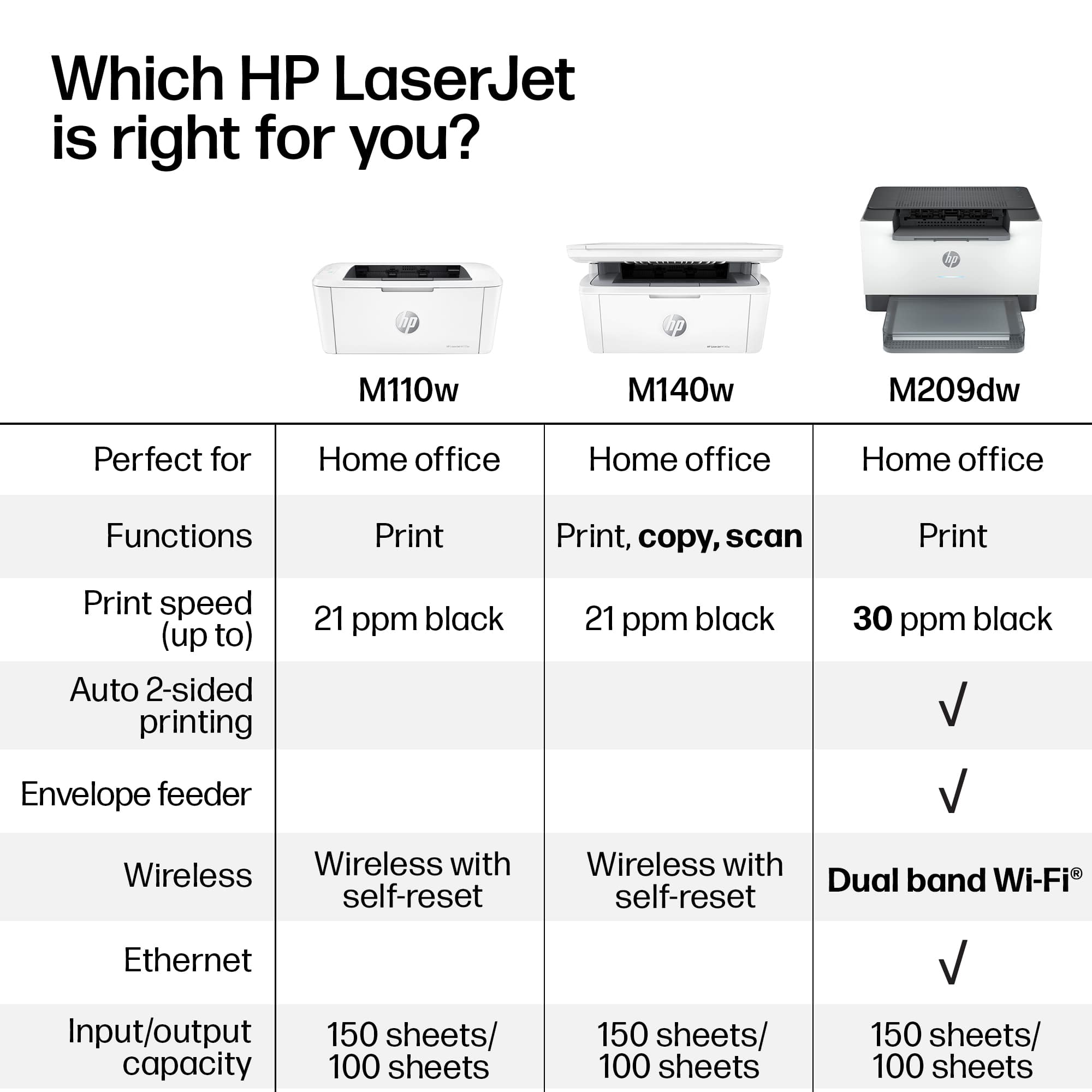
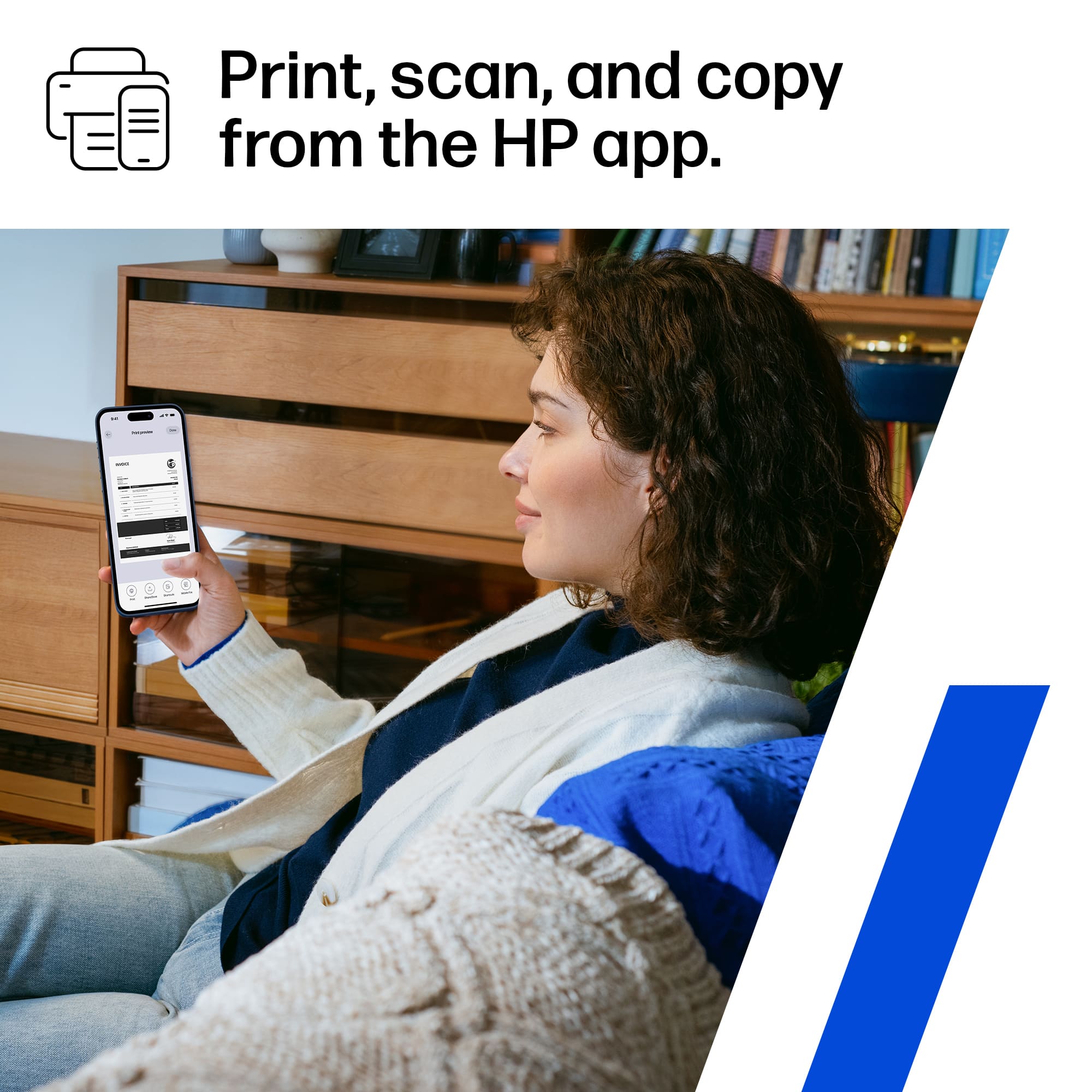
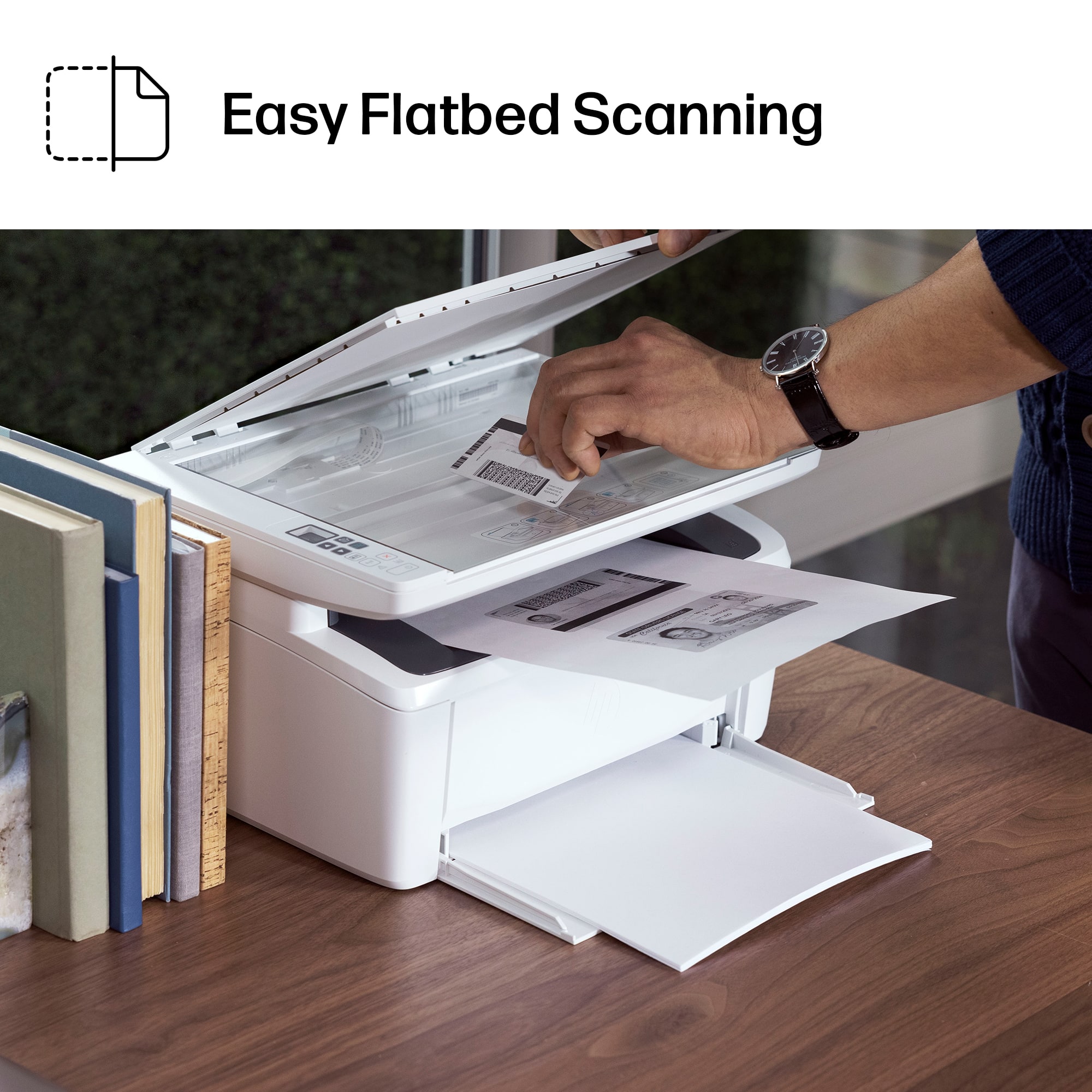
|Posted .This reviewer received promo considerations or sweepstakes entry for writing a review.HP has long been in the upper echelon of printers for both home and office - and they've shown why yet again with the LaserJet MFP (multi-function printer) M140W. It has (nearly - more on that in a moment) all the functions that a home or small business user could want in a solid, compact and reliable package at a reasonable price. Being a laser printer, you get fast start-up times (time to first print), strong page per minute performance and a long-lasting toner cartridge with the acceptable trade-off that this is a black and white printer (those looking to print photos should look elsewhere - color lasers are an entirely different world and price class). The multi-function components work well, with good/quick scanning performance and solid copying that doesn't require a computer (I haven't had need to test faxing but that should work just fine). The scanner is flatbed only which is expected here - scans are in color and copies are of course black and white given the nature of the printer. Text and grayscale images come out quite clearly and the quality of the prints is good as you'd expect from an HP. The printing is easy to use over both USB or Wireless (I prefer Wi-Fi as that also enables mobile print from iOS and Android and mobile scanning if you use the HP app, which is easy and functional). I like the small size and overall ease of use of the printer and it should last a good long while given the quality of build and that HP stands behind their products. Perhaps the only feature I could see missing in this printer that a normal home or small business could want is auto-duplex printing - though that would have added a lot to the size and complexity of the machine itself AND you can do manual duplex printing but that's somewhat complex. I could see home users doing manual duplex at normal home print volumes, but small offices may want to look at a higher end model for that feature (unless the paper savings isn't important). Overall, a great entry in the multi-function black and white laser area from a top-end player in the field - HP strikes again!
I would recommend this to a friend Very bad quality printer
||Posted . Owned for 3 weeks when reviewed.This reviewer received promo considerations or sweepstakes entry for writing a review.I will never recommend this as just after printing 100 paper, printer started to heat up, so becareful before purchasing this printer.
No, I would not recommend this to a friendStopped working after 4 months
||Posted . Owned for 4 months when reviewed.This reviewer received promo considerations or sweepstakes entry for writing a review.This was a nice little black & white printer when it functioned. Unfortunately it stopped feeding the paper properly after 4 months. Very disappointing.
No, I would not recommend this to a friendWorst
||Posted . Owned for 2 months when reviewed.This reviewer received promo considerations or sweepstakes entry for writing a review.Worst printer I've ever made the mistake of buying, and that's saying a lot. Requires reboot and reinstall between every print job, if you're luck. Simply stopped working after a month.
No, I would not recommend this to a friend- Pros mentioned:Print quality, Setup, Size
Small and Basic in all the right ways!
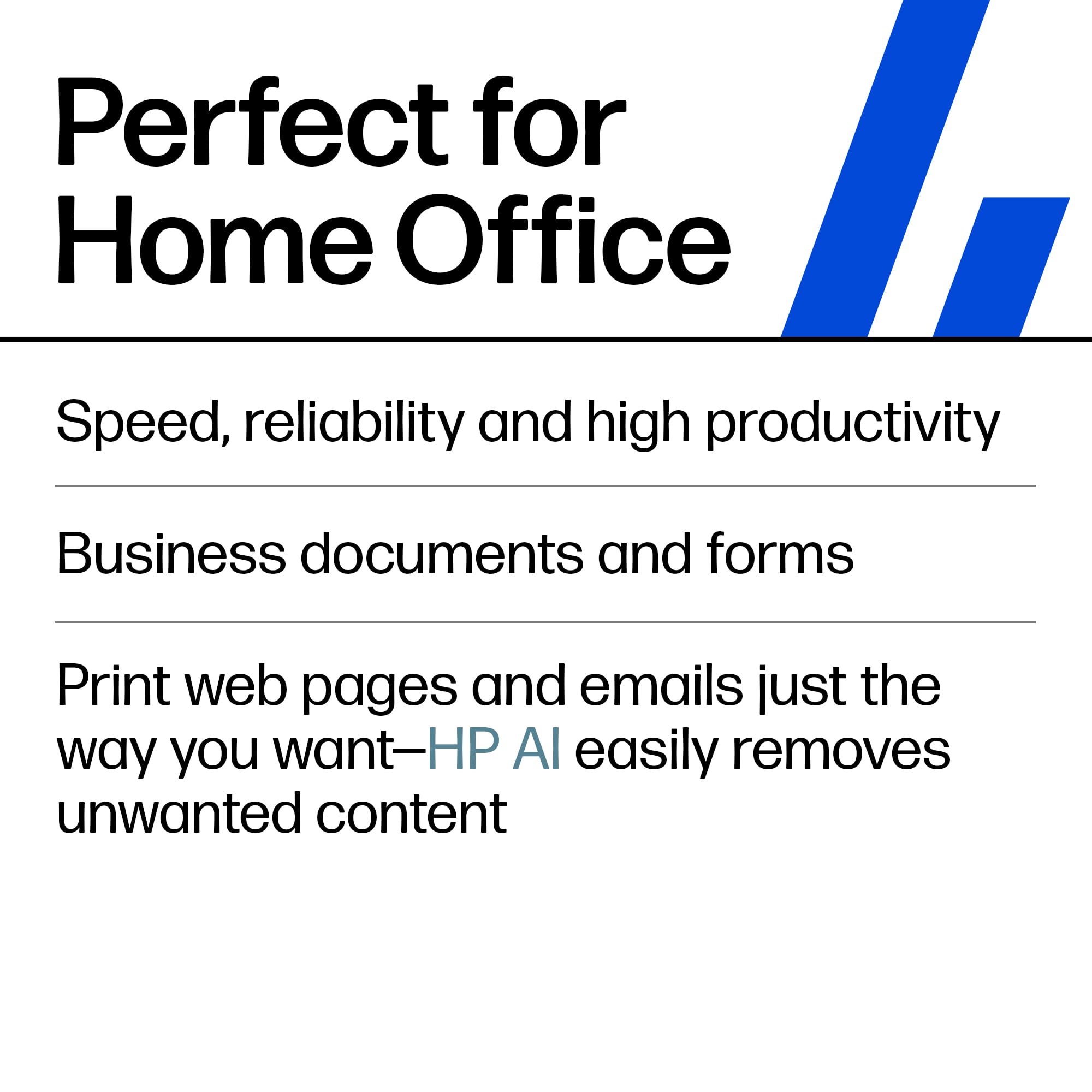
|Posted .This reviewer received promo considerations or sweepstakes entry for writing a review.Replacement for a larger Brother printer we were using in the office that crapped out an early death. This little dynamo fits the bill as a replacement. It has a much smaller footprint than most printers, including our previous one, which is great in a small office space. While it is smaller, it does everything we need it to do. The set up out of the box was a breeze. I think it took about 10 minutes from the time I cut open the tape on top of the box to printing pages! Basically upack, plug in, download the app on your phone or computer/tablet etc and follow the prompts. Super easy. Hooked up to wi-fi easily. It is set up for auto updates and low ink notices, which is more convenient than asking it to look for updates. So this one is black and white only, which is perfect for our basic doc printing needs in the office. This means less cost for ink in the future. They give 2 months free of the ink refill subscription program. I am not sure how long we will need to stay signed up for that. I guess we will see how long the cartridges last since there is only the one color. As for performance, it is quick and prints clear smear free pages. Copy works great from glass or paper feed. Scan is seamless as well and scans to your chosen destination, dropbox, google, email etc. The HP Smart app is user friendly and can also be used for other purposes like scanning and mobile faxing. So far this is a 5 star office purchase that I recommend. We print hundreds of pages every month. This will get a lot of use.
I would recommend this to a friend - Pros mentioned:Ease of use, Print quality, Size
Small but mighty!
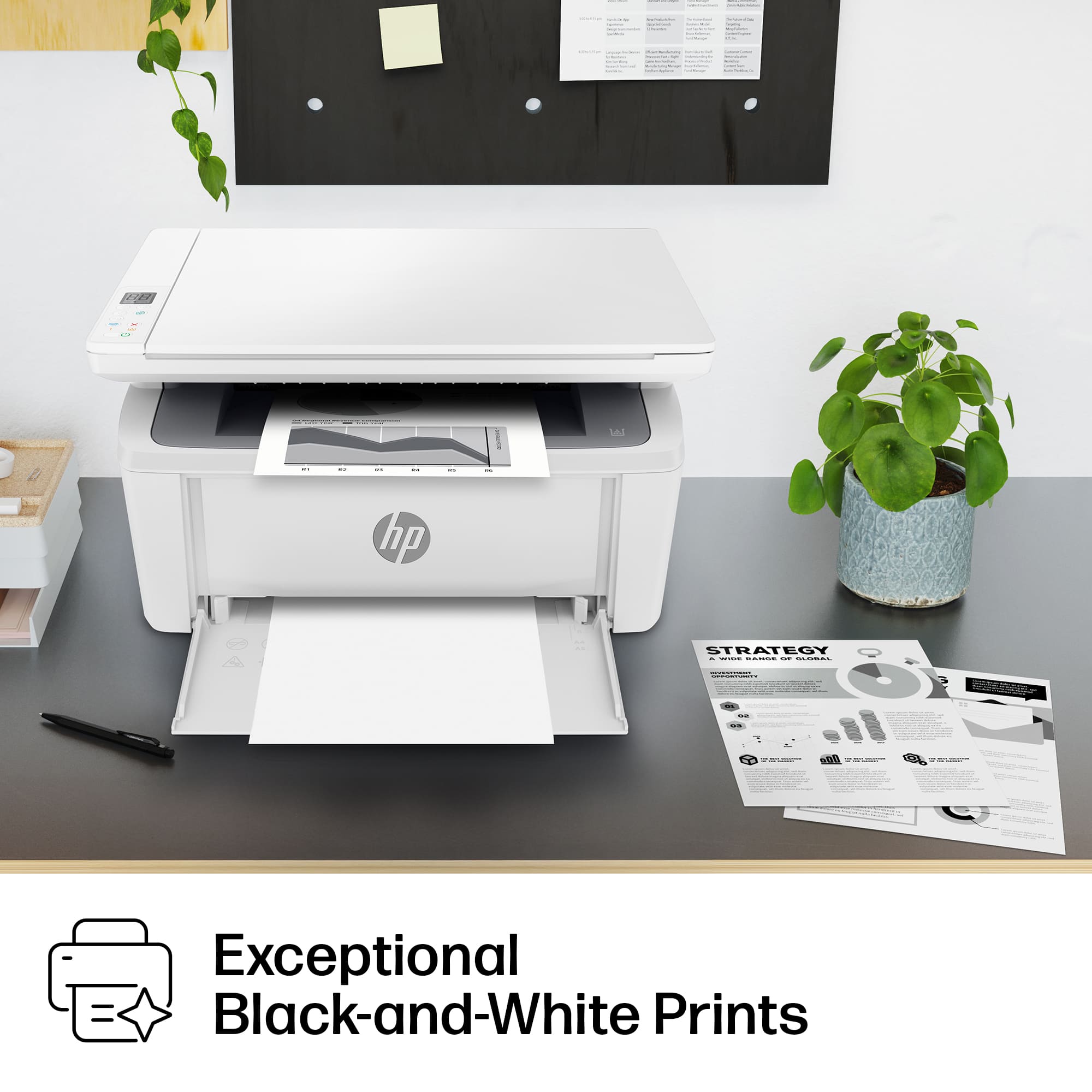
|Posted .This reviewer received promo considerations or sweepstakes entry for writing a review.Compact and fairly quiet, this HP black and white laser jet printer is a beast for your home office. If you don’t need color for printing, a black and white laser jet is perfect. I’ve printed lots of shipping labels from a popular clothing reselling app without any issues. It has also been great for printing master copy worksheets at home to copy at work for my students. This laser jet printer claims to print up to 21 pages per minute and it stands up to that claim. It’s super quick! It is also a scanner- also black and white- which in my testing has been more clearly scanned than others I have tried. All of the buttons are on top. Connecting to my home wifi was a breeze and after the initial set up which was also easy, I was printing crisp copies in no time. Being able to print from my phone is so simple it’s been a game changer for me. My phone connects to the wifi at home and seamlessly prints through the printer that is also connected to wifi. No more fussing with ink cartridges or running low on a color- just a black and white toner cartridge that has far less upkeep than any color ink printer I have used. If you don’t need color for printing, this black and white HP laser printer will be the home office tech you never knew you needed.
I would recommend this to a friend - Pros mentioned:Print quality, Size
HP M140W - solid little printer.
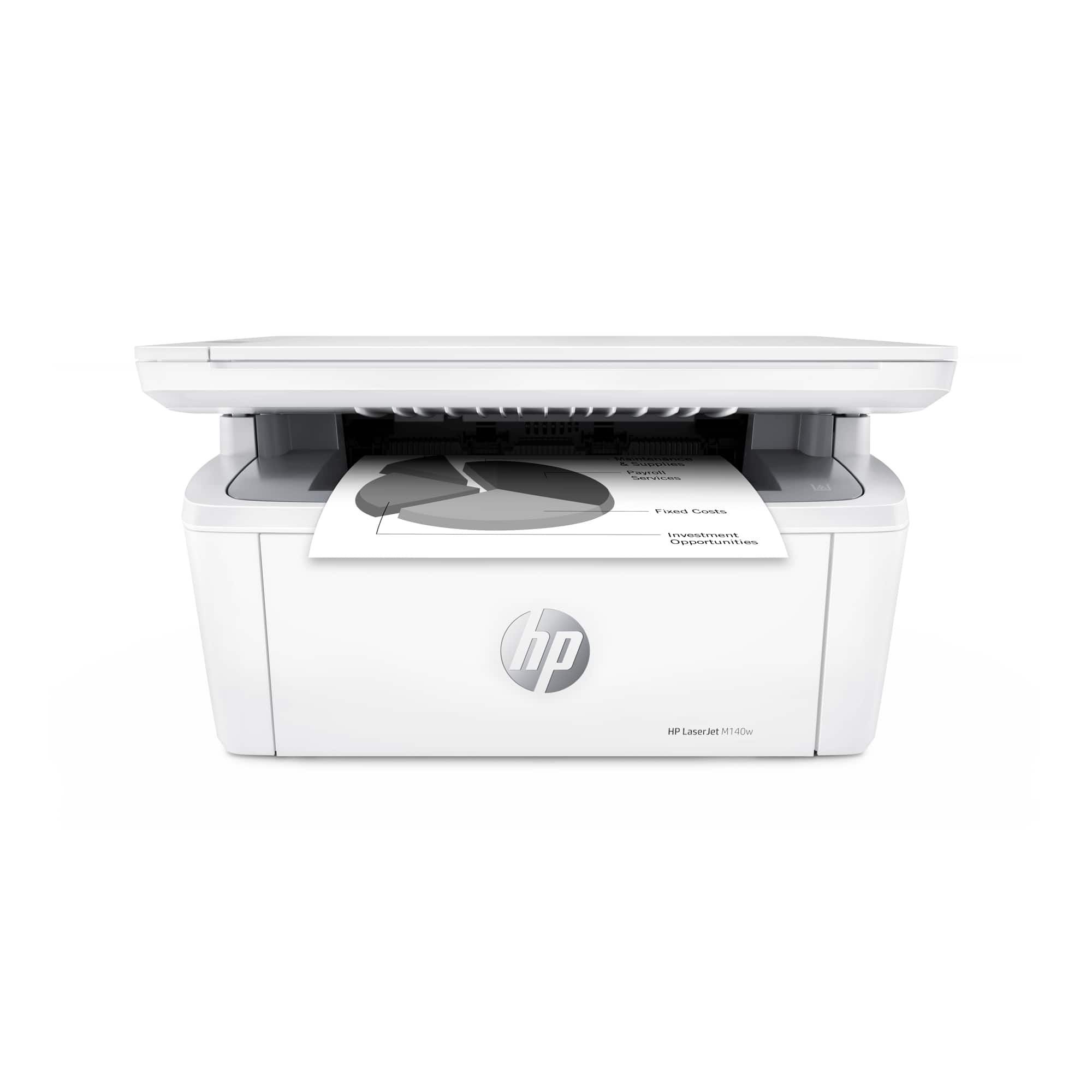
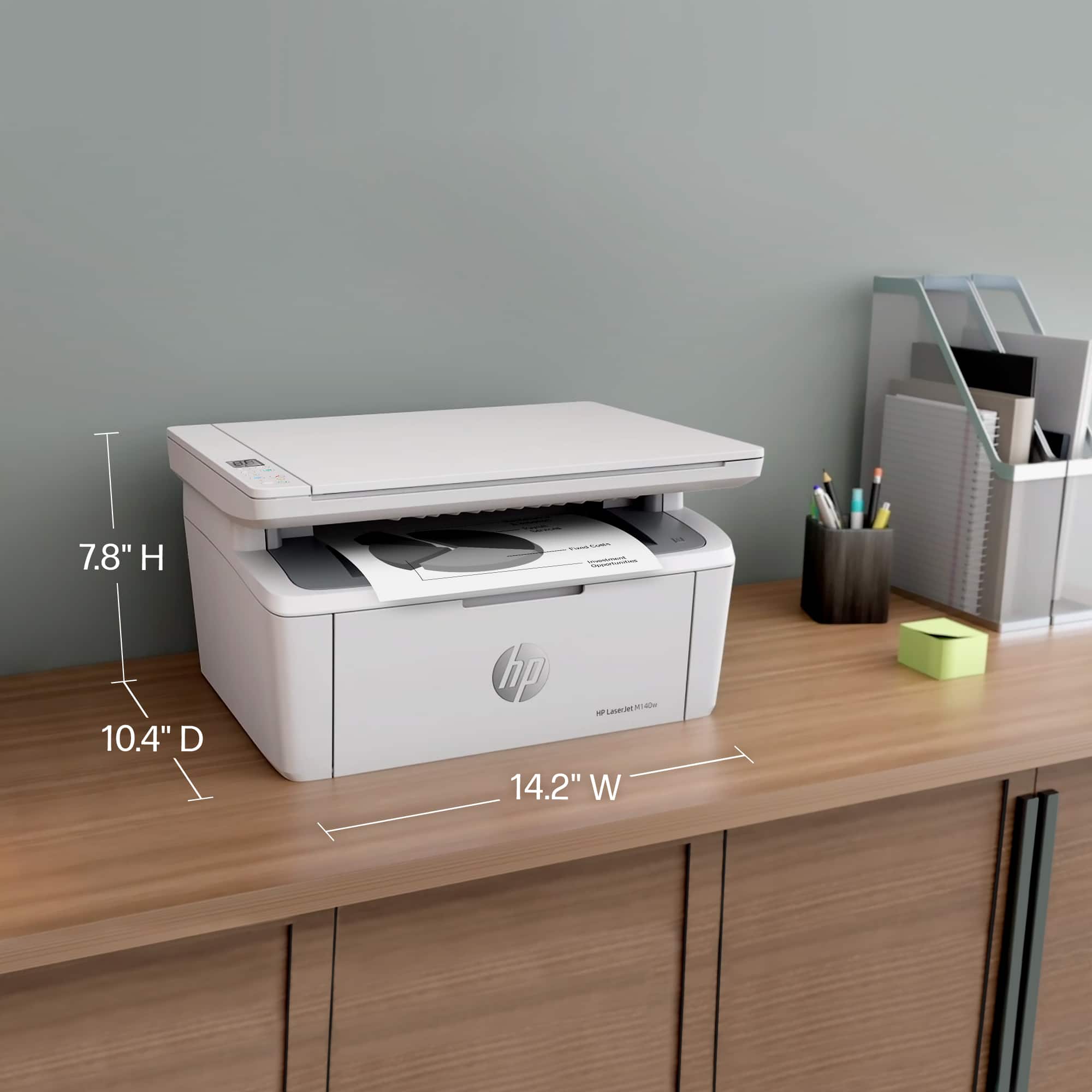
|Posted .This reviewer received promo considerations or sweepstakes entry for writing a review.The HP M140W is HP’s compact, stylish, and affordable black-and-white laser printer for home or office use. It is the smallest laser printer I’ve ever seen and sports a scanner that’s not much larger than a legal sheet of paper. The copy function makes it a convenient addition to any SOHO setup. The out of the box experience is easy enough. The gorilla in me just started pulling at anything orange, and essentially that’s the strat. The toner needs to be removed and a ring pulled from the side. I wasn’t certain about this step, but I did double check the quick start guide and knew I should have just gone with the gorilla instinct. Once everything was removed and the toner reinstalled, it was a simple plug in a play. The printer is really compact, measuring only slightly longer than an A4 sheet of paper. The depth isn’t too far off the same. However to use the printer, you do have to fold the front down and load paper. That increases the printer’s size, but is a necessity given the need for a paper tray. It is odd essentially having a non-hidden paper tray on a laser. Plugging in the laser, you’re going to need to download the HP Smart app. Yes, this printer requires a smartphone to setup, and I’m not certain there is any way to set it up otherwise. That said, it’s also a wireless printer, and there is no USB port on it. That said, network discoverability of printers is pretty idiot proof these days. I fired up the app, and after being prompted to subscribe to toner, and a few other upsells, let me connect my printer to wifi and get it running. While the app prompts you to share it with other users via text or other sharing mechanism, never fear, native AirPrint is here. Once you figure out the connected IP address, you can visit it in a PC browser to get to more advanced settings. The password is the ‘PIN’ found on a sticker near the serial number inside the printer by the toner. Once logged in there, you can configure SNMP, change IP configuration settings, and a bunch of other stuff nobody does anymore. From print to first page out it’s fairly fast, at less than 10 seconds. Printing is fast and simple - with a rated 21ppm. I had no trouble finding the printer via my Chromebook, iOS devices, Windows PC, and Mac. Normal printer sharing, and AirPrint seem to handle connectivity pretty universally. Page quality is pretty good for entry level. Larger solid black sections can get uneven, but text is nice and crisp. Toner isn’t too expensive, with a 1000 page toner costing around $52 give or take. I’ll give black and white lasers a huge advantage for most home users. These printers will outlast most people’s daily causal printing needs far better than ink jets, and their dry, and high maintenance ink cartridges. Lasers are so crisp and nice. Also who needs color? If all you print is airline tickets, concern barcodes, or other occasional forms: laser is best. And the M140w does this quite well. Overall HP’s M140w is a solid entry level performer, with a compact form factor that blends nicely into any office. I find this a good backup printer for my guest room, and let’s them print their airline tickets when necessary. I highly would recommend this to any light use user. Color is great, but the headache free maintenance of a laser always wins my recommendation. Another solid HP printer.
I would recommend this to a friend I curse the day I bought this printer
||Posted . Owned for 3 months when reviewed.This reviewer received promo considerations or sweepstakes entry for writing a review.Stay away from this printer. It is not reliable...
No, I would not recommend this to a friend- Pros mentioned:Ease of use
Great for Seniors...
Posted .This reviewer received promo considerations or sweepstakes entry for writing a review.Not only is it easy to operate the best part was I hired the Geek Squad to install it and then demonstrate how it works! They are very professional, thoughtful and PATIENT. Furthermore, I've been purchasing color printer's forever and never used the color. So this time I saved money by purchasing the black HP laser.
I would recommend this to a friend