HP - LaserJet M140w Wireless AI-Enabled Black and White Laser Printer - White
Customers are saying
Customers are pleased with the printer's exceptional print quality, user-friendly operation, and compact size. Users also frequently highlight the device's reliable overall performance and straightforward setup process. While the majority of feedback is positive regarding its connectivity and value, some users noted that the lack of a traditional paper tray is a minor drawback.
Perfectly formatted prints with AI²
Print web pages and emails with precision—no wasted pages or awkward layouts; HP AI easily removes unwanted content, so your prints are just the way you want
Super compact performance for small business and home office
Print, scan and copy professional-quality documents with the smallest multifunction laser in its class³. Scan or copy a range of document sizes on the flatbed scanner. Perfect for 1-5 people.
Stays connected
Wi-Fi with self-reset helps you maintain your wireless connection
Easy to set up
Get started fast with easy setup that guides you, step by step. Simply download the HP app, connect to a network, and share your printer across all your devices
HP Auto-On/Off Technology
Built-in intelligence turns your printer on when you need it and off when you don’t, helping to save resources without sacrificing performance
This printer is intended to work only with cartridges with original HP chips or circuitry and will block cartridges using non-HP chips or circuitry. Periodic firmware updates will maintain the effectiveness of these measures.
HP Smart app
Eliminate steps in repetitive tasks, scan to the cloud and print or copy from your smartphone using HP Smart app
Dynamic security
This printer is intended to work only with cartridges with original HP chips or circuitry and will block cartridges using non-HP chips or circuitry. Periodic firmware updates will maintain the effectiveness of these measures.
- NetworkingWireless, WiredENERGY STAR CertifiedYesPrinter TypePrinter, Copier, ScannerDuty CycleUp to 8,000ISO Mono Print Speed21 pages per minuteMonochromatic/ColorMonochromatic
Reviews
Rating 4.4 out of 5 stars with 786 reviews
- Print Quality (239)
- Ease of use (171)
- Size (154)
- Overall Performance (152)
- Setup (61)
- Paper Tray (6)
Customer Images
The vast majority of our reviews come from verified purchases. Reviews from customers may include My Best Buy members, employees, and Tech Insider Network members (as tagged). Select reviewers may receive discounted products, promotional considerations or entries into drawings for honest, helpful reviews.
Compare similar products
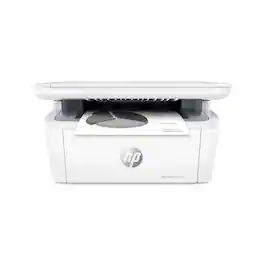
From America's most trusted printer brand¹, the compact, multifunction LaserJet MFP M140w boosts productivity with smart mobility solutions and wireless printing.
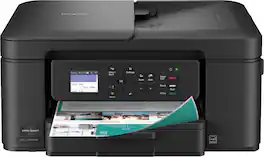
The Brother Work Smart 1360 Wireless All-in-One Refresh Subscription Eligible Inkjet Printer is the perfect choice for a reliable printer with robust efficiency-boosting features. With tools like automatic duplex (2-sided) printing, a 20-page single-sided automatic document feeder(1), and wireless(2) and Cloud connectivity(3) options available on the 1.8” color display, this multifunction printer helps you get your work done with simplicity and ease. Perfect for printing anything from to-do lists to business reports, this color inkjet printer outputs quality prints at fast speeds. Brother Page Gauge(4) monitors your ink usage so you know when you’re running low. When paired with the Brother Mobile Connect app(5), setup is quick and easy – plus, you’ll be able to print from virtually anywhere on your mobile device(6). Print Confidently with Brother Genuine LC501 Ink in your Brother Work Smart 1360 for reliable, consistent prints –it’s the only brand we recommend for your Brother printer.
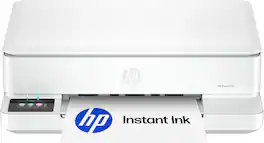
The HP Envy 6165 All-in-One delivers color printing, scanning and copying, plus 100-sheet paper capacity. It's AI-capable¹ to intuitively adapt to your workflow, with wireless and security features that keep your multifunction printer up to date and secure, and prints high-quality documents and photos every time with true-to-screen tech². This inkjet printer also lets you easily navigate print jobs with its intuitive color touchscreen. HP Envy is the perfect back-to-school printer for college students and teachers with 6 months free Instant Ink subscription.

From America's most trusted printer brand¹, the compact LaserJet M110w printer boosts productivity with smart mobility solutions and wireless printing.
| Pros for HP - LaserJet M140w Wireless AI-Enabled Black and White Laser Printer - White | |||
|---|---|---|---|
| Print Quality, Ease of use, Size, Overall Performance, Setup | Overall Performance, Print Quality, Size, Noise Level, Connectivity | Overall Performance, Print Quality, Size, Portability, Design | Print Quality, Size, Ease of use, Overall Performance, Noise Level |
| Cons for HP - LaserJet M140w Wireless AI-Enabled Black and White Laser Printer - White | |||
| Paper Tray | Setup Difficulty | Noise Level | Connectivity |
Specs
Does the HP M140w scan to email? If not where does it scan to? Also, is the description correct that the maximum # of copies is 99? Why is there a limit?
Answered by HP TeamHello and thank you for asking. The HP LaserJet MFP M140w cannot scan to email because there is no way to enter a destination email address. It will scan to your computer, and the scan file will go wherever your computer's scan software specifies as the destination. You also have the option to use the HP Smart app to scan to email. the scan option on the HP Smart app to share via email. To make it easier the next time, we recommend using Shortcuts. It allows you to make a Shortcut, i.e. a scanned item to be emailed to this email address. There is a limit of 99 copies because 99 is the largest number that can be entered on the printer.
I have found with my ink printer toner that they are drying up or something before I can get10 or so copies because I don’t use every day. Does this laser jet last and how long?
Answered by HP TeamThank you for your question and your concern about drying up. Laser printers, including this HP LaserJet M140w do not have drying out issues because toner is a dry powder, which makes it perfect for occasional printing.
Can I print from my phone with this HP printer?
Yes, you can print wirelessly from any mobile device, PC, or tablet.
This question and answer was generated by AI based on customer and product data.What is the monthly recommended print volume for this HP printer?
The monthly recommended print volume for this printer is 100 to 1000 pages.
This question and answer was generated by AI based on customer and product data.How do I copy an ID card on this HP printer?
You can copy both sides of ID cards or other small documents onto a single side of one sheet of paper.
This question and answer was generated by AI based on customer and product data.

Customers often buy these together
Toner Cartridges
Copy and Multipurpose Paper



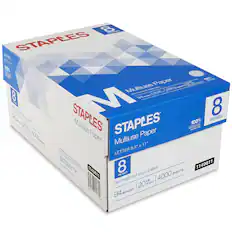
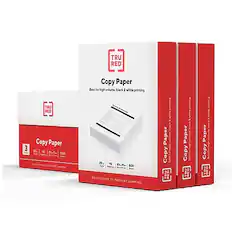
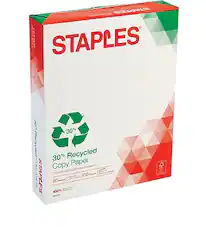
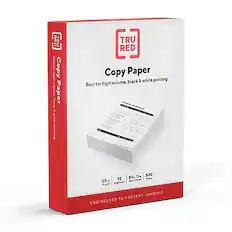
More recommended items
 Printer Paper
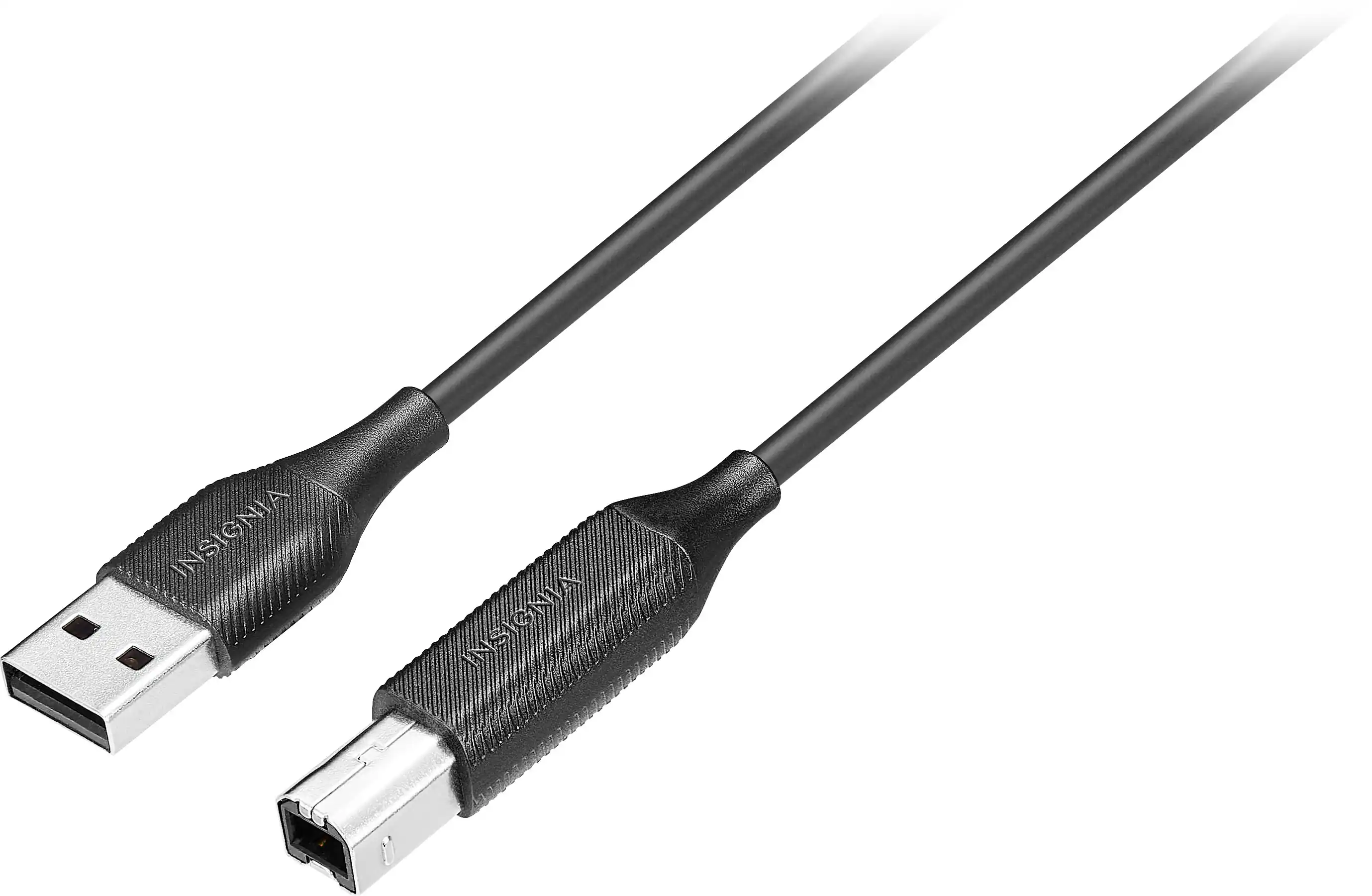 Monitor and Video Cables
 Office Software
More to consider
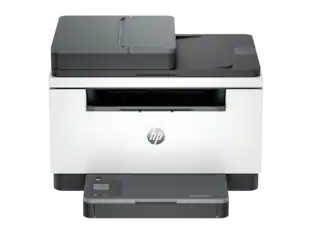 $179.00The price was $239.00
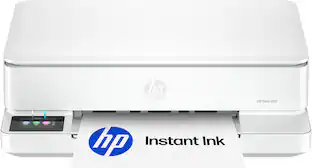 $79.99The price was $159.99
 $439.00The price was $539.00
 $229.99The price was $349.99


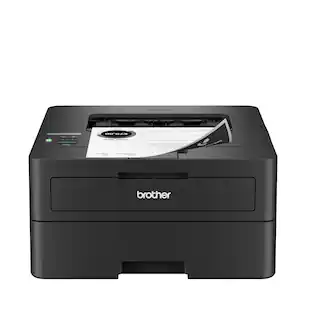
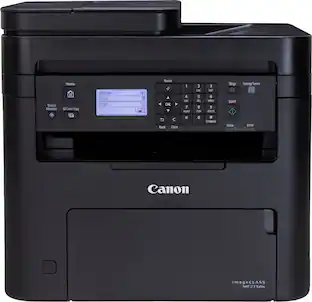
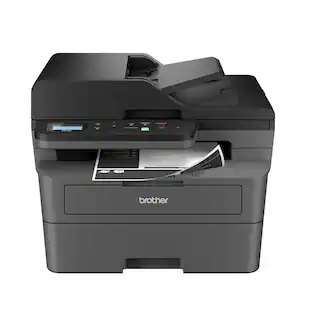
Explore tech essentials Sponsored
- $229.99The price was $349.99
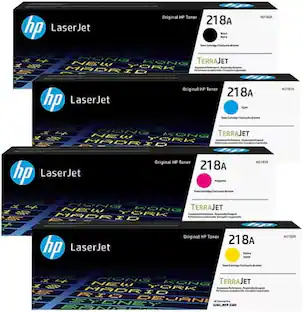
Discover related products










Keep exploring
 $499.00The price was $557.88
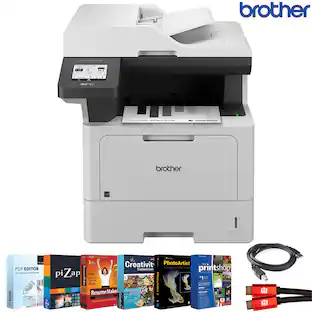
 $878.90The price was $954.49
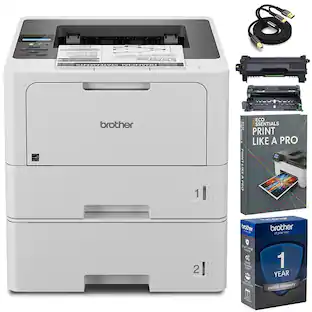
 $599.99The price was $636.97
 $569.99The price was $653.98
 $429.99The price was $648.99