Customer Ratings & Reviews
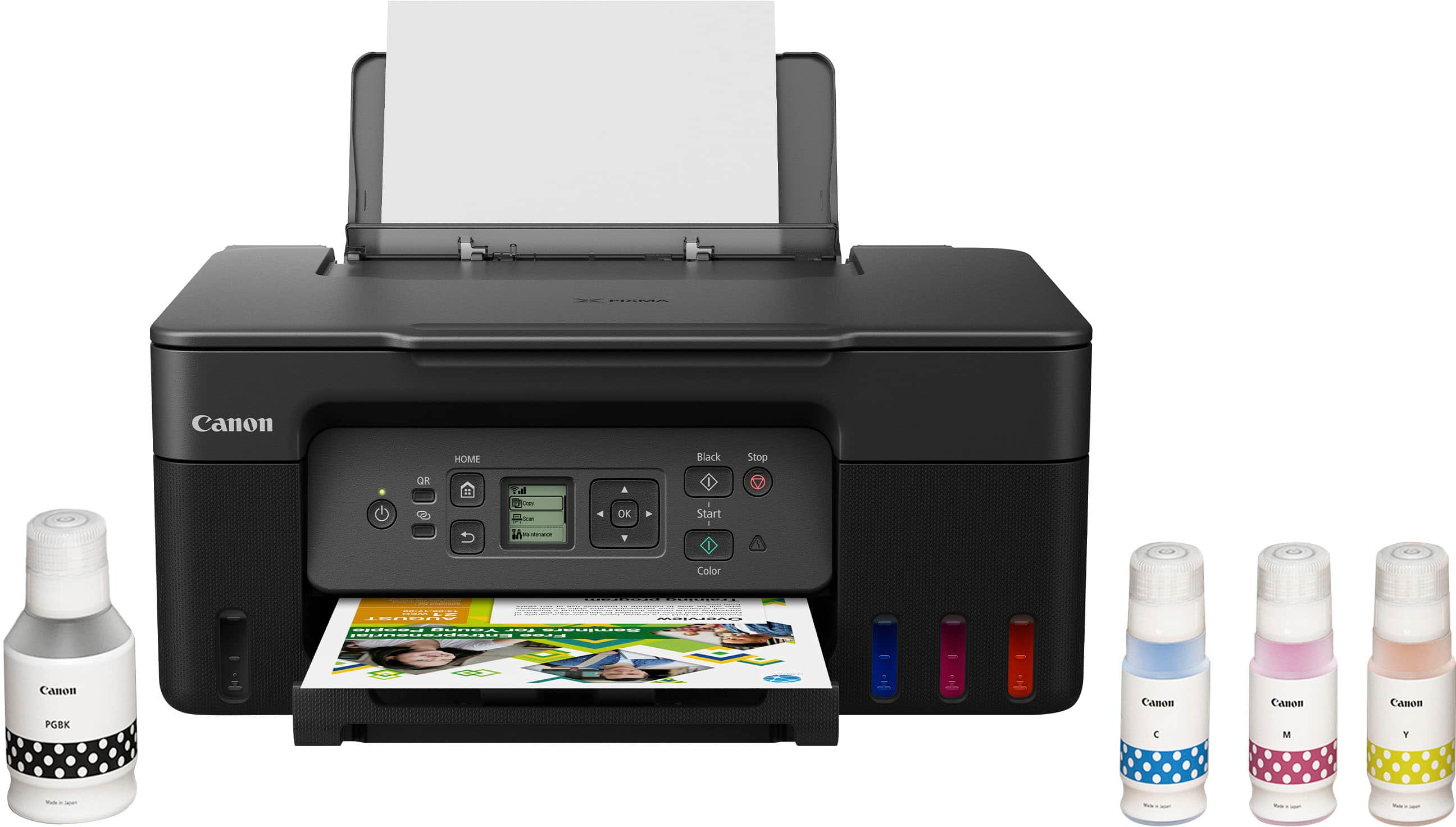
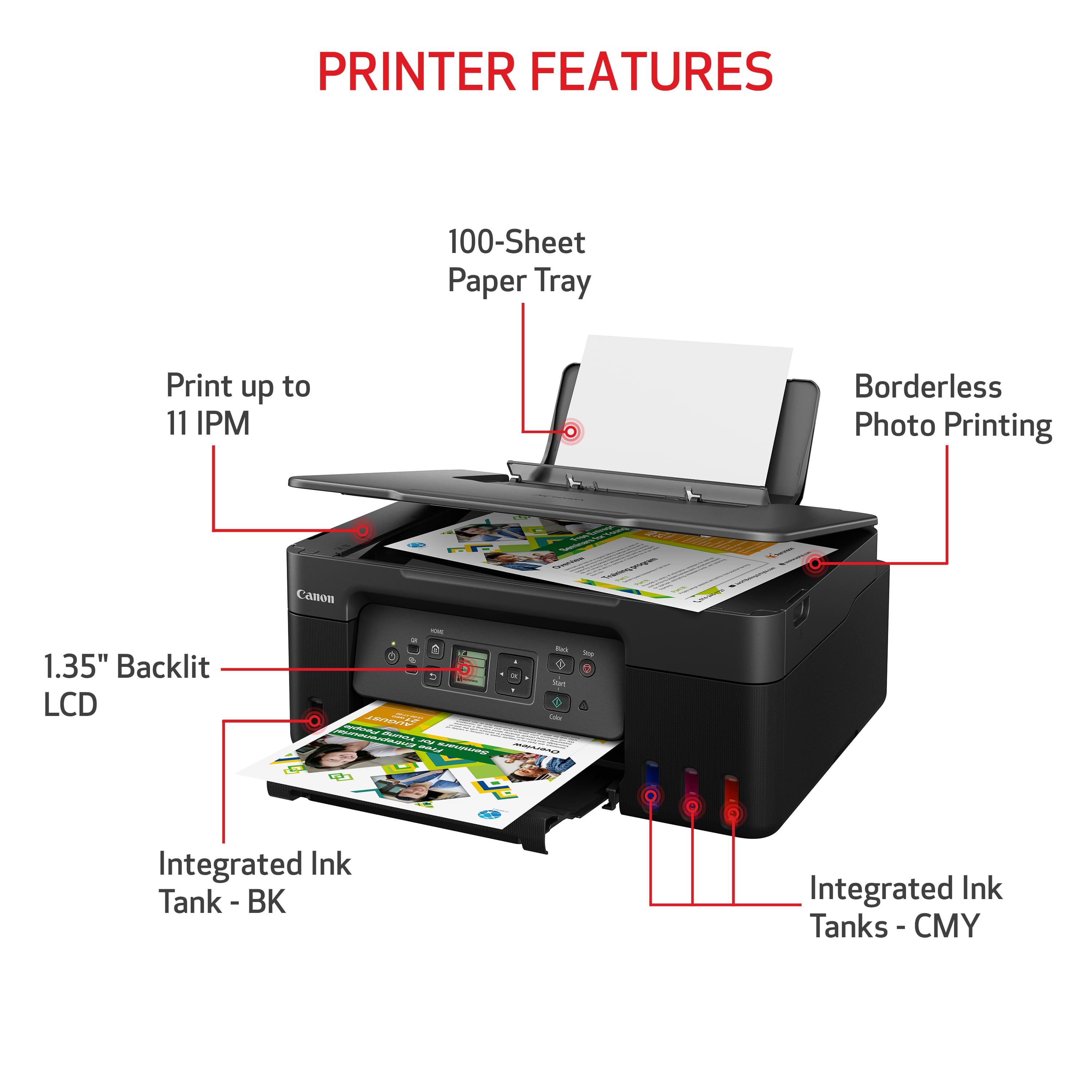
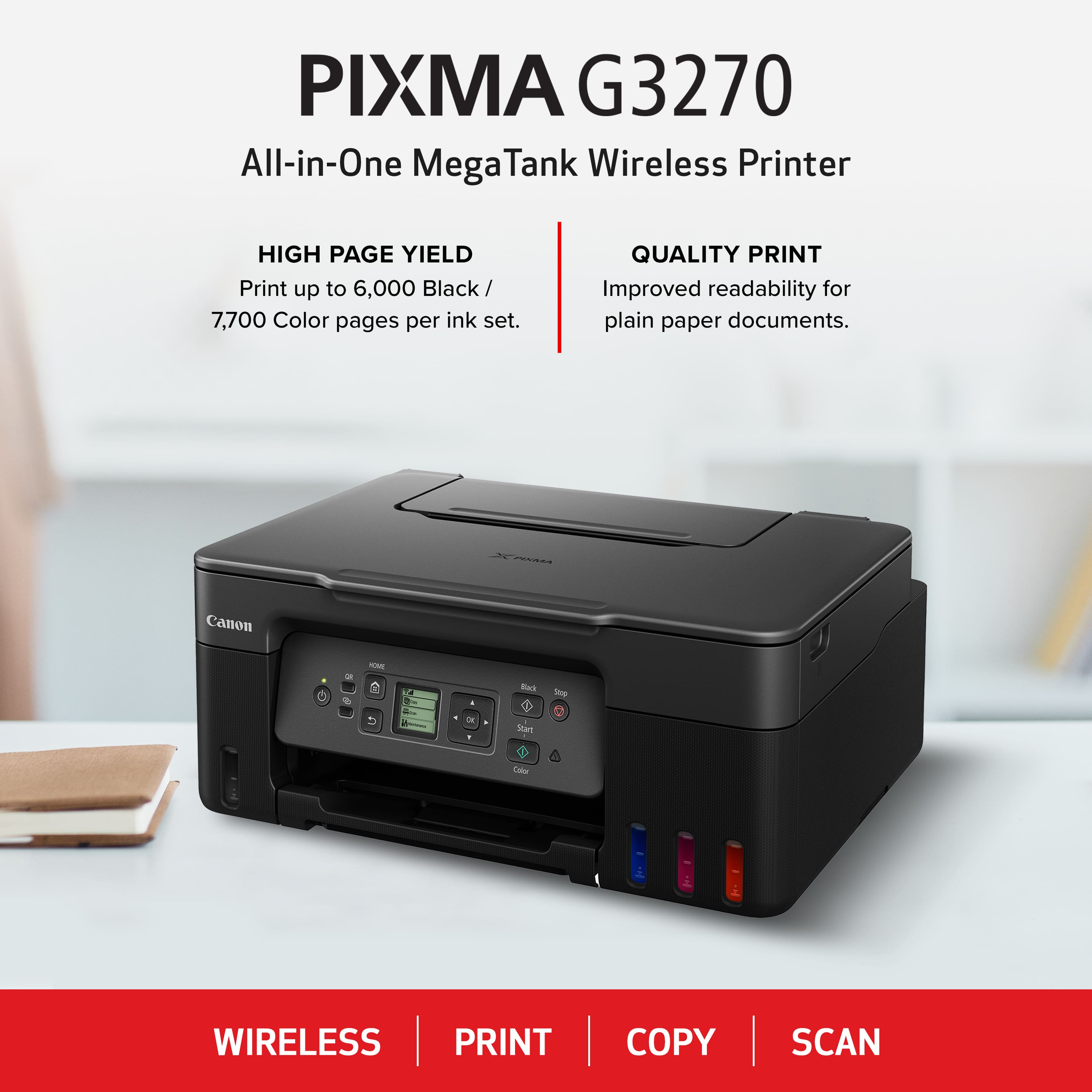
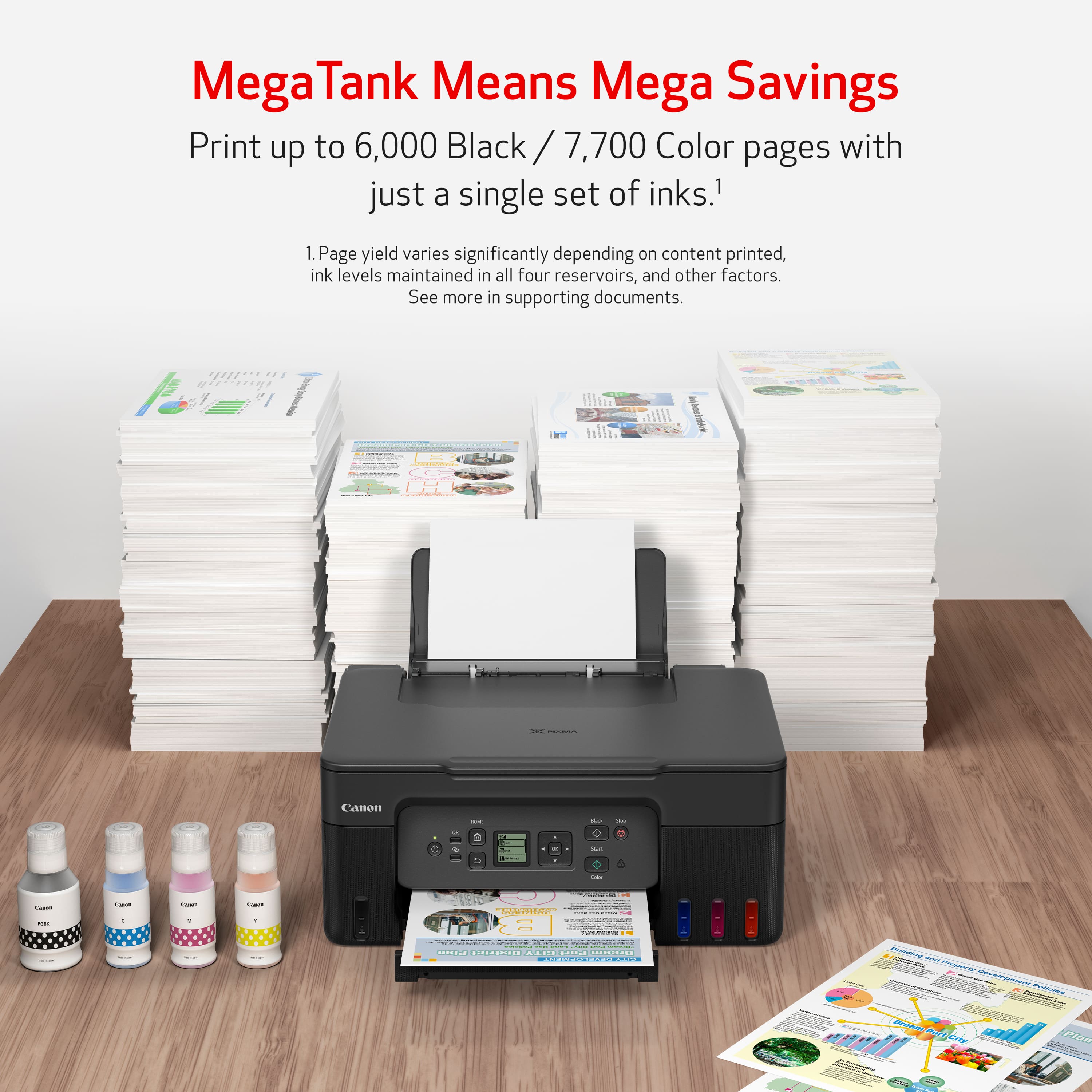

- Model:
- 5805C002
- SKU:
- 6535601
Rating by feature
- Value
Rating 4.5 out of 5 stars
- Quality
Rating 4.4 out of 5 stars
- Ease of Use
Rating 4.4 out of 5 stars
Customers are saying
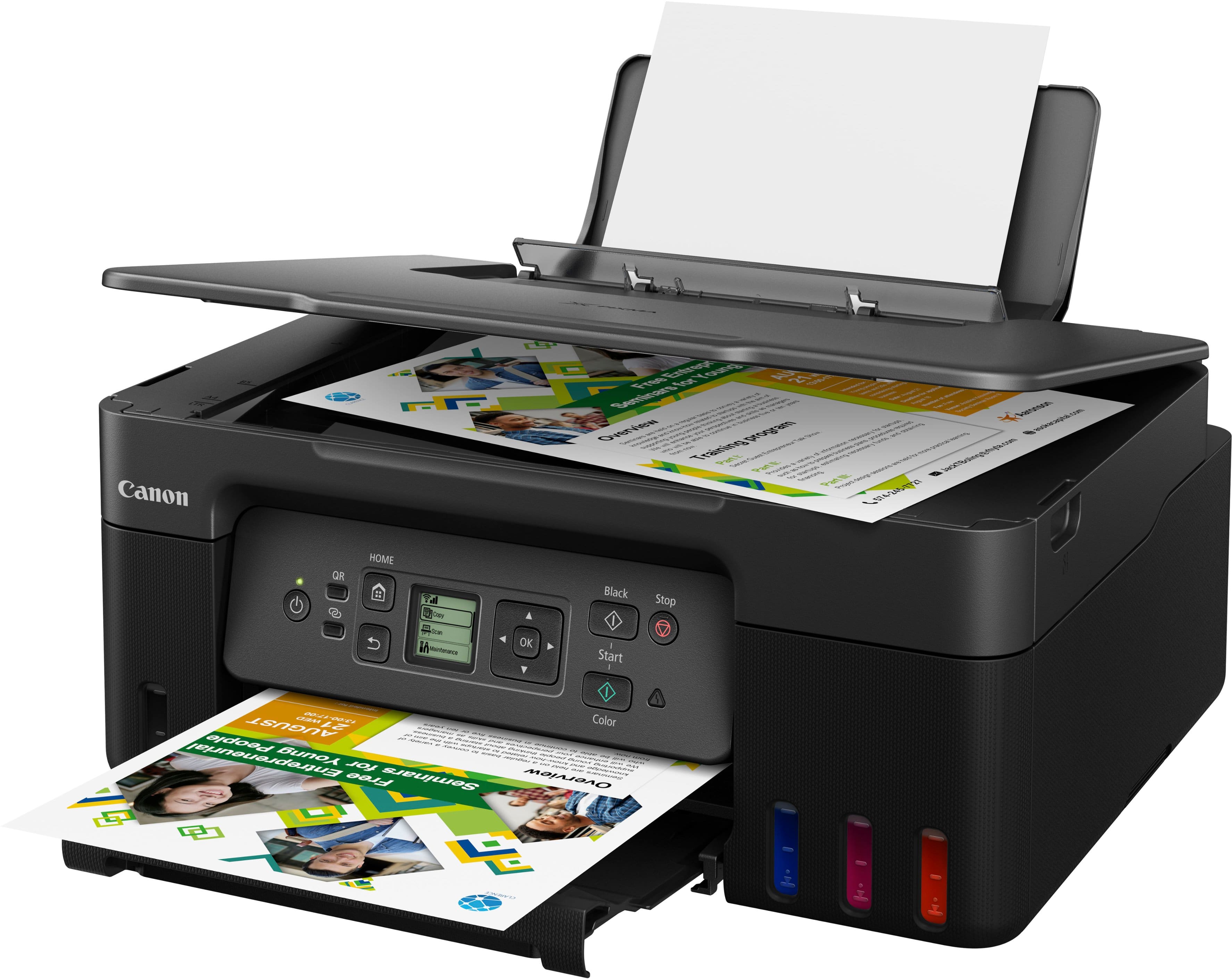
Customers are delighted by the PIXMA Megatank G3270's print quality and ease of use. Many find the setup process straightforward, and appreciate the wired and wireless connectivity options. While users find the overall performance acceptable, some have noted that it can be a bit noisy during operation and are disappointed by the absence of an automatic document feeder.
This summary was generated by AI based on customer reviews.
- Pros mentioned:Connectivity, Ease of use, Setup
User friendly
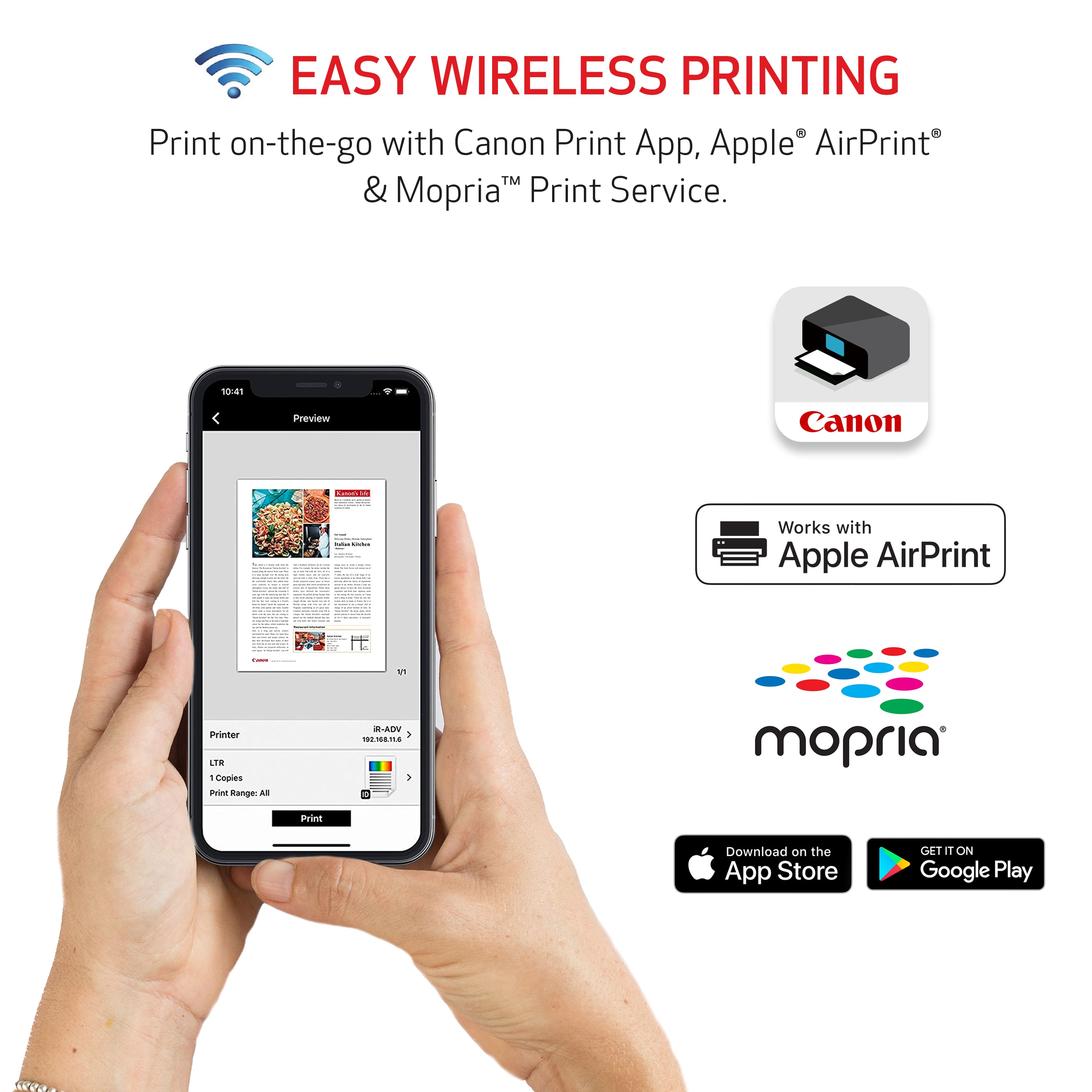
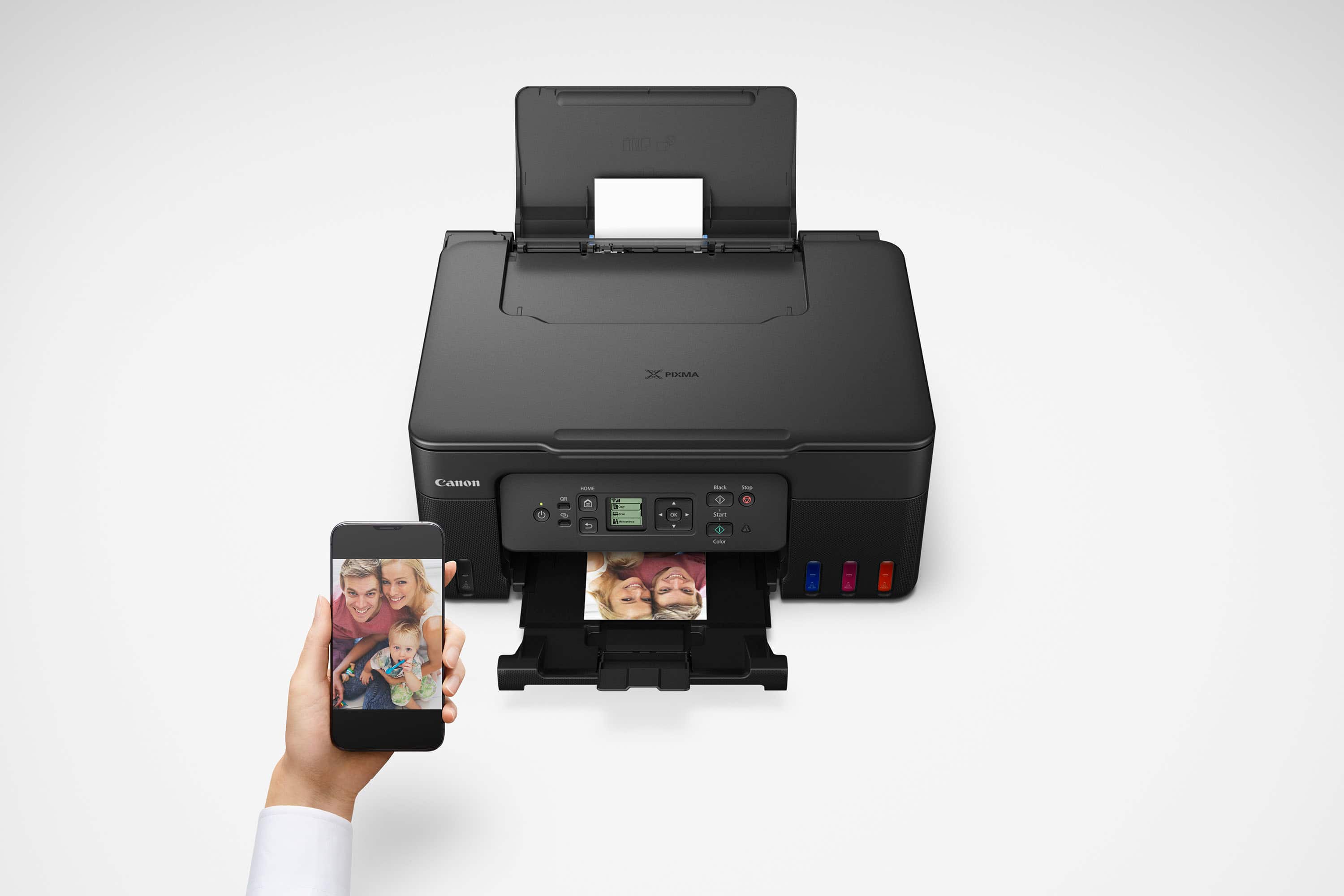
||Posted .This reviewer received promo considerations or sweepstakes entry for writing a review.Very easy to follow instructions to setup. Well designed ink tank system that prevents any mistakes. Easy to print from my phone or computer without downloading software.
I would recommend this to a friend - Pros mentioned:Print quality

Bye bye cartridges
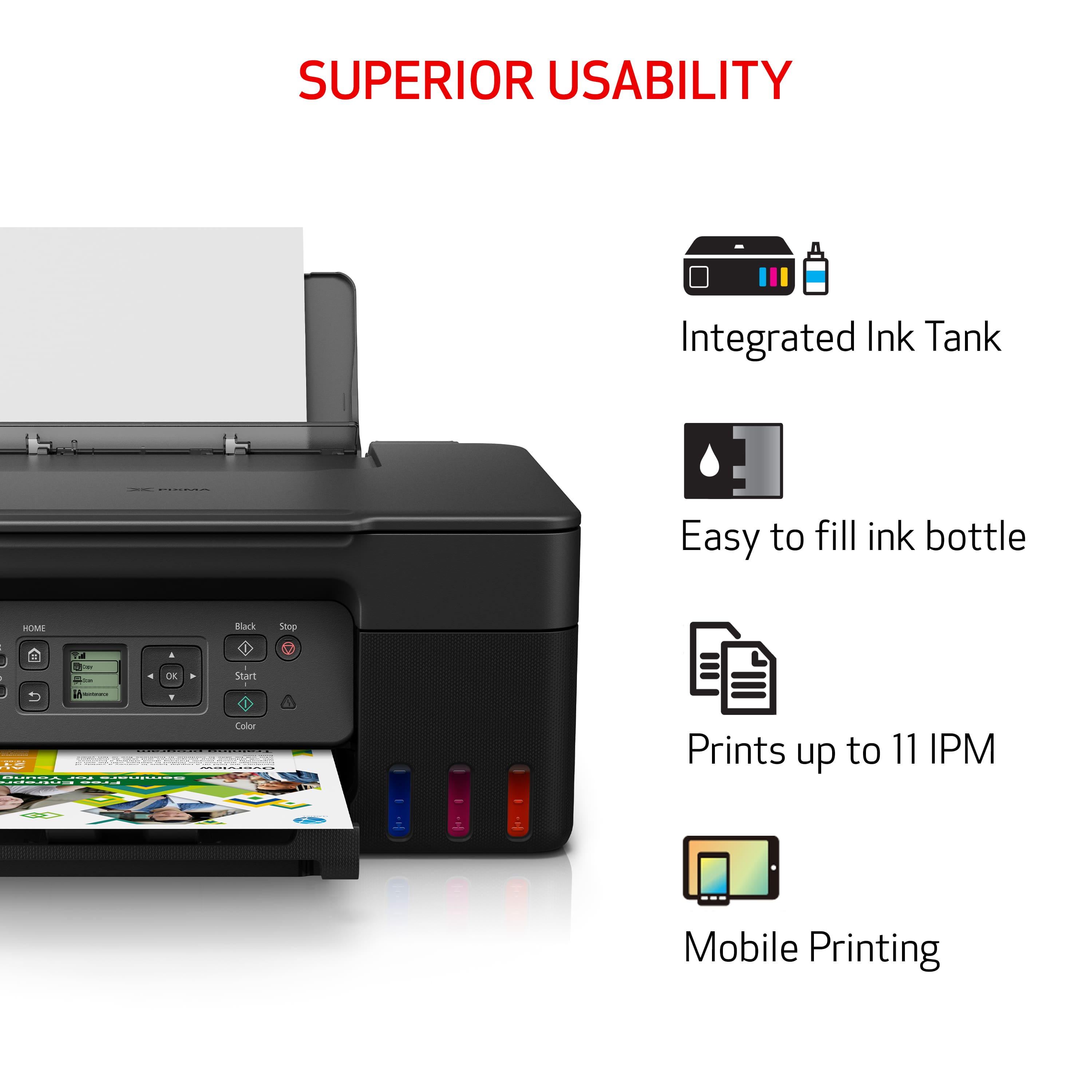
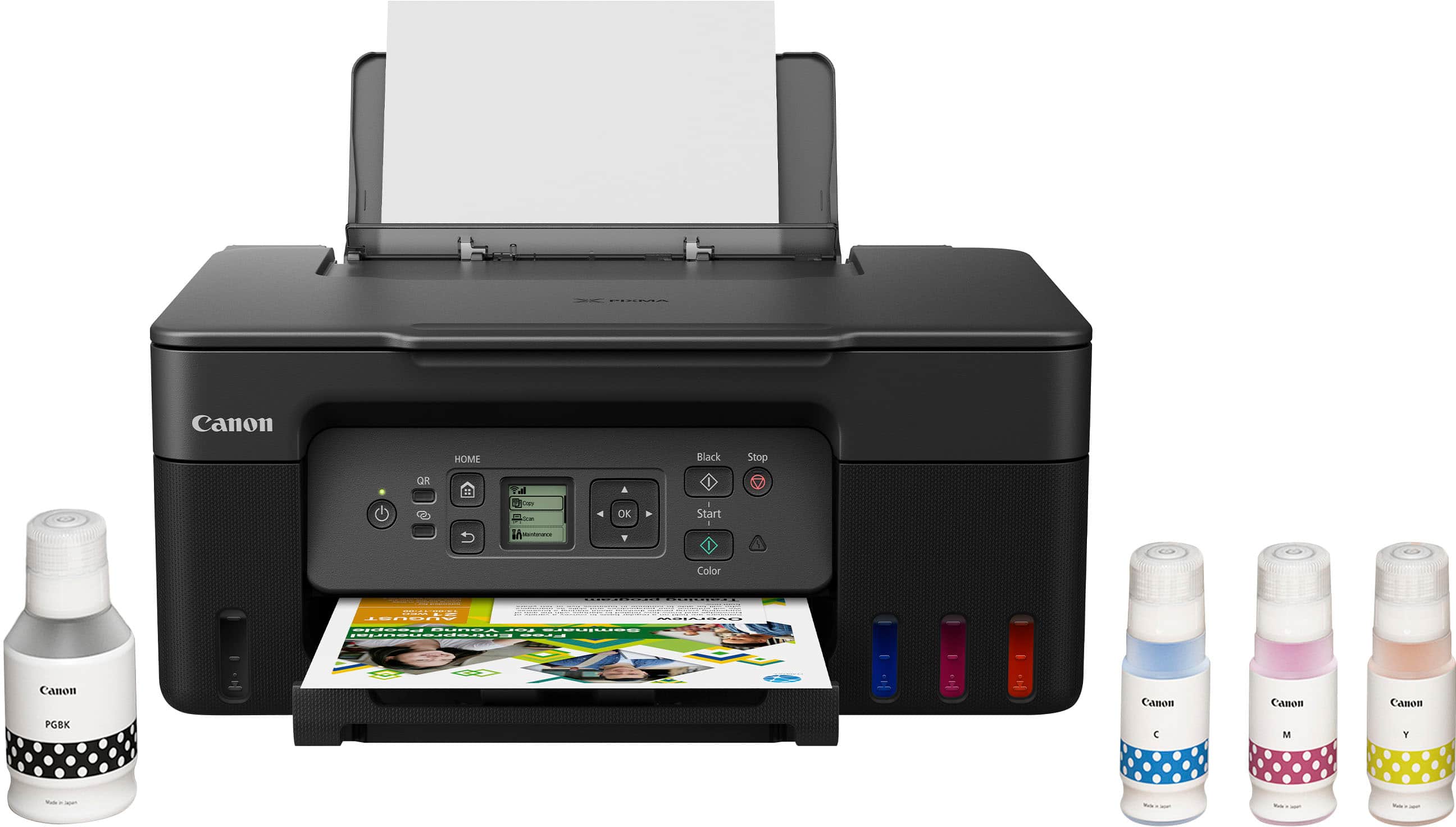
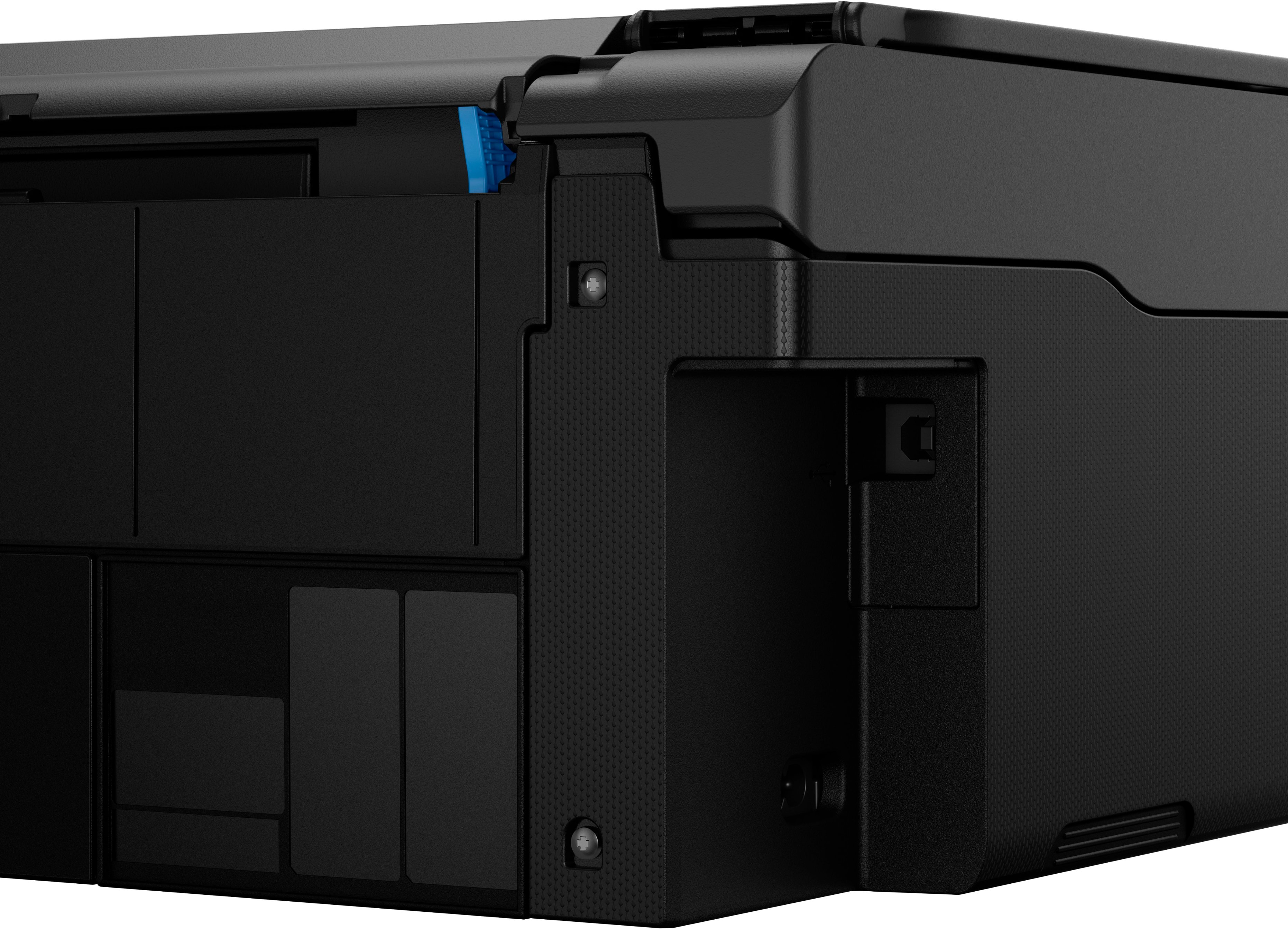
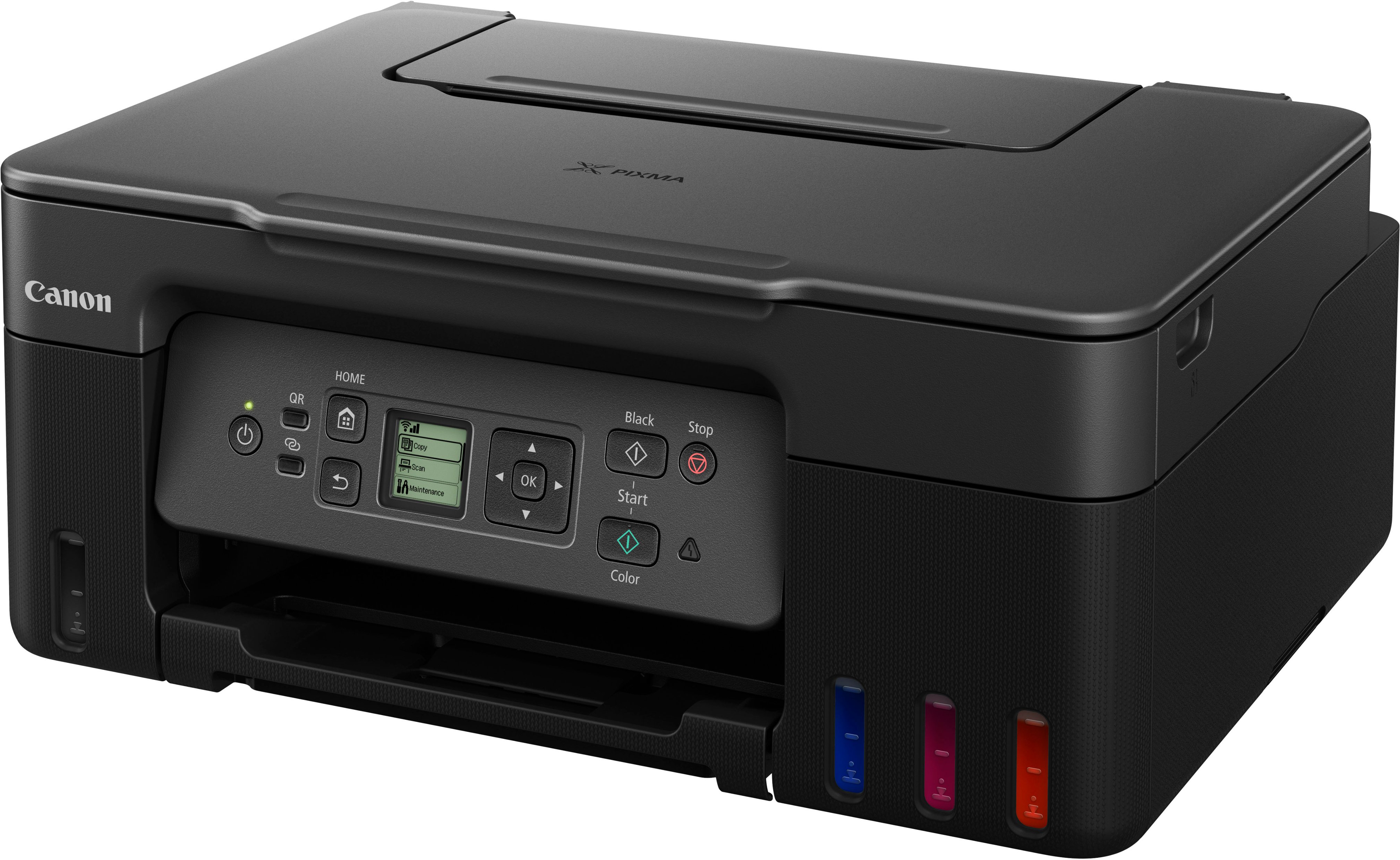
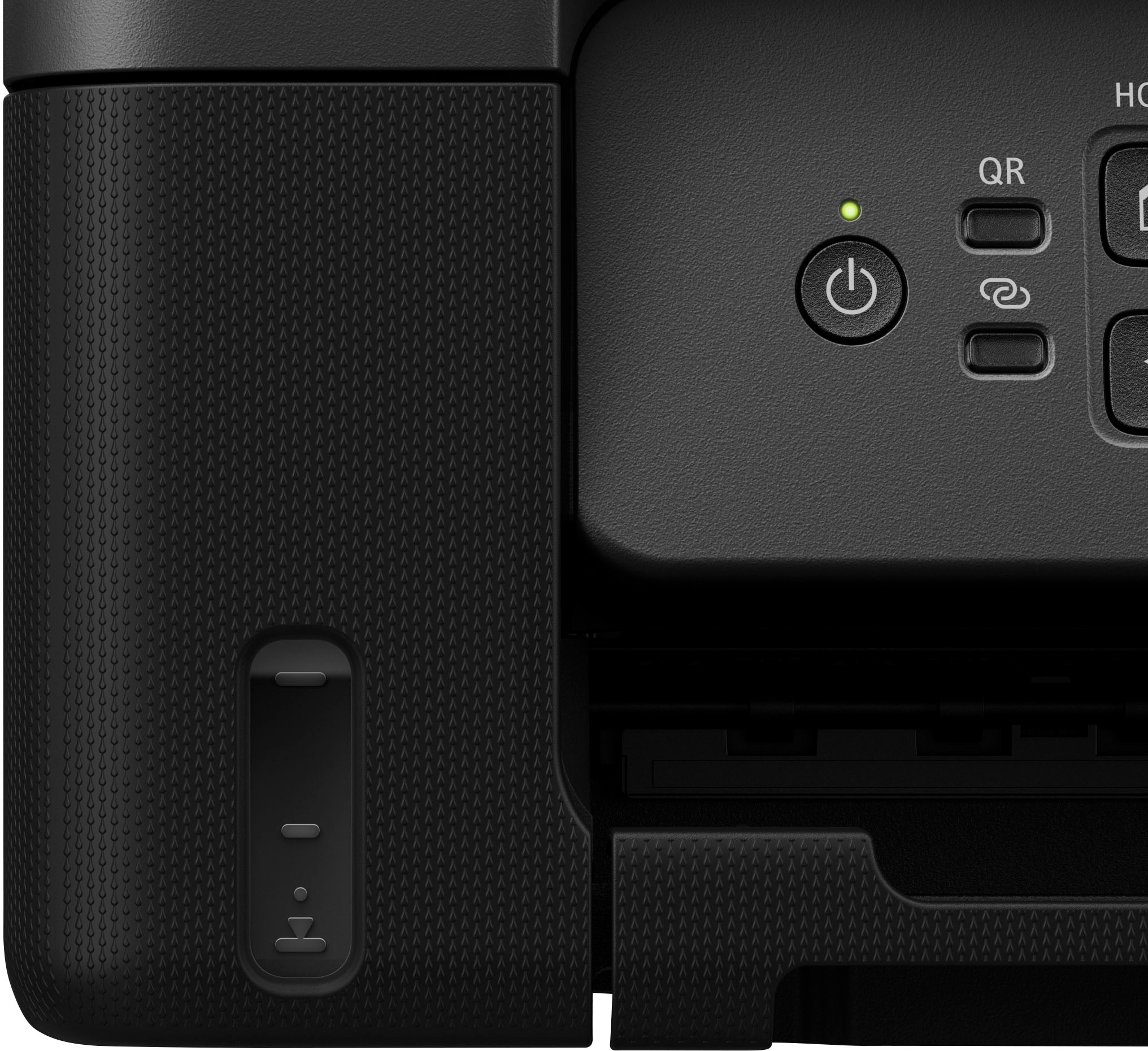
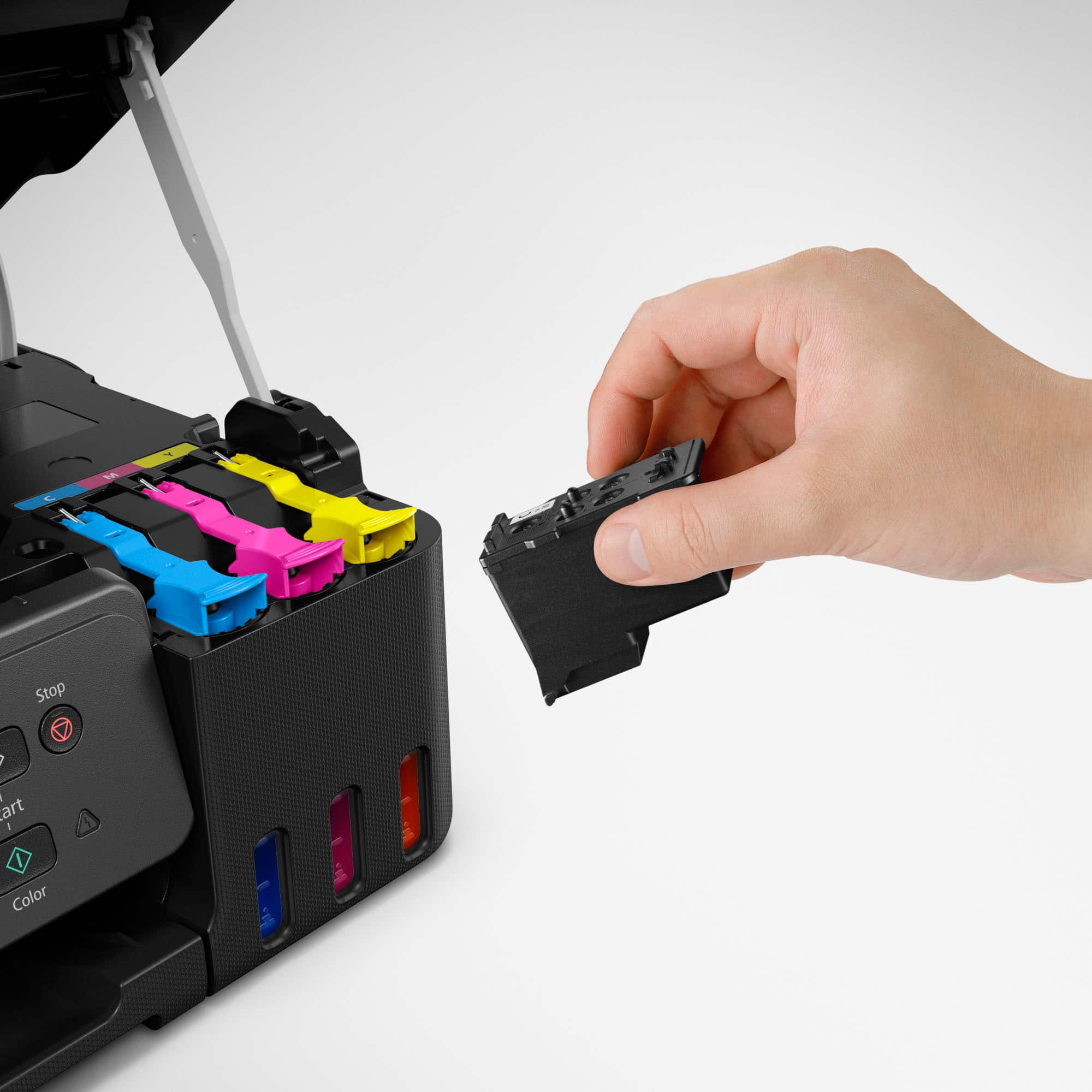
|Posted .This reviewer received promo considerations or sweepstakes entry for writing a review.I wanted to try a cartridge-less printer so decided to go with the Canon Pixma G3270 to upgrade our old printer. First thing was to setup the printer which was more work than I expected. There is no quick setup guide included in the box so you have to go online to get started. Connection issues made the process even longer. Filling the ink wells is easy enough with the bottles having keyed tops. They empty into the wells once attached no need to squeeze them or anything and take roughly 25-30 seconds to empty. The black well is on the left with the three color wells being on the right. You can only fill one color at a time has there’s not enough space to fit two bottles at once. Next installing the print heads was not a straightforward deal as where they go is not clearly shown or explained. Connecting to our Wi-Fi network was easy enough with wpa. The controls are easy to use but the lcd screen is to small to me. It’s roughly the size of a smartwatch screen. The text to background contrast is not the best making it a little hard to read for me. Overall it took me roughly 45 minutes to get the printer ready to print. Started with print head alignment then printed a simple b&w text page then a small full color drawing both of which came out good. The color pic was pretty accurate even though I used plain white printer paper. Using Canons windows app to print a pdf from my laptop then scan it back was straight forward. The things I don’t like is having to go online for setup, the tiny lcd screen and the menu could be more user friendly. Same can be said about checking ink levels. Yes there are windows on the front of the printer but they are tinted and not clear so depending on lighting or viewing angle it can be hard to see the exact level. And you can’t check it with the app. Overall I like the G3270 as it does what we need in a personal use home printer. Most of my issues will probably be easier to deal with after more use.
I would recommend this to a friend - Pros mentioned:Print quality
Easy to use and long-lasting ink system
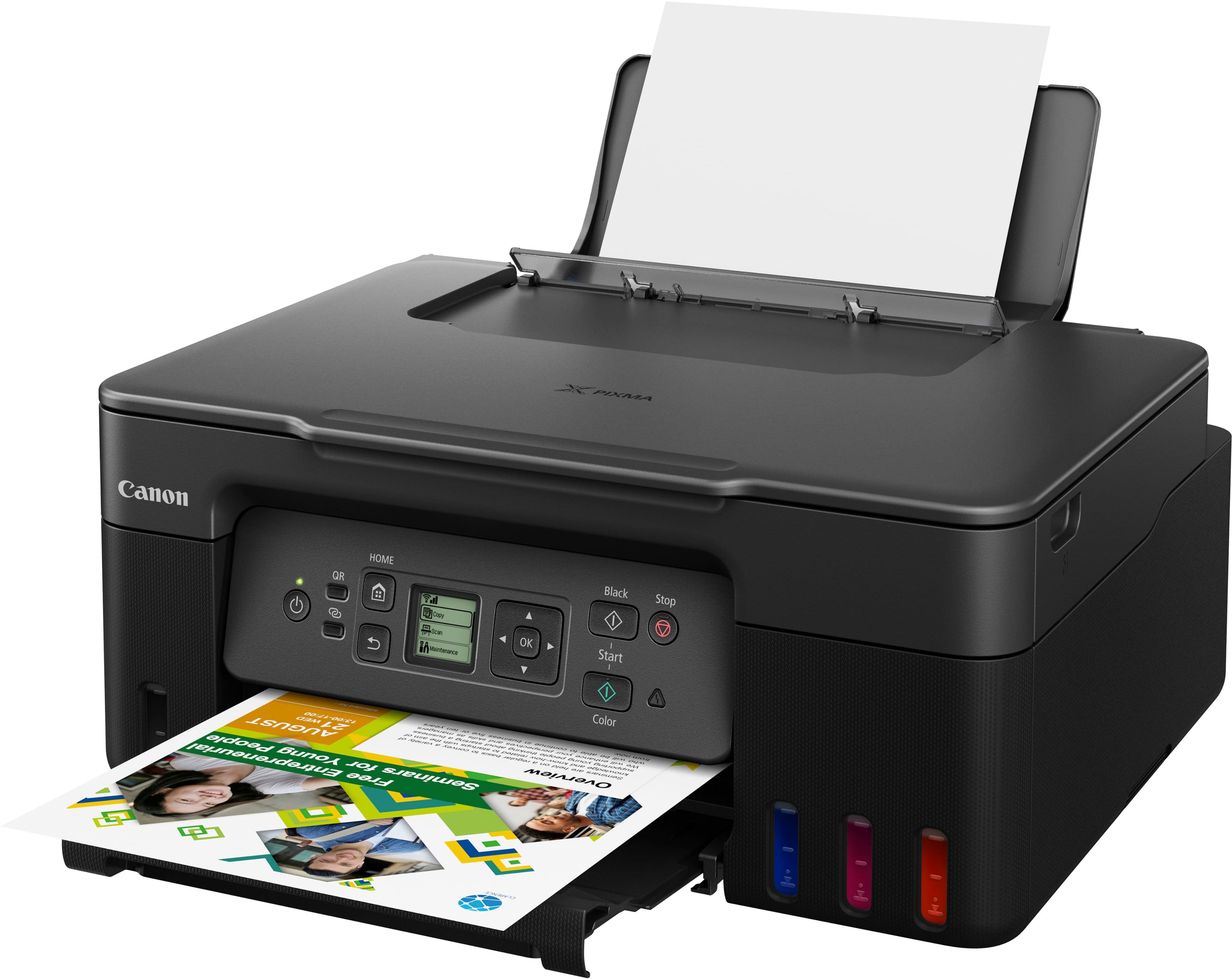
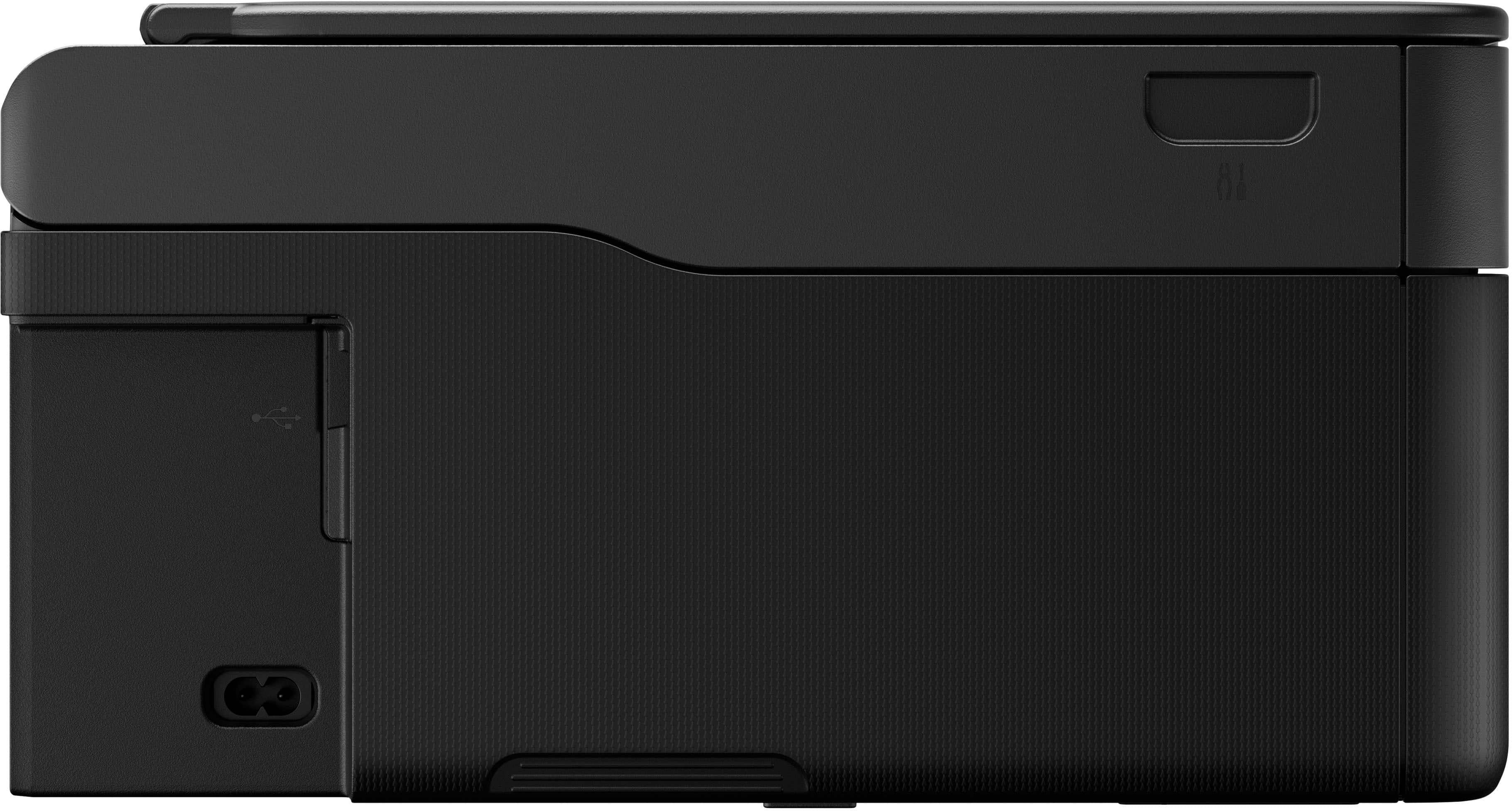
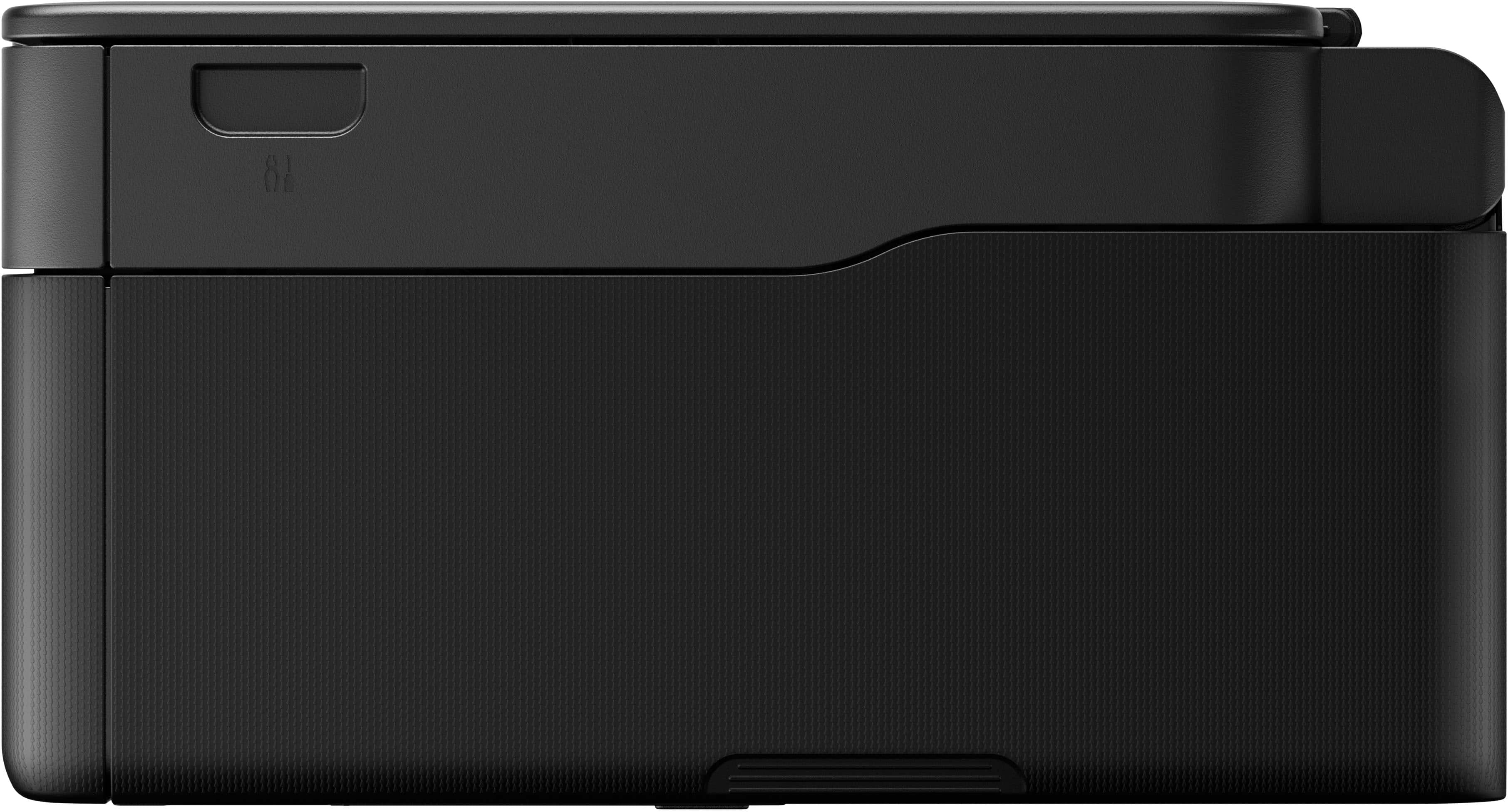
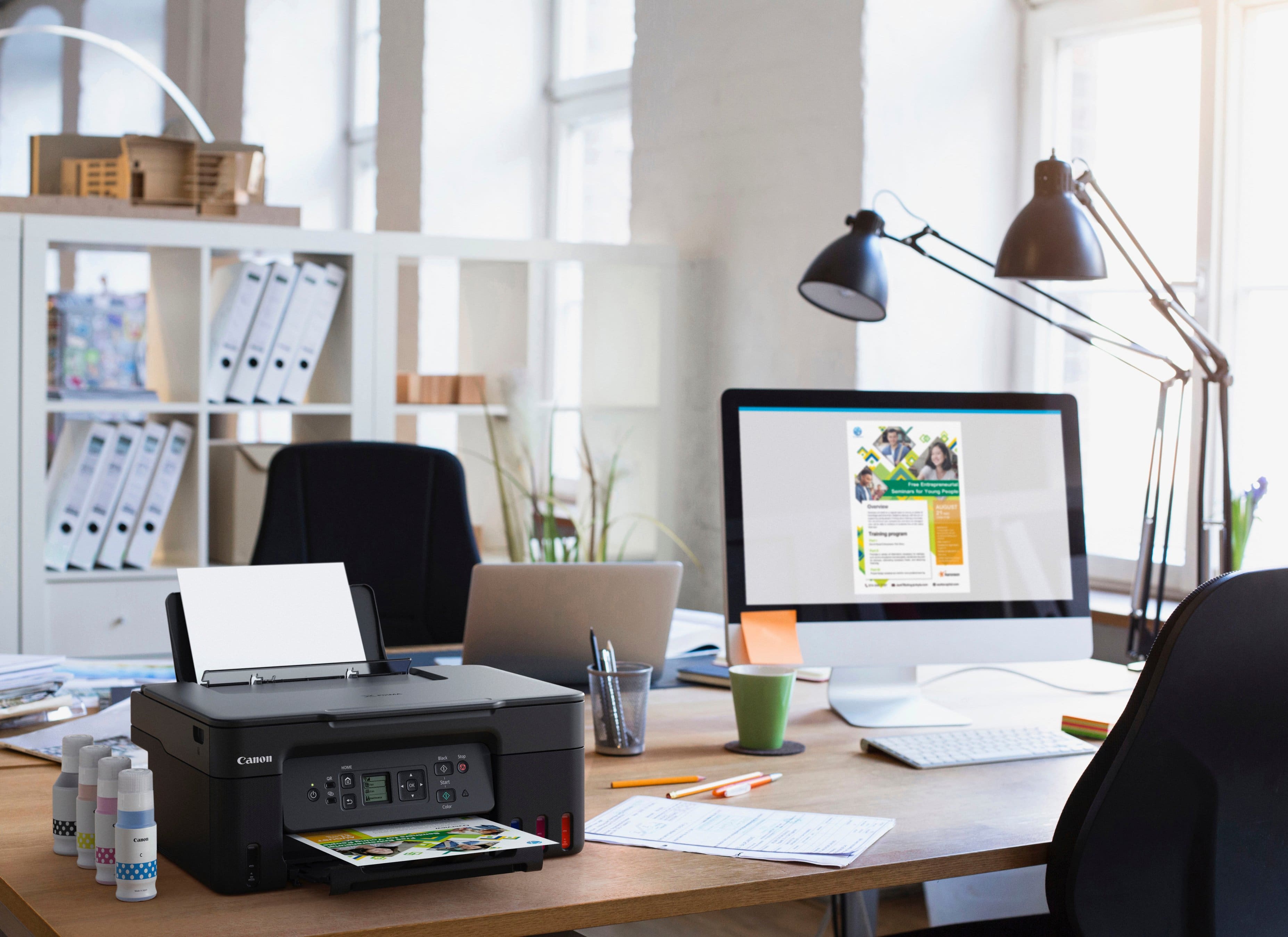
|Posted .This reviewer received promo considerations or sweepstakes entry for writing a review.The Canon MegaTank G3270 Wireless Inkjet Printer offers a variety of features, including wireless printing, scanning, and copying, as well as good quality printing at a low cost per page. The first thing you notice about this printer is its ink system. It uses large ink tanks that hold a lot of ink, so you don't have to replace them as often. This can save money in the long run. The included ink bottles empty themselves through the mega tanks. Canon claims one fill-up yields between 6000 to 7700 pages depending on the colors. Setup was a bit complicated at first. The printer had issues communicating with the app and the wifi set up would fail. After several attempts, the connection was successful and it’s been a good experience since. I have it connected to my phone through the app and to my Windows laptop which was a better connecting experience than the initial setup. This printer is easy to use through the app or directly through the small monochrome LCD screen. The controls are simple and straightforward, and the printer produces great quality prints. The colors are natural with sharp text. It can print on a variety of media, including paper, envelopes, and photo paper. From its small size, the biggest compatible paper would be Legal size. I use it at my job connected primarily to my laptop and I print mostly reports and documents, some of them in color. The results are great. I printed a few photos of people, animals, buildings and other objects and they came out great. The pictures are well balanced with vibrant colors more on the blue (cold) side than red (hot). Documents and reports printing jobs start quickly enough. I was expecting a slower response. Photo printing on the other hand can take a little longer. On a couple of occasions, I thought the printing had failed due to the lengthy response. Quite a compact size at 16.5 inches wide, 13 inches deep and 6.5 inches high (my own measurements); it fits snuggly on my office desk. The plastic finish looks good but doesn’t feel solid. Overall, it has a modern simple appearance In conclusion, the Canon PIXMA MegaTank G3270 is a good printer that provides a variety of features, good quality printing, and a long-lasting ink system. Although it wouldn't be my first choice, I’d say that it’s a good choice for home or small office use.
I would recommend this to a friend - Pros mentioned:Overall performance, Print quality
Working well so far.
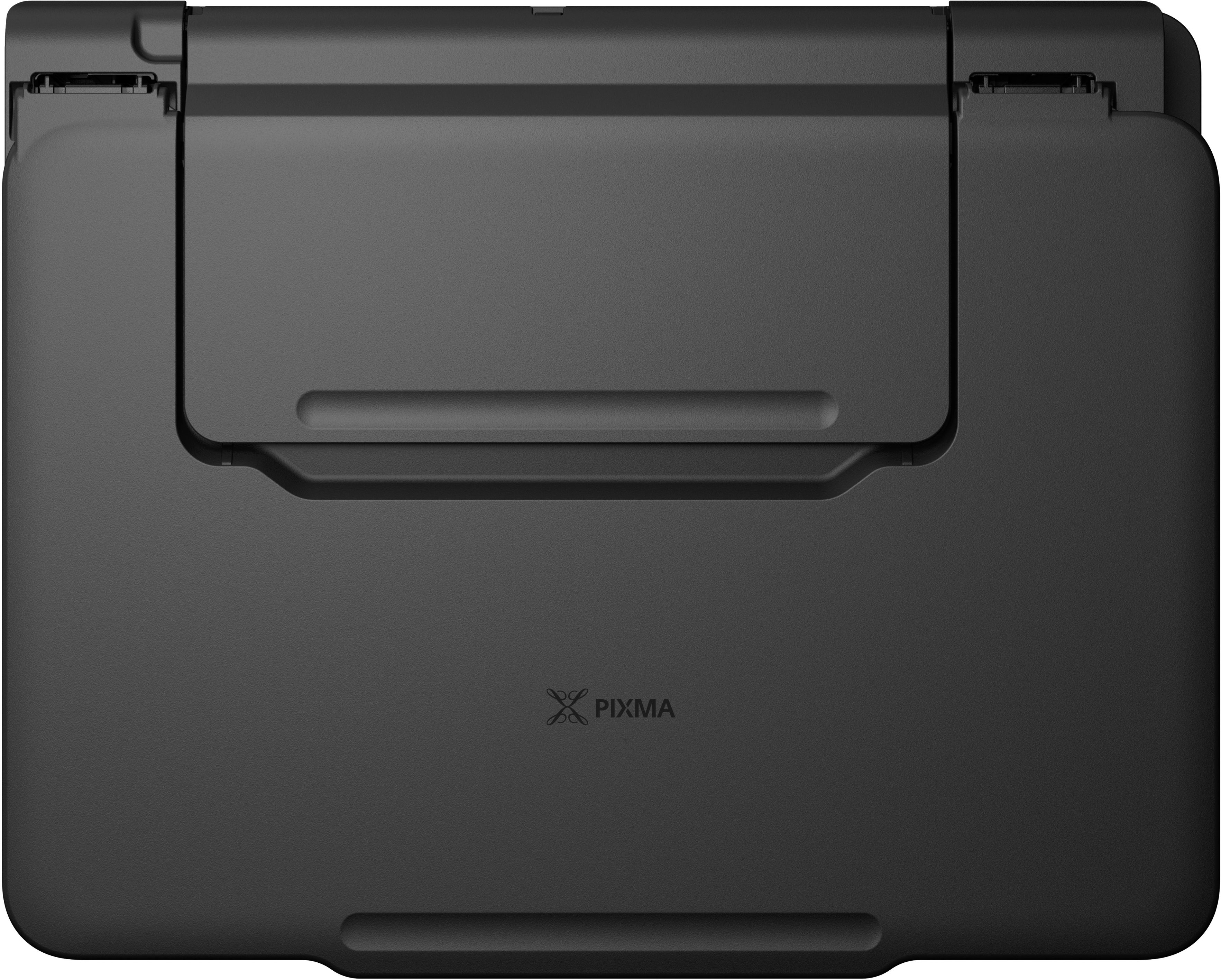
||Posted .This reviewer received promo considerations or sweepstakes entry for writing a review.Printer works well and I like the tank version of ink. My only reservation is that I had a similar version of this printer with cartridges that only lasted 2 years before the paper try started malfunctioning. That is probably why they have removed that on this model and only has the rear paper feed. Copies seem fine and I also like the "always on" feature so you don't have to turn it back on if it sits for a while. I wish that it had a larger display, but this just works OK.
I would recommend this to a friend - Pros mentioned:Print quality
Compact Printer/Compact Display
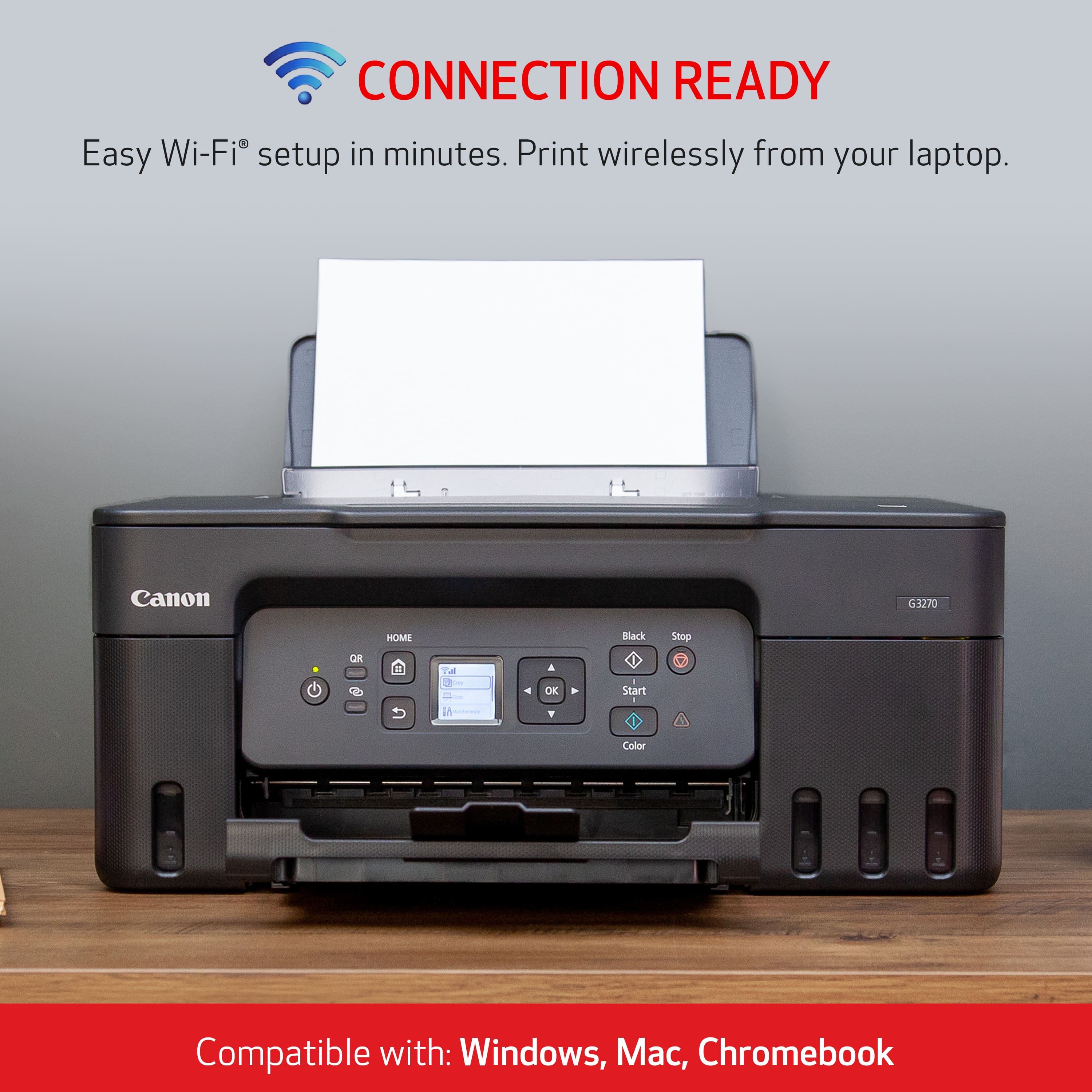
|Posted .This reviewer received promo considerations or sweepstakes entry for writing a review.The Canon Pixma MegaTank G3270 Printer is a relatively compact printer. It does not take up too much room on your desk or shelf. However, that being the case it does come with a very compact display with no tilt either. Which means you practically have to be eye level in order to see the display and menu options. The setup was pretty straight forward. Only two orange tapes to remove and no extra foam inside the printer. Fill the ink takes and each color only fits its correlating color, so pretty fool-proof. It is definitely nice to actually see the ink levels, Kudos to not having to guess how much is left or will you run out of ink during mid-print. Bigger ink takes are nice and should allow for more prints. Dual labeled print heads are easy to install. Installation instructions were given via scanning QR code and online. I think a quick startup page would have been simpler. Connecting it to your phone, either iphone or android is pretty easy. However, trying to connect it to your computer/chromebook seems a little difficult. I did not want to waste so much time on that part. So therefore, it is not so intuitive to wirelessly connect with the computer/chromebook. I think I will use a direct USB connection for the time being, WHICH it does not come with a USB direct connection cable. Luckily I do have plenty of those USB printer cables. Document print quality is fine. Photo prints I feel lack the color and depth, the blacks aren’t as black and the colors aren’t as crisp, BUT I did not have any photo paper available and was printed on standard paper. So maybe photos will look a lot better on photo paper. It holds a decent amount of paper vertically, but does not actually have a dedicated paper tray. I have not had a chance to print 6000 plus pages of documents to test the capacity of the mega tanks. I will do some price checking to see how much replacement in “bottles” cost. Overall, I do like the size and setup of the printer. I like the mega tanks, I like the ink view windows. Do not like the tiny display screen.
I would recommend this to a friend - Pros mentioned:Ease of use, Print quality, Setup
Great Product at a reasonable price
||Posted .This reviewer received promo considerations or sweepstakes entry for writing a review.The printer is great, very easy to setup and printing quality is great. Would definitely recommend the product.
I would recommend this to a friend - Pros mentioned:Ease of use, Print quality, Setup
Good basic printer
||Posted . Owned for 1 month when reviewed.This reviewer received promo considerations or sweepstakes entry for writing a review.Setup was relatively easy and printer operates as expected. Print quality is satisfactory.
I would recommend this to a friend - Pros mentioned:Ease of use, Print quality, Setup
Easy setup
||Posted .This reviewer received promo considerations or sweepstakes entry for writing a review.Easy setup nice quality, for daily needs of home office
I would recommend this to a friend - Pros mentioned:Ease of use, Print quality
Excellent printer
Posted .This reviewer received promo considerations or sweepstakes entry for writing a review.Great printer , easy to add ink , great quality printing and pictures, easy to program , does not take up much space but screen size is small. Would be 5 if screen were bigger, nota deal breaker I only used screen for the set up and not much else.
I would recommend this to a friend - Pros mentioned:Ease of use, Setup
I Love my Canon3270 Printer
||Posted . Owned for 3 weeks when reviewed.This reviewer received promo considerations or sweepstakes entry for writing a review.I love my Canon 3270 Printer. The Color is sharp. Prints fast. Easy to install ink. I would recommend this printer for sure.
I would recommend this to a friend - Pros mentioned:Connectivity, Print quality
Great Canon printer
||Posted . Owned for 2 weeks when reviewed.This reviewer received promo considerations or sweepstakes entry for writing a review.Really nice printer for the price. Excellent print quality and immediately connected to my WiFi. Refillable ink wells are easily filled.
I would recommend this to a friend - Pros mentioned:Print quality, Setup
Blown Away by the Quality and Speed!”
||Posted .This reviewer received promo considerations or sweepstakes entry for writing a review.I recently bought this printer, and I’ve been really impressed so far. Setup was simple, the print quality is sharp, and it works smoothly with both my phone and laptop. It’s fast, quiet, and doesn’t use too much ink compared to others I’ve tried. Definitely worth the price! If you’re looking for a reliable printer, this one’s a solid choice.
I would recommend this to a friend - Pros mentioned:Print quality, Setup
Easily set up amazing printing for a business labe
||Posted .This reviewer received promo considerations or sweepstakes entry for writing a review.OK, let me start off by saying I was terrified to try a printer not knowing what printer to use what to get for my business because I’ve never been down this road and it is quite scary. However I am so happy I went with this printer it is so easy to set up. It is dummy proof And it prints absolutely amazing labels for my small business a great value and this will save me tons from purchasing labels from Avery. If you were thinking of getting us, don’t think just get it. Trust me you will be so happy. The ink is lasting forever. I am on my second month and it’s not even halfway gone Print absolutely amazing. The only thing I wish is that it was a little bit faster printing, however at this price point, you really cannot go wrong.
I would recommend this to a friend - Pros mentioned:Ease of use, Setup
New Canon Printer
||Posted . Owned for 1 month when reviewed.This reviewer received promo considerations or sweepstakes entry for writing a review.I really love my Canon printer. Easy setup and usability. Prints fast and with ease. Very pleased with this purchase and would definitely recommend this printer.
I would recommend this to a friend - Pros mentioned:Ease of use, Print quality
Love this printer
||Posted .This reviewer received promo considerations or sweepstakes entry for writing a review.Super easy installation.I was worried because I am not generally good with these kind of things.I love the quality of the color and this printer prints faster than any that I have had in the past.
I would recommend this to a friend - Pros mentioned:Ease of use, Setup
Love it
||Posted . Owned for 2 weeks when reviewed.This reviewer received promo considerations or sweepstakes entry for writing a review.I'm still learning the different things this printer does. Set up was easy for a 67 yo woman.
I would recommend this to a friend - Pros mentioned:Overall performance, Setup
Works great!
||Posted . Owned for 2 weeks when reviewed.This reviewer received promo considerations or sweepstakes entry for writing a review.The Canon Pixma Megatank was easy to set up and runs well.
I would recommend this to a friend - Pros mentioned:Ease of use, Print quality
SO glad I made the switch to the Canon PIXMA G3270
||Posted . Owned for 1 week when reviewed.This reviewer received promo considerations or sweepstakes entry for writing a review.I have been using my new Canon PIXMA G3270 printer for the past couple weeks and am extremely happy with it. After struggling with my lousy HP Laserjet for the past couple years, I finally had enough, pitched it, and went for the Canon. Very pleased! Setup was easy and the online guidance is fantastic and vert user friendly. It's quiet, fast, and prints clear. Even the test page needed no adjustments. SO glad I made the change. I will NEVER buy another HP printer, and, if this one continues to work this well, I'll be a Canon user from here on out.
I would recommend this to a friend - Pros mentioned:Connectivity, Overall performance, Setup
Great printer.
||Posted .This reviewer received promo considerations or sweepstakes entry for writing a review.Great printer. Easy to setup and print from app on my phone.
I would recommend this to a friend - Pros mentioned:Ease of use, Print quality
Canon printer's
||Posted . Owned for 3 weeks when reviewed.This reviewer received promo considerations or sweepstakes entry for writing a review.Ease of use Setup quick and easy copies clear and print time exceptional
I would recommend this to a friend