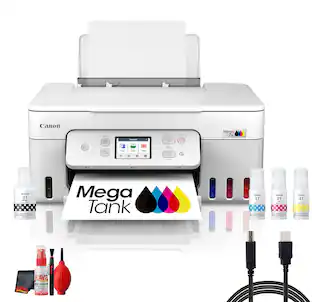
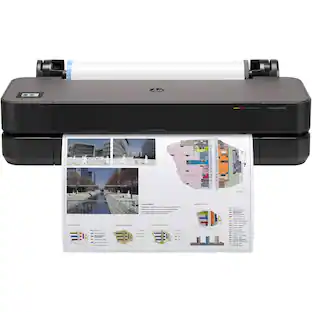
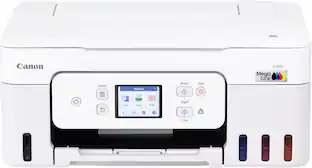
Canon - PIXMA Megatank G3270 Wireless All-In-One Supertank Inkjet Printer - Black
Customers are saying
Customers have good things to say about the printer's decent print quality and its straightforward, user-friendly setup process. Users also appreciate the reliable overall performance and the flexibility provided by both wired and wireless connectivity options. While the device is generally well-regarded, some users noted that it can be mechanically noisy during operation and features an external paper tray.
Color
BlackUp To 4800 x 1200 Dpi (Dots Per Inch) Color Resolution
High resolution for producing incredible quality and detail in documents and photos.
Wireless Connect
Easy Wi-Fi setup in minutes. Connects to Wi-Fi without the need for a computer.¹
Backlit 1.35" Square LCD Screen
Get the job done with an intuitive and easy-to-use 1.35" square LCD screen.
High Page Yield
Print up to 6,000 black / 7,700 color pages with just a single set of inks.¹
Easy To Fill
Ink bottles have a “keyed nozzle” design to only fit and fill the correct color ink tank.
Easy Setup
Get running in just a few minutes thanks to a streamlined and easy setup process out of the box.
Mobile Device Printing
Print from your favorite mobile devices using the free Canon PRINT app², Apple AirPrint, and Mopria Print Service.
Versatile Media Support
Print on envelopes, photos, high resolution paper, and more!
100-Sheet Rear Paper Tray
Easily load envelopes, labels, high resolution paper, and more in the rear tray.
Poster Artist
Poster Artist² is a poster creation software program designed to be used by all levels of users to create professional posters, banners, and signage.
$1,000 Ink Savings
Ink savings of $1,000 with the included ink bottle set.¹
Integrated Ink Tanks
Conveniently view and refill ink using ink bottles.
Borderless Photo Printing
Print beautiful borderless photos up to 8.5" x 11" (letter size).³
Easy User Replacement Parts - Less Down Time
Designed with basic operations directly from the front and back of the printer.
Stay Waste-Conscious
Thanks to high page yield ink bottles, keep waste and time spent refilling ink to a minimum.
Inkjet Printers Are Best For Home Or Small Business Use
They offer excellent print quality for photos and documents and accept a variety of paper types and sizes.
11/6 IPM
Prints up to 11 images per minute in black and up to 6 images per minute in color.
1-Year Warranty
Have peace of mind with a 1-year warranty.
Disclaimers
1 - Page yield of included ink bottles used for initial setup is lower than the replacement ink bottles, as a certain amount of ink is consumed to fill into the print head during setup (charging the print head initially).
Page yield is the estimated value based on Canon individual test method using the ISO/IEC 24712 chart and continuous printing simulation with the replacement ink bottles after initial setup. Page yield of color inks is an average yield of cyan, magenta, and yellow inks combined.
Page yield varies significantly depending on content printed, ink levels maintained in all four reservoirs, and other factors. Up to 6,000 (black)/7,700 (color) printed page yields are approximate using 'default printing mode’, up to 8,300 (black)/7,700 (color) printed page yields are approximate
using 'economy printing mode’ via Windows/Mac OS driver or printer copy setting, based off document pages printed. A full set of MegaTank GI-21 ink bottles (pigment black, cyan, magenta, yellow) is equivalent to 30 each standard capacity black (PG-260) and color (CL-261, composed of cyan, magenta
and yellow) ink cartridges sold individually based on print yield. Ink value savings based on MSRP (USD) of stated equivalent ink cartridges as of November 2020.
2 - Paper types NOT supported for borderless printing are as follows: Envelope, High Resolution Paper, T-Shirt Transfer, and Photo Stickers. The maximum borderless printing size is 8.5” x 11”.
3 - Warranty program is subject to certain conditions and restrictions. See warranty card for details.
- NetworkingWirelessENERGY STAR CertifiedYesPrinter TypePrinter, Copier, Scanner, All In OneISO Color Print Speed6 pages per minuteISO Mono Print Speed11 pages per minuteOutput Tray CapacityNot specified
Reviews
Rating 4.4 out of 5 stars with 413 reviews
- Print Quality (192)
- Ease of use (94)
- Overall Performance (54)
- Setup (28)
- Connectivity (16)
- Noise Level (7)
- Paper Tray (7)
Customer Images
The vast majority of our reviews come from verified purchases. Reviews from customers may include My Best Buy members, employees, and Tech Insider Network members (as tagged). Select reviewers may receive discounted products, promotional considerations or entries into drawings for honest, helpful reviews.

Compare similar products
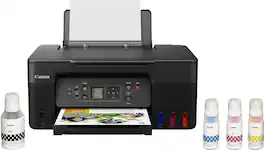
Designed for home and home offices, the Canon PIXMA G3270 MegaTank All-in-One inkjet printer delivers high-quality, low-cost printing, and outstanding wireless connectivity in a compact size. Get serious print productivity with a high page yield of up to 6,000 Black / 7,700 Color pages per full ink bottle1 set and a low cost per print - MegaTank means Mega Savings. The PIXMA G3270 comes with a full set of ink, so you can print with confidence. The PIXMA G3270 is easy to set up and maintain and offers great media versatility to print on a variety of media types and sizes, including photo paper, envelopes, banners and more. Use Poster Artist Online to create professional-posters, banners and signage. Print both documents and photos on a variety of paper types using a hybrid ink system with pigment black for sharp black text and dye-based colors for vivid borderless2 photos up to 8.5” x 11”. Produce crisp, colorful documents quickly and cost-effectively with fast print speeds and a high quality 4-color pigment-based ink system. Keep printing with a plain paper capacity of up to 100 sheets or 20 photo sheets (4”x6”). Easily connect and print through high-speed USB or wirelessly2 from computers or mobile devices. This comes with a 1-year limited warranty3 and is backed by Canon's Service and Support network.
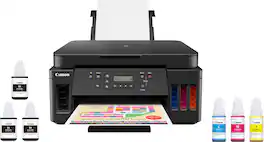
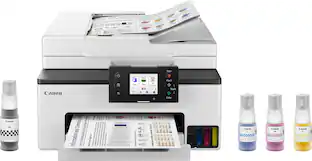
Canon PIXMA MegaTank G6020 Wireless All-In-One Printer: Save big on ink with this Canon PIXMA MegaTank inkjet printer. The MegaTank ink storage container can be easily refilled to offer over 30 times as much ink compared to standard cartridges. Tackle big print jobs with a page yield of up to 6,000 black or 7,700 color sheets from this Canon PIXMA MegaTank inkjet printer. Prints up to 13 ISO ipm* in black, up to 6.8 ISO ipm* in color
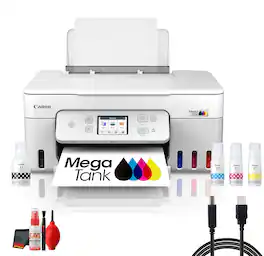
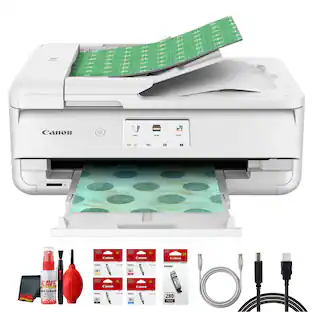
The Canon PIXMA G3290 Wireless MegaTank All-in-One Printer is made for buyers who need a printer that fits into real life instead of demanding extra effort every time a job appears. Important features such as Print, Copy, Scan, Max Print Resolution 4800 x 1200 dpi, Print Speed 11 ipm Black / 6 ipm Color, Borderless Prints up to 8.5 in Wide help create a dependable setup for printing documents, color pages, photos, forms, cards, and other everyday materials. Whether the goal is supporting a home office, simplifying schoolwork, organizing family paperwork, or handling small business tasks, this model is built to keep the workflow clear and approachable. The MegaTank design is especially attractive for buyers who want high-yield printing and a lower-interruption routine for busy households or workspaces. Beyond the headline specs, the strength of this printer is how it supports the way people actually work. Wireless capability, practical paper handling, and support for common media types make it easier to move from laptops, phones, and tablets to finished pages without unnecessary friction. For all-in-one models, scan and copy functions add more value by helping digitize records, duplicate forms, and manage incoming paperwork in one place. Where fax or duplex features are included, they add another layer of convenience for office-style tasks. The G3290 is a strong choice for shoppers comparing printers based on usability, output, and day-to-day flexibility.Manufacturer Included Items:Canon PIXMA G3290 Wireless MegaTank All-in-One PrinterPower CordPrint HeadsGI-21 Pigment Black Ink TankGI-21 Pigment Cyan Ink TankGI-21 Pigment Magenta Ink TankGI-21 Pigment Yellow Ink TankBundle Items Include:Canon PIXMA G3290 MegaTank All-in-One Printer for Home Office, Photos, Flyers, Invitations, Labels, Student Work and Easy Wireless PrintingPrinter CableCleaning Kit
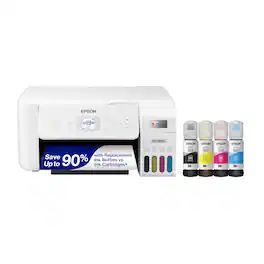
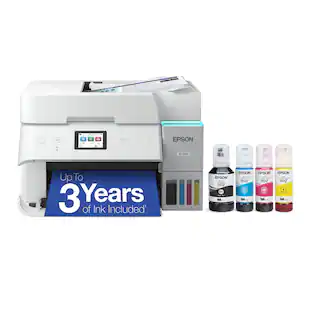
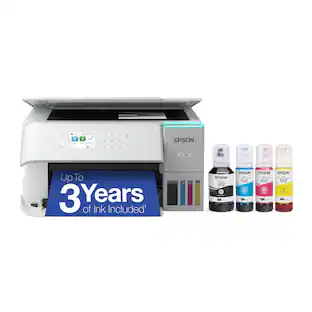
Your family needs a printer that’s fast, affordable, and easy to use. That’s why we developed the EcoTank ET-2800 – an innovative cartridge-free solution that uses high-capacity, easily refillable ink tanks. So you’ll worry less about running out of ink, and save a lot on replacement ink (1). The ET-2800 features genuine Epson print quality, a high-resolution flatbed scanner, and convenient color display – making it the ideal basic home printer.
| Pros for Canon - PIXMA Megatank G3270 Wireless All-In-One Supertank Inkjet Printer - Black | |||
|---|---|---|---|
| Print Quality, Ease of use, Overall Performance, Setup, Connectivity | Print Quality, Ease of use, Overall Performance, Setup | There were no pros for this product— | Print Quality, Ease of use, Overall Performance, Setup, Connectivity |
| Cons for Canon - PIXMA Megatank G3270 Wireless All-In-One Supertank Inkjet Printer - Black | |||
| Noise Level, Paper Tray | Noise Level, Display, Connectivity, Control Panel | There were no cons for this product— | Paper Tray, Noise Level |
Specs
Customers often buy these together
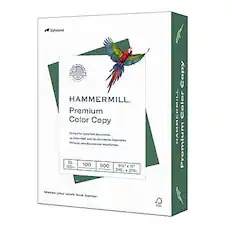
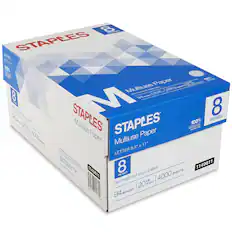
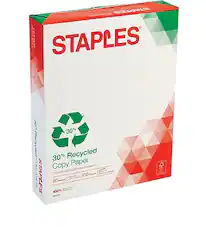
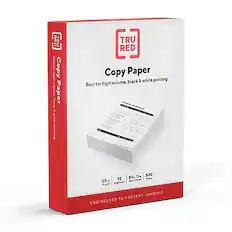
Copy and Multipurpose Paper
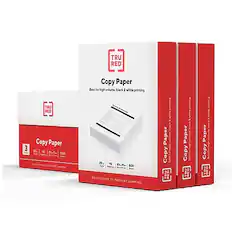
TRU RED - 8.5" x 11" Copy Paper, 20 lbs., 92 Brightness, 500 Sheets/Ream, 3 Reams/Carton - White
$23.19The price was $27.19



Customers ultimately bought
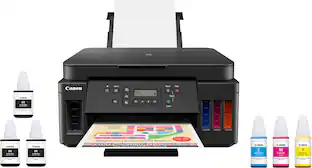 $249.00The price was $323.00
 $269.99The price was $311.99
 Top Deal$469.99The price was $499.99
 $329.99The price was $410.99



Explore tech essentials Sponsored
- Top Deal$469.99The price was $499.99
 Top Deal$349.99The price was $479.99

Discover related products
 $429.99The price was $648.99
 $316.38The price was $432.52
 $12.99The price was $13.99
 $249.00The price was $275.00
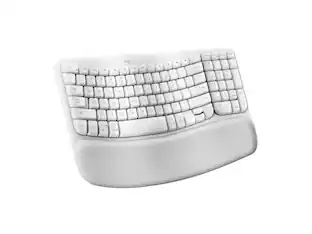









Keep exploring
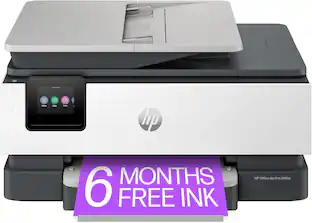 $149.00The price was $199.99