Customer Ratings & Reviews




- Model:
- CB3-532-C8DF
- SKU:
- 6170703
Rating by feature
- Value
Rating 4.6 out of 5 stars
- Quality
Rating 4.4 out of 5 stars
- Ease of Use
Rating 4.5 out of 5 stars
Customers are saying
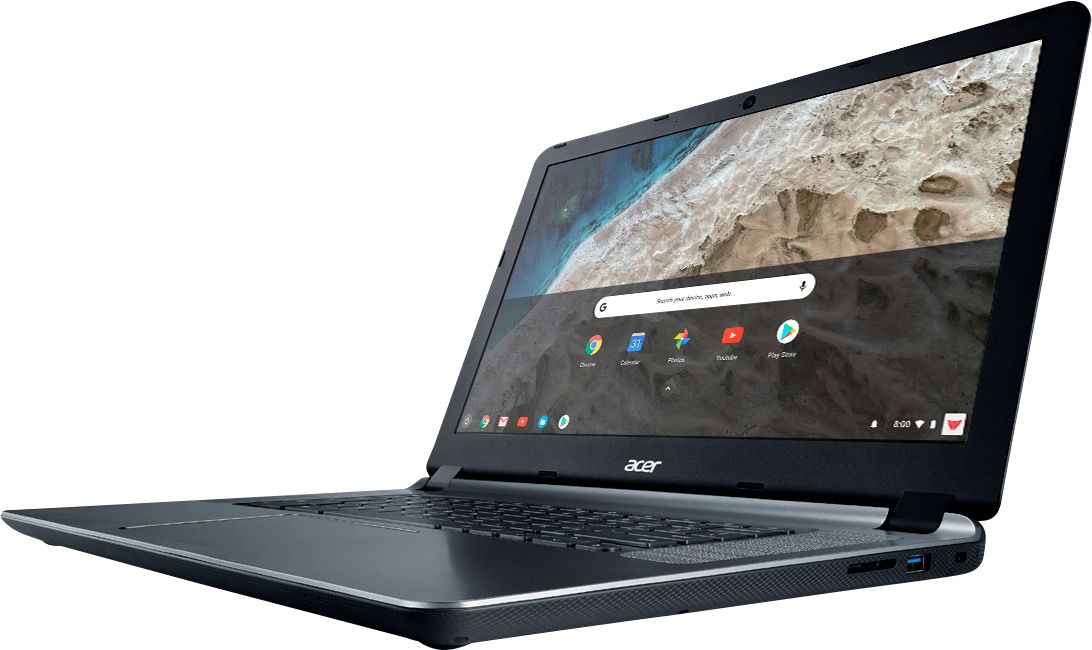
Customers recognize the 15.6" Chromebook as easy to use and having a desirable screen size. Positive feedback also highlights its affordability and acceptable battery life, while some users note limitations in storage capacity. A few customers mention compatibility issues with certain software and the operating system's limitations.
This summary was generated by AI based on customer reviews.
I great replacement for a broken windows laptop
||Posted .This reviewer received promo considerations or sweepstakes entry for writing a review.My daughter's HP laptop stopped turning on. Instead of repairing it we decided to replace it. She asked me for a computer with a long lasting battery. I thought I could just buy her a new windows laptop with a spare battery since she spend all her day on campus. Then I remember someone had bragged to me about his Chromebook battery lasting for ever. I decided to give it a try. After a week we purchased it, my daughter called me as asked me if I thought something was wrong with the battery icon because it never told her the battery was about to die. She told me she literally uses her computer for 10 hours straight and yet, that is not enough to drain the battery.As for the apps, all her professors use google docs anyways, so no need to pay for any expensive software or worry about viruses. I'm really thinking about betting one for myself!
I would recommend this to a friendGood Valued ChromeBook.
||Posted .This reviewer received promo considerations or sweepstakes entry for writing a review.I have bought 5 Chromebooks to date. This one was a wedding gift for a friend that was older and not computer savvy. This is great for someone who just needs the device to just simply work. Google's Chrome OS just updates it self automatically as you use it so there's no need for Anti-Virus or app updates - it just works! I think the screen is very good although not super bright and the speakers are pretty good for a Chromebook. My friend is very please being he and his wife can now surf the web for: YouTube videos, shopping, maps, as well as play music on the device too. A great value for $200 dollars or less when on sale. Software is almost all free too on Google's web store. Best to have internet access at home or at hotspots although Google Docs, Google Notes, and video playback do work offline as well as a few other apps. Try one- you'll like it!
I would recommend this to a friend- Pros mentioned:Ease of use
Great Laptop
||Posted .This reviewer received promo considerations or sweepstakes entry for writing a review.Sleek and Light weight easy to use and love the color
I would recommend this to a friend - Cons mentioned:Memory
Best purchase I've made all year!
||Posted .This reviewer received promo considerations or sweepstakes entry for writing a review.I bought this on sale at a great price and it suits me just fine. This may not be for everyone due to memory, ram etc. This I use just for searching the web and youtube, thats it! Its like an over sized cell phone to me. If you do purchase this, the only thing I recommend buying for it is a wireless mouse.
I would recommend this to a friend - Pros mentioned:Price
Great for the Price
||Posted .This reviewer received promo considerations or sweepstakes entry for writing a review.Definitely a great buy for the price if you're just looking to get on the internet and do basic things. Of course, this computer will not run Fortnite, so that was the downside. I should have looked into that before purchasing, but it's still a good computer at such a low price point.
I would recommend this to a friend - Cons mentioned:Compatibility
Loving Google.
||Posted . Owned for more than 2 years when reviewed.This reviewer received promo considerations or sweepstakes entry for writing a review.My Chrome book is very efficient however I don't know that I would purchase it again if I would have a second opportunity. I miss using my programs which are only available for windows. It is also not compatible with my printer, so I had to go and purchase a new one.
No, I would not recommend this to a friend - Pros mentioned:Ease of use
Reliable Low Cost Laptop
||Posted .This reviewer received promo considerations or sweepstakes entry for writing a review.Purchased this chromebook for daily use that is limited to news, some simple google docs, and purchases. No real high performance applications. It works fine for my needs. Didn't take long to learn the 'chromebook' routine. Would purchase again as there have been no issues to date
I would recommend this to a friend - Pros mentioned:Battery life
Totally replaced my Windows 10 laptop!
||Posted .This reviewer received promo considerations or sweepstakes entry for writing a review.I use this Chromebook every day, in fact I'm using it right now. I only rarely boot my Windows Laptop. This little machine is fast, can go days without charging, as it goes to sleep when I close the lid. Love it so much, several family and friends have switched to Chromebooks as we..
I would recommend this to a friend - Pros mentioned:Battery life, Screen sizeCons mentioned:Storage

A decent alternative for a typical computer
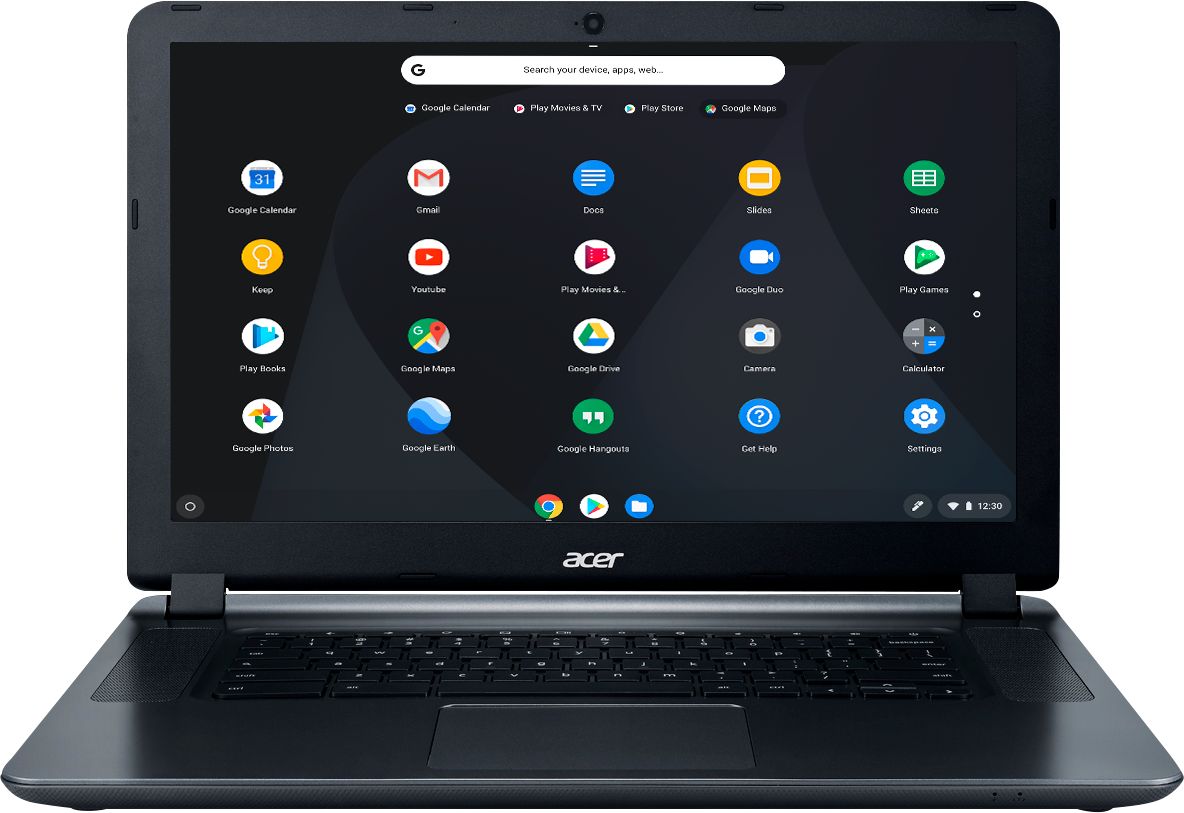
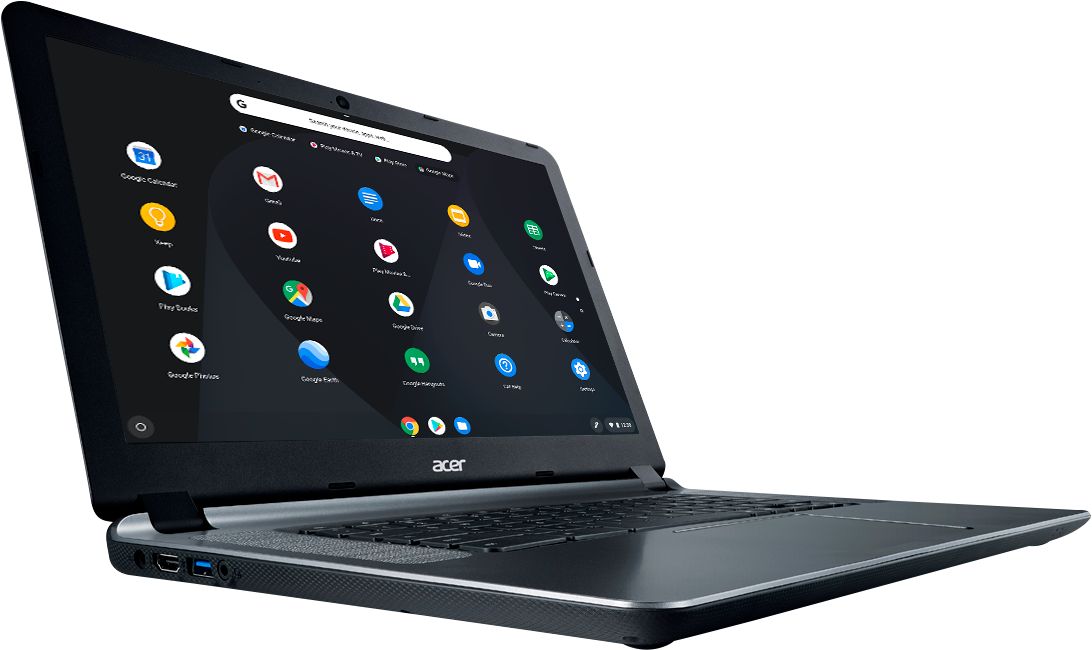
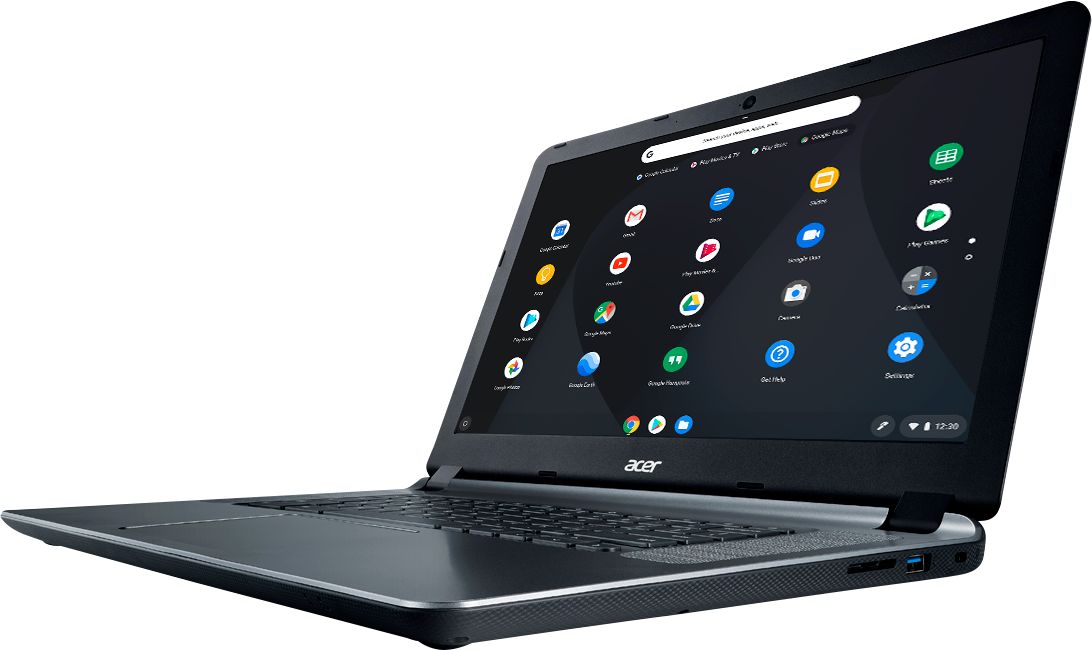
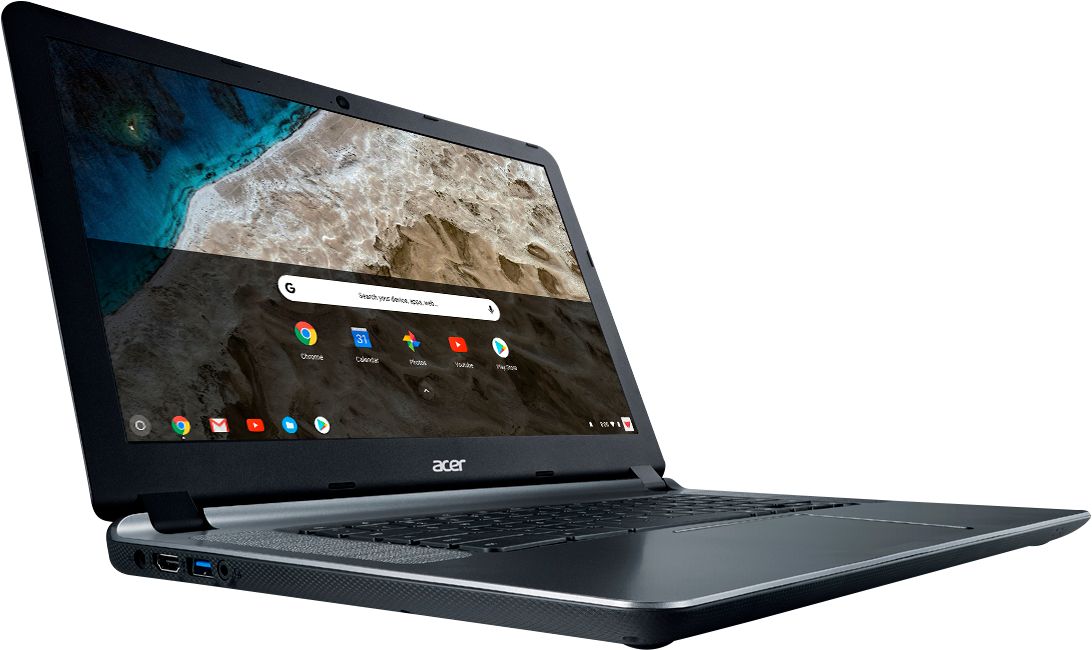
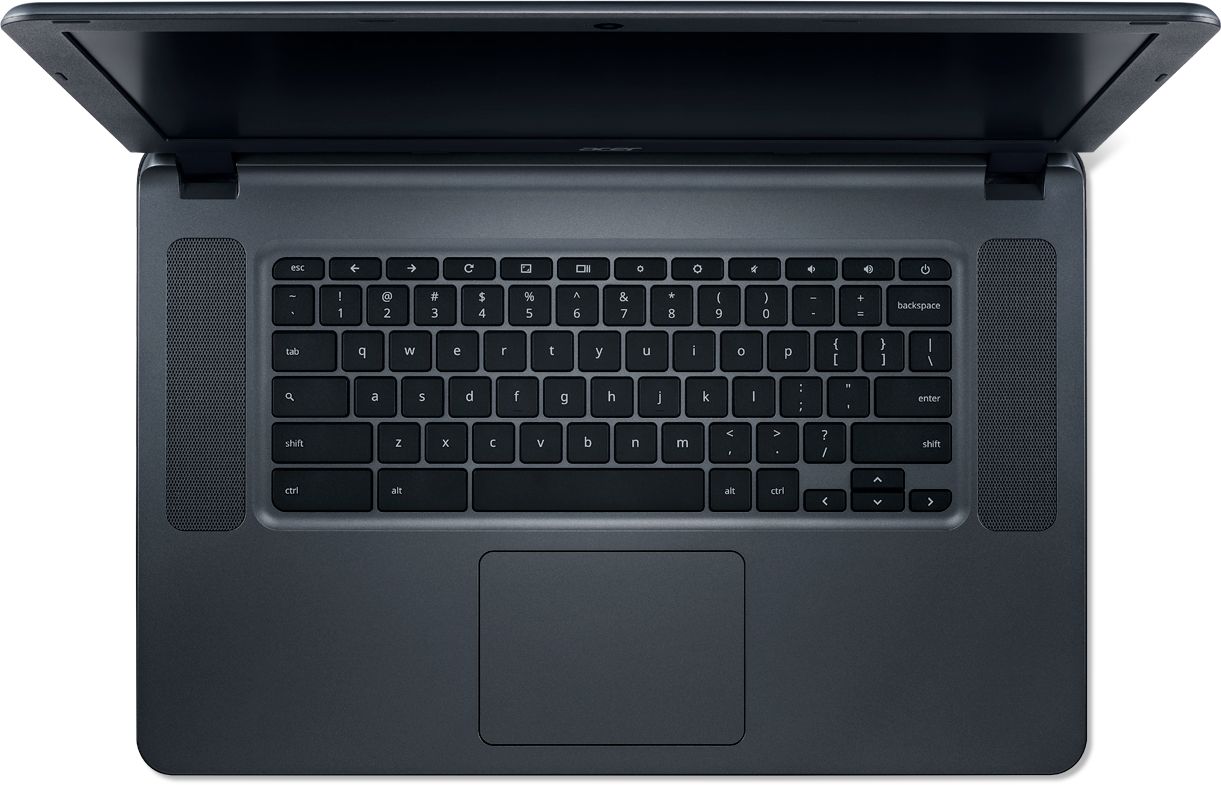
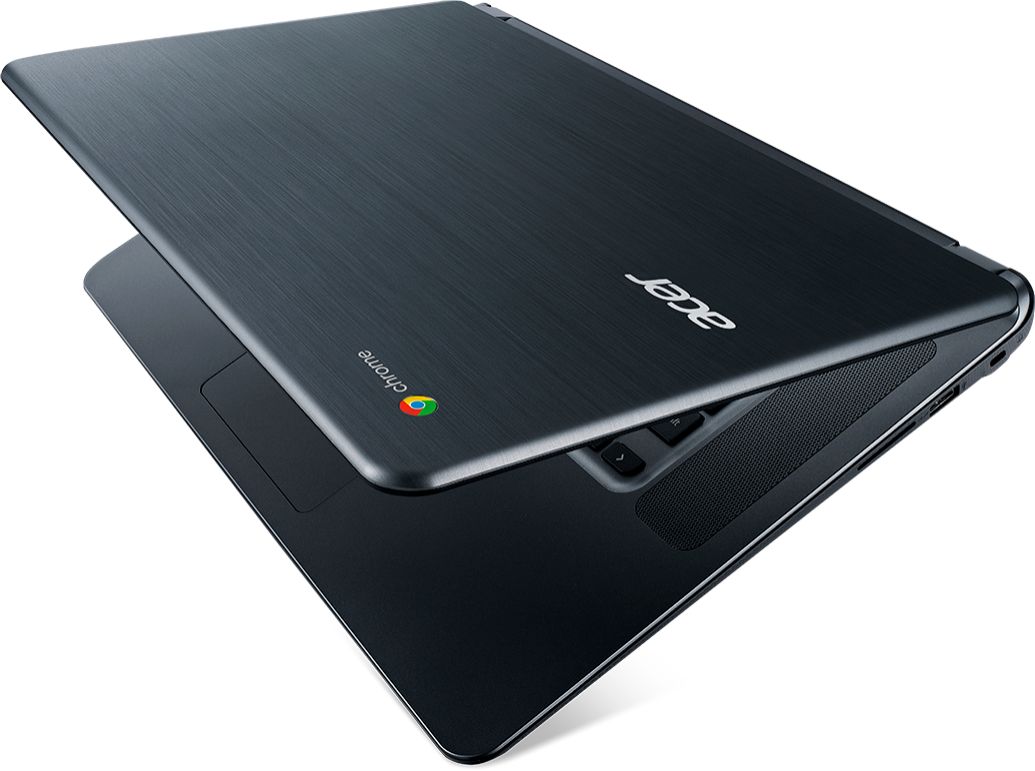
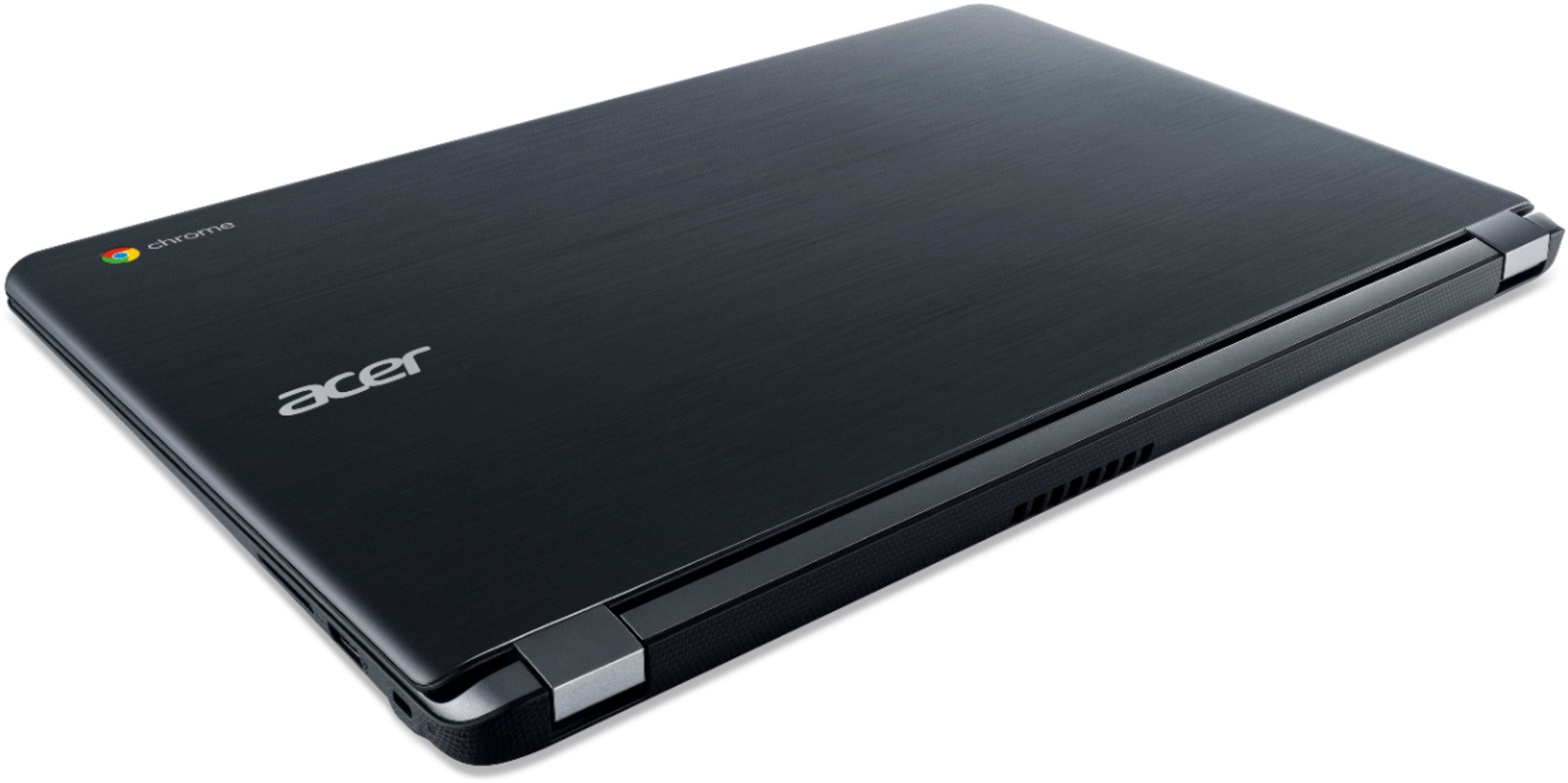
|Posted .This reviewer received promo considerations or sweepstakes entry for writing a review.The Acer Chromebook with Chrome OS is a decent laptop with excellent battery life for those looking for a simpler approach to using a computer. No complicated menus, no difficulty accessing resources, and so on. But even then, you have a familiar interface that anyone who has used a Windows/Android device (even just a little bit) will get an idea of how to interact with Chrome OS. Even if someone has no experience using a computer, they will have an easy time using and interacting with the Acer Chromebook. The hardware specifications are considered decent for what this Acer Chromebook is trying to achieve and some of the specs are very similar to what a mid-range Android tablet would have. Onboard the Acer Chromebook, you get 4GB of RAM, 16GB of internal storage (you won’t get access to the full 16GBs since the OS will require some of that space), Bluetooth connectivity, 802.11ac wireless LAN, various ports like an audio jack, two USB 3.0 ports and an HDMI port to connect your peripherals, a 15.6” Acer ComfyView LCD, and some great integrated speakers. The Acer Chromebook is great for doing one or two things at the same time. Such as writing a document up using Google Docs and performing online research or perhaps listening to some music or a YouTube video in a different tab. One of the best and most recent features of Chrome OS is the access to the Play Store, which was normally only available to Android OS powered devices such as Smartphones, Tablets, etc. What this means is that you can install and use applications from the Play Store on the Acer Chromebook, which greatly increases the variety and amount of software/applications that can be used on the Chromebook. Now, let’s get into my list of issues with the Acer Chromebook. I am a heavy multitasker and I’m constantly using a large number of applications at the same time (as well as having anywhere between 20 to 50+ tabs open in various Google Chrome windows). When you try to multitask on the Acer Chromebook, you will quickly realize where its limitations are. One simple test I tried was to open up four different websites in a single Google Chrome window at the same time and as each site loaded, you could instantly see a drop in performance. Both in how the browser was handling the request and how quickly the page could be loaded. The Acer Chromebook will work well when you are focused on one to two specific things, but the performance will soon drop as you try to perform more tasks at the same time. Furthermore, if you do not make use of the Play Store to download applications that can make use of the local storage, you’re pretty much required to be online at all time. Most if not all of the applications “installed” on the Acer Chromebook (Google Docs, Google Sheets, to name a few) are just hyperlinks that will open a new tab/window for Google Chrome to access the app online. And if for whatever reason, you cannot access a WiFi access point or there is no WiFi access point, you really have no other alternative. Unless you have and use an external USB to Ethernet adapter (which to my surprise Chrome OS was able to recognize and connect to the internet via this adapter with no prompts, you got to love Plug and Play) as there is no integrated Ethernet port. So long story short, the Acer Chromebook is great for simple tasks and a little bit of multitasking. The ability to download and install applications from the Play Store greatly expands what the Acer Chromebook can do. The battery life is amazing at giving you up to 12 hours of usage, which will definitely get you through the day, but the Acer Chromebook is not for everyone. If you are in the market for a device that can perform similar functions of an Android tablet, but provides you with a full sized keyboard, standard sized screen, with some extra ports that are normally not found on a tablet, then the Acer Chromebook might be a good fit for you.
I would recommend this to a friend - Pros mentioned:Ease of use
very easy to figure out/having never used a chrome
||Posted .This reviewer received promo considerations or sweepstakes entry for writing a review.easy to figure out/very user-friendly....had an issue after an update (icons were HUGE/screen SMALL)...called the 800 number/walked thru the fix/all good now....only gripe is the printing thing/it IS possible, but MAJOR pain ....if you want a CHEAP laptop for browsing, etc...PERFECT/not a workbook
I would recommend this to a friend - Pros mentioned:Screen size
Responsive and easy to use
||Posted .This reviewer received promo considerations or sweepstakes entry for writing a review.It has worked great, no issues at all. My daughter uses it the most to surf the internet or play kids games. Nice big screen. It has replaced a laptop that is five years old and dying. We could see no reason to pay more for a laptop with Microsoft Office. Google Sheets and Docs work great.
I would recommend this to a friend Amazing
||Posted . Owned for 1.5 years when reviewed.This reviewer received promo considerations or sweepstakes entry for writing a review.This thing is a LIFESAVER. I see why schools use them for students. It blows my PC away. It's lightweight, keeps a charge, and can do basically everything my PC can without all the bloat ware pulling down its RAM. Buy this computer
I would recommend this to a friend- Pros mentioned:Ease of use
Good for school
||Posted .This reviewer received promo considerations or sweepstakes entry for writing a review.I bought this for my 12 year old daughter. Her school utilizes Google Classroom, and they use ChromeBooks at school. This allows her to easily plug into her school work at home or on the go. All in all, it's no frills and fairly bare-bones, but it works for what she needs.
I would recommend this to a friend - Pros mentioned:Ease of use
Really love this chromebook
||Posted .This reviewer received promo considerations or sweepstakes entry for writing a review.I originally bought this as a laptop for my business as we use an internet based program for scheduling. I love it so much I purchased another for my personal use. This is the fastest and simple to use laptop I have ever owned. Very impressed and glad I chose this chromebook.
I would recommend this to a friend - Pros mentioned:Ease of use
Great for doing work in Google Drive
||Posted .This reviewer received promo considerations or sweepstakes entry for writing a review.I use this alongside my Mac for college assignments. When I need to use Google Drive, this is what I use instead of the Mac . Copying and pasting essays from Google Drive to another platform is so much easier to do on the chromebook than when I try to do it on the Mac.
I would recommend this to a friend - Pros mentioned:Ease of use
I am very happy with my purchase
||Posted .This reviewer received promo considerations or sweepstakes entry for writing a review.i have bought 3 of these and i like them so well i wanted to buy another one. Sadly there are none near by. 2 grandchildren have them and using fo home school and 3rd one is my husbands and easier for him to use than the next book. i want to replace the next book with chrome book.
I would recommend this to a friend - Pros mentioned:Ease of use
Good computer for the price you pay
||Posted .This reviewer received promo considerations or sweepstakes entry for writing a review.I would definitely recommend this computer to friends and family who are in need of a new one. The price is really good for a easy to use computer. So far no problems with using it and able to function everything I need it for. All in all a very good buy for me!
I would recommend this to a friend - Pros mentioned:Screen size
Wifes new chromebook
||Posted .This reviewer received promo considerations or sweepstakes entry for writing a review.Bought this for my wife. She likes the simplicity of the chrome OS. Its larger than her past chromebooks and she loves it a lot. Audio output is also louder than her older machine. If you just surf the net and check email, then chromebooks are the way to go.
I would recommend this to a friend - Pros mentioned:Screen size
More than I was expecting
||Posted .This reviewer received promo considerations or sweepstakes entry for writing a review.This is my second Chromebook. I couldn't be any happier with it. I can all the work I need done(downloading worksheets, creating flyers, and producing mass mailings) with an affordable machine. The larger screen is great for streaming movies and sports when relaxing.
I would recommend this to a friend Overall good . . . with a few shortcomings
||Posted .This reviewer received promo considerations or sweepstakes entry for writing a review.I bought this mainly for web surfing and pleasure reading. Chrome OS does not have the complexity of Windows and will require that you learn a bit, but it is a low learning curve and Microsoft apps work fine on this. Keep in the Microsoft apps are stripped down significantly (and are available only if you have an Office subscription), so don't plan on using it for mail merges and complex spreadsheets. For basic writing, research and web browsing, it is acceptable. You cannot add your own software to this machine. The reason for the 4 is screen quality -- it has a bluish hue at low brightness levels for a lot of the web pages. I paid $150 during the holiday season, and I think it is a bargain at that price. Further, you can customize settings a bit if you search on keyboard and touch pad on the settings menu, and this will make the machine more familiar and easier to use.
I would recommend this to a friend