Customer Ratings & Reviews
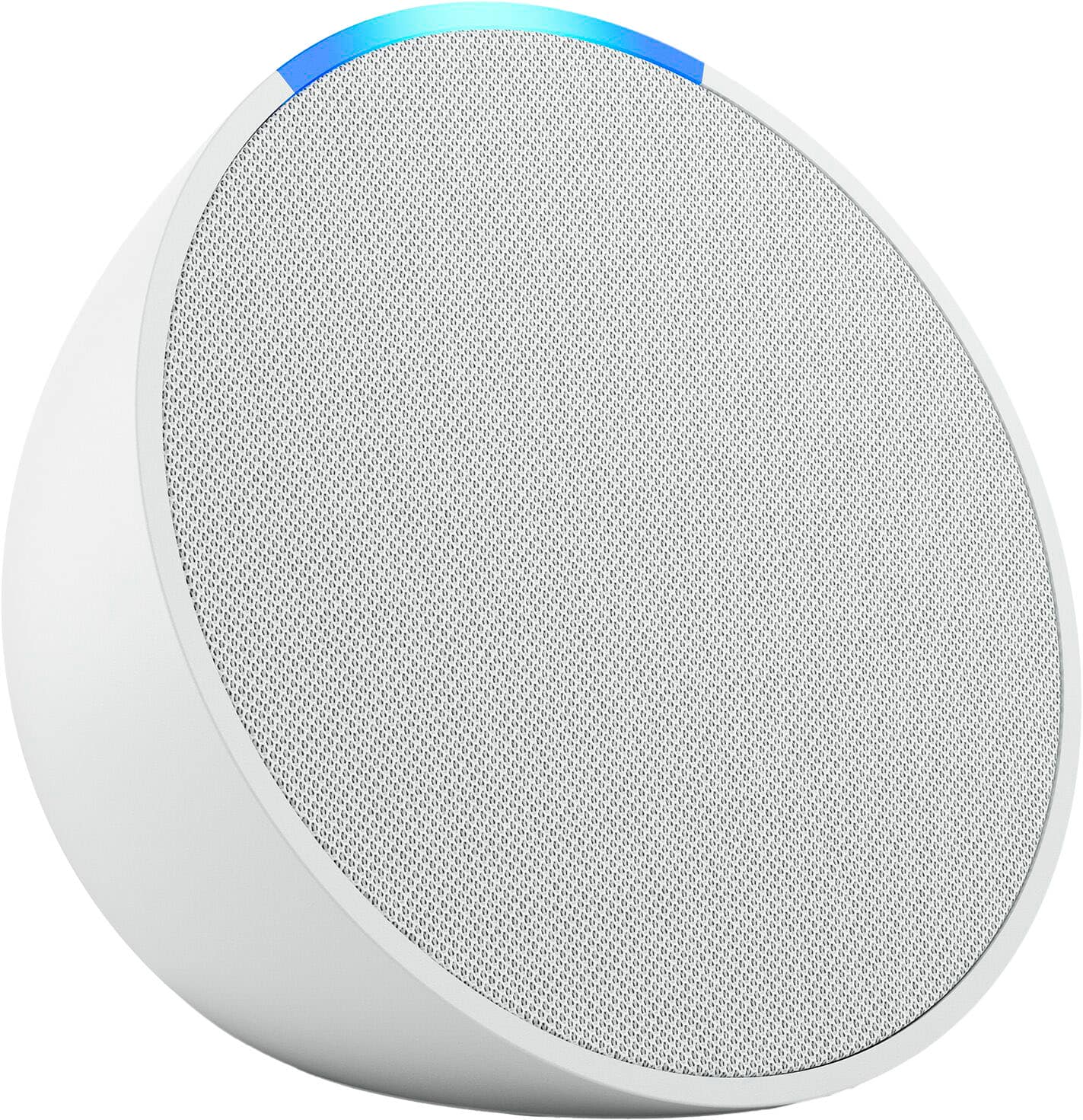
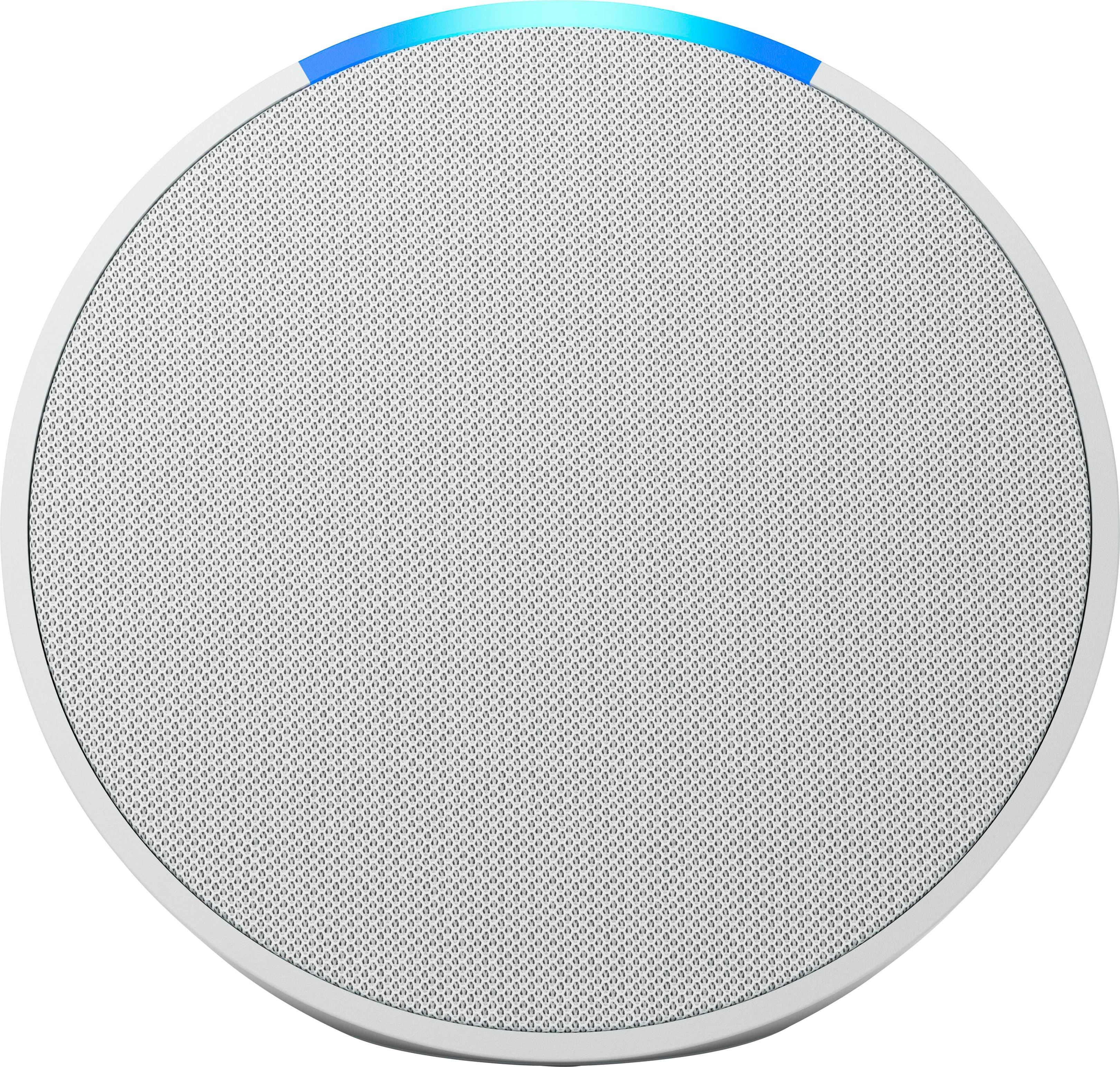

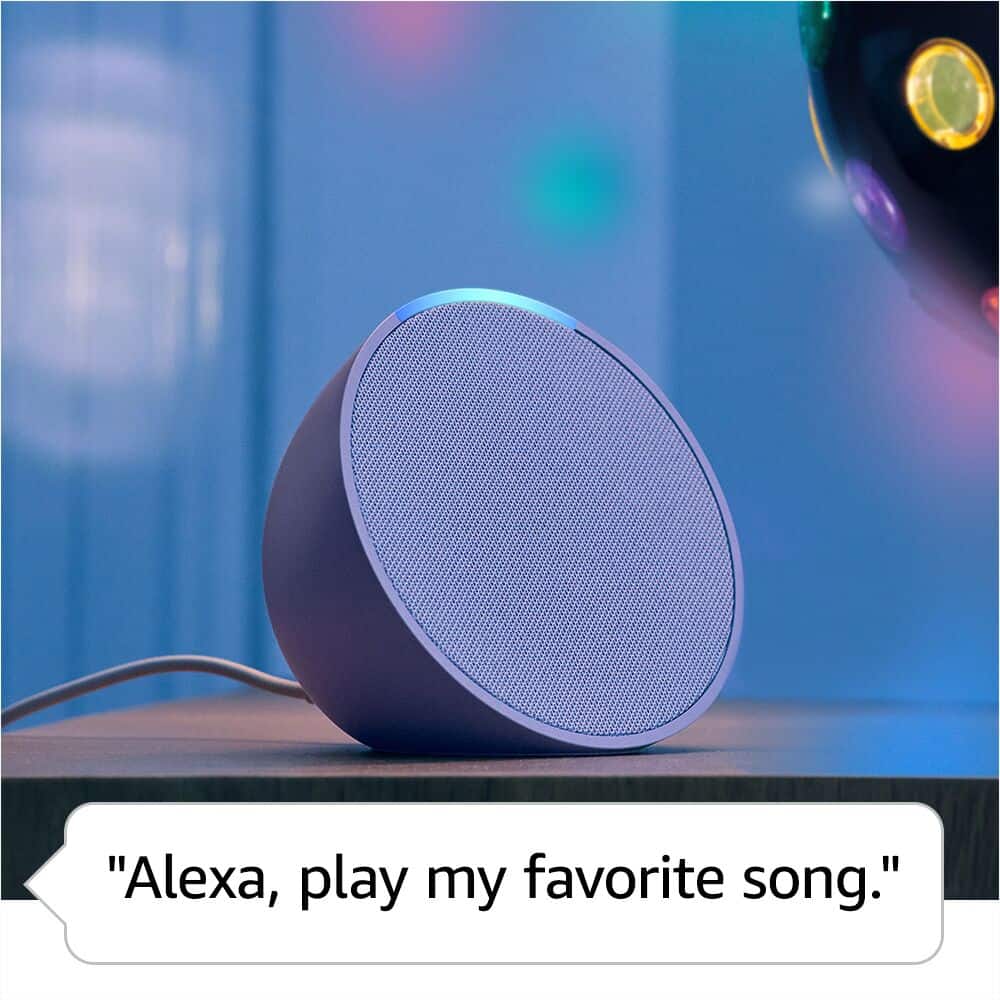
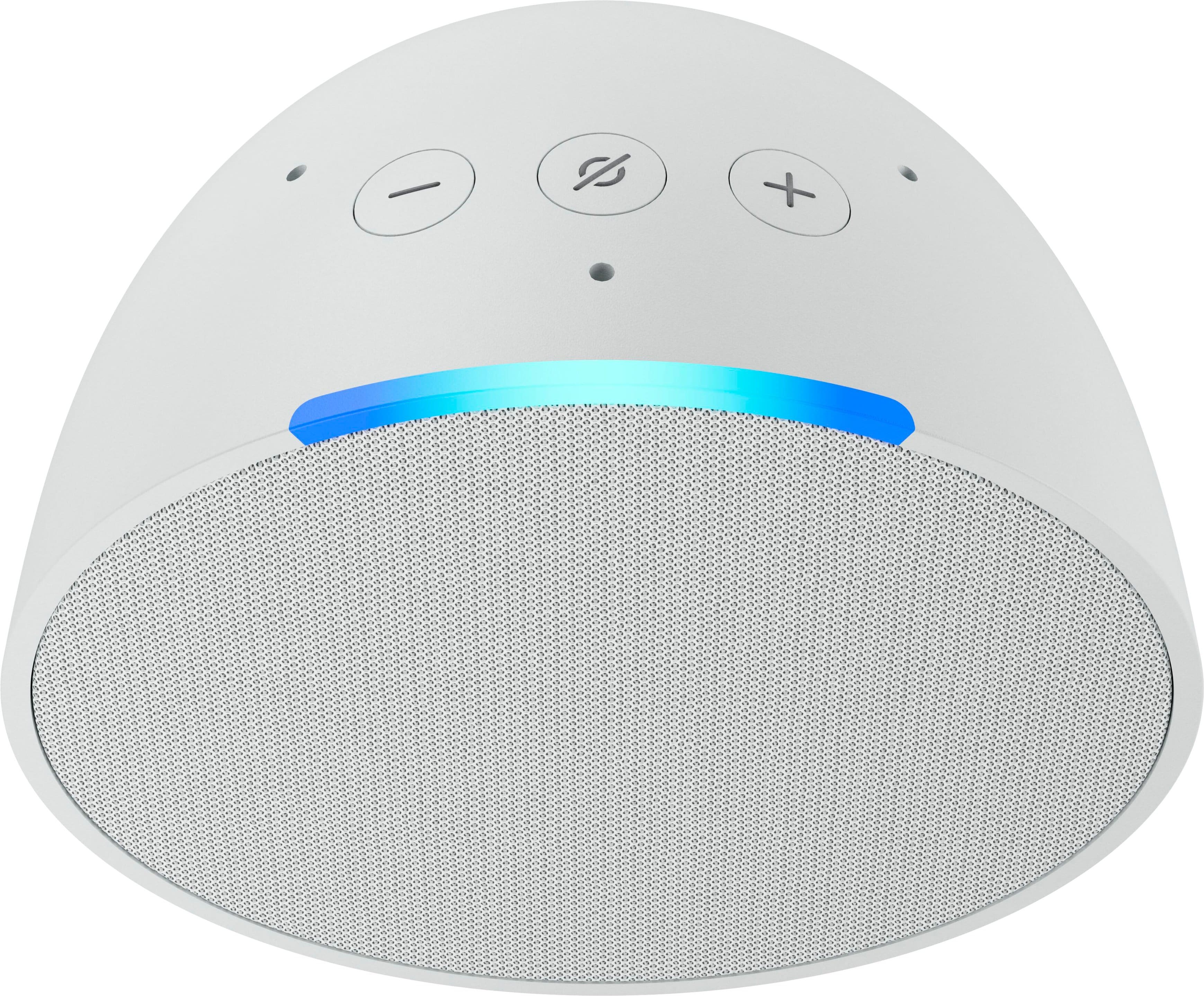
- Model:
- B09ZXLRRHY
- |
- SKU:
- 6544301
Customer reviews
Rating 4.7 out of 5 stars with 2141 reviews
(2,141 customer reviews)Rating by feature
- Value4.8
Rating 4.8 out of 5 stars
- Quality4.8
Rating 4.8 out of 5 stars
- Ease of Use4.8
Rating 4.8 out of 5 stars
Customers are saying
Customers are delighted by the Echo Pop's impressive sound quality, user-friendliness, and compact size. Many appreciate its affordable price and attractive design, as well as the surprisingly loud volume for its size. While some users have reported occasional connectivity issues, the vast majority are pleased with the device's overall performance.
This summary was generated by AI based on customer reviews.
Rated 5 out of 5 stars
Great product
||Posted .This reviewer received promo considerations or sweepstakes entry for writing a review.Great product. Everything i expected plus great customer service.
This review is from Amazon - Echo Pop (1st Generation) Smart Speaker with Alexa - Charcoal
I would recommend this to a friendRated 5 out of 5 stars
Alexa
||Posted . Owned for 1 month when reviewed.This reviewer received promo considerations or sweepstakes entry for writing a review.All o can say is “I love it”. I remember changing channels, using a remote but to just say Alexa turn on TV. Alexa go to utube. Alexa go to hdmi. Wow
This review is from Amazon - Echo Pop (1st Generation) Smart Speaker with Alexa - Charcoal
I would recommend this to a friendRated 5 out of 5 stars
Speaker
||Posted . Owned for 1 year when reviewed.This reviewer received promo considerations or sweepstakes entry for writing a review.Love this product makes me happy I got it and looking to upgrade it
This review is from Amazon - Echo Pop (1st Generation) Smart Speaker with Alexa - Charcoal
I would recommend this to a friendRated 5 out of 5 stars
Amazing
||Posted . Owned for 6 months when reviewed.This reviewer received promo considerations or sweepstakes entry for writing a review.Alexa is my trusty sidekick! Effortless control of my smart home, answers to my every question, and a dash of humor too
This review is from Amazon - Echo Pop (1st Generation) Smart Speaker with Alexa - Charcoal
I would recommend this to a friendRated 5 out of 5 stars
Great Gift Idea
||Posted . Owned for 1 month when reviewed.This reviewer received promo considerations or sweepstakes entry for writing a review.I gave this to my daughter, she loves it, and the color is so nice!
This review is from Amazon - Echo Pop (1st Generation) Smart Speaker with Alexa - Midnight Teal
I would recommend this to a friendRated 5 out of 5 stars
Great for music / meditations
||Posted . Owned for 1 month when reviewed.This reviewer received promo considerations or sweepstakes entry for writing a review.Great extra bonus item received with our order. We keep this in the bedroom and play sleep sounds on it to fill the room with relaxing sounds to sleep to.
This review is from Amazon - Echo Pop (1st Generation) Smart Speaker with Alexa - Charcoal
I would recommend this to a friendRated 5 out of 5 stars
Echo
||Posted . Owned for 9 months when reviewed.This reviewer received promo considerations or sweepstakes entry for writing a review.This product was purchased for my daughter to use at her home. She loves it.
This review is from Amazon - Echo Pop (1st Generation) Smart Speaker with Alexa - Charcoal
I would recommend this to a friendRated 5 out of 5 stars
Good times
||Posted . Owned for 1 year when reviewed.This reviewer received promo considerations or sweepstakes entry for writing a review.Love this little guy iggy took him to the cabin up north
This review is from Amazon - Echo Pop (1st Generation) Smart Speaker with Alexa - Charcoal
I would recommend this to a friendRated 5 out of 5 stars
Good deal
||Posted . Owned for 2 weeks when reviewed.This reviewer received promo considerations or sweepstakes entry for writing a review.Working like a charm…………………………………………………………………………zz
This review is from Amazon - Echo Pop (1st Generation) Smart Speaker with Alexa - Midnight Teal
I would recommend this to a friendRated 5 out of 5 stars
Good smart speaker and value for money
||Posted . Owned for 2 months when reviewed.This reviewer received promo considerations or sweepstakes entry for writing a review.Good product Get it when it is on sale Looks good in any room
This review is from Amazon - Echo Pop (1st Generation) Smart Speaker with Alexa - Charcoal
I would recommend this to a friendRated 5 out of 5 stars
Good
||Posted . Owned for 1 year when reviewed.This reviewer received promo considerations or sweepstakes entry for writing a review.I love it .. great to use .. one of the best …….,,
This review is from Amazon - Echo Pop (1st Generation) Smart Speaker with Alexa - Charcoal
I would recommend this to a friendRated 5 out of 5 stars
My cute little Echo Pop!
||Posted . Owned for 2 months when reviewed.This reviewer received promo considerations or sweepstakes entry for writing a review.It's a nice little device and a great free bonus with my TV purchase! Best Buy is the only appliance store that gives such great deals!
This review is from Amazon - Echo Pop (1st Generation) Smart Speaker with Alexa - Charcoal
I would recommend this to a friendRated 4 out of 5 stars
Pronunciation
||Posted . Owned for 1 month when reviewed.This reviewer received promo considerations or sweepstakes entry for writing a review.Sometimes it doesn’t understand the way I pronounce is my words
This review is from Amazon - Echo Pop (1st Generation) Smart Speaker with Alexa - Charcoal
I would recommend this to a friendRated 5 out of 5 stars
echo pop another smart bot
||Posted . Owned for 3 weeks when reviewed.This reviewer received promo considerations or sweepstakes entry for writing a review.works well, in addition to my other echo products. i can now control my cellar lights from the outside entrance with out a 3 way switch and wiring
This review is from Amazon - Echo Pop (1st Generation) Smart Speaker with Alexa - Charcoal
I would recommend this to a friendRated 4 out of 5 stars
work as intended
||Posted .This reviewer received promo considerations or sweepstakes entry for writing a review.Does Amazon Echo popped work as intended But they are not very durable
This review is from Amazon - Echo Pop (1st Generation) Smart Speaker with Alexa - Charcoal
I would recommend this to a friendRated 5 out of 5 stars
IMac PC
||Posted . Owned for 1 month when reviewed.This reviewer received promo considerations or sweepstakes entry for writing a review.Jordan is a scholar and a gentleman. He has gone above and beyond his pay. Thank you sooo much for helping us 3 days in a row and remembering us.
This review is from Amazon - Echo Pop (1st Generation) Smart Speaker with Alexa - Charcoal
I would recommend this to a friendRated 5 out of 5 stars
Go Alexa Go!
||Posted . Owned for 1 month when reviewed.This reviewer received promo considerations or sweepstakes entry for writing a review.Great product…. I love it!!! It is very helpful and comes up with answers quickly. Wish I had on in evert room in my house.
This review is from Amazon - Echo Pop (1st Generation) Smart Speaker with Alexa - Charcoal
I would recommend this to a friendRated 4 out of 5 stars
Like it...
||Posted . Owned for 3 weeks when reviewed.This reviewer received promo considerations or sweepstakes entry for writing a review.This is my 1st Echo pop added to the family of echo dots and seems fine so far
This review is from Amazon - Echo Pop (1st Generation) Smart Speaker with Alexa - Charcoal
I would recommend this to a friendRated 5 out of 5 stars
Echo
||Posted . Owned for 1 year when reviewed.This reviewer received promo considerations or sweepstakes entry for writing a review.Great to have in the bedroom! Buy a ton if you can!
This review is from Amazon - Echo Pop (1st Generation) Smart Speaker with Alexa - Charcoal
I would recommend this to a friendRated 5 out of 5 stars
Love this Dot
||Posted . Owned for 2 weeks when reviewed.This reviewer received promo considerations or sweepstakes entry for writing a review.Love this for the most part. It replaced an Echo Dot that speaker was scratchy. This does not seem to have the listening range as the dot
This review is from Amazon - Echo Pop (1st Generation) Smart Speaker with Alexa - Charcoal
I would recommend this to a friend