Customer Ratings & Reviews
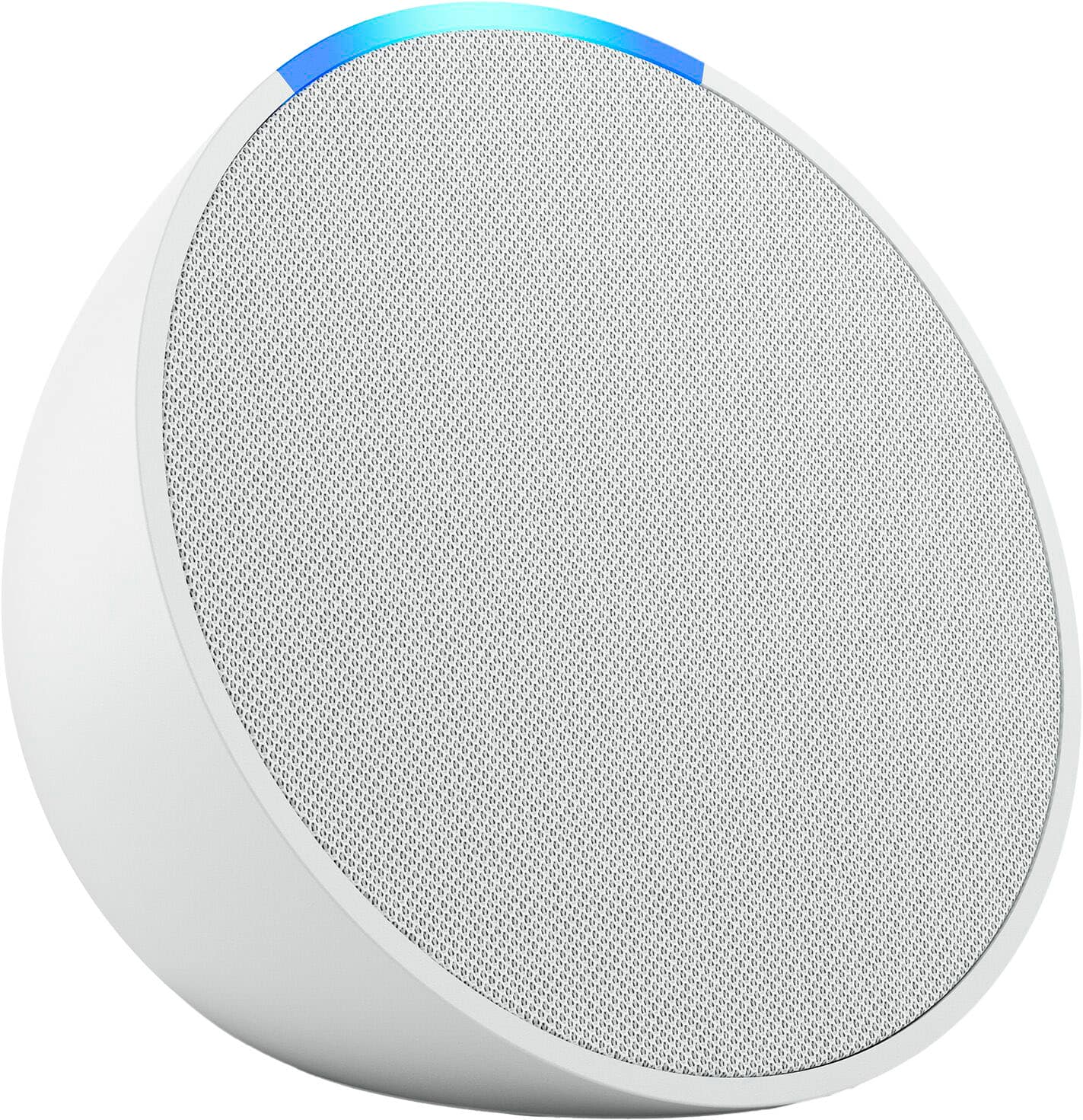
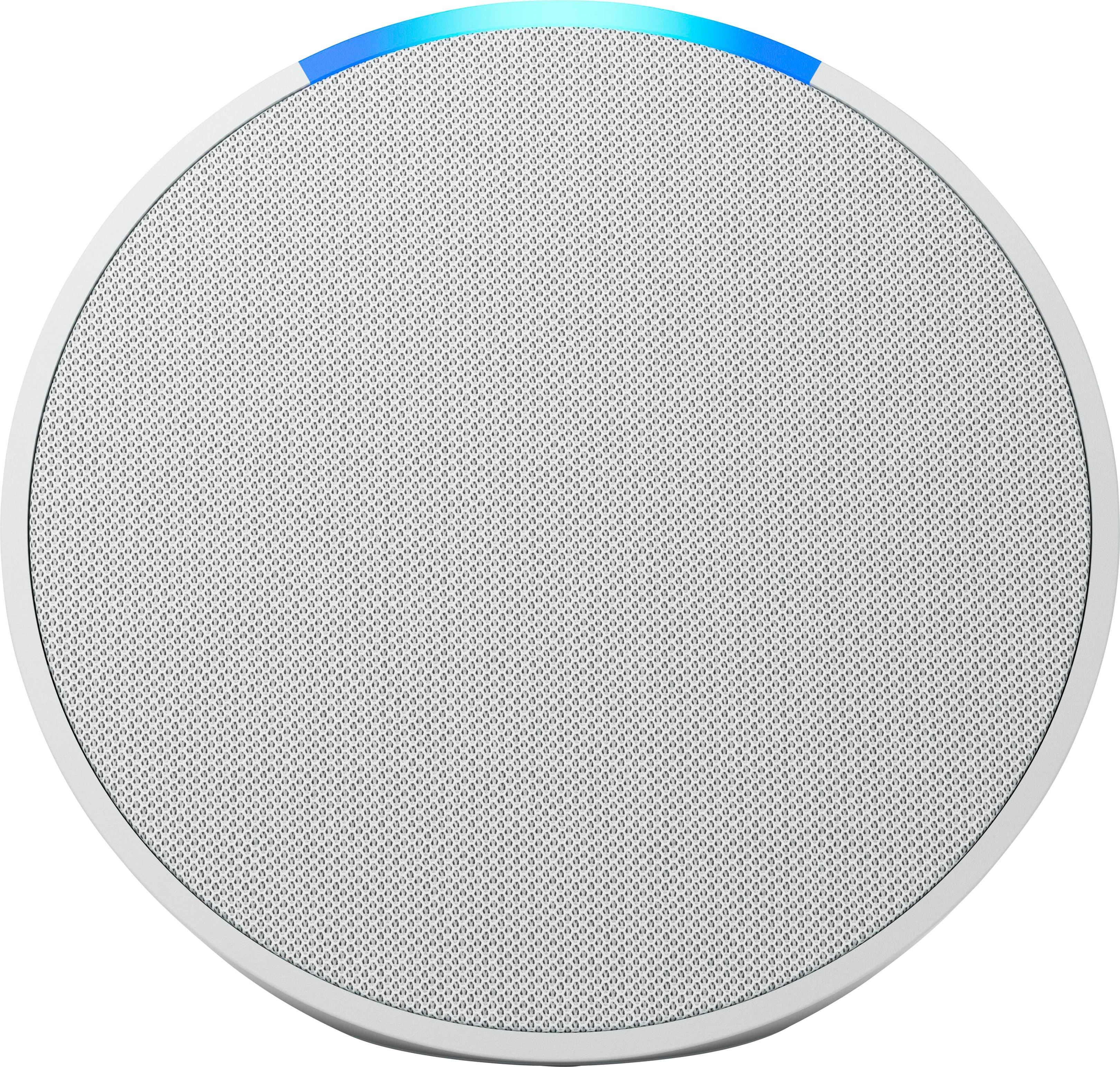

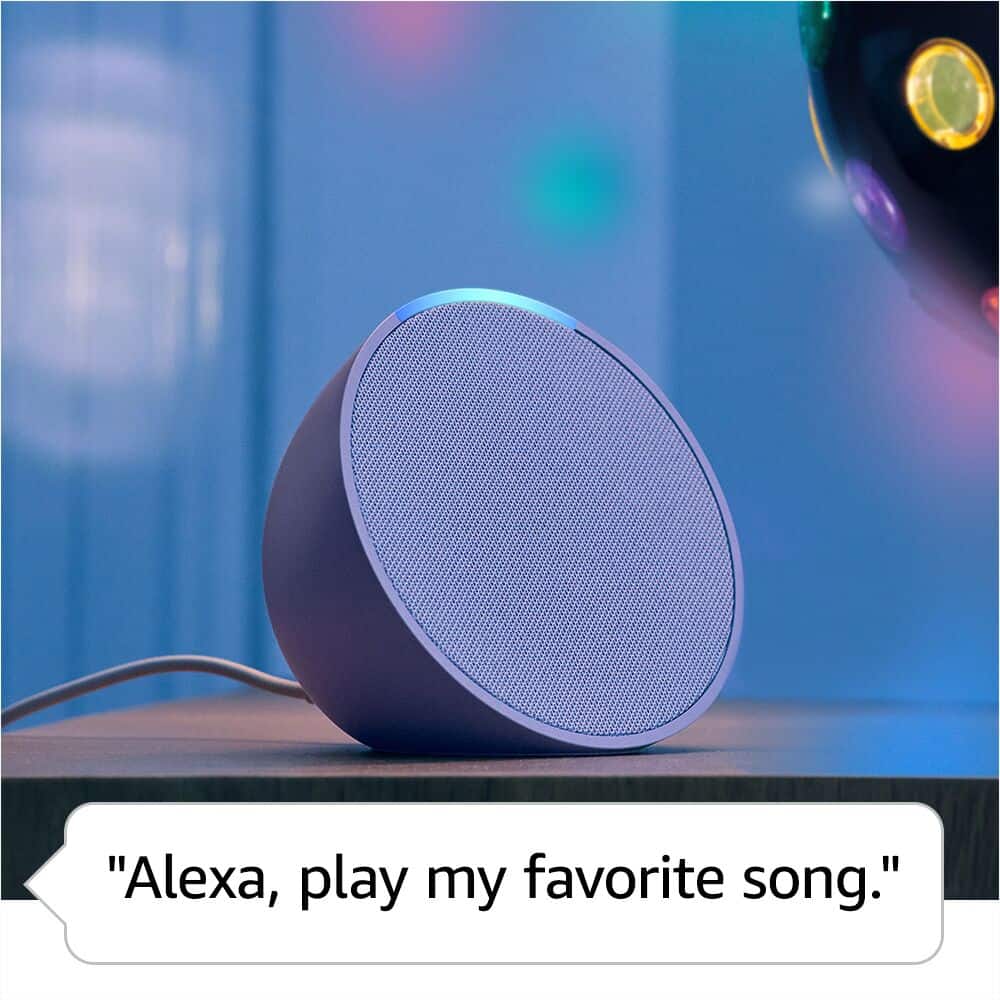
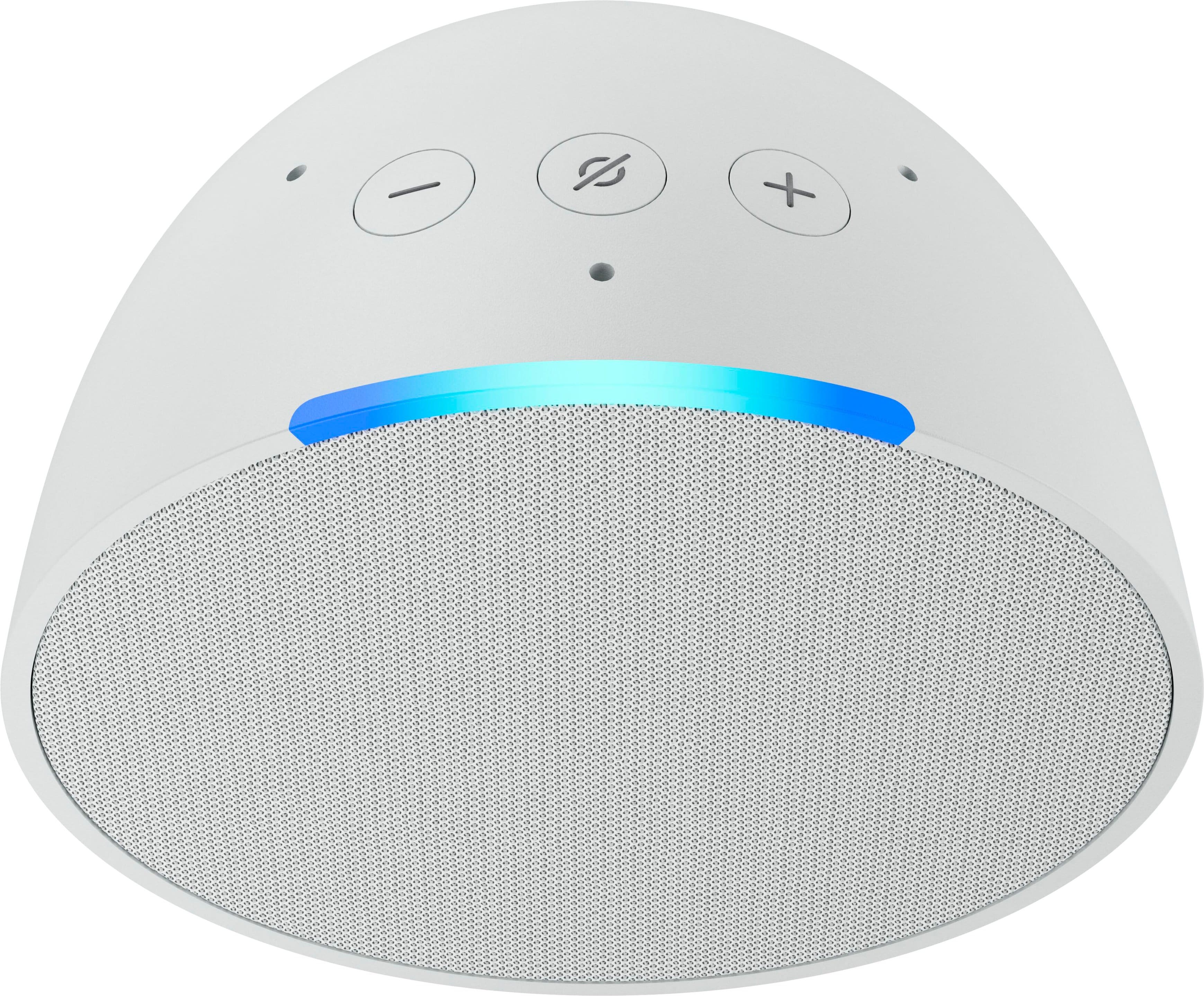
- Model:
- B09ZXLRRHY
- SKU:
- 6544301
Rating by feature
- Value
Rating 4.8 out of 5 stars
- Quality
Rating 4.8 out of 5 stars
- Ease of Use
Rating 4.8 out of 5 stars
Customers are saying
Customers are delighted by the Echo Pop's impressive sound quality, user-friendliness, and compact size. Many appreciate its affordable price and attractive design, as well as the surprisingly loud volume for its size. While some users have reported occasional connectivity issues, the vast majority are pleased with the device's overall performance.
This summary was generated by AI based on customer reviews.
Nice little speaker
||Posted . Owned for 3 weeks when reviewed.This reviewer received promo considerations or sweepstakes entry for writing a review.Nice little speaker with added benefit of Alexa built in.
I would recommend this to a friendSame thing different shape
||Posted . Owned for 3 weeks when reviewed.This reviewer received promo considerations or sweepstakes entry for writing a review.Nothing special, just a different design, is just ok
No, I would not recommend this to a friendGood as a speeker
||Posted . Owned for 1 month when reviewed.This reviewer received promo considerations or sweepstakes entry for writing a review.A good speaker, Alexa is one of the most useless assistants
I would recommend this to a friendBrand response from Amazon Devices Customer Support
Posted .Hi Maks,
Alexa is our next-generation AI assistant that gets things done – Alexa solves daily problems, keeps you entertained, helps you learn, keeps you organized, summarizes complex topics, controls your smart home devices, and more. If you need assistance using her many features, please call us!
You can call Amazon customer service, available 24/7 for assistance on the device. You can reach us at 1-888-280-4331!
Hope that helps!
Good
||Posted . Owned for 1 month when reviewed.This reviewer received promo considerations or sweepstakes entry for writing a review.Works good worth it………………………………………………………..……………………
I would recommend this to a friendSmall but mighty
||Posted . Owned for 3 weeks when reviewed.This reviewer received promo considerations or sweepstakes entry for writing a review.I like the others better but this one is good too.
I would recommend this to a friendAlexa
||Posted .This reviewer received promo considerations or sweepstakes entry for writing a review.I'm not crazy about it. I've tried everything to hook it up, but I don't understand the app instructions.
No, I would not recommend this to a friendBrand response from Amazon Devices Customer Support
Posted .Hi NancyH,
Thank you for taking the time to share your feedback about the Echo Pop. We're sorry to hear that you're having trouble getting it set up and that the app instructions haven't been clear enough.
We completely understand how frustrating it can be when technology doesn't connect as easily as expected. Setting up a new smart speaker should be straightforward, and we apologize that hasn't been your experience.
Here are some simplified steps that might help:
Plug in your Echo Pop and wait for the light ring to turn orange
Download the Amazon Alexa app on your smartphone
Open the app and tap "Devices" at the bottom
Tap the "+" icon and select "Add Device"
Choose "Amazon Echo" and then "Echo Pop"
Follow the prompts to connect it to your Wi-Fi network
If you're still having trouble, we'd love to help you get this working. You can:
Call Amazon Customer Service at 1-888-280-4331 for step-by-step phone support
Visit Best Buy's Geek Squad for in-person setup assistance
We appreciate your patience and your feedback. Getting started with Alexa should be easy, and we want to make sure you have the support you need.
I am on the fence
||Posted . Owned for 2 weeks when reviewed.This reviewer received promo considerations or sweepstakes entry for writing a review.I have an Echo Show and Echo dot and they are more than sufficient and I haven't figure out how to make it contact to the rest of the speakers in the house. Plus the voice commands pick up from the other speakers
I would recommend this to a friend- Pros mentioned:Size, Sound quality

Good basic smart speaker
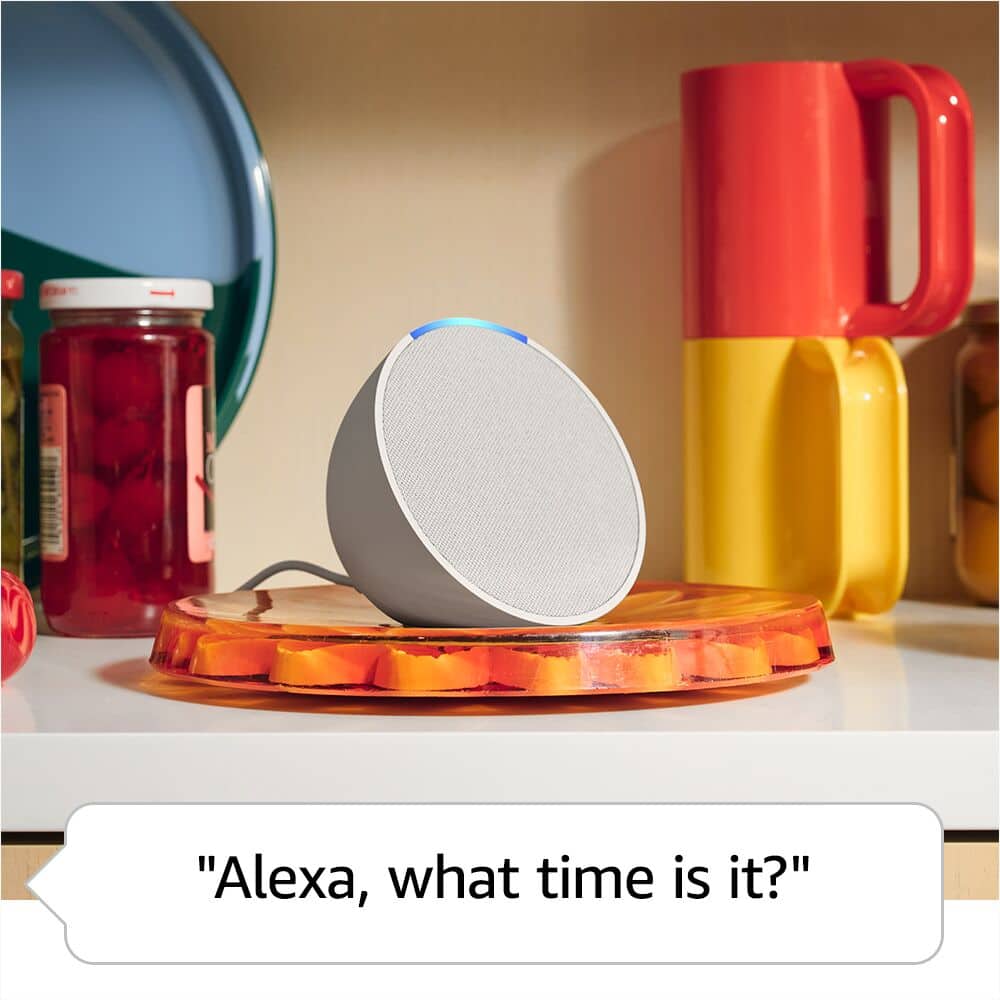
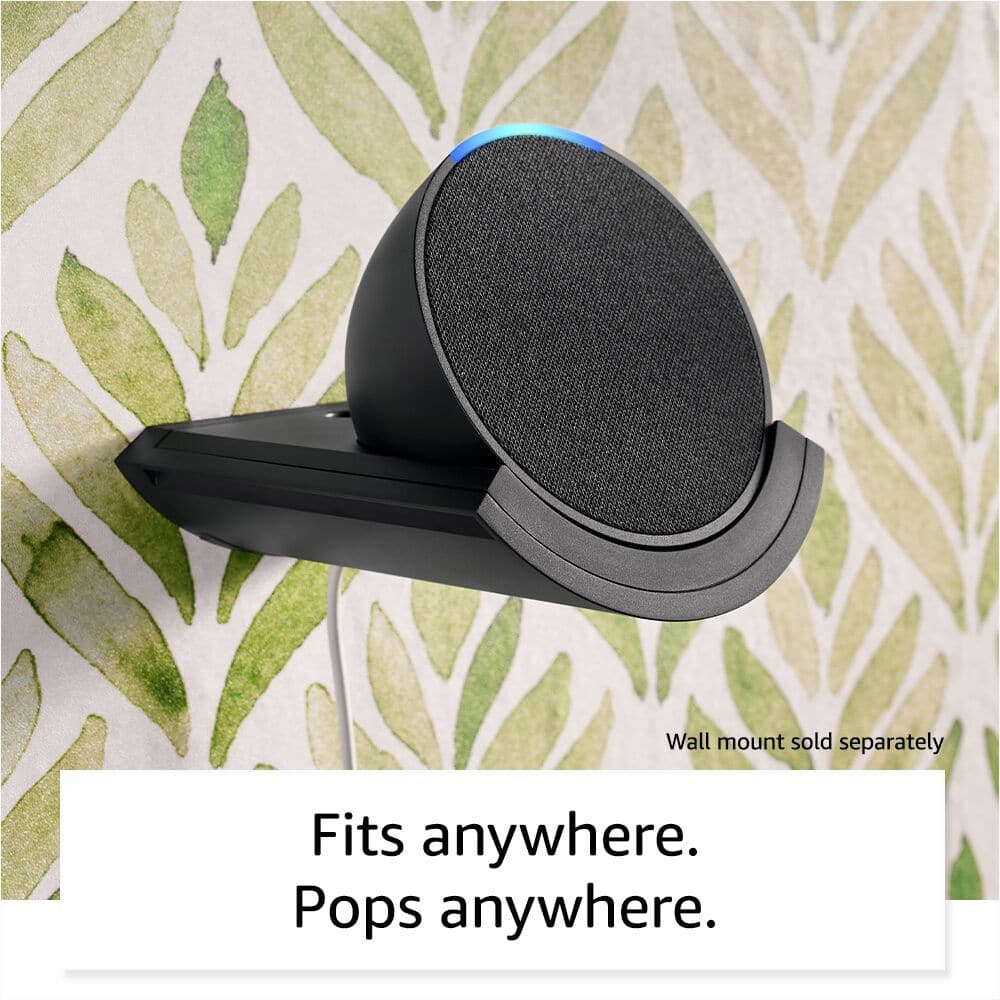
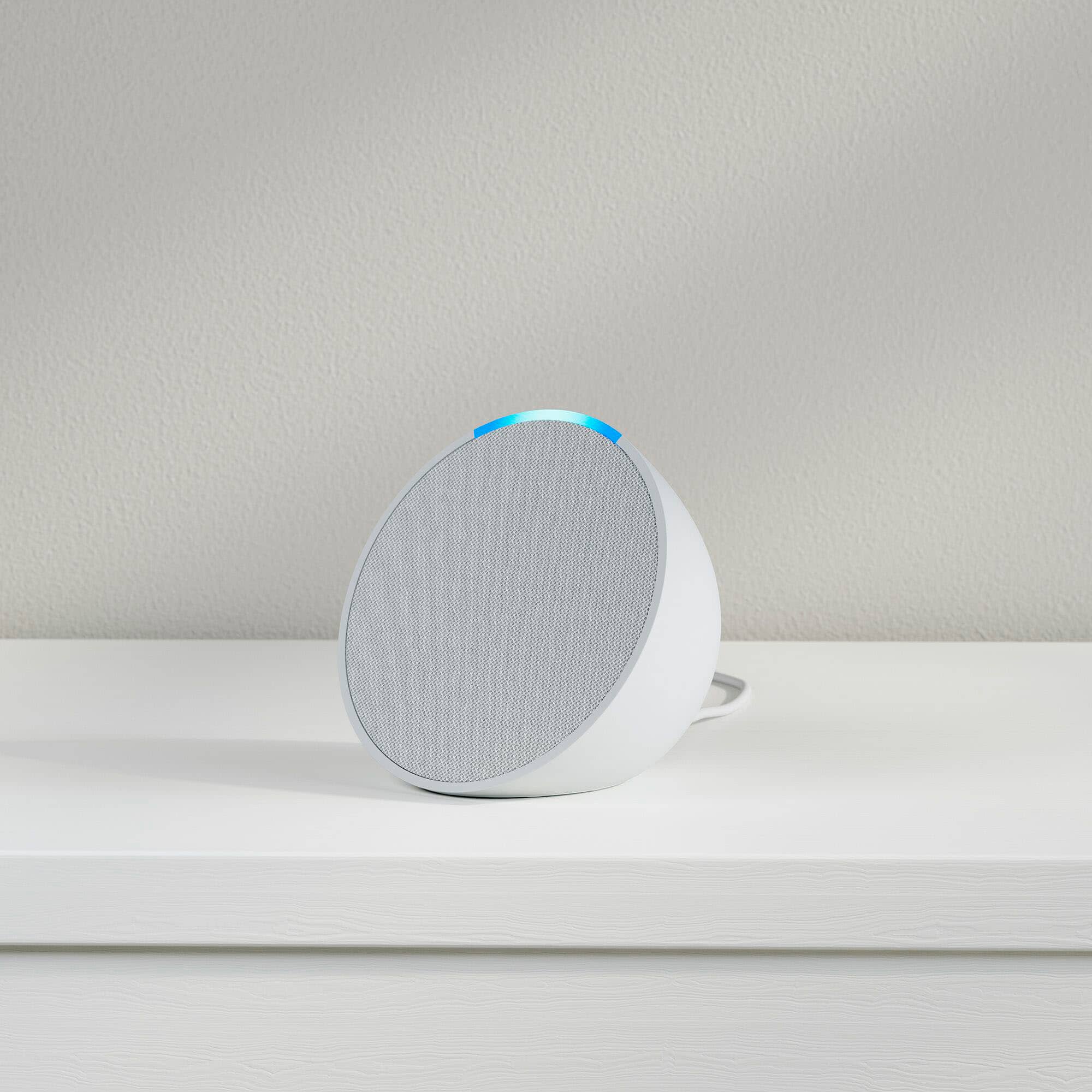
|Posted .This reviewer received promo considerations or sweepstakes entry for writing a review.I picked the new Amazon pop up because I liked the second generation Amazon dot that I have had for several years because of how small and non intrusive it is, and this unit is now the smallest Alexa unit they make currently. They have white, charcoal, lavender blue,and midnight teal colors, I got charcoal, matches all my others, but all are not easily seen where positioned, so color was not important to me. The dot has gotten taller and round, and is slightlh bigger than this. That being said, the features across all old and new are the same, simple controls, basically volume up and down on the unit and a mute, but that's it. The upper volume limit is very adequate for a bedroom, but I have it in my larger rec room area in my entertainment center and it does fine there. I use it to stream football games and music at times and this fills in a gap I had between rooms. It connected into my Eero mesh network easily, and is now part of my 3 other Alexa units as "house music" grouo. I have my thermostat and several subscription streaming music services controlled by ALexa and all work well. The mic is responsive on this and appears to pick up commands well. I would reccomend this to anyone who wants a alexa and doesn't want to spend a lot but have all the features and a small footprint.
I would recommend this to a friend What is it for?
||Posted . Owned for 1 month when reviewed.This reviewer received promo considerations or sweepstakes entry for writing a review.It came free with my Smart Fire TV but you have to download app to install it on an android phone and then it connects to the phone. Can't find out how to connect to my TV, so It's just JUNK for me.
No, I would not recommend this to a friendMeh...
||Posted . Owned for 3 weeks when reviewed.This reviewer received promo considerations or sweepstakes entry for writing a review.I guess it's ok for the price. Sound isn't great, Alexa doesn't always hear the wake up. I probably would spend more money and get a better Alexa device.
No, I would not recommend this to a friendIt’s ok
||Posted . Owned for 1 month when reviewed.This reviewer received promo considerations or sweepstakes entry for writing a review.I like it but for you to pick your song choice and play a song on repeat this is not for that. I would get a ihome. This is more like generalized playlist and something quick
I would recommend this to a friendEchoes
||Posted . Owned for 5 months when reviewed.This reviewer received promo considerations or sweepstakes entry for writing a review.Ok was not easy to put together all of them still in the boxes because couldn’t get all them to work properly together
I would recommend this to a friendBrand response from Amazon Devices Customer Support
Posted .Hello, Gracie! Thank you for the feedback on your Echo Pop. If you want to create speaker sets with compatible Echo Devices you need to do so within the Alexa App. 1. Open the Alexa App and select Devices at the bottom of the screen. 2. Select the + symbol at the top right of the page. 3. Select Combine Speakers and select Stereo pair / subwoofer. If these steps do not help, and you are still having issues you can call Amazon customer service, available 24/7 for assistance on the device. You can reach them at 1-888-280-4331. I hope this information is helpful, thank you!
Drop speaker
||Posted . Owned for 3 weeks when reviewed.This reviewer received promo considerations or sweepstakes entry for writing a review.The speaker is good, however, the sound is weak since is only for a small bedroom. Overall is a good speaker.
I would recommend this to a friendAI not good enough.
||Posted . Owned for 3 weeks when reviewed.This reviewer received promo considerations or sweepstakes entry for writing a review.This has nothing to do with the device itself but the AI. Alexa needs to improve on her music recommendations and prompt.
No, I would not recommend this to a friendA mistake
||Posted . Owned for 4 months when reviewed.This reviewer received promo considerations or sweepstakes entry for writing a review.Couldn't figure out how to get it to work or to hook up to my phone or wifi. So it is just sitting around on the floor doing nothing.
No, I would not recommend this to a friendBrand response from Amazon Devices Customer Support
Posted .Hi Aardvarka, thank you for providing feedback for the Echo Pop. I am sorry to see you have had trouble setting the device up. To set up your Echo Pop, first download or update the Alexa app on your smart phone, plug in your Echo Pop, open the Alexa app, select "Devices," then "Add Device," and then follow the on-screen instructions to set up your device. If you are in need of additional help please contact our Amazon Device Customer Service phone number at 1-888-280-4331. Thank you again, have a great day!
This product sucks. Do better Amazon!!
||Posted . Owned for 3 months when reviewed.This reviewer received promo considerations or sweepstakes entry for writing a review.Horrible product. Have had this for less than 4 months and it won’t even turn on. Used it to connect and extend our dot outside. That was spotty. Worked half the time. Brought it inside when not in use. Glad it was free. Not worth a penny.
No, I would not recommend this to a friendBrand response from Amazon Devices Customer Support
Posted .Thank you for your feedback Mac4588. I am sorry to hear you are having issues with your Echo Pop. Let's try some basic troubleshooting steps to resolve the issue. To reset your device and keep your smart home connections:
Press and hold the Volume down and Volume up buttons for 15 seconds.
Wait for the light bar to turn off and on again.
Your device enters setup mode. For setup instructions, go to Set Up Your Echo Pop.
To reset your device to its factory settings:
Press and hold the Volume down and Microphone off buttons for 25 seconds.
Wait for the light bar to turn off and on again.
Your device enters setup mode. For setup instructions, go to Set Up Your Echo Pop.
Note: This reset erases all your personal information and any device and smart home connections.
Tip: If resetting your device isn’t helpful or you no longer want to use your device, Deregister Your Device from your Amazon account. Deregistering your device erases all device settings. If this information does not help, you can reach Amazon Customer service 24/7 for assistance. You can reach them at 1-888-280-4331. I hope this information helps, thank you!
free with TV
||Posted . Owned for 1 month when reviewed.This reviewer received promo considerations or sweepstakes entry for writing a review.too early to say how good this is, still trying to figure it out but it came free with the TV so why not try it.
No, I would not recommend this to a friendOk.
||Posted . Owned for 2 weeks when reviewed.This reviewer received promo considerations or sweepstakes entry for writing a review.The quality of the music isn’t the best and music might be the only thing this is useful for.
I would recommend this to a friendNot a good options
||Posted . Owned for 3 weeks when reviewed.This reviewer received promo considerations or sweepstakes entry for writing a review.The inside speaker it’s a bit bigger but the sound quality it’s a step behind compared to old generations.
No, I would not recommend this to a friendEcho
||Posted . Owned for 1 week when reviewed.This reviewer received promo considerations or sweepstakes entry for writing a review.This was a sale item very difficult to use very hard to get the device to pick up the voice
I would recommend this to a friend