Customer Ratings & Reviews
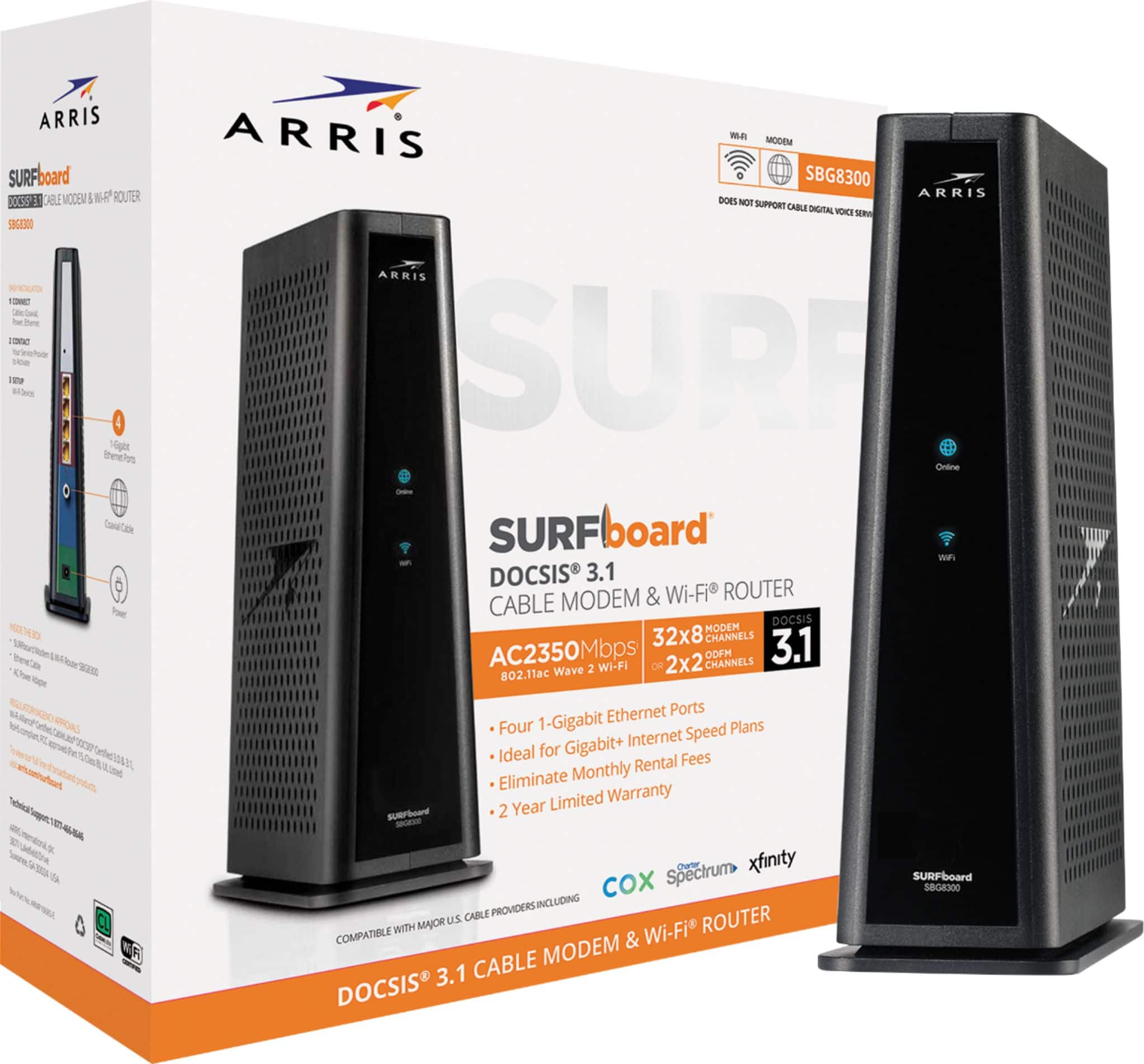
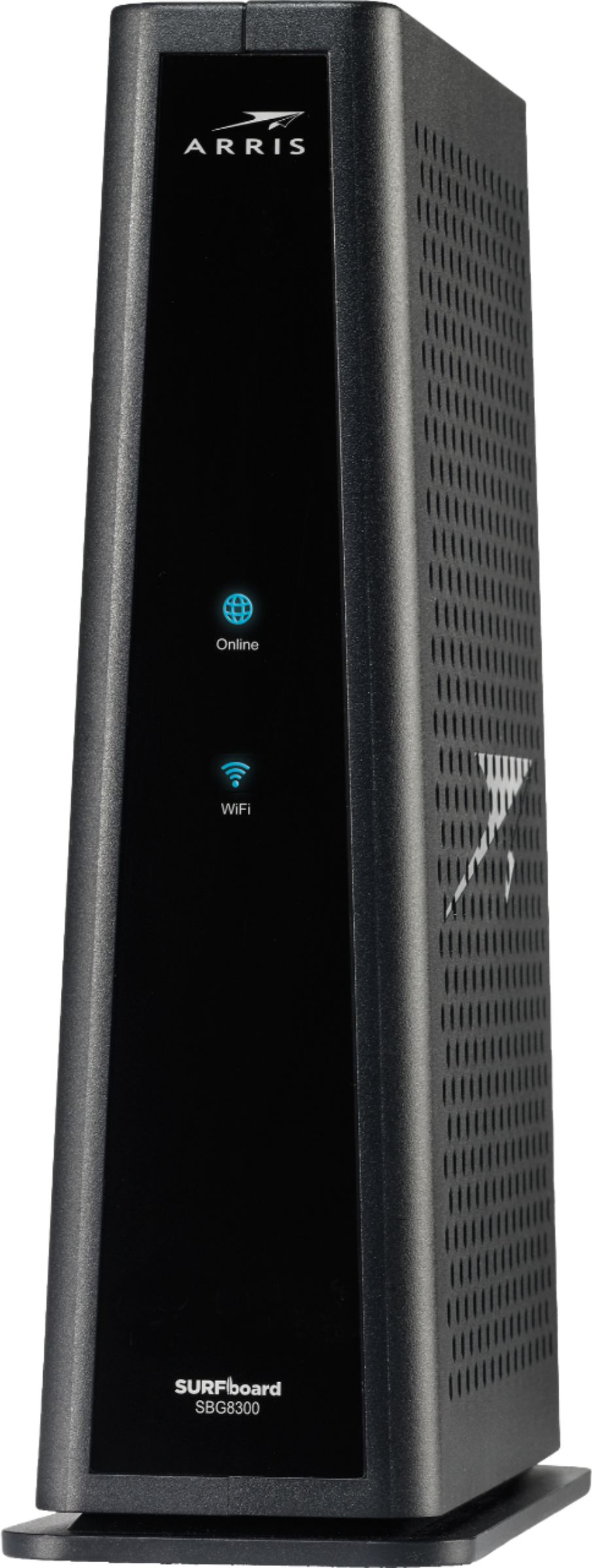
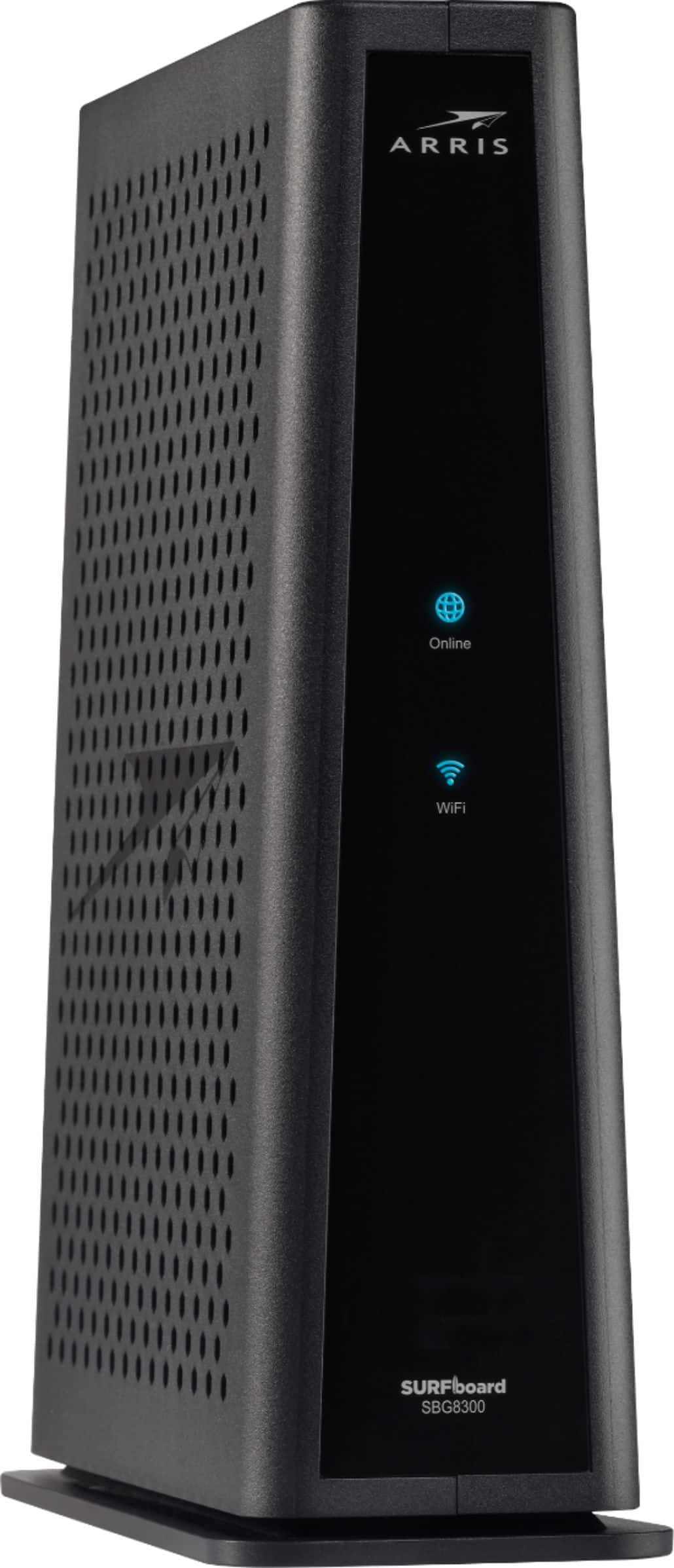
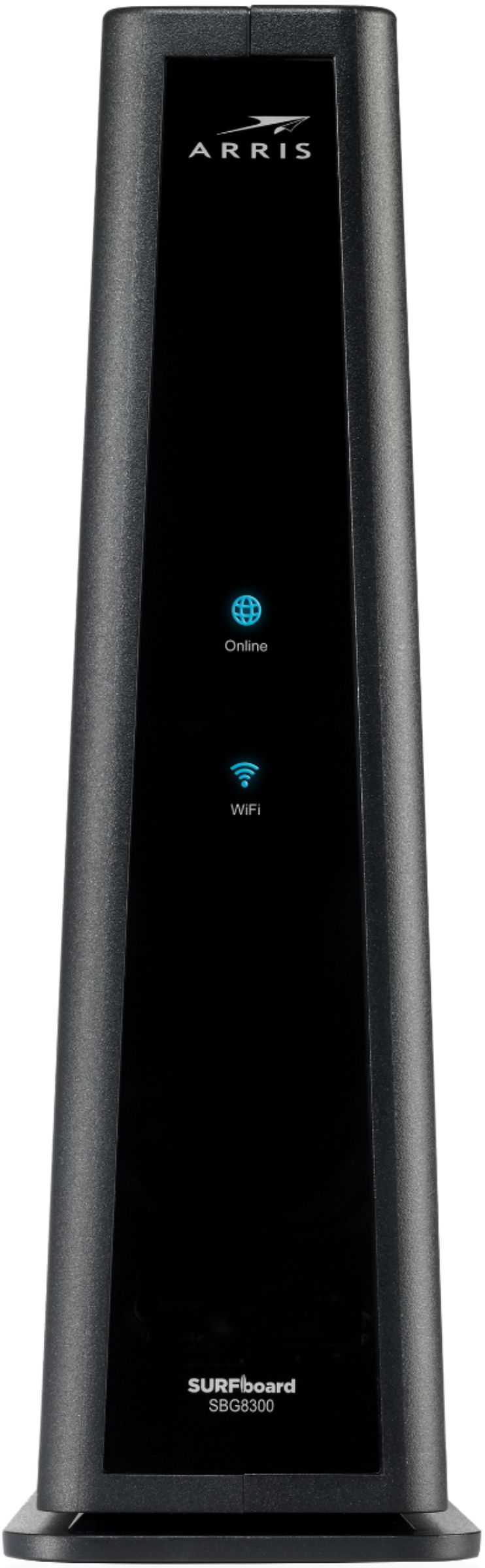
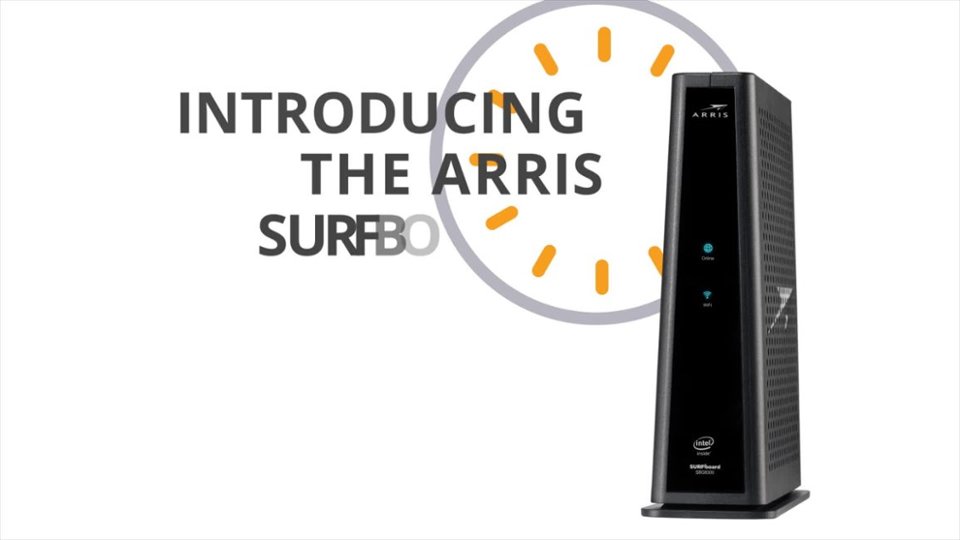

- Model:
- SBG8300
- SKU:
- 6341861
Rating by feature
- Setup
Rating 4.4 out of 5 stars
- Range
Rating 4.4 out of 5 stars
- Signal Strength
Rating 4.4 out of 5 stars
Customers are saying
Customers have good things to say about the SURFboard DOCSIS 3.1 Cable Modem & Dual-Band Wi-Fi Router's ease of use, Wi-Fi performance, and setup process, frequently citing its speed and reliability. Many also appreciate the product's performance and price. However, some users have reported compatibility issues and occasional unexpected restarts.
This summary was generated by AI based on customer reviews.
Junk
||Posted . Owned for less than 1 week when reviewed.This reviewer received promo considerations or sweepstakes entry for writing a review.In 3 months started to fail.the router went dead on it
No, I would not recommend this to a friendNot recommend
||Posted . Owned for 1 month when reviewed.This reviewer received promo considerations or sweepstakes entry for writing a review.I don't recommend this device. It doesn't provide what it promised the speed. I checked with my home internet service - with their modem and wifi it's a lot faster.
No, I would not recommend this to a friendJunk
||Posted . Owned for 1 month when reviewed.This reviewer received promo considerations or sweepstakes entry for writing a review.Horrible…..… does not send signal far from device.
No, I would not recommend this to a friendNot worth the cost
||Posted . Owned for 3 weeks when reviewed.This reviewer received promo considerations or sweepstakes entry for writing a review.For a $300+ router it barely spans across my 2 bedroom apartment. Good signal in the room it’s in but other than that be prepared to drop to under 7 MBPS download speed
No, I would not recommend this to a friendDisconnects often.
||Posted .This reviewer received promo considerations or sweepstakes entry for writing a review.Randomly disconnects. Which is terrible for working from home. Never had this problem with our old router but the isp forced us to upgrade. Not happy.
No, I would not recommend this to a friendDont buy
||Posted . Owned for 3 months when reviewed.This reviewer received promo considerations or sweepstakes entry for writing a review.Dont buy it, wifi does not stay up, it always lags and disconnects devices
No, I would not recommend this to a friendKept dropping out
||Posted . Owned for 1 month when reviewed.This reviewer received promo considerations or sweepstakes entry for writing a review.Bought for xfinity 1GB service as it was listed as supported. Wifi left dropping and xfinity told me to call manufacturer. I'm trying something else.
No, I would not recommend this to a friendNot recommend it
||Posted . Owned for 1 month when reviewed.This reviewer received promo considerations or sweepstakes entry for writing a review.Not recommend it, Signal is horrible, connection is not good either after the cable kick off they won’t connect back.
No, I would not recommend this to a friendSpeed
||Posted .This reviewer received promo considerations or sweepstakes entry for writing a review.Why I do the internet speed test on my computer, it’s only give me 90 mbps WiFi g5 is 400mbps. My Xfinity plan was up to 600mbps. Is Bad modem/router?
No, I would not recommend this to a friendBad arris SB8300
||Posted . Owned for 2 weeks when reviewed.This reviewer received promo considerations or sweepstakes entry for writing a review.Bad modem/router. Needs restart every 1-3hrs, connection lost, kick itself off ISP, high packet loss on pc. I dont recommend this.
No, I would not recommend this to a friendModem
||Posted . Owned for 3 weeks when reviewed.This reviewer received promo considerations or sweepstakes entry for writing a review.Is not what I waiting and I can’t return because my kids break the box
No, I would not recommend this to a friendNot lucky
||Posted . Owned for 1 month when reviewed.This reviewer received promo considerations or sweepstakes entry for writing a review.This is a great product, but unfortunately it didn’t work for me.
No, I would not recommend this to a friendNope
||Posted .This reviewer received promo considerations or sweepstakes entry for writing a review.No, I don’t really want to review this item. Thanks
No, I would not recommend this to a friend- Pros mentioned:Setup, Wi-fi

Excellent Cable Gateway…but NOT for Comcast Voice
|Posted .This reviewer received promo considerations or sweepstakes entry for writing a review.UNBOXING AND INITIAL IMPRESSIONS: Packaging is simple, and straight-forward. The box contains the gateway, power adapter, and (yellow) Ethernet cable, along with a simple-to-follow instruction booklet. All packaging was cardboard, thus very environmentally-friendly. Not much else I can say…but nothing else really needs to be said. SETUP: Setup couldn’t have been easier. I disconnected my dad’s current gateway, cable-by-cable, leaving the power cord as the second-to-last, and the coax cable last. Next, I connected the coax cable to the new gateway, followed by the power, and then the Ethernet cables (for the printers). Unfortunately, I didn’t realize there was no RJ-45 jack until after the gateway was already powering up (more on this, below). Unlike my first Arris modem (my current setup contains my second), which required two phone calls to Comcast, the SBG8300 connected automatically. I thought everything was going great…until the aforementioned missing RJ-45 jack was realized. My parents use Comcast’s “Voice Service”, which is similar to VoIP, but with some slight differences…the biggest of which is that all landlines need to be connected to the modem’s/gateway’s RJ-45 jack. No RJ-45 jack means no Comcast landline service. OPERATION: To be completely honest, I really didn’t get much testing in. The modem & router functionality works exactly (as far as I was able to determine) as Arris claims, but I didn’t have it connected long enough to perform my usual distance/speed tests. THE GOOD: • Everything works as claimed by Arris • Automatically connected to Comcast THE BAD: • Nothing I am aware of (primarily due to not being able to completely test the gateway) THE UGLY: • If you are a Comcast (aka Xfinity) Voice Service subscriber, you will NOT be able to use this gateway FINAL VERDICT: First, if you are a Comcast Voice subscriber, and want to use an Arris modem, or gateway, you need to understand that these are the ONLY Arris models you can use: Gateway (modem/router) – SVG2482AC, TG862R, TG862G Modem – SBV2402, SBV3202, TM822R, TM822G, TM722G I am NOT mentioning these other Arris models to deter you from purchasing the SBG8300. Quite the opposite. If you don’t subscribe to Comcast’s/Xfinity’s Voice Service, then the SBG8300 will be an excellent choice, and I HIGHLY recommend it. Disclaimer: This product was provided free, or at reduced cost, for the purpose of reviewing the product. Nevertheless, the above review, be it positive, negative, or anywhere in-between, is a 100% honest review, and the price paid played absolutely no part in my review.
I would recommend this to a friend Modem and router
||Posted . Owned for 1 month when reviewed.This reviewer received promo considerations or sweepstakes entry for writing a review.Router kept losing connection numerous times a day
No, I would not recommend this to a friendLog in problem
||Posted . Owned for 3 months when reviewed.This reviewer received promo considerations or sweepstakes entry for writing a review.After a while can't login. Let me login on wifi but NOT on app. Showing wrong email or password. Please fix it.
No, I would not recommend this to a friendPoor
||Posted . Owned for 1 month when reviewed.This reviewer received promo considerations or sweepstakes entry for writing a review.Very bad very bad very bad very bad very bad losing connection all the time
No, I would not recommend this to a friendNo good
||Posted . Owned for 1 week when reviewed.This reviewer received promo considerations or sweepstakes entry for writing a review.Nit getting the speed that was expected from this device
No, I would not recommend this to a friend- Pros mentioned:Speed
A Very Solid Modem / WiFi combo
|Posted .This reviewer received promo considerations or sweepstakes entry for writing a review.Now that this modem and router is installed I am very happy with it! The connectivity has been much better than my previous mesh network, which would lose connectivity for the devices connecting to the mesh points. With that said, I am rating this as 4 out of 5 stars because of the trouble with installation and because of the poor quality of the app. I am hoping the app gets better with some software updates. The app could not connect to the modem/router the first dozen or so times I tried. When it finally did, it made it a few more steps before crashing. Then I had to start over again a few more times. When I finally got connected and created a new account, the app was still unable to login in most cases. I also tried logging into the app when away from home and it doesn't look like it has the capability to do so. Other than the trouble with the app, the modem/router has worked great! We have a 4,000 square foot house with three levels and this is installed in one corner of the basement. The signal is strong and can reach up 2 floors and to the opposite side of the house - prior to this I needed a mesh network to achieve this. Also, the speed is amazing. I have Spectrum service and this can get download speeds of over 210 Mb/s on WiFi. The upload was only 5Mb/s, which seemed a little slower than my previous connection but it could be caused by other issues (time of day, other use in the house, etc). Overall, very pleased with the results and looking forward to better connections!
I would recommend this to a friend GARBAGE!!!
||Posted . Owned for 1 year when reviewed.This reviewer received promo considerations or sweepstakes entry for writing a review.WILL MAKE YOU INSANE WITH ISSUES CONNECTING AND DROPPING! COMPLETE GARBAGE!
No, I would not recommend this to a friend