Customer Ratings & Reviews
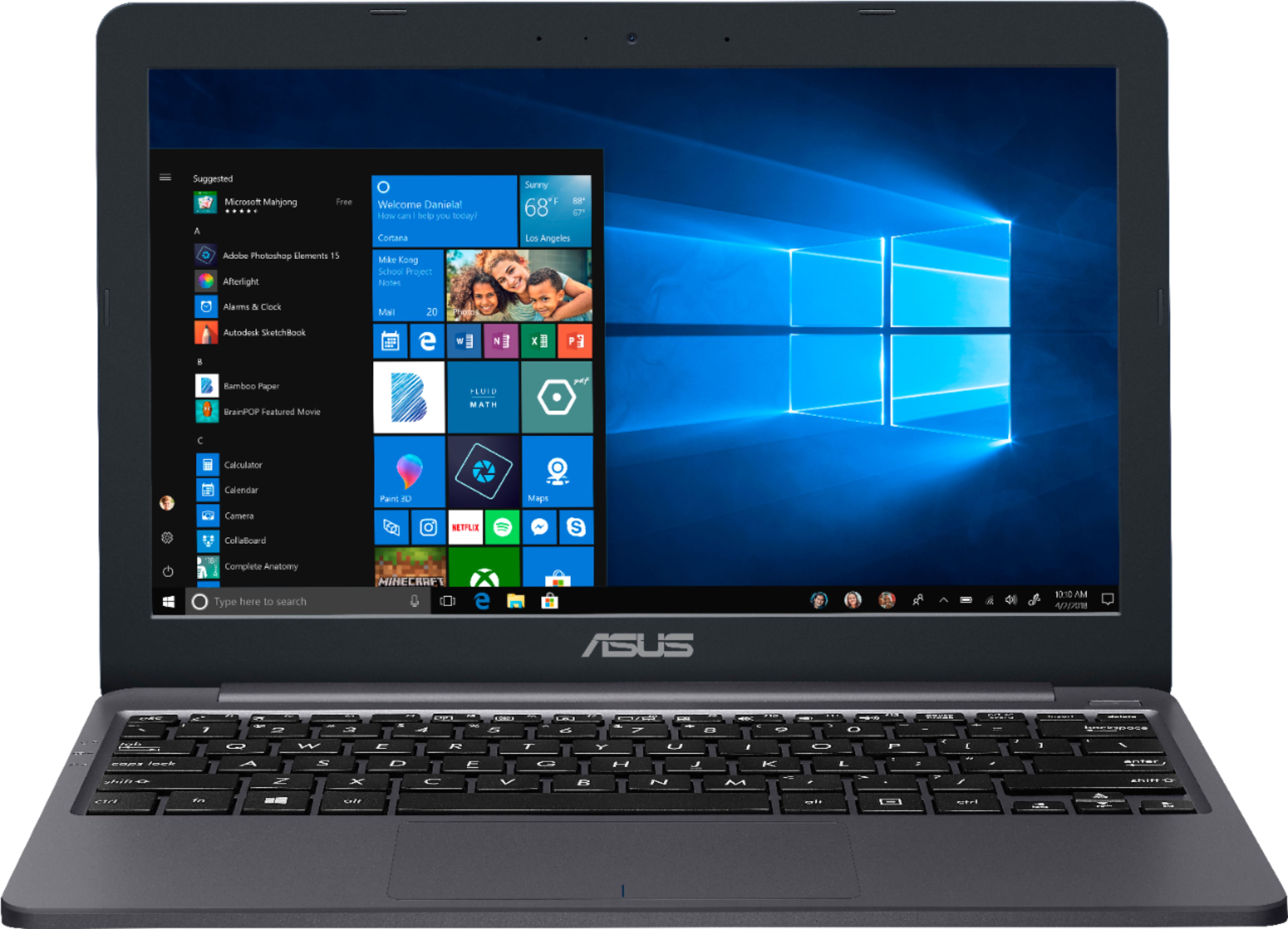


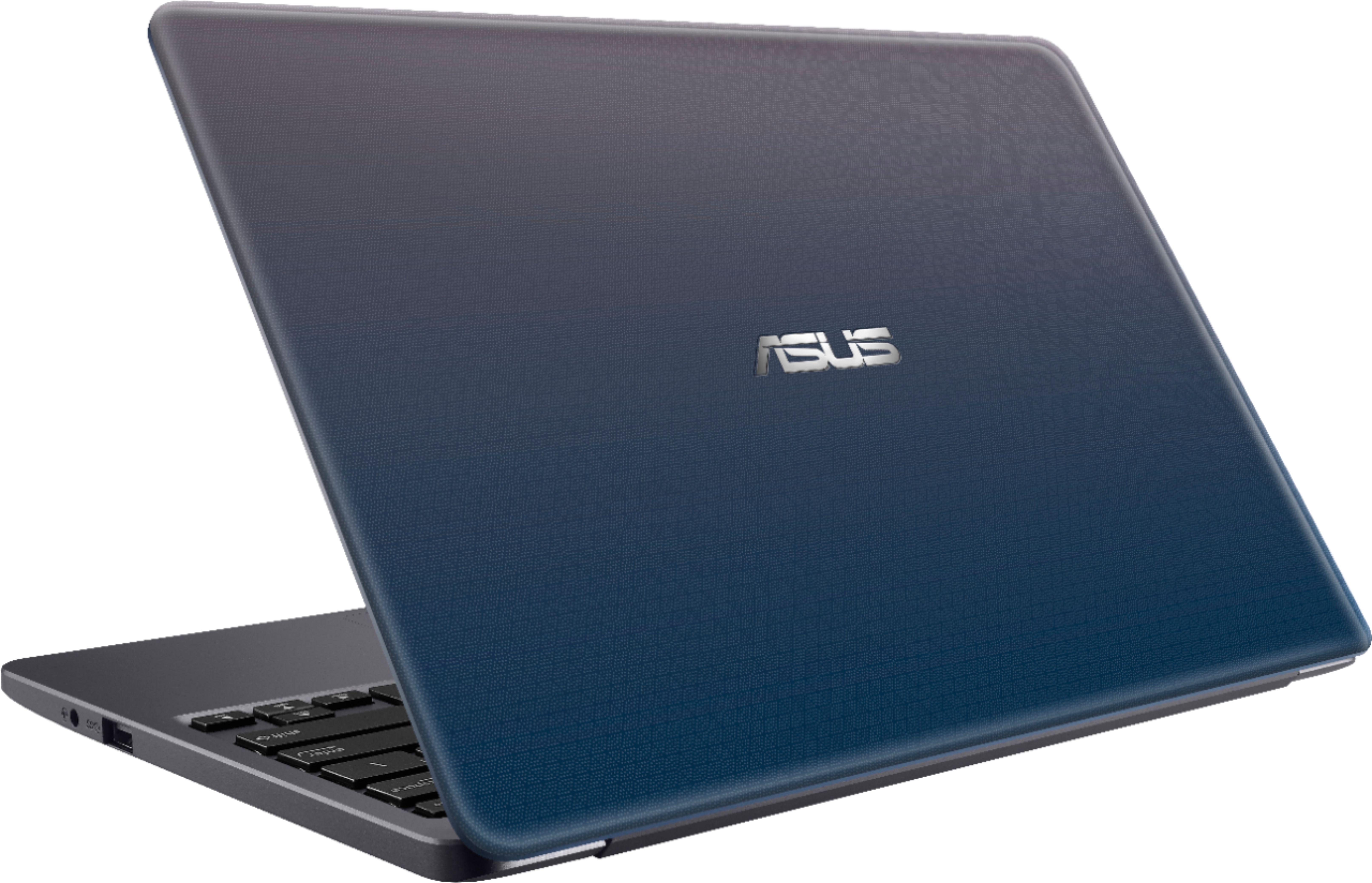
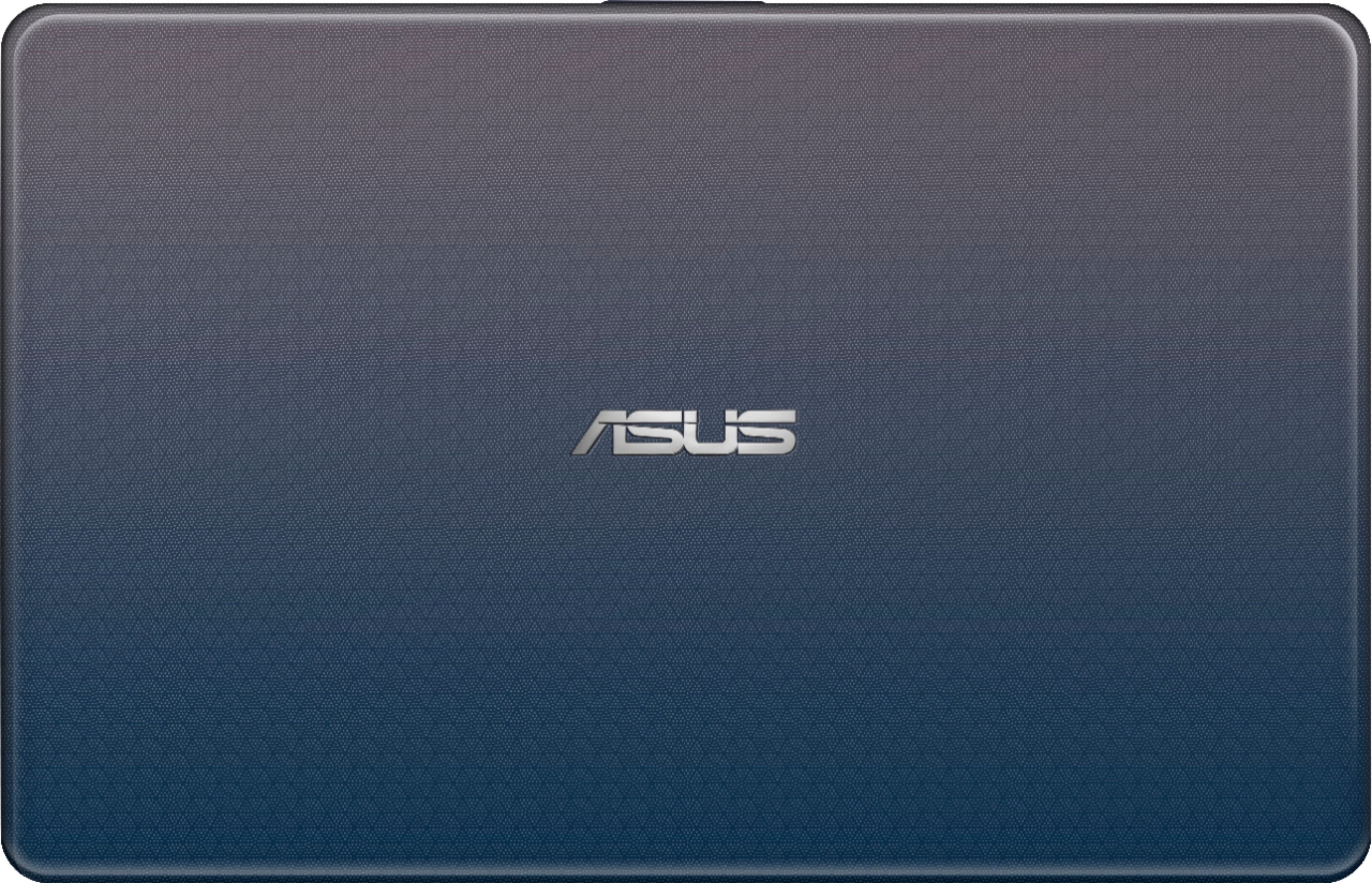

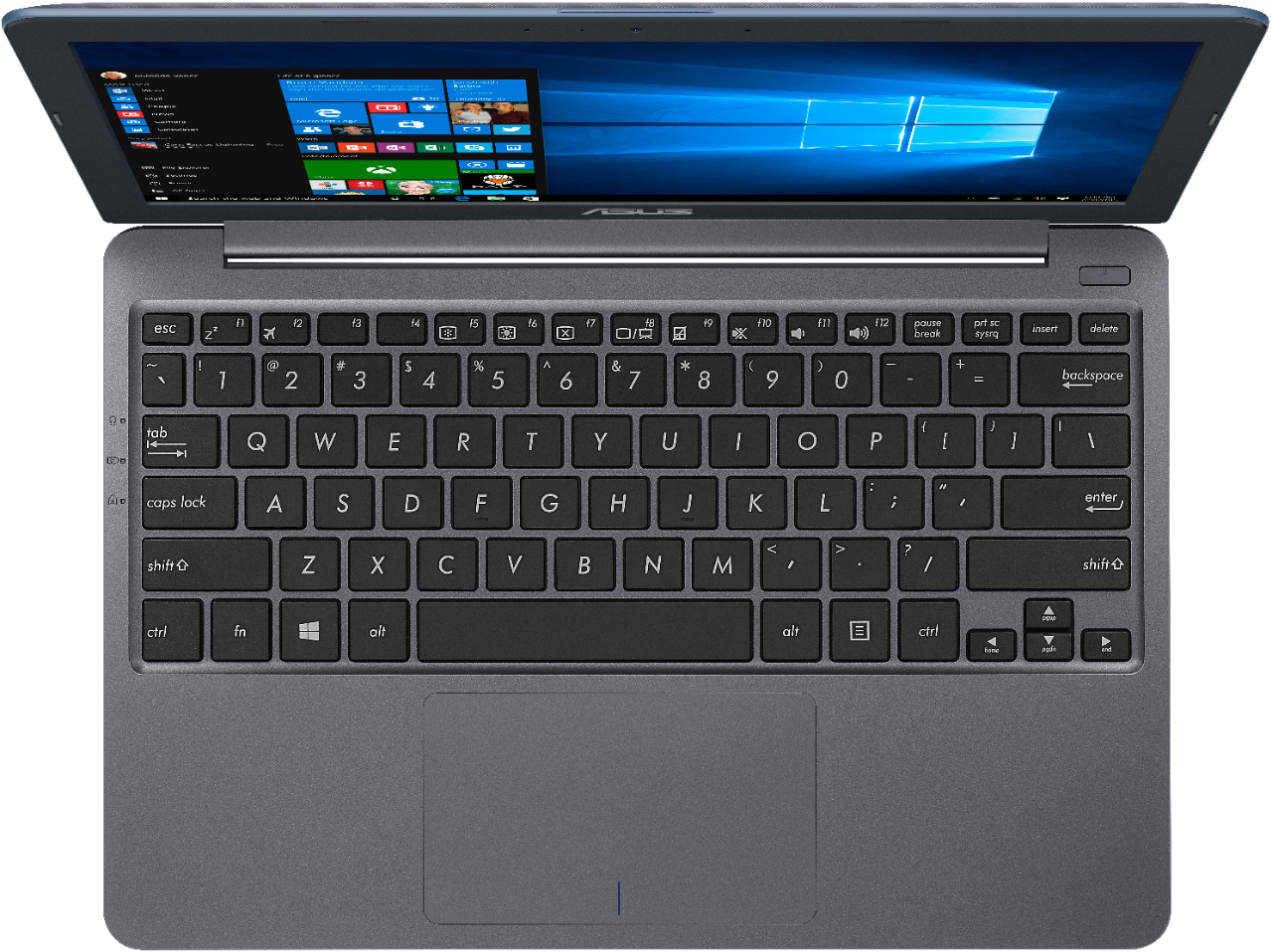

- Model:
- E203MA-TBCL232A
- SKU:
- 6266502
Rating by feature
- Value
Rating 4.3 out of 5 stars
- Quality
Rating 4.1 out of 5 stars
- Ease of Use
Rating 4.3 out of 5 stars
Customers are saying
Customers have good things to say about the price, portability, size, weight, ease of use, and battery life of the 11.6" Laptop. They appreciate that it is affordable, easy to carry around, and has a long battery life. Some customers also find it to be a great gift option. However, some customers have concerns about its slow performance, limited storage, and small memory. They also mention that it is not suitable for gaming unless it's web-based.
This summary was generated by AI based on customer reviews.
taylor computer
||Posted .This reviewer received promo considerations or sweepstakes entry for writing a review.it quit working the first month of having it did not get a fix it thing on it so its in a dresser drawer just sitting there
No, I would not recommend this to a friendWorst product
||Posted .This reviewer received promo considerations or sweepstakes entry for writing a review.Bought 2 pcs of this junk, Both are not rebooting and total dead metal after 1 -day use. Not recommended to buy. Best buy should stop selling this product.
No, I would not recommend this to a friendBrand response from Asus_Answers
Posted .Dear Valued Customer,
Thank you for sharing your feedback on this model. We're sorry to hear about the inconvenience you had with this device. Please allow us make your experience with ASUS a better one. We would recommend that you perform a hard reset on this model. Unplug the charger> Press and hold the power button for 1 full minute> Plug in only the charger and start up normally. If the issue persist we would recommend that you reach out to Bestbuy to get a replacement model or have this device sent in for servicing. For further assistance please feel free to reach out to us by email: [email protected]. Please use a link to this review as reference. I do look forward to your response. Have an extraordinary day.
Thank you for choosing ASUS.
Best Regards,
Joan
ASUS Customer Loyalty US Support
Would not charge
||Posted .This reviewer received promo considerations or sweepstakes entry for writing a review.Bought this for my Granddaughter for Christmas. After about a day of use, it would not charge/power on. Returned to the store for refund.
No, I would not recommend this to a friendBrand response from Asus_Answers
Posted .Dear MamMaw,
Thank you for writing a comment for the product. I do understand your disappointment if the system will not power on or boot up suddenly. Usually, you will do the following to resolve the issue. Try to do a power cycle a couple of times. Shut it down completely, wait for at least 10 seconds then power on. Please wait, if the system is applying updates in the System Registry, it will black screen temporarily. If it still black screen after a few minutes, at least 10 minutes, please repeat the power cycle process again. Please verify if the AC adapter was properly connected from the laptop to a working surge protector or AC outlet and the power button is being pressed all the way down to trigger a power on signal. Also, please try to disconnect the power cable and let the unit drain for 24 hours to clear the memory and reset the hardware to default settings. After doing this, please reconnect your AC adapter then power on the unit. If you need further assistance, please email me at [email protected] and I will be more than happy to help.
Thank you for choosing an ASUS product.
Regards,
Rodel
ASUS Customer Loyalty
It’s a gift
||Posted .This reviewer received promo considerations or sweepstakes entry for writing a review.It’s a gift, it was rather easy to wrap, the exterior packaging had clean edges and corners making Christmas wrapping very easy.
I would recommend this to a friendBrand response from Asus_Answers
Posted .Dear Scott,
Thank you for sharing your feedback with us. I am happy to hear that you were able to easily wrap the unit and I trust that the receiver of this gift will be very happy. If you or the receiver of the gift would like any assistance or have any questions or concerns about this or any of our other products please feel free to email us at [email protected] and use the link to this review as a reference. Please have a wonderful day.
Thank you for choosing ASUS.
Best regards,
Abigail.
ASUS Customer Loyalty.
Bad
||Posted .This reviewer received promo considerations or sweepstakes entry for writing a review.Just got the laptop and it won’t even turn on and now I have to take it back
No, I would not recommend this to a friendBrand response from Asus_Answers
Posted .Dear Titi24,
Thank you for writing a comment for the product. I do understand your disappointment and the inconvenience if the system will not power on or boot up, or it black screen from the get-go. All ASUS products undergo intensive quality control testing and inspections, this is a random problem. Usually, you will do the following to resolve the issue. Try to do a power cycle a couple of times. Shut it down completely, wait for at least 10 seconds then power on. If it still black screen or no boot up, or will not power on, please repeat the power cycle process again. Please verify if the AC adapter was properly connected from the laptop to a working surge protector or AC outlet and the power button is being pressed all the way down to trigger a power on signal. Also, please try to disconnect the power cable and let the unit drain for 24 hours to clear the memory and reset the hardware to default settings. After doing this, please reconnect your AC adapter then power on the unit. If you need further assistance, please email me at [email protected] and I will be more than happy to help.
Thank you for choosing an ASUS product.
Regards,
Rodel
ASUS Customer Loyalty
Disappointed
||Posted .This reviewer received promo considerations or sweepstakes entry for writing a review.Got it working set it up. Log into my stuff...then it died....only worked for an hour....don't buy.
No, I would not recommend this to a friendJunk
||Posted .This reviewer received promo considerations or sweepstakes entry for writing a review.Junk. Bought this for my inlaws. Was super cheap but never worked right.
No, I would not recommend this to a friendBroke in a few months
||Posted . Owned for 6 months when reviewed.This reviewer received promo considerations or sweepstakes entry for writing a review.Not worth the money, not enough storage and very slow. Save money for something better
No, I would not recommend this to a friendBrand response from Asus_Answers
Posted .Dear Shadow,
I do understand your disappointment with the quality of the product and the inconvenience this may have caused you if the unit stop working after a few month of usage. On the contrary, lots of satisfied customers, having positive experience using the product, will agree with me that the unit is a decent system that is perfect for running basic and light computing applications, without compromising system stability and performance. There is an ample amount of storage space in order to run WINDOWS and popular software or applications efficiently. However, since cumulative WINDOWS Update is being released periodically, additional third-party software being installed, and the OS file size becomes bigger with files being added, the space available may be limited. This can easily be resolved by using a memory card for saving documents, photos or videos, and for installing third-party applications. The C drive will be mainly use for WINDOWS Update installation. For detailed instruction on how to do this, please go visit Microsoft's Knowledge Base. In order to maintain optimum system stability and performance, cumulative WINDOWS Update needs to be installed periodically. Should you need further assistance with the product, please email me at [email protected] and I would be more than happy to help.
Thank you for choosing an ASUS product.
Regards,
Rodel
ASUS Customer Loyalty
Slow , basically
||Posted .This reviewer received promo considerations or sweepstakes entry for writing a review.Returned , randomly crashes with no use or basic browsing. 39% available memory at boot
No, I would not recommend this to a friendProbably neat
||Posted .This reviewer received promo considerations or sweepstakes entry for writing a review.Probably a good computer, opened it, saw it ran on Windows 10 and returned it.
No, I would not recommend this to a friendBrand response from Asus_Answers
Posted .Dear Chungus,
Certainly, a decent laptop for your basic computing needs. I do understand the inconvenience if it didn't meet your expectation as far as the OS is concern. ASUS carries a wide range of computers with a different OS besides WINDOWS. Should you need further assistance with ASUS products, please email me at [email protected] and I would be more than happy to help.
Thank you for choosing an ASUS product.
Regards,
Rodel
ASUS Customer Loyalty
- Pros mentioned:Light weight, Price
Excellent Little Light Duty PC
Posted .This reviewer received promo considerations or sweepstakes entry for writing a review.For a little over 100 bucks I didn't expect a whole lot. But I was looking for a secondary light small laptop that I could pay bills, play youtube videos, online ordering and just surfing the internet. This fits the bill perfect. I know the specs may scare some but honestly it is more than I need. I charged it for 3 hours as the manual said. After booting up it wanted to upgrade windows 10s. That took a little while to do. Even after that upgrade and a restart half of the 32 gb hard drive is still free. I installed a class 10 64gb micro sd card and made the necessary changes in settings so that everything that could went to that card. I run Chrome on my other full size laptops. Before I switched out of Windows 10s which you can do for free, I elected to go ahead and use Edge for a little bit just to see how it was. I opened it up and went to my gmail account, checked mail and did the same thing with all of my other email accounts. I went to youtube and pulled up and watched video after video. Did some online browsing. No issues. Runs great I am pleasantly surprised. Windows 10s and Edge work perfect on this little PC and I will leave it configured that way. No reason for me to change it. Battery life is great. I am running about 7 to 8 hours before needing to recharge. I have nothing to complain about. Very happy.
I would recommend this to a friend Not recommended
||Posted .This reviewer received promo considerations or sweepstakes entry for writing a review.It’s started rebooting issues ,not worth of $, os is crashes always
No, I would not recommend this to a friendBrand response from Asus_Answers
Posted .Dear Manu,
Thank you for sharing your feedback with us and I am sorry to hear about the issue that you are having with the notebook constantly crashing. I would highly recommend that you check for any available Windows Updates. You can do so by going to Settings> Update and Security> Windows updates> Check for updates. If the unit is fully updated and the issue continues you can try a refresh on the notebook. The refresh will not remove any files or personal data but it will delete any apps or programs that did not come with the notebook. To do the refresh please go to Settings> Updates and Security> Recovery > click Get Start under Reset This PC and select the option that says keep my files. For further assistance please email us at [email protected] and use the link to this review as a reference. Please have a lovely day.
Thank you for choosing ASUS.
Best regards,
Abigail.
ASUS Customer Loyalty.
Having to take back
||Posted .This reviewer received promo considerations or sweepstakes entry for writing a review.The screen will not stay up. It goes blank. It is fully charged.
No, I would not recommend this to a friendCheap and useless
||Posted .This reviewer received promo considerations or sweepstakes entry for writing a review.Price does equal quality in this case. Junk dont bother
No, I would not recommend this to a friendBrand response from Asus_Answers
Posted .Dear Jenn,
I certainly understand your disappointment with the quality of the product and the inconvenience this may have caused you. All ASUS products are manufactured with materials that comply with industry's quality standard. Each one undergoes intensive quality control testing and inspections, and are built for durability and reliability, this is a random problem. Normally, ASUS provides one year warranty coverage, if product was purchased brand-new, in order to fix or repair any hardware or, part that stop working prematurely under normal usage. If you need more information or further assistance with the warranty for the product, please email me at [email protected] and I would be more than happy to help.
Thank you for choosing an ASUS product.
Regards,
Rodel
ASUS Customer Loyalty
- Pros mentioned:Portable, Price
Great for the price!
Posted .This reviewer received promo considerations or sweepstakes entry for writing a review.Was looking for a smaller laptop and something KI could travel with and saw this on the Best Buy website. Picked it up and took it home and did the set up and changed it from windows 10 s to windows 10 Home all in less then 20 mins. The battery life is amazing took it to a friends house and ffor over 6 hours was on line and watching Hulu still had over 4 hours battery left when I got home. For the just 119.99 this is a deal that can not be beat.
I would recommend this to a friend Great for browsing, report writing, shopping, bank
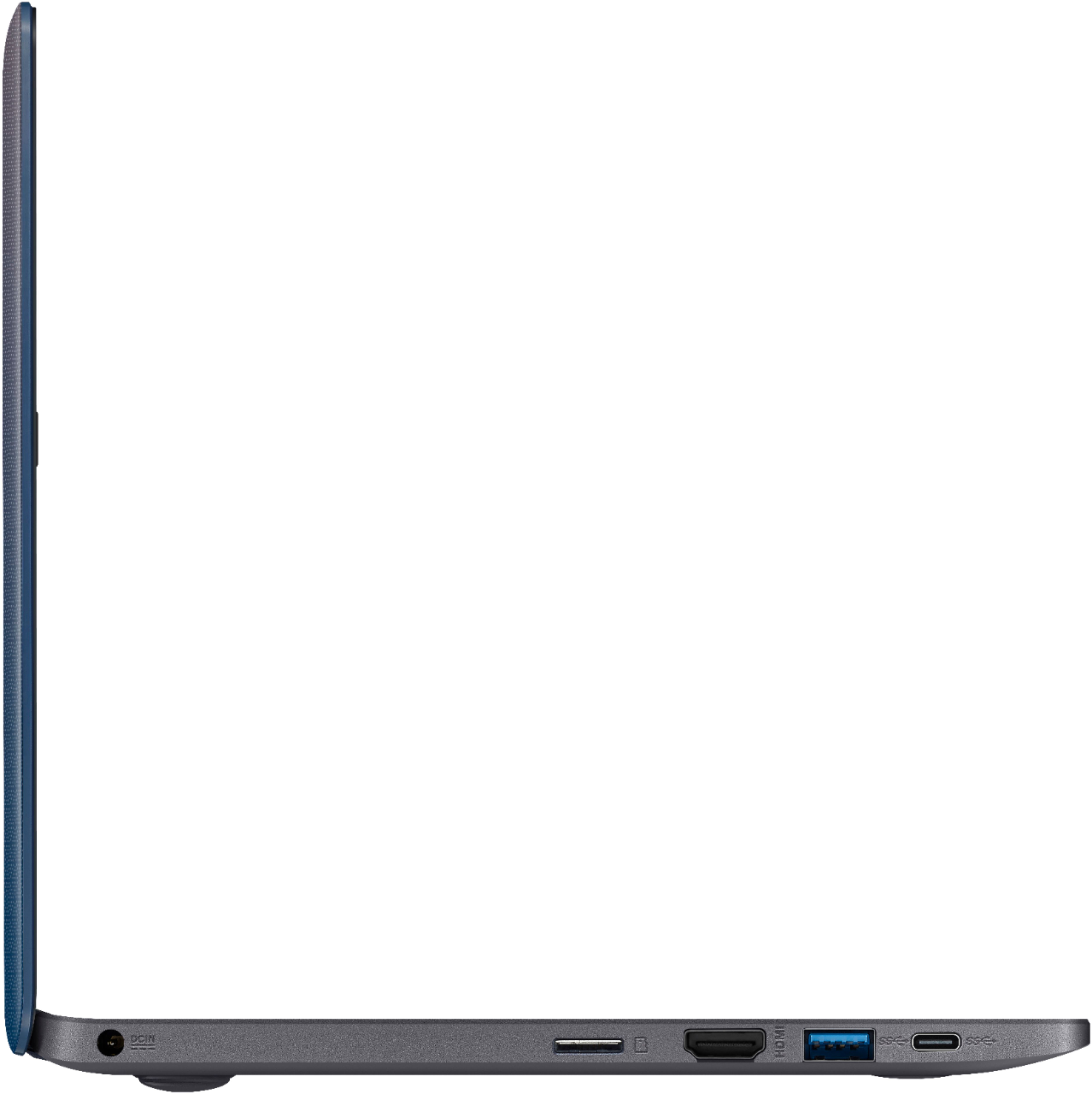
Posted .This reviewer received promo considerations or sweepstakes entry for writing a review.Don't be scared by the 2gb of RAM, it's enough given Window's excellent management of memory. The new N4000 processor is slick compared to the slow N3060 it replaced. AFAIK only the HP Stream and this Asus E203MA have it so far; be sure to check the specs on whatever you shop. Memory on an earlier edition of the E203MA was upgradeable, this seems to be soldered in. I manage my tasks sensibly - if I want background music I don't run a music app in the background while browsing or working, I use my phone or hifi. I limit open browser tabs to 10-15. I make sure Patch Tuesday updates are done in the evening by "Check(ing) for Updates" in settings so there are no background activities. I don't install a 3rd party antivirus because the built-in Windows antivirus is highly rated and has the least impact on operations. In terms of storage, there is about 11gb available if you keep the version of Windows (1803) this ships with, and there is 15gb available if you can install the October 2018 release, 1809 (however unless you downloaded the installation files to USB already, Microsoft temporarily pulled this release. A cautionary note: Windows has failsafe after failsafe. It keeps the old version of Windows 10 (such as version 1803) when it rolls out the next version (1809 etc.). That can reduce your available storage to 4gb. In one month, Windows deletes the old installation. I usually "force" the update so it fits my own schedule by going into Settings / Updates and Security / Update and clicking until it downloads. Then I force an unused files cleanup by going into Settings / System / Storage and click on Temporary then click to delete the old Windows installation. In short you have to sort of be your own IT department to keep lower powered, lower storage netbooks like this running zippy. Most users don't take the time to learn those simple skills these days, meaning often a Chromebook is a better choice for them - unless they need a particular program that Chromebooks don't run. I've figured out how to use these entry level, sub-$200 Windows netbooks optimally, and they simply blow away the 2008 era netbooks. I can hook this Asus up to an IPS monitor through the HDMI port and run Netflix, Amazon Prime, play HEVC files, no problem. Especially with respect to 4K output and HEVC files, the N4000 chip is a quantum leap over the N3060 it replaces. It has hardware decoding, transcoding, and encoding for HEVC. I got mine on a pre-Black Friday blow out sale here at Best Buy. Cheaper than a Chromebook. I was worried about the 2gb RAM - I try to get 4gb these days since prices have come down - but it hasn't been a problem. This comes in "S" mode to restrict applications to those available on the Microsoft Store. Since Google and Microsoft are feuding and Google refuses to make an app store compatible edition of Chrome Browser, I took the Asus out of S mode in less than 5 minutes simply by going to Updates and Security / Activation, and following the simple instructions. The keyboard and trackpad are head and shoulders above Acer, and equal to the renowned HP Stream series. It is a Microsoft Precision qualifying trackpad, meaning no funky Asus Smart Gesture or Synaptics etc. "helper" programs that lack the full Windows 10 gestures. Also the Microsoft Precision standards means the trackpad has to be smooth and responsive, which it is. The screen has accurate colors and is suitable for watching Netflix in a pinch - about 74% sRGB color gamut. However, it isn't an IPS screen so the angle of the screen is critical; but at least it does have a sweet spot where neither the top or bottom are glazed over - some older TN screens had such narrow viewing angles you had to decide whether to let the strip across the top polarize out, or the strip along the bottom polarize out. No such problem here, but remember it isn't IPS so viewing angles are fussy. The speakers are good enough for casual YouTubing, but wired or Bluetooth earbuds will always be much better. Although it has a USB C port for compatibility, it can't charge off USB C power adapters; you must use the included compact wall wart style charger (single piece plugs into wall, long thin cable runs to laptop). It is a USA dual prong, not a 3 prong, which is much more compatible in overseas hotels that the 3 prong units, and the wall wart design is much more compact to stow away than the lamp cord to brick to cable units some competitors come with.
I would recommend this to a friend- Pros mentioned:Portable
asus
Posted .This reviewer received promo considerations or sweepstakes entry for writing a review.good portable use when power outage to keep in touch
I would recommend this to a friend PERFECT as a 2nd Laptop... LOVE it!
Posted .This reviewer received promo considerations or sweepstakes entry for writing a review.I purchased this during the Black Friday 2018 sales, picked it up for $119.99 plus tax. At this price, it's an amazing option for a 2nd laptop. At the normal price of $179.99 it's still a good deal (but not AS good), but you need to decide what you want it to be. For me, it's the following: 1) Something to stream Netflix and Hulu on 2) Something to browse the internet and do emails 3) Something to watch digital videos that I own (for this, I just use a "nub" usb drive with 128GB storage, picked one up for under 20 bucks, perfect for digital copies of movies and tv shows that I own) It's not the fastest laptop in the world, but it does the trick. It DOES come with Windows 10S... BUT... it's very easy to convert it over to Windows 10 Home. So anyone who complains about that and says it's a CON for this laptop, they are wrong... it can be fixed. The screen is actually pretty decent, and the laptop opens up to 180 degrees (flat)... The sound is also just decent, but what do you expect for a laptop like this? The color is ok, but the top is that shiny plastic that is a fingerprint magnet, so if that bothers you, then you have been warned... I also own a Chromebook, which i use for the same types of things that I use this laptop for. But what I like about this Asus is that you can also install some Windows programs and do work offline (without internet), though don't expect to be running Photoshop... I've found some low impact editing programs that work well on this computer. So, there you go... Enjoy!
I would recommend this to a friend- Pros mentioned:Price
Perfect for my needs
Posted .This reviewer received promo considerations or sweepstakes entry for writing a review.I have a computerized embroidery machine that uses digitized patterns that are all sent out in a Zip file. After trying unsuccessfully to open them on my Apple computer, I decided that for the price, this would be a good option. It works perfectly with the free app to open and download the files into a thumb drive that plugs into the machine. I am going to use it as a dedicated computer for that use, so I really do not need for it to do anything else. I bought it on sale for $119 so it was well worth the Price! When I was looking for one, I did not find any reviews that referenced my needs so I thought someone else might find this useful.
I would recommend this to a friend - Pros mentioned:Price
Worth it
Posted .This reviewer received promo considerations or sweepstakes entry for writing a review.Really good for price, got it for my little brother so he can play around with.
I would recommend this to a friend