Customer Ratings & Reviews
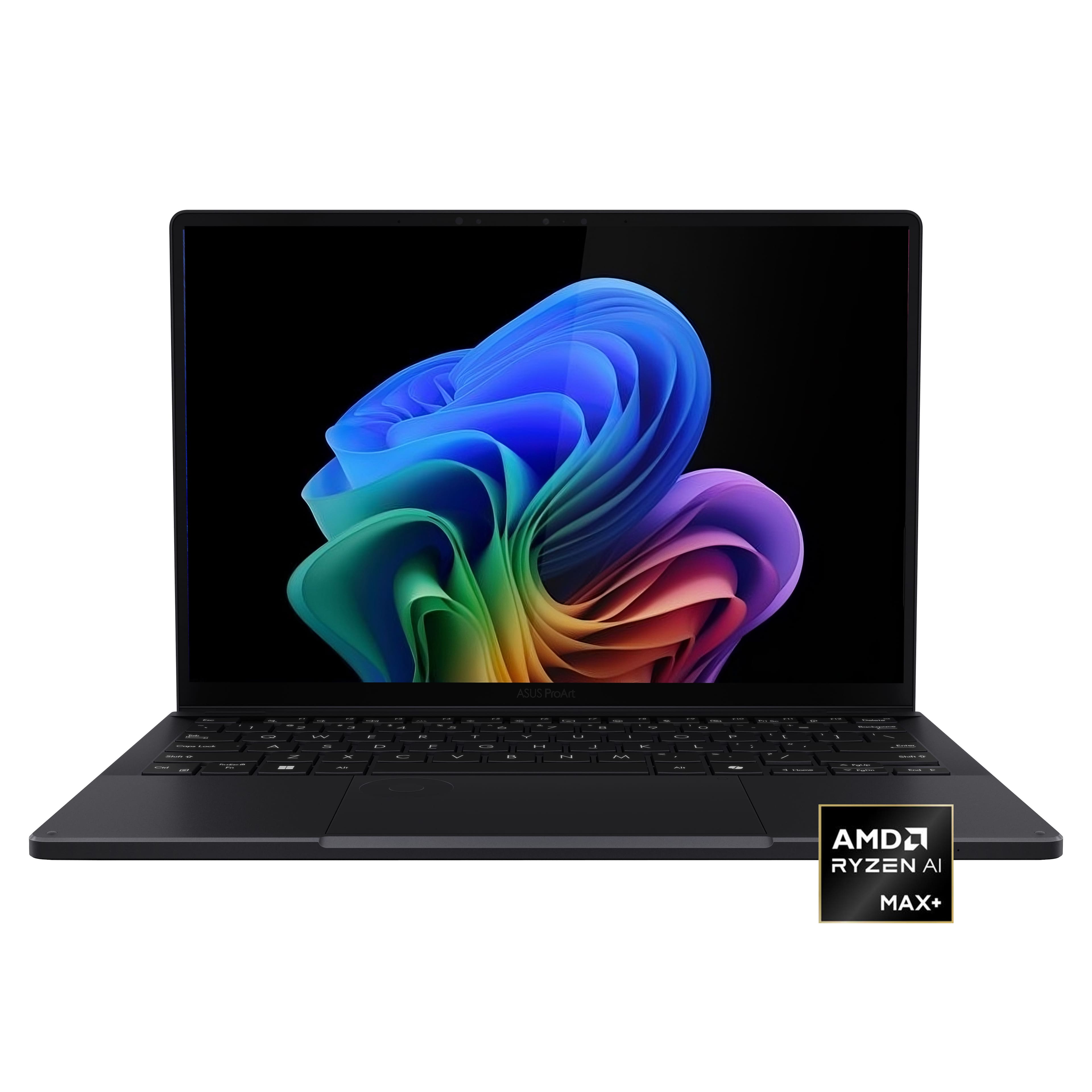







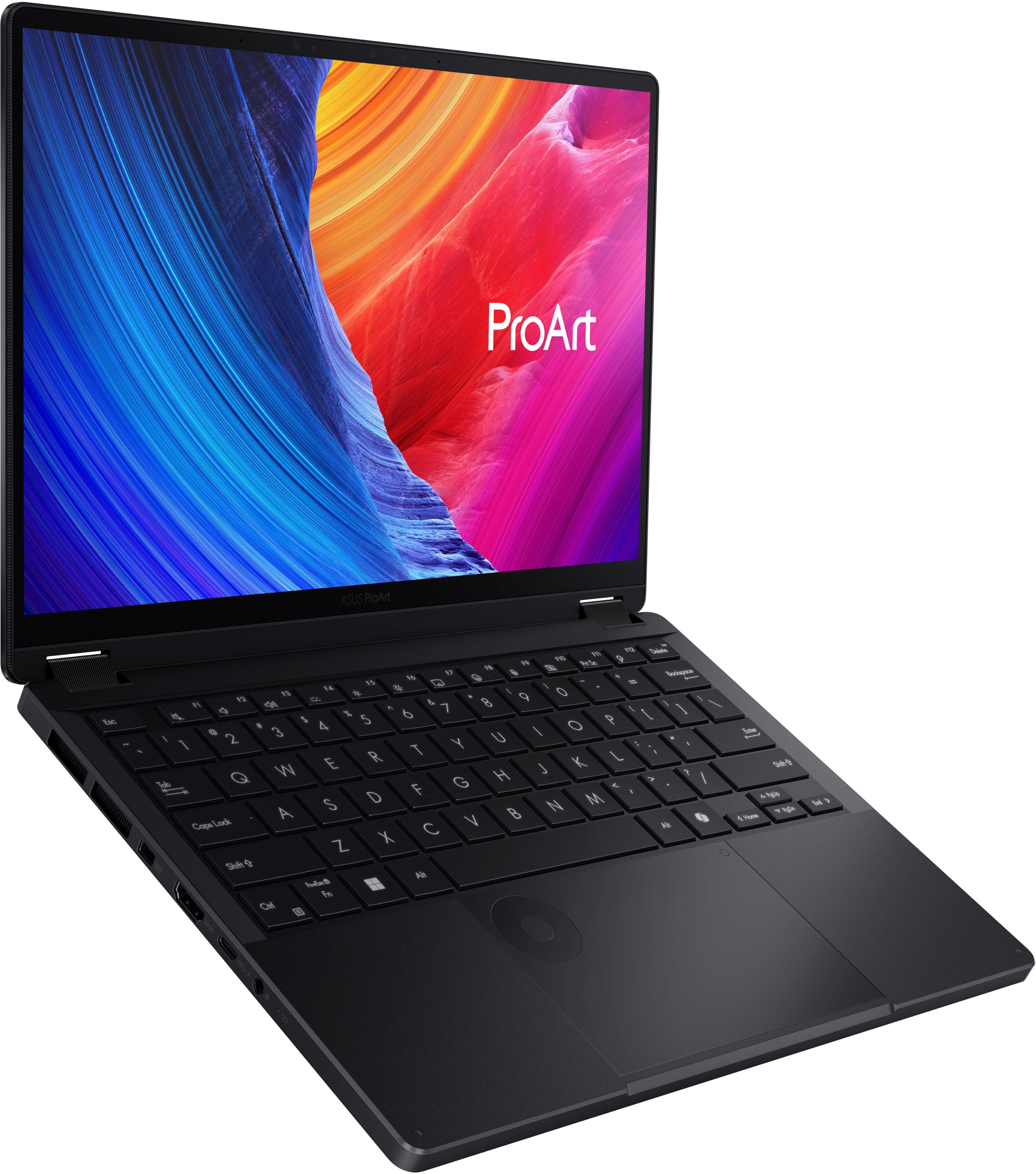
![ProArt Esc 4 11 4 12 13 14 15 16 F7 F8 F9 F10 F11 PH Se F12 1 Delete 2 I 1 e 2 . 3 5 4 % 5 A 6 & 7 8 I 9 - 0 - ee + = Backspace Tab Q W E R T Y U | O P [ I ] - / Caps Lock A S D F G H J K L : 1 - I Enter Shift 0 Z X C V B N M < I > ? / Shift CH - hnslw Fe Alt Alt 4 Home PgUp PgDn End D](https://pisces.bbystatic.com/image2/BestBuy_US/images/products/68811ad2-a4b5-4491-9ae8-bf0885fccbb7.jpg)


- Model:
- HN7306EA-PA/PX13_90
- SKU:
- 6671013
to a friend
Customers are saying
Customers value the exceptional processor speed, high-quality OLED display, and robust build quality that make this device a top performer for demanding tasks like 3D rendering. While users appreciate the excellent portability and generous port selection, some note that the storage capacity is somewhat limited. Additionally, while the device handles heavy workloads well, some users have expressed concerns regarding the 60Hz refresh rate, fan noise during gaming, and average battery life.
This summary was generated by AI based on customer reviews.
- Pros mentioned:Build quality, Portability, Processor speedCons mentioned:Battery life

Powerful & portable
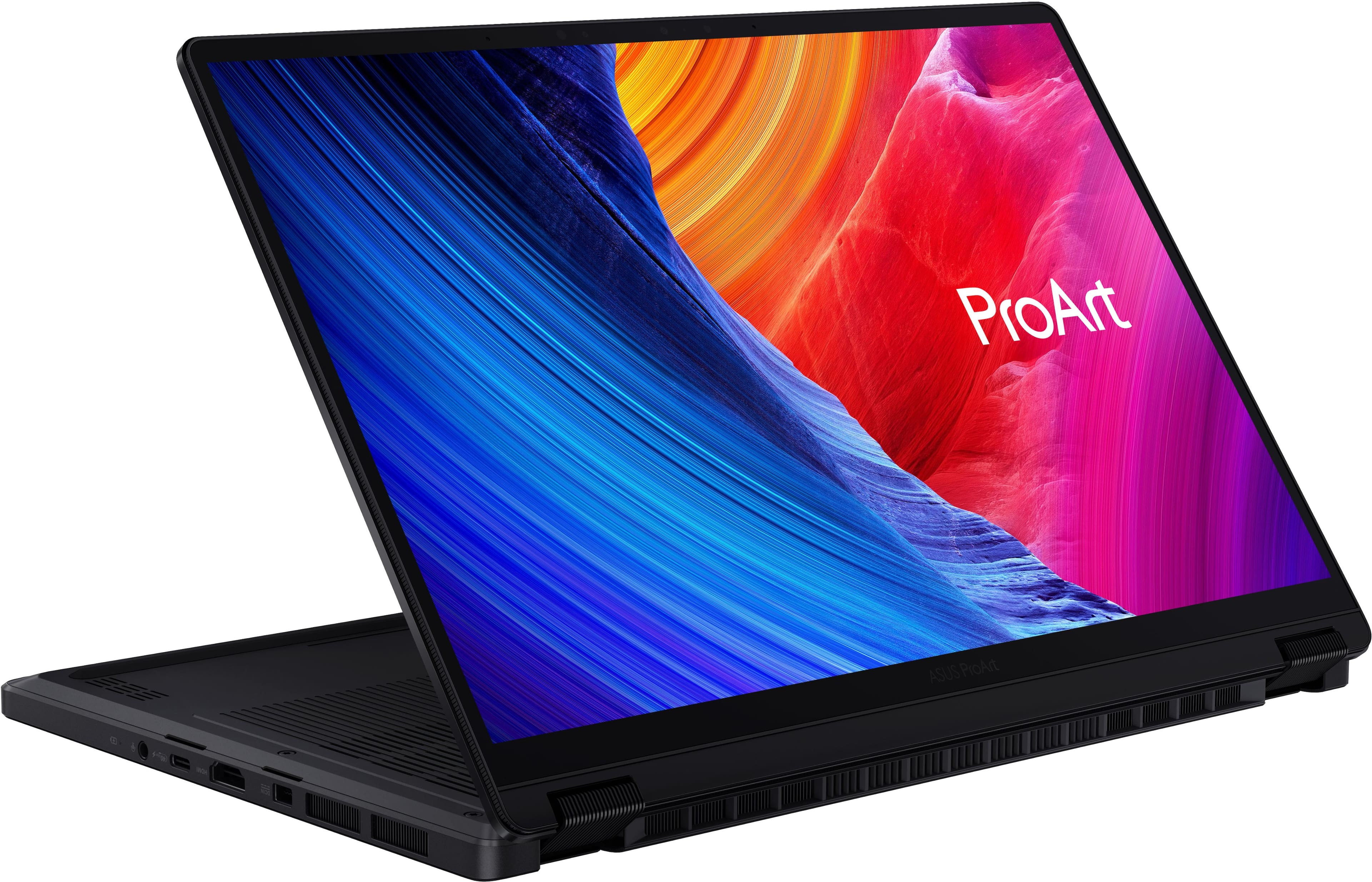
|Posted .This reviewer received promo considerations or sweepstakes entry for writing a review.The Asus ProArt PX13 is a true powerhouse of portability. It is hard to believe that this little 13.3” laptop can handle all of the full frame 45mp images I can feed it and also handle video processing is amazing. Most of my creative work centers around photography with some video editing. I shoot everything in RAW format so a laptop that can handle these files with ease when using Photoshop, Lightroom and other programs is a must. In the past, finding such a laptop required a dedicated graphics card which would increase the size, weight and power requirements of the laptop. But the embedded Radeon graphics mixed with the unified 32gb of RAM have these programs running with ease. I had assumed I would need to set the unified memory to max for graphics to run these programs. However, I’ve found I can leave it on the recommended setting that allows the laptop to decide on its own how to allocate the RAM and it works great. I can’t state enough just how powerful this laptop is. The calibrated 3K OLED screen is absolutely mind blowing. I’ve used other OLED’s before but this just seems to have an extra “pop” to the screen. And although the PX13 is very light, it is built very well. It feels solid with no creeks or other unwanted noises. The keypad has great key travel and feels great. The trackpad dial is still growing on me. It can be assigned to do any number of things. I’ve got it set for adjusting exposure in Photoshop. It’s handy and a nice touch. But probably not a real selling point. If there is a downside to the PX13 it is the battery life. Now to be fair, I haven’t found any laptop to have great battery life when photo editing. On a full charge I can get about two hours out of a charge when editing. That’s probably a little better than what I’m used to but still not great. It is best to travel with the charger nearby. Also, if you want to use the performance mode power setting it needs to be plugged in anyway. I’ve found that to be the case with most laptops. I haven’t used it for any gaming simply because that’s not what it’s designed for. I have a different laptop for that. But could you game with it? Yes, absolutely. But you won’t be playing all of the top titles or running on max settings. But for light gaming I wouldn’t have any problem giving it a go. At the end of the day, if you are a creator in need of a small laptop with an amazing screen that has the power to actually be usable, the the PX13 is a great choice.
I would recommend this to a friend - Pros mentioned:Build quality, Oled quality, PerformanceCons mentioned:Battery life, Fan noise, Refresh rate
Jam-packed with power
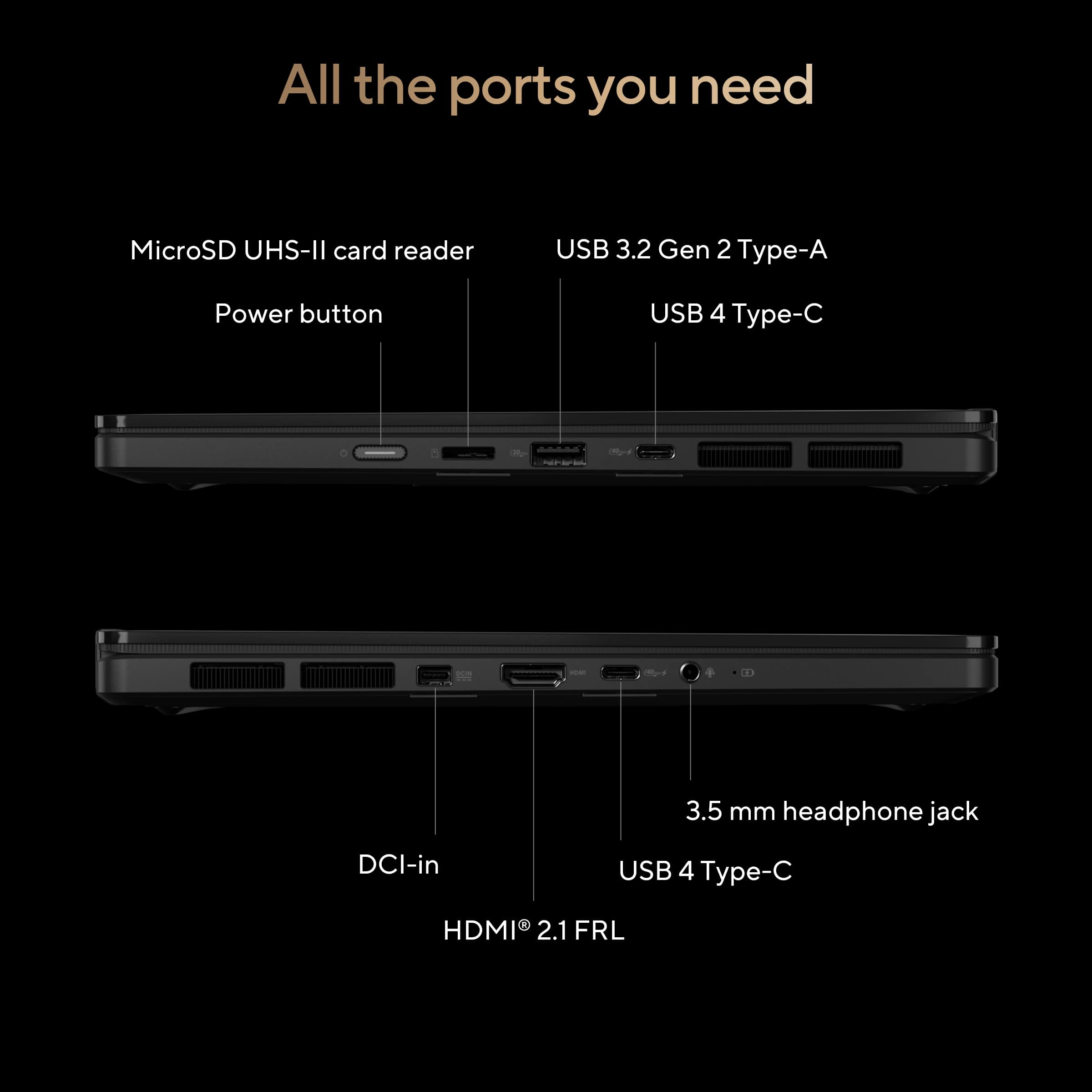
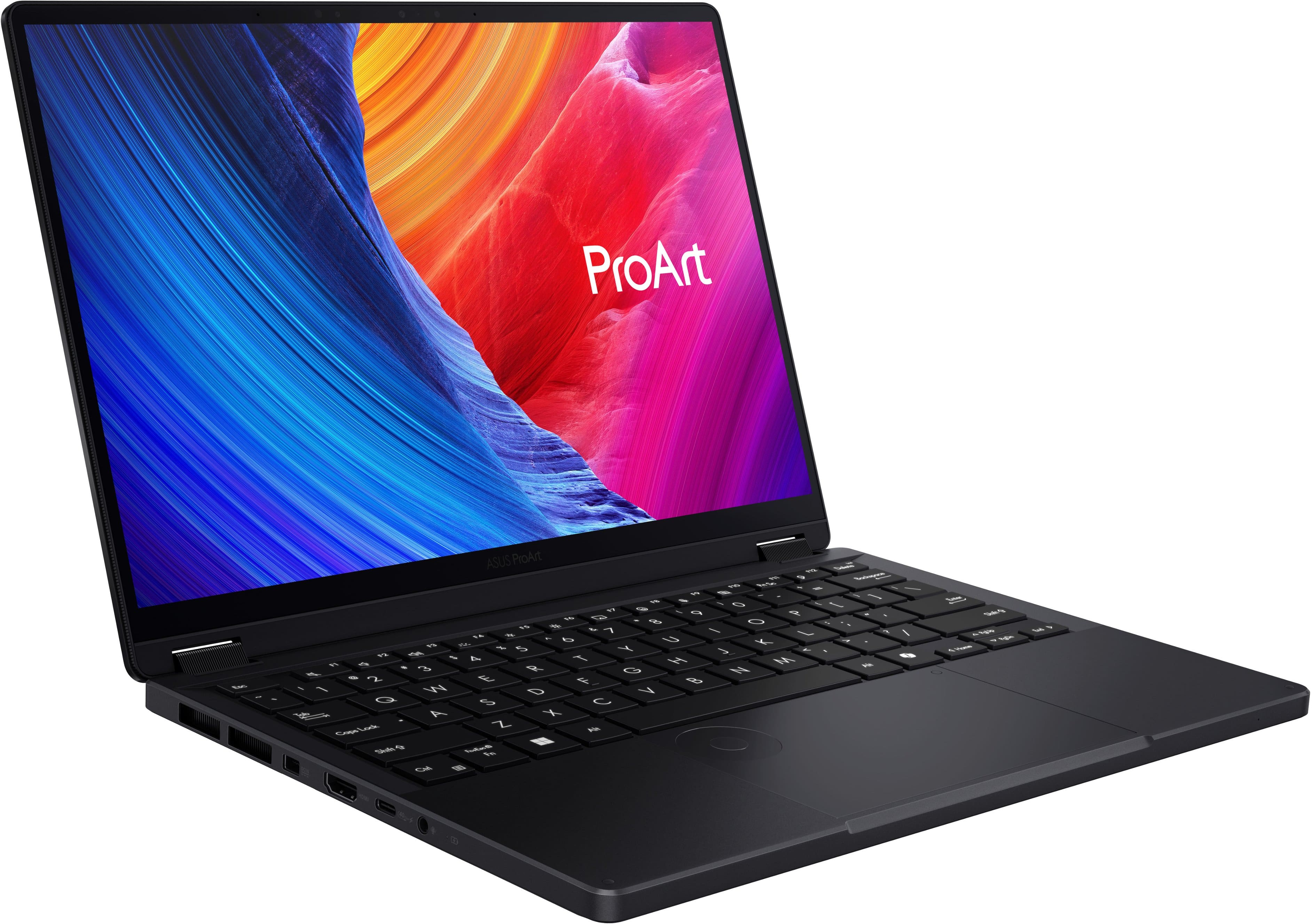
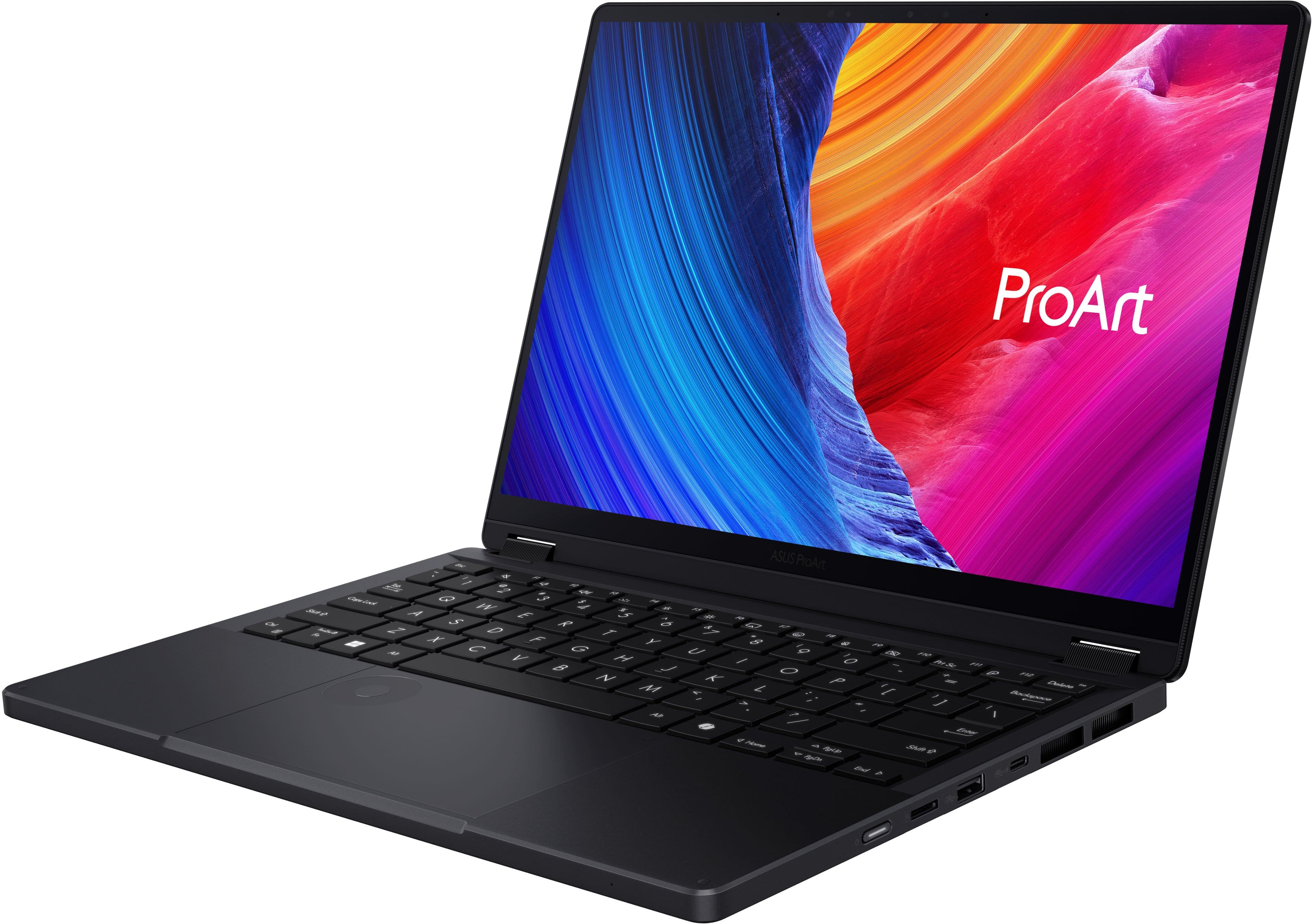
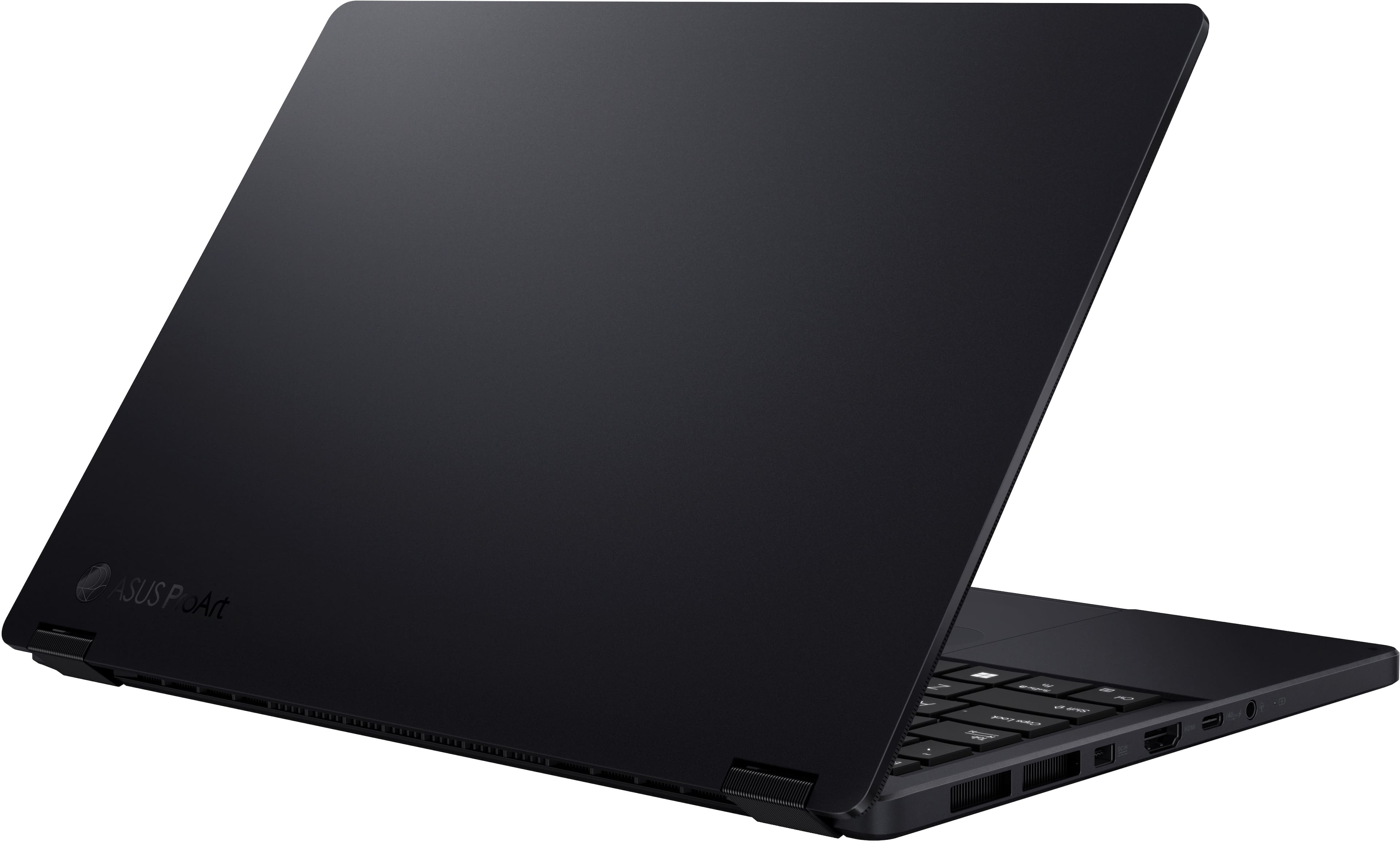
|Posted .This reviewer received promo considerations or sweepstakes entry for writing a review.It’s hard to believe but 13 inch laptops seem to be going out of style. With the shift to thinner bezels, instead of downsizing footprints, companies have chosen to fit more screen in the same real estate. It certainly follows the trend of more is better. Now, 13 inch laptops are seen more in “budget” friendly models. The Asus ProArt PX13 feels like one of the last standing 13 inch “pro” or premium laptops. The Asus ProArt has a clean, sleek, and minimalist design language. It’s got minimal branding which I am a huge fan of as it accentuates the design and engineering in my opinion. It does tend to smudge a bit but this is not a big problem for me. It is fairly lightweight but the build quality feels premium and sturdy although like all things these days, only time will truly tell. It’s got a good selection of ports including microSD, USB type-A, USB type-C, HDMI, and even a headphone jack! The keyboard is excellent and responsive. The typing experience was just superb. The glass trackpad feels great to use. Audio is ok. Battery life is very mid-to-low average. I was getting around 6 hours with a mixture of browsing and watching videos. I think the 2-in-1 feature is kind of a gimmick as realistically, most people won’t really use the tablet mode. It’s just going to be bulkier and more uncomfortable to hold than any modern tablet these days. The screen is beautiful. I mean it’s OLED so you definitely get that deep black with punchy colors and virtually infinite contrast. 3K means images are sharp and crisp. It is not the brightest laptop which is a known thing with OLEDs. I wouldn’t really use it in a really bright room or in sunlight. The refresh rate of 60 Hz is a bit of a downer. I think if you are used to “pro” laptops or even your phone with higher refresh rates, then it is most definitely noticeable. Performance is excellent. The AMD Ryzen AI Max+ 388 is a beast. It handles video editing, gaming, and streaming with ease. It does come with the tradeoff that it can get a bit more toasty than what I’m comfortable with but nothing scalding. Unfortunately for me, the fans didn’t seem to idle even with the lightest of use. I’m sure this can be customized somewhere in the software but this is something to note out of the box. All in all, I think the Asus ProArt PX13 is a great laptop, especially for those who really want a powerful machine in a 13 inch form factor. There really aren’t too many other competitors in that realm.
I would recommend this to a friend - Pros mentioned:Build quality, Oled quality, Processor speed
Excellent build quality, screen and APU
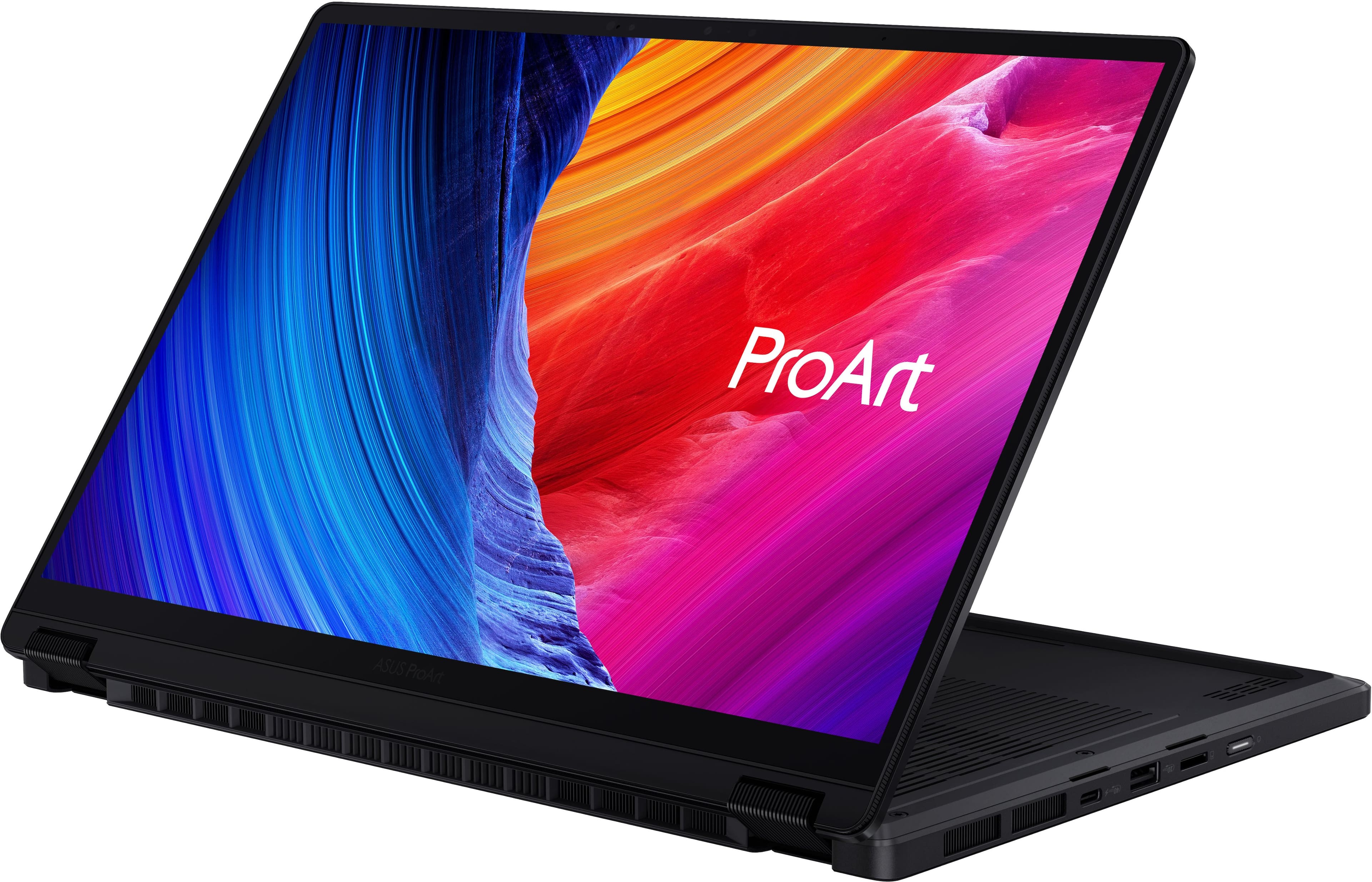
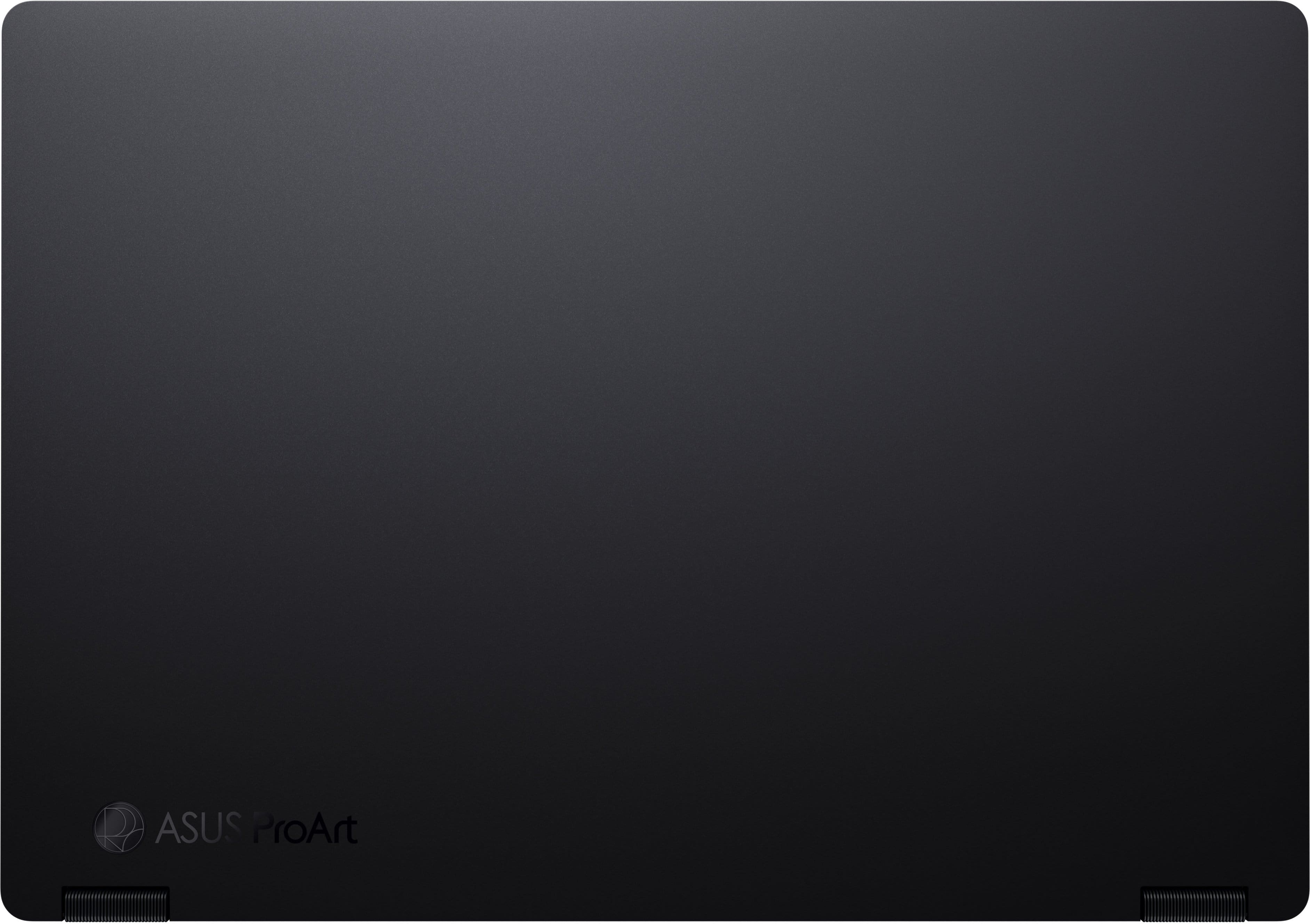
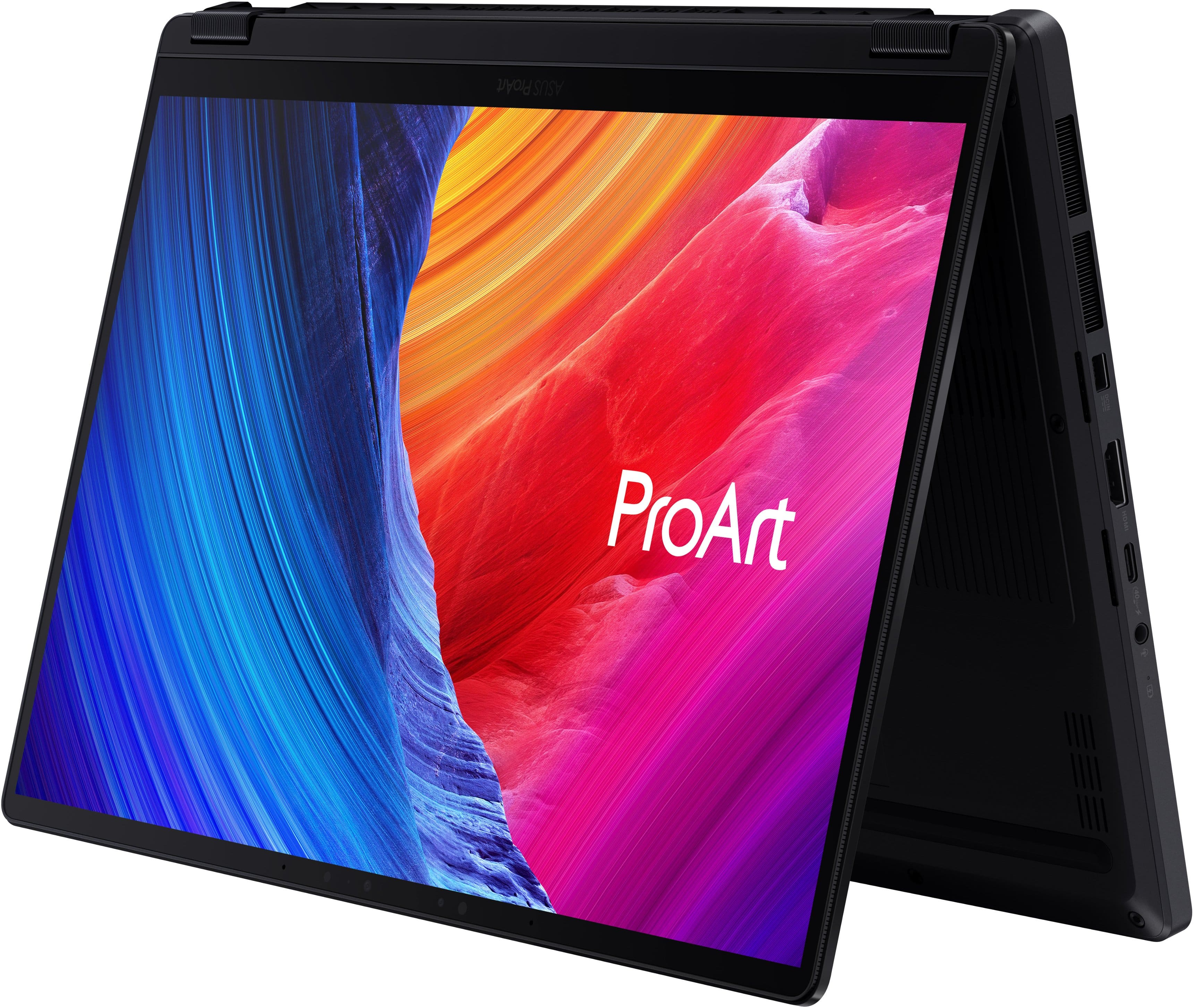
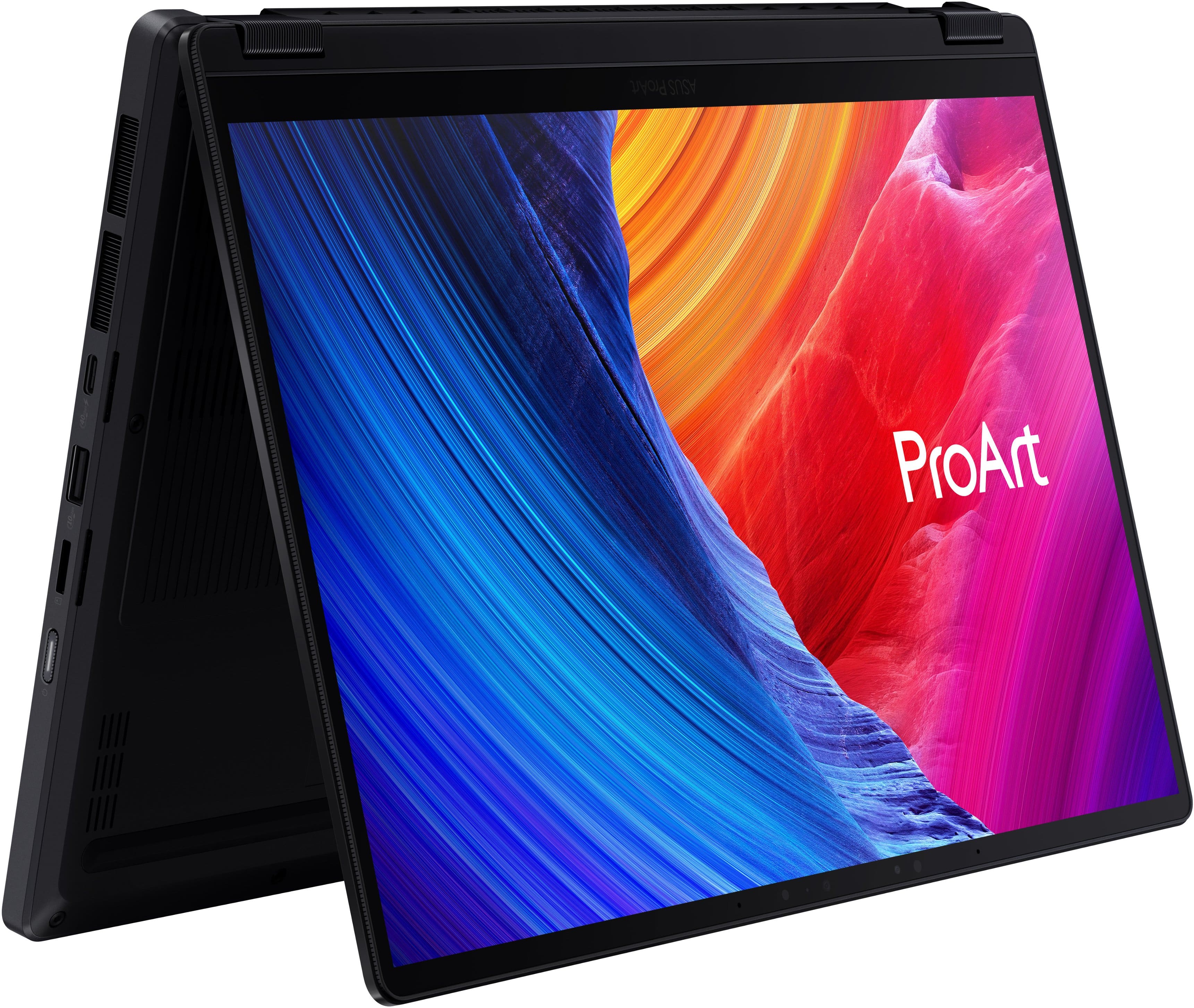
|Posted .This reviewer received promo considerations or sweepstakes entry for writing a review.This is the second Asus pro art that I have owned. The build quality is fantastic and there is even a military protection certification. The 13 inch unit is built with a matte black finished aluminum, which is quite stiff and is easy to open with one hand. The hinges are excellent and it can be positioned like a tent or a tablet. The screen quality is fantastic. Even better than my alienware OLED monitor. Calibration from the factory is excellent on the screen. The screen is 16 x 10 and has a very usable resolution. I would recommend decreasing the scaling below the 250% which is standard with the windows 11 installation. The keyboard and touchpad are excellent with a click wheel type bonus feature that would be useful for traveling or use without a mouse on editing programs. This is easily enabled. The ports are well positioned with a 200 W DCN proprietary port as well as HDMI and 240 GB per second USB-C ports as well as a single 10 USB a port. There’s also a high-end microSD slot. The unit is well ventilated both on the side and inferiorly. Speaker ports are in interiorly on the base and point down. There is also a headphone jack and a side on off button. The AMD 388+ APU is a new and excellent X 86 Chip, which is fairly good GPU (including running moderate game such as Hogwarts Legacy at excellent frame rates) as well as a Fast CPU for single and multi threaded applications and Fast local AI. I tested the AI with LM studio and was able to run Quinn 3.627B and 35B as well as Gemma 431B. Performance was adequate but moderate. My understanding of the advantage of the APU is availability of high-speed ram for both GPU and AI tasks. This specific model has 32 GB shared of RAM which somewhat limits AI processing. Local AI capabilities are useful in specific applications, but often are limited or slower than Webb or server based applications. Asus includes two AI applications Muse tree and story cube for free and links to other sub subscriptions. The unit can be charged via standard USBC power delivery charging and on my hundred watt charger takes up to 86 W. I did not see limitations at this wattage but the my Asus application does recommend use of the full 200 W charger. The negatives are typical for Windows laptops and include the goofy often crooked Stickers on Beautiful aluminum base specifying the AMD Ryzen AI max plus logo and the AMD radio on graphics logo. I am not sure why an I am not sure why a company with such fantastic manufacturing capabilities is unable to place a sticker Not at an angle.Also, as is typical for nearly all windows, PCs and tablets the speakers are poor. If you were doing any content editing or watching a movie, headphones or earbuds would be advised.
I would recommend this to a friend - Pros mentioned:Oled quality, PortabilityCons mentioned:Fan noise, Storage capacity
It's small and fast, but lacks quality
|Posted .This reviewer received promo considerations or sweepstakes entry for writing a review.This latest iteration of the Asus ProArt is fast, lightweight, and incredibly efficient. There are a few features that make it stand out above others, but there are equally as many drawbacks that make this a hard device to recommend. Let’s start with the positives. The form is great and it is a pleasure to use either as a laptop or like a tablet. Windows has its quirks in screen only, especially with the onscreen keyboard, but the touchscreen is incredibly responsive and lag free. For the size, it is very capable, even at some light gaming. Benchmarks put it around a 1080ti desktop version, so it can play and keep up with modern games. The keyboard is also very close to one of the best in recent memory. The keys have a nice tactile feel and bounce back when typing. The OLED screen is bright and vibrant as one would expect, and makes for a great time when editing photos on the go. Of course, the main drive of a laptop like this is AI integration, and there are a lot of them. If you are not even interested in any AI at all, this is still a usable laptop but you wouldn’t be utilizing what it was designed for. That being said, the included MuseTree app continuously crashes and fails to update on start. As mentioned before, there are also quite a few negatives. To start, one of the immediate flaws are the speakers. They are without a doubt, the worst included speakers on a laptop possible. When turning the volume up even to 25%, there is some kind of high pitch frequency, as if the sound is reverberating inside the case. It does not matter what kind of surface you put this laptop on whether it is in the air or on the carpet, the sound quality is terrible and there is no fixing it. Another hardware gripe is that there is no expansion m.2 slot, which is pretty sad since this model is only 512GB, something you will run out of quickly if you work on personal projects here. It was also a miss to include a micro sd slot instead of a full size sd slot, I thought Asus was trying to market this to creators? This laptop is also only quiet in ‘Whisper’ mode. If the fans run at all, even slightly, you will hear them, which is kind of a blessing because you would rather listen to the fans than the speakers. While this laptop advertises 32GB of memory, it is actually shared with the GPU as well so that is something to keep in mind. Finally, the keyboard layout is a bit not to my taste. Replacing the right ctrl key with co-pilot is an instant productivity decrease. Emoji shortcut (really?) that could have been a play/pause button. No home/end keys so another productivity decrease for using this to code with. Overall, this is a good laptop as far as the specs are concerned. But there’s just a lot of little quirks that make it hard to recommend for others. If the speakers were better, or if there was a better selection of IO, this would be an easy choice.
No, I would not recommend this to a friendBrand response from ASUS Answers
Posted .Dear Leonardo,
Thank you for sharing such a detailed review of the ASUS ProArt HN7306EA Laptop. We’re glad to hear that you appreciate its speed, lightweight design, responsive touchscreen, OLED display, and overall versatility. However, we sincerely apologize for the issues you've experienced with the speakers, storage limitations, keyboard layout, and software stability.
Your feedback is very valuable to us, and we will ensure it is passed along to our product team for further review.
We stand behind our products and continuously strive to improve our products and processes to achieve customer service excellence. If you require any further assistance, please email us at customerloyalty@asus.com and include the case number "N2605027538-0002" as a reference. We will do our best to resolve your case quickly. Your feedback is very important to us, and it enables us to improve our support channels. Thank you for choosing ASUS.
Best Regards,
Chantae
ASUS Customer Loyalty US Support
great
||Posted . Owned for 1 month when reviewed.This reviewer received promo considerations or sweepstakes entry for writing a review.purchased for solid works, takes a while to set up/ get used to after using a mac for years
I would recommend this to a friendabove and btond
||Posted . Owned for 1 month when reviewed.This reviewer received promo considerations or sweepstakes entry for writing a review.I have owned several laptops including surface pro. this is hands down the best so far.
I would recommend this to a friend- Pros mentioned:Oled quality, Portability, Processor speed
Little laptop packs a BIG punch!
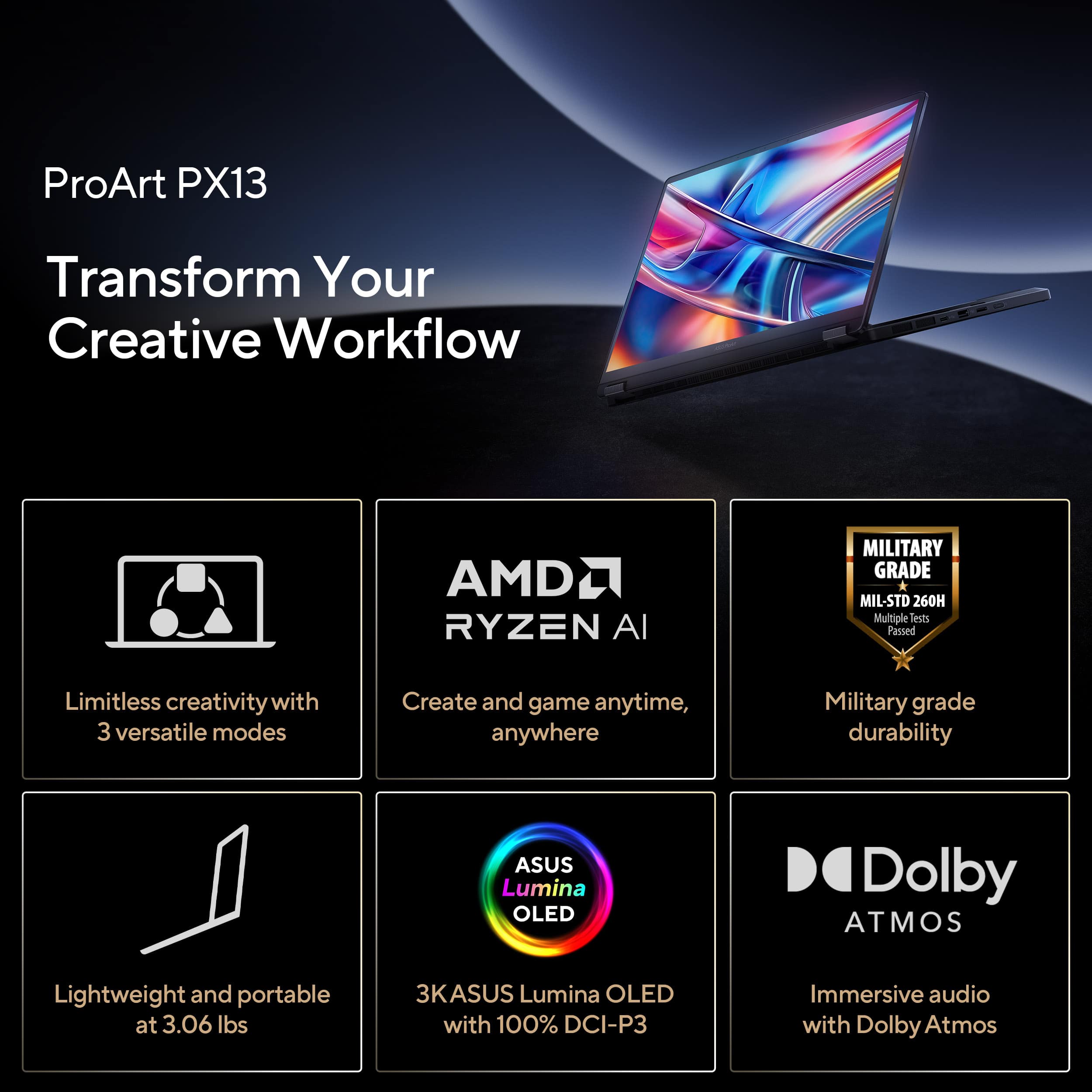
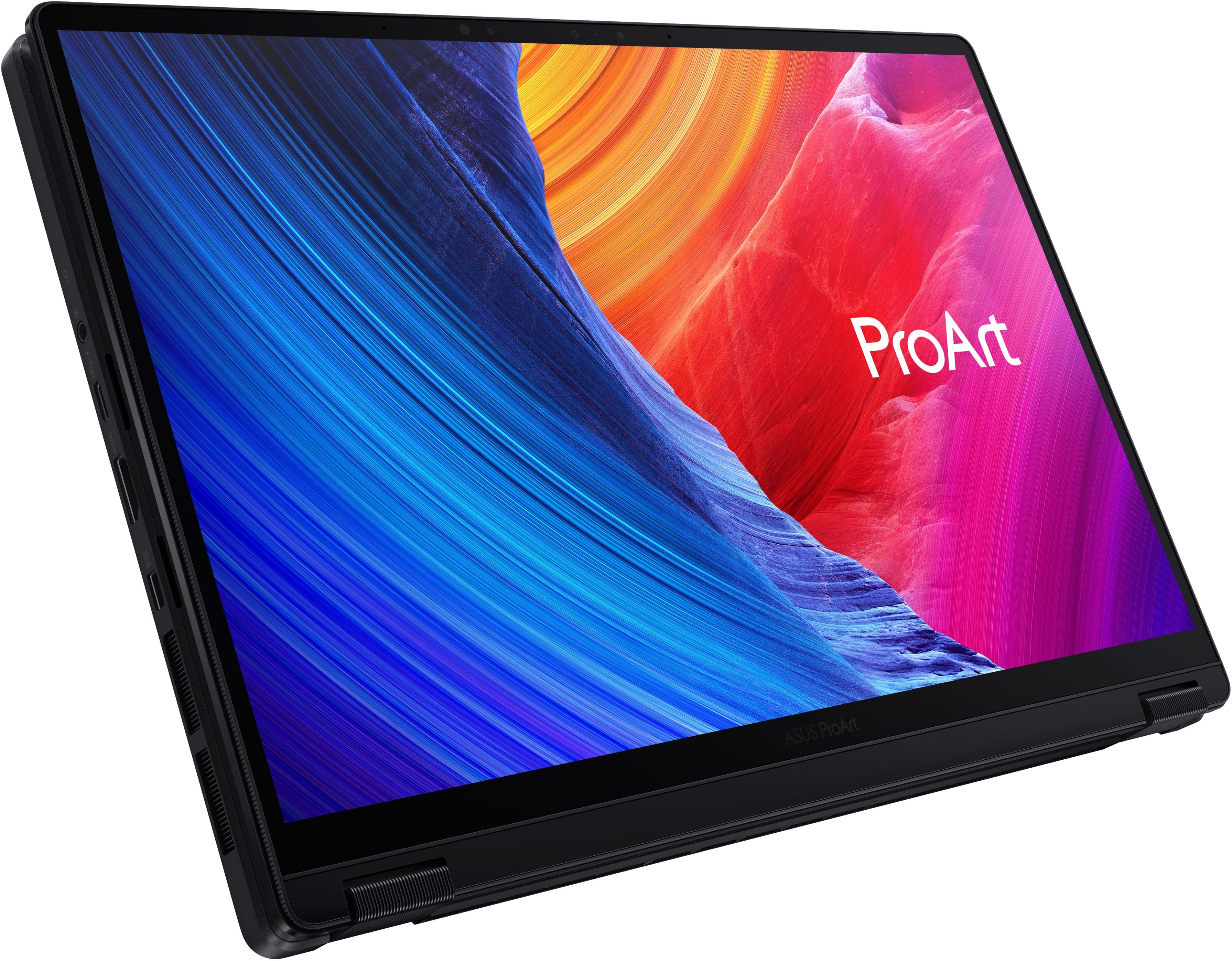
|Posted .This reviewer received promo considerations or sweepstakes entry for writing a review.The ASUS ProArt PX13 13.3" 3K OLED Touchscreen 2-in-1 AMD Ryzen AI Max+ 388 Copilot+ PC is an incredible performer with its AMD Ryzen AI processor, OLED 3K touch screen, and the ability to flip the display over completely to convert to a tablet or stop part-way and work on it like a tent. This particular model has 32GB of ultra fast LPDDR5X, enough RAM to keep you going while doing many tasks at once or working on your high resolution projects. You can let your creativity run wild! And with 512GB PCIe 4.0 SSD, there is plenty of fast storage for those large projects. At 13.3", this is a great size for portability. Compact and lightweight at 3.06 pounds, this is the perfect laptop to take with you when you are on the go. You won't need to take adapters with you because this has so many ports available: 2 - 40 Gbps USB 4.0 type C, USB 3.2 Gen 2 type A, HDMI, micro SD card reader, headphone/mic jack and of course, the power port. Personally, I have been using a USB-C cord to charge it, and it's been doing great. This is just for my own convenience. This is a laptop for anyone who wants a quality, well-built laptop. This particular PC is intended mainly for visual/video creators, and I am not that, but I so love this PC. With its ability to turn into a tablet or tent with a virtual keyboard, it is so convenient. With the power of the AMD Ryzen AI Max+ processor, the OLED touchscreen with Corning Gorilla glass for protection, and incredible graphics, it has absolutely everything I need in a PC. It comes with Windows 11 Home and Copilot+ to help with your AI needs, along with MuseTree and StoryCube to help get you going and help you organize your video projects. All of that plus it is Energy Star certified. Add to that the Harmon Kardon stereo system with Dolby Atmos, and I have an excellent laptop that I am proud to carry with me and excited to be able to use. This ASUS ProArt PX13 13.3" 3K OLED Touchscreen 2-in-1 AMD Ryzen AI Max+ 388 Copilot+ PC is the most outstanding laptop, in all areas, that I have ever had the pleasure of using. HIGHLY RECOMMEND!
I would recommend this to a friend - Pros mentioned:Oled quality, Processor speed
Small Laptop, But Big Performance
|Posted .This reviewer received promo considerations or sweepstakes entry for writing a review.[PROS] Gorgeous Display: The display is very stunning. The 3K is sharp despite not being a 4K screen, and the panel technology (OLED/HDR pairing) produces great visuals. Furthermore, I'm able to get through my graphic designing workflow without being impeded by concerns of accuracy and quality. Multitasking Powerhouse: The 32GB of RAM and Ryzen AI Max+ 388k is a winning combo. New processors are designed to be more efficient, and the PX13 proves just that. I'm able to switch among applications while maintaining a heavy workload. Gaming Incentive: Not only does this laptop do well with media, but it has decent gaming performance with an iGPU. With a few tweaked settings, I'm able to easily hit 50-60fps in a number of titles which is amazing. [CONS] Pen Exclusion: For a touchscreen device designed for creativity and artistry, a stylus seems necessary. Bulky Charger: Given that laptop uses a proprietary port, it comes with a chunky power brick. For a gaming laptop this normal, but the included charging adapter it does make travel bit cumbersome. [CONCLUSION] Overall, this is a versatile laptop. Whether its for work or leisure, the ProArt PX13 scores high marks in most categories in my book. I would highly recommend it!
I would recommend this to a friend - Pros mentioned:Oled quality, Performance
Portable, Premium, Powerhouse
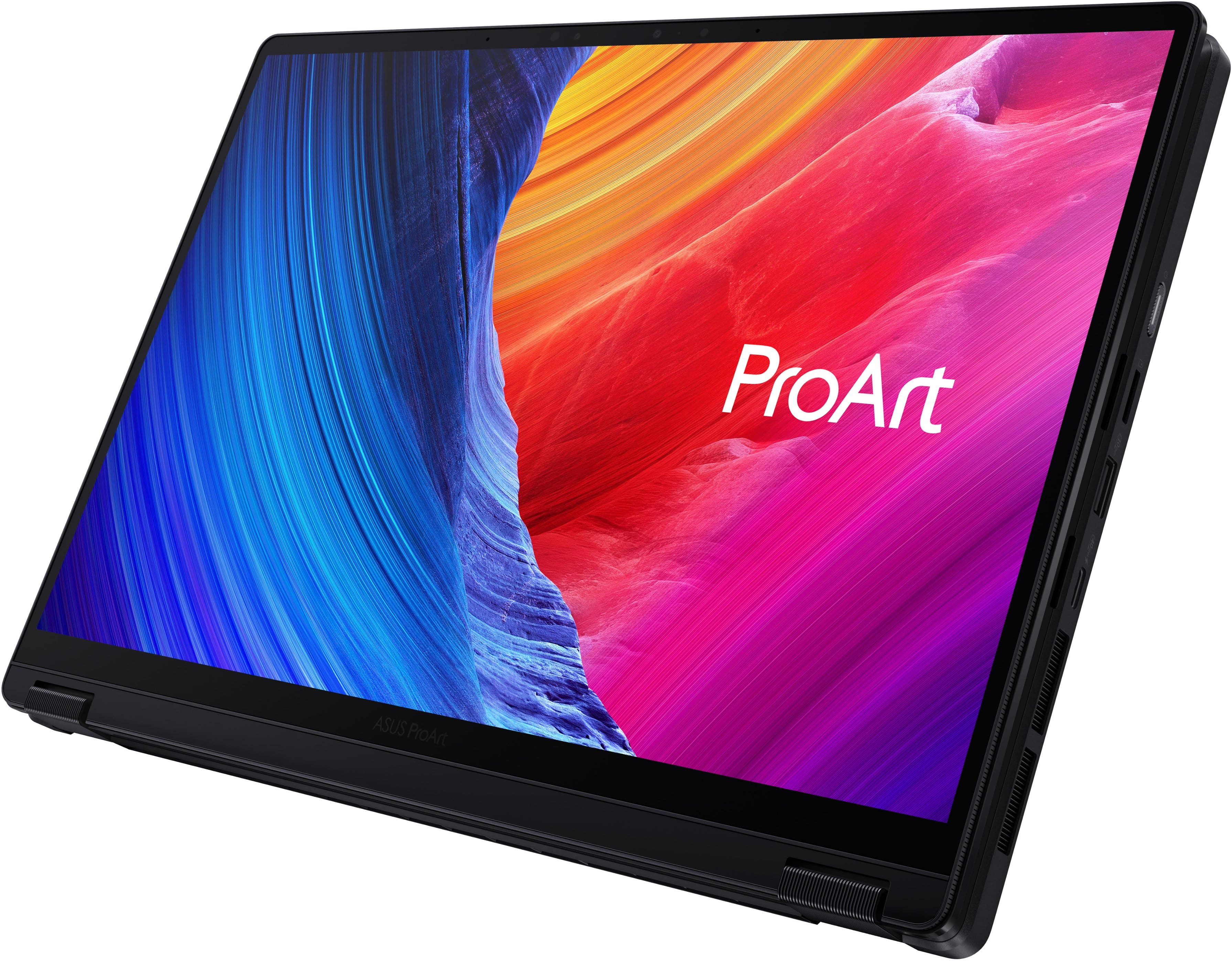
|Posted .This reviewer received promo considerations or sweepstakes entry for writing a review.This has been a powerful tool with plenty of horsepower and features like a color-accurate display which has made it a joy to use as a digital creator on the go. The display is outstanding with stunning colors, tons of contrast, and being plenty bright. Colors are vibrant without looking oversaturated. With its claimed Pantone-validated color accuracy, I can actually color grade videos and photos not just on the go but also in general since my external display isn’t as accurate. Everything just pops on this display and I think it may be a combination of the rich colors and deep contrast. The display is quite glossy though and it’s easy to see reflections however it hasn't affected productivity. The 3K resolution is well-suited for this size of laptop. It’s super crisp and you can squeeze a lot on the display at native resolution but I tend to have it around 150% scaling which still offers plenty of real estate. Using the touch display is intuitive and natural whether in laptop mode or in tablet mode. They also did a good job with the keyboard and touchpad. Touches and swipes are natural but depressing the touchpad is a little stiff for my liking. I don’t usually press down on the touchpad though where I usually just use a short tap to select which works flawlessly. The keyboard is responsive with a good key feel and travel. It’s essentially a silent keyboard which may be good for public places. It’s nice to see they start at 32GB of memory but from what I understand the RAM is soldered on to the board and isn’t replaceable, however with my tasks such as video editing, Photoshop, as well as Lightroom, I haven’t noticed any bottlenecks even with multiple 4K clips on a Premiere Pro timeline and rendering time is also fast. For a video creator, this configuration was more than capable for everything I threw at it. The hard drive is apparently replaceable though which is nice to know there’s room for expansion. This 512GB model had 346 GB available after performing the initial Windows updates. Speaker sound is in the acceptable department. It’s crisp but doesn't have much on the low end and can also sound tinny. What’s interesting is that it sounds better to me in tablet mode with the display vertical and sounds more tinny in standard laptop mode. I'm not sure if this has anything to do with how the display folds over the back but it sounds different in different configurations. I’d still use external headphones anyways when it comes to any sort of editing or music playback and thankfully it also has a headphone jack. But the speakers are probably one of the weak areas of this otherwise great laptop. Ports are-a-plenty with (2) USB C, (1) USB A, an HDMI, and micro SD card slot. A nice selection overall and doesn’t skimp on USBs but I would have loved to have had a standard SD card slot which would make more sense for a pro-level creator. For everything this packs inside, it’s all housed in a compact and fairly lightweight package - heavier than most standard 13” laptops but I’m happy to have the tablet versatility with a little more weight. A dedicated 13” laptop and a separate tablet could together weigh even more so it’s nice to have everything all in one. I’m also VERY impressed with build quality - it’s premium and super solid. The main chassis has little to no flex, the hinges are robust, and even the display itself doesn’t have much flex to it. Converting it to a tablet is smooth with a satisfying amount of resistance. This simply has an incredible build to it all around. This has been a great laptop and I think they came pretty close to nailing it. My only gripes are the lack of a full-sized SD card slot and sound, but other than that, this is a powerful, capable, and color-accurate on-the-go tool for creators.
I would recommend this to a friend - Pros mentioned:Performance
A "Pro" Level Machine for Windows Prosumers
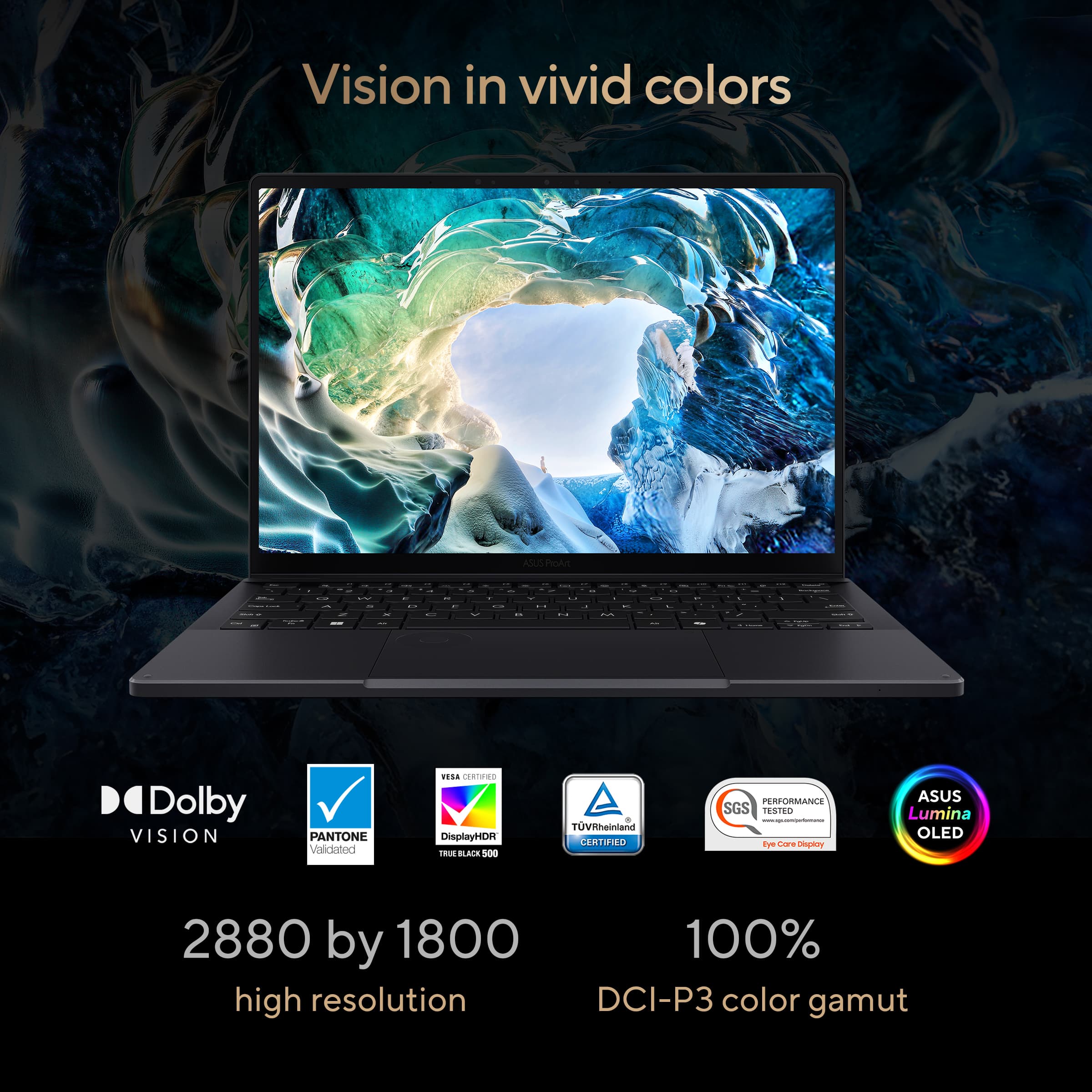
|Posted .This reviewer received promo considerations or sweepstakes entry for writing a review.As someone who’s always valued both performance and portability without wanting to sacrifice either, I’m elated by the resurgence of the 13-inch laptop category and the recent trend of building machines around top-end-performing hardware. While dedicated graphics chips are still a rarity in this form factor, system-on-a-chip (SoC) designs have come a long way over the last few years as silicon fabricators push meager power envelopes further than ever before. ASUS has already worked magic in this space, putting AMD’s most powerful SoC solution in a gaming tablet hybrid, and now are taking the lessons learned from the cutting edge and bringing it to a broader audience through “prosumer” grade devices. The ASUS ProArt PX13 is the latest such offering, taking AMD’s newest revision of the popular AI MAX 300 series and putting it in a more traditional form factor alongside a brilliant OLED screen. I came away very impressed with this thing, and for the demanding creative professional (or indeed, even a gamer shopping a price class below the enthusiast end) that needs CPU and GPU power in a portable form factor, the PX13 is an excellent contender. A quick disclaimer - as of writing this review (May 2026), retail computers and hardware are experiencing rapid price increases due to immense demand from the commercial sector, resulting in supply shortages. I’ve attempted to review this machine objectively, but retail prices versus prior models cannot be used as a fair point of comparison. - Unboxing and Impressions Following in ASUS’ recent trend towards premium unboxings, the ProArt PX13 ships in minimalist packaging that puts the power brick in a separate shipping compartment from the well-protected laptop. With very little in the way for physical documentation, most of the setup and tutorial experiences are on-device, and are kept to a reasonable minimum for what ASUS correctly assumes will be prosumer-level users. Besides warranty registration information, there are few OEM intrusions into the familiar Windows 11 setup process, and I’m pleased to report workarounds for setting up without a Microsoft account are still possible. The PX13 is a delightfully compact device with a great range of standard connectivity. Mercifully, “legacy” ports including a proper USB-A, microSD card slot, full size HDMI, and 3.5mm headphone-microphone combo jack leave me wanting for little besides (and I’m being nitpicky here) a second USB-A port. Both USB-C ports are proper USB4 SuperSpeed 40Gbps spec, allowing docking stations, high-end portable SSDs, external displays and more to take full advantage of that massive bandwidth. - Performance & Thermals The Ryzen AI MAX 388+ processor at the core of the PX13 is one of AMD’s latest and arguably most balanced mobile offerings, using the same Zen 5 core architecture seen on the flagship 395+, pared back to 8 cores and 16 threads with the same power envelope, using the same LPDDR5X memory bus, and keeping the absolutely monstrous Radeon 8060S integrated graphics solution. The end result of all this is pure desktop power on the go with little compromise - CPU performance is comparable to a desktop-grade Ryzen 9700X, and graphics performance lands somewhere north of a Radeon 7600XT while incorporating all of its advanced features such as FSR for gaming, and ROCm for graphics compute in creative and professional workloads. While not a gaming-focused machine, I quickly loaded up some graphically-intense games that ran with aplomb on ASUS’ own ROG Flow Z13 (powered by the aforementioned 395+ the 16-core, 32-thread version of the same chip in the PX13) and the results were within margin of error. You could argue this is a thin-and-light gaming laptop, and with 32GB of RAM on tap there’s plenty of room for both system RAM and video memory to coexist. Additionally, the PX13 can dynamically allocate system memory to VRAM in Windows, so a fixed memory setting in the BIOS isn’t necessary to have more VRAM available while cutting into available system RAM. For professional and creative workflows, I took both Adobe Photoshop and DaVinci Resolve for a spin. Working with large format poster graphics in the former, the PX13 churned through layers and effects with the same speed and snappiness as my dedicated desktop, never lagging or spending inordinately long applying filters. Editing some 4K gaming footage with the latter, scrubbing through the timeline was responsive and rendering took full advantage of the 8060S to accelerate generating h.265 video to upload to video sharing sites, though the system fans had to work overtime to keep the laptop cool and it took a bit longer than I expected to finish up, even with the system in its full power mode. One area where the PX13 may fall a little short for demanding professionals is in its thermal management. While the fans on the ProArt aren’t as loud as some other thin and light laptops packing high-power chips, they tend to run frequently even in the laptop’s “Whisper” (lowest-power) setting. There’s also some noticeable coil whine in certain circumstances which I found annoying in a quiet room. In “Normal” and “Performance” modes, the Ryzen 388+ runs with much higher power envelopes, and the fans will run at higher speed to try and keep the laptop cool. I did notice that the keyboard gets warm with extended use on Performance even with the fans running full blast, but with a bottom intake and both side and rear (towards the screen hinge) exhaust, the PX13 never felt concerningly hot. You probably won’t be able to use this on your lap, however, and in tablet mode you may encounter some thermal throttling and performance limitations since the intake will be sandwiched between the screen and the chassis. - Screen, Sound & Video, Battery The star of the show for the ProArt PX13 is the OLED display. The high resolution for a smaller screen and great color calibration out of the box yield impressive results, made all the more tantalizing with the true blacks that OLED screens provide. It supports HDR and gets decently bright for a 13 inch display, with Windows reporting a peak brightness of 616 nits. Sadly the screen only supports a 60Hz refresh rate, but given the target audience for this machine it’s not a dealbreaker, and the display’s response time is pretty good with little ghosting in fast motion. For both media consumption and creation, it’s a fantastic screen that rivals some other brands’ displays that get marketed with words like “Cinema” and “Retina.” Sound quality is better than I was expecting for a laptop of this caliber, with Dolby Atmos processing and some other trickery to make the (downward-firing) speakers seem louder. They’re very bright-sounding with just a little bit of perceivable bass, but they do get loud enough to hear speech clearly in a moderately noisy environment - in other words, fine for video conferencing. Similarly, the webcam is plenty solid; not amazing but good enough for purpose here. A lack of physical shutter is a bummer for the privacy-concerned, though. Battery life seems about par for course for 13-inch Windows laptops. On the “Whisper” performance mode I got a little over 6 hours from full charge to a 20% low battery warning while doing light work at about half screen brightness, and just squeezed past 7 hours before hitting the 10% warning. The laptop can charge from either its dedicated power brick and port or via USB-C power delivery, though the battery will still slowly run down in higher power modes using the latter. Still, it’s quite convenient to charge via USB-C PD and only need to carry one charging brick with me, lightening up my bag. - Design & Build Quality What sticks out to me most about the ProArt PX13 is how nice it feels on the whole. It’s not at the highest echelons of build and material quality you see from the brand with dedicated stores and their version of the Geek Squad, but the plastics and alloys used on the PX13 give it an air of high-quality and sophistication that some brands have struggled to match. The hinge in particular feels extremely smooth and fluid, and the chiclet-style keyboard has great feel to the keycaps while exhibiting no flex in the keyboard tray. The touchpad falls just short of greatness, depressing a bit more than I would like when clicking but still feeling very polished. The command dial is a neat touch that’s easy to enable or disable from the corner of the touchpad with a diagonal swipe. The only area I’m a little disappointed here is in the 2-in-1 nature of the laptop. The PX13 simply isn’t comfortable to hold as a tablet, with the edges of the screen lid and keyboard tray being antithetical to the tablet purpose. While it works in a pinch, it feels like the 2-in-1 nature of the PX13 was more of an afterthought as it’s an extremely competent laptop otherwise. The AI bloatware doesn’t add any value here, but it’s easy enough to ignore and uninstall. - Bottom Line While I found a few minor annoyances with the ASUS ProArt PX13, I feel that “perfection is the enemy of greatness,” and none of these things are detractors from what’s an overall excellent machine for creatives and power users alike. The Ryzen AI MAX 388+ is a powerhouse chip, with the integrated graphics pushing close to dedicated GPU territory for accelerated workloads. The fit and finish are appropriately high-end, the screen is gorgeous, and while the battery could last longer it’s a reasonable compromise for a thin and light machine where raw power is needed on-the-go. The ProArt PX13 may be a bit pricey compared to its peers, but the overall package and build quality is a winner. Recommended!
I would recommend this to a friend - Cons mentioned:Refresh rate
Beautiful 3K screen!
|Posted .This reviewer received promo considerations or sweepstakes entry for writing a review.The ASUS ProArt PX13 is a compact 2-in-1 that packs an incredible amount of processing power into a portable 13-inch frame. Here is the quick breakdown of where it shines and where it falls a bit short. The Screen: Beautiful but at that Basic Speed The Good: The 3K OLED display looks incredible. The colors are vibrant, the blacks are deep, and everything looks razor-sharp. The Bad: It is locked at a 60Hz refresh rate. It’s okay for normal tasks, but it’s not great. If you are used to the smooth scrolling of a 120Hz phone or premium monitor, you'll definitely notice that it lacks that next-level fluidity. Performance: Ryzen AI Max & Unified RAM The internals are where this machine really steps away from traditional ultraportables. The AI Processor: Powered by the AMD Ryzen AI Max+ 388, this chip features a dedicated NPU pushing 50 TOPS of AI processing power. For localized AI tools, background tasks, and future-proofing Copilot+ features, it handles workloads effortlessly without breaking a sweat or tanking your battery. Unified RAM Management: With 32GB of ultra-fast LPDDR5X unified memory running at a blistering 8000 MHz, the system architecture allows the CPU and the massive integrated Radeon graphics to share the same memory pool dynamically. It makes multi-layer video editing and heavy multitasking smooth, with virtually zero bottlenecking. Trackpad & ASUS DialPad: A Real Workflow Booster The trackpad is large and responsive, but the real star is the virtual DialPad built right into the glass surface. You just swipe to activate a glowing, tactile wheel on the corner of the trackpad. It lets you spin through video timelines, change brush sizes in editing software, or just tweak volume and brightness without hunting for menus or shortcuts. Once you get used to it, it makes working on a laptop feel a lot faster and more intuitive. The Bottom Line It’s a fantastic, high-performing portable workstation with next-gen processing brains. If you don't mind a standard 60Hz screen speed, the killer combination of the Ryzen AI Max chip, smart memory layout, and the clever trackpad dial make it an absolute beast for creation on the go.
I would recommend this to a friend Premium OLED Powerhouse
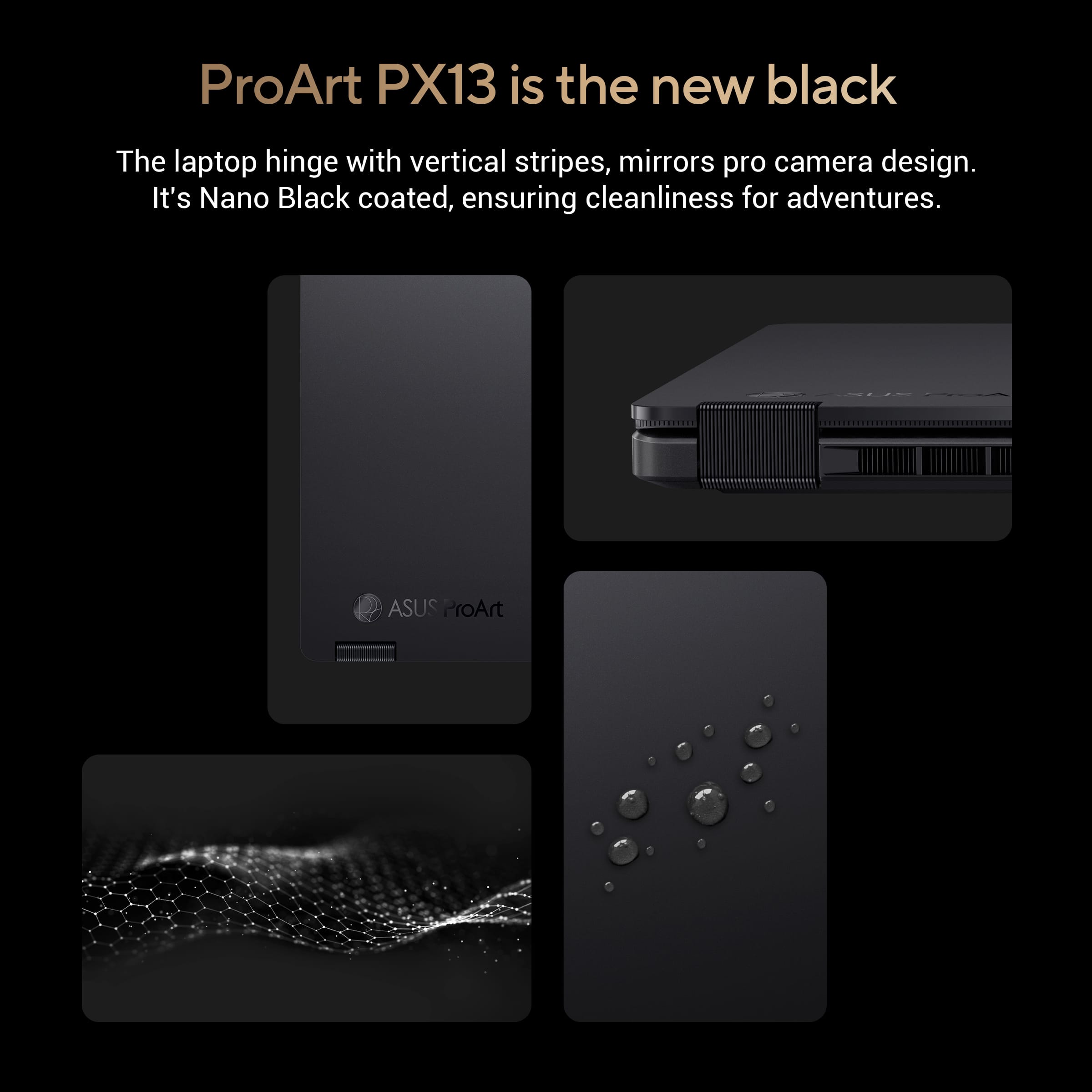
|Posted .This reviewer received promo considerations or sweepstakes entry for writing a review.After spending significant time putting this laptop through its paces, I can confidently say it’s one of the most impressive compact machines on the market. I have used a multitude of different laptops over the years for both work and personal use, and this one is easily the best I have ever owned. If you are looking for a laptop that offers serious creative and multitasking power without being a bulky burden to carry around, this is it. Right out of the box, the first thing you notice is the look. It’s finished in a sleek "Nano Black" that feels incredibly premium, professional, and understated. There is a really cool design touch with subtle vertical striping on the hinges that mirrors the look and texture of a high end camera lens. The rugged and tactile style gives it a very unique aesthetic that feels perfect for a home office, professional studio, or out on the road. I must say with all the laptops I`ve used and even seen the past couple years this one definitely stands apart. At just about 3 pounds and under an inch thick, it’s remarkably lightweight. However, the slim profile doesn`t deter from the build quality as it feels incredibly sturdy. It's the kind of laptop you can confidently toss into a backpack for a coffee shop run or a flight without worrying about extra padding. The standout feature here is definitely the 3K OLED touchscreen. If you haven't used an OLED screen before on a laptop, it is an absolute game changer. The colors are incredibly rich, vibrant, and highly accurate, while the blacks are completely deep rather than looking washed out or gray. Whether you are editing photos, streaming a movie, or just browsing the web, everything looks stunningly sharp and crisp. When my friends and colleagues ask for laptop recommendations an OLED screen is an absolute must anymore! I`ve always been a fan of the 360 degree flip design like this model has. You can use it as a traditional laptop, fold it into "tent" mode to watch videos, or flip it all the way around into a tablet. For taking notes, sketching, or marking up documents with a stylus, the tablet mode feels totally natural. There is also a unique feature built right into the glass touchpad that they call a virtual "Dialpad." It allows you to customize shortcuts and scroll through tools smoothly, which I actually found to be a fantastic workflow booster predominantly for zooming and scrolling in my case. Under the hood, this machine has all the bells and whistles as it is lightning fast. It pairs a next generation AMD Ryzen AI Max 388 processor with a massive 32GB of memory. This specific hardware combination strikes a near perfect balance between high performance and smooth efficiency. In everyday terms, that means the laptop essentially refuses to slow down. You can have dozens of internet tabs open, a video playing in the background, and heavy editing software running all at once, and it switches between them instantly without a hiccup. No matter what I throw at it everything feels incredibly snappy and responsive. Despite all that power, I was surprised with how well the battery life holds up as I usually get through a normal workday without issue. When I was on the go and needed to top off the battery it also charged up much quicker than traditional laptops I`ve used in the past. You also have to talk about the selection of ports, as it isn`t just your “minimal” USB-C connection because it includes a multitude of ports including a built-in MicroSD card reader, so you don't have to carry around a bunch of annoying adapters. Overall, ASUS has checked all the boxes here you could ask for in a laptop because it perfectly bridges the gap between ultra portable daily laptops and heavy duty workstations. It gives you that premium look, feels extremely durable, and handles anything you throw at it with ease. This is definitely one of those cases where you most certainly get what you pay for as the cost is clearly seen throughout the entire laptop. So if you want a top tier premium laptop that can handle both serious work and everyday entertainment seamlessly, I would highly recommend it.
I would recommend this to a friendAwesome. Unique. Powerful.
|Posted .This reviewer received promo considerations or sweepstakes entry for writing a review.The Asus PX13 is an awesome, unique laptop that fills a niche space where Asus has really knocked it out of the park. Being a 2 in 1 with this much horsepower and build quality is a really phenomenal product that Asus has put out for 2026. As a 2 in 1 the Asus PX13 gives you the flexibility to use it as a laptop, or as a tablet. The main target audience for this laptop are content creators due to the immense amount of horsepower available for running programs. Starting with the display, it’s an Asus ProArt branded display which means it offers all the usual specs of Asus’ photography/cinema standalone displays. That’s a really nice touch here because it gives you the visual performance to edit on the go without compromise. The keyboard and trackpad on this laptop is a real treat as well. The keys have a really nice depth to them for a laptop of this size, and they are large and easy to hit. Obviously, they are backlit with adjustable light output. I am a bit of a trackpad snob. To me, trackpads make or break many laptops as they are the main way we navigate through the UI. On a content creator laptop this is even more important. I am happy to say this is one of the best trackpads I’ve ever used on a laptop period. The size is massive, the texture is smooth, and the clicking feeling is really nice and consistent. There is also a cool Asus DialPad feature which I found fun to use, and I’m sure as I get more used to the workflow, I will integrate its functionality more into my work. The performance of this laptop needs to be praised. Asus put a serious Ryzen CPU into the model I reviewed (AI Max+ 388) and ample RAM (32GB). This combination delivers butter smooth performance in Windows 11. However, it’s not until you boot up something like Davinci Resolve that you see the real potential that’s under the hood. DR is notorious for being an intensive video editor. This laptop ate it for lunch. That to me is usually my version of “can it run Crysis” for content creator software because DR is phenomenal, but you need strong hardware to utilize it. During my testing I edited several videos for social media on DR using the PX13 and I didn’t have any issues besides the usual quirkiness expected when using DR. I was able to fly through the UI, export in a reasonable amount of time for 4K video and even do some light photo editing in Photoshop. The ability to flip this into a tablet and use it in that form factor occasionally was fun and provided a unique way to video edit. I don’t know how often I’d use it for content creating, but the choice of using it is nice. I would also imagine for just entertainment like watching videos, the tablet form is a nice option. All in all, I am really happy with this product from Asus. The build quality is truly impressive, the raw power is more than enough, and it hits all the content creator marks like OLED ProArt display, excellent trackpad, 2 in 1 functionality, and satisfying keyboard.
I would recommend this to a friendGreat form factor
|Posted .This reviewer received promo considerations or sweepstakes entry for writing a review.The Asus ProArt PX13 is Asus’ latest ultimate workstation laptop that touts an efficient yet powerful experience. The ProArt PX13 is for those who want to work, create, and play without compromising performance. With a current price point of $1,899.99 does it offer enough to warrant the heavier price tag? The unboxing experience wasn’t anything overly spectacular. The box had a nice touch and feel to it compared to some other competitors in the same price point. It was more than just a brown cardboard box. The computer and all the accessories were safely bundled together. There is no need to worry about having additional input adapters as this computer has everything one would need. I am genuinely impressed with the amount of inputs Asus was able to stick into this device. It has 1x USB-A 3.2 port, 2x USB-C ports, MicroSD card slot, headphone jack, and HDMI 2.1. Asus listened to their customer base by ensuring that there were plenty of ports available. I like how simplistic the computer is. It has a very sleek and modern look. It isn’t flashy at all. It is a tool to get a job done. The computer feels solid to hold and doesn’t feel flimsy while handling. I am generally not a huge fan of convertible screens so I did not test that much aside from the single time I did it. The display felt tight and did not feel flimsy. It has a very solid feeling motion of the display and it holds in place well. I am very opinionated on textures. The computer doesn’t have an aggressive texture to it nor is it too slippery which I like. The trackpad is distinguishable from the palm rests. I am not sure about how the keycaps will wear. They are slightly textured, but in a pleasant way. The computer uses AMD’s Ryzen platform which delivers wonderful performance for any work that you may throw at it. I was able to do some light photo editing with it and was able to do it using the included Adobe Creative Cloud 3 month trial that is included with purchase. With 32GB of RAM it is able to do plenty of multitasking. With that said, I did notice that the fan noise was notable during use. If you are purchasing this computer for any AAA title gaming that you may want to look elsewhere as this computer is not built for serious gaming. The onboard graphics will not suffice. If you are in to some 8-bit indie games then you could do that with ease. The display is quite nice and I would hope so since this is Asus’ ProArt line up. Each display is shipped to provide the most accurate of colors.I did find that when I used it outdoors that it wasn’t as bright as I would have liked it to be. I did not test the Wi-Fi 7 capabilities of this computer yet. I have not switched over to the newer protocol. On my Wi-Fi 6 (802.11ax) network I did not observe any issues related to the computer. The computer is really nice. I believe that if you are looking for a computer for work this would be a really good contender. Only qualm I have is that the fans were noisy at times.
I would recommend this to a friendTiny 2-in-1 creator/workstation workhorse
|Posted .This reviewer received promo considerations or sweepstakes entry for writing a review.Setup: Unboxing was easy. The packaging was very premium, and the experience definitely fit the price point of the laptop. Use: The initial setup was fast and simple. The 3k OLED display was the first thing I noticed since it was very bright and color accurate. Easiest way to check is to pull up an item you have in your pantry or house and compare the colors on screen with the actual item. This matched perfectly. Then I tested it, processing some raw photos and the response was fast. There was no delay. The export was equally as fast as my gaming laptop that has a dedicated gpu. I do wish the small 512gb ssd was bigger. With 32GB of ram this thing just took all the chrome tabs and Adobe Lightroom among other programs running at the same time without slowdown. When gaming I was able to get smooth gameplay on medium settings for most games after the first few matches which I assume some indexing and learning takes place because after it was very playable at around 60fps which is all I need for such a portable system. The 2-in-1 capabilities made it a breeze to edit the graphics I needed to work on. Included is a nice 200w power brick which makes sense being that the cpu is a larger wattage vs the typical ones that are installed in other 2 in 1 laptop. There are plenty of useful ports, but I do wish there was a full size sd card slot vs the micro sd. My biggest issue so far is the 512GB ssd it’s a bit too small I think for a creator laptop but it’s manageable enough for now. Also, it would be nice for the price point if the pen was included.
I would recommend this to a friend