Customer Ratings & Reviews
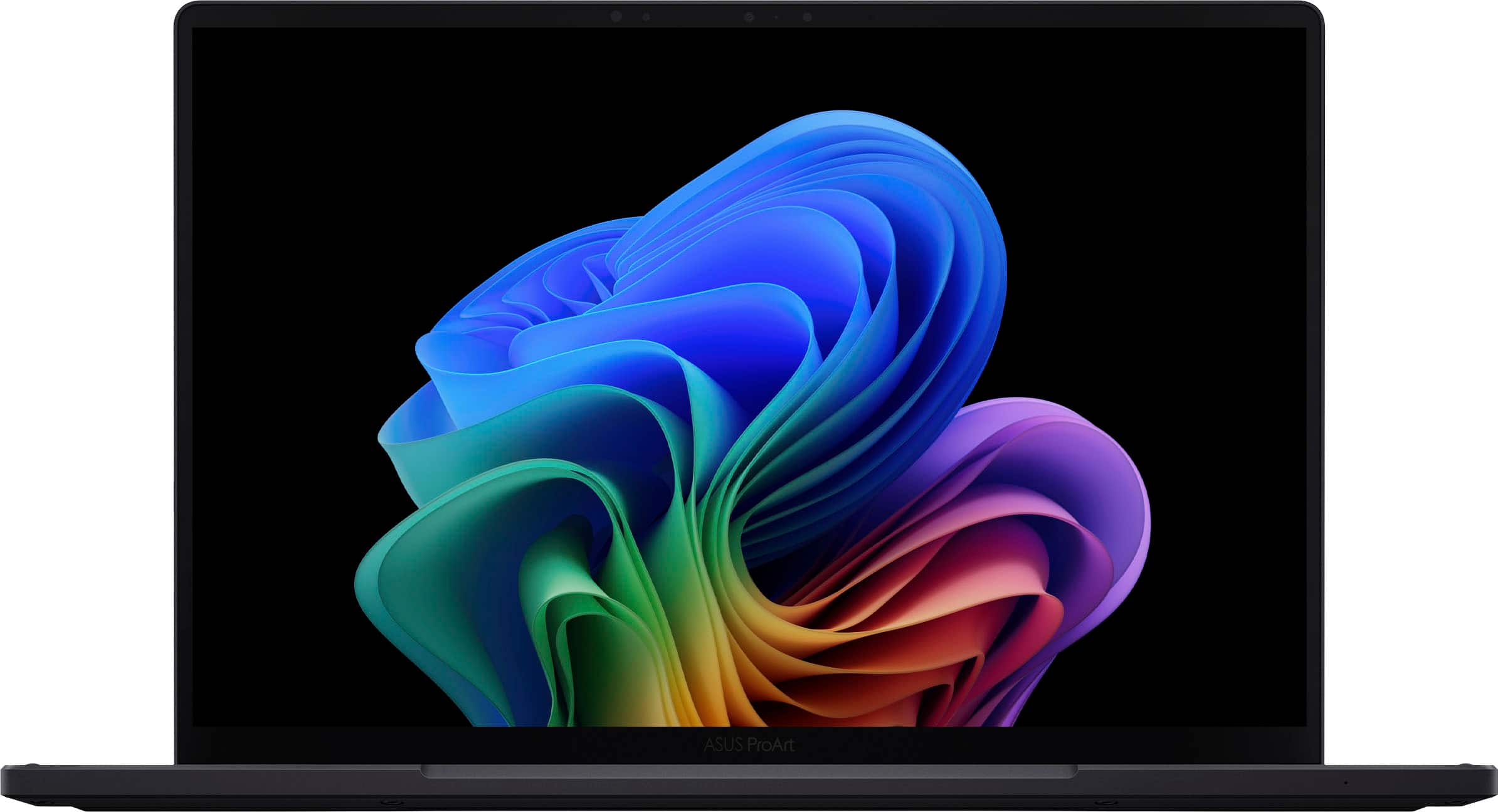

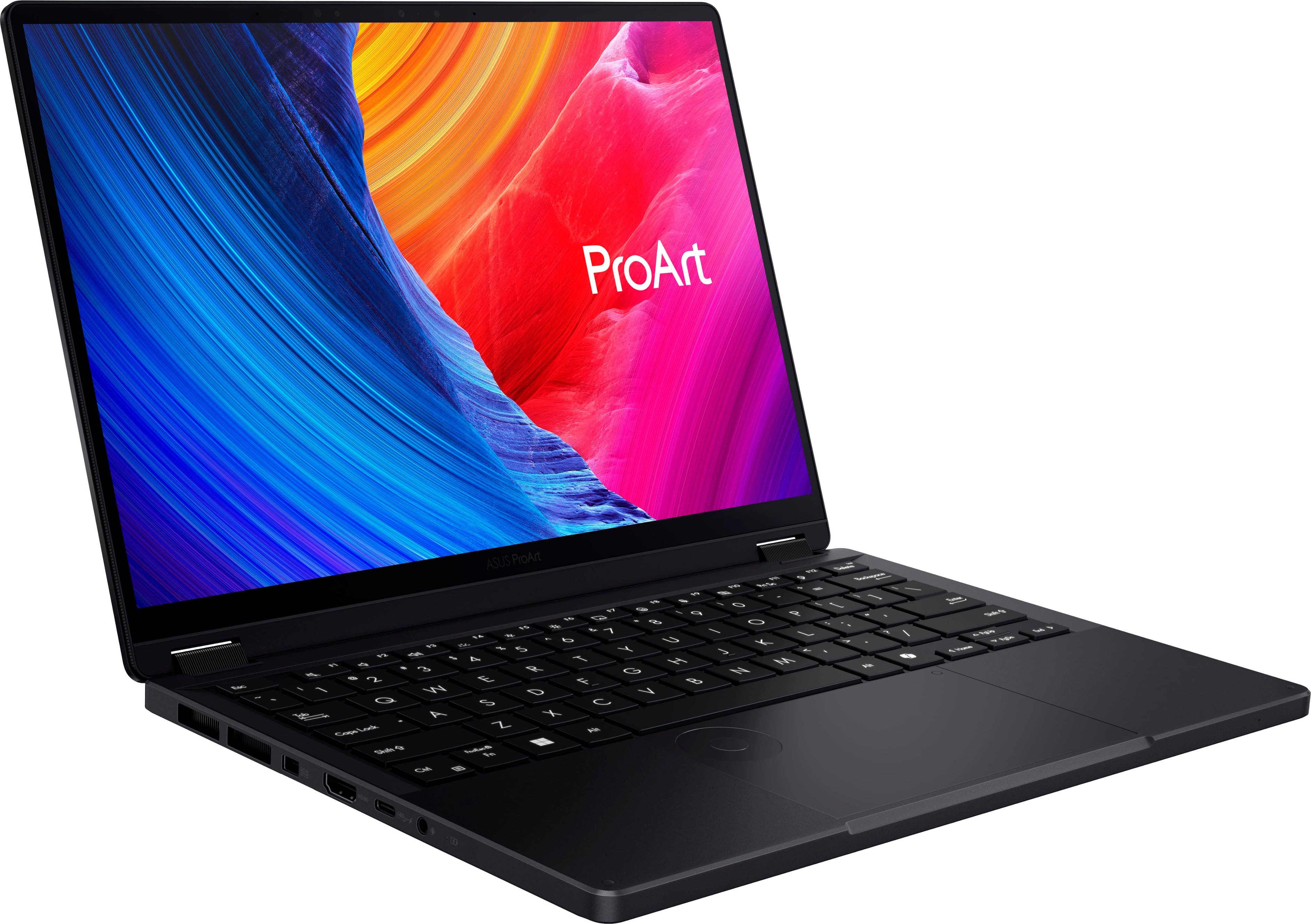
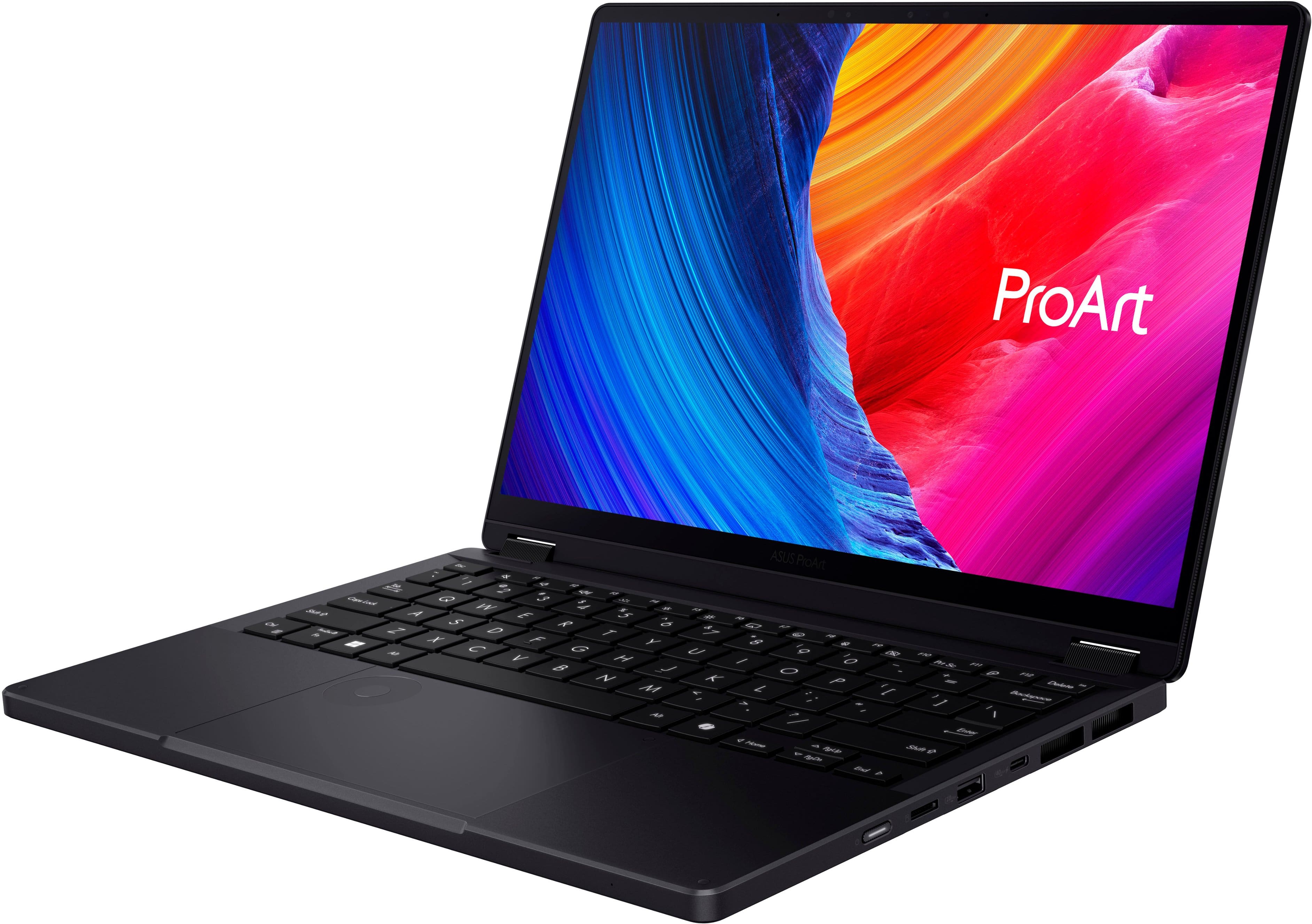
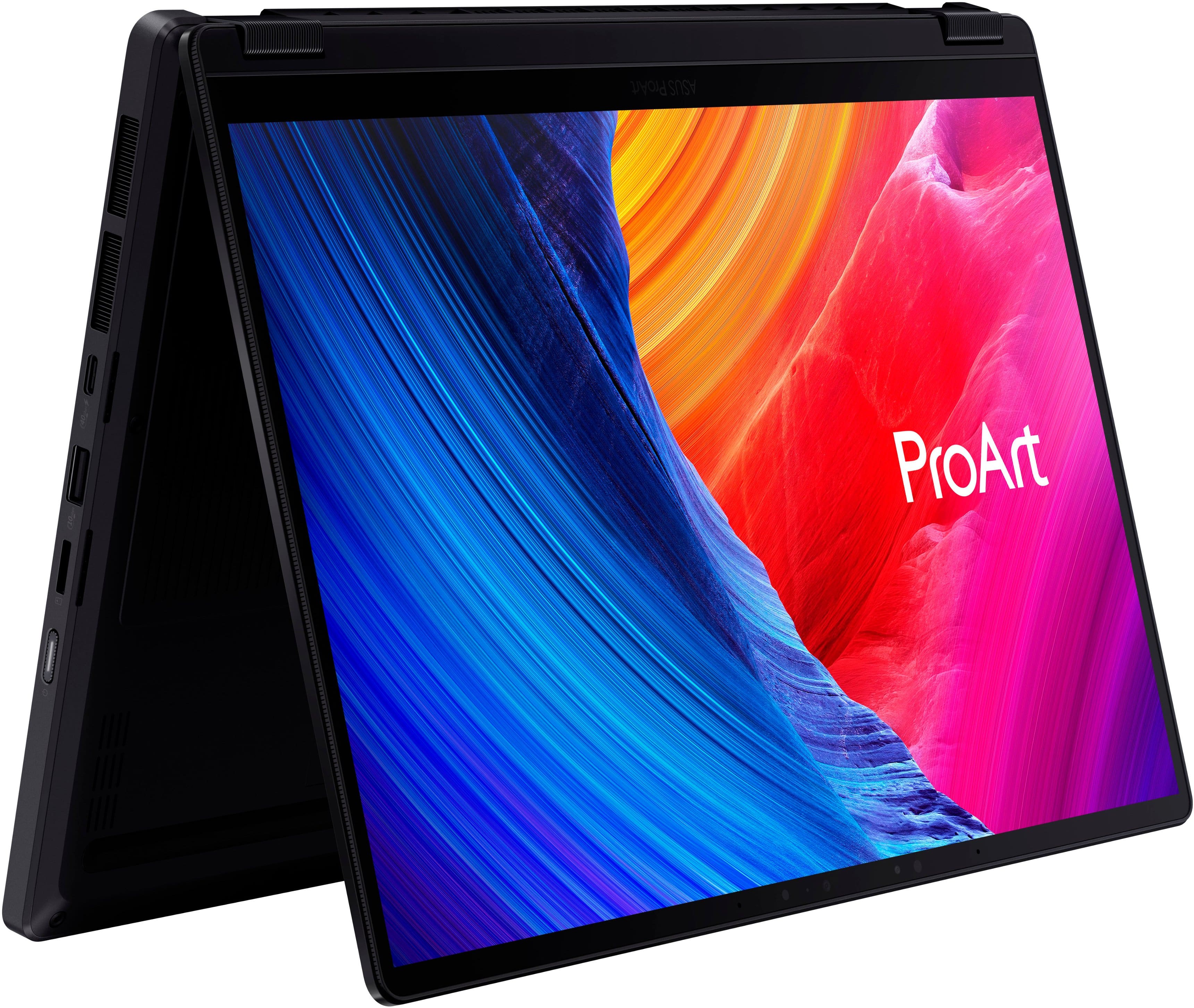

















- Model:
- HN7306WU-PX13.R3704050
- SKU:
- 6584436
Rating by feature
- Battery Life
Rating 4.0 out of 5 stars
- Speed
Rating 4.6 out of 5 stars
- Display
Rating 4.6 out of 5 stars
Customers are saying
Customers express satisfaction with the ProArt PX13 laptop's overall performance, brilliant screen quality, and portability. The processor speed and ample RAM also contribute to a positive user experience. However, some customers have concerns regarding the short battery life, the refresh rate, fan noise, and heat dissipation.
This summary was generated by AI based on customer reviews.
- Pros mentioned:Processor speed, Screen qualityCons mentioned:Battery life, Heat dissipation
Portable, Loveable, Powerful - The heavy hitter
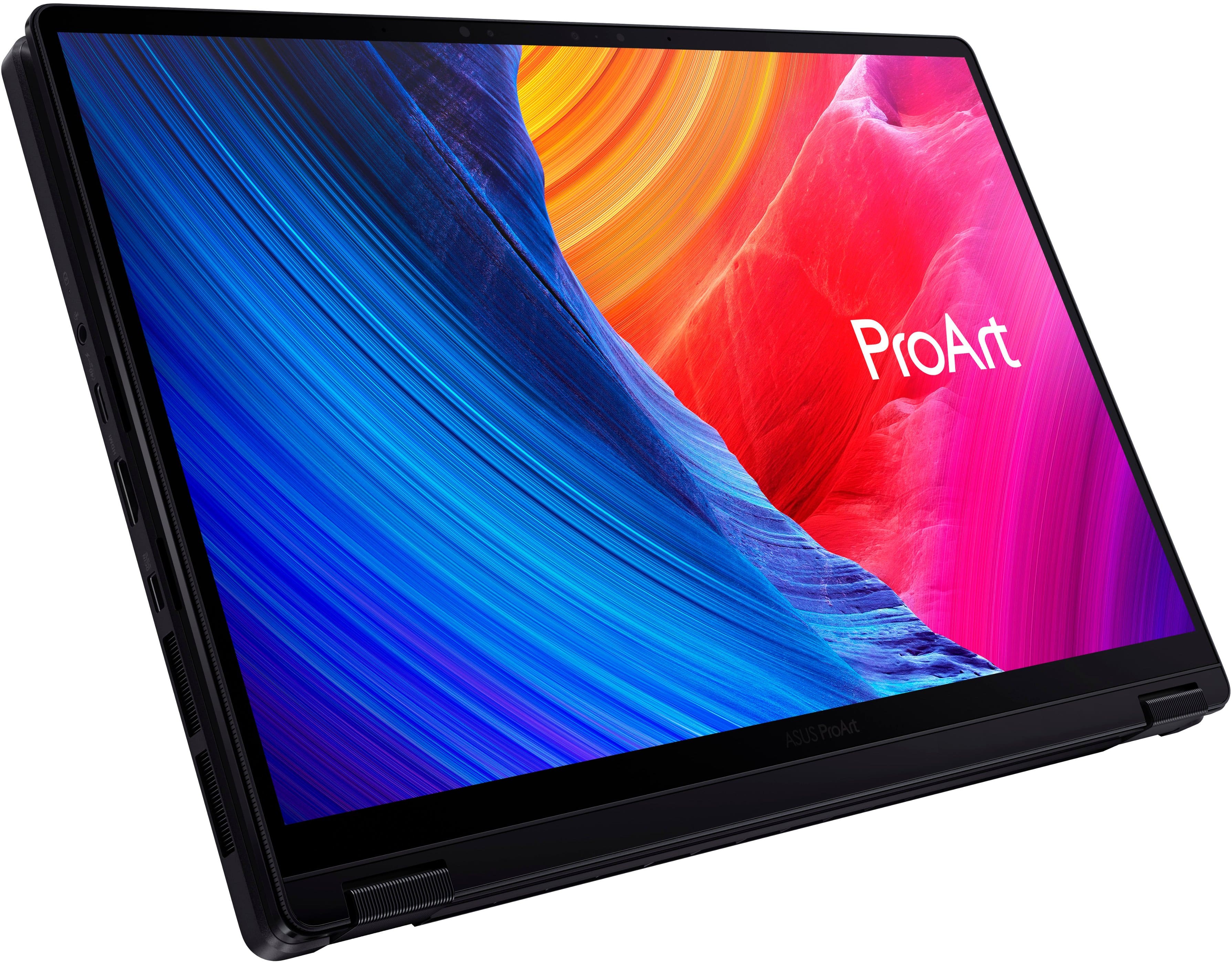
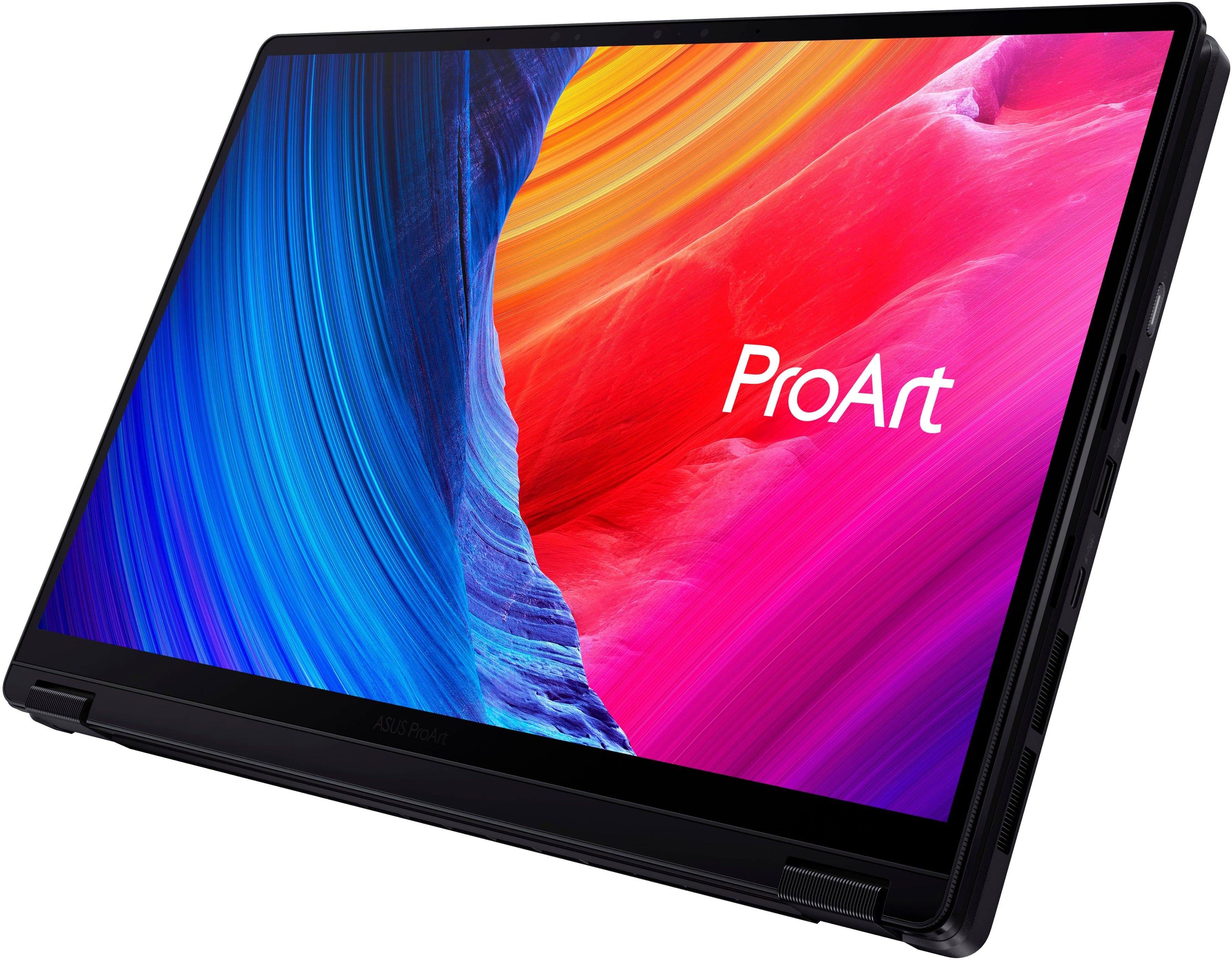
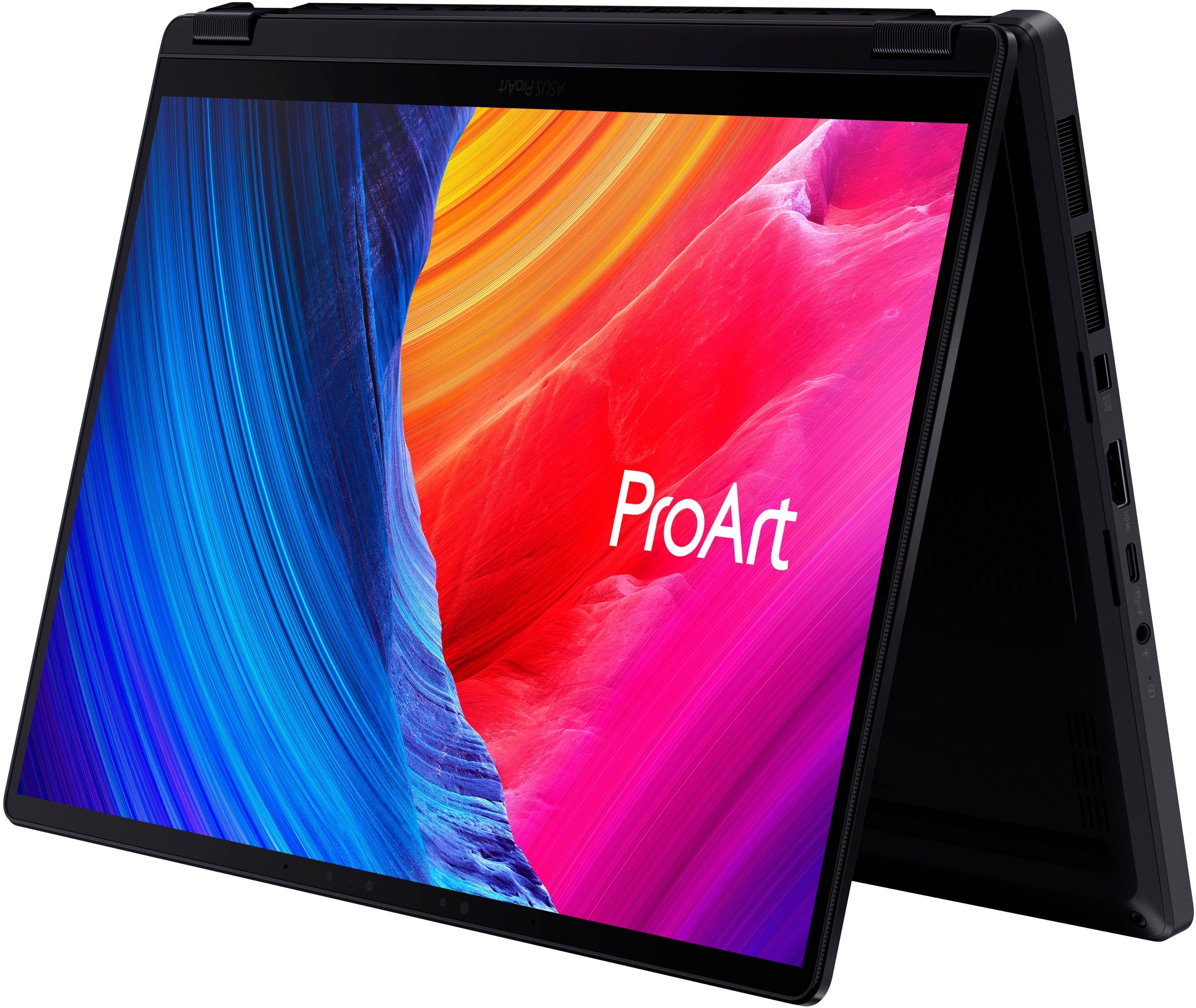
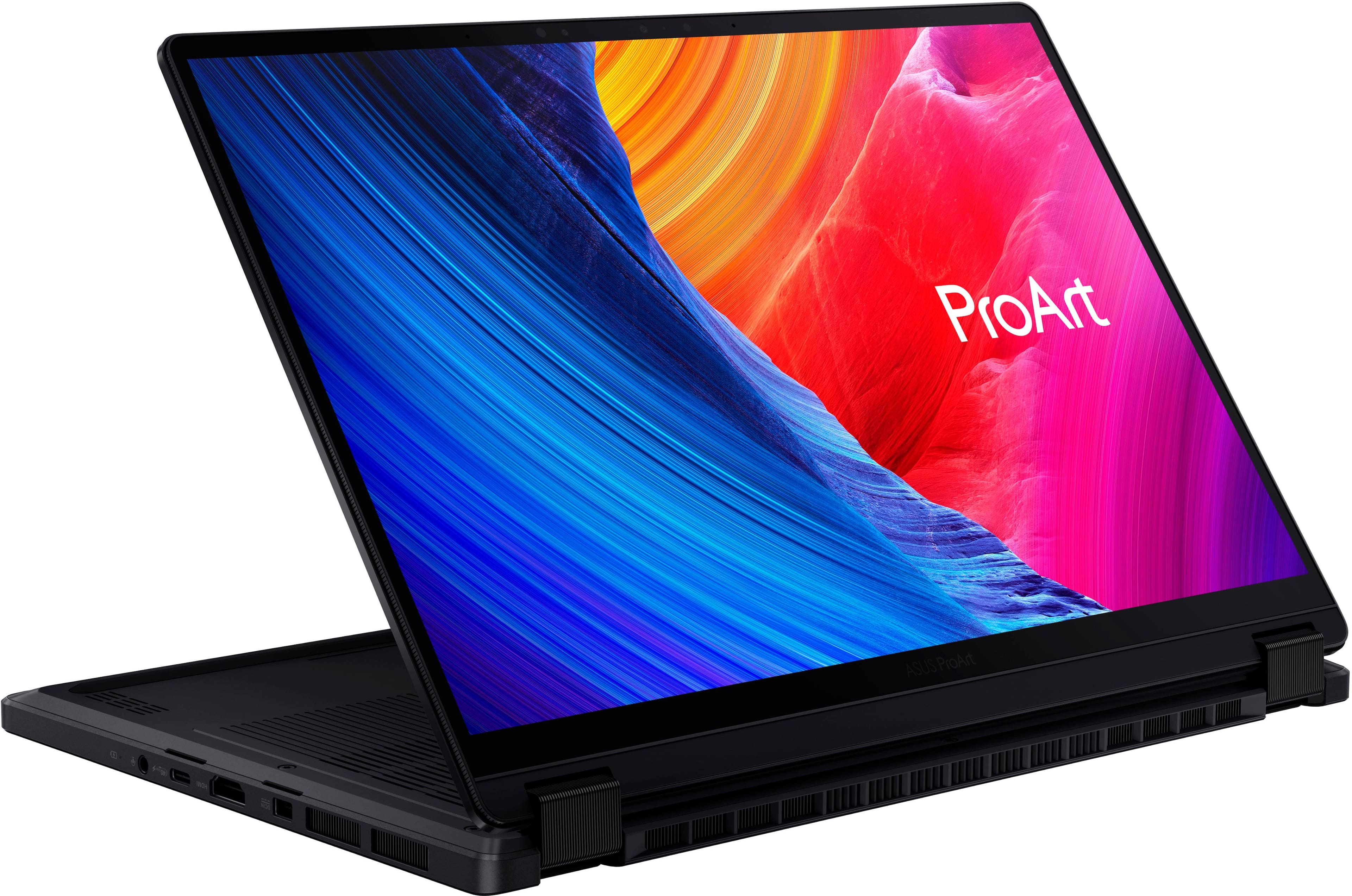
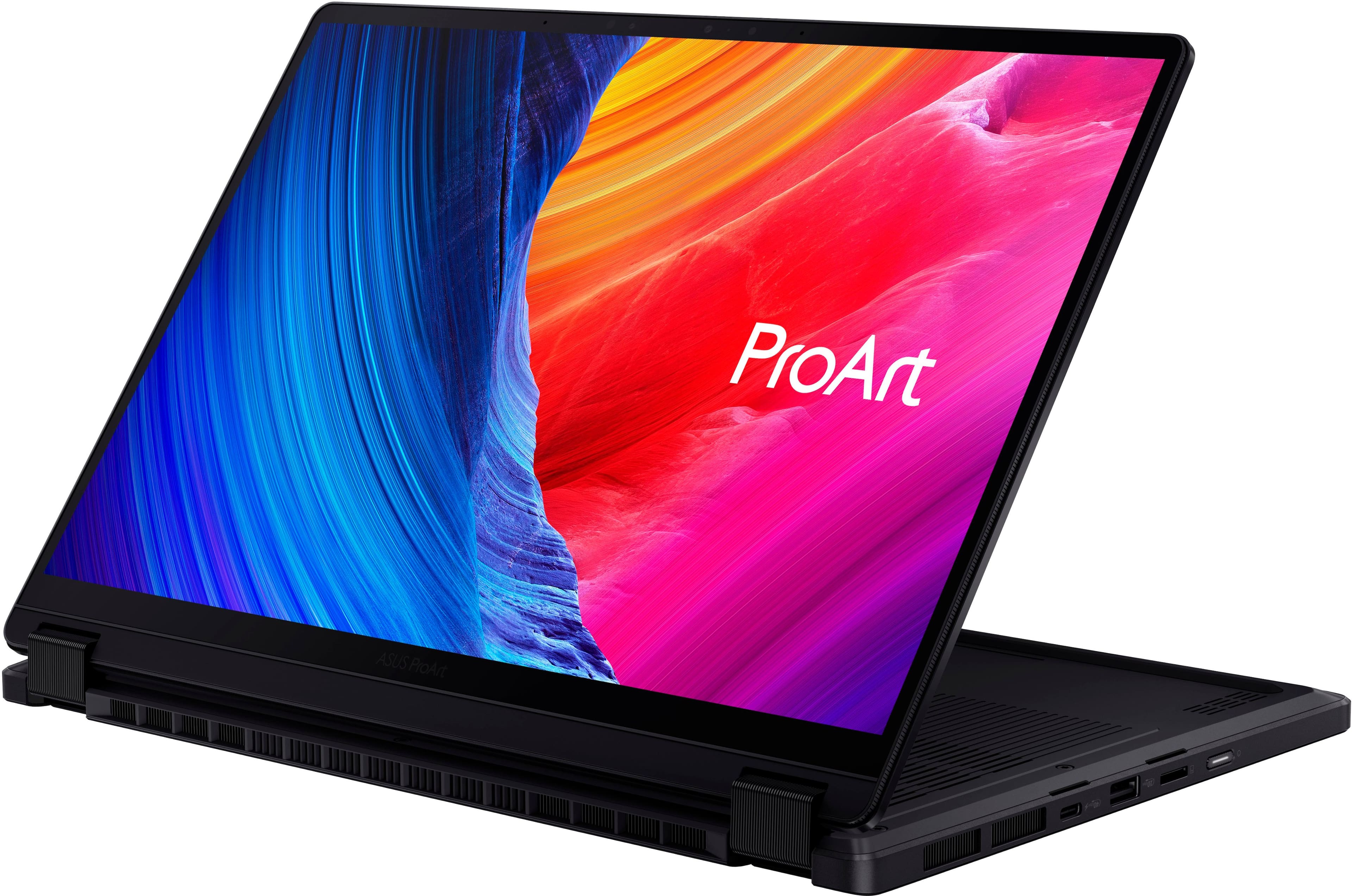
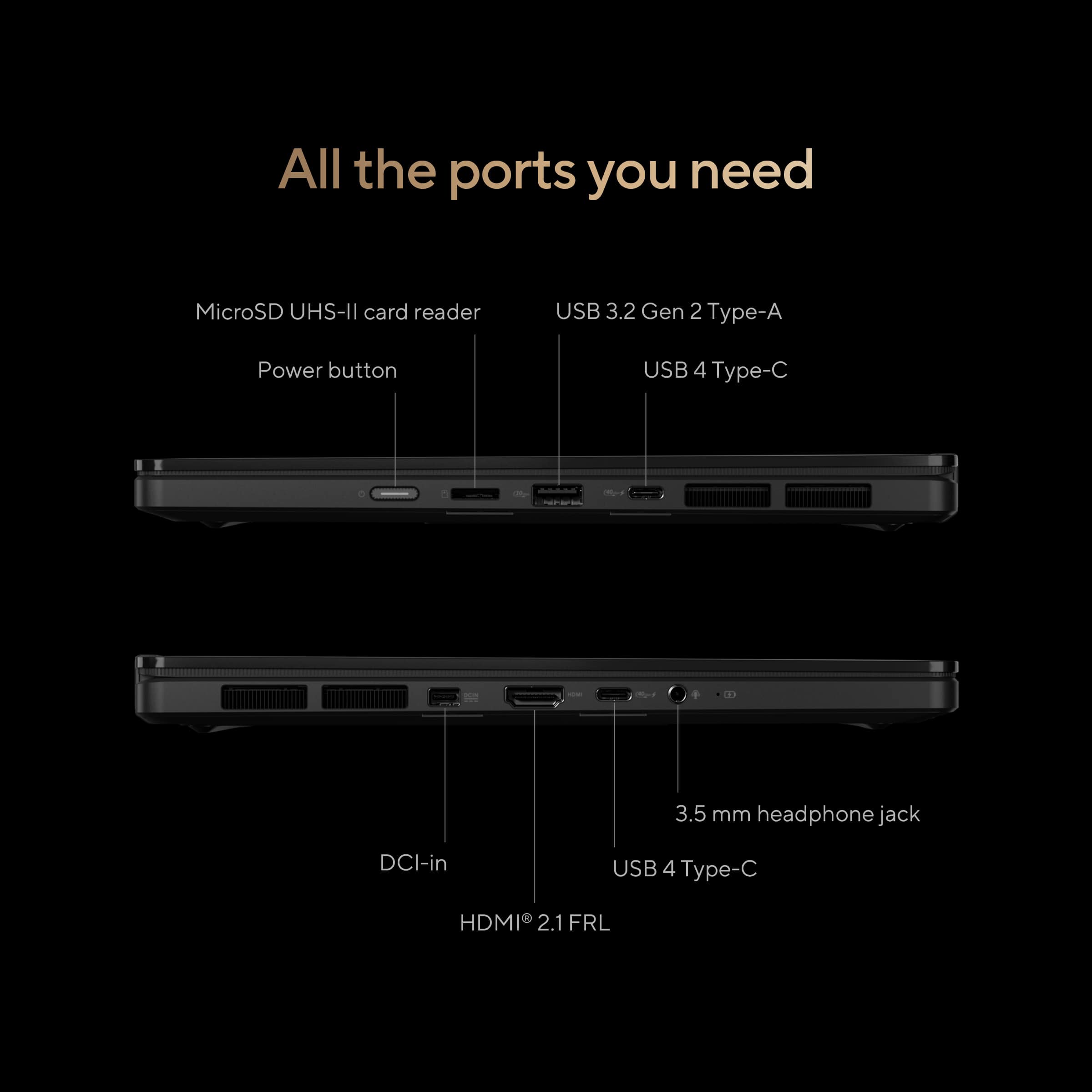
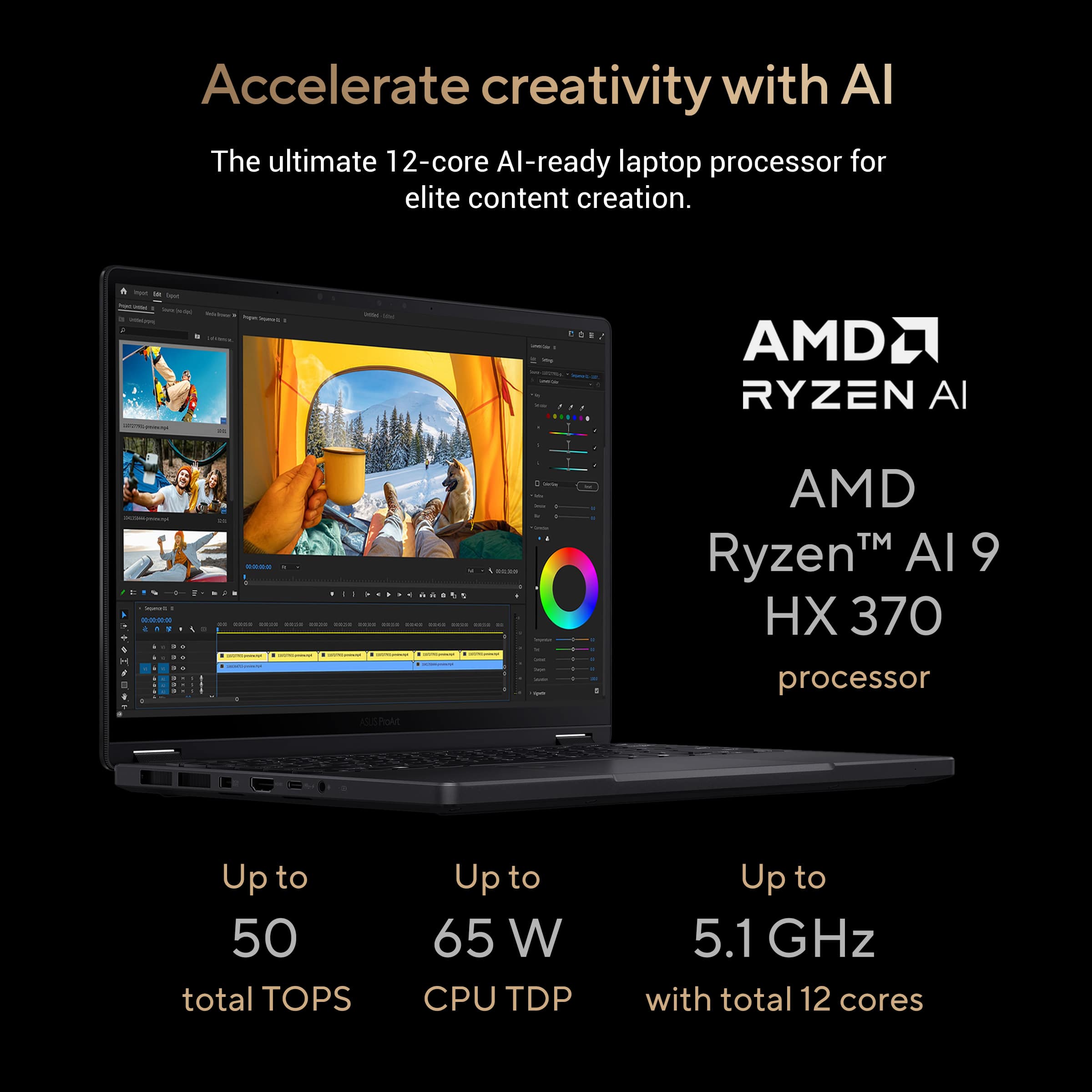
||Posted . Owned for 1 week when reviewed.This reviewer received promo considerations or sweepstakes entry for writing a review.The Specs - CPU - AMD Ryzen Ai 9 Hx 370 Processor (50 TOPs of NPU), A Graphics - AMD Radeon 890M & NVIDIA GeForce RTX 4050 RAM - 32GB LPDDR5X running at 7500 MHz Display - 13” 3K (2880x1800) Oled Touch display with a 16:10, 500 nits peak brightness, 60hz panel Storage - 1TB M.2 NVMe PCIe 4.0 SSD (Single slot) Network Communications - WiFi 7(802.11be) (Triple band) 2*2 + Bluetooth 5.4 Battery - 73WHrs, 4S1P, 4-cell Li-ion Ports - Right Side - Power button, microsd card reader, USB-A (10gbs), and a USB-C (40gbs) port. Left Side - 3.5mm headphone jack, USB-C (40gbs), hdmi 2.1, and the specialized port for power. Overall port selection for this computer is great. You have options. The only thing I don’t love is the fact that you have to utilize the power cord on the left side of the laptop. A very cool option is that in a pinch, you can use USB-C to charge the unit while you use it if you don't do gaming or heavy workloads. Weight and Power brick - The unit comes in at approximately 3.1lbs (3.094lbs) and once you add the power brick, total weight is approximately 4.3lbs (4.322lbs). The power brick itself looks and feels like quality materials were used and gives you approximately 9ft. The cords are a little stiff but feel very durable. Unboxing Experience - From the unboxing, in which packing material was rocking the black theme, to the presentation of the laptop inside its box and ultimately the unwrapping, the initial unveiling retained the natural excitement of receiving a new laptop and wanting to use it. The unit itself was surprisingly light and felt well built. Opening the laptop was surprisingly easy and definitely fulfills the windows user dream for one handed opening. First impressions - The unit itself feels great. Picking it up feels good in the hand and has hardly any flex on the unit (screen, body, keyboard) and its lightness is appreciated especially with one handed adventures. The screen looks awesome. Colors and images are sharp and vivid. The screen sports a glossy finish which inherently does produce glares from other light sources, but glossy is the norm now. The panel is 60hz which may bum some people out but honestly, unless you love scrolling up and down websites like a madman or are a competitive first-person shooter gamer, this really isn’t a huge deal. Another plus to the screen is that it’s a touch panel and can actually fold back on itself, making it a tablet-like device. A thoughtful addition from Asus is that the screen sports raised edges around the screen that works in tandem with little bumpers on the keyboard base to keep the screen from touching the keyboard when you close it. The keyboard and trackpad are good and unless you are directly comparing it to another manufacturer, you probably wouldn’t complain. The keys, to me, are a little mushy. They offer no real resistance, and you can mush your way into a blissful, quiet typing experience. The trackpad is responsive but at times, depending on how you are using the laptop, can interfere with typing as your palms can come to rest on the trackpad. The clicking aspect is okay and overall, I’d label it as just average. System responsiveness is excellent. There are no complaints as the laptop is smooth as butter on a hot piece of toast. During everyday tasks such as opening and using office documents, surfing zillow for a home, checking in on facebook, and opening a ton of tabs in a web browser for comparison shopping, the laptop is a pleasure to use. Fans rarely kick in but the system does get slightly warm. It's not too bothersome but you probably might notice the warmth. Fans and heat can be a problem if you do use the laptop for anything such as gaming or more intensive productivity tasks. The fans definitely become much more noticeable. Like it's embarrassing in more quiet environments or around macbook users but passable in noisy environments or if you're alone. Heat wise, you are looking at mid 80F around the keyboard while doing most tasks with approximately 33 decibels. In games or more taxing productivity tasks, those temps will hit around 105F or more with fans hitting around up to 53 decibels. The highest heat comes from the center of the unit (like the t,y,g,h keys) While oddly the keys seem usable, you definitely will notice the heat coming from the keyboard. I tried disabling the NVIDIA 4050 and just using the AMD 890M but there was no real advantage in regards to quieting the laptop under more strenuous tasks or games. I did find that the noise can be easily solved by just setting the laptop to use the whisper mode. You still can play games like Diablo IV, Horizons - Zero Dawn with near native resolutions and high quality, especially if you toggle the DLSS options. This is a fantastic option as you can game without being embarrassed by the noise. The web camera quality is sufficient I’d say. You’ll have to work with light, angle, and settings to produce a quality image. The audio quality is surprisingly good for such a small unit. There was battery drain during sleep mode. I’d close the computer lid in the evening and come back in the morning and noticed about a 6%-8% loss. I ran basemark web 3.0 (full screen brightness for an hour then dropped it to 70% brightness, using the balanced plan and not altering any other system settings) to get a feel about how long this machine could last in more demanding situations. From 92%, I got approximately 2hrs 36mins. This is obviously a much more draining task than doing light web browsing, listening to music and some productivity tasks. The Asus software I think is very good. The creator hub has a lot of useful options and information that you can see and change. I think Asus gives you a refined experience and things such as screen dimming when you're not looking at the screen works very well. Asus does not seem to pack in a lot of excessive useless software, which I like. In conclusion - This laptop is great. It has a lot of things going for it and if you are looking for a small, powerful workhorse that can do anything you throw at it, this is, as long as you’re not ashamed when it gets a little noisy to cool itself. If you don't need all that power, toggle the whisper mode and you won't have any noise problems. Price wise if you get this for around $1400-1500 or cheaper, there is little that rivals it in terms of power, quality, and versatility. You just have to ask yourself if you want a quieter unit with less heat at the sacrifice of power or are you okay with the little noise and heat to do more intensive tasks?
I would recommend this to a friend - Pros mentioned:Overall performance, Portability, Screen qualityCons mentioned:Refresh rate
My Daily Driver – Powerful, Portable, and Worth It
||Posted . Owned for 1 month when reviewed.This reviewer received promo considerations or sweepstakes entry for writing a review.This ProArt PX13 has quickly become the most-used and best electronic I own. The OLED display is stunning and since I use this for work and studies the 60 Hz refresh rate never bothered me, performance is snappy, and the build feels premium. I originally had my eye on the 4070 version, but even the 4060 model was priced higher than I could justify. That said, the 4050 variant still delivers more than enough power for my workflow—whether it's creative tasks, multitasking, or light gaming. Battery life is solid, and the compact form factor makes it perfect for travel or working on the go. If you're looking for a high-end ultraportable with serious capabilities, this one punches above its weight.
I would recommend this to a friend - Pros mentioned:Overall performance, PortabilityCons mentioned:Battery life
ASUS ProArt PX13 13 – Creative Power in a Compact
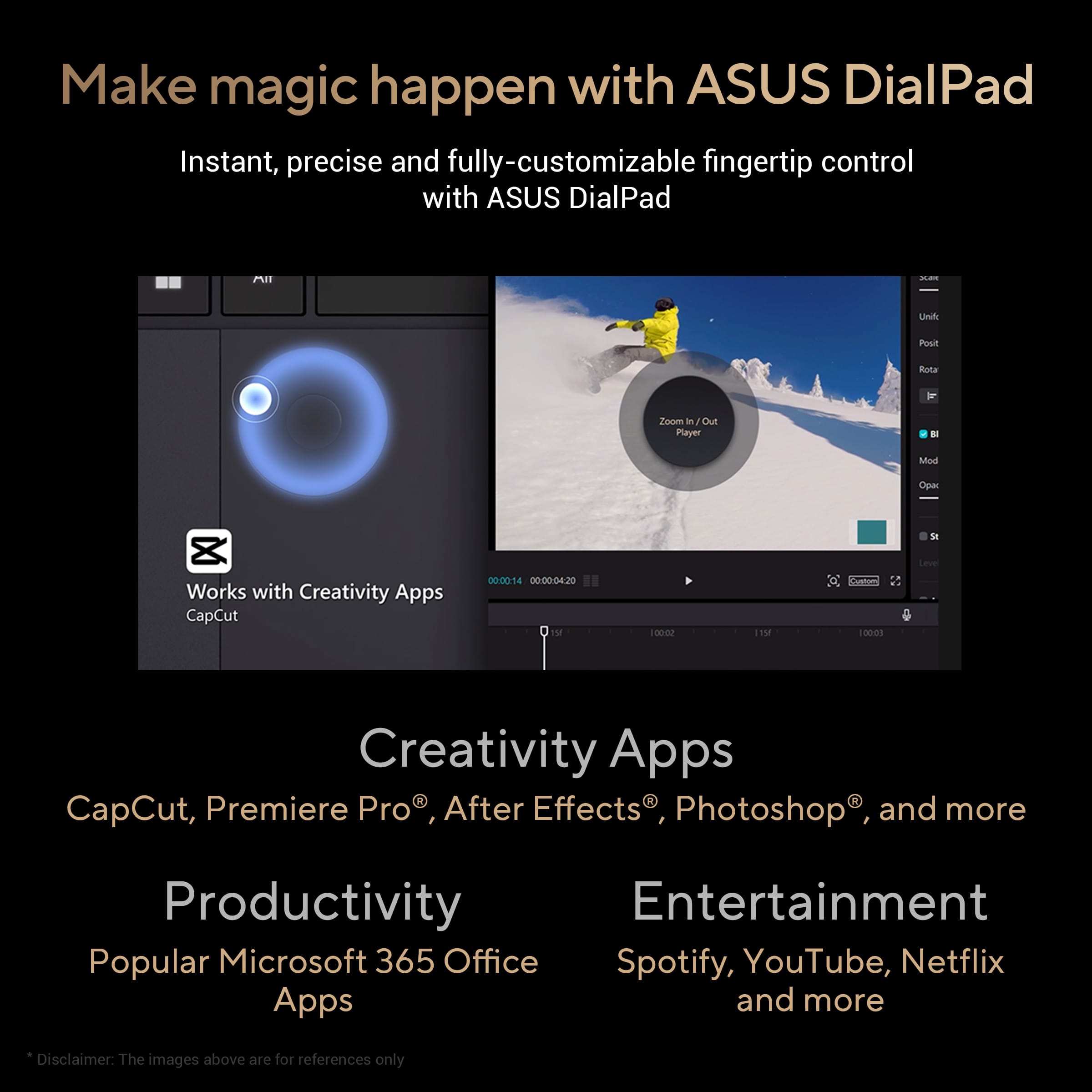
||Posted . Owned for 2 months when reviewed.This reviewer received promo considerations or sweepstakes entry for writing a review.As a college student who’s into graphic design and video editing, I decided to give the ASUS ProArt PX13 13 a shot. After using it for a few weeks, I can confidently say it’s a solid option for anyone in the creative field who needs a portable but powerful device. What Stands Out: Perfect for Creators: This laptop is designed with creatives in mind. The OLED display is a total win – colors are insanely accurate, and it’s super sharp. Editing photos and videos feels precise, and it’s great for streaming shows when I need a break. Compact & Portable: It’s a 13-inch laptop, so it’s easy to carry around campus. Despite being lightweight, it doesn’t feel cheap or flimsy. It’s perfect for sliding into my backpack and heading to class or the library. Performance: The ProArt PX13 packs a punch. I’ve run Photoshop, Premiere Pro, and After Effects on this thing without any major hiccups. It handles multitasking like a pro, so juggling between editing projects, assignments, and web browsing is a breeze. Customizable Dial: One of my favorite features is the ASUS Dial. It’s super handy for adjusting settings quickly in Adobe apps like Lightroom and Photoshop. It took a little getting used to, but now I can’t imagine not having it. What Could Be Better: Battery Life: For a high-powered device, the battery is just okay. I usually get around 5-6 hours with moderate use, which is decent but not as good as some competitors. If you’re editing or using intensive programs, expect to plug in sooner. Pricey for the Size: It’s a premium laptop, so the price reflects that. While it’s not outrageous for what you’re getting, it’s definitely an investment. That said, the quality and performance mostly justify the cost. Limited Ports: The PX13 has modern ports, but as someone who still uses USB-A devices, I find myself needing an adapter pretty often. Final Verdict: The ASUS ProArt PX13 13 is a fantastic choice if you’re serious about creative work but want something portable. The display and performance are top-notch, and the little extras like the ASUS Dial make it a standout for anyone working in Adobe apps. It’s not perfect (especially in terms of battery life), but it’s a solid companion for students or creators on the go. If you’re all about that creative life and can budget for it, I’d totally recommend it!
I would recommend this to a friend - Pros mentioned:Processor speedCons mentioned:Battery life
Creative workhorse
||Posted . Owned for 6 months when reviewed.This reviewer received promo considerations or sweepstakes entry for writing a review.As a career graphic designer, photographer, and illustrator with 15+ years of experience, this laptop checks all the boxes. It's got plenty of processing power to handle simultaneous instances of Adobe products on multiple virtual desktops, chews through Ai-assisted photo processing, and is perfectly responsive with a Bamboo Ink stylus when illustrating in Krita. I use it quite literally every day and it has not had ANY critical failure/crashes. I've owned quite a few workstation laptops throughout my life and have had only one other machine (Gigabyte Aero) that's been this reliable. This is a big big plus considering my work is always on a tight deadline. The only negative is the battery power but that's to be expected of a machine that has a discreet graphics card while running multiple graphics programs. Good investment.
I would recommend this to a friend - Pros mentioned:Overall performance, Portability, Screen quality
Perfect laptop
||Posted . Owned for less than 1 week when reviewed.This reviewer received promo considerations or sweepstakes entry for writing a review.Just found the laptop I was looking for. Perfect for my ArcGis courses and portable for daily use and travel. Beautiful oled touch screen, powerful performance for 13 inch device.
I would recommend this to a friend - Pros mentioned:Portability, Processor speed
Tiny Monster with A Big Roar! ProArt PX13!
||Posted . Owned for 1 month when reviewed.This reviewer received promo considerations or sweepstakes entry for writing a review.The mighty monster by Asus that is absolutely powerhouse. You can’t find a comparable, portable, 12-core (24-thread) 5.1ghz CPU with a RTX 4050 and 3k-OLED panel. Not to mention it’s a flip for all you savvy creators! I’m a software developer and the ProArt PX13 is a dream machine, quick to compile and a beauty to visually see my code, plenty of juice in the battery for a 6-hr code crunch session while on the road without a charger. And now it’s only $1249.99 at BestBuy which is an absolute steal!
I would recommend this to a friend - Pros mentioned:Overall performance
ProArt = Powerhouse - hands down!
||Posted .This reviewer received promo considerations or sweepstakes entry for writing a review.It was a toss between the Zenbook S 14 (i7/16gb/256gb) or the ProArt PX13. I tried out the Zenbook S 14 and I loved it...but the ProArt is a powerhouse. A true power house, hands down. This is my first Windows machine in over 15 years (work laptops not included). I'm excited. I've never seen a 'perfect' Windows machine to be honest. With the initial power on and set up, it did run a bit hot with all the updates it installed. In fairness, Windows pushes many updates and can take long. The initial batch of updates, including BIOS updates from Asus, probably took about 45 minutes. Regarding the fans - if I can hear the fan, that's a great thing. "Loud" is subjective. They're not loud. Plus, you have the ability to control the behavior of the fans. Ultimately, you want to keep the machine healthy. Chrome is a bit of a resource drainer (and that is an understatement). Close out Chrome and you'll be ok. The sleek black aluminum finish, this is premium! Its great to have the ports available. I love that I can insert an Micro SD card for extra storage. That gives me an additional 1.5TBs of storage. I just came off a string of Macbook Pro's and one Macbook Air. I knew the transition back to Windows would be a bit rough, but this laptop convinced me to make the switch. FEEDBACK - note - this is not a complaint: The only thing that Asus could have done better - include the accessories offered via the website - - Backpack - USB-A to RJ45 gigabit ethernet adapter - Stylus (ASUS Pen SA203H-MPP2.0 support) They do state that * included accessories vary according to country and territory. This would have been a really nice touch and it adds to the experience.
I would recommend this to a friend - Pros mentioned:Screen quality
Great laptop which can game
||Posted .This reviewer received promo considerations or sweepstakes entry for writing a review.It’s a great laptop which is nearly all metal and has decent speakers, a 2 in 1 design and it comes with a 4050 at 95W max (in my experience it uses around 55W). It can definitely play triple A games. I have a review for it on my channel which I’ll link here Asus ProArt PX13 Laptop Review with RTX 4050 https://youtu.be/1hFwxTuA7bg
I would recommend this to a friend - Pros mentioned:Processor speed
Great Computer for a GIS student!
||Posted . Owned for 3 weeks when reviewed.This reviewer received promo considerations or sweepstakes entry for writing a review.I love this computer because it has all the processing speed I need for coding and visualization using Windows 11. The touch screen is also a great feature that's super helpful for zooming in/out and navigating notes.
I would recommend this to a friend - Pros mentioned:Processor speed
Amazing
||Posted . Owned for 3 weeks when reviewed.This reviewer received promo considerations or sweepstakes entry for writing a review.Love this laptop super professional runs fast and for my design job its perfect. My work spot looks so amazing. The screen it’s small but i conect a monitor to set two screens and it works perfectly.
I would recommend this to a friend - Pros mentioned:Overall performance
Asus Pro-Art
||Posted . Owned for 3 weeks when reviewed.This reviewer received promo considerations or sweepstakes entry for writing a review.Fast, functional and convenient size, it can be use as laptop or notebook at anytime
I would recommend this to a friend Small but powerful laptop!
||Posted . Owned for 1 month when reviewed.This reviewer received promo considerations or sweepstakes entry for writing a review.This thing may be small but it is super powerful! So far I have only edited video and done word docs but the asus proart13 hasn’t disappointed!
I would recommend this to a friendThe best laptop I've ever owned.
||Posted . Owned for 1 month when reviewed.This reviewer received promo considerations or sweepstakes entry for writing a review.The gaming laptop for serious people. No frills, with a great processor and good graphics card.
I would recommend this to a friend- Pros mentioned:Processor speed, Ram, Screen qualityCons mentioned:Heat dissipation, Refresh rate

Perfect laptop for today’s content creator
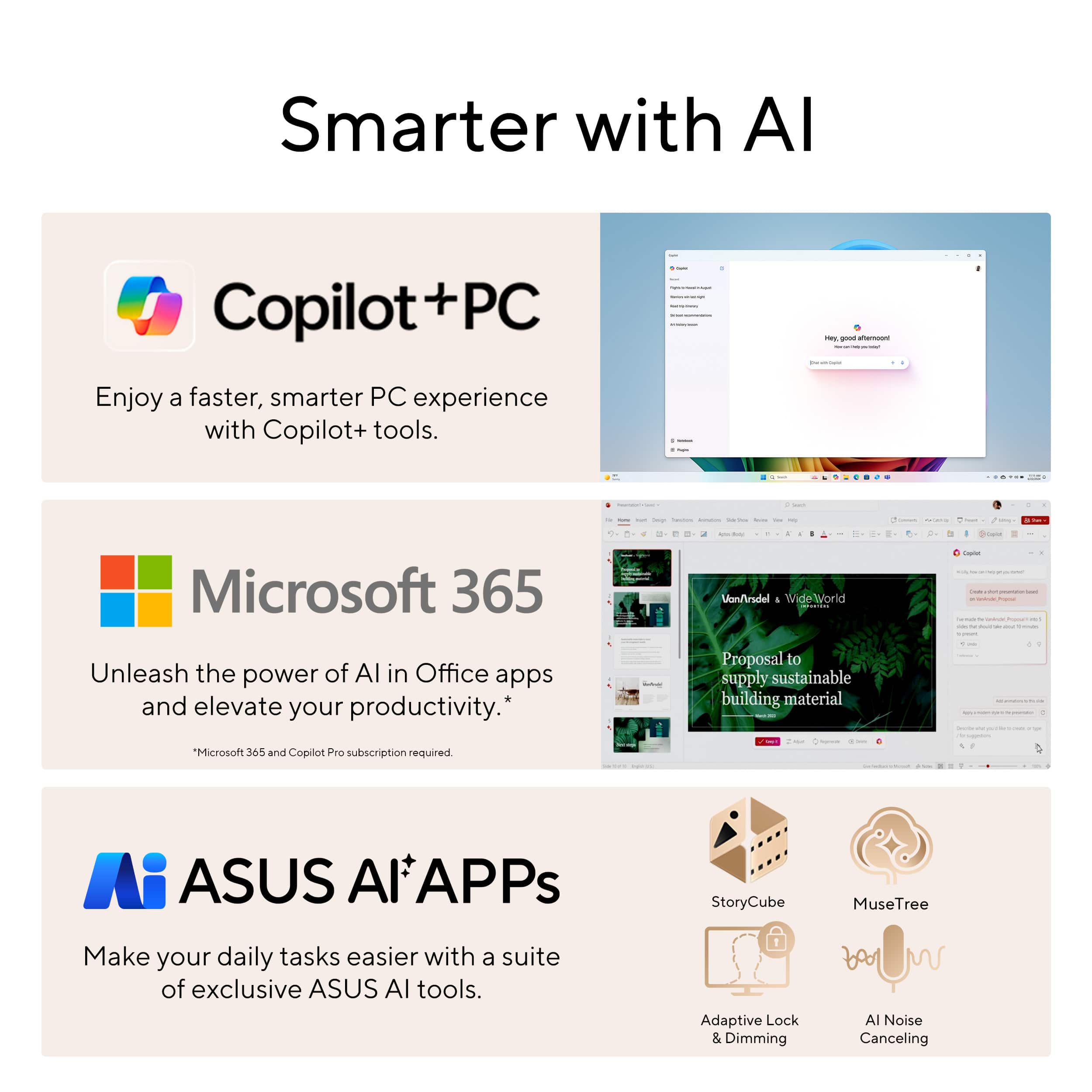
|Posted .This reviewer received promo considerations or sweepstakes entry for writing a review.As a long time ASUS user and fan, the ProArt PX13 did not disappoint as an excellent device for anyone looking to create and edit content on the go. Pros - Size and screen: 3 lb, 2-in-1 with a 13 inch, 3k OLED screen that can completely fold back into tablet mode - Speed: In Adobe Premiere, playback had no hitches for multiple 15-20 minute clips chopped up in the timeline (4k, 30 fps, 100mbps). Using the warp stabilizer effect as an example, analyzing and rendering video clips (about 100-400 frames each) took just a few seconds. The 32GB RAM definitely make multitasking while editing a smooth experience. - Touchpad Dial: perfect for binding custom actions to specific programs. For example, for Premiere I bound the dial to alt+right and alt+left to move clips forwards and back on the timeline. - Power management: the ‘whisper’ power mode keeps the laptop noiseless during normal/light use. - Keyboard: The keys have depth and a pleasant soft-feel touch. The backlight gets bright, and the key labels are massive. - Gaming: if you need a break from all that editing, games like Ghost of Tsushima and Forza Horizon 5 run with no problem. - MicroSD slot on the side. (In addition to Copilot there is also an ASUS AI image generation program called MuseTree which could be a useful tool for artists looking for creative inspiration.) Cons - huge 200W (non USB-C) charging brick (image attached) - when running heavy tasks, it still can get hot and loud (fan noise) - editing media can be rough on a 13 inch screen (although that goes for every laptop this size) - 60hz display - (not really a con but) The only way to change the color profile was through the ASUS ProArt Creator Hub program (Armoury Crate flashbacks). Also, the color profile it was shipped in ‘Native default colors’ felt overly saturated and as a result, my first few color corrected image/video files I did were washed out when viewed on other screens. These cons are just some small things worth noting - this compact and high-performance laptop makes it an excellent choice for artists and content creators who need to edit on the go (and maybe even enjoy a little gaming).
I would recommend this to a friend - Pros mentioned:Portability, Screen qualityCons mentioned:Battery life, Heat dissipation
Amazing and Versatile - Perfect for Creatives
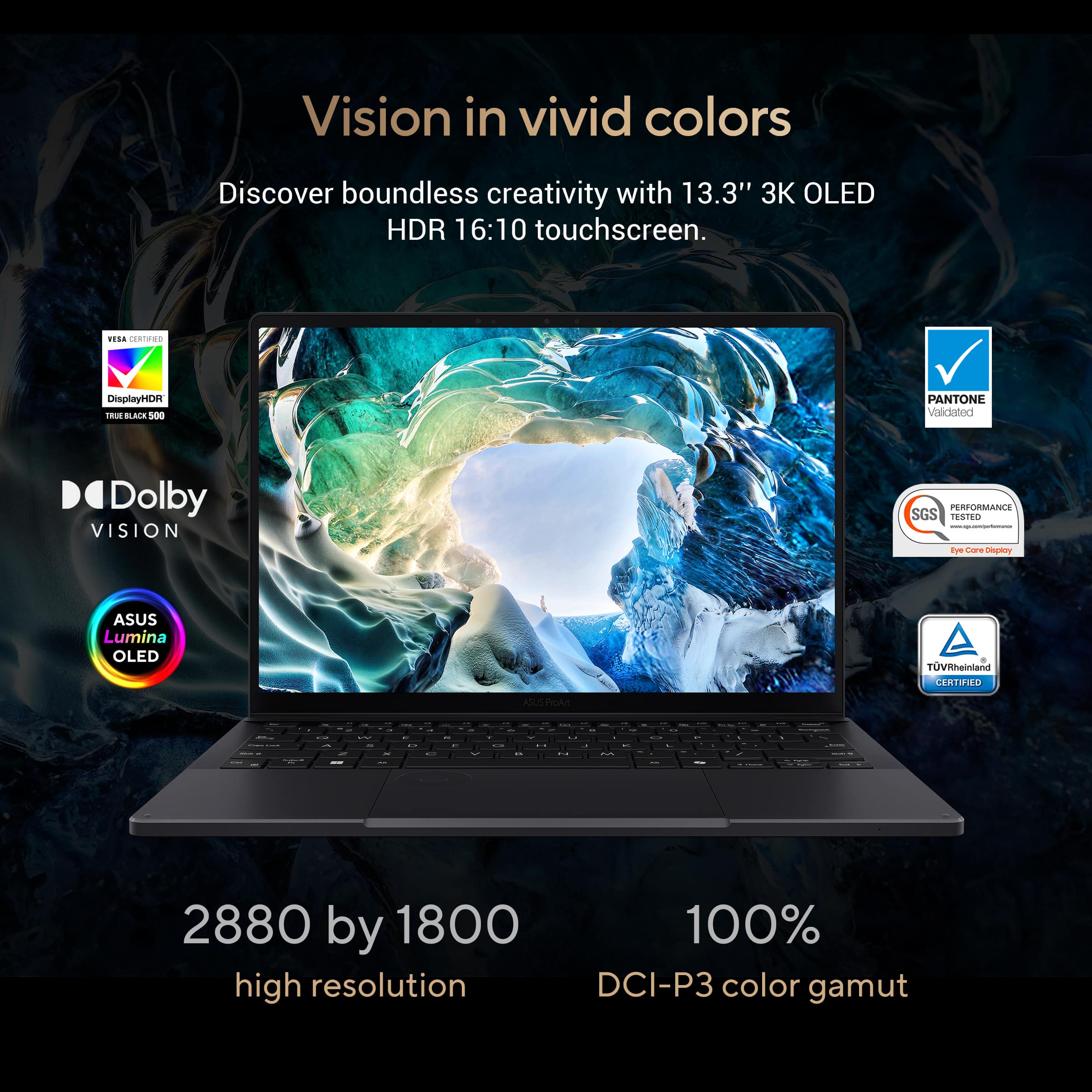
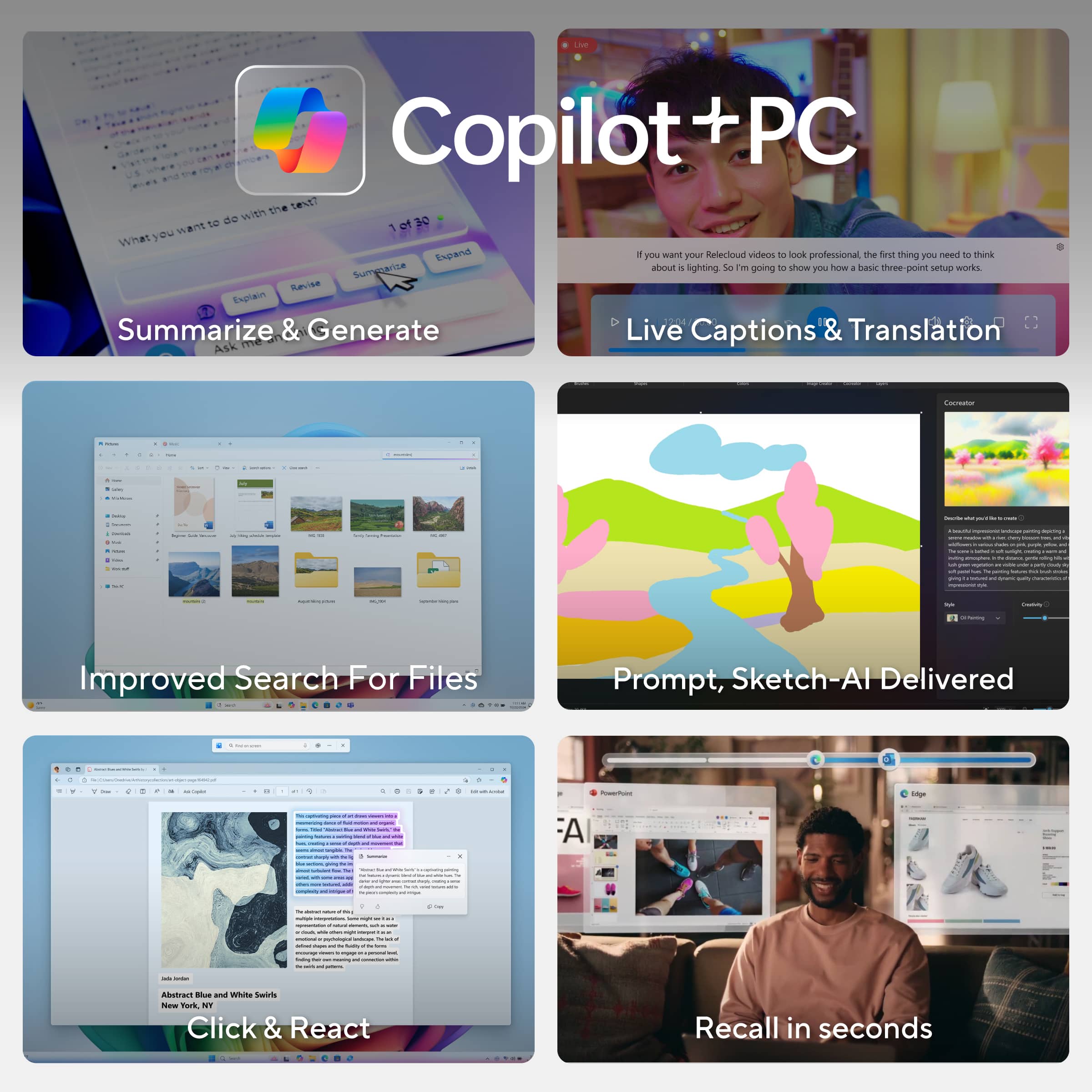
|Posted .This reviewer received promo considerations or sweepstakes entry for writing a review.This laptop has been run through the gamut since the moment it reached me. Each and every one of my family members have been vying turns with it for their own purposes. It basically only rests when we sleep. I can comfortably say it is a powerful and dynamic machine that can withstand heavy duty workloads. It has been used for gaming, content creation, photoshop, and streaming. *CONSTRUCTION* I will start off with the build. It is sleek and very thin, making it extremely portable. It weighs just over 3lbs, and its charger is almost 1lb. The keyboard is satisfyingly springy, the perfect size for ergonomics, and made in a way that I can find the keys without looking right from the get-go. I say this last part because there are some keyboards that take some time to get used to. It comes with several USB ports, an HDMI port, an audio jack, and a microchip reader. I find the plethora of options great but do miss the regular sized SD reader. I do photography and the easiest way for me to upload files is via the memory card, but this is not an option here unless I get a reader. Additionally, the laptop is rated as having military-grade durability. This includes shock, vibration, temperature, solar radiation, sand and dust, and humidity resistant. I have not subject it to any of these, but it adds peace of mind when considering taking it with me wherever I go, as well as my kids handling it. I plan to take it camping soon and the dust and humidity resistance will serve me well there. *BATTERY LIFE* Battery life is about 3 to 4 hours from my experience. *SPEAKERS* The speakers are amazing, the best I have ever heard in a laptop so far, which isn’t surprising considering they are Harman Kardon. I can put the volume all the way up and it still gives a phenomenal sound, no distortion, no maxed-out buzzing. It’s comparable to good standalone speakers minus any bass and really can get quite loud. *FACE UNLOCK* Windows Hello uses your face to unlock your profile. It is great for efficiency and speed. I just wish it allowed more faces to open the profile than just one as my husband and I share a profile, and it complicated the process when he tried to use it with the pin and instead would force us to reset the pin for some reason. We had to take off the setting. *GAMING* ASUS does not disappoint when it comes to gaming. This laptop provides an ultra-portable means of PC gaming, and the graphics and power are comparable to a standalone PC. The amazing quality of the 3K OLED really brings out the rich details of the games and makes gaming that much more immersive. The 0.2 response time and NVIDIA GeForce RTX 4050 graphics card make this machine a beast. *DISPLAY and DIALPAD* I used to Photoshop some of my photography and the color range is impeccable. It is certified VESA DisplayHDR True Black 500 with 100% DCI-P3 color gamut providing a richness and depth to the images that make accurate editing so much easier and precise for me. The large touchpad allows more freedom and ease to move about the screen without having to constantly lift up my finger, while the DialPad makes editing even more easier as I can switch tools quickly. The DialPad can be customized to work in whichever of the supported apps I want and the list of tools that pop-up can be tailored as well. *COPILOT* The included Microsoft AI program, CoPilot, provides a way to streamline work across Office programs. It can quickly produce emails, or any other text, by imputing key points into the prompt. I played with it in putting in key points from this review and was surprised at its ability to elegantly summarized what I had written (I did not use that here though). It can even help shop for items. I do wish it could do more, but with the other AI programs included, that gap is basically covered. *INCLUDED SOFTWARE* The provided software includes MyASUS, ProArt Creator Hub, ScreenXpert, GlideX, MuseTree, StoryCube, and CapCut. I will go over a few below. ~~Creative Hub The Creative Hub provides a place to view the laptop’s performance and make adjustments. It shows the CPU and GPU temp, usage, and frequency. It also allows changes to the operating and GPU mode to prioritize performance, fan noise, or energy consumption, among other things. It also provides shortcuts to creative programs included. ~~CapCut CapCut is very easy to learn and use, I have begun using to support my mom’s content creation. The laptop processes quickly and the speakers works really well. It is even intuitive enough that my pre-teen daughter got the hang of it right off the bat and began making videos with stock photos and text-to-speech. ~~MuseTree MuseTree uses AI to generate prompt-based images. It can also turn sketches into images from prompt direction. It works very well to inspire or advance ideas. It is also fascinating in that it can recreate what I see in my mind’s eye, but do not have the skills to actually create myself. ~~StoryCube Another AI-powered program, this app organizes photos and can create videos and albums according to requests. I have yet to try it, as it was having trouble finding my iCloud photos after I linked them through there. *LAPTOP to TABLET* The laptop to tablet feature is amazing! I just love how seamless and responsive the transition is. There is very little lag after rotation, and the image can turn upside down or sideways (long-ways). The options in ways to position it make it so versatile and adaptable. I had my mom use it to stream live and it allowed her a larger image to view herself and read the live chat, which helped her circumvent issues of having to do that with a small screen further away while using bifocals. The one downside is that it is hard to use it as a tablet in hand. It doesn’t overheat by PC standards, but it gets hot by human standards. There is only so much one can take having that type of heat against skin. *FANS* One the topic of heat, the fans work extremely well in bringing down the temperature. They kick in high gear fast and drop the temperature in almost an instant during heavy workloads. They are also pretty quiet and there is an option to further prioritize quietness. *MULTITASKING* I have worked this laptop heavily on numerous occasions, using several intense programs at once and it delivered. I am impressed by the amount of workload it can handle, but that should be expected considering its components and 32GB ram. It was made for this. *CONCLUSION* There is much more I can cover and go into detail with but for the sake of length, I will end here. This laptop is amazing for creative creators and gamers alike. It provides so much to work with and so much versatility with incredible memory and power.
I would recommend this to a friend ProArt PX13 2-1
||Posted . Owned for 1 month when reviewed.This reviewer received promo considerations or sweepstakes entry for writing a review.It’s just as I wanted! I haven’t had time to fully use it as much as I’d like, but I noticed a few glitches here and there. Overall it’s working great though.
I would recommend this to a friendBEST laptop for students
||Posted . Owned for 1 month when reviewed.This reviewer received promo considerations or sweepstakes entry for writing a review.laptop is so smooth and fast with 360 degree flip helped me in my college writing purpose and even as laptop and with the dedicated graphic card i can play games
I would recommend this to a friend- Pros mentioned:Processor speed, Ram, Screen qualityCons mentioned:Fan noise
Color me impressed!
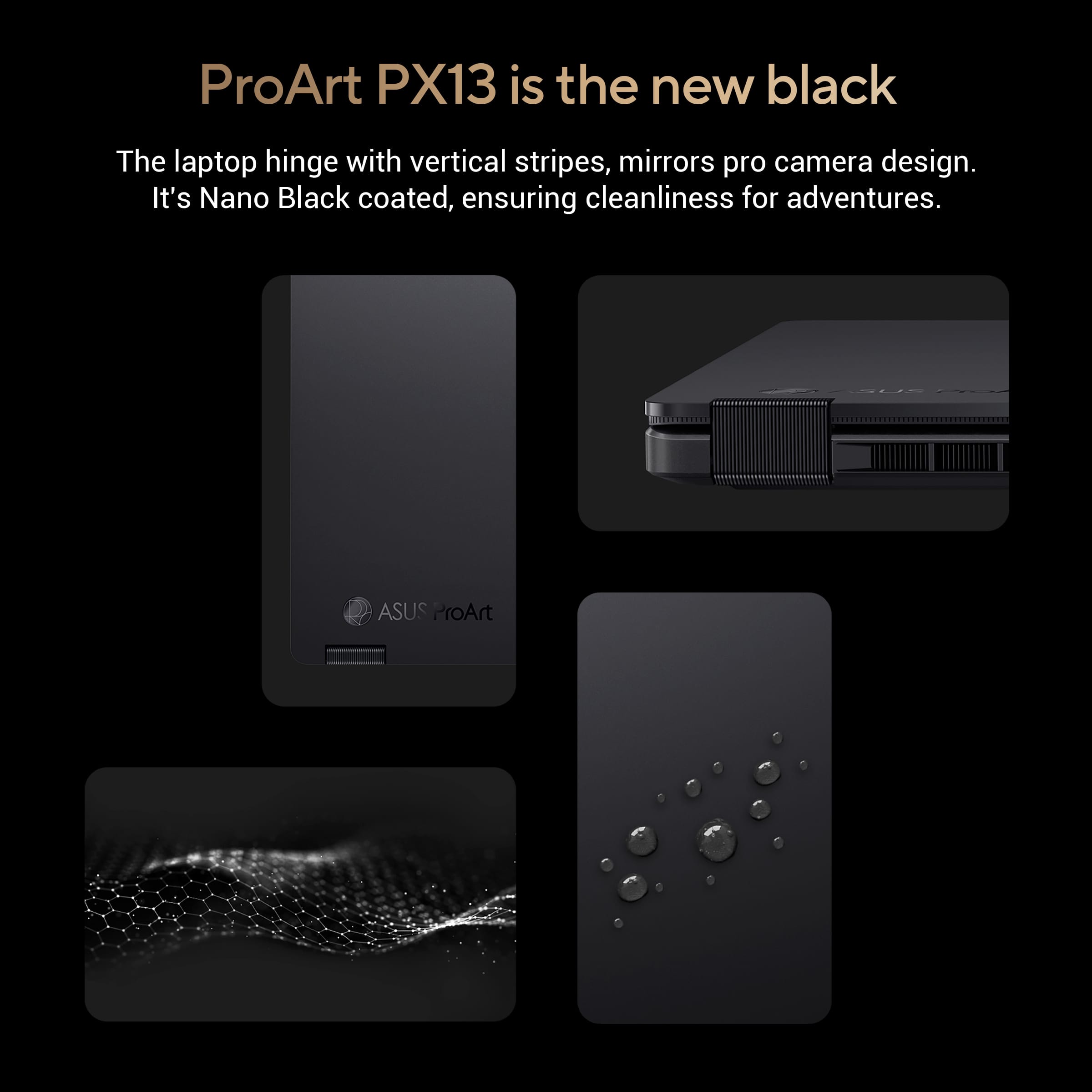
|Posted .This reviewer received promo considerations or sweepstakes entry for writing a review.This is a beautiful convertible laptop designed for Media Creation and rendering. It has a very solid feel, is lightweight and quite powerful for its size. It can be used as a standard laptop or a tablet. It can also be used for presentations when setup in A-frame mode. The laptop's finish is a specially designed "Nano-Black" to minimize reflections and smudges, keeping the surface clean and it looks great. The keyboard is quiet and smooth. It also has illuminated keys making it easy to type in a darker room (which I do often). Battery life is very good as well. On my first day with this laptop, I had this on battery from 10 am to 5 pm at my office as I installed programs, updates and ran a few rendering tests. At the end of the day, I still had 18% and about 90 minutes left. The touchpad works great. I’ve had no issues using it. It is very accurate with solid clicks. It has a unique feature called the ASUS DialPad. This pad seems to be designed mostly for Adobe products. When the button in the center of the wheel is pushed, it brings up on the display a DialPad menu with items tailored to the program being used. It is also customizable. I don't use programs compatible with this feature so I can't comment on how well this works. There is a 3-month trial for Adobe Creative Cloud, but I don’t need it now, so I haven’t installed it. The 13-inch screen is a 3k high resolution OLED with a 16:10 aspect ratio. This is my preferred ratio for production. Most software I use have ribbon bars along the top and this ratio gives me more workspace. Brightness and contrast (1,000,000 to 1) are best in class according to the specs and my eyes agree. This is also a touchscreen best used when in tablet mode. It also allows for on-screen sketching. The ProArt Creator Hub software allows users to fine tune system settings and calibrate connected monitors. The processor is an AMD Ryzen AI 9 370 with 12 cores and 24 threads. This new chip is up to 14 to 17% faster than its predecessor according to AMD. It's also more efficient. There are enhancements specifically for AI called “AMD XDNA 2 based NPU”. It's a lot of technical jargon but it seems to work based on my limited experience. This laptop is one of the first specifically designed for AI and it comes with a couple of AI specific programs. MuseTree will search for images based on Keywords. It also has a feature that will generate IA images based on a sketch and a description. I used it to generate a few scenes. It didn’t produce what I was hoping to see but, I just started using it and wanted to see what I would get with rudimentary input. I think this app has a lot of potential with some tweaking of my input. StoryCube is basically an AI based scrapbook/photo organizer. This could also have potential, but I haven't had time to do a deep dive into the software. There is also a dedicated "CoPilot" button to bring up MS CoPilot for instant access to Microsoft's AI engine. There are 2 graphics architectures in this laptop. The integrated AMD 890M (RDNA 3.5) is the efficient architecture used when loads are light. The discrete card is an Nvidia GeForce RTX 4050 mobile with 6gb of RAM. This is why I got this laptop. 3d Architectural Rendering software we use requires a discrete graphics card with at least 4gb of RAM. I can render on this laptop and move through our models in real time while showing clients our designs. We can also make minor changes on the fly. This is something my boss has been asking for for a long time. I do wish the RTX graphics had 8gb. That would speed things up for larger models, but we can limit views to keep things snappy. There is a good amount of RAM and storage. There are 32 GB of RAM using very fast LPDDR5X chips that run at 7500 MHz. I believe this is soldered to the motherboard. The only disadvantage to this is in expandability and reparability. At 32 GB, I don't ever expect to upgrade this laptop so that is not a big deal. However, if a chip goes bad, that could be a major issue. The storage drive is a 1 TB PCIe 4.0 SSD. Max speeds in the specs are 5000 MB/s Read and 3800 MB/s write. Cooling in this small laptop is an “advanced design” that uses Thermal Grizzley's Liquid Metal. This material helps lower CPU temperatures up to 13 degrees C cooler than traditional thermal paste. Cooler temperatures mean less chance of overheating and CPU throttling and less wear and tear. I did have an issue related to the fans while setting up this laptop. They turned on at full speed during the initial Windows update and they were not quiet. At first, I thought it was static from speakers, it was so loud. Funny thing is, CPU was 20% max, disk use was 30% max and Wi-Fi loads were minimal as well. The computer was not very responsive during this time. I believe there was a driver issue or some sort of conflict happening. I basically let the updates run overnight and after restarting a couple of times, the laptop went back to normal operation. There is more I could discuss. There are a ton of features in this laptop. If you are a professional looking for a powerful, lightweight, convertible laptop, this is one to look at. The features and quality feel make it excellent for media creation and modeling. The screen is on the smaller side but there is an HDMI port and a couple of USB C ports that allow you to connect an additional monitor and/or a docking station. I really look forward to using this for the next few years and seeing everything it can do.
I would recommend this to a friend - Pros mentioned:Ram, Screen quality
Versatile laptop with a wide range of uses
|Posted .This reviewer received promo considerations or sweepstakes entry for writing a review.The ASUS ProArt laptop is an incredibly versatile laptop with tons of applications. Its component configuration is a bit unique, in that it prioritizes processing speed and RAM over the graphics card. While most PCs cater to basic browsing, gaming, or business tasks, this laptop targets artists with its unique setup. Typically, you don’t see laptops with a top end processer, 32 GB of RAM, but only the entry level GPU of a graphic card series. This setup really favors designing applications, without having to be an outright gaming computer. I’ve long expressed the important of prioritizing RAM for computers which are software heavy. The 32 GBs of RAM on this laptop make it ideal for Photoshop, InDesign, Excel, Word, etc. A great example is the use of layering in Photoshop, which prioritizes massive amounts of RAM, but doesn’t strain a graphics card like one would intuitively expect. I have a specific template I use weekly with InDesign, where I import a file into over 500 blank pages, to create custom flyers. This laptop, due to its high-end processer and 32 GB of RAM, processes this operation without the lag I normally experience in this process. Here are some key features: 1. Compact Size: Surprisingly, the ProArt is smaller than expected. Comparable in size and weight to a tablet, but packs significantly more functionality. Notably, it includes an HDMI output, SD card reader, USB-C, and USB-A ports. 2. ASUS Dial: The touchpad features an innovative ASUS Dial. While configuring it can be a bit confusing, it shines in applications like Photoshop, allowing quick execution of specific tasks and combinations. 3. Gorgeous Display: The ProArt boasts a stunning display. Vibrant colors, minimal gloss, and touchscreen capability make it ideal for artists. 4. Unique Charger: The proprietary plug design is a minor drawback. A USB-C option would have been more convenient. 5. Effective Heat Dispersion: The laptop manages heat well, operating similarly to a gaming laptop but lacking the sleek quietness of a business laptop. Overall, the ProArt strikes a balance, catering to a wide range of users. Although not a gaming powerhouse due to its RTX 4050 graphics card, it performs admirably. For context, it achieves 50-60 FPS in Diablo 4 while drawing only 10 watts, whereas a RTX 4060 can maintain 100 FPS in Diablo 4, but consumes 65 watts to do so. The result is a computer which remains cooler, and doesn’t require the extra heatsinks, weight and case thickness to house such a demanding GPU.
I would recommend this to a friend - Pros mentioned:Portability, Processor speed, Screen qualityCons mentioned:Fan noise
perfect laptop
||Posted . Owned for 7 months when reviewed.This reviewer received promo considerations or sweepstakes entry for writing a review.The ASUS ProArt PX13 is a standout choice for creators, blending portability with high-end performance in a sleek, convertible 13-inch package. Its 3K (2880x1800) OLED touchscreen is a highlight, delivering vibrant colors, deep blacks, and exceptional clarity thanks to its 100% DCI-P3 color gamut and 0.2ms response time. Whether you’re editing photos in Photoshop, cutting videos in Premiere Pro, or sketching with a stylus, the display offers precision and immersion that’s hard to beat. The 60Hz refresh rate might feel limiting for some, especially gamers, but for creative work, it’s more than adequate given the panel’s quality. Under the hood, the AMD Ryzen AI 9 HX 370 processor (with up to 50 TOPS of NPU power) paired with 32GB of LPDDR5X RAM (running at 7500 MHz) ensures snappy performance across demanding tasks. Multitasking with dozens of browser tabs, 4K video rendering, or running memory-intensive creative apps feels effortless. The NVIDIA RTX 4050 GPU adds a solid boost for GPU-accelerated workflows like 3D rendering or real-time video effects, and while it’s not a top-tier gaming card, it handles modern titles at medium-to-high settings smoothly. This makes the PX13 a versatile machine for creators who occasionally dabble in gaming. The design is another strong point. Weighing just over 3 pounds, it’s impressively portable for a device with this much power, and the military-grade toughness (MIL-STD 810H) gives peace of mind for on-the-go use. The 360-degree hinge lets you flip it into tablet mode, which, combined with stylus support, is a boon for digital artists. The keyboard is comfortable and responsive, though the replacement of the right Ctrl key with a Copilot button might irk power users who rely on shortcuts. The DialPad, a unique feature for quick adjustments in creative apps, is handy but can feel inconsistent at times. Battery life is a mixed bag. With a 73Wh battery, you’ll get around 5-9 hours depending on usage—decent for light tasks but underwhelming when pushing the CPU and GPU hard. The fans can also get loud under load, a trade-off for keeping thermals in check, though the laptop stays quiet during casual use. Port selection is solid, with two USB-C (40Gbps), USB-A, HDMI 2.1, and a microSD card reader, though the lack of USB-A on both sides might mean reaching for a dongle. Priced starting around $1,699, the PX13 offers great value for its specs, competing well against alternatives like the MacBook Pro or Dell XPS in the creator space. It’s not perfect—battery life could be better, and the 60Hz display might not suit everyone—but for a compact, powerful, and beautifully built laptop tailored to creative professionals, it’s a compelling option. If portability and a stunning OLED screen are priorities, the ASUS ProArt PX13 is tough to overlook.
I would recommend this to a friend