Customer Ratings & Reviews
![Exc a F 4 F2 13 F4 15 * F6 17 FB & P9 1 F1 P F12 Pr Se bneert Delote I 1 . 2 . 3 $ 4 % 5 A 6 & 7 8 I 9 I O I a + - Bockapace Tb Q W E R T Y U I O P I [ I ] I / Cope Lock A S D F G H J K L Enter Sift 6 Z X C V B N M < 7 / Shuh CHl Bah Fa Alt Alt Home a Pylip PgCe EndD](https://pisces.bbystatic.com/image2/BestBuy_US/images/products/8ac45208-62fc-45fb-8b69-587235d002d5.jpg)
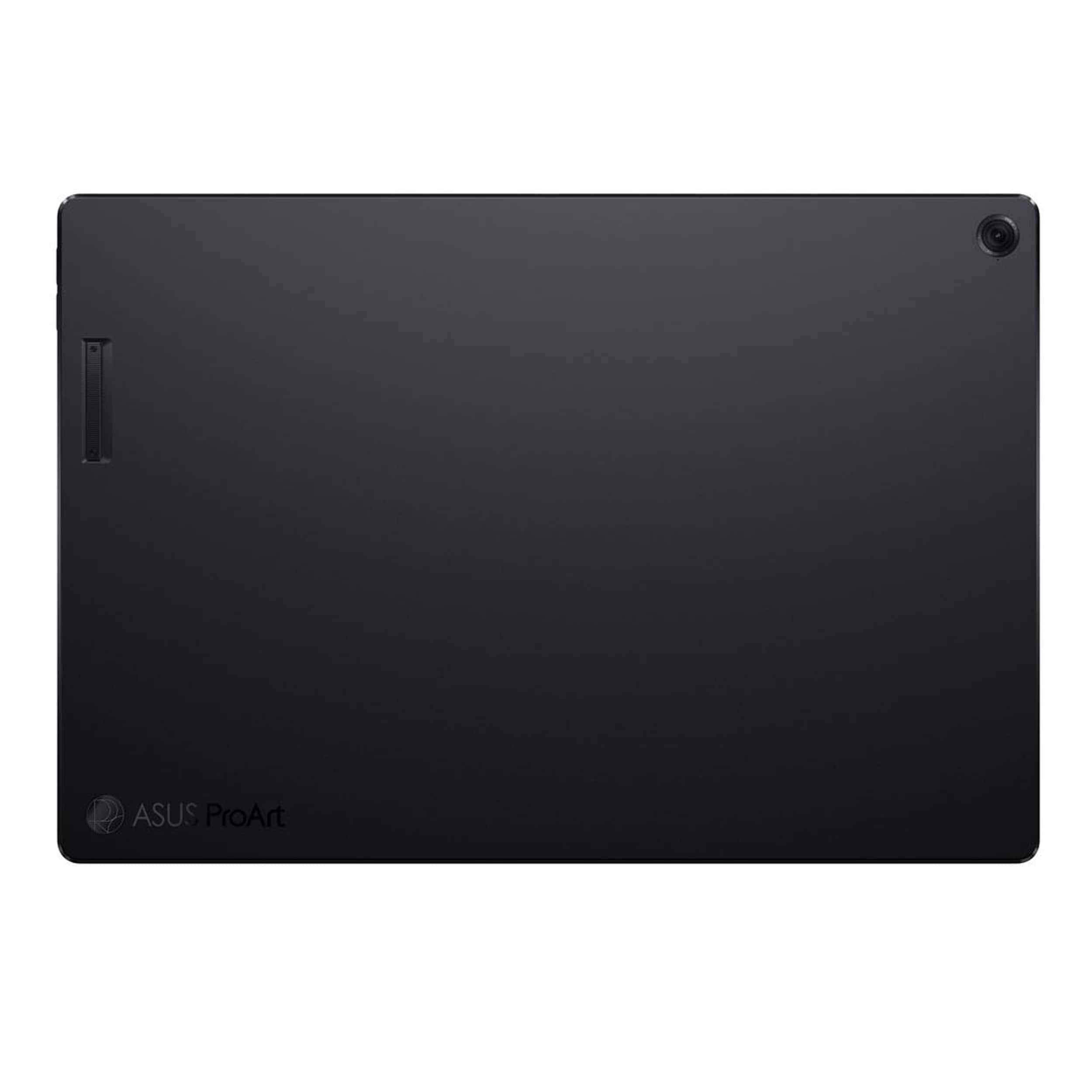







- Model:
- HT5306QA-PZ13.X1P1TB
- SKU:
- 6585178
Rating by feature
- Battery Life
Rating 4.7 out of 5 stars
- Speed
Rating 4.5 out of 5 stars
- Display
Rating 4.6 out of 5 stars
Customers are saying
Customers express satisfaction with the impressive battery life, beautiful OLED display, and solid build quality, along with its portability and fast processor. However, some customers find the product to be a bit heavy. Additionally, there are comments about the limited port count and the 60Hz screen refresh rate.
This summary was generated by AI based on customer reviews.
i really wanted to love it, but it unusable.
||Posted . Owned for 3 weeks when reviewed.This reviewer received promo considerations or sweepstakes entry for writing a review.Since the moment I received it, I've been having issues. first it was the keyboard that just decides to rest once in a while or the camera that gets turned on when it's not supposed to. and the fact that despite a few times that I set windows hello. it almost never recognizes me. (the surface does every time from every angle)
No, I would not recommend this to a friendBrand response from ASUS Answers
Posted .Dear EliTe,
We sincerely apologize for the issues you've faced with the notebook and for the inconvenience caused. This is not the kind of quality to expect from our products and it's not the norm. We understand the impression this may have created and we hope this will not be a long-term lasting impression as you have chosen ASUS as a trusted brand for excellence. Please allow us to make your experience with ASUS a better one.
To further investigate the problems you're experiencing or to obtain assistance with getting the device repaired, we recommend contacting our support team at https://www.asus.com/us/support/CallUs.
We stand behind our products and continuously strive to improve our products and processes to achieve customer service excellence. For more information, email us at customerloyalty@asus.com and include the case number "N2410024120-0001" as a reference. We will do our best to resolve your case quickly. Your feedback is very important to us and enables us to improve our support channels. Thank you for choosing ASUS.
Best Regards,
Chantae
ASUS Customer Loyalty US Support
Lifeless
||Posted . Owned for 3 months when reviewed.This reviewer received promo considerations or sweepstakes entry for writing a review.Since I left the store, I haven't been able to use this laptop at all. I need to schedule an appointment for a tech support to assist me with getting this laptop running,
No, I would not recommend this to a friendBrand response from ASUS Answers
Posted .Dear Marvelous,
We regret to hear that you have not been able to use the ASUS ProArt PZ13 Laptop and we apologize for the inconvenience this may have caused you. To troubleshoot the issue described, we recommend performing a Hard Reset.
Hard Reset
1. Remove the AC adapter.
2. Press and hold the power button for 60 seconds.
3. Reconnect AC adapter.
4. Turn on the power of the device.
Should the issue persist, please contact our support team at https://www.asus.com/us/support/CallUs to further investigate the problem.
We stand behind our products and continuously strive to improve our products and processes to achieve customer service excellence. For more information, email us at customerloyalty@asus.com and include the case number "N2410024120-0005" as a reference. We will do our best to resolve your case quickly. Your feedback is important to us and enables us to improve our support channels. Thank you for choosing ASUS.
Best Regards,
Chantae
ASUS Customer Loyalty US Support
ASUS PRO ART KEY BOARD PROBLEM
||Posted . Owned for 3 weeks when reviewed.This reviewer received promo considerations or sweepstakes entry for writing a review.The bluetooth keyboard stops working randomly. I've had the whole computer replaced and the new one does the same thing. I would not buy this again.
No, I would not recommend this to a friendBrand response from ASUS Answers
Posted .Dear TimS,
Thank you for reaching out.
We do understand your disappointment with the product and the inconvenience this may have caused if keyboard is not working with two laptops you received. To resolve this issue, please ensure the driver package available from the Product Support page at: https://www.asus.com/us/laptops/for-creators/proart/proart-pz13-ht5306/helpdesk_download?model2Name=HT5306QA was installed. Additionally, check if Windows is up to date. Should you need further assistance with the product, please email me at cl-rodel@asus.com and I would be more than happy to help. Or, you are most welcome to call Product Support Hotline at: 1(888) 678-3688. Also, you can chat with an ASUS live support agent from the link: https://www.asus.com/us/support/article/1135/.
Thank you for choosing an ASUS product.
Regards,
Rodel
ASUS Customer Loyalty
- Pros mentioned:Oled display, Processor speedCons mentioned:Weight

Vibrant Vision, But Weak on the Details
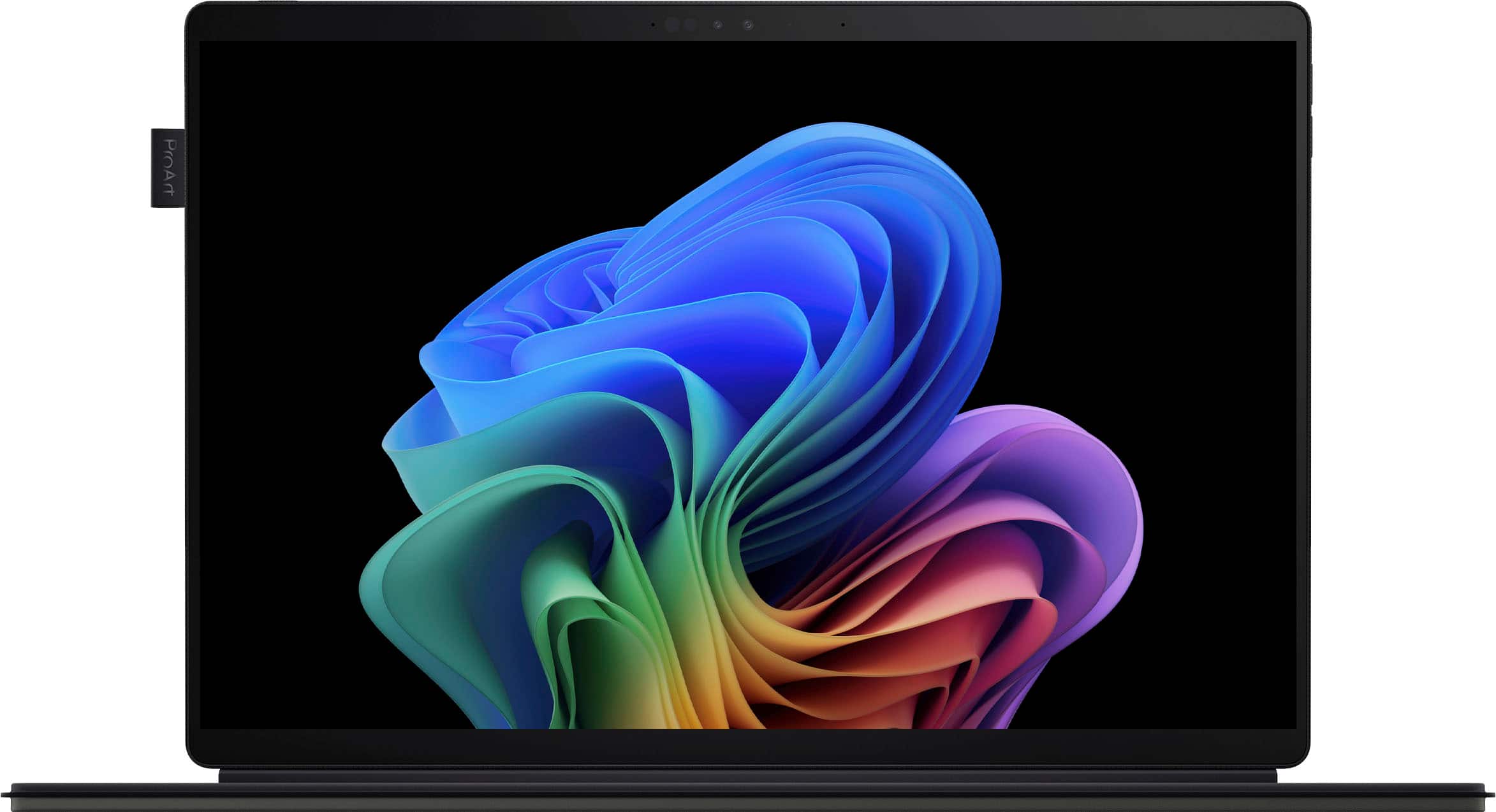
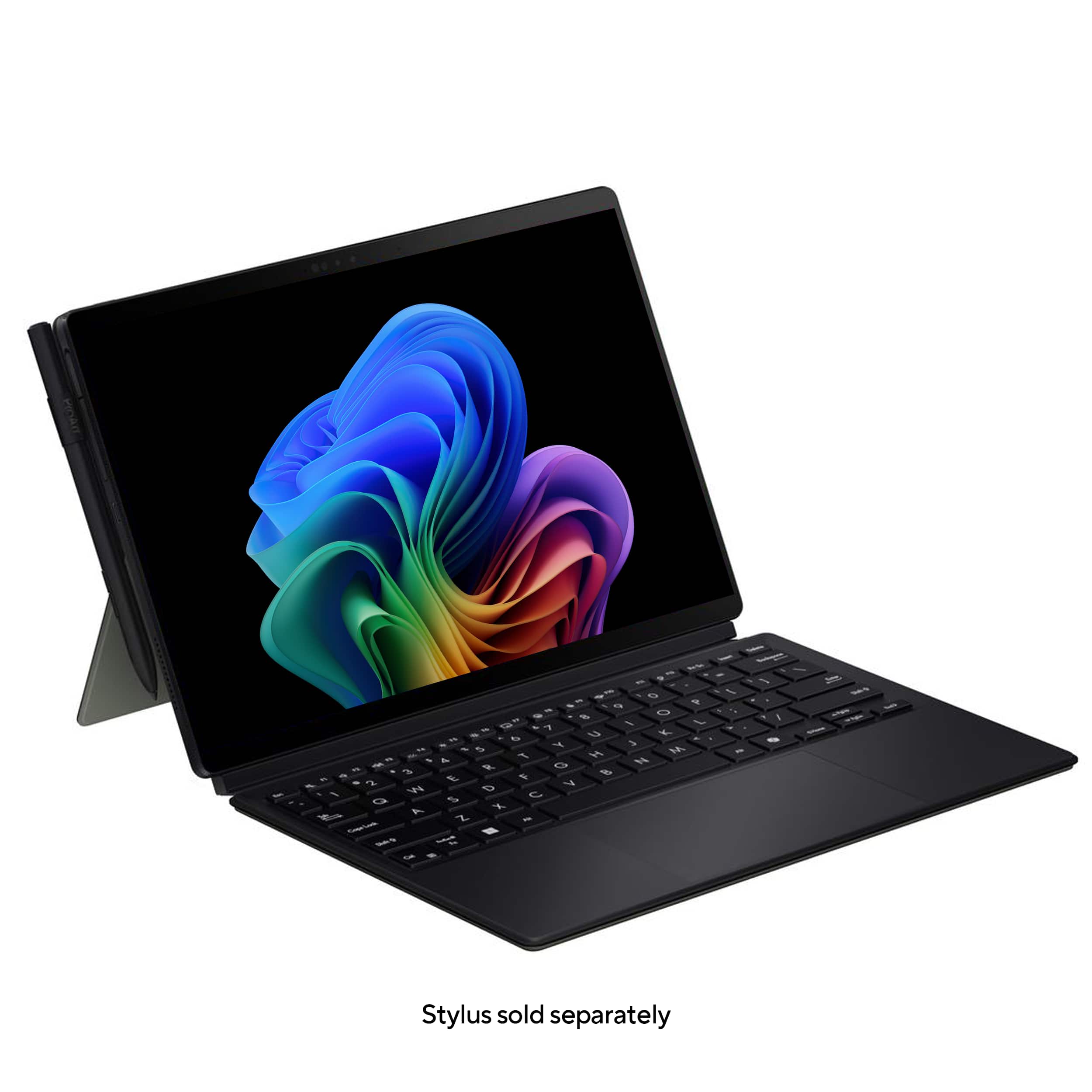
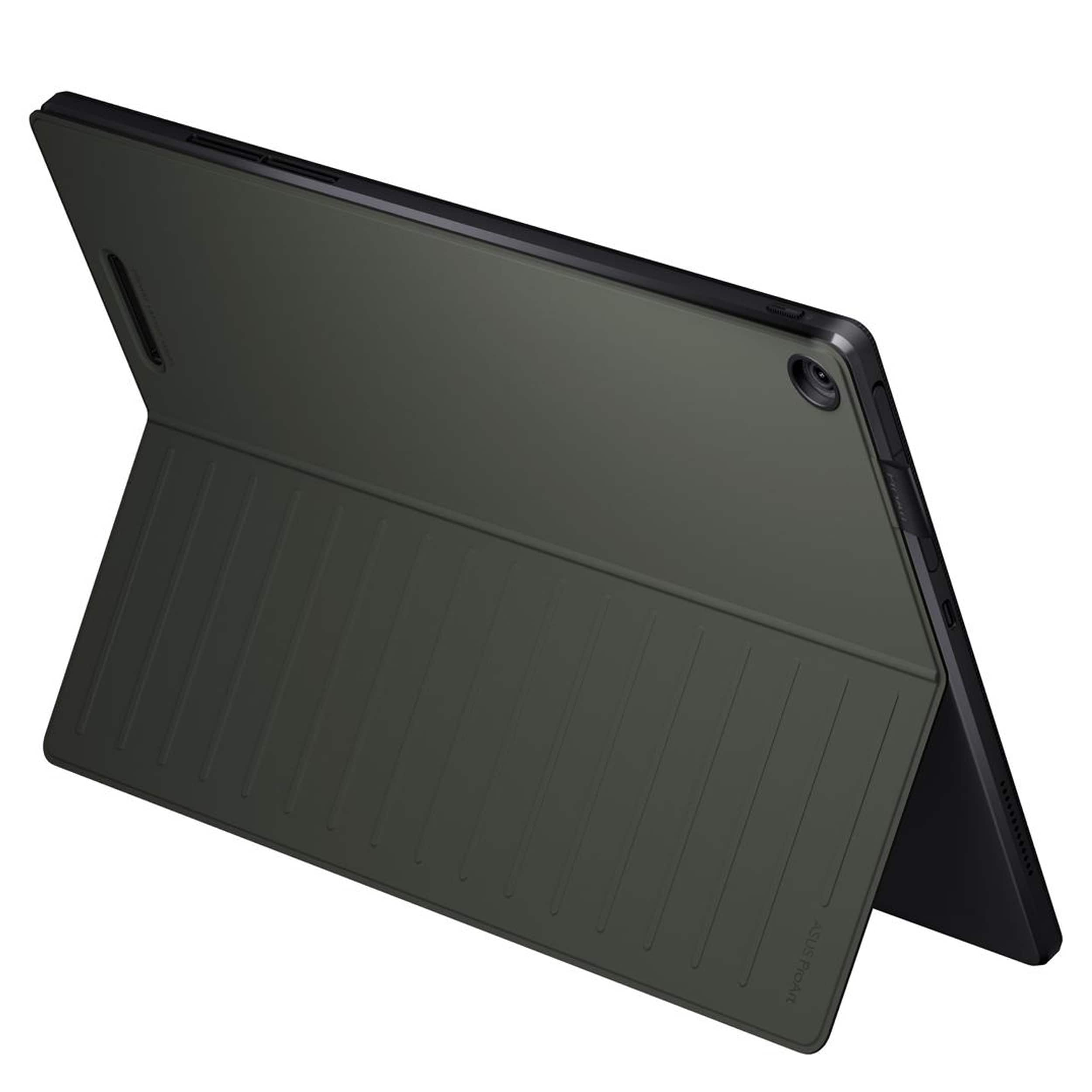
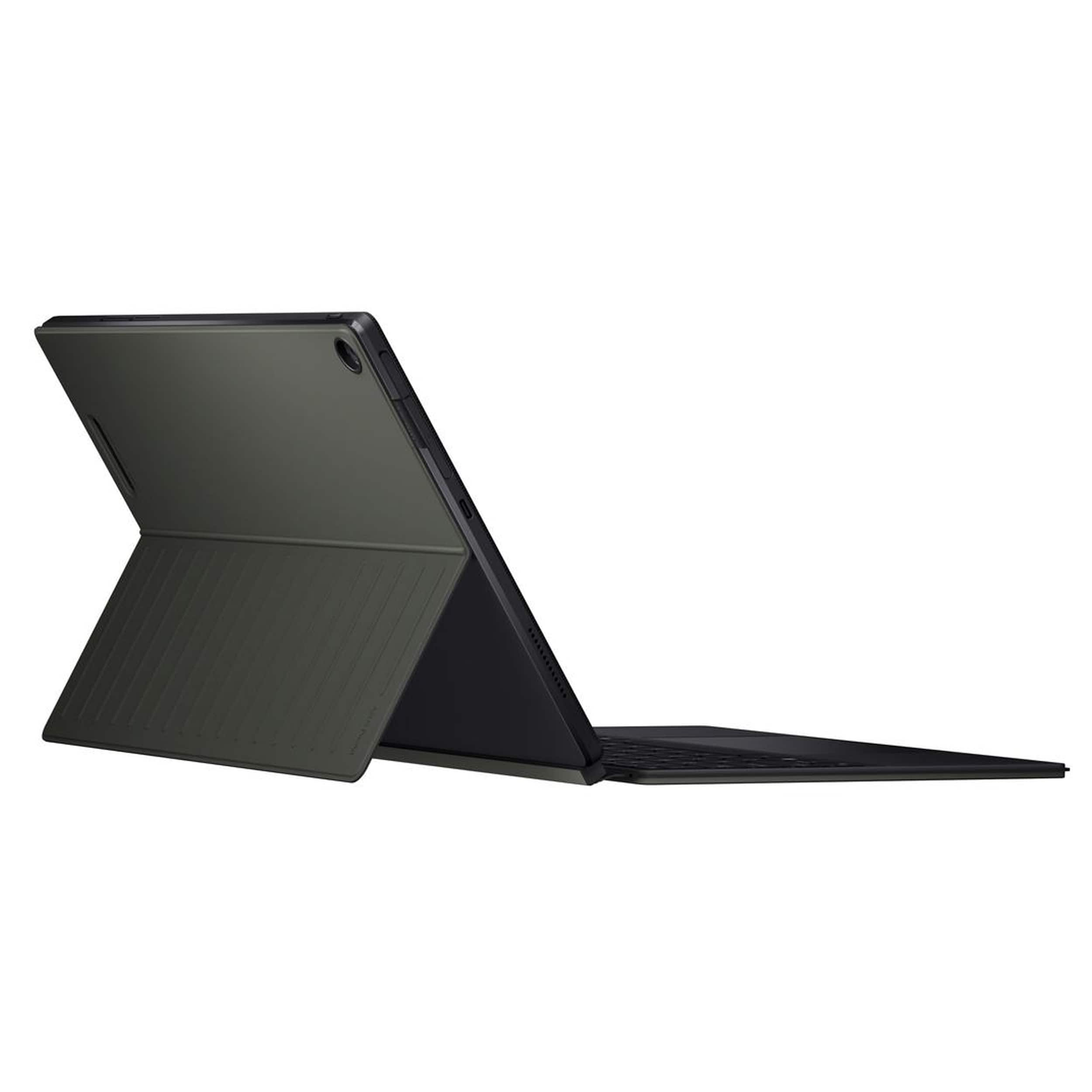
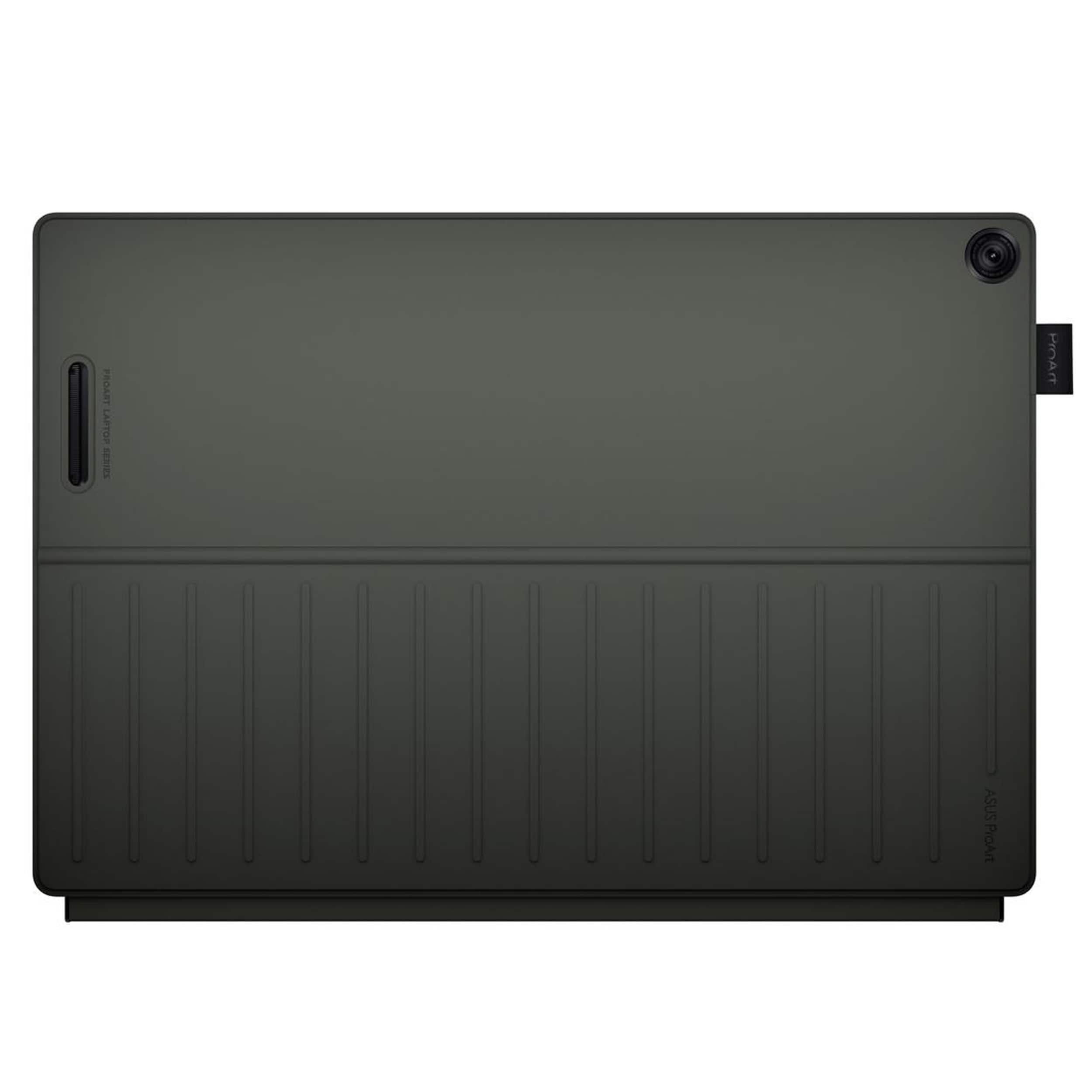
|Posted .This reviewer received promo considerations or sweepstakes entry for writing a review.The ASUS ProArt caught my eye because of the convertible design and creator focus. My most recent device was a standard laptop, and I was really hoping for the flexibility of having a tablet/laptop hybrid. While this is a versatile device that offers some impressive features, it also has some notable drawbacks. The design and build quality of the ASUS ProArt is a bit puzzling, as it is both rugged and flimsy at the same time. The tablet itself is very solid and has some heft to it. In an era of lightweight laptops, the 3+ lbs feels heavy. It also has an interesting texture that almost feels like it has an indestructible case on it. This extra heft means it has an actual SD slot, which is nearly impossible to find on many current devices. Although the actual tablet is substantial, the accessories are extremely thin and almost floppy. Forget about trying to actually use this on top of your lap! The keyboard shifts way too much if not on a stable surface, and the kickstand that holds it up is also pretty useless if not on a table or desk. In a lot of the marketing they show it set up as a foldable display, but I felt it was very precarious and was constantly worried I would knock it over. The magnets that hold the keyboard and stand on also pop off easily, adding to these concerns. So using it on the go or as a display with clients was not the experience I had envisioned. One of the standout features of the ASUS ProART is its exceptional screen quality. For a device geared towards creators, having a bright screen with exceptional clarity, rich contrast, and vivid colors is a must. It definitely delivers. The OLED screen also shows well in bright sunlight, and still looks good when dimmed in a darkened room. The device also handles a variety of tasks with surprising speed, making it excellent for both multitasking and editing. The processor is fast and has no trouble keeping up when I’m editing videos or photos. The built- in copilot is a fun feature, and it is especially awesome because it provides sources (unlike some other AI options). The photo AI editors aren’t something that have been tested yet, but if they work as well as copilot they’re probably useful for quick edits. What I haven’t discovered the purpose of is the built in StoryCube app. Why they feel the need to bog it down with extra, unnecessary apps out of the box is still beyond me. While the ASUS ProArt offers several useful features, it falls short in one major area. It does not come standard with a pen! One of the biggest bonuses for this device is the convertible tablet, and a pen is an integral part of being able to utilize that. It even comes with a built-in tab hanging off the side ready to store it. So why not just roll it into the price and put it in the box? There is a lot of functionality that is missing when you don’t have this key accessory included. The drawbacks of the limited battery life and flimsy keyboard aren’t worth the trade off if you are missing this key piece.
I would recommend this to a friend - Pros mentioned:Battery life, Oled display
Create on the go
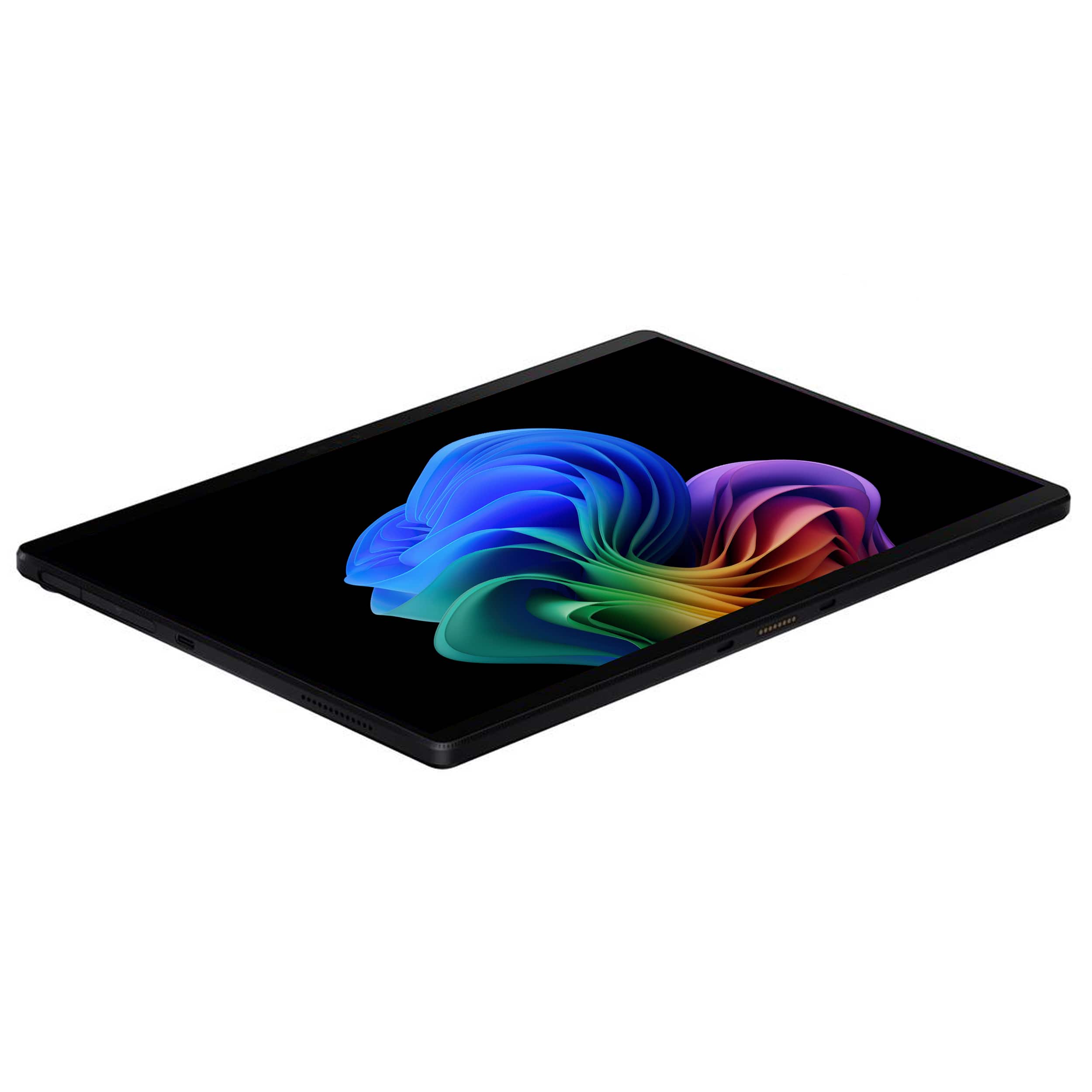
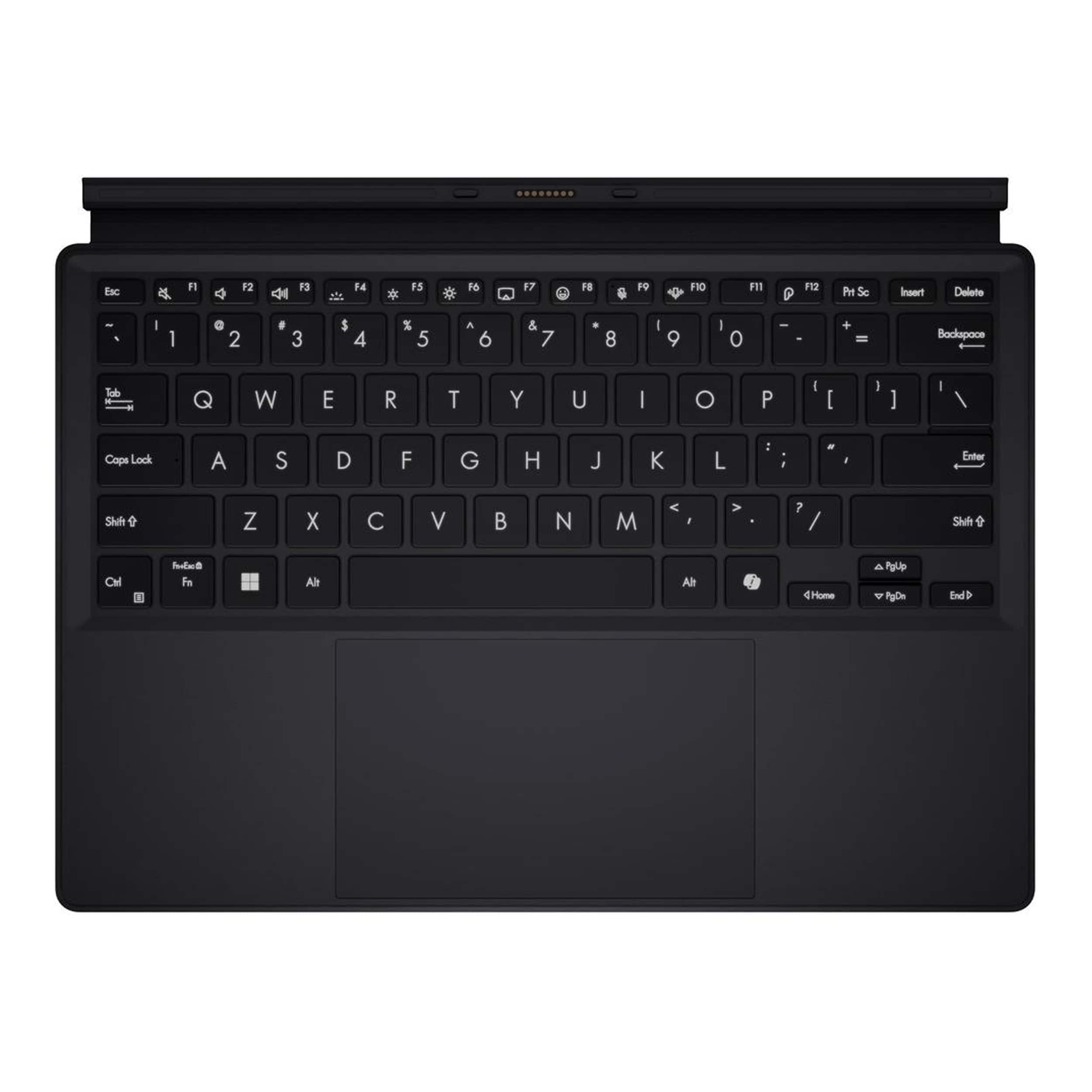
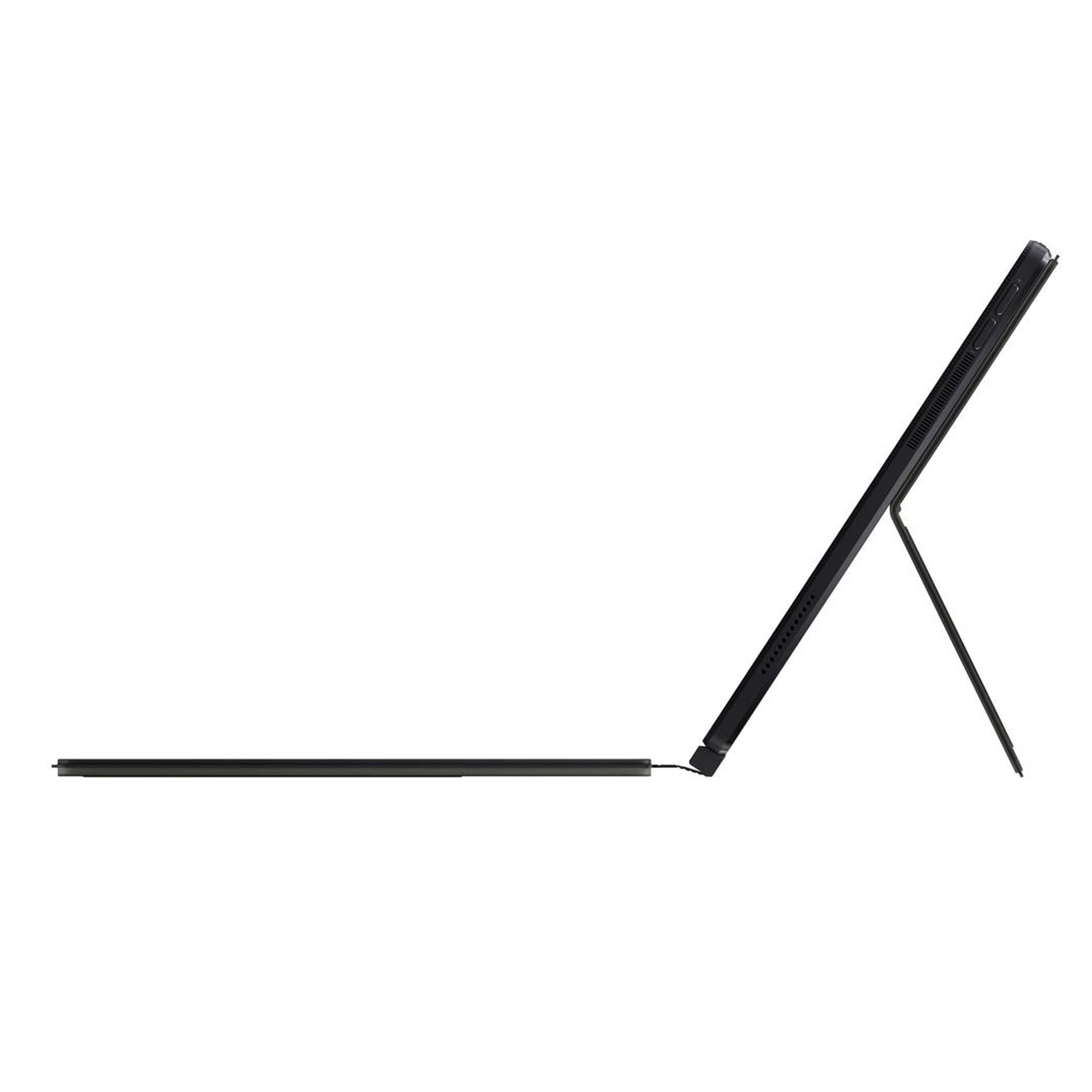
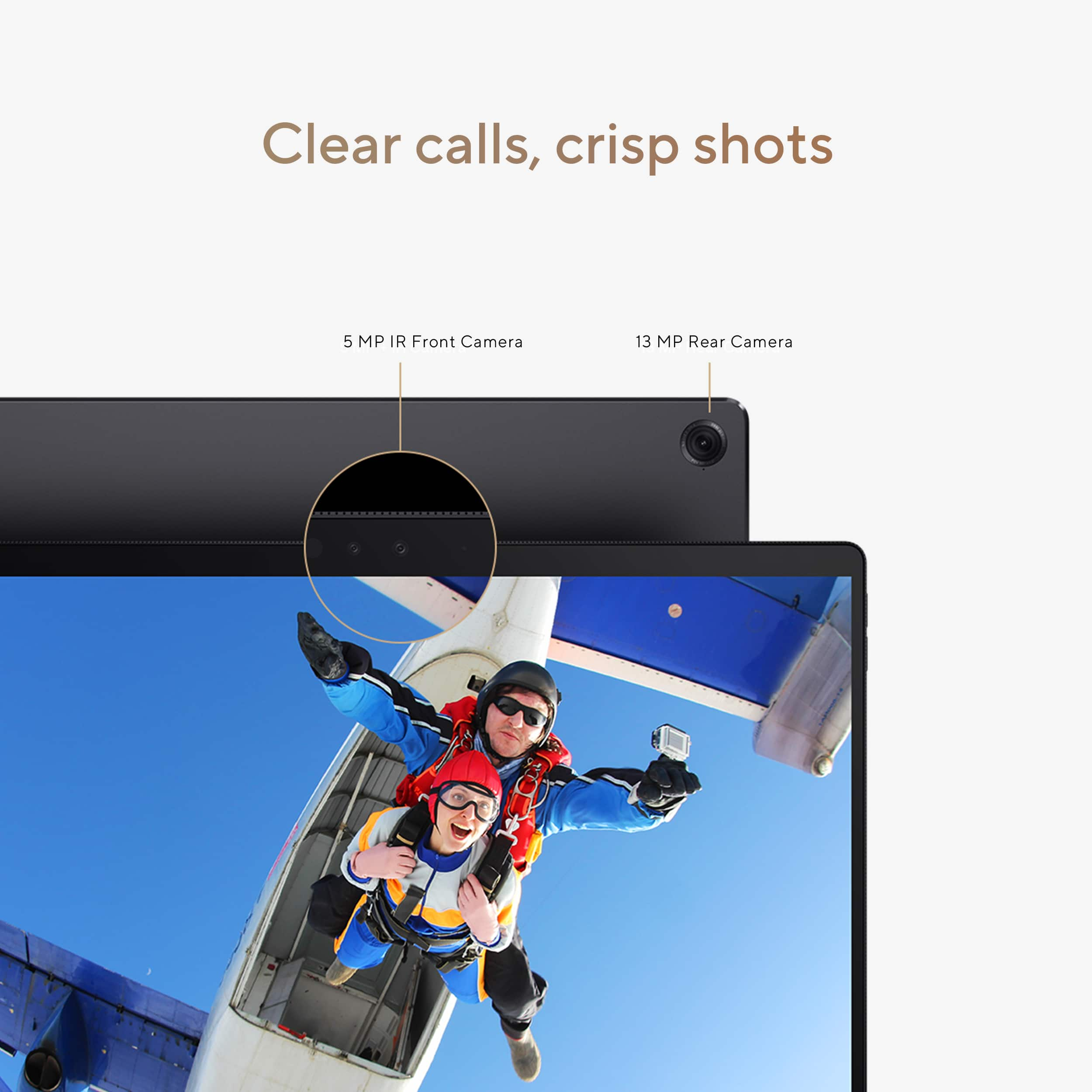
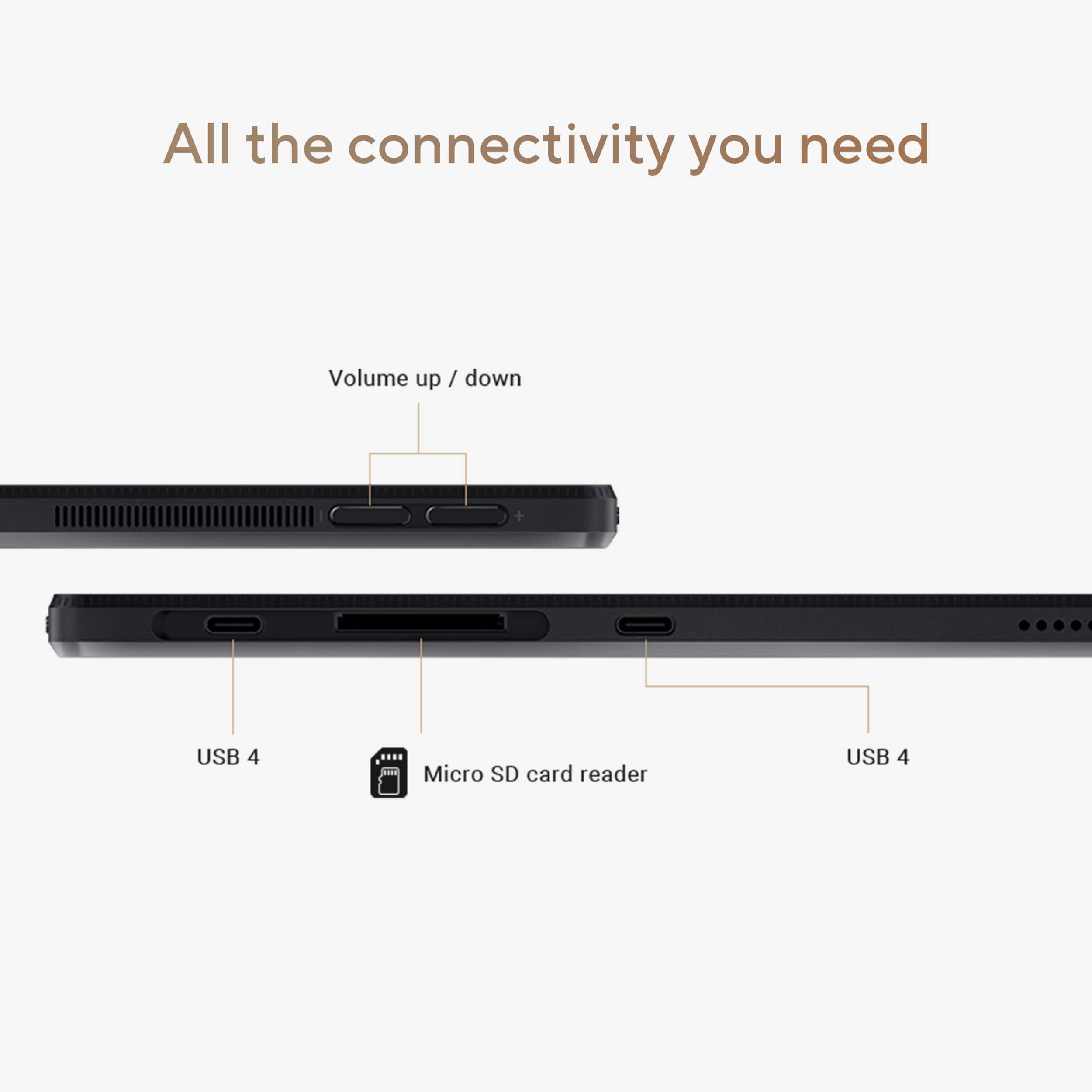
|Posted .This reviewer received promo considerations or sweepstakes entry for writing a review.The ASUS Pro Art PZ13 is a high-performance tablet with a sleek design and powerful hardware that caters to creative professionals, while the convertible tablet is perfectly portable for on the go. Unboxing the ASUS Pro Art PZ13 was an experience with a nesting set of boxes that were packaged carefully and thoughtfully keeping the tablet and its contents secured and protected. This attention to detail reflects the premium quality of the product. Along with the tablet, the package includes a keyboard, protective case with kickstand, charger, and microSD adapter. Designed and packaged for creative professionals, I was under the impression the ASUS pen would be included, however, to my disappointment and surprise it was not. While the ASUS 2.0 pen can be purchased separately, how the tablet contents come bundled is favorable to photo and video editing, rather than digital sketching and painting. The Pro Art PZ13 tablet features a beautiful OLED display that keeps images and colors crisp and vibrant, while the Gorilla Glass protects the screen from scratches and offers a smooth and responsive touchscreen. Built with military-grade material and weighing less than 2 lbs., I appreciate that the tablet is durable and considerably lightweight, but when it is held over a long period of time it feels heavier. Although they are fairly lightweight, the magnetic protective case and detachable keyboard do add a little extra weight and thickness to the tablet, but not enough to make it bulky or hinder portability. The protective case features a kickstand that is easy and convenient to use on hard surfaces and adjust whether using the tablet on its own or with the keyboard. The keyboard is a full keyboard with a low-profile, large keys, and a backlight for easy viewing in low light conditions. The mousepad is large and includes well placed quick commands for volume, brightness, and playback. The strong magnets on the case and keyboard ensure they stay in place. The ASUS Pro Art PZ13 tablet is equipped with 2 USB-C ports that support quick charging. However, both ports are on the same side, which might be a minor inconvenience for some users. The SD slot with the accompanied microSD adapter makes transferring photos and videos between devices simple. The charger is compact and lends to the portability of the tablet, although when charging the tablet nor charger have an indicator light. When listening to music the sound quality is mediocre and not the immersive audio experience the PZ13 boasts. There is a muffled quality as if the speakers are covered or being blocked. The tablet does not have an audio jack so external speakers or headphones must be connected via Bluetooth. The 5 MP front camera is decent for video conferences, while the 13 MP rear camera captures beautiful and vivid pictures. I do not know how often I will use the tablet to take pictures, but it's nice to have the option. The battery life is impressive, although it ultimately depends on how the device is being used at the time of use. For instance, at 89% I had 14 hours remaining, but after 4 hours spent using the keyboard, browsing the internet, and running different programs including Cricut Design Space, OneNote, and Spotify the battery life quickly fell to 5 hours. When compared to other comparable devices I have used, the ASUS battery life still outperforms and gives me confidence that I will have ample time to work before the tablet needs a recharge. I have not yet jumped on the AI bandwagon, but for users looking to explore or utilize AI, the ASUS PZ13 heavily promotes and features AI compatibility with Co-Pilot. Overall, if you're looking to enhance productivity as a creative professional and need a device that's packed with powerful hardware to support your needs and lifestyle, the ASUS Pro Art PZ13 stands up to the task.
I would recommend this to a friend RETURN OR REFUND
||Posted . Owned for 3 weeks when reviewed.This reviewer received promo considerations or sweepstakes entry for writing a review.The computer stop working with less than 30 days after my purchase.
No, I would not recommend this to a friendBrand response from ASUS Answers
Posted .Dear Marcelo F,
We're sorry to hear that the notebook stopped working and we apologize for the inconvenience caused. This is not the kind of quality to expect from our products and it's not the norm. To further investigate this problem or obtain assistance with repairing the device, we recommend contacting our support team at https://www.asus.com/us/support/CallUs.
We stand behind our products and continuously strive to improve our products and processes to achieve customer service excellence. For more information, email us at customerloyalty@asus.com and include the case number "N2410024120-0003" as a reference. We will do our best to resolve your case quickly. Your feedback is very important to us and enables us to improve our support channels. Thank you for choosing ASUS.
Best Regards,
Chantae
ASUS Customer Loyalty US Support
- Pros mentioned:Battery life, Build quality
Asus Pro Art PZ13 Convertible PC - Fast & Portable
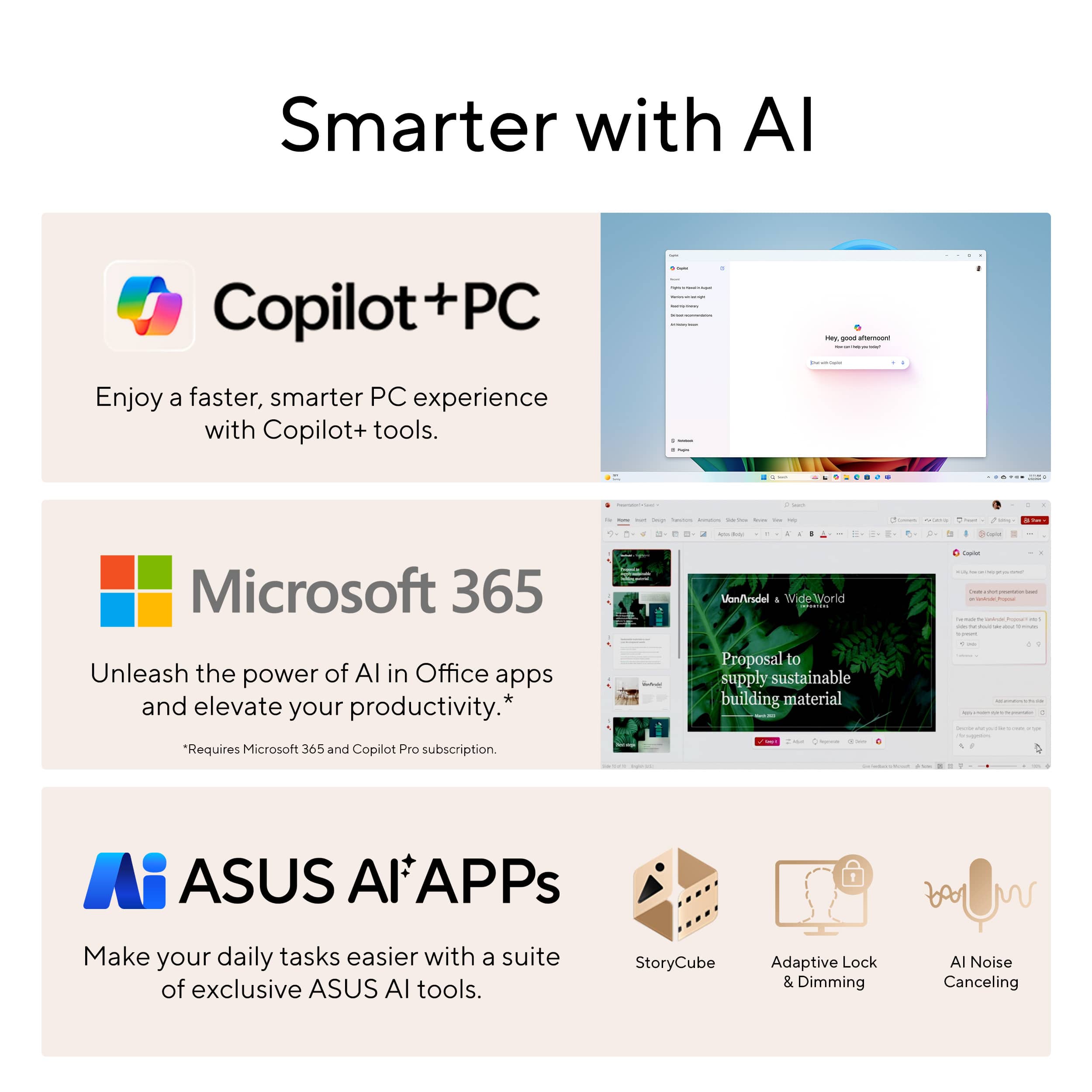
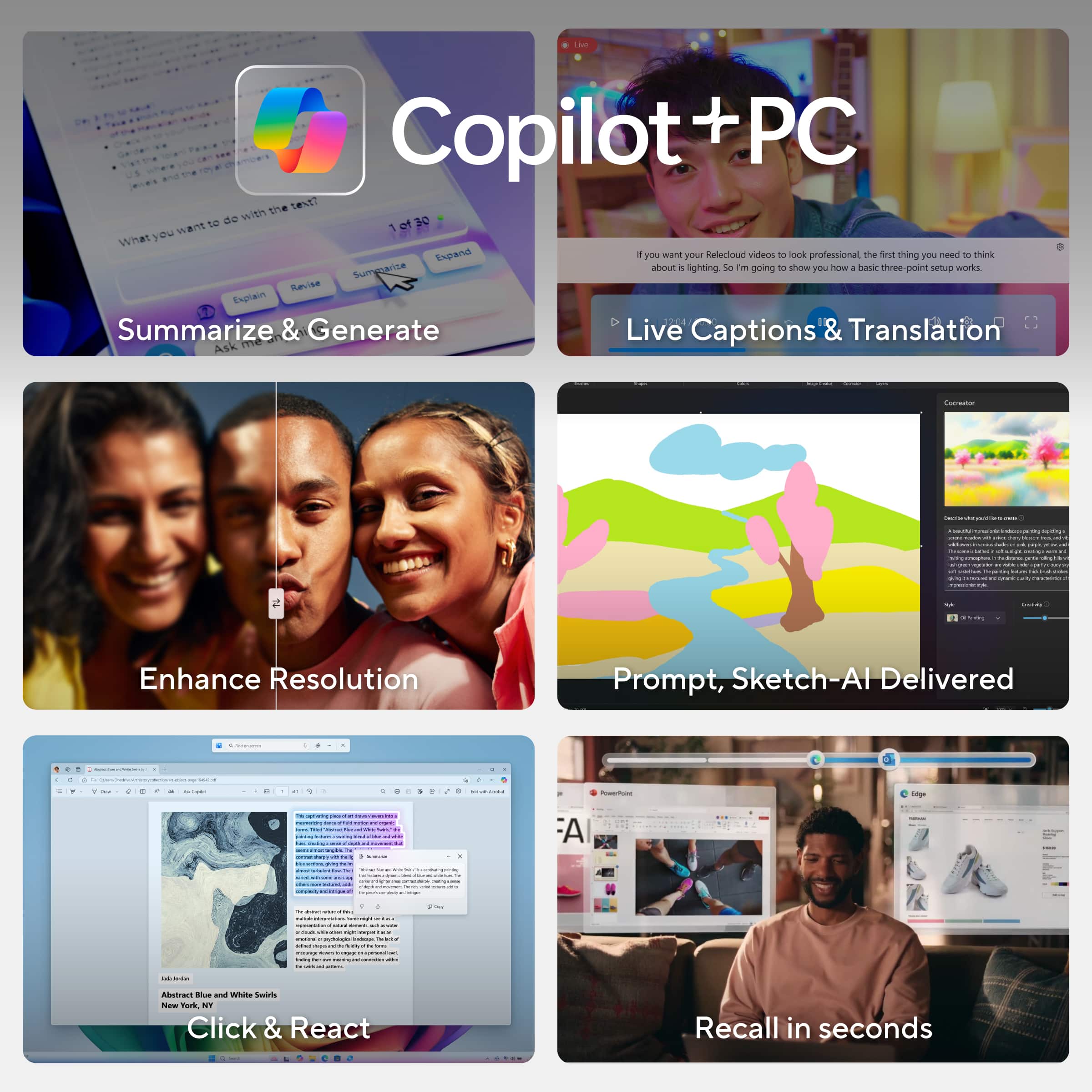
|Posted .This reviewer received promo considerations or sweepstakes entry for writing a review.The Asus Pro Art PZ13 feels like a fast, versatile, and extremely easy to use PC/Tablet with on-device Copilot+ AI Features. Included in the box, there was a case (magnetic, but a strong hold) with stand and stylus/pen holder included on it, as well as a detachable keyboard with touchpad. The Pro Art is solid - it's heavy as far as a tablet PC goes, but that makes it feel more rugged and like it will avoid damage better. I feel like part of the reason it is heavier may be its large battery. For example, after fully charging it, I used the tablet around 30 minutes of light usage, and looked at the battery level and It still said 99% (only down 1%) -- if every 1% is 30 minutes, that multiplies out to about 50 hours of usage (but I have my doubts about that any battery could last that long)- - but I do have confidence that a full charge would give me close to a full days' usage. The keyboard is backlit (this is helpful for nighttime typing), and it is also very natural to use (feels more like a regular PC keyboard than other tablet keyboards that I've used). It has a large touchpad (nice size). I opted to turn off tapping to click as I prefer pushing to click because my hand has a slight tremor, and accidental "taps" happen if I don't turn that off. If I had any complaints about the keyboard, it's that when used on my lap on a recliner the keyboard kind of bends when I put the weight of my wrists on each side of it to type- it's not as strong/rugged as the core of the PC (the part with the screen). For better or worse, the newer Copilot+ PC's have replaced the right control key with a Copilot launcher key. This new key is handy for pulling up the Copilot AI tool which I had already decided I'm going to maintain a pro subscription to (for the near future). However, I'm still getting used to not having the right control key, and that will take time. I do love that I can press Alt+F4 to close a window despite the function key row otherwise (as on many keyboards today) being repurposed with alternate non-f-key functions (like brightness). The included camera supports Windows Hello Face Recognition. The video quality on the front facing camera and the rear camera are both clear as far as built-in PC Web Cams go. I will be using the front facing one frequently for Google Meet Calls. Wi-Fi 7 dual-band-simultaneous support is included, and it seems fast. When compared with my Surface Pro 11 (the only other device I have that supports Wi-Fi 7), Wi-Fi 7 was faster and much more reliable (especially at a distance) on the Asus Pro Art when compared with the SP11 when tested under the same conditions. In most covered areas we got close to our full 590Mbps service. In areas (outside of house) where other devices max out around 300Mbps, this device was getting 430+ Mbps. The Pro Art having a 1TB SSD means I won't be looking to upgrade storage (at least not right away). It's unclear if the storage is user-upgradable, and I'm personally not sure I'll need to. There are Copilot+ AI PC Features, like Studio Effects- - Among other things, Studio effects offers one feature that smooths your skin like an animation - but when I tried it during a meeting the other person in the meeting did notice it (because they know how I normally look) and preferred to see me with the animation filter off. It also features an automatic tracking feature, so if you put your Asus Pro Art on a desktop and sit back a bit, it will zoom in on your face and gradually follow you around if you move around. Compliments to Asus for the nice packaging job, felt like this was a professional product from the initial unboxing of the convertible PC/tablet. I don't want that to influence my review too much, though, because you only unbox it once and use it (ideally) daily. After my time evaluating the tablet, I will say that I would recommend this convertible PC over any other I've used so far.
I would recommend this to a friend Such dumb build design
Posted .This reviewer received promo considerations or sweepstakes entry for writing a review.- First off if you have short legs you will never be able to use this on your lap. No matter how much I jammed the keyboard into my tummy I didnt have enough lap depth to prop up the screen. 2nd: the loop for the pen is so badly placed. If you have a pen in it, the pen is in the way of the port. 3rd. The way the keyboard attaches it adds a ton of depth to machine. It made it as deep as my old 14”, might as well get a 14”. 4th: When it is charging I couldnt find a light indicating it was getting power. I am the king of sloppily plugging stuff in, I need that affirmation light. Is it fast? Who knows. I didnt even make it through full set up before deciding “**** this. I am returning it”. I hated it so much.
No, I would not recommend this to a friendBrand response from ASUS Answers
Posted .Dear Monica G,
Thank you for sharing your comments regarding the ASUS ProArt PZ13 Laptop. We understand that it didn't meet your full expectations, and we sincerely apologize for that as we do understand your concerns. We are committed to providing our customers with the highest quality products, and your feedback will be forwarded to our Product Team for review.
Having returned the notebook, we hope that you were able to replace it with one that meets your needs.
We stand behind our products and continuously strive to improve our products and processes to achieve customer service excellence. If you require any further assistance, please email us at customerloyalty@asus.com and include the case number "N2412010326-0002" as a reference. We will do our best to resolve your case quickly. Your feedback is very important to us and enables us to improve our support channels. Thank you for choosing ASUS.
Best Regards,
Chantae
ASUS Customer Loyalty US Support
Beware the BestBuy Open Box!
Posted .This reviewer received promo considerations or sweepstakes entry for writing a review.Came home only to see that the original users account was still there and I couldn't factory reset the computer without an admin password. BestBuy quality control is non-existent, it's supposed to be factory reset prior to returning, if it's not they shouldn't be getting sold! We'll see how they make this right. I paid what I paid, it had better fixed without having to return and get nothing but my money back. The only thing that would make it right is an exchange for a non locked one in my opinion.
I would recommend this to a friendBrand response from ASUS Answers
Posted .Dear JacobR,
Thank you for your feedback.
We do understand your disappointment and the inconvenience this may have caused with the open box item you received from your seller. If this laptop came with a user account already setup nin Windows, we recommend to perform a Cloud Recovery. For helpful tips on how to run a Cloud Recovery, please visit our Product Support page at: https://www.asus.com/support/faq/1047855/ . Should you need further assistance with the product, please email me at cl-rodel@asus.com and I would be more than happy to help. Or, you are most welcome to call Product Support Hotline at: 1(888) 678-3688. Also, you can chat with an ASUS live support agent from the link: https://www.asus.com/us/support/article/1135/.
Thank you for choosing an ASUS product.
Regards,
Rodel
ASUS Customer Loyalty
Might be my bad luck
Posted .This reviewer received promo considerations or sweepstakes entry for writing a review.Dont know if it's my luck or just the laptop, but i bought 2 of them, and neither would work. The 1st ones speaker were basically non-existent, and the second one wouldn't even power on
No, I would not recommend this to a friendBrand response from ASUS Answers
Posted .Dear Eli Gold,
We're sorry to hear that the notebook is unable to power on, and we apologize for the inconvenience this has caused you. Based on the issue described, we recommend performing a Hard Reset.
Hard Reset
1. Remove all external devices such as the AC adapter, USB devices, etc.
2. Press and hold the power button for 60 seconds.
3. Reconnect the AC adapter.
4. Turn on the power of the device.
Should the issue persist, we recommend contacting the place of purchase for an exchange or return. Please rest assured that if you cannot gain resolution when contacting the place of purchase, we will be glad to provide further assistance.
We stand behind our products and continuously strive to improve our products and processes to achieve customer service excellence. For more information, email us at customerloyalty@asus.com and include the case number "N2410024120-0009" as a reference. We will do our best to resolve your case quickly. Your feedback is important to us and enables us to improve our support channels. Thank you for choosing ASUS.
Best Regards,
Chantae
ASUS Customer Loyalty US Support