Customer Ratings & Reviews
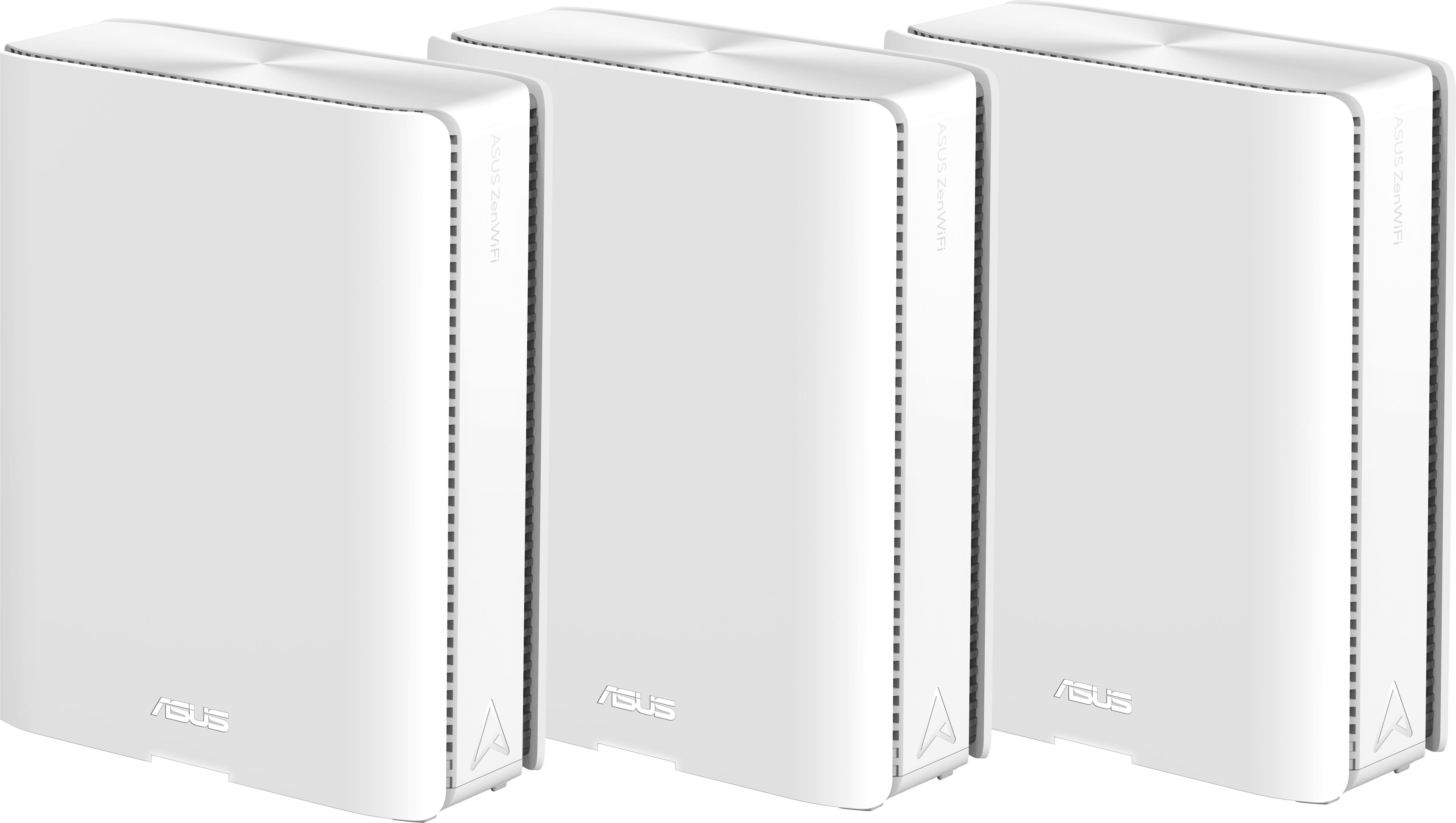




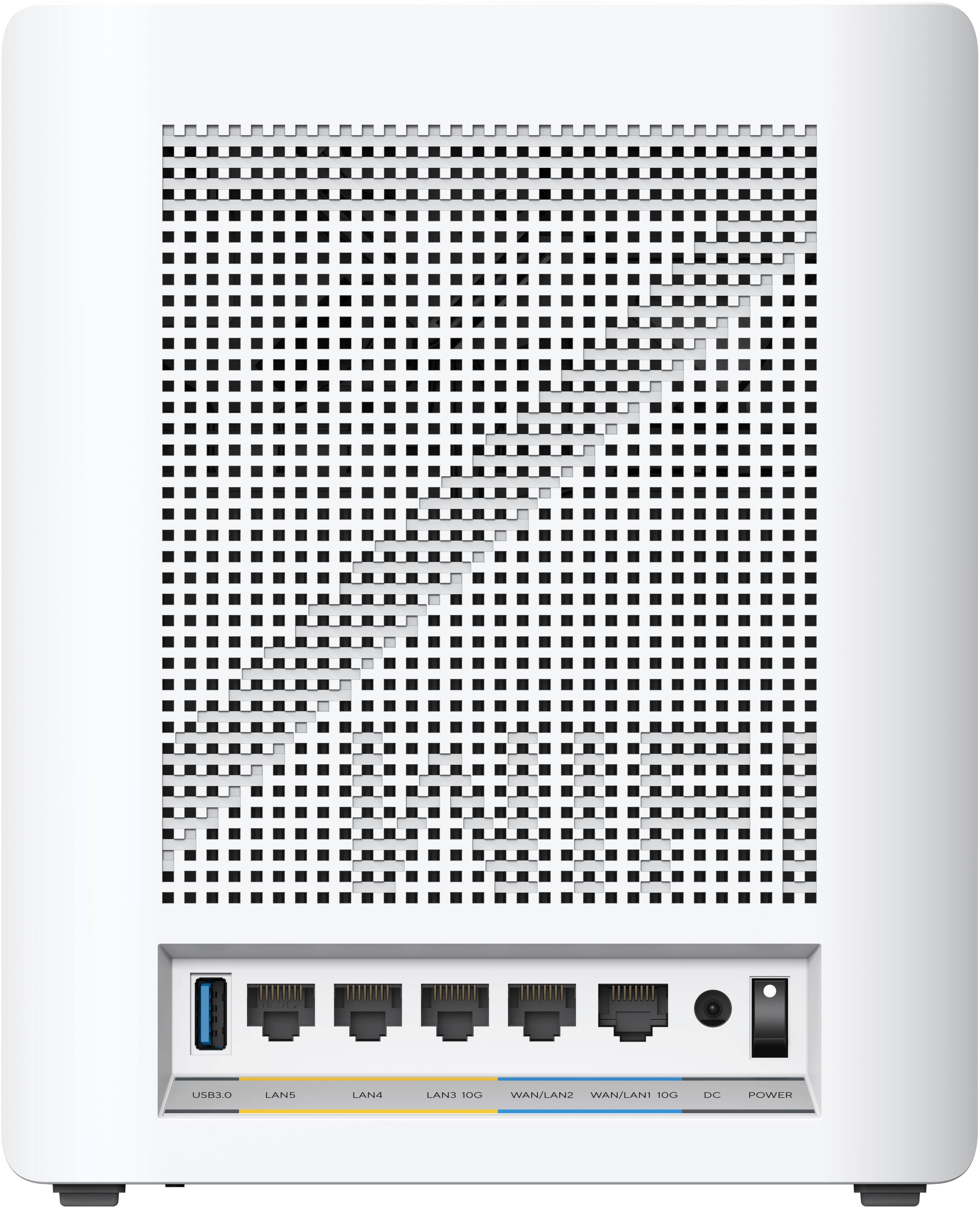
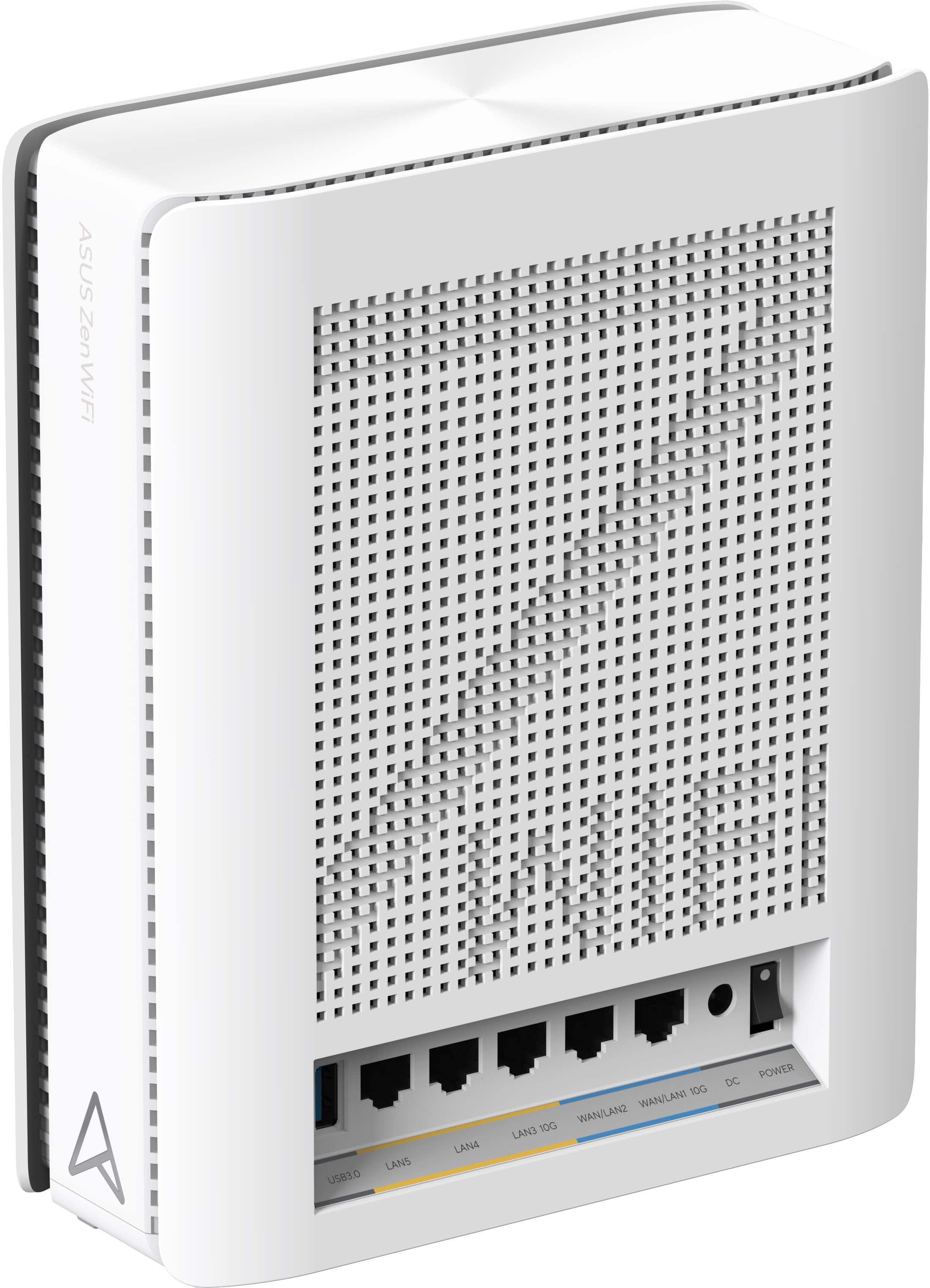
- Model:
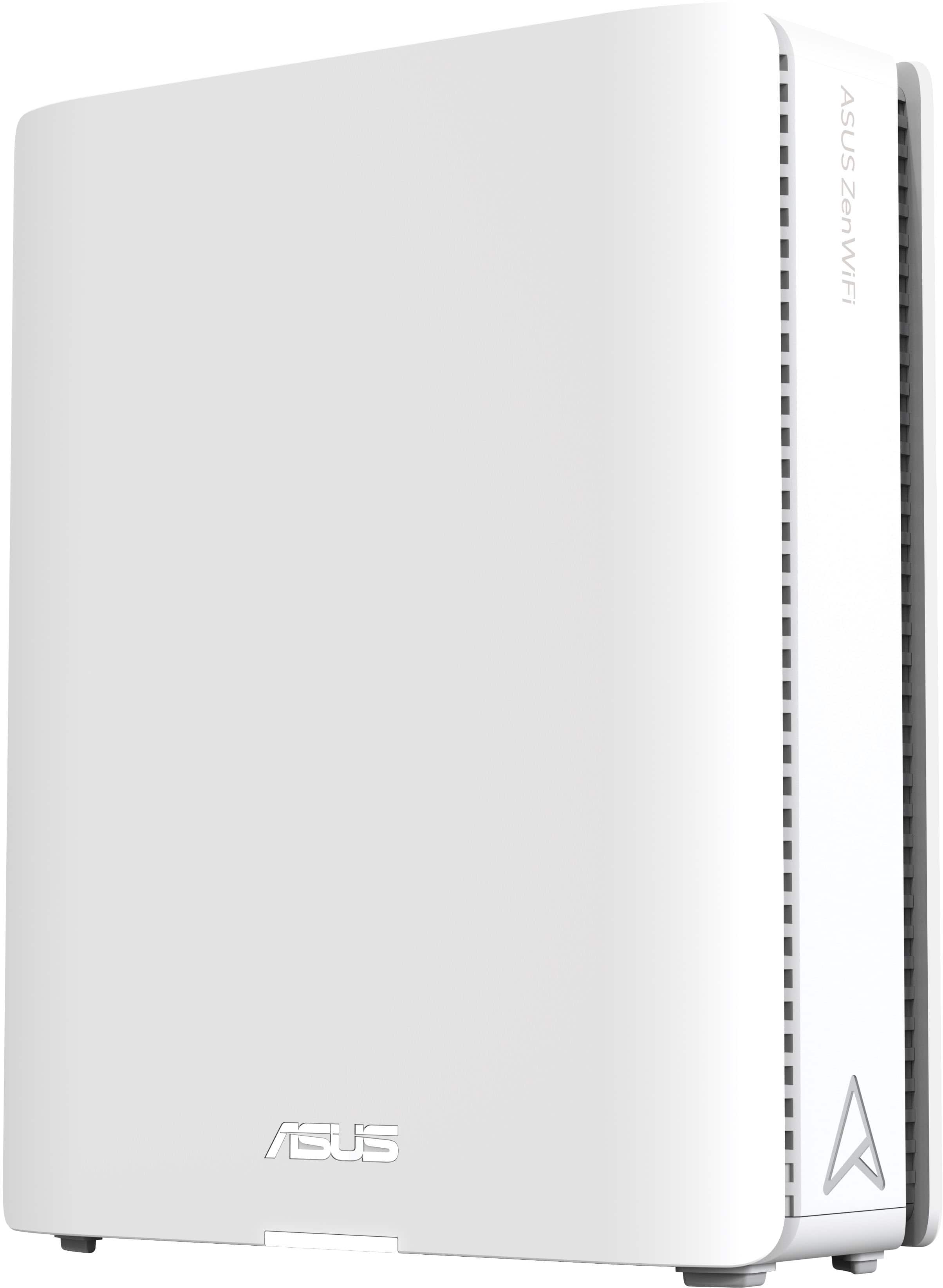
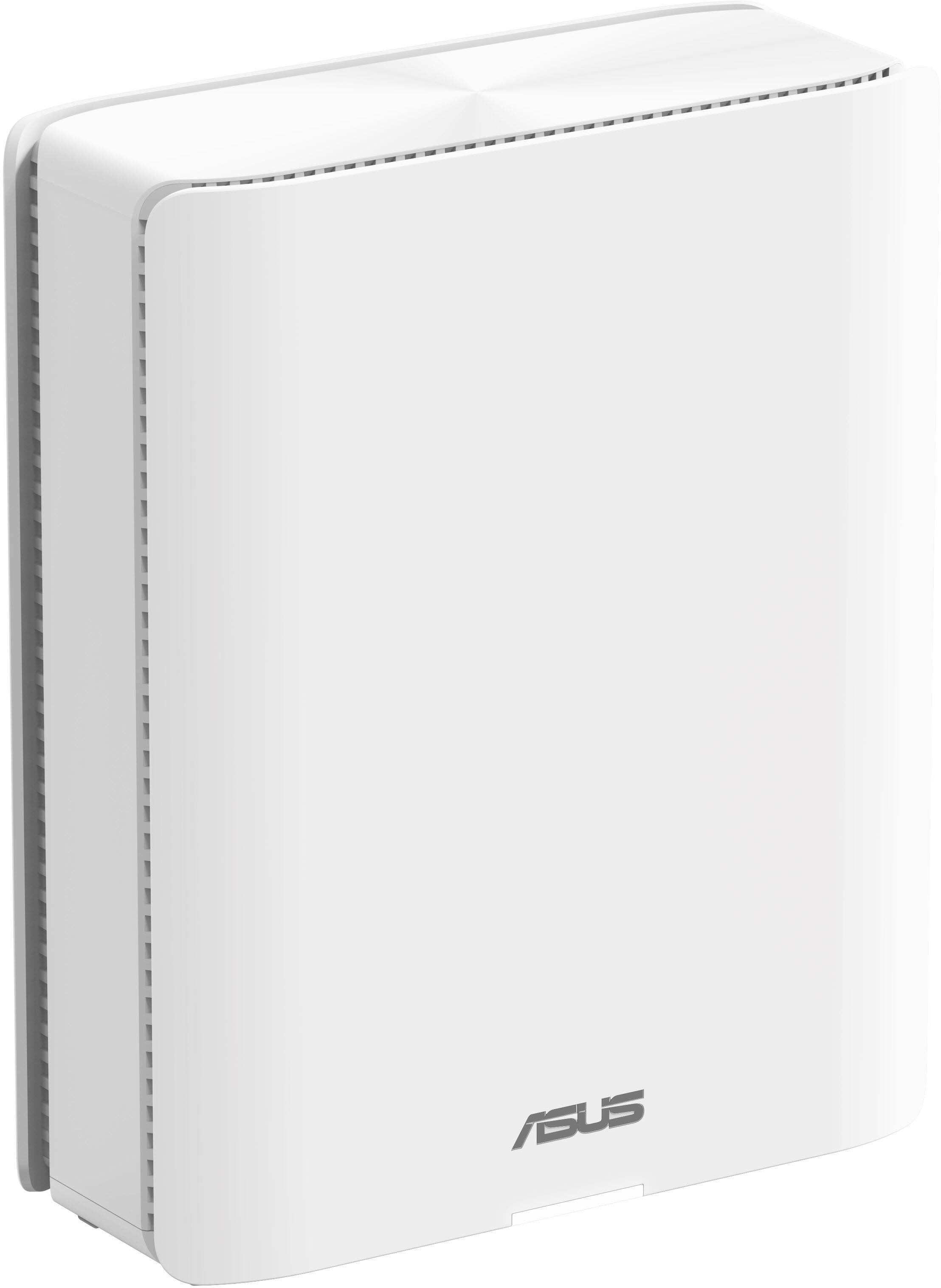
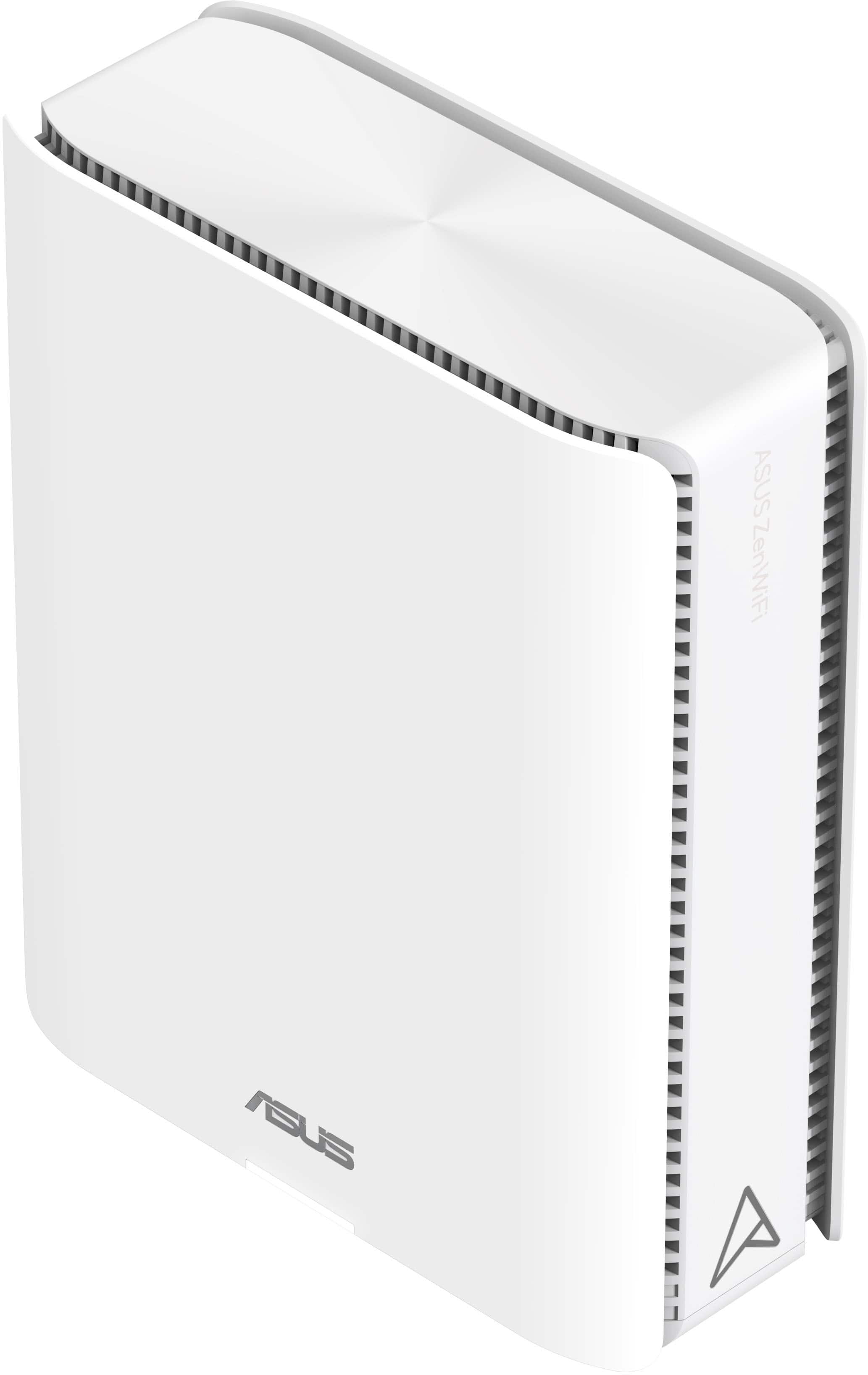
- ZenWiFi BE30000
- SKU:
- 6578392
Rating by feature
- Setup
Rating 3.6 out of 5 stars
- Range
Rating 4.3 out of 5 stars
- Signal Strength
Rating 4.3 out of 5 stars
Customers are saying
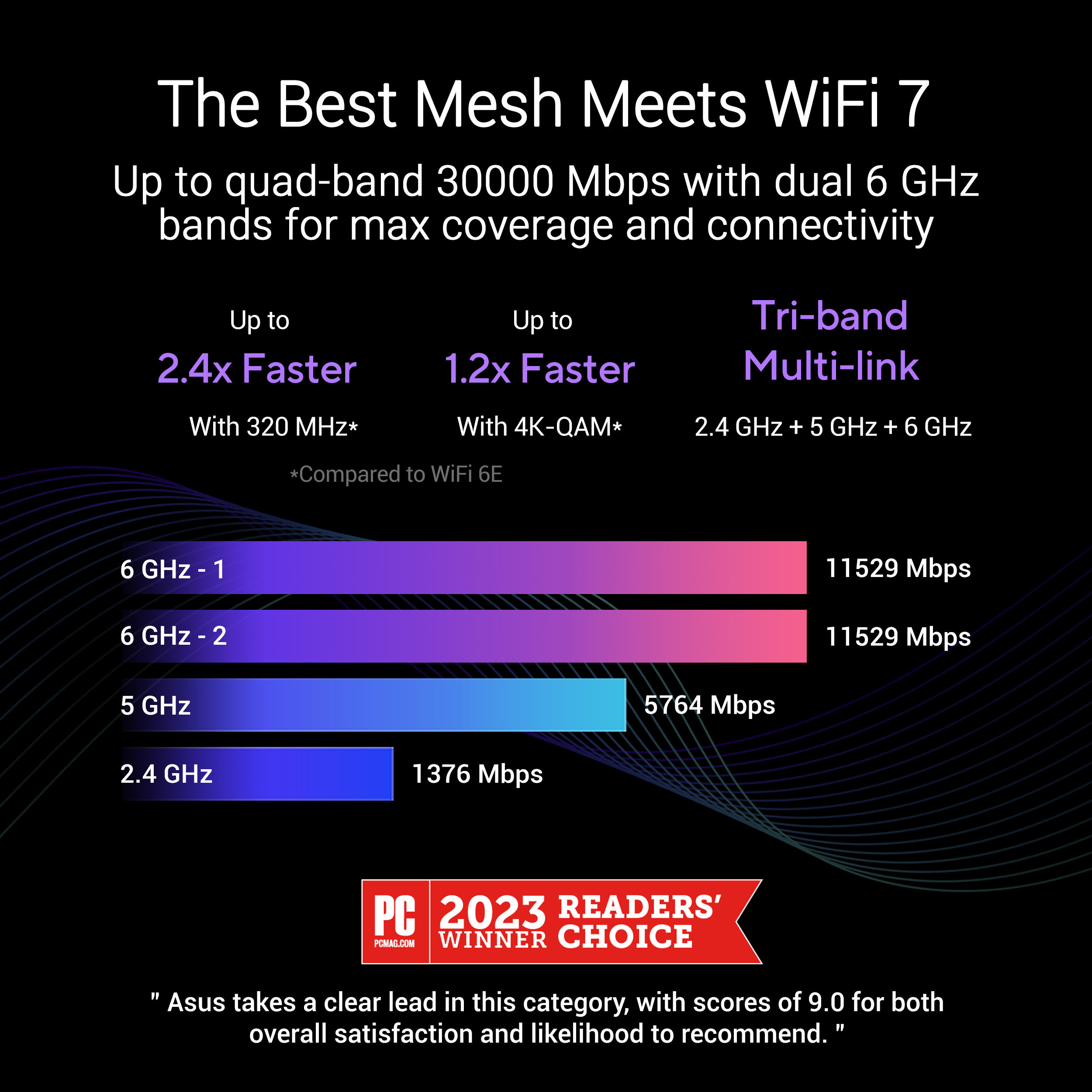
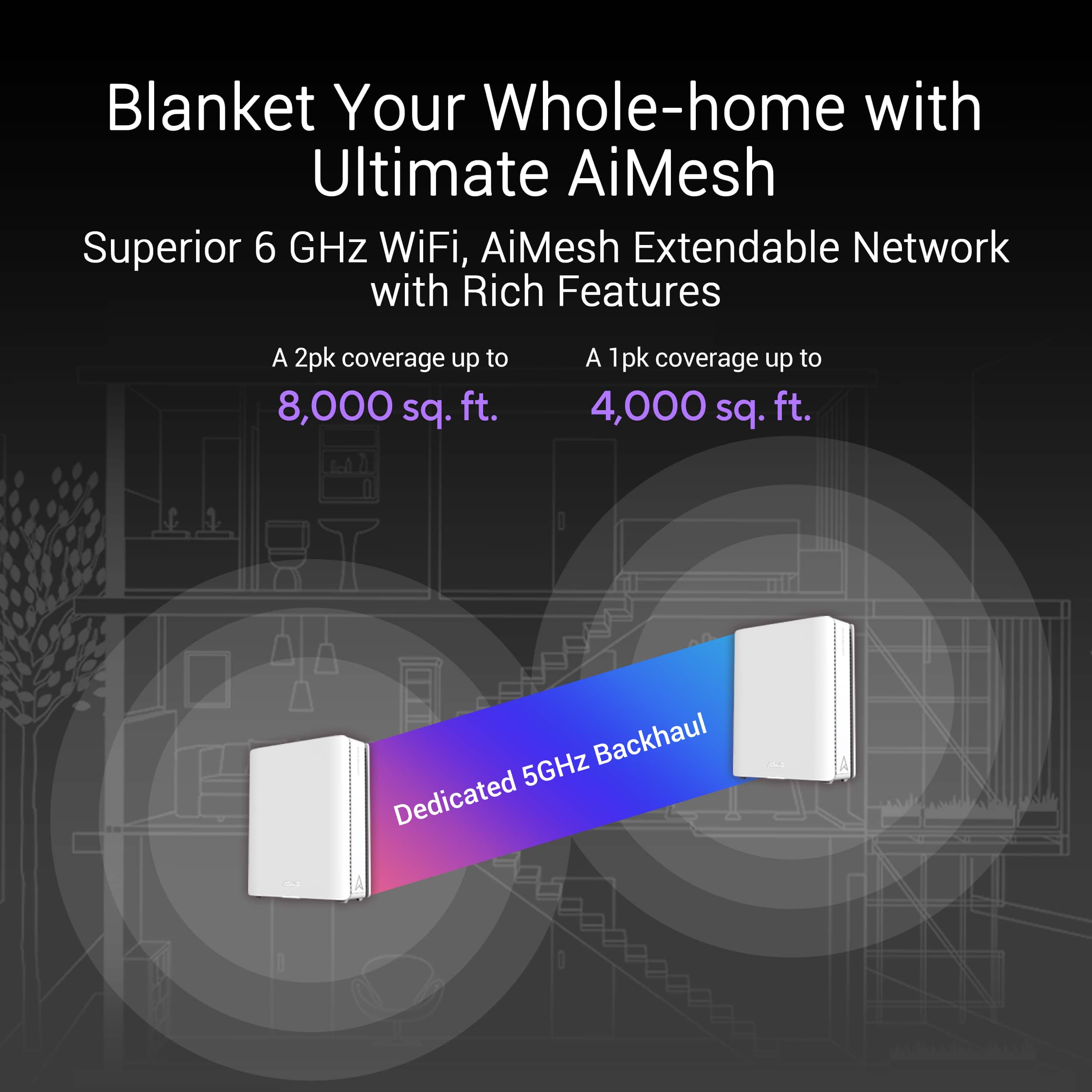
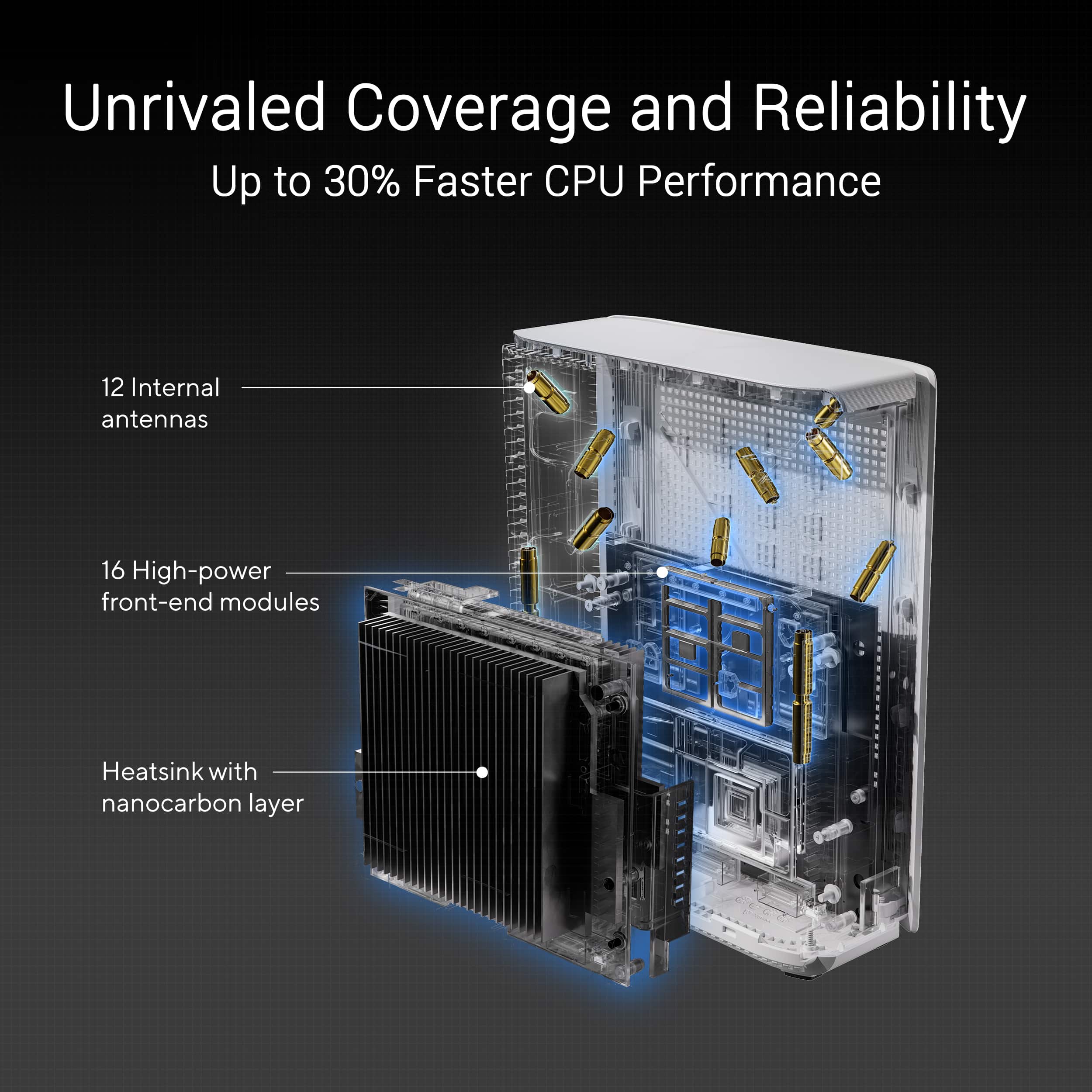
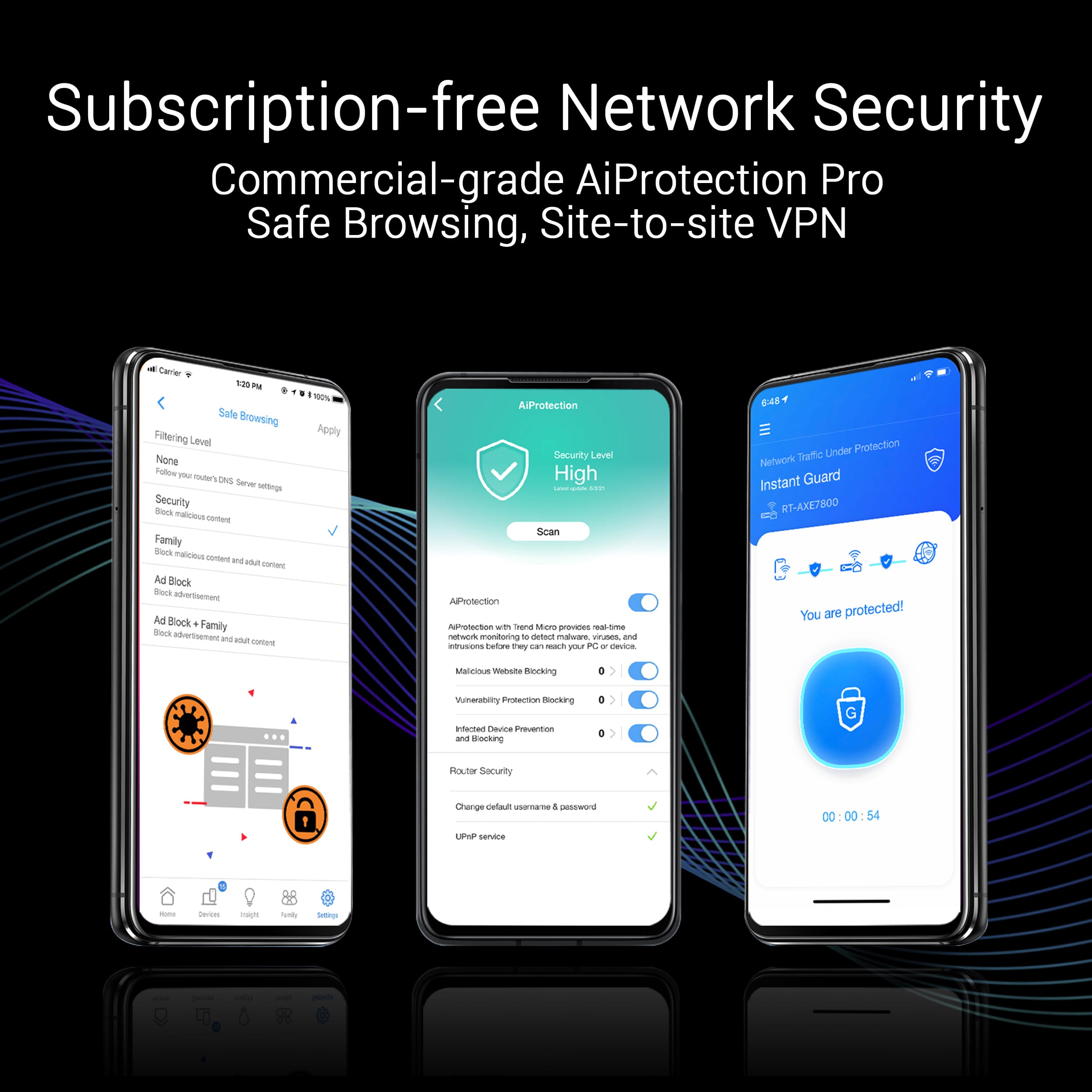
Customers recognize the ZenWiFi BE30000 Quad-Band Mesh Wi-Fi 7 System for its fast wireless speeds, amazing coverage, and strong signal strength. Many appreciate its performance and future-proofing capabilities, along with its extensive app features and inclusion of multiple VPN clients and servers. However, some customers have experienced connectivity issues with the nodes, and have found the initial setup to be difficult. A few also noted concerns about the high price.
This summary was generated by AI based on customer reviews.
Amazing wireless backhaul!
||Posted . Owned for 3 weeks when reviewed.This reviewer received promo considerations or sweepstakes entry for writing a review.Got these to replace a tri-band Orbi WiFi 6e system I bought about 3 years ago. 3200 sq ft home, no cat6 runs so I'm looking for the best possible wireless backhaul. My prior Netgear setup was decent but this quad-band mesh system totally blow the Orbi tri-band system out of the water. The wireless backhaul on this systems is crazy good. I'm getting speeds up into the range of 5-6 Gbps between 10gb capable devices attached to different satellites around 65 ft apart and on different floors of my house. Using WiFi 6e laptops I get steady 1.4 - 1.5Gbps up/down, throughout most of my house. On the only WiFi 7 capable device I own (Pixel 10 Pro) I see speeds up to 2.1 Gbps / 1.7 Gpbs up/down. Barring hardware conking out this system should satisfy my home network needs for years to come.
I would recommend this to a friendGood Mesh System, not fully backwards compatible
||Posted . Owned for 2 weeks when reviewed.This reviewer received promo considerations or sweepstakes entry for writing a review.This is a nice system if you don’t have older devices that rely on 2.4 network, the WiFi 7 was fast and easy to setup. It does have a feature that tries to make your older devices compatible but it just become too much trouble with constant dropping of devices connection . I would only recommend if you don’t have items that wouldn’t be impacted. I ended up returning mine
I would recommend this to a friendHorrible set-up and terrible 2.4 ghz performance
||Posted . Owned for less than 1 week when reviewed.This reviewer received promo considerations or sweepstakes entry for writing a review.As with the ET-12 mesh system, Asus continues their horrible implementation of adding mesh nodes.. each mesh point seems to need different coddling, number of resets, wireless vs wired connection to the main router, to set up. Took more than four hours to add five mesh points (while 6 nodes may seem a lot, covering 5700 s.f over three floors, plus a detached garage 150 away, plus a pool area 100 feet away, and have a central 14" brownstone structure, since encased by walls on either side, RF will not pass without spreading these mesh points around). Further, Asus continues to be unable to deploy a working 2.4 ghz on their mesh products. With the BE30000 finaly setup, I can rarely control any 2.4 devices, or have them reconnected to the network. I am using the same separate bands SSIDs as I am with the ET-12 (more on this in a moment though). Extremely poor implementations. Wifi 5 and 6/6e do not have this issue. Before you say "who cares about 2.4", remember that many devices to this day only use 2.4 - half of Ring's products, alarm systems, wifi wall switches, outdoor LED lights and controllers, thermostats, many wireless speaker, etc. Depending on your environment, you may have more 2.4 ghz devices than anything else. While I have more than 120 network devices in my home, anything that can be hardwired is, to number of 2.4 ghz devices is about 40. All BE30000 devices are using a hardwired back bones (2.5 gig ethernet) With my current ET-12, which I am stuck with, I have disabled the 2.4 radio completely, and installed several TP-Link 305 and 705 access points on premises (not even in a mesh environment but using the same 2.4 SSID for all and manually setting different channels for units to minimize overlap of adjacent proximity), and it works flawlessly and quickly. Again, this points to Asus implementation and 2.4 and not environment
No, I would not recommend this to a friendBrand response from ASUS Answers
Posted .Dear GBNJ,
We sincerely apologize for the issues you've faced with the router and the inconvenience caused. This is not the kind of quality to expect from ASUS products and it's not the norm. At ASUS, we take quality control, testing, and inspections seriously to ensure our products meet high standards. What you've experienced is not intentional. The decision to make a purchase can be important, and we want to ensure that our customers receive the best products and services. We understand the impression this may have created and we hope this will not be a long-term lasting impression as you have chosen ASUS as a trusted brand for excellence. Providing our customers with a high level of satisfaction is our top priority, and we'll forward your feedback to our Product Team for review.
Please allow us to make your experience with ASUS a better one. To further investigate the problems you're experiencing, we recommend contacting our support team at https://www.asus.com/us/support/CallUs.
We stand behind our products and continuously strive to improve our products and processes to achieve customer service excellence. For more information, email us at customerloyalty@asus.com and include the case number "N2406014589-0008" as a reference. We will do our best to resolve your case quickly. Your feedback is very important to us and enables us to improve our support channels. Thank you for choosing ASUS.
Best Regards,
Chantae
ASUS Customer Loyalty US Support
- Pros mentioned:PerformanceCons mentioned:Price
Great WifI 7 router, but expensive
||Posted . Owned for less than 1 week when reviewed.This reviewer received promo considerations or sweepstakes entry for writing a review.Solid ASUS AImesh router setup that supports what WiFi 7 has to offer, MLO in particular. I upgraded from a ASUS ET12 mesh setup and these units are much wider and taller, but at least they look good. Keep in mind if you're using this with a wireless backhaul, EVERY AIMesh setup I have worked with will experience dropouts when doing constant transfer workloads, like PC gaming. It's not about the bandwidth, but the constant send/receive that a node has to do. The only way is to either do an ethernet backhaul, or connect your gaming PC directly to one of the wireless nodes. Otherwise, you will get random dropouts due to a node rebooting after it drops a connection. This happens with EVERY AIMesh setup I've worked with over the last three years. Finally, I would wait for the prices to drop, these routers are expensive, but when compared to the other WiFi 7 mesh router setups, they're actually cheaper and better featured. With that being said, best to wait for the inevitable sales and price drops.
I would recommend this to a friend - Pros mentioned:Coverage
Good but kind of overpriced
||Posted . Owned for 3 weeks when reviewed.This reviewer received promo considerations or sweepstakes entry for writing a review.Initial setup is really painful. Takes a long time and multiple restarts. That being said, coverage is pretty good and it hasn't dropped as far as I can tell. At this price point you expect a better setup performance. I'm saying this because I compared it against Netgear and eero. In terms of the initial setup, eero was the best. I do like the app. And the ability to configure multiple SSIDs.
No, I would not recommend this to a friend - Cons mentioned:Firmware
So far, so good!
||Posted .This reviewer received promo considerations or sweepstakes entry for writing a review.I was a little concerned about the negative reviews, but I read the extensive review at Dong Knows Tech, and decided to take the plunge. Coming from a TP-Link BE800, which is great for the house, but not powerful enough for the yard or detached garage. My advice for anyone purchasing this is patience. For better or worse, lots of administrative operations reboot the router and its satellites, so you'll take 5-10 minutes of downtime. Plan your maintenance, this isn't one of those routers where you could, say, add a few static DHCP leases and update while others continue to use the connection. Do your setup when you expect little to no use by others in the home. Also, it's a _very_ new device. As such, the firmware on the unit might be extremely buggy, so the very first chance you get after getting the main router connected to the internet, check for and apply updates - on mine, one out of the three units needed an update out of the box. If you're having problems this is absolutely the first thing you need to do.
I would recommend this to a friend - Cons mentioned:Connectivity
Excellent Mesh system wit expansion capabikity
||Posted . Owned for 1 week when reviewed.This reviewer received promo considerations or sweepstakes entry for writing a review.For the most part I have had excellent performance from these. What I really like about the Asus mesh over other manufactures is the ability to add nodes using AiMesh compatible Asus routers there are not part of the specific Mesh system’s ecostructure. However, I have noticed a little instability with some of my IoT devices losing connection for 5-10 minutes and then regaining their connection.
I would recommend this to a friend - Cons mentioned:Connectivity
Unrealized Potential
||Posted . Owned for 1 week when reviewed.This reviewer received promo considerations or sweepstakes entry for writing a review.This mesh system is phenomenal when it works. It’s the most feature packed out of any of the WiFi 7 offerings. Issue is that often times my primary device keeps switching bands or half my home devices periodically cycle connection. This all leads me to restarting the system and everything works great for a week. Then I have to repeat the whole cycle over. There’s so much potential here but as usual, Asus ships a product that’ll need a couple updates to clean up all the bugs. Also, what is with the pricing… Way too expensive for a mesh system. Wait for a sale and updates to make this the beast it can be.
No, I would not recommend this to a friendBrand response from ASUS Answers
Posted .Dear Briggs,
Thank you for sharing your experience with the ZenWiFi, and we apologize for the problems you've encountered. At ASUS, we take quality control, testing, and inspections seriously to ensure our products meet high standards. What you've experienced was not intentional or representative of our brand. The decision to make a purchase can be important, and we want to ensure that our customers receive the best products and services. We understand the impression this may have created and we hope this will not be a long-term lasting impression as you have chosen ASUS as a trusted brand for excellence. Providing our customers with a high level of satisfaction is our top priority, and we'll forward your feedback to our Product Team for review.
Please allow us to make your experience with ASUS a better one. To further investigate the problems you're experiencing, we recommend contacting our support team at https://www.asus.com/us/support/CallUs.
We stand behind our products and continuously strive to improve our products and processes to achieve customer service excellence. For more information, email us at customerloyalty@asus.com and include the case number "N2406012043-0001" as a reference. We will do our best to resolve your case quickly. Your feedback is very important to us and enables us to improve our support channels. Thank you for choosing ASUS.
Best Regards,
Chantae
ASUS Customer Loyalty US Support
- Cons mentioned:Connectivity
Best you can get, now and for many years
||Posted . Owned for less than 1 week when reviewed.This reviewer received promo considerations or sweepstakes entry for writing a review.FIOS finally came to my neighborhood and jumped on it so I could finally leave xfinity. I have a 1500 sq ft 95 year old house with very thick plaster walls that don't play well with wifi. I previously had Asus dual band AImesh with router and 2 nodes connected backhaul with CAT 6..wonders of having a basement. I had a 4th mesh node upstairs connected wirelessly. Worked rock solid with what upload I had on xfinity. Was not sufficient for symmetrical gigabit. I initially tried the less expensive tp-link quad band but it was terrible. Most of my Ring and other 2.4 devices would not connect, or wouldn't stay connected. I spent a whole weekend trying different things to no avail. Fast forward to Monday and a day of Teams calls, macbook connected direct to tp-link and it kept going offline. I went out to BB and went with the very pricey Asus and i could not be happier. Rock solid connection throughout my house and blazing fast wifi on my wifi 6 devices. Highly recommend this setup if it's in your budget. The speedtest shown was on my Samsung Tab S10+
I would recommend this to a friend - Pros mentioned:Coverage
Easy Setup Great Performance
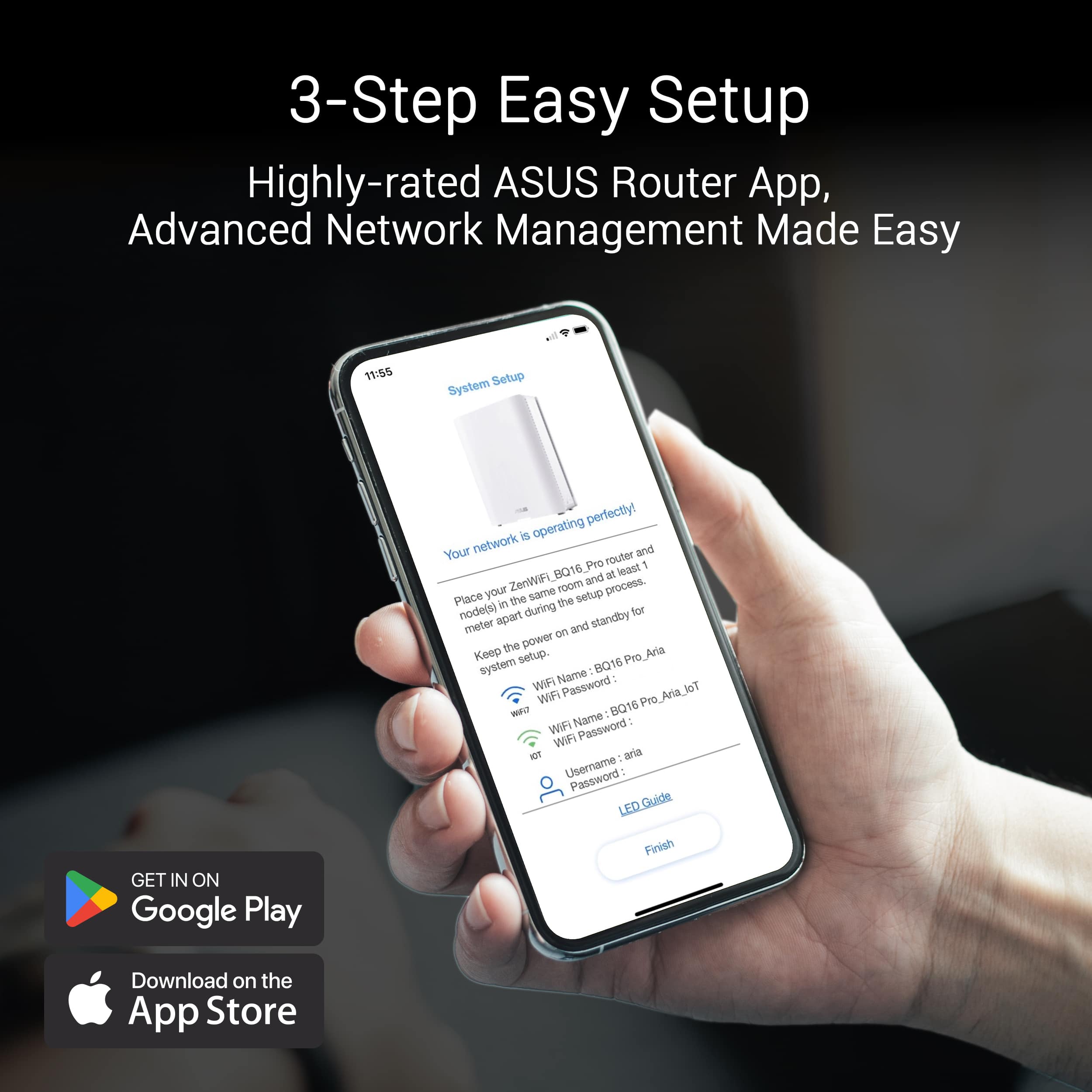
||Posted . Owned for less than 1 week when reviewed.This reviewer received promo considerations or sweepstakes entry for writing a review.The Asus Zen Mesh WiFi setup was easy. I replaced my Netgear Orbi 750 with the ZenWiFi BE30000, what a difference. The Asus Router app ran the setup successfully and I had my new network up and running with less than 20 minutes of downtime.
I would recommend this to a friend - Pros mentioned:Performance
Frustrating Mesh System
||Posted . Owned for 1 week when reviewed.This reviewer received promo considerations or sweepstakes entry for writing a review.The specs and potential are there - however, as many reviews have noted the delivery of them is not without issue. We couldn’t get legacy devices and cameras to work without defeating options that are the reason I purchased the unit. When working, it was the best experience I’ve had with a mesh wired backhaul in my home. If cost wasn’t this high, likely I would have retained and waited for updates to roll out - but, current state of product required a return.
No, I would not recommend this to a friendBrand response from ASUS Answers
Posted .Dear Hemi11,
We sincerely apologize for the issues you've faced with the ASUS ZenWiFi BE30000 and for the inconvenience caused. This is not the kind of quality to expect from ASUS products and it's not the norm. At ASUS, we take quality control, testing, and inspections seriously to ensure our products meet high standards. What you've experienced was not intentional or representative of our brand. The decision to make a purchase can be important, and we want to ensure that our customers receive the best products and services. We understand the impression this may have created and we hope this will not be a long-term lasting impression as you have chosen ASUS as a trusted brand for excellence. Our top priority is providing our customers with a high level of satisfaction, and we'll forward your feedback to our Product Team for review.
Although you have returned the router, we do stand behind our products and we continuously strive to improve our products and processes to achieve customer service excellence. If you require any further assistance, please send us an email at customerloyalty@asus.com and include the case number "N2406012043-0003" as a reference. We will do our best to resolve your case quickly. Your feedback is very important to us, and it enables us to improve our support channels. Thank you for choosing ASUS.
Best Regards,
Chantae
ASUS Customer Loyalty US Support
Nice idea, poor impleentation.
||Posted . Owned for 1 year when reviewed.This reviewer received promo considerations or sweepstakes entry for writing a review.I had nothing but troubles with this system. One thing I will say for it, the ping rates times were very fast, when it worked. I had to implement a nightly reboot because nodes would constantly crash. And, what's even more weird, when they would crash, my computers on the wired network couldn't find a different mesh unit to route to. In any case, the last problem I had caused me to return the unit. Essentially, once my internet provider had an outage, after that the routers stopped working altogether. In fact, I couldn't even factory reset them and rebind them to my account. It was just a low quality system. Their web interface was not easy to use either. It's nice they had one for more advanced stuff, but very difficult to interface with. I had a lot of problems with their VPN set up too.
No, I would not recommend this to a friendBrand response from ASUS Answers
Posted .Dear SoftwareEngineer,
Thank you for sharing your experience with the ZenWiFi BE30000. We sincerely apologize for the difficulties you encountered, including the node instability, challenges following an internet outage, and the complexity of the web interface and VPN setup. We regret that these issues ultimately led to the return of your unit, as this is not the standard of quality or reliability we strive to deliver.
Your feedback is highly valuable, and we will ensure it is communicated to our product and support teams for further review.
We stand behind our products and continuously strive to improve our products and processes to achieve customer service excellence. If you require any further assistance, please email us at customerloyalty@asus.com and include the case number "N2406014589-0012" as a reference. We will do our best to resolve your case quickly. Your feedback is very important to us, and it enables us to improve our support channels. Thank you for choosing ASUS.
Best Regards,
Chantae
ASUS Customer Loyalty US Support
- Pros mentioned:Speed
Premature release, very expensive, unreliable.
||Posted . Owned for less than 1 week when reviewed.This reviewer received promo considerations or sweepstakes entry for writing a review.I've used Asus routers and mesh for 10+ years. I stick with the brand for mesh as it is backward compatible with older units which helps keep them in service. Installing the first BE30000 was relatively straight. Adding the nodes is when things started to glitch. At the end all connected (I didn't connect any of the old ones including the ET12pro that I'm replacing to the system). Within about 20 minutes and while I'm trying to configure the system, nodes disconnected from the main unit randomly despite having the firmware updated to the May 31 version. This anomaly continued all day. What became frustrating, the signal want stable and my phone, laptop, dropped the Wi-Fi for 15-20 minutes at a time and struggle to connect. Called tech support, very nice but recommended the typical, ie, reboot, factory reset and reinstall.... This went for another several hours. I couldn't tell if this was a software or hardware issue especially that one of the nodes on and off lost Internet connection for minutes at a time(the other node didn't do that). Another strange event that I never experienced with previous models, the app will show the nodes offline, but the nodes are functioning correctly and signal intact. When I try to refresh, the nodes for real go offline. The free minutes that it connected continuously, it's actually excellent speed. I've returned it after over a day trying!
No, I would not recommend this to a friendBrand response from ASUS Answers
Posted .Dear Valued Customer,
We sincerely apologize for the connectivity issue you've faced with the router and the inconvenience caused. This is not the kind of quality to expect from ASUS products and it's not the norm. At ASUS, we take quality control, testing, and inspections seriously to ensure our products meet high standards. What you've experienced was not intentional or representative of our brand. The decision to make a purchase can be an important one, and we want to ensure that our customers receive the best products and services. We understand the impression this may have created and we hope this will not be a long-term lasting impression as you have chosen ASUS as a trusted brand for excellence. Providing our customers with a high level of satisfaction is our top priority, and we'll forward your feedback to our Product Team for review.
Although you have returned the unit, we do stand behind our products and continuously strive to improve our products and processes to achieve customer service excellence. If you require any further assistance, please send us an email at customerloyalty@asus.com and include the case number "N2405039106-0002" as a reference. We will do our best to resolve your case quickly. Your feedback is very important to us, and it enables us to improve our support channels. Thank you for choosing ASUS.
Best Regards,
Chantae
ASUS Customer Loyalty US Support
Almost, but not quite.
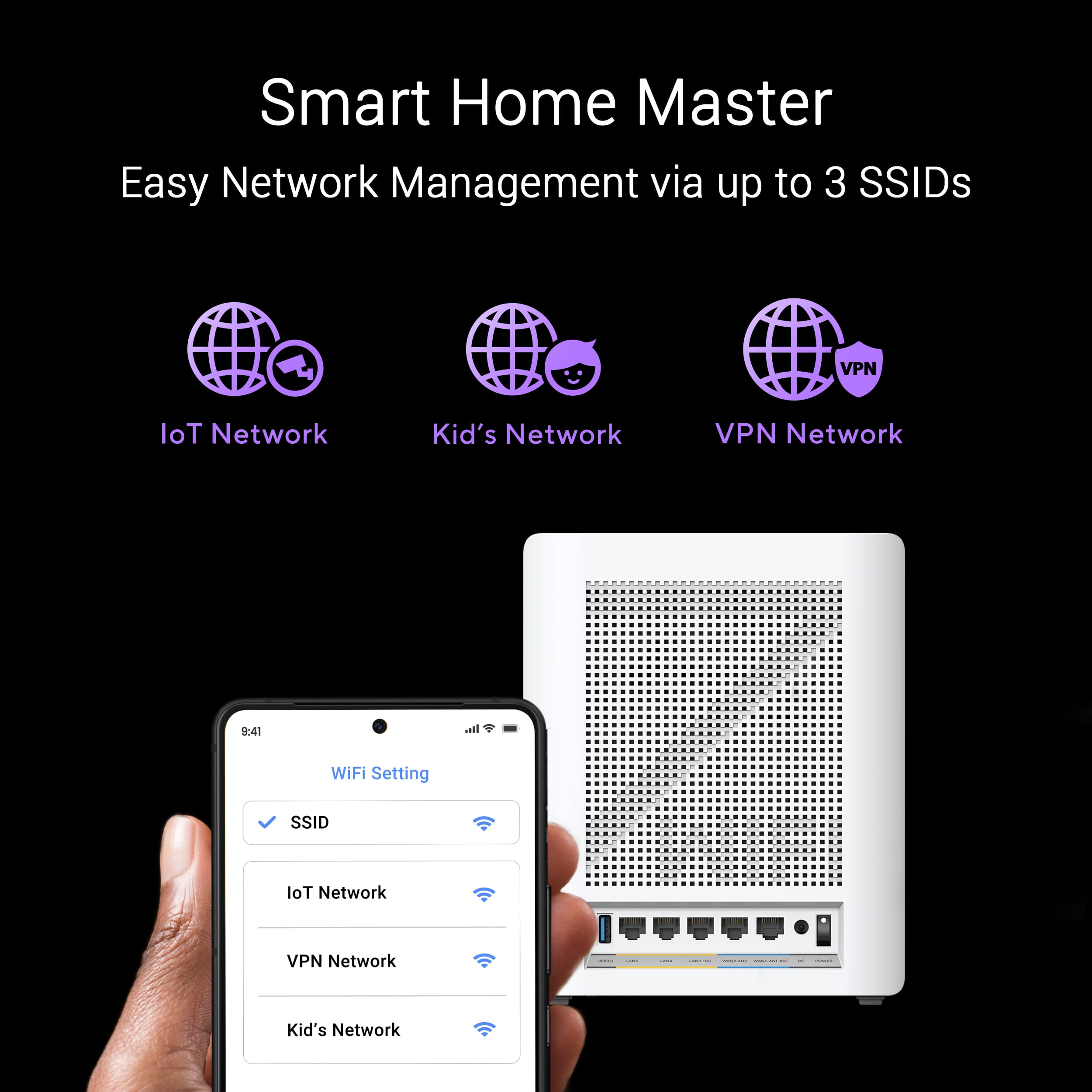
||Posted . Owned for less than 1 week when reviewed.This reviewer received promo considerations or sweepstakes entry for writing a review.I had an existing 9 mesh node system from a different vendor, very reliable but dated (wifi 5), and I bought 3 sets of 3 of these to replace it (this spans across 3 buildings on a 5 acre lot, with a mix of fiber and UTP between the nodes). I have a separate, standalone router, so I need "AP mode" to avoid double-NAT and maintain my existing DHCP settings for all my devices. This is my second time attempting to replace these devices; the prior attempt, about a year earlier, was a wifi 6E solution from another vendor; a couple of nodes would accept any not properly handle 2.4GHz clients, while others were fine; there were inconsistencies in the node logs and I could not resolve it with that vendor (it seemed to be a software bug), so I returned them. The ZenWifi BE30000 setup almost works. As I expected from reviews, I had to join each device to the main device (around 8 minutes) then do a firmware update on each device (around 3 minutes), I used a wired connection right next to the main device to do this, then moved them all into their wired locations. I had to go to all my thermostats, remove them from the wall and remove the batteries, and plug them back in, then they joined the new network. Most of my other devices (a diverse set of over a hundred wifi clients) just continued to work (some took a few hours to come back online for one reason or another, but didn't require manual intervention). Unfortunately, I have around half a dozen irrigation controllers which are particularly picky about wireless. I haven't managed to get them connected yet, and I don't have a good option to replace them with something else (a separate frustration: I'd love to use Hunter irrigation controllers for the whole property, but I object to paying to be a 'contractor' just to cover the devices in my home, and their 'free' service only permits 3 devices). They're located all over my property so I do want them to connect to my main routers, and not set up a second mesh competing for spectrum. The 'guest' network seemed like the right solution, setting up an IoT network with WPA2 and 2.4GHz. But, it doesn't actually work with AP mode. Specifically: it puts the devices in a separate VLAN (I tried selecting VLAN 1 for the guest network to put them in the default VLAN, but it didn't work as desired). Since they're in a separate VLAN, they can't see the DHCP server and gateway. There is no 'VLAN' configuration on the web interface in AP mode, so I can't set up the guest network to be useful. I'd be fine with the ASUS device being the 'router' (providing DHCP & NAT) for the 'guest' (IoT) network, or if I could make the uplink of the main router a VLAN trunk (or if it is already, it would be great if it could tell me that somewhere in the UI). I don't know if the lack of config options is because the Best Buy BE30000 isn't "Pro" (a lot of the docs talk about pro options, and they don't seem to be in the UI), or because I am in AP mode, but it's not good whatever the cause, and if I can't get my irrigation controllers online, I may end up returning all 9 BE30000 nodes and going back to my long wait for a viable replacement to my existing mesh network.
No, I would not recommend this to a friendBrand response from ASUS Answers
Posted .Hi David,
We sincerely apologize for the issues you've faced with your ZenWifi BE30000 and the inconvenience caused.
We want more information regarding your problem and would like logs to analyze your issues.
Can you help submit it for us?
This can be done via the WEBGUI:
Please go to Administration ==> Feedback (Please make sure System Log, Setting FIle, 3G/4G Log, and WIFI log is enabled)
under comment section please also give us the following information:
1. The MAC and the model name of the devices having the issues.
2. Also, can you please explain your requirements and usage?
Do you want to connect the IoT devices to the same subnet with the main network? Or do you want to setup VLAN? Please provide details of the situation you want to setup up as.
Thank you for choosing ASUS.
Best Regards,
Justin
ASUS Customer Loyalty US Support
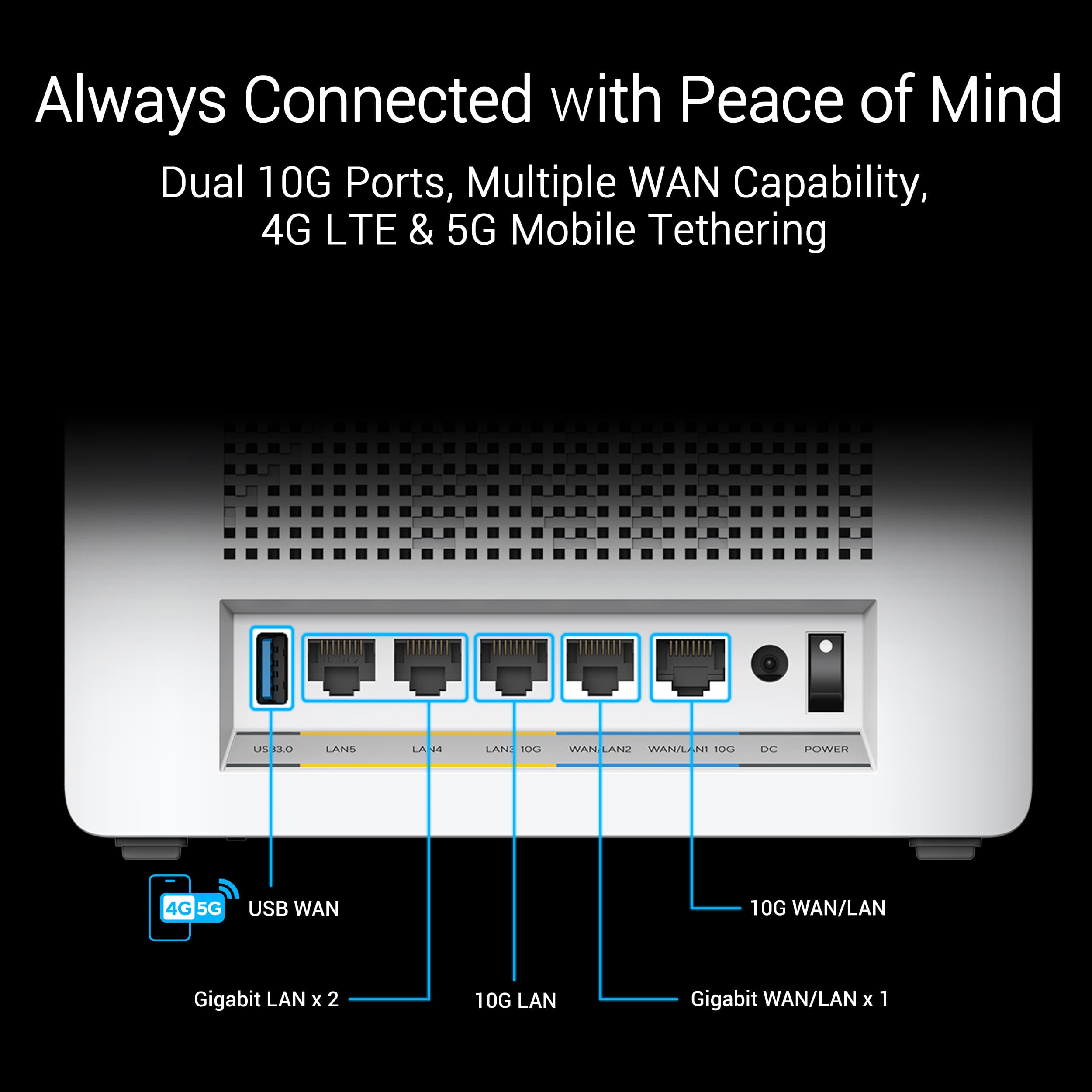
High end/price but near endgame with 10GWAN/LAN/6G
||Posted . Owned for 6 months when reviewed.This reviewer received promo considerations or sweepstakes entry for writing a review.Using them as mesh node with my Asus ROG BE98 Pro. Using them in wired 10G backhaul. Fairly reliable. I've had to restart one of them occasionally when no device would pair to it.
I would recommend this to a friendGreat - if you can get it to work
||Posted . Owned for 1 month when reviewed.This reviewer received promo considerations or sweepstakes entry for writing a review.The thing is, when it works, it's five-stars and great ASUS performance. (I'm a fan of their products for years.) But it took hours and a call to tech support to get it up and running, and then a month later it crashed for some reason, and the only way to reconnect was to do factory resets, over and over. It's great when it works, but in the end, I had to return it. Maybe I just had a lemon, but other reports suggest that this is a firmware update problem.
No, I would not recommend this to a friendBrand response from ASUS Answers
Posted .Dear Islander,
Thank you for sharing your experience with the ASUS ZenWiFi BE30000. We apologize for the setup and stability issues you encountered, and we understand how frustrating it must have been to require multiple factory resets. We regret that the situation led to a product return, and we appreciate your long-standing support of ASUS. Your feedback will be shared with our product and firmware teams for further review.
We stand behind our products and continuously strive to improve our products and processes to achieve customer service excellence. If you require any further assistance, please email us at customerloyalty@asus.com and include the case number "N2406012043-0008" as a reference. We will do our best to resolve your case quickly. Your feedback is very important to us, and it enables us to improve our support channels. Thank you for choosing ASUS.
Best Regards,
Chantae
ASUS Customer Loyalty US Support
- Cons mentioned:Connectivity
Several Issues Very Disappointed and Returned
||Posted . Owned for 3 months when reviewed.This reviewer received promo considerations or sweepstakes entry for writing a review.Do yourself and favor and don’t buy this. Bought to upgrade from an ASUS WiFi 5 system, but it was not stable and my family complained of issues with it. Tried several troubleshooting steps, but for this kind of money I felt it should be flawless and returned it and plugged old WiFi 5 system back in. Has really put me off of considering another ASUS system. Issues: 1. Once a week in the middle of the night the no internet connection red light would come on despite cable modem having internet service. Would have to restart it and cable modem several times to finally get it to say internet connection available and WiFi working. Old WiFi system connected just fine to the modem during process of troubleshooting whereas this one wouldn’t. 2. Ring battery cameras would connect for 15 minutes, then could never get them to connect again to the WiFi. No issues with our older WiFi system or when turning on cable modem WiFi with the Ring battery cameras connecting to them. 3. My wife’s work laptop, my work laptop, and my personal laptop weird disconnects and sometimes Teams meeting would be fine, but at same time as Teams meeting other internet items like Outlook email and web browsing wouldn’t work. 4. Buffering was bad when streaming even for devices directly wired into the main router. My son complained on his iPad that the buffering was awful. 5. Restarting it took forever when trying to troubleshoot.
No, I would not recommend this to a friendBrand response from ASUS Answers
Posted .Dear Allsmiles,
We sincerely apologize for the connectivity issue you've faced with the ZenWiFi BE30000 and for the inconvenience this has caused you. What you've experienced was not intentional or representative of our brand. Your feedback is greatly appreciated and will be passed to our Product Team for review.
Although you have returned the router, we stand behind our products and continuously strive to improve our products and processes to achieve customer service excellence. If you require any further assistance, please email us at customerloyalty@asus.com and include the case number "N2405039106-0023" as a reference. We will do our best to resolve your case quickly. Your feedback is very important to us, and it enables us to improve our support channels. Thank you for choosing ASUS.
Best Regards,
Chantae
ASUS Customer Loyalty US Support
- Pros mentioned:Speed

ASUS gets the job done
|Posted . Owned for 2 weeks when reviewed.This reviewer received promo considerations or sweepstakes entry for writing a review.[Employee of bestbuy] While the instalation process was a bit rocky, the router has exceeded my expectations so far. I used to own their XT8 model and wsas ranging from 570-600ish Mbps (mind you, I pay for gigabit). Now it really crossed those speeds and very very consistantly. While Wi-Fi 7 still has their growing pains, their promise of a more consitent and powerful technology seems to be a reality
I would recommend this to a friend - Pros mentioned:Range
Great for anyone with a 5gb internet connection
||Posted . Owned for 1 week when reviewed.This reviewer received promo considerations or sweepstakes entry for writing a review.I love this mesh system. I previously had the Deco BE95. This one has so many features that the Deco didn't, plus no subscription fees. Setup was super easy, the range is really good, and the wireless speeds are fast. I downloaded the latest firmware and haven't had any issues as of yet. Highly recommend.
I would recommend this to a friend - Pros mentioned:Performance, Range
One of the best Mesh WiFi 7 systems
||Posted . Owned for 3 weeks when reviewed.This reviewer received promo considerations or sweepstakes entry for writing a review.Excellent mesh WiFi 7 system. The Bq30000 provides me with a significant improvement to range and performance for my IoT and other devices throughout the house.
I would recommend this to a friend