Customer Ratings & Reviews



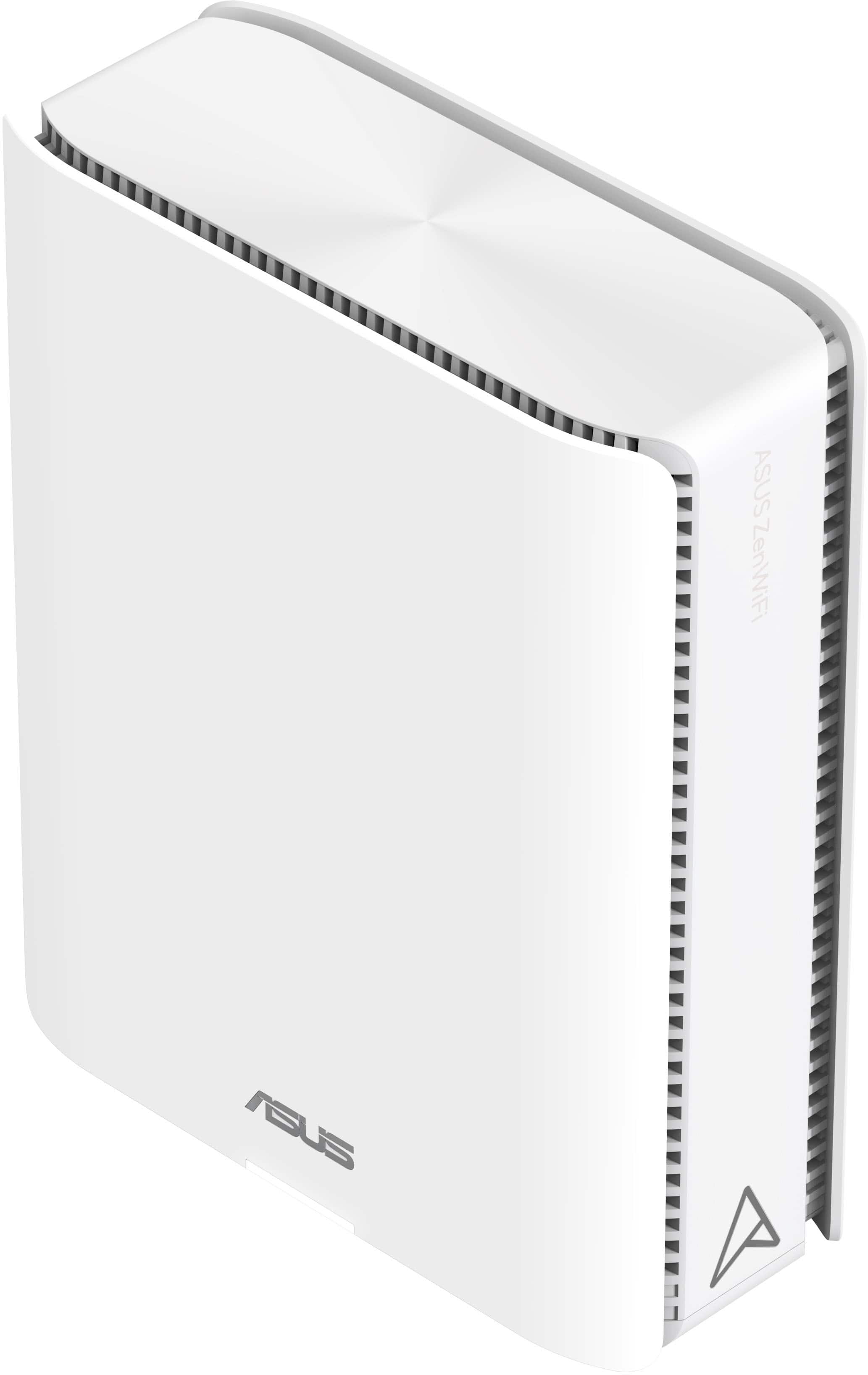
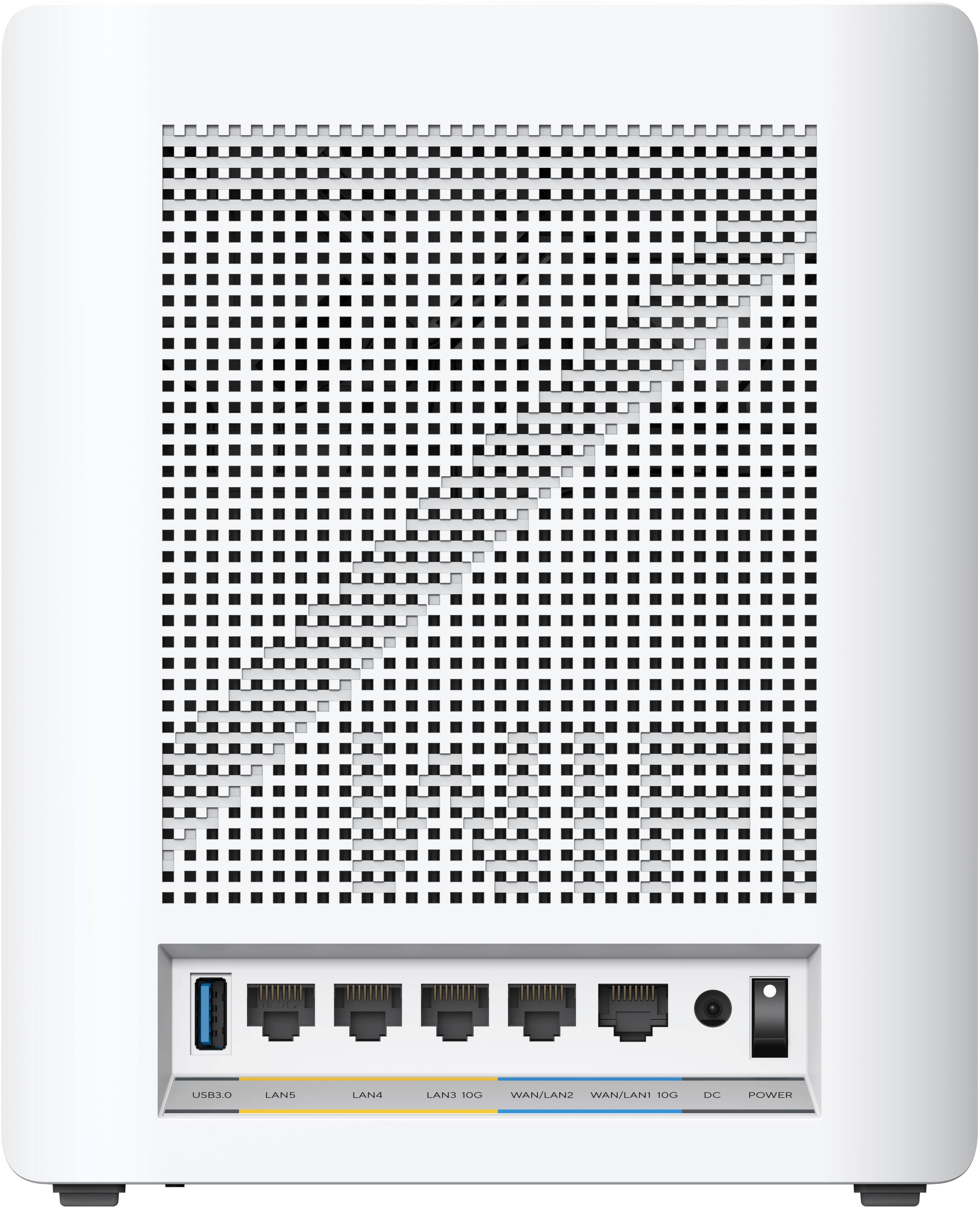
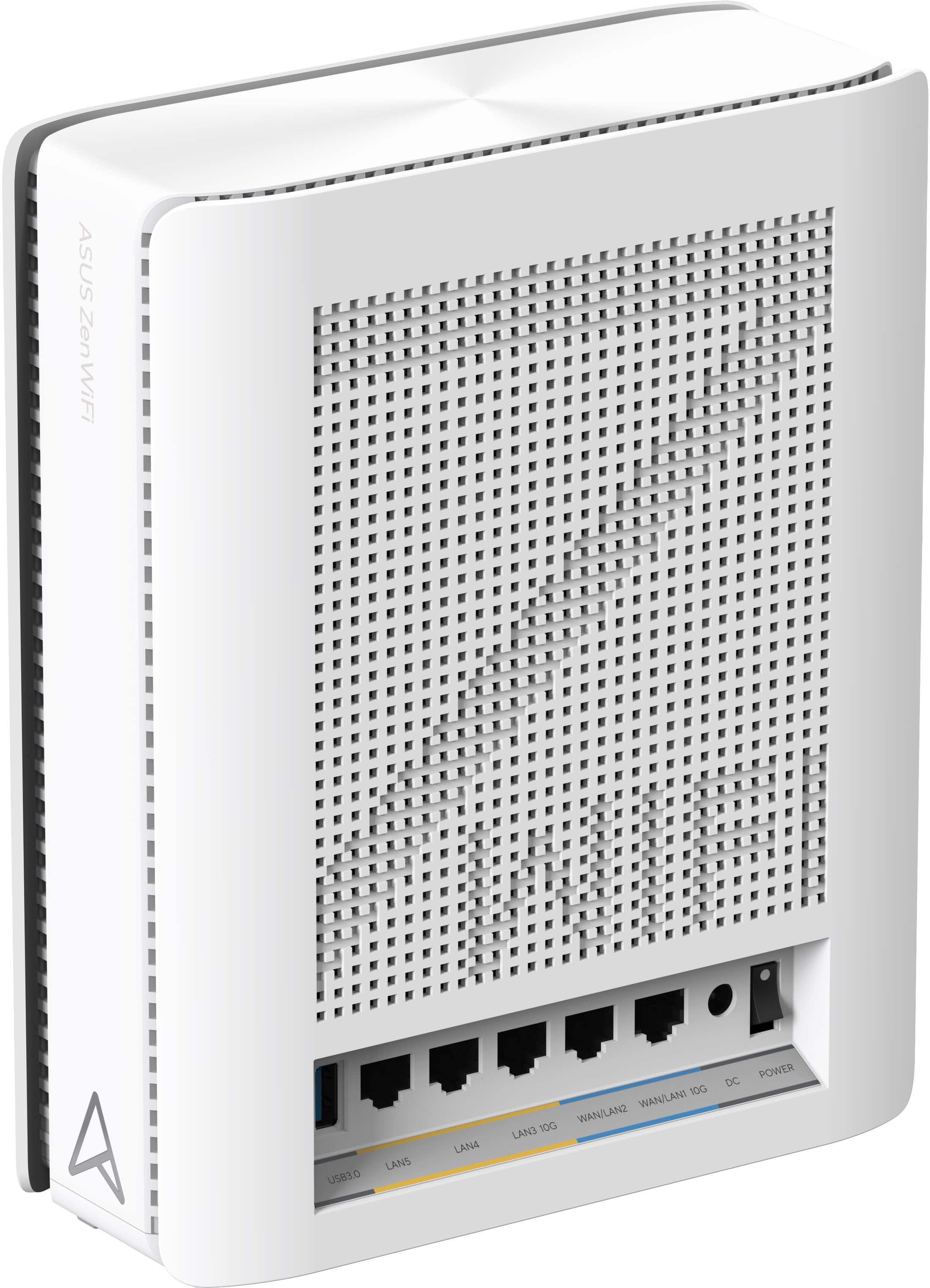
- Model:
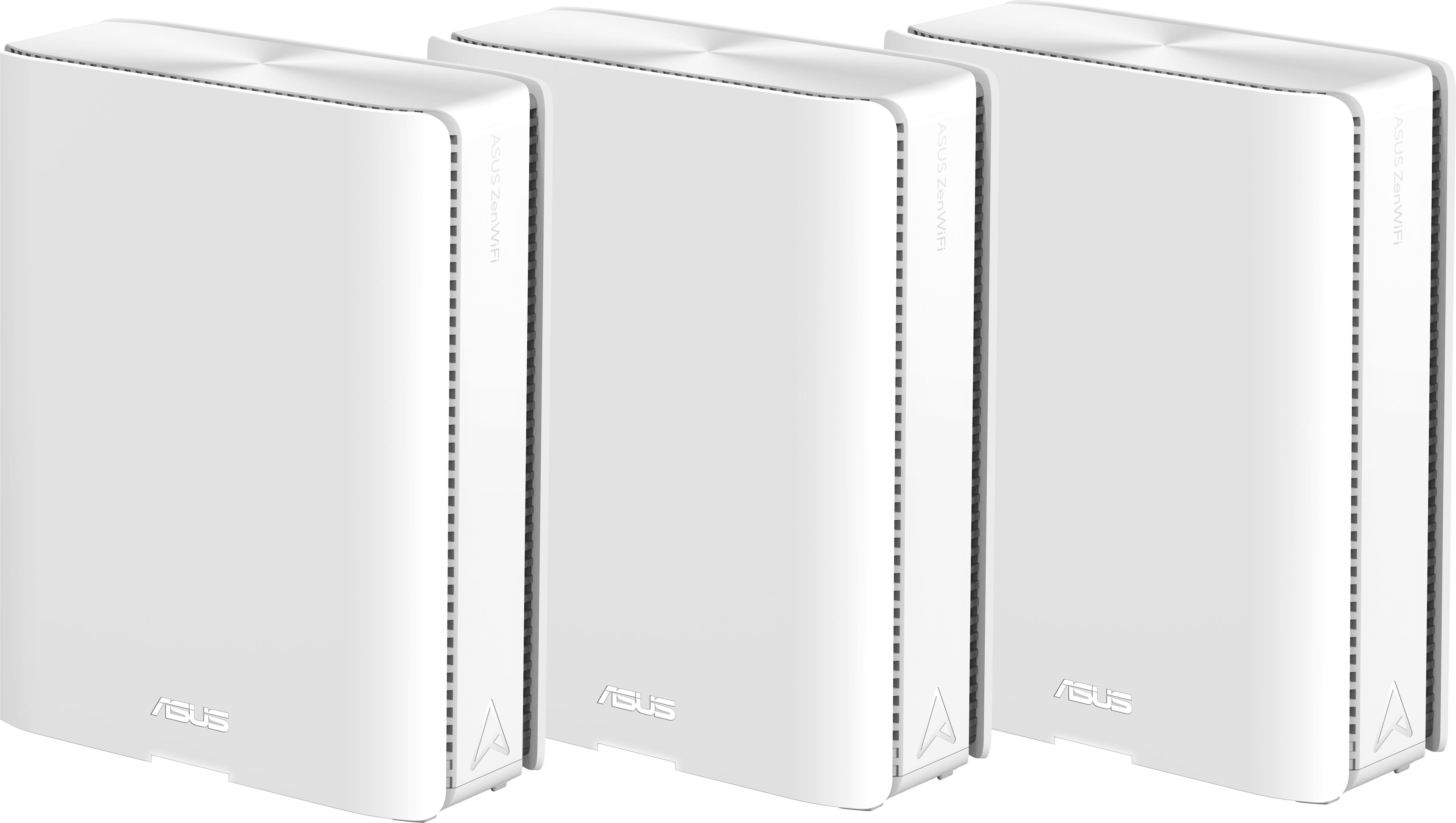
- ZenWiFi BE30000
- SKU:
- 6578392
Rating by feature
- Setup
Rating 3.6 out of 5 stars
- Range
Rating 4.3 out of 5 stars
- Signal Strength
Rating 4.3 out of 5 stars
Customers are saying
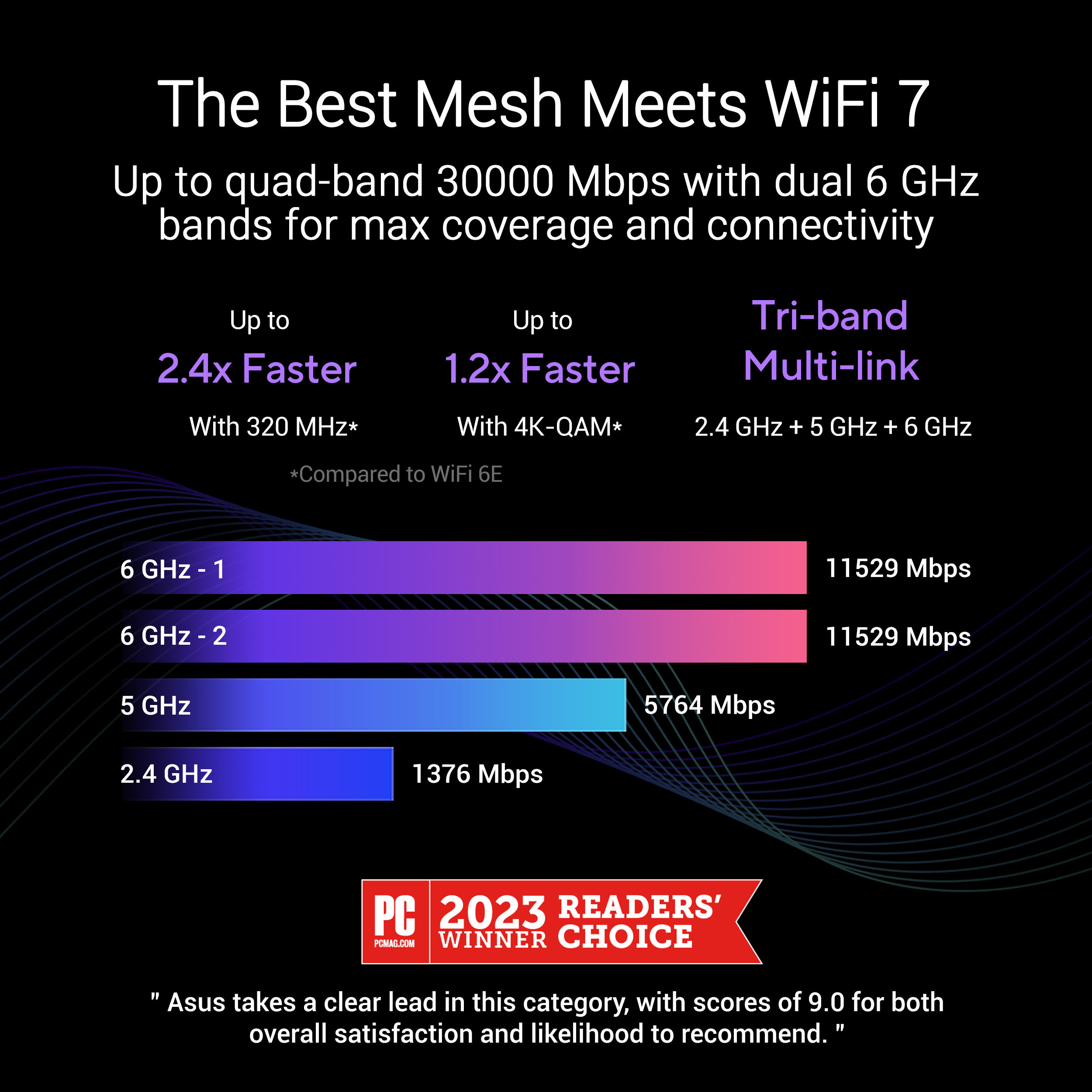
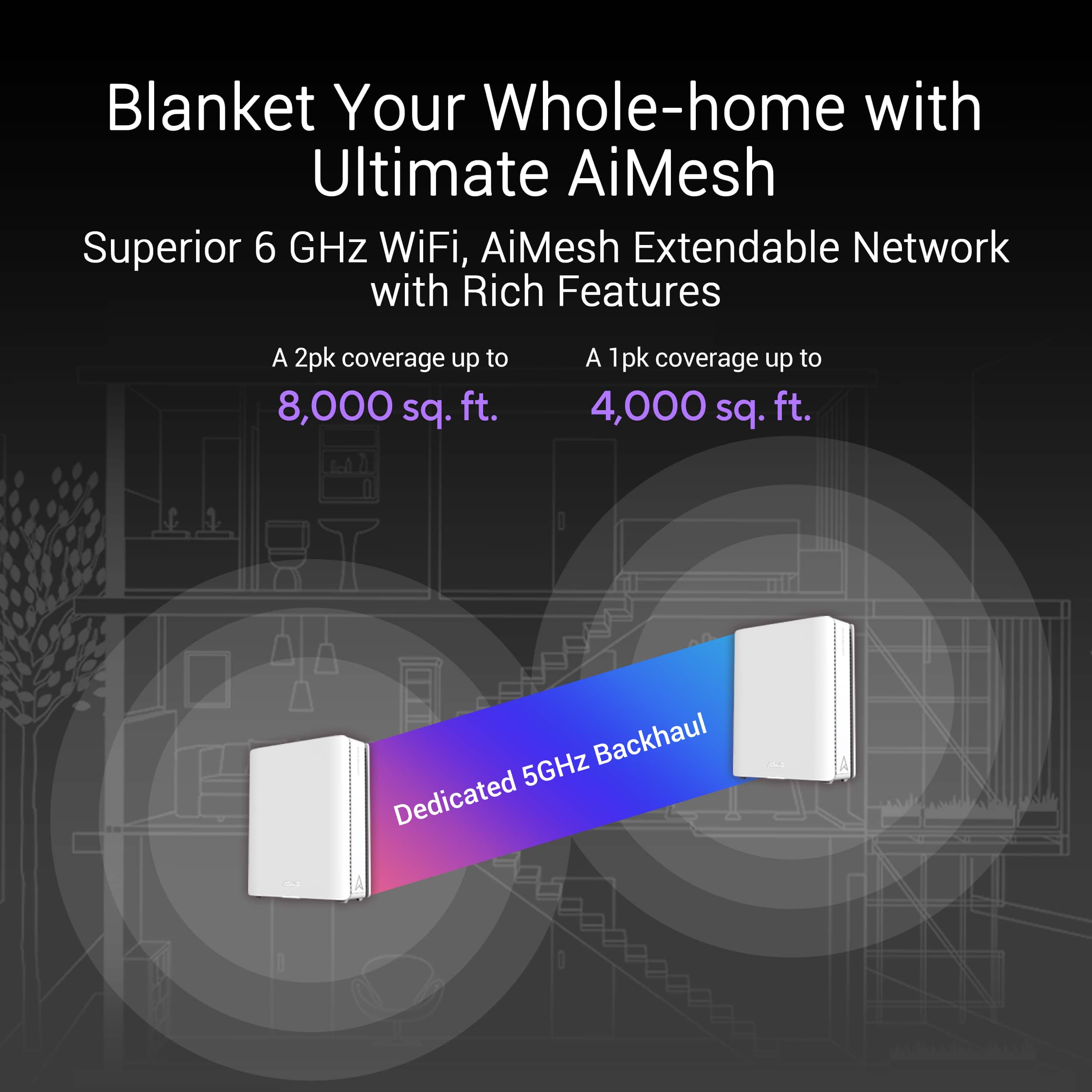
Customers recognize the ZenWiFi BE30000 Quad-Band Mesh Wi-Fi 7 System for its fast wireless speeds, amazing coverage, and strong signal strength. Many appreciate its performance and future-proofing capabilities, along with its extensive app features and inclusion of multiple VPN clients and servers. However, some customers have experienced connectivity issues with the nodes, and have found the initial setup to be difficult. A few also noted concerns about the high price.
This summary was generated by AI based on customer reviews.
- Cons mentioned:Connectivity
Beta status. Wait a few months or even a year.
||Posted . Owned for less than 1 week when reviewed.This reviewer received promo considerations or sweepstakes entry for writing a review.This is not my first time setting up an ASUS mesh system. Previous systems have been flawless in setup and connectivity, with performance only degrading over time as expected with most electronics. However, I have had this unit for only a few hours, and it has been problematic. While the main router set up quickly and easily, the nodes keep disconnecting and reconnecting, causing my wifi devices to switch from the node to the main router. Additionally, one of the nodes would not update via wireless backhaul, requiring a connection with an ethernet cord to update. I have already factory reset all three devices three times, but the nodes continue to reconnect intermittently.
No, I would not recommend this to a friendBrand response from ASUS Answers
Posted .Dear Itsj,
We sincerely apologize for the connectivity issue you've faced with the ZenWiFi and the inconvenience caused. This is not the kind of quality to expect from ASUS products and it's not the norm. At ASUS, we take quality control, testing, and inspections seriously to ensure our products meet high standards. What you've experienced was not intentional or representative of our brand. The decision to make a purchase can be an important one, and we want to ensure that our customers receive the best products and services. We understand the impression this may have created and we hope this will not be a long-term lasting impression as you have chosen ASUS as a trusted brand for excellence. Providing our customers with a high level of satisfaction is our top priority, and we'll forward your feedback to our Product Team for review.
Please allow us to make your experience with ASUS a better one. To troubleshoot the issue described, we recommend following the steps in the FAQ below. Should the issue persist, don't hesitate to get in touch with the place of purchase for an exchange or return if you are still within the window. Please rest assured that if you cannot gain resolution when contacting the place of purchase, we will gladly provide further assistance.
We stand behind our products and continuously strive to improve our products and processes to achieve customer service excellence. For more information, email us at customerloyalty@asus.com and include the case number "N2405039106-0001" as a reference. We will do our best to resolve your case quickly. Your feedback is very important to us and enables us to improve our support channels. Thank you for choosing ASUS.
Best Regards,
Chantae
ASUS Customer Loyalty US Support
https://www.asus.com/support/faq/1030641/
- Pros mentioned:Signal strength
Dud Out Of The Box
||Posted . Owned for less than 1 week when reviewed.This reviewer received promo considerations or sweepstakes entry for writing a review.Received the Asus 3-pack BE30000 today. As soon as I went through the setup process it failed. Reset the maint router unit and this time it completed the setup and even prompted to upgrade to a newer firmware. As soon as that was completed the router was online. Using the Asus app, I could see all of my devices started to go online. I have several (7 of them) 6-outlet smart power strips that I use to connect various equipment. Immediately they all started to flicker. I could hear the relays in the power strips clicking on and off continously. Initially I thought that my new 85 inch Sony TV was going bad when it began restarting several times. And many aquarium pumps started to click and turn on and off. Immediately I powered off this Asus BE30000 router and eveything stayed calm. Luckily I also ordered Orbi 970 and was delivered last night. I removed the Asus and hooked up the Orbi 970 3-pack with 2 satellites and 1 main unit. The installation although a little slow went without a hitch. None of the smart power strips had any clicking issue. All in all my 73 devices are happy now. I even spoke with Asus tech support with no solution. I even tried adding the satellites but without success. I have used Asus routers and their MBs for over 20 years and this is the first time I’ve encountered a dud. Not sure if anyone has experienced like this. The units are back in the box to be returned. Orbi costs a grand more than the Asus but it seems to be a more powerful unit with a strong signal all around the house. Previously I was using the 4-pack eero 7 Max. But the signal would intermittently dropout. My Nest doorbell wired would disconnect or sometimes take a longtime to connect. With Orbi 970 the signal is strong and I can see the doorbell camera everytime. I could try buying another Asus 3 pack BE30000 but at this point I am not confident.
No, I would not recommend this to a friendBrand response from ASUS Answers
Posted .Dear Techie,
Thank you for your comment.
We do understand your disappointment with the product and the inconvenience this may have caused if you are experiencing connection problems. To resolve the unstable connection, please verify if the routers' settings matches with your ISP's modem security credential. Check if the routers are within 30 feet to the ISP's modem, if not wired with a network cable, and ISP's internet service or connection is working properly or stable. Legacy devices may not work properly with WIFI-7, please check updates for these devices. Also, try connecting this manually to either 2.4GHz or 5GHz. Try resetting the router and check if the configurations of these devices are correct in reference to your ISP's modem. Also, we recommend updating the routers' firmware if it is running with an older version. Firmware is available for download at: https://www.asus.com/us/networking-iot-servers/whole-home-mesh-wifi-system/zenwifi-wifi-systems/asus-zenwifi-be30000/helpdesk_bios?model2Name=ASUS-ZenWiFi-BE30000 . Should you need further assistance with the product, please email me at cl-rodel@asus.com and I would be more than happy to help. Or, you are most welcome to call Product Support Hotline at: 1(888) 678-3688. Also, you can chat with an ASUS live support agent from the link: https://www.asus.com/us/support/article/1135/.
Thank you for choosing an ASUS product.
Regards,
Rodel
ASUS Customer Loyalty
- Pros mentioned:Coverage
Great product
||Posted . Owned for 1 month when reviewed.This reviewer received promo considerations or sweepstakes entry for writing a review.It can cover a 5000sqft house without dead spots, also can link cameras on the outside and it is amazing, I have more than 100 devices working flawlessly
I would recommend this to a friend - Pros mentioned:Coverage
Great wifi 7 setup
||Posted . Owned for 2 weeks when reviewed.This reviewer received promo considerations or sweepstakes entry for writing a review.Works great, covers the square footage it claims. Wifi 7 runs great. Make sure you update your firmware.
I would recommend this to a friend I love this Asus Router!
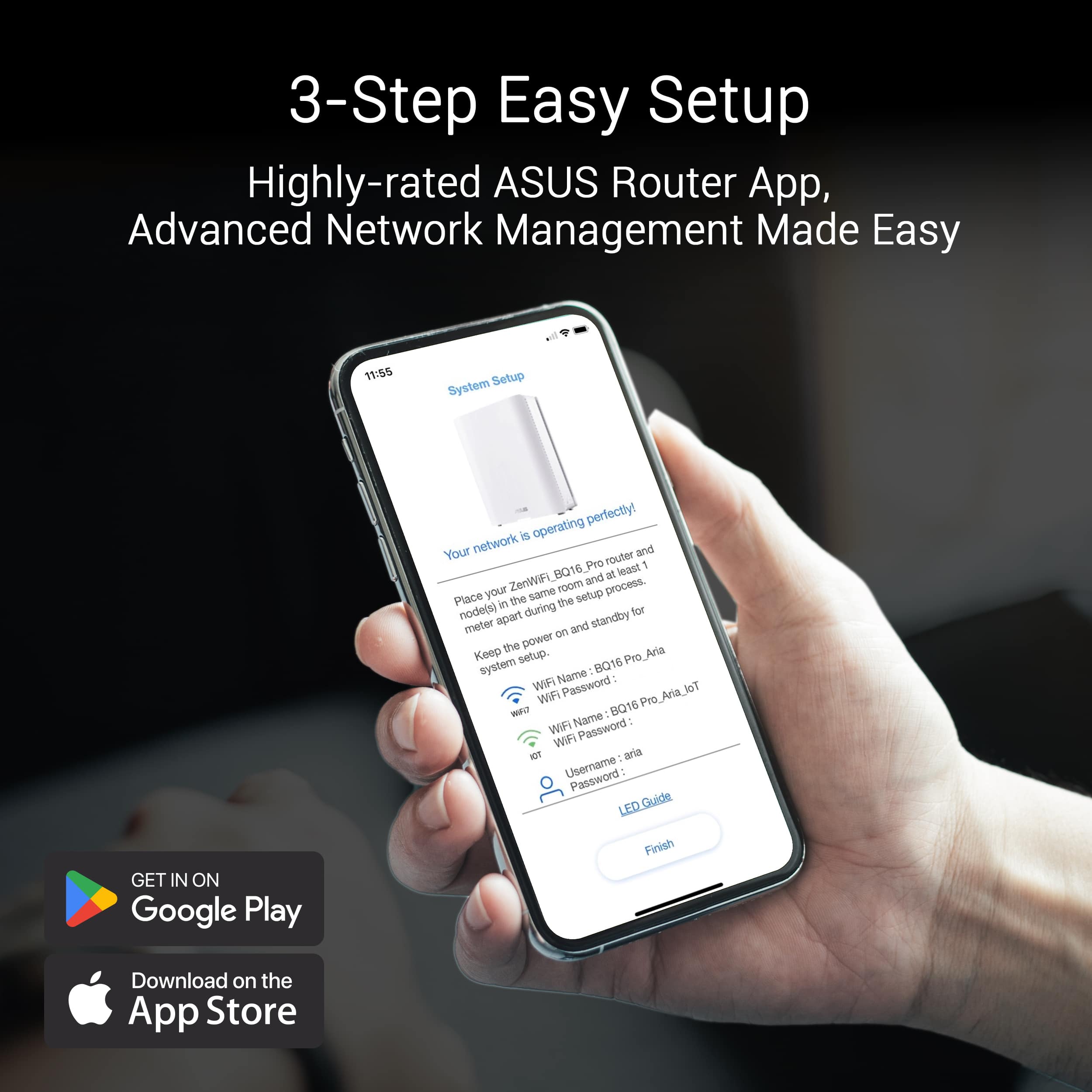
||Posted . Owned for 3 months when reviewed.This reviewer received promo considerations or sweepstakes entry for writing a review.Setup was reasonably straight-forward. The “main router”/nodes arrived labeled, and ASUS’s web interface walked me through getting everything up and running. LED indicators, node placement, etc., all worked pretty much as described. What I love about this is that it has a strong set of features and customization. ASUS’s firmware (ASUSWRT / AiMesh / AiProtection etc.) gives you lots of control: guest networks, SSID segmentation, detailed traffic settings. Lastly, coverage is excellent. In my house, the nodes delivered strong signal in rooms that previous routers/mesh setups couldn’t reach reliably. No more dead spots near the kitchen or upstairs bedrooms.
I would recommend this to a friend- Pros mentioned:Coverage
Great
||Posted .This reviewer received promo considerations or sweepstakes entry for writing a review.Don’t hesitate about this item, simply solve my coverage issues for a three floor home 10 users. I try several mesh systems and brands . But this are the best….
I would recommend this to a friend - Cons mentioned:Price
Happy with purchase
||Posted . Owned for 2 weeks when reviewed.This reviewer received promo considerations or sweepstakes entry for writing a review.It's a good mesh system, although pricey to say the least. It took me a couple of hours to set everything up to my liking because it needs to reboot for a couple of minutes each time after you change certain settings, but once I got everything set up to my liking, everything seems pretty reliable.
I would recommend this to a friend - Pros mentioned:Performance
Software seems to be finally fixed
||Posted .This reviewer received promo considerations or sweepstakes entry for writing a review.Tried again after a year. Once software is fixed, everything works fine.
I would recommend this to a friend So fast, never drops.
||Posted .This reviewer received promo considerations or sweepstakes entry for writing a review.My old router I could get 800 tops on my phone with 1.2Gb service. With this router I'm getting 1.6Gb at my phone, better than my ISP said. I'm regularly getting 1.6 out of it now. The original firmware was crap but as soon as it updated it's been great. The whole house is now covered, the wireless backhaul means speed doesn't drop at the nodes. Love it.
I would recommend this to a friendDisappointed
||Posted . Owned for 1 month when reviewed.This reviewer received promo considerations or sweepstakes entry for writing a review.I've had this for two months now and my connections are constantly dropped. The IoT network doesn't work half the time and there is constant lag/delay for the MIMU feature.
No, I would not recommend this to a friendBrand response from ASUS Answers
Posted .Dear Saum ,
We regret to learn that you are experiencing connectivity issues. To troubleshoot this issue, we recommend following the steps in the FAQ below. Should the issue persist, please contact our support team at https://www.asus.com/us/support/CallUs to further investigate the problem or assist with repairing the device.
We stand behind our products and continuously strive to improve our products and processes to achieve customer service excellence. For more information, email us at customerloyalty@asus.com and include the case number "N2605008967-0001" as a reference. We will do our best to resolve your case quickly. Your feedback is very important to us and enables us to improve our support channels. Thank you for choosing ASUS.
Best Regards,
Schottky
ASUS Customer Loyalty US Support
FAQ-[Wireless Router] How to improve Wi-Fi Connection https://www.asus.com/us/support/faq/1047919/
Promo Win: Speedy Setup, Solid Signal
||Posted .This reviewer received promo considerations or sweepstakes entry for writing a review.Picked this up during a promotional deal and couldn’t be happier. The setup was straightforward, and the Wi-Fi connection has been consistently stable and impressively fast. No issues so far — it’s handled multiple devices and streaming without a hitch—definitely a worthwhile upgrade, especially at the promo price.
I would recommend this to a friendBEST MESH WIFI SYSTEM!!
||Posted . Owned for 2 weeks when reviewed.This reviewer received promo considerations or sweepstakes entry for writing a review.The best mesh wifi system! I've had Velop and Orbi 970 before this and constant problems with both. I bought this and all problems have went away. Constant disconnects and devices not transferring to the closet node with the other two systems. Everything is great with this ASUS BE30000 mesh system
I would recommend this to a friendOne unit DOA, very buggy app and firmware
||Posted . Owned for less than 1 week when reviewed.This reviewer received promo considerations or sweepstakes entry for writing a review.Right off the bat, a single unit when plugged in would emit a very high pitched screeching noise. Tried to update firmware but it would constantly freeze on that unit. Main unit and other node seemed to work ok. But constant cutouts in wifi, extremely slow 2.4ghz speeds on IOT network mean that wifi cameras don't work. IOT network cuts out constantly. Resulting in inability to view said cameras. IOT network isn't even separated from the main network which makes the whole security point of the IOT network worthless. Not for sure what the point is, especially coupled with the very poor 2.4gh Every time you change an option the entire house wifi cuts out for minutes. On multiple occasions changing unrelated settings would make the router stop broadcasting the IOT and MLO guest networks. Plenty of other bizarre limitations Extremely poor documentation that doesn't match the actual options. For instance the documentation talks about options you can select that don't even exist. All this in an extremely expensive unit is unjustifiable. I REALLY wanted to like this unit as it includes things for free that Netgear and others charge money for. The UI is also very nice on the web. But it's not worth it at all. They shipped these units with very little quality control and with very buggy firmware. Might be worth the hassle at a 500 dollar price point but oof.
No, I would not recommend this to a friendBrand response from ASUS Answers
Posted .Dear Darkstar45,
We sincerely apologize for the issues you've faced with the ASUS ZenWiFi BE30000 and for the inconvenience caused. This is not the kind of quality to expect from our products and it's not the norm. We understand the impression this may have created and we hope this will not be a long-term lasting impression as you have chosen ASUS as a trusted brand for excellence. Please allow us to make your experience with ASUS a better one.
To further investigate the problems you're experiencing or to obtain assistance with getting the device repaired, we recommend contacting our support team at https://www.asus.com/us/support/CallUs.
We stand behind our products and continuously strive to improve our products and processes to achieve customer service excellence. For more information, email us at customerloyalty@asus.com and include the case number "N2406014589-0009" as a reference. We will do our best to resolve your case quickly. Your feedback is very important to us and enables us to improve our support channels. Thank you for choosing ASUS.
Best Regards,
Chantae
ASUS Customer Loyalty US Support
- Pros mentioned:Speed
Fast and Reliable
||Posted . Owned for 3 weeks when reviewed.This reviewer received promo considerations or sweepstakes entry for writing a review.The system has been solid with fast speeds. I’ve had no disconnection issues. I did need to create a dedicated 2.4 network for devices that only support 2.4.
I would recommend this to a friend - Cons mentioned:Connectivity
3.0.0.6.102_36741 firmware
||Posted . Owned for 3 months when reviewed.This reviewer received promo considerations or sweepstakes entry for writing a review.Complete reset and a 3.0.0.6.102_36736 firmware fixed all my issues, no issues wiht aple devices now . Didnt see a drop in connection for a week now
I would recommend this to a friend - Pros mentioned:Speed
Excellent Mesh WiFi system
||Posted . Owned for 1 week when reviewed.This reviewer received promo considerations or sweepstakes entry for writing a review.I am using these behind an Asus Router in AiMesh mode, and the range and speeds are incredible! I am very satisfied with this purchase.
I would recommend this to a friend AWESOME
||Posted . Owned for 1 month when reviewed.This reviewer received promo considerations or sweepstakes entry for writing a review.I got this to improve my QUAD BAND router and it is excellent. I have 7 WiFi all over the house yard maximum strength and no weak spots. This with the ASUS BE 98 PRO have been the best system I have encountered.
I would recommend this to a friendNot what I expected for the price
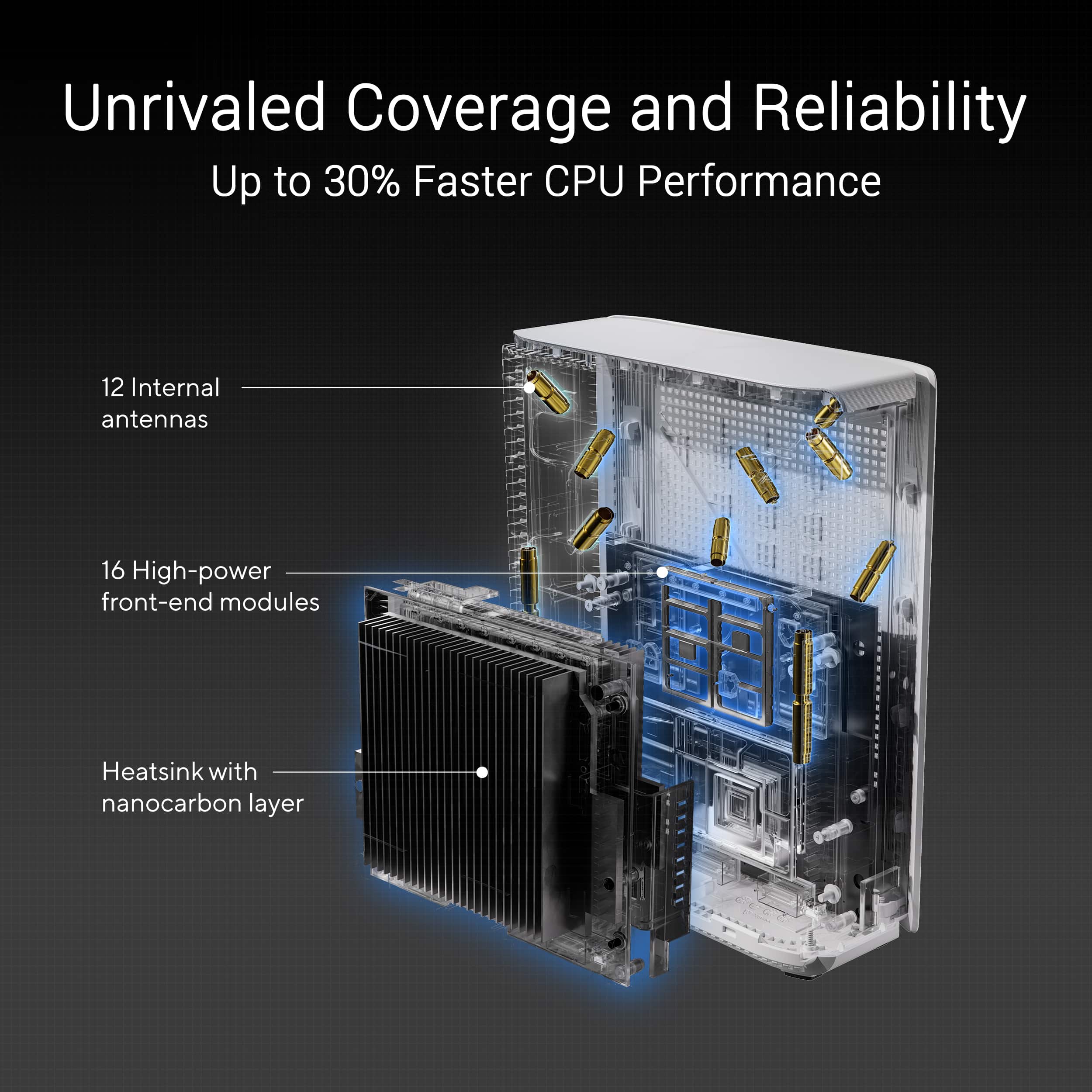
||Posted . Owned for less than 1 week when reviewed.This reviewer received promo considerations or sweepstakes entry for writing a review.Had hesitation based on other poor reviews, but I needed a new mesh system and I loved my Asus ZenWifi XT8s, so got this more expensive system with all the latest tech. I'm very familiar with setting up networks and this system was a pain! Nodes constantly going offline, constant reboots, and I had to redo some connections on my IoT devices. Worse is that Amazon FireStick 4K Max (gen2) will NOT work with these unless you turn off WiFi 7. Being these had 12 antennas and quad band, compared to my older units 6 antennas without quad band, I expected better coverage and signal strength. However it was the same and am very disappointed. Only two firmware updates since late 2024 focusing on security more than stabilization and performance. Going to keep trying them for my 15 days hoping to keep them and that Asus stabilizes these in the near future!
No, I would not recommend this to a friendBrand response from ASUS Answers
Posted .Dear Nelson,
Thank you for your comment.
We do understand your disappointment with the product and the inconvenience this may have caused if you are experiencing connection problems. If you are connecting legacy devices, these may not work properly with WIFI- 6 and WIFI-7, please check updates for these devices. Also, try connecting these manually to either 2.4GHz or 5GHz. Additional, legacy devices were designed for IPv4, these will unlikely work with IPv6, try to disable IPv6. Furthermore, we recommend updating the Mesh router firmware if it is running with an older version. Firmware is available for download at: https://www.asus.com/us/networking-iot-servers/whole-home-mesh-wifi-system/zenwifi-wifi-systems/asus-zenwifi-be30000/helpdesk_bios?model2Name=ASUS-ZenWiFi-BE30000 .
Should you need further assistance with the product, please email me at cl-rodel@asus.com and I would be more than happy to help. Or, you are most welcome to call Product Support Hotline at: 1(888) 678-3688. Also, you can chat with an ASUS live support agent from the link: https://www.asus.com/us/support/article/1135/.
Thank you for choosing an ASUS product.
Regards,
Rodel ASUS Customer Loyalty
- Pros mentioned:Performance
Works great.
||Posted . Owned for 1 week when reviewed.This reviewer received promo considerations or sweepstakes entry for writing a review.Works great. Simple set up. The awesome ZenWiFi BQ16Pro sold in a three-pack.
I would recommend this to a friend Great Hardware Firmware needs some polish.
||Posted . Owned for 1 week when reviewed.This reviewer received promo considerations or sweepstakes entry for writing a review.Excellent hardware. But firmware still requires some polish. Specifically dns over tls is currently broken. If you enable dns resolution fails consistently and knocks devices offline till rebooted.
I would recommend this to a friend