Customer Ratings & Reviews




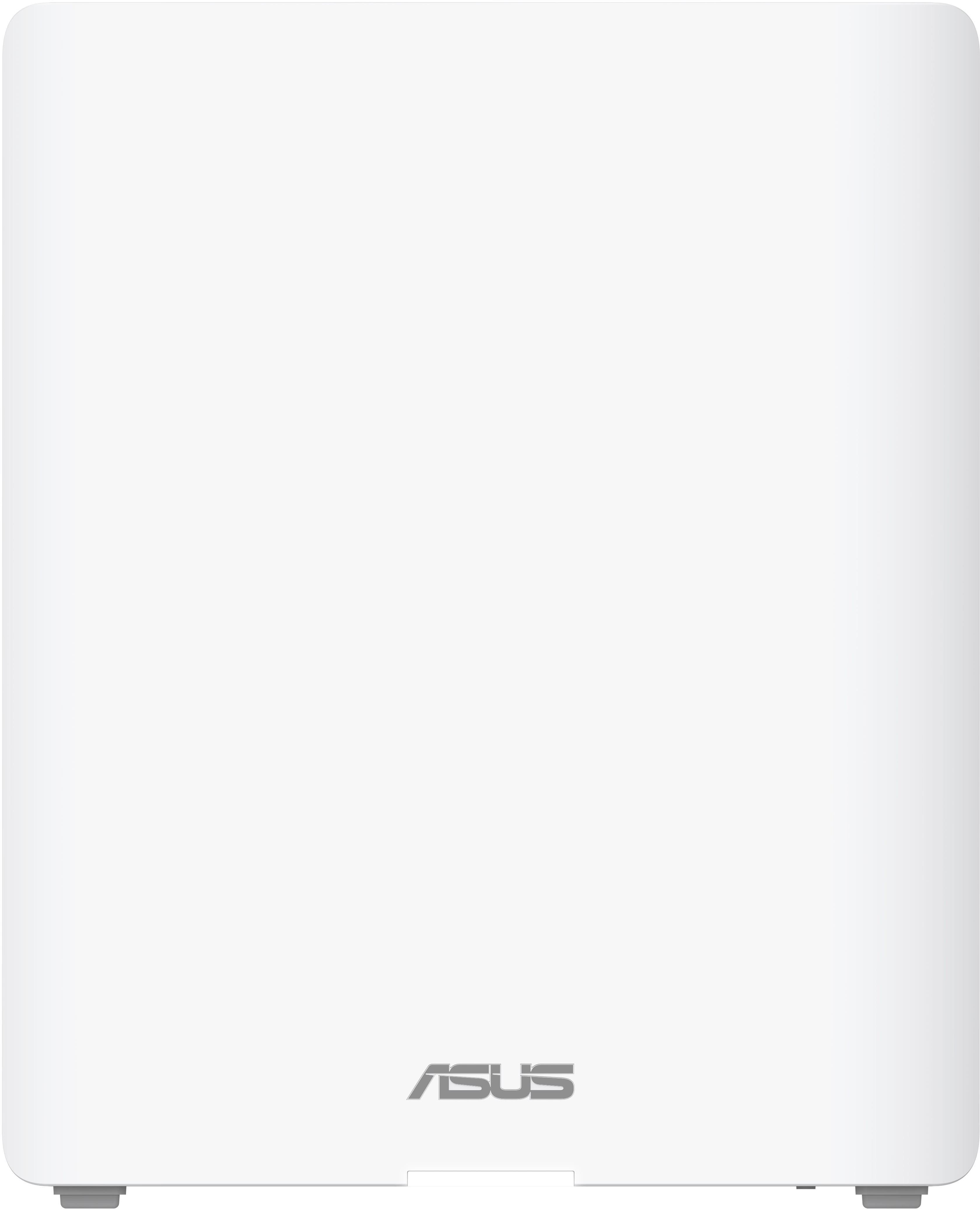
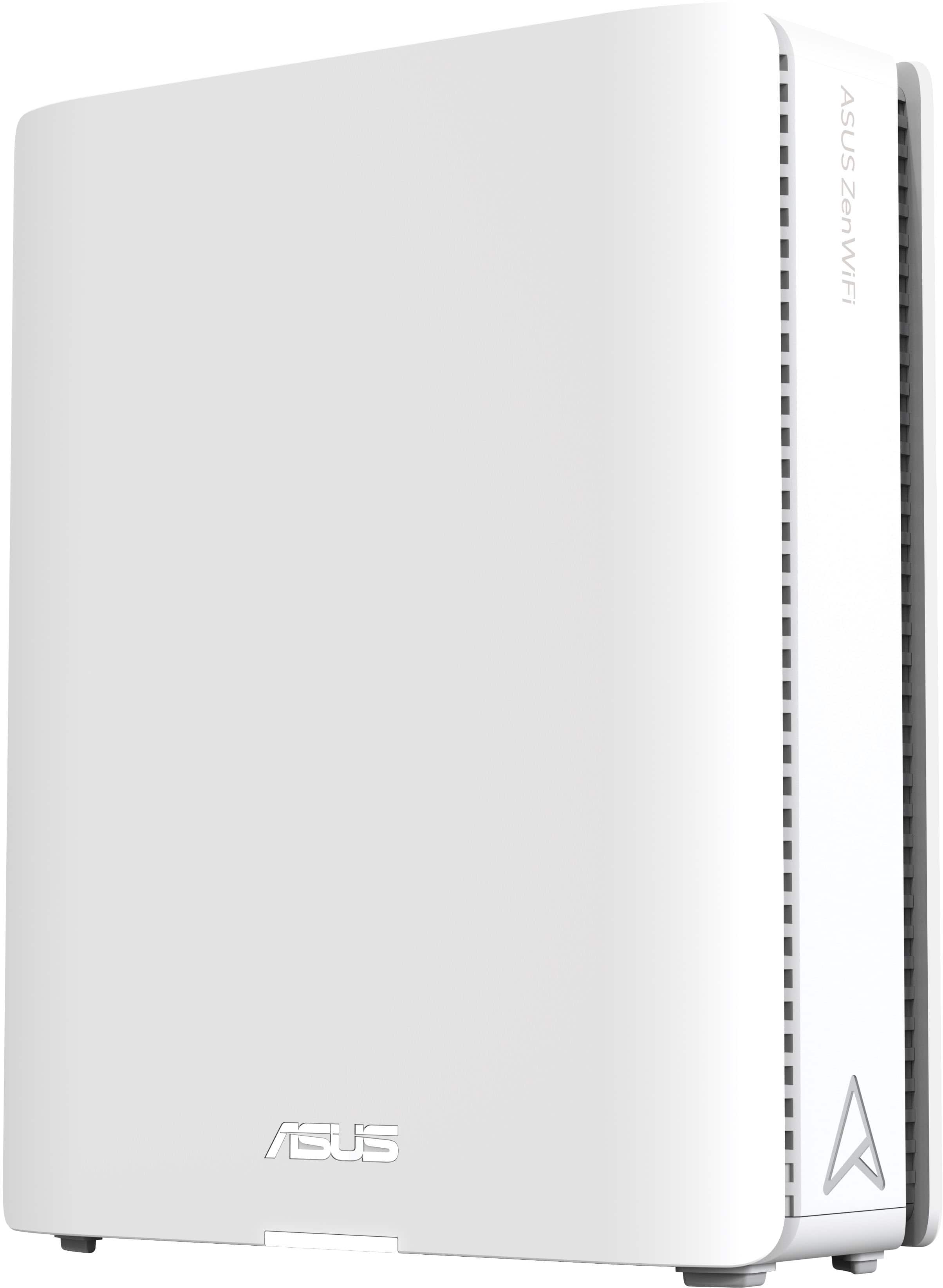
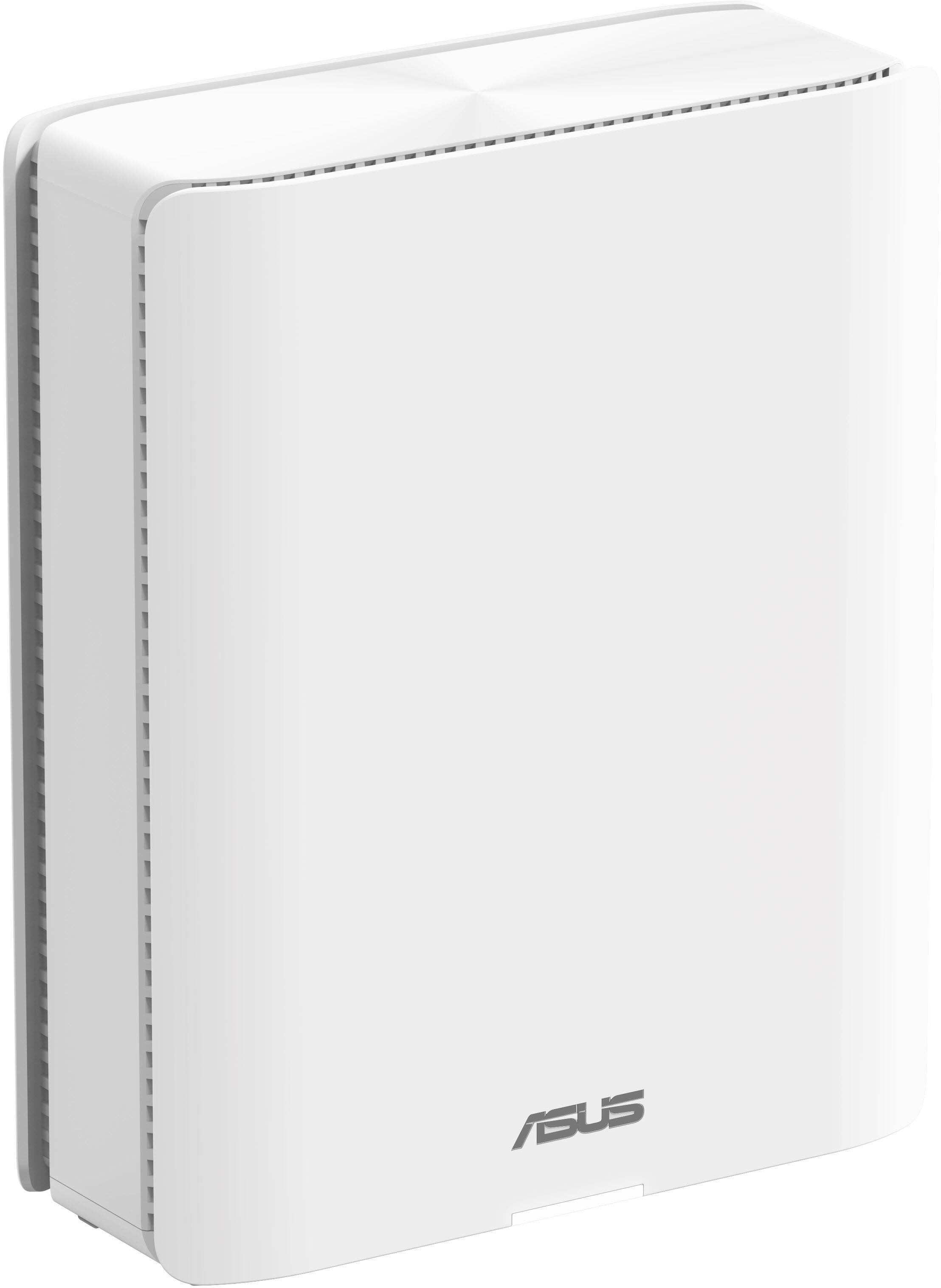
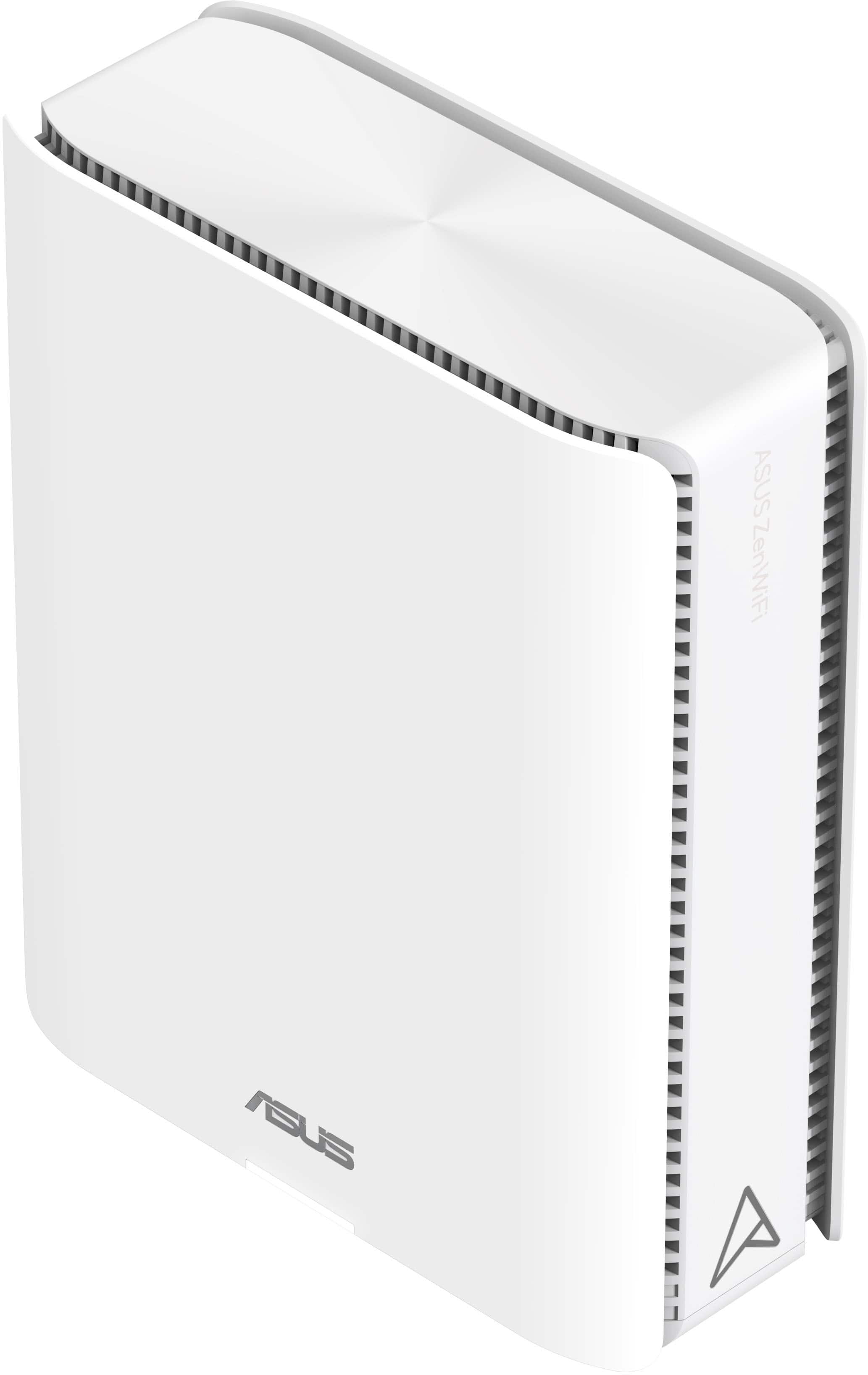
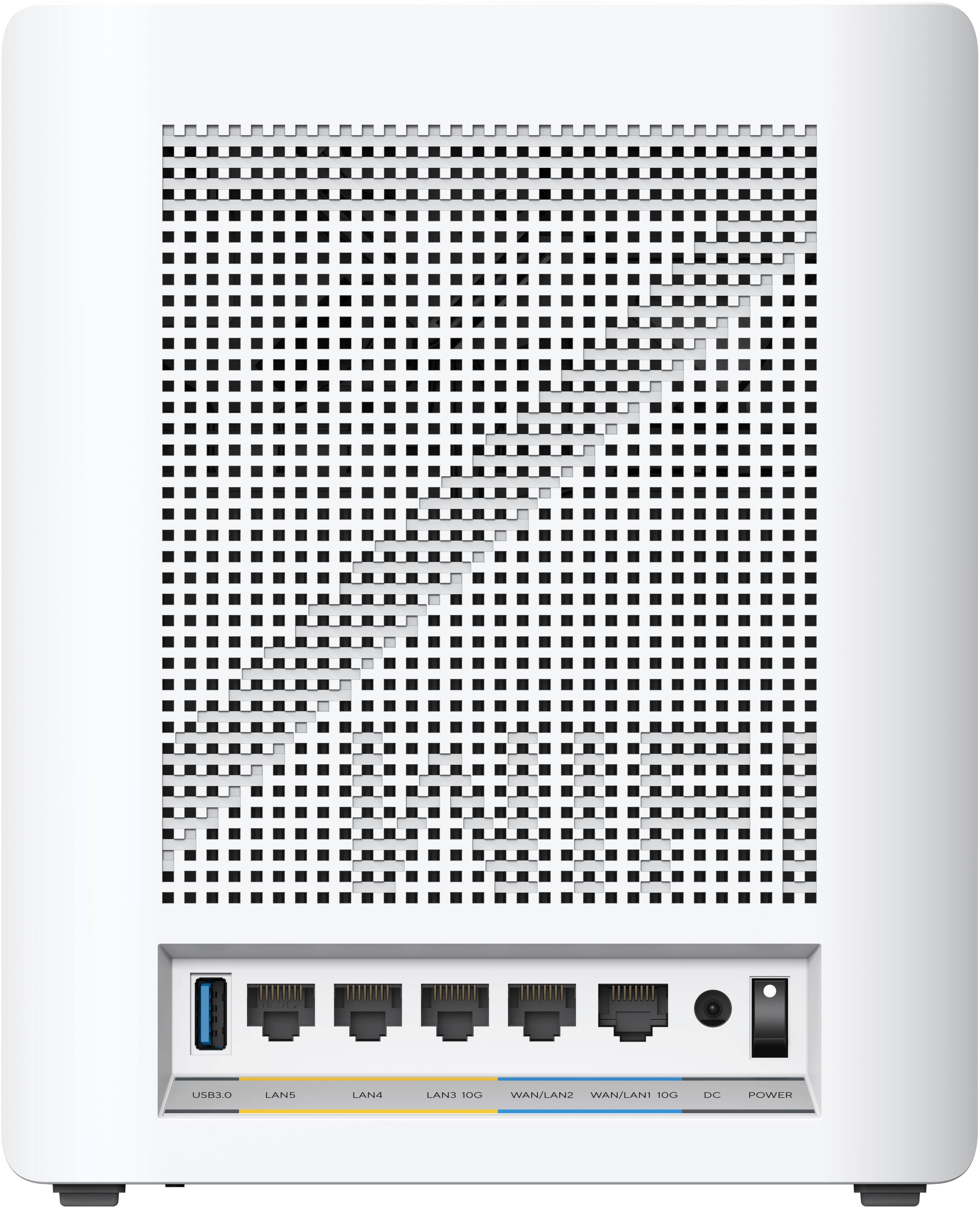
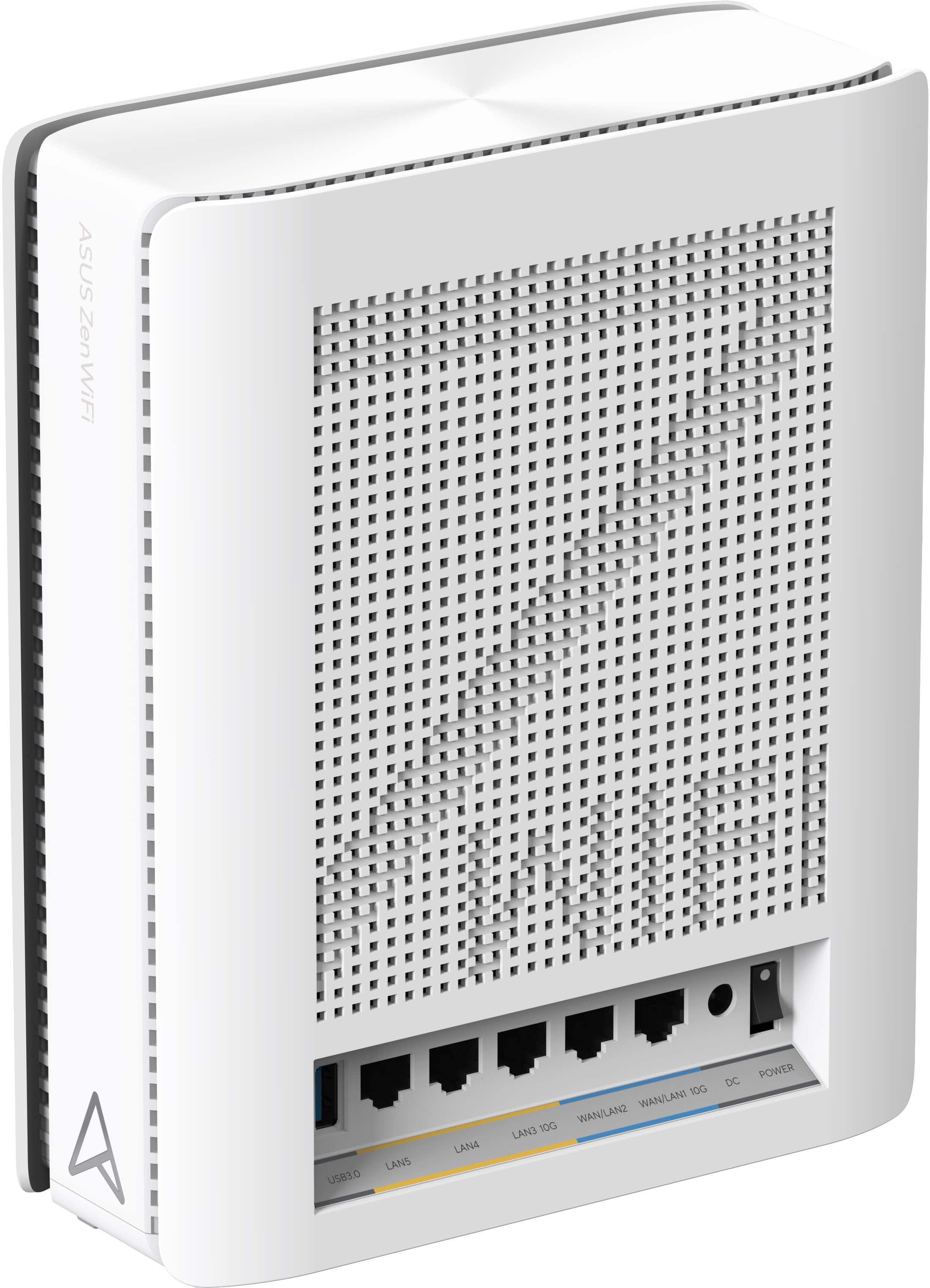
- Model:
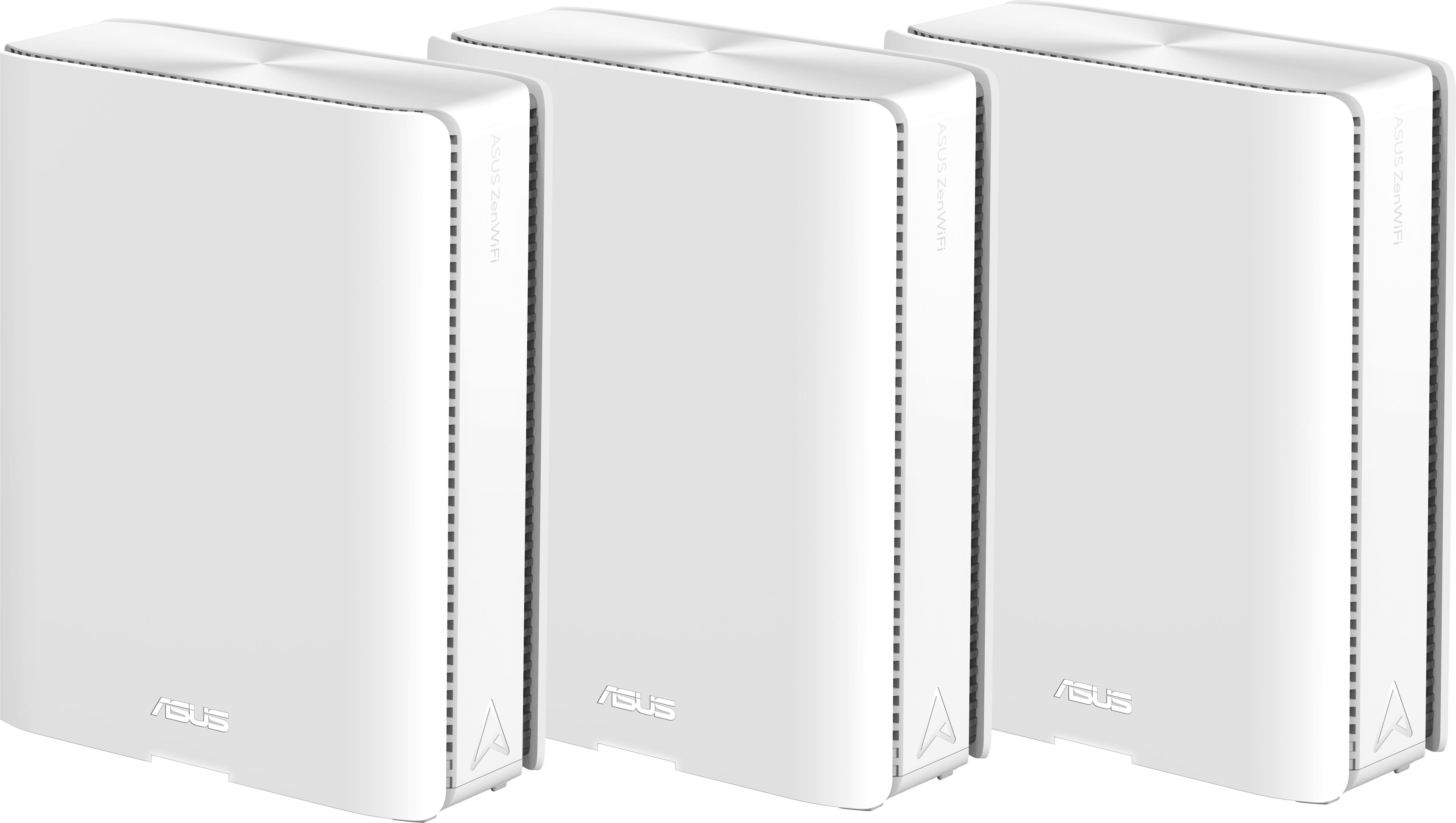
- ZenWiFi BE30000
- SKU:
- 6578392
Rating by feature
- Setup
Rating 3.6 out of 5 stars
- Range
Rating 4.3 out of 5 stars
- Signal Strength
Rating 4.3 out of 5 stars
Customers are saying
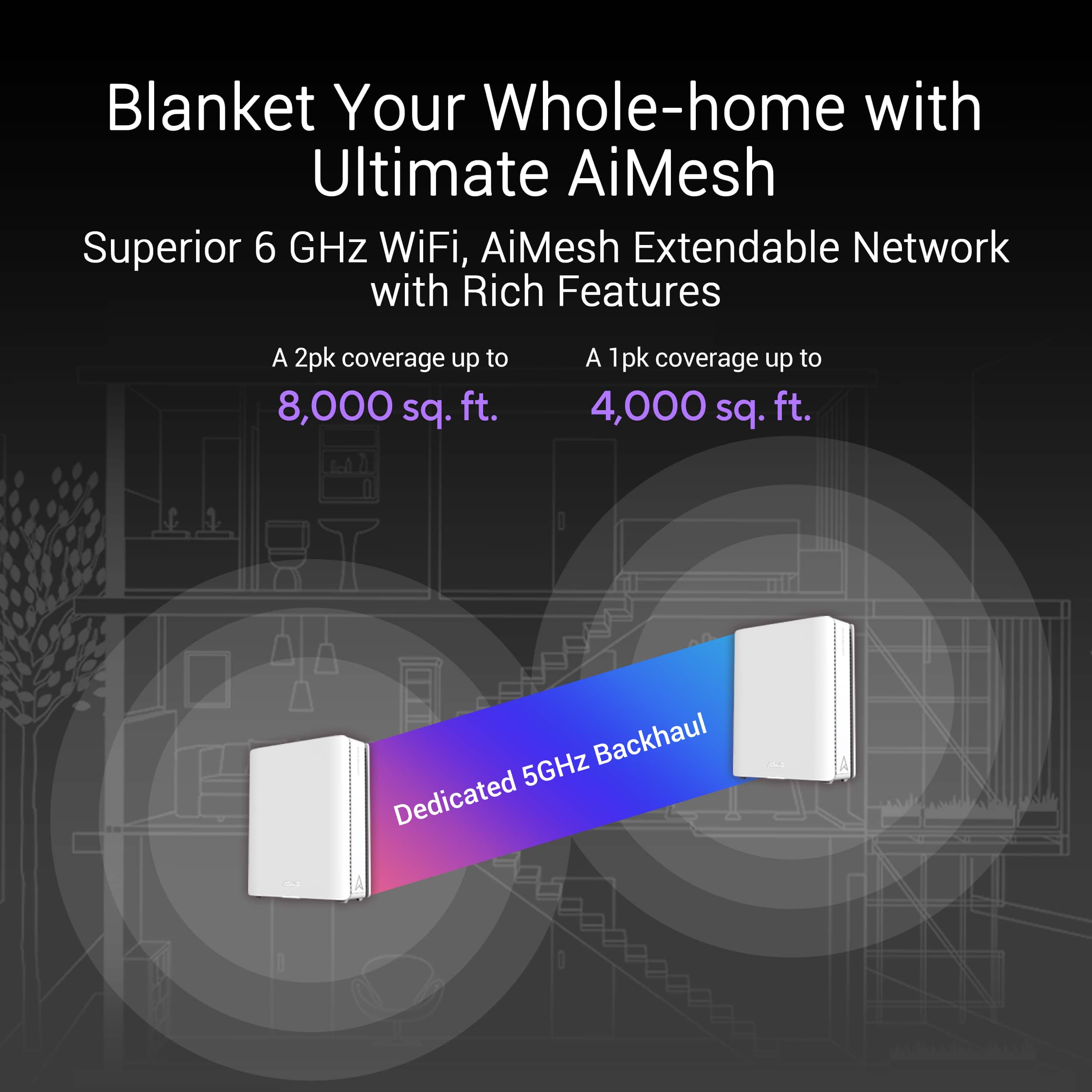
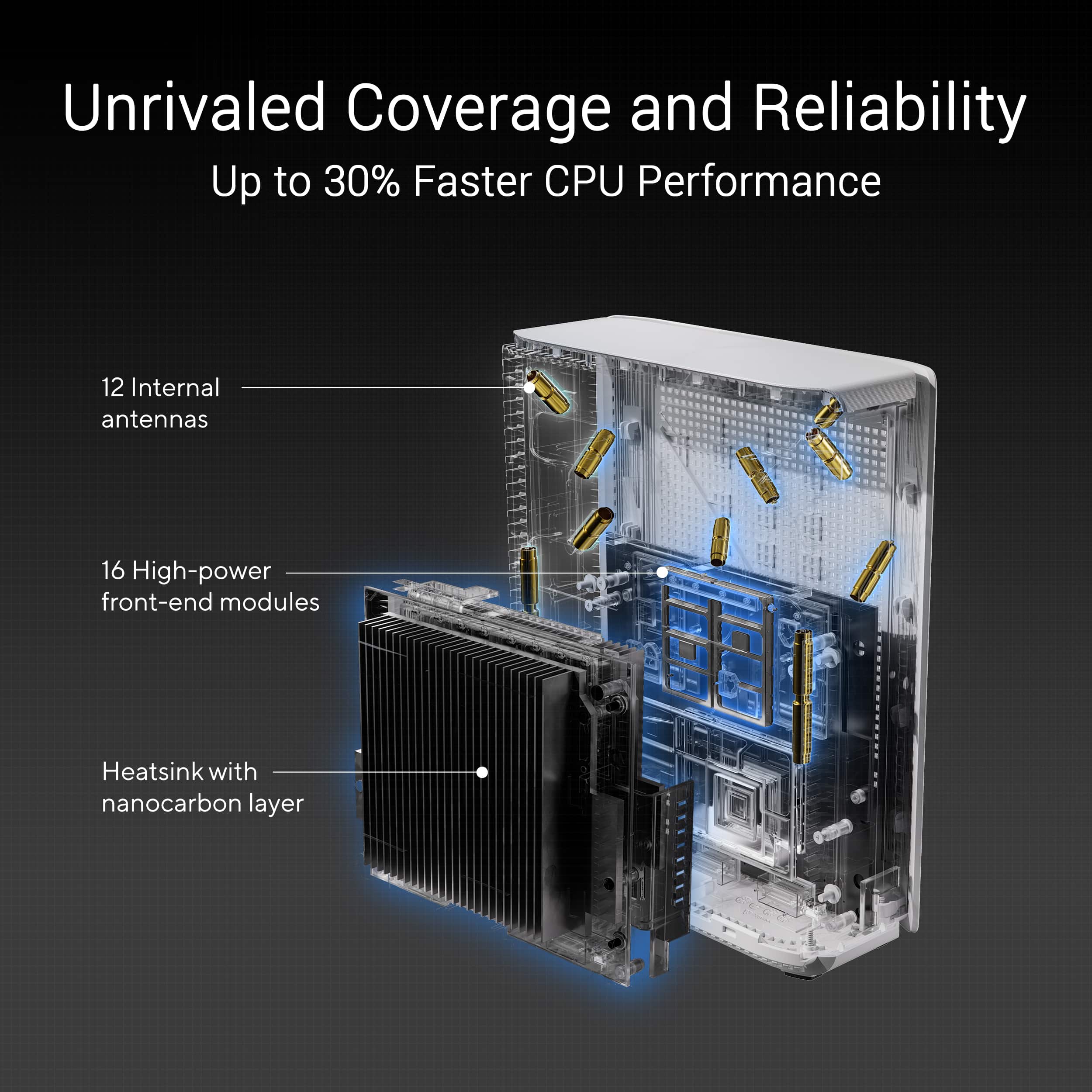
Customers recognize the ZenWiFi BE30000 Quad-Band Mesh Wi-Fi 7 System for its fast wireless speeds, amazing coverage, and strong signal strength. Many appreciate its performance and future-proofing capabilities, along with its extensive app features and inclusion of multiple VPN clients and servers. However, some customers have experienced connectivity issues with the nodes, and have found the initial setup to be difficult. A few also noted concerns about the high price.
This summary was generated by AI based on customer reviews.
- Pros mentioned:Signal strength
Probably the best WiFi 7 mesh system in the market
||Posted . Owned for 1 week when reviewed.This reviewer received promo considerations or sweepstakes entry for writing a review.The signal strength is much better than the GT-AX11000 plus the setup is very easy.
I would recommend this to a friend Excellent Hardware
||Posted . Owned for less than 1 week when reviewed.This reviewer received promo considerations or sweepstakes entry for writing a review.I was looking through various options for routers and came across this one. I’ve always been a fan of Asus products. I didn’t know this one existed and tried it. It was very easy to set up able blazing fast!
I would recommend this to a friend- Cons mentioned:Connectivity
Terrible waste of money
||Posted . Owned for 3 months when reviewed.This reviewer received promo considerations or sweepstakes entry for writing a review.I bought this in December 2024. I have had nothing but problems and have spent a lot of time trying to resolve. Their tech support is not very understandable or helpful. Their warranty is useless. They said I need to package it up and pay for shipping. I have had to reset to factory multiple times and set it up again. Finally, yesterday, it refused to connect to my ISPs modem. Fortunately, I still had my old Netgear Orbi router. It connected with no problem. I will never buy another ASUS product.
No, I would not recommend this to a friendBrand response from ASUS Answers
Posted .Dear Valued Customer,
We regret to learn about the issues you're experiencing with the ZenWiFi BE30000 and we apologize for the difficulties you have encountered with our support team. We understand the impression this may have created and we hope this will not be a long-term lasting impression as you have chosen ASUS as a trusted brand for excellence. We would like to make your experience with us a better one.
Please email us at customerloyalty@asus.com and include the case number "N2405039106-0022" as a reference so that we can investigate this issue further. Maintaining a functioning unit is an urgent matter, and we are committed to helping you.
We stand behind our products and continuously strive to improve our products and processes to achieve customer service excellence. We will do our best to resolve your case quickly. Your feedback is very important to us, and it enables us to improve our support channels. Thank you for choosing ASUS.
Best Regards,
Chantae
ASUS Customer Loyalty US Support
Bought.......and returned
||Posted . Owned for 1 month when reviewed.This reviewer received promo considerations or sweepstakes entry for writing a review.Asus seems to have a bad habit of making their early adopters beta testers. And for 1800$(after tax) you shouldn't have to be. We replaced a 7 year old Orbi system with this(or tried to) and after 4 weeks of pure hell we have returned it. Initially, the issue was that the Rokus wouldnt stay connected to the 5.8ghz network. Ok, problem was it used DFS and would keep switching the 5.8mhz channel from a legacy one to a DFS one(roku and many other devices do not support DFS). Router should be smart enough to detect this and not switch, but isnt, so lets turn DFS off. Next, 2.4ghz devices such a wyze cameras and switches, and Sonos streamers wouldn't stay connected. The Asus showed then as being connected to the 6ghz band. Not sure how that works, but ok.... After trial and error, discovered that for them to have a stable connection, BOTH MLO and wifi 7 had to be turned off. Ok, thats 2 more features i boutht his system for that i have to turn off to make it compatible with legacy devices. Finally, and this was the bridge too far(literally) one of the nodes stopped connecting all together. They both would drop and reconnect seeveral times a day, but the one THAT USED AN ETHERNET CABLE for backhaul would no longer connect. At all. Reset, reboot, etc, no luck. The hub showed that it's WAN port was in use, but the satellite wouldn't connect. So, back to the store it goes. BIG thank you to BB fro accepting the return past 14 days, although it sounded like this wasnt the first one. The employee even commented "must be a known thing, the printer spit out a 'recycle' label, so it's gotta go back to Asus". The entire time i'm having issues with the router, i'm calling Asus, submitting feedback & logs thru the link on the routers page. Nothing is more frustrating that calling tech support and talking with someone who seems to know less about the product than you do. Seriously, if all tech support is going to do is read scripts that don't even address the issue im having, then why even have them? Cut the department and knock $50 off the price. Ridiculous. Asus offereded to RMA the unit, but all inidications (Except the backhaul connection issue) appeared to be development/firmware related, not hardware. I'm not paying 1800$ to be a beta tester, and i'm not going to wait however long it may take for the bugs to get worked out. THIS SYSTEM IS NOT READY FOR THE CONSUMER YET. DO NOT BUY. I'm sure in 6 months or a year down the road it will be great, but right now, it's not ready and all you are buying with this is one massive headache.
No, I would not recommend this to a friendBrand response from ASUS Answers
Posted .Dear Dean H,
Please accept our sincere apologies for the problems you've encountered with the ZenWifi Mesh Router and our support team, as well as the inconvenience caused. This is not the quality of products or services we aim to provide. At ASUS, we take quality control, testing, and inspections seriously to ensure our products meet high standards. What you've experienced was not intentional or representative of our brand. The decision to make a purchase can be important, and we want to ensure that our customers receive the best products and services. We understand the impression this may have created and we hope this will not be a long-term lasting impression as you have chosen ASUS as a trusted brand for excellence. Our top priority is providing our customers with a high level of satisfaction, and we'll forward your feedback to our Product Team for review.
Although you have returned the router, we do stand behind our products and we continuously strive to improve our products and processes to achieve customer service excellence. If you require any further assistance, please send us an email at customerloyalty@asus.com and include the case number "N2405039106-0009" as a reference. We will do our best to resolve your case quickly. Your feedback is very important to us, and it enables us to improve our support channels. Thank you for choosing ASUS.
Best Regards,
Chantae
ASUS Customer Loyalty US Support
Not ready for Prime Time
||Posted . Owned for less than 1 week when reviewed.This reviewer received promo considerations or sweepstakes entry for writing a review.I have the Asus ZenWifi Pro AXE1000 6E (ET12) and after a challenging set up, it has worked flawlessly. I bought this wifi 7 system, and my experience couldn’t have been more different. Like the 6E wifi system, it was challenging to add 2 nodes to the system. However, the major frustrations occurred when I could not connect certain devices after numerous attempts. I also had numerous connection drops during my first 48 hours of ownership. For $1800, I expect near flawless performance so I returned it to BestBuy.
No, I would not recommend this to a friendBrand response from ASUS Answers
Posted .Dear DMK25,
We sincerely apologize for the issues you've faced with the router and the inconvenience caused. This is not the kind of quality to expect from ASUS products and it's not the norm. At ASUS, we take quality control, testing, and inspections seriously to ensure our products meet high standards. What you've experienced was not intentional or representative of our brand. The decision to make a purchase can be an important one, and we want to ensure that our customers receive the best products and services. We understand the impression this may have created and we hope this will not be a long-term lasting impression as you have chosen ASUS as a trusted brand for excellence. Providing our customers with a high level of satisfaction is our top priority, and we'll forward your feedback to our Product Team for review.
Although you have returned the unit, we do stand behind our products and we continuously strive to improve our products and processes to achieve customer service excellence. If you require any further assistance, please send us an email at customerloyalty@asus.com and include the case number "N2406014589-0006" as a reference. We will do our best to resolve your case quickly. Your feedback is very important to us, and it enables us to improve our support channels. Thank you for choosing ASUS.
Best Regards,
Chantae
ASUS Customer Loyalty US Support
Am Happy with it
||Posted . Owned for 2 weeks when reviewed.This reviewer received promo considerations or sweepstakes entry for writing a review.Nice improvement over my old ROG router/extension
I would recommend this to a friendRead and believe the bad reviews
||Posted . Owned for less than 1 week when reviewed.This reviewer received promo considerations or sweepstakes entry for writing a review.This was a horrible purchase. I returned this after 2 days of utter frustration. I have another mesh system from a different manufacturer, but I wanted to upgrade to a WiFi 7 system. I should have believed the reviews that said this Asus system was not ready for prime time. I tried the system with both wireless and wired backhaul. I also updated to the latest firmware. I performed several factory resets and reinstalls. No matter what I did, the nodes constantly dropped, and clients never remained connected. This was quite literally the worst wireless system I have ever used. I will never buy another Asus wireless product after this experience. I can’t believe Asus released this product. But I should have just believed the reviews. Needless to say, I went back to my old system and have had zero issues with it. If you’re an Asus fan for some reason, at least wait until they fix this mess at some point with a future firmware update (or a recall). Untill then, save your $1700.
No, I would not recommend this to a friendBrand response from ASUS Answers
Posted .Dear Bamman,
We sincerely apologize for the issues you've faced with the router and for the inconvenience caused. This is not the kind of quality to expect from ASUS products and it's not the norm. At ASUS, we take quality control, testing, and inspections seriously to ensure our products meet high standards. What you've experienced was not intentional or representative of our brand. The decision to make a purchase can be important, and we want to ensure that our customers receive the best products and services. We understand the impression this may have created and we hope this will not be a long-term lasting impression as you have chosen ASUS as a trusted brand for excellence. Our top priority is providing our customers with a high level of satisfaction, and we'll forward your feedback to our Product Team for review.
Although you have returned the router, we do stand behind our products and we continuously strive to improve our products and processes to achieve customer service excellence. If you require any further assistance, please send us an email at customerloyalty@asus.com and include the case number "N2405039106-0011" as a reference. We will do our best to resolve your case quickly. Your feedback is very important to us, and it enables us to improve our support channels. Thank you for choosing ASUS.
Best Regards,
Chantae
ASUS Customer Loyalty US Support
Improved Speed and Stability
||Posted . Owned for 1 month when reviewed.This reviewer received promo considerations or sweepstakes entry for writing a review.Much more stable than the previous Orbi mesh system, and much higher signal strength.
I would recommend this to a friendCompatibility issues
||Posted . Owned for 3 weeks when reviewed.This reviewer received promo considerations or sweepstakes entry for writing a review.It still requires some upgrades to use the full potential of WIFI7 while being compatible with non-WIFI7 devices in the mesh.
No, I would not recommend this to a friendBrand response from ASUS Answers
Posted .Dear Trevor,
Thank you for sharing your feedback on the ZenWiFi BE30000, and we apologize for the connectivity issue you're experiencing. To further investigate this problem, we recommend contacting our support team at https://www.asus.com/us/support/CallUs.
We stand behind our products and continuously strive to improve our products and processes to achieve customer service excellence. For more information, email us at customerloyalty@asus.com and include the case number "N2406012043-0005" as a reference. We will do our best to resolve your case quickly. Your feedback is very important to us and enables us to improve our support channels. Thank you for choosing ASUS.
Best Regards,
Chantae
ASUS Customer Loyalty US Support
Good to go!
||Posted .This reviewer received promo considerations or sweepstakes entry for writing a review.So far, way better than the previous Linksys and TP-Link mesh routers i've used in the past. The UI isn't as easy as TP-Link's; mind you. But it's AI seems to be really intuitive especially when it comes to games.
I would recommend this to a friendLove it!
||Posted . Owned for 2 weeks when reviewed.This reviewer received promo considerations or sweepstakes entry for writing a review.It took some time to set this up on our fiber network at home. Asus technical support was NO help after 2+ hours on the phone with them. We were able to figure it out on our own. It has been connected since, and running fine with no issues.
I would recommend this to a friendExpensive lemon, buyer beware.
||Posted .This reviewer received promo considerations or sweepstakes entry for writing a review.I purchased this system 6 months ago and have had to reset the routers to factory defaults multiple times. It will work fine for a while, then become unstable forcing me to redo the entire network. This last week I noticed one of the nodes had a significant reduction in signal strength. I factory reset it but it looks like it’s permanently broken and won’t connect to anything more that a few feet away. I will be replacing it under warranty so I’m hoping all goes well, but other reviews suggest it will not. Regardless, I would not recommend this or any other ASUS router to a friend and I will be avoiding this manufacturer in the future.
No, I would not recommend this to a friendBrand response from ASUS Answers
Posted .Dear Jason,
Thank you for your comment.
We do understand your disappointment with these Mesh routers and the inconvenience this may have caused if you are started experiencing connection problems after 6 months of usage. To resolve the unstable connection, please verify if the router’s security settings still matches with your ISP’s modem credentials, verify if the PC or device connecting to the router is working properly and within range to the router, the router is within 30 feet to the ISP's modem, if not wired with a network cable, and ISP's internet service or connection is working properly or stable. If resetting the node did not resolve the issue,, we recommend updating the Mesh router firmware if it is running with an older version. Firmware is available for download at: https://www.asus.com/us/networking-iot-servers/whole-home-mesh-wifi-system/zenwifi-wifi-systems/asus-zenwifi-be30000/helpdesk_bios?model2Name=ASUS-ZenWiFi-BE30000.Additionally, checl the LED or activity lights on your ISP's modem to determine if your ISP's modem is working properly.
Should you need further assistance with the product, please email me at cl-rodel@asus.com and I would be more than happy to help. Or, you are most welcome to call Product Support Hotline at: 1(888) 678-3688. Also, you can chat with an ASUS live support agent from the link: https://www.asus.com/us/support/article/1135/.
Thank you for choosing an ASUS product.
Regards,
Rodel
ASUS Customer Loyalty
- Cons mentioned:Connectivity
Will be returning
||Posted . Owned for 1 week when reviewed.This reviewer received promo considerations or sweepstakes entry for writing a review.After a week or so of use and ensuring it is all up to date I’m getting constant disconnects, slow performance and the nodes are no longer connecting to the main router. I really wanted to keep it with all of its features but if it can’t be functional and reliable it defeats any purpose.
No, I would not recommend this to a friendBrand response from ASUS Answers
Posted .Dear A Hack,
We sincerely apologize for the issues you've faced with the ZenWiFi BE30000 and for the inconvenience caused. What you've experienced was not intentional or representative of our brand. Having returned the router, we hope that you were able to obtain a functional replacement.
We stand behind our products and continuously strive to improve our products and processes to achieve customer service excellence. If you require any further assistance, please send us an email at customerloyalty@asus.com and include the case number "N2405039106-0019" as a reference. We will do our best to resolve your case quickly. Your feedback is very important to us, and it enables us to improve our support channels. Thank you for choosing ASUS.
Best Regards,
Chantae
ASUS Customer Loyalty US Support
- Cons mentioned:Connectivity
Okay product
||Posted . Owned for 1 week when reviewed.This reviewer received promo considerations or sweepstakes entry for writing a review.Easy to install however it drops signal connection and we had difficulties connect one of the boxes it kept connecting but then disconnecting (turn red)
No, I would not recommend this to a friendBrand response from ASUS Answers
Posted .Dear Gigi,
Thank you for bringing this to our attention. I understand your frustration. Please ensure you are using the latest firmware to address any potential bugs. For instructions on how to update your firmware, you can visit our FAQ page*. If you’re still experiencing issues, feel free to contact me with any technical or general questions. You can reach me at customerloyalty@asus.com. Kindly include a link to this post for reference.
Thank you for choosing ASUS!
Best Regards,
Adrian
ASUS Customer Loyalty – US Support
*[Wireless Router] How to update the firmware of your router to the latest version ? (WebGUI)
https://www.asus.com/support/faq/1008000/
Do not buy if you have Apple products
||Posted . Owned for 1 month when reviewed.This reviewer received promo considerations or sweepstakes entry for writing a review.If you own any Apple products, do not buy. 1. It doesn't work as a mesh for Apple products; if they disconnect from one node and connect to another, they show as connected to WiFi but can't reach the internet. This is a known bug; their web site says to turn off SmartConnect. But the BE30000 firmware does not have the capability to turn off SmartConnect, so you are just stuck. 2. Their technical support is truly abysmal. If you call, they will start with "did you reboot it?" and "does it have the latest firmware?". If the answer to both is yes, then they just say they have to escalate it and second-line customer support will handle. I called 5 times over the course of a month and second-line technical support never ever contacted me back. 3. (Small nit). The dual-WAN does work, *but* it has no way to notify you that it switched WAN. My alternate WAN charges by the MB, so I need to know. Even simple equipment like the $200 Peplink has this notification capability built-in.
No, I would not recommend this to a friendBrand response from ASUS Answers
Posted .Hi TubbyB,
We sincerely apologize for the issues you've faced with your ZenWifi BE30000 and the inconvenience caused.
We want more information regarding your problem and would like logs to analyze your issues.
Can you help submit it for us?
This can be done via the WEBGUI:
Please go to Administration ==> Feedback (Please make sure System Log, Setting FIle, 3G/4G Log, and WIFI log is enabled). Please submit the logs when it happens and let us know the time stamp.
under the comment section please also give us the following information:
1. The MAC and the model name of the devices having the issues.
Thank you for choosing ASUS.
Best Regards,
Justin
ASUS Customer Loyalty US Support
Not ready for the job. Bad reviews are accurate
||Posted . Owned for 6 months when reviewed.This reviewer received promo considerations or sweepstakes entry for writing a review.Five months of wrestling with this Asus wireless router mesh has left me questioning my loyalty to the brand. It’s like waiting for a miracle firmware update that never comes, while each reboot is a suspense thriller—will it connect or won’t it? Spoiler alert: it usually doesn’t, at least not without a lengthy intermission. Support is as elusive as a unicorn, leaving you with high blood pressure and lower patience. Save your health and invest in a router that doesn’t require a PhD in patience or a lottery win to connect to the internet.
No, I would not recommend this to a friendBrand response from ASUS Answers
Posted .Dear Carlos D,
We sincerely apologize for the connectivity issue you're experiencing with the ZenWiFi BE30000 Mesh Router and for the inconvenience caused. This is not the kind of quality to expect from our products and it's not the norm. To troubleshoot the issue described, we recommend following the steps in the FAQ below. Should the issue persist, please contact our support team at https://www.asus.com/us/support/CallUs to further investigate the problem or assist with repairing the device.
We stand behind our products and continuously strive to improve our products and processes to achieve customer service excellence. For more information, email us at customerloyalty@asus.com and include the case number "N2405039106-0017" as a reference. We will do our best to resolve your case quickly. Your feedback is very important to us and enables us to improve our support channels. Thank you for choosing ASUS.
Best Regards,
Chantae
ASUS Customer Loyalty US Support
[Wireless Router] How to improve Wi-Fi Connection - https://www.asus.com/support/faq/1047919/
Junk DO NOT BUY
||Posted . Owned for 1 month when reviewed.This reviewer received promo considerations or sweepstakes entry for writing a review.Constant disconnections. Internet not available for hours. Have to reboot and reset over and over again. Have had to reset system and set up multiple times. Entire mesh disappears over and over. Asus support useless, says move cliser to wifi. I am sittynext to it. Too late to return to Best Buy. DO NOT BUY!!!
No, I would not recommend this to a friendBrand response from ASUS Answers
Posted .Dear MChance000,
We regret to learn that you are experiencing connectivity issues. To troubleshoot this issue, we recommend following the steps in the FAQ below. Should the issue persist, please contact our support team at https://www.asus.com/us/support/CallUs to further investigate the problem or assist with repairing the device.
We stand behind our products and continuously strive to improve our products and processes to achieve customer service excellence. For more information, email us at customerloyalty@asus.com and include the case number "N2405039106-0026" as a reference. We will do our best to resolve your case quickly. Your feedback is very important to us and enables us to improve our support channels. Thank you for choosing ASUS.
Best Regards,
Schottky
ASUS Customer Loyalty US Support
FAQ-[Wireless Router] How to improve Wi-Fi Connection https://www.asus.com/us/support/faq/1047919/
Customer
||Posted . Owned for 1 month when reviewed.This reviewer received promo considerations or sweepstakes entry for writing a review.Exchange once and got a second one. Yet having problems. One of them out of the set stopped working. Now having issues with the new one as well. Will have to go back again. Not happy at all.
No, I would not recommend this to a friendBrand response from ASUS Answers
Posted .Dear NayemaZ,
We are sorry to hear that you are experiencing issues with AiMesh. To troubleshoot this issue, we recommend following the steps in the FAQ below. Should the issue persist, please contact our support team at https://www.asus.com/us/support/CallUs to further investigate the problem or assist with repairing the device.
We stand behind our products and continuously strive to improve our products and processes to achieve customer service excellence. For more information, email us at customerloyalty@asus.com and include the case number "N2405039106-0029" as a reference. We will do our best to resolve your case quickly. Your feedback is very important to us and enables us to improve our support channels. Thank you for choosing ASUS.
Best Regards,
Schottky
ASUS Customer Loyalty US Support
FAQ-How to Improve the Signal Quality between your AiMesh Router and AiMesh Node? https://www.asus.com/us/support/faq/1040444/
Works with brightspeed
||Posted . Owned for 2 months when reviewed.This reviewer received promo considerations or sweepstakes entry for writing a review.These routers work great. Easy to set up and works with brightspeed internet. No complaints here
I would recommend this to a friendDO... NOT... BUY!!!!!!!!!!!!
||Posted . Owned for 1 month when reviewed.This reviewer received promo considerations or sweepstakes entry for writing a review.Hot GARBAGE!!! Do not buy. Crap tech support tells you to factory reset at every turn... no real answers. I cant even stream paid shows on Hulu, Peacock, etc. Stay away from this set of paperweights posing as WiFi routers. I wish my problems would have manifested durimg the return period but now I have to lose my @$$ selling these on eBay so i can buy another brand.
No, I would not recommend this to a friendBrand response from ASUS Answers
Posted .Dear JustWant2Stream,
Please accept our sincere apologies for the issues you've encountered with the ASUS ZenWiFi BE30000 Router and our support team, as well as the inconvenience caused. We would like to make your experience with us a better one.
Please send us an email at customerloyalty@asus.com and include the case number "N2405039106-0014" as a reference so that we can further investigate the issues you're experiencing with the router. Maintaining a functioning unit is an urgent matter, and we are committed to helping you.
We stand behind our products and continuously strive to improve our products and processes to achieve customer service excellence. We will do our best to resolve your case quickly. Your feedback is very important to us, and it enables us to improve our support channels. Thank you for choosing ASUS.
Best Regards,
Chantae
ASUS Customer Loyalty US Support