Customer Ratings & Reviews
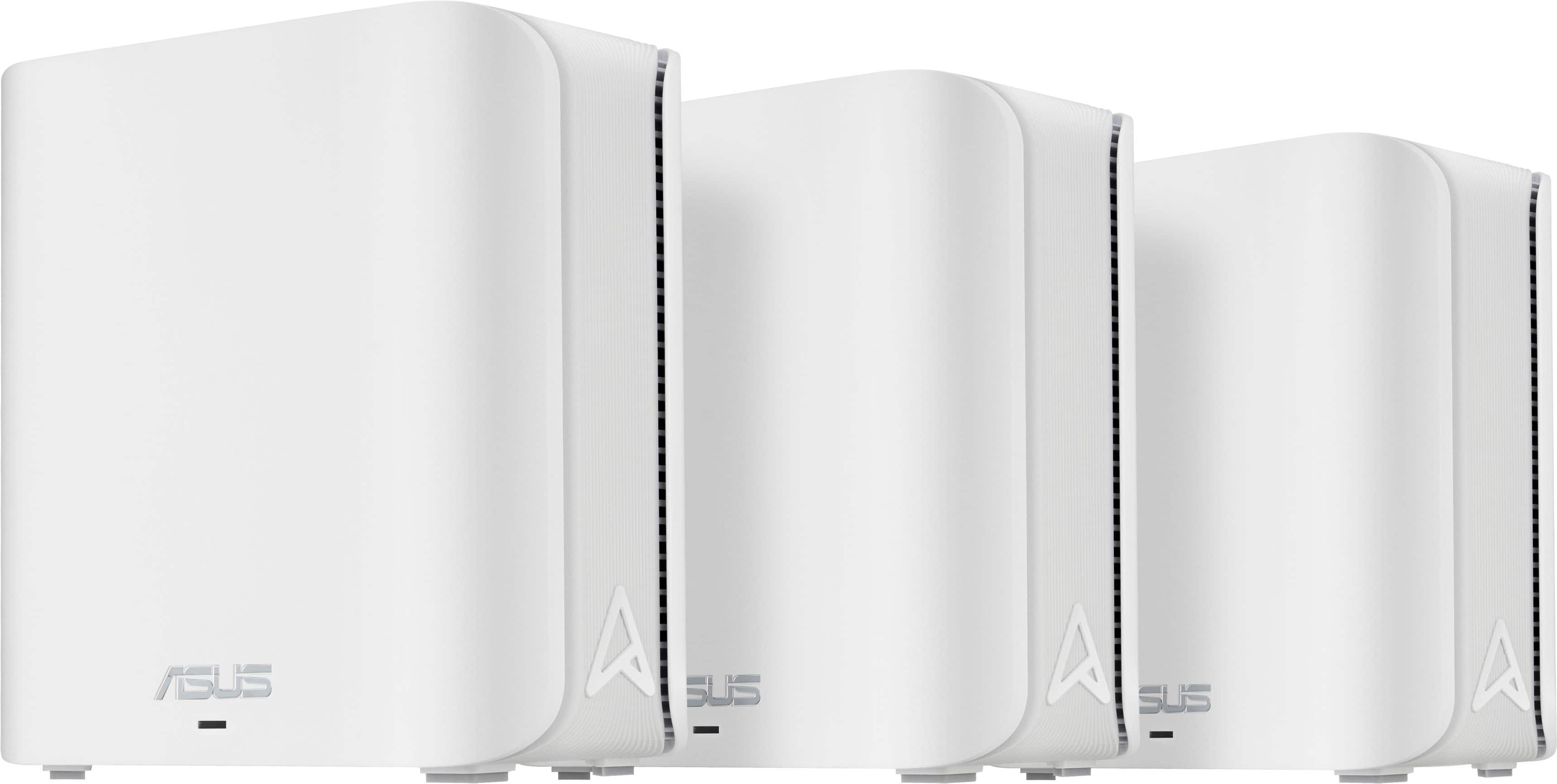





- Model:
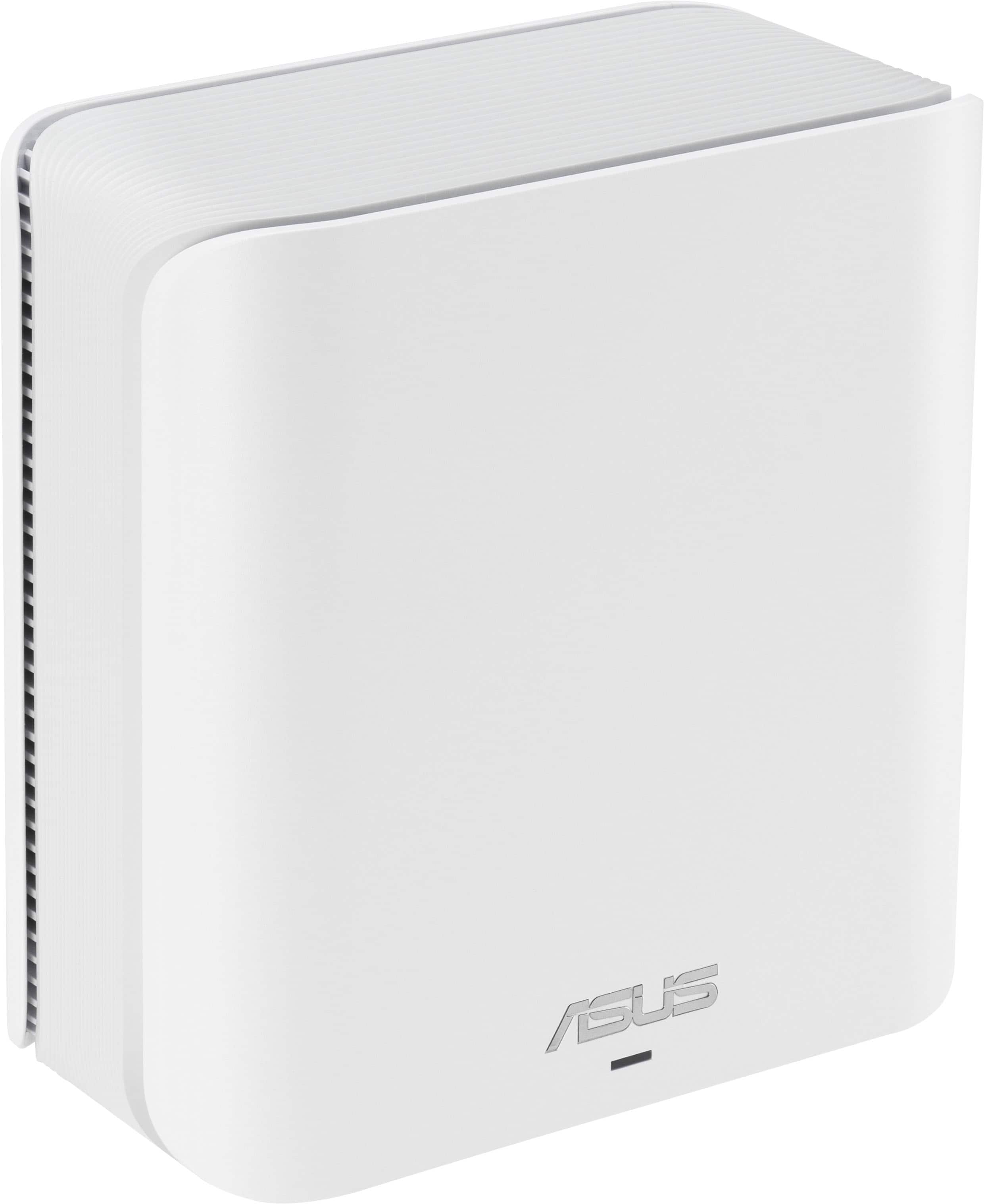
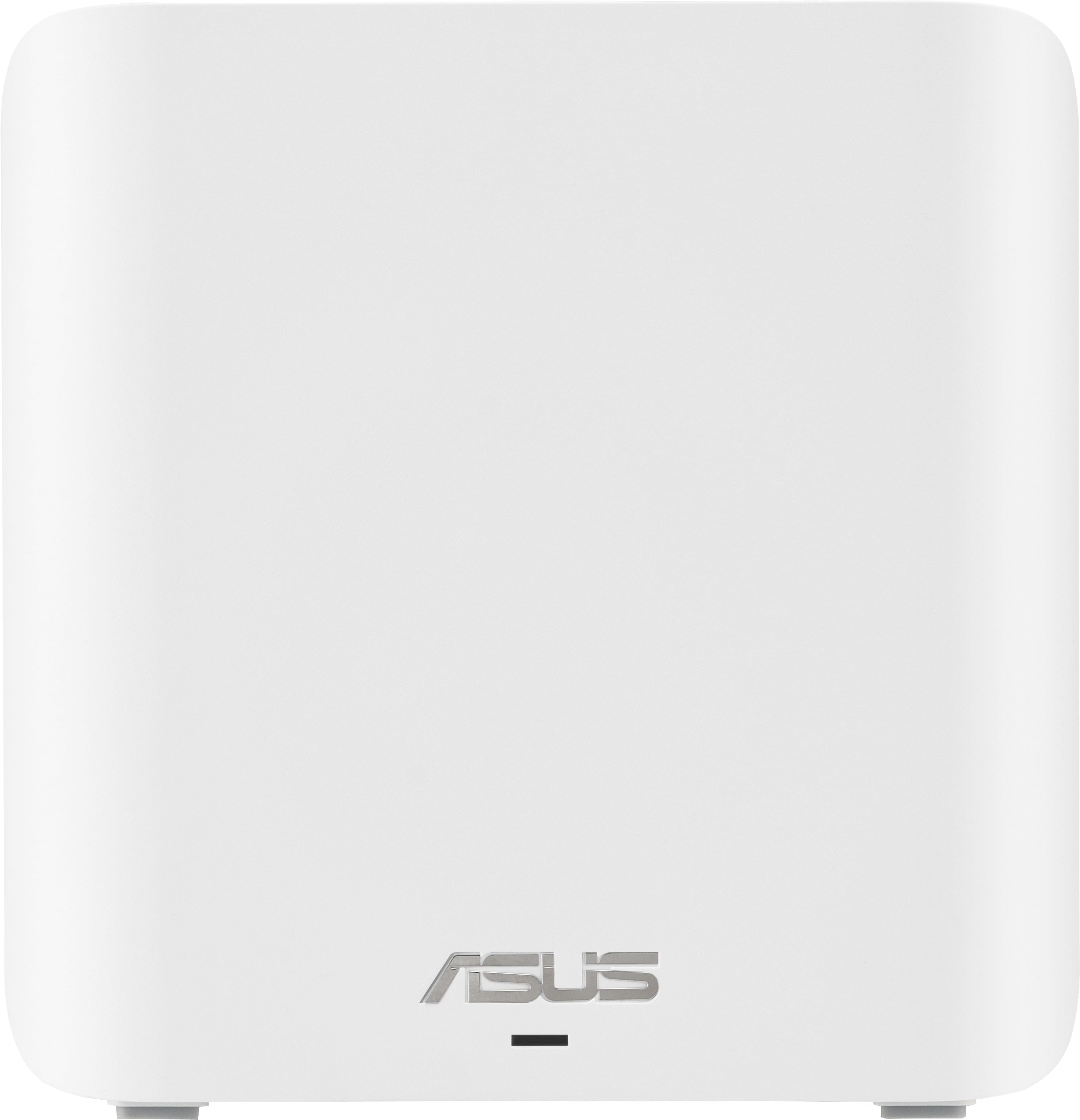
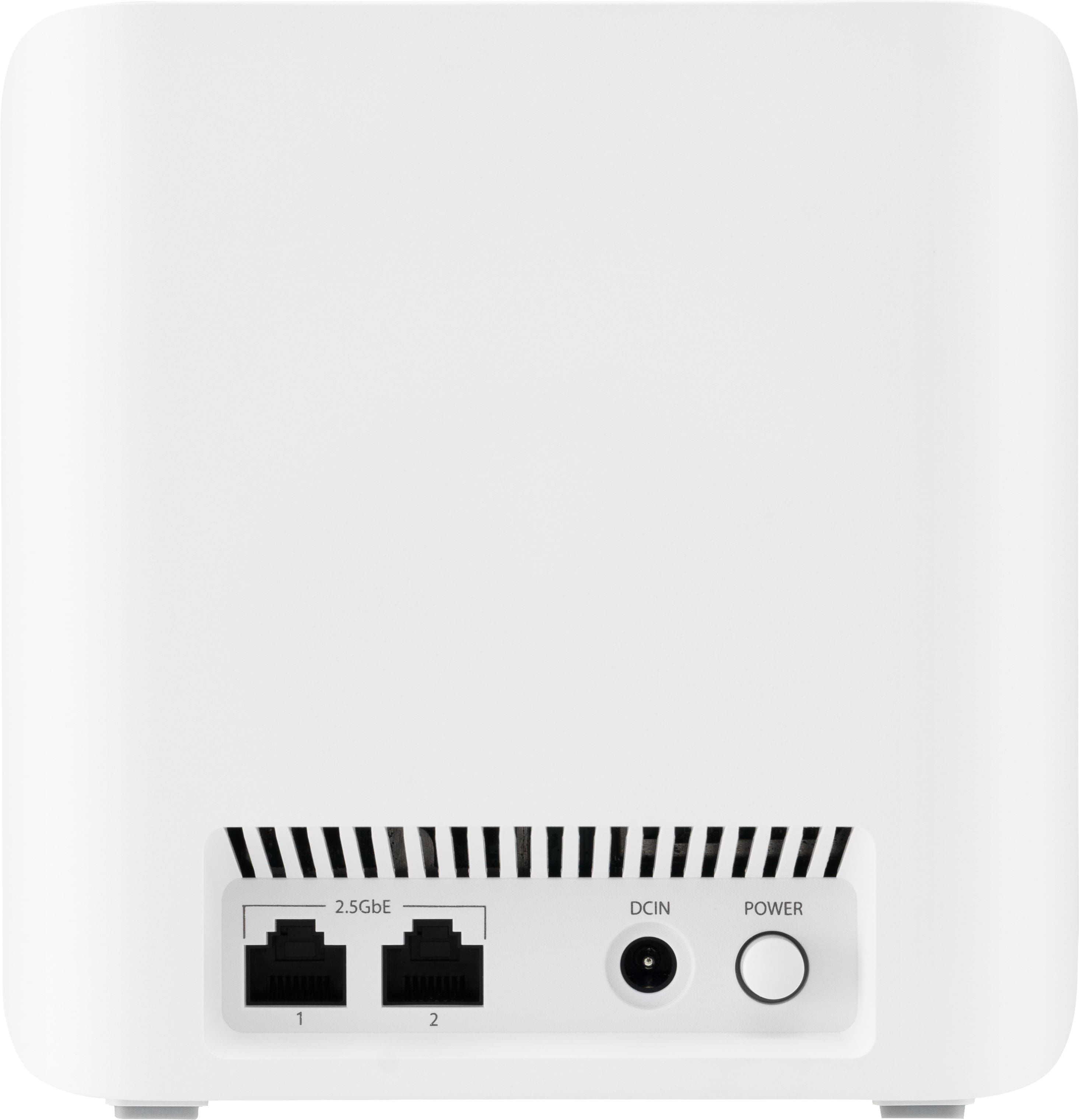
- ZenWIfi BE5000 3-PK
- SKU:
- 10732650
Rating by feature
- Setup
Rating 3.5 out of 5 stars
- Range
Rating 3.8 out of 5 stars
- Signal Strength
Rating 3.8 out of 5 stars

Not bad at all for power users
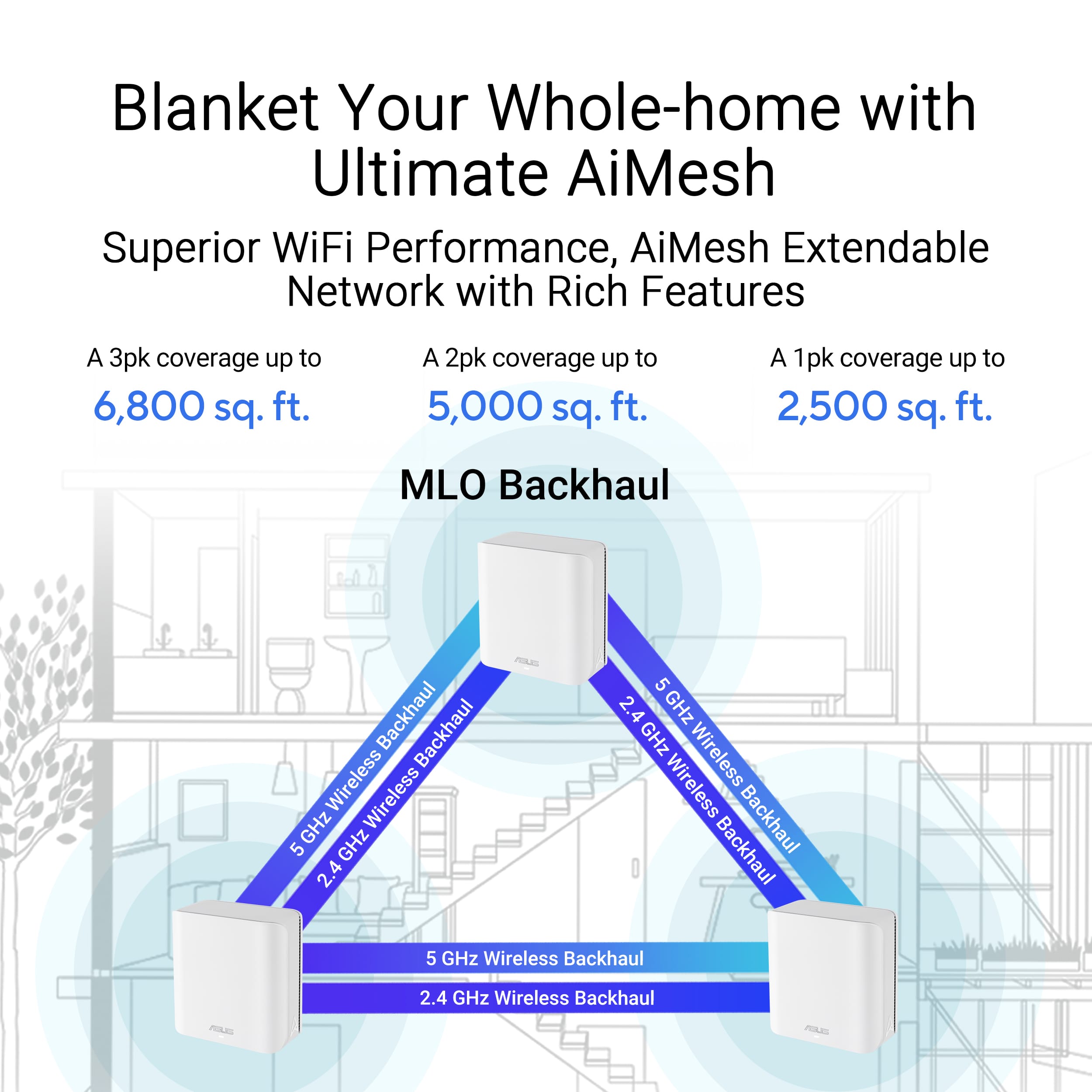
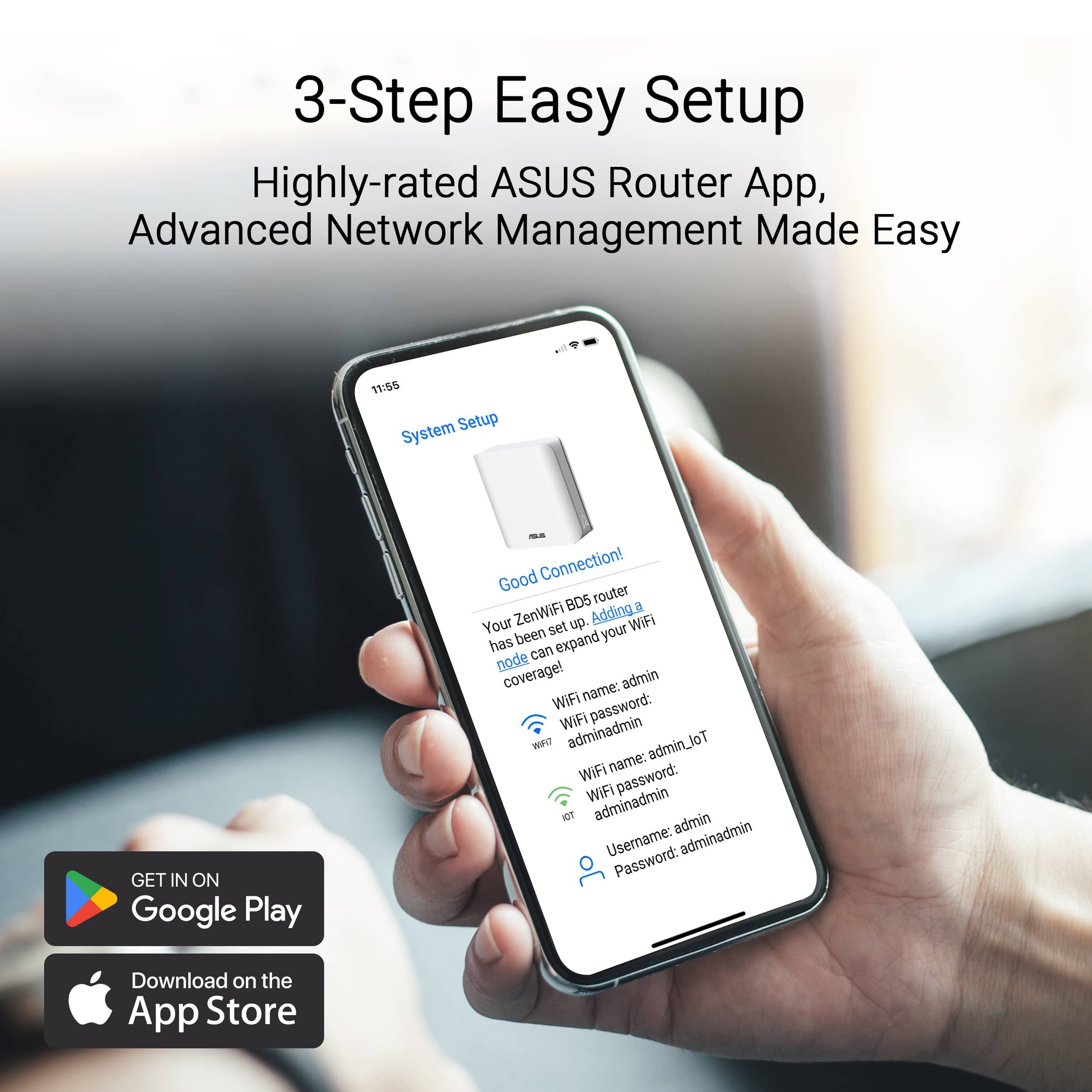
|Posted .This reviewer received promo considerations or sweepstakes entry for writing a review.I don’t have any complaints about this WiFi system. It’s connected to my devices without issue. Setup was pretty simple and easy and just overall painless, and when I logged into the router from my computer later I found a bunch of extra options that weren’t in the app (such as AP mode). Asus has software you can install that will scan your network for the router or nodes so you can get their IPs and log into them, which is really nice to have. The signal has been strong and reliable, and I’ve never yet dealt with crashes or slowdowns. The nodes are small and don’t take up a ton of space, and I appreciate that the lights on them aren’t blue. The coverage area is also fantastic - I haven’t noticed any weak spots in my house after setup, and it feels like the WiFi outdoors is just about bearable now (with my previous router, it would connect but would have incredibly slow speeds that caused most apps to say I’m offline). So, overall, I really like this mesh system. It’s got new enough tech for future proofing, it has an app for easy setup that it guides you through, and it’s got all the technical features I like to use in a router accessible in the web interface and fully implemented. I’ve had no connectivity issues, and it’s honestly been the most pleasant WiFi system yet to integrate into my home network. I really like it, and I really recommend it, especially if you do gaming or need actual administrative features on your router.
I would recommend this to a friendGreat Consistent Coverage/Speeds
|Posted .This reviewer received promo considerations or sweepstakes entry for writing a review.This is exactly what was needed for my home. The Asus ZenWiFi BE5000 is great if you have a larger space that doesn't reach the wifi everywhere. This is a great fix and a better solution then just a range extender. The mesh systems will provide better overall coverage and more consistent speeds compared to a typical range extender. For the mesh system creates a unified network, basically the nodes are a router in itself. I always had trouble with my wireless security camera outside of my house not getting a strong signal. Once I got this setup installed, and relocated the nodes throughout my home, I got a more reliable and stronger signal to my cameras. This has given me a better peace of mind at home. The install setup process was very simple. I currently have an Asus Router I am using with this mesh network. There is one node that has a sticker on it to start with it, be sure to do so. Then using the Asus App I set up each node at a time. Once connected I just simply moved the nodes to where I wanted them in the house and my network is now more consistent and better speeds throughout!
I would recommend this to a friend- Cons mentioned:Connectivity
Won't connect to the Internet with Spectrum modems
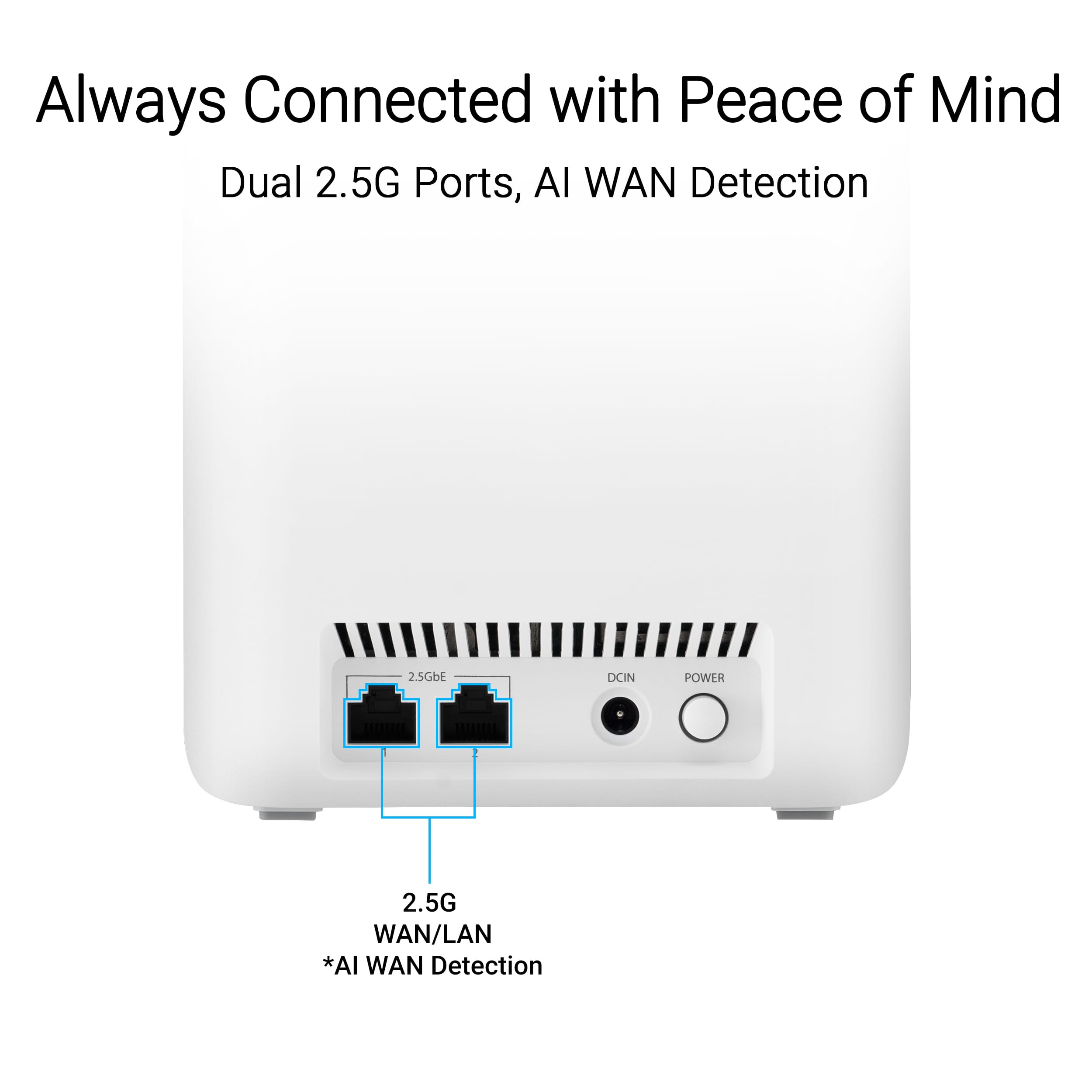
Posted .This reviewer received promo considerations or sweepstakes entry for writing a review.The BE5000 does not work with Spectrum modems. Physically and electrically they connect, but the router never connects to the Internet. ASUS says a new firmware may correct the problem, but pray tell, without and Internet connection how do you load the new firmware. I am taking back the unit tomorrow as this device after 5 hours of work just will not connect. It seems to work OK as a LAN. A very expensive LAN with no WAN capabilities. This problem with ASUS and Spectrum seems to date back at least 5 years.
No, I would not recommend this to a friendBrand response from ASUS Answers
Posted .Dear Nathan G,
We're sorry to hear that the ASUS ZenWiFi BE5000 is unable to connect to Spectrum modems and we apologize for any inconvenience this may have caused you. What you've experienced was not intentional. Your feedback is greatly appreciated and will be forwarded to our Product Team for review.
We stand behind our products and continuously strive to improve our products and processes to achieve customer service excellence. If you require any further assistance, please email us at customerloyalty@asus.com and include the case number "N2412010246-0009" as a reference. We will do our best to resolve your case quickly. Your feedback is very important to us, and it enables us to improve our support channels. Thank you for choosing ASUS.
Best Regards,
Chantae
ASUS Customer Loyalty US Support
Garbage
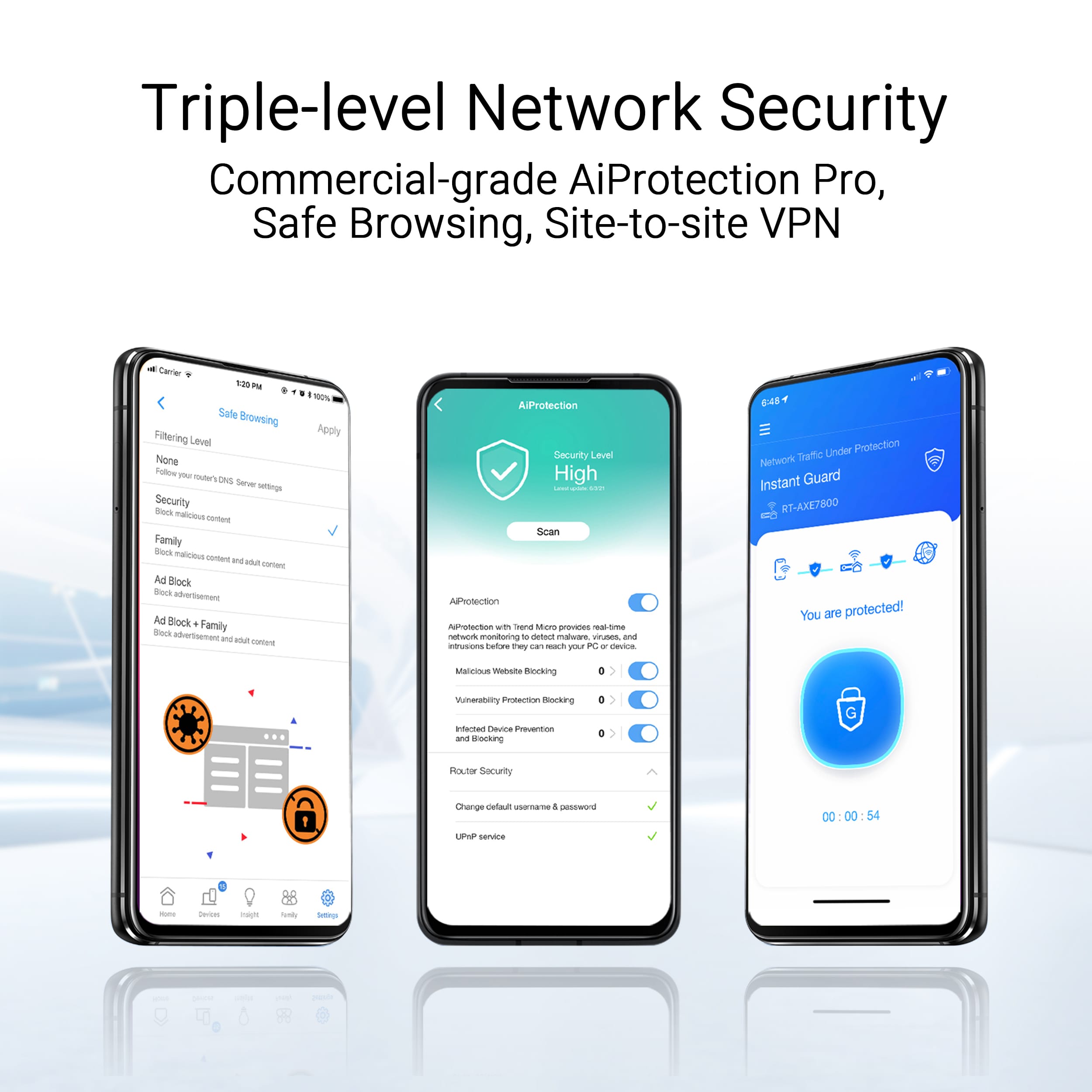
Posted .This reviewer received promo considerations or sweepstakes entry for writing a review.These WIFI nodes are trash!!!!! Inconsistent network connectivity with random drops from the network. Completely unreliable, absolute waste of money! This is in addition to there being no web based portal to manage the devices as they require you to download their app to do 90% of the administration.
No, I would not recommend this to a friendBrand response from ASUS Answers
Posted .Dear MeWa,
We're sorry to hear that the ZenWIfi BE5000 wi-fi signal is often disconnected and we apologize for the inconvenience this has caused. To troubleshoot this issue, we recommend following the steps in the FAQ below. Should the issue persist, please contact our support team at https://www.asus.com/us/support/CallUs to further investigate the problem.
We stand behind our products and continuously strive to improve our products and processes to achieve customer service excellence. For more information, email us at customerloyalty@asus.com and include the case number "N2411009568-0003" as a reference. We will do our best to resolve your case quickly. Your feedback is very important to us and enables us to improve our support channels. Thank you for choosing ASUS.
Best Regards,
Chantae
ASUS Customer Loyalty US Support
[Troubleshooting] WiFi signal is often disconnected - https://www.asus.com/support/faq/1030641/