Customer Ratings & Reviews
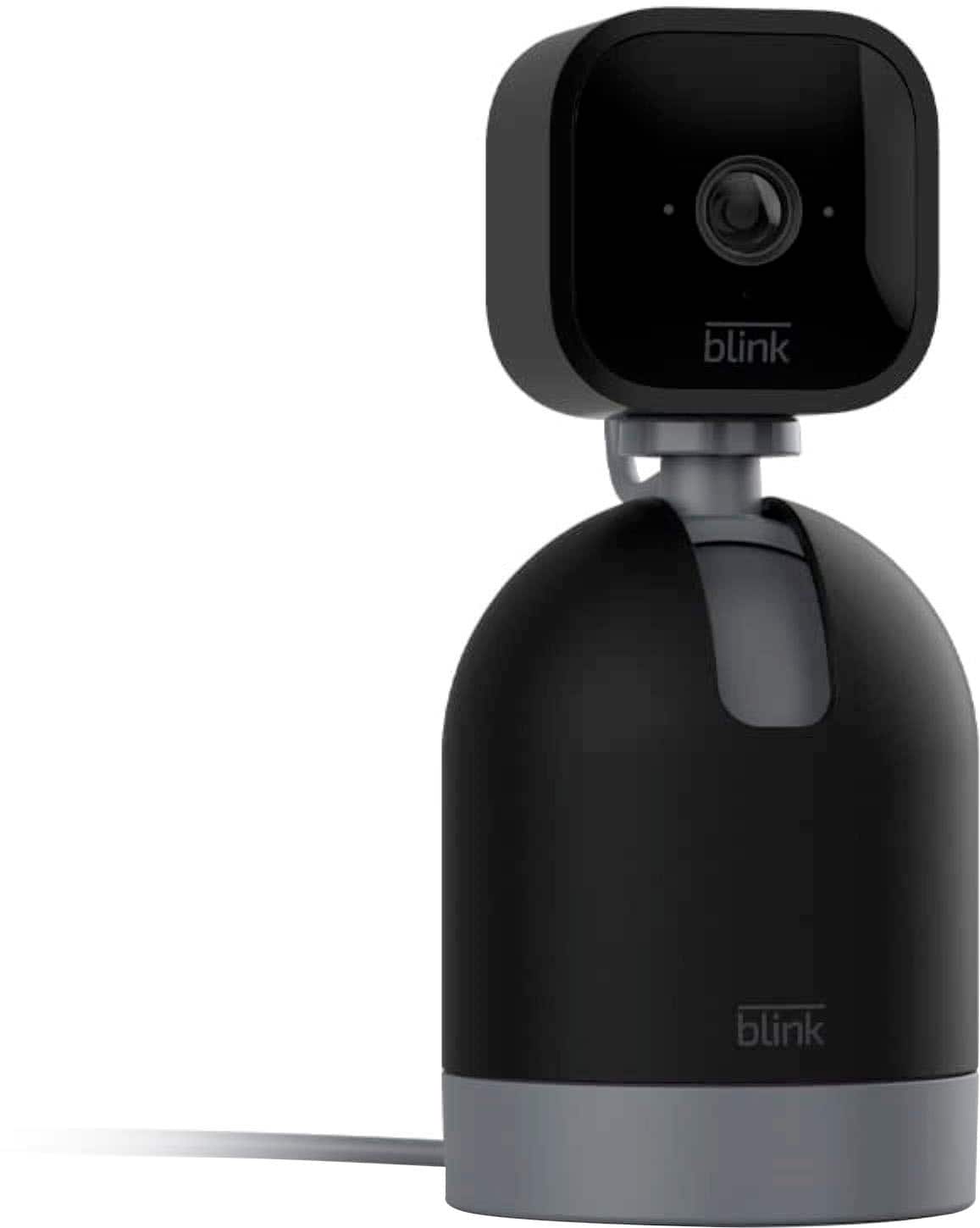
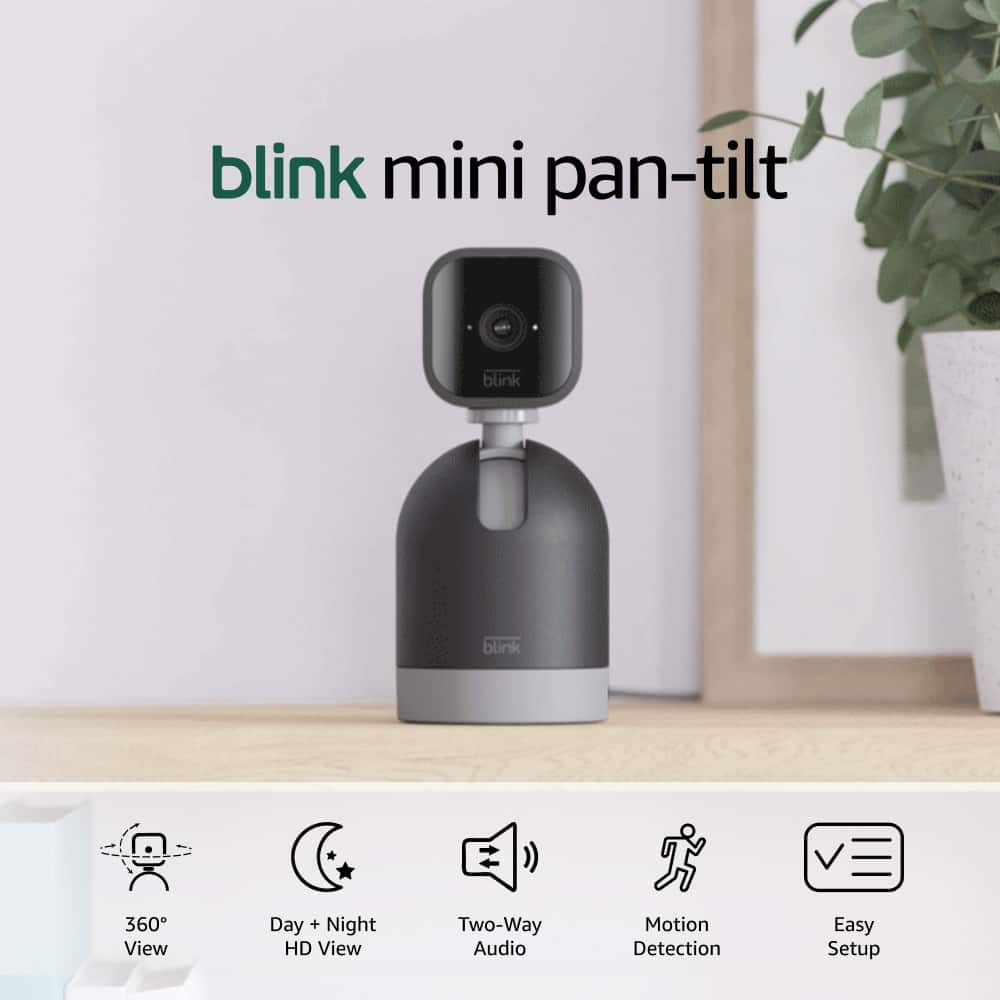
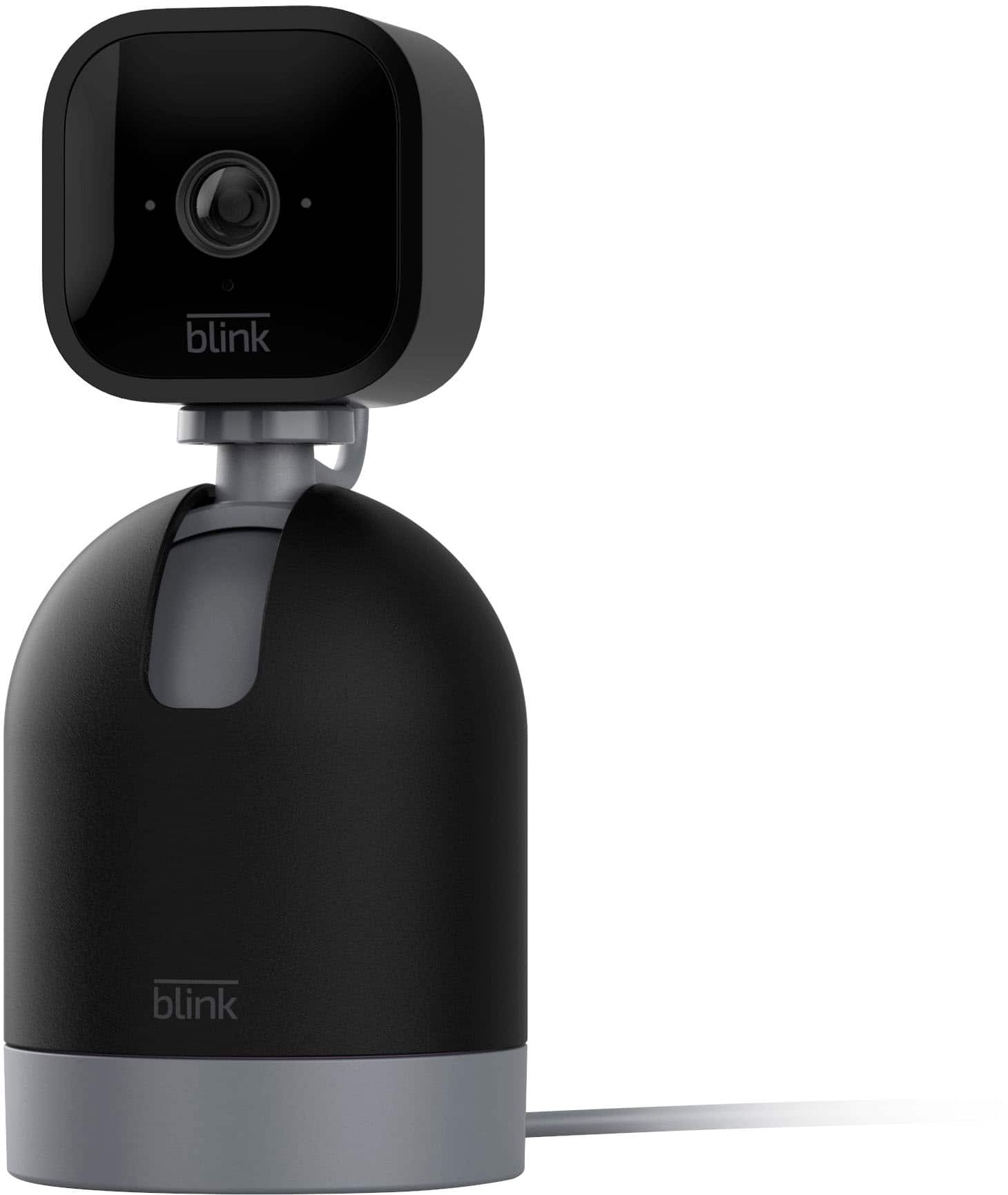
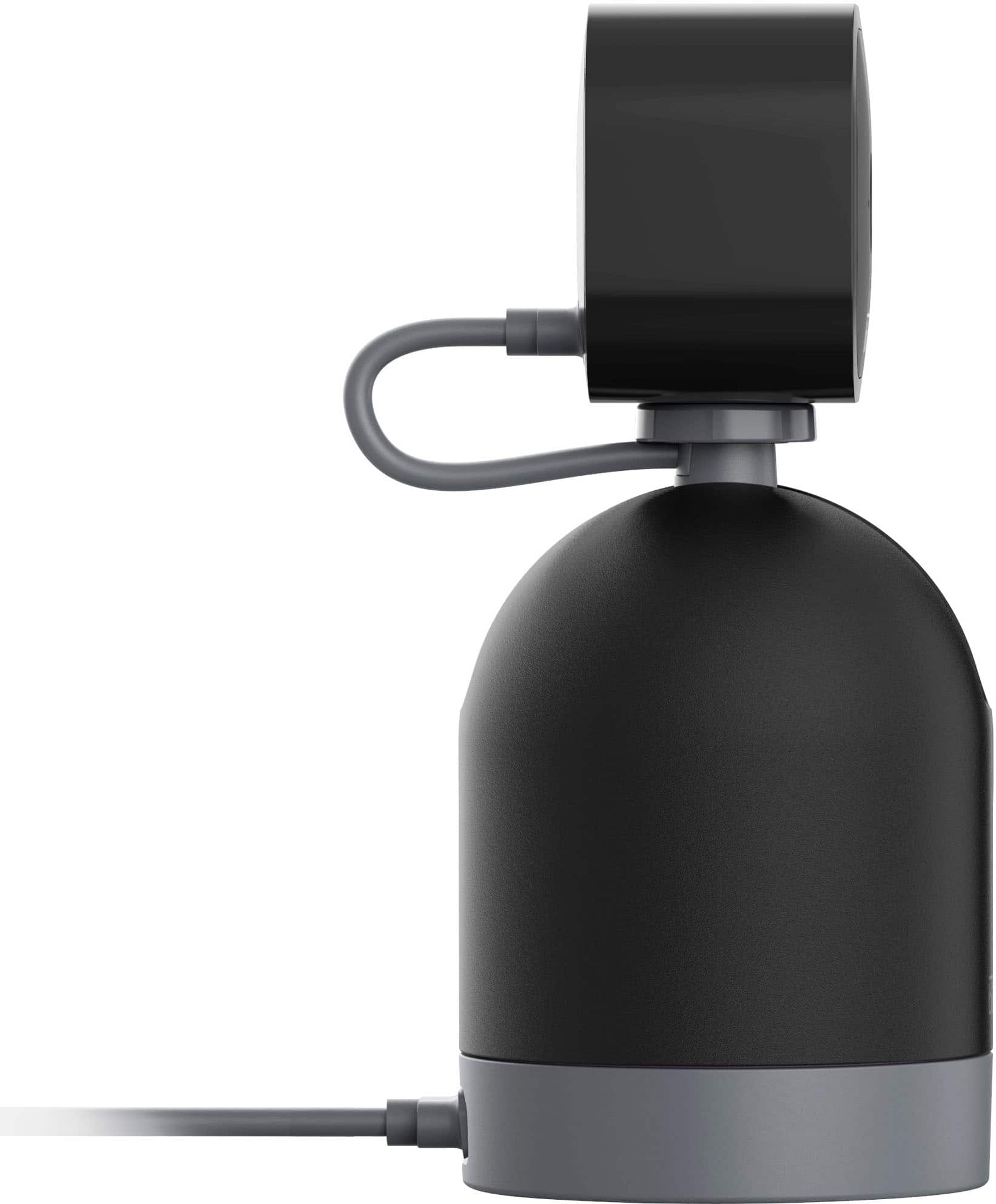

- Model:
- B09N6D5SDX
- SKU:
- 6522194
Rating by feature
- Value
Rating 4.7 out of 5 stars
- Quality
Rating 4.6 out of 5 stars
- Ease of Use
Rating 4.7 out of 5 stars
Customers are saying
Customers love the Mini Pan-Tilt Camera for its impressive camera quality, ease of use, and pan and tilt functionality. Many find the overall performance satisfactory, and appreciate features like motion detection and reasonable price. While the majority are happy, some users have expressed concerns regarding night vision and connectivity. A few have also mentioned experiencing lag.
This summary was generated by AI based on customer reviews.
loot money
||Posted .This reviewer received promo considerations or sweepstakes entry for writing a review.daYamn your subscription. make it simple plug and play there's not rocket science you invent in it that you need $50 then $3.99 for subscription
No, I would not recommend this to a friendBrand response from Amazon Devices Customer Support
Posted .Hello trump,
Thank you for your feedback on the Blink mini Pan-Tilt. I am sorry to hear your concerns on the product. You can use a Blink pan-tilt camera without a subscription, but your features will be limited to Live View (up to 5 minutes), motion detection, and two-way audio. To save video clips without a subscription, you will need a Blink Sync Module 2 and a compatible USB flash drive for local storage. I hope this information is helpful!
Works
||Posted . Owned for 10 months when reviewed.This reviewer received promo considerations or sweepstakes entry for writing a review.The connections are ok. Always have to reset because it would
No, I would not recommend this to a friendPoor quality, camera quality defintely not 1080
||Posted . Owned for 2 weeks when reviewed.This reviewer received promo considerations or sweepstakes entry for writing a review.Cheap andneasy to use, however lotion detection and two way speaker dont work
No, I would not recommend this to a friend- Pros mentioned:Ease of use
Awesome
||Posted . Owned for 1 week when reviewed.This reviewer received promo considerations or sweepstakes entry for writing a review.Awesome little device! It works so nice, i would highly recommend.
I would recommend this to a friend Alright
||Posted . Owned for 1 month when reviewed.This reviewer received promo considerations or sweepstakes entry for writing a review.It was cheap which was nice but it doesn’t let you speak through it even though it says it’s supposed to.
I would recommend this to a friend- Pros mentioned:Pan and tilt
Blink
||Posted . Owned for 1 week when reviewed.This reviewer received promo considerations or sweepstakes entry for writing a review.Works great you can look around up or down and all around
I would recommend this to a friend Garbage.
||Posted . Owned for 10 months when reviewed.This reviewer received promo considerations or sweepstakes entry for writing a review.This thing is used to watch my tool box at work. Well it was until it completely stopped working. Couldn’t get it to reconnect once it lost signal after a few months. Trash it went
No, I would not recommend this to a friend- Pros mentioned:Camera quality
Great camera system
||Posted . Owned for 1 week when reviewed.This reviewer received promo considerations or sweepstakes entry for writing a review.This camera is the perfect addition to my blink system.
I would recommend this to a friend - Pros mentioned:Camera quality
Nice
||Posted . Owned for 1 month when reviewed.This reviewer received promo considerations or sweepstakes entry for writing a review.Very good quality I liked it definitely I recommend it
I would recommend this to a friend pick another
||Posted . Owned for 2 weeks when reviewed.This reviewer received promo considerations or sweepstakes entry for writing a review.I could not get it to work properly! I apologize but I had to return it back to the store! If you can suggest another type of indoor camera, I would greatly appreciate it!
No, I would not recommend this to a friend- Pros mentioned:Camera quality, Ease of use, Pan and tilt

Quick and Easy setup
|Posted .This reviewer received promo considerations or sweepstakes entry for writing a review.I love the fact that this is easy to set up and add to my existing Blink system. The motion feature allows great visibility to the entire living space giving us great peace of mind when we are not at home. Set up took less than 5 minutes. It was also great in assisting us on which dog was chewing on our wood banister. Now he needs a new home!!! The controls in the app are intuitive and easy to use. One simple touch and the camera moves in the exact direction that I want. The pan and tilt action of the base is just what I needed. The picture quality is above par for this type of camera and I’m thoroughly impressed by it daily when I check on my dogs while I’m at work. you can also put it on the regular base station for a static position. But for my needs the pan and tilt base is perfect. Sounds quality is really top notch and i can hear everything that’s going on in my house without any issue. The look of the device really kind of fits in with my decor. It’s hidden away in a corner on a bookshelf and you have to really know that it’s there to see it.
I would recommend this to a friend Surprised it's not that good
||Posted . Owned for 3 weeks when reviewed.This reviewer received promo considerations or sweepstakes entry for writing a review.Doesn't pick up motion the way the other Blink cameras do.
No, I would not recommend this to a friendI'm not a fan
||Posted . Owned for 3 weeks when reviewed.This reviewer received promo considerations or sweepstakes entry for writing a review.It's not easy to set up. I will return it soon. We tried many times; still didn't work.
No, I would not recommend this to a friendBrand response from Amazon Devices Customer Support
Posted .Hello SandersonJ,
Thank you for your feedback on the Blink Mini Oan-Tilt camera. I am sorry to hear your having trouble setting it up. To set up a Blink Mini Pan-Tilt camera, first connect the Blink Mini to the Pan-Tilt mount using the included micro-USB cable, then connect the mount to power. Next, download the Blink app, select the "+" to add a new device, and follow the in-app prompts to scan the QR code on the camera and connect it to your Wi-Fi. The camera will then update and become available for use in the app. I hope this helps, if your still having trouble setting up the camera Amazon Customer service is available 24/7 for assistance. You can reach them at 1-888-280-4331. I hope this information is helpful to get your device working properly for you. Thank you!
Review
||Posted . Owned for 1 month when reviewed.This reviewer received promo considerations or sweepstakes entry for writing a review.Good product, it fit my needs. ********************
I would recommend this to a friendDisappointed
||Posted . Owned for 3 weeks when reviewed.This reviewer received promo considerations or sweepstakes entry for writing a review.Don’t like the fact that you have to do a subscription to use, didn’t know that until we bought it - wasn’t very clear on the labeling that that was thencase
No, I would not recommend this to a friendTrouble With the Blink Mini Pan-Tilt Camera
||Posted . Owned for 2 weeks when reviewed.This reviewer received promo considerations or sweepstakes entry for writing a review.Couldn’t get the camera to calibrate - even after several conversations with customer support. They recommended deleting the camera and reinstalling. When I tried that, I was unable to reinstall the camera. I wouldn’t recommend.
No, I would not recommend this to a friendBrand response from Amazon Devices Customer Support
Posted .Hi JohnW,
We are sorry you are having a negative experience. Blink cameras need a strong connection to WiFi and placed in an area with a working outlet. If you have further questions or need help troubleshooting, please call us! Blink customer support can be reached at 1-833-392-5465.
Hope that helps!
Its okey for indoor
||Posted . Owned for 3 weeks when reviewed.This reviewer received promo considerations or sweepstakes entry for writing a review.Has some small issues and hopefully nmby updating works better
I would recommend this to a friendBlink indoor
||Posted . Owned for 3 weeks when reviewed.This reviewer received promo considerations or sweepstakes entry for writing a review.Decent price. Unfortunately, as others have written, device audio leaves alot to be desired. We couldn't hear anything over the awful static. Returned and went with another brand.
No, I would not recommend this to a friendWorks sometimes
||Posted . Owned for 1 month when reviewed.This reviewer received promo considerations or sweepstakes entry for writing a review.When it works it is good, it just disconnects and says it needs to recalibrate at least twice a week, But I have to attempt to recalibrate it at least 10 times before it takes.
I would recommend this to a friend- Pros mentioned:Camera quality, Pan and tilt, Setup
Excellent addition to the Blink camera line
|Posted .This reviewer received promo considerations or sweepstakes entry for writing a review.I already own 2 Blink Mini and 2 Blink Outdoor cameras and I really like them, so when the Pan-Tilt mount came out, I knew it would be something I would want to add. I wanted a camera that I could pan and tilt so that I can view the room at all angles when I’m not there. I wanted to set it so that it wasn’t motion activated and would only be viewable on “Live View.” After using this for a week, I think I will get 2 more for the other 2 mini cameras. Blink Mini Camera: The camera quality is good. I keep it set on the “Best” quality video, but there are 2 lower settings (Standard and Saver.) The Blink App is very user friendly and does everything you would want it to do. Activity Zones allow you to block off areas that you don’t want any motion to cause your camera to start recording. For motion-detected recording, you can set the recording time for up to 30 seconds and the retrigger time can be set anywhere between 10 seconds and 60 seconds. You can enable or disable the motion detection on any individual camera and if you set your cameras up in “groups” you can “arm” or “disarm” any group. You can also switch any camera to Live View at any time. In Live View, I recorded for a little over 3 minutes to test and see if the 30 second limit applied to “Live View” and was glad to see it does not. You can also set the camera to end the clip early if motion stops. There is a very slight lag time of about 1 second between when the camera detects motion and when it begins recording. The camera has excellent night vision and you can set the IR intensity to 3 different levels. The camera has audio – both sending and receiving. You can set the audio level you want. To speak through the camera, you hold a button down on the app as you speak. The only thing I would like to see changed is to speed up the retrigger time for motion detection and/or to have the option to keep recording past the 30 seconds if there is still motion being detected. The Pan-Tilt Mount: The mount is easy to set up and the app found the camera immediately and knew that it was on a pan-tilt mount. I set the camera to view both the sound board and the dog crate so that I can check on my dog at night in case of a storm. When we leave the house, I am able to go into the app and pan and tilt to get a full view. There is a 360 degree pan button on the app, which causes the camera to pan first to the right until it is completely turned backward, then it automatically pans all the way to the left until it completely turned backward from that side. Then it automatically returns to the previous view. The view from behind slightly overlaps so you don’t miss anything. In addition to the right and left arrow buttons for panning, and the up and down arrow buttons for tilting, there is a “Home” button that returns the mount to neutral. The only complaint I have is the lag time. If you hold down the arrow to pan, by the time you see the camera starting to move in the app, you’ve held it down long enough so that it continues to pan all the way to the side, even after you removed your finger from the arrow button. The same thing occurs with the tilt arrows. You can press the arrows 1 or more times to get smaller panning increments, but the camera will be jerky. You can also hold down the button for less time and through trial and error, you could learn about how long to hold it to move it the amount you need. I opted for the Blink subscription to be able to save my videos on the cloud, but that it optional. Overall, I am very happy with the Blink Mini-Camera and would recommend it highly.
I would recommend this to a friend