Customer Ratings & Reviews

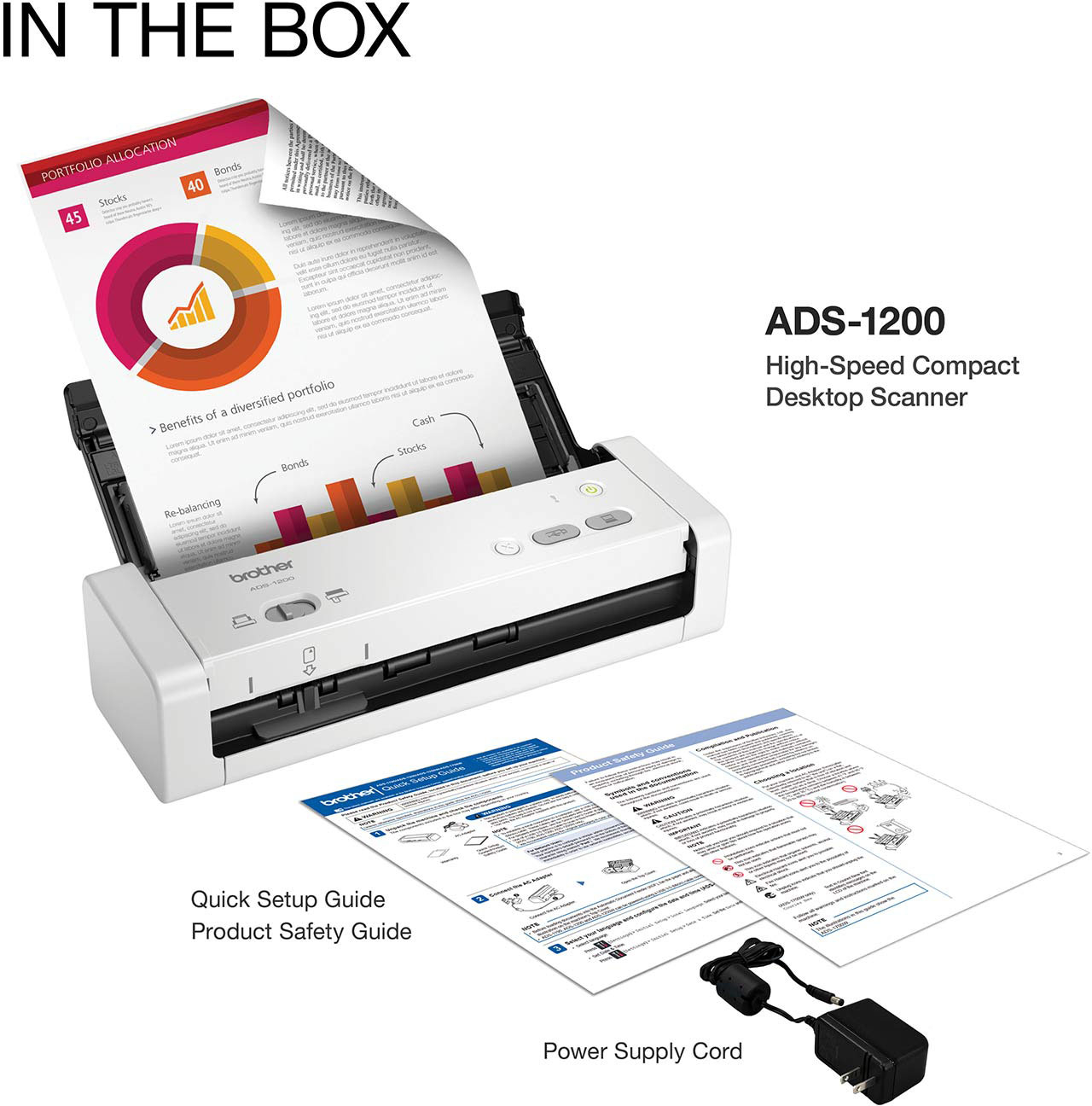


- Model:
- ADS-1200
- SKU:
- 6283804
Rating by feature
- Value
Rating 4.4 out of 5 stars
- Quality
Rating 4.5 out of 5 stars
- Ease of Use
Rating 4.4 out of 5 stars
Customers are saying
Customers recognize the ADS-1200 Compact Duplex Desktop Document Scanner's speed, ease of use, and compact size as significant advantages. Many appreciate its duplex scanning capability and lightweight design, making it portable. However, some users experienced issues with the included software and the lack of a USB cable in the package. Concerns were also raised regarding the scanner's paper feed mechanism and its page capacity limitations.
This summary was generated by AI based on customer reviews.
Still Waiting
||Posted . Owned for 2 weeks when reviewed.This reviewer received promo considerations or sweepstakes entry for writing a review.My scanner is still in limbo on my desk because it is asking me about my email config or something and i didnt have time to try and figure it out; so I drove to my office to scan a document
No, I would not recommend this to a friendBrand response from Brother
Posted .We are sorry that you are experiencing issues with your Brother ADS1200 and we understand your frustration. We'll be happy to help you.
If you continue to have issues, our Brother Customer Support Team is available to assist you direct: www.brother-usa.com/brother-support
Wonderful portable scanner!
||Posted .This reviewer received promo considerations or sweepstakes entry for writing a review.Worked great! Only downside was that the cable did not come with it and had to be a separate purchase.
I would recommend this to a friendScanner
||Posted .This reviewer received promo considerations or sweepstakes entry for writing a review.So far so good. I have no complaints about the product or service
I would recommend this to a friendGood for home office
||Posted .This reviewer received promo considerations or sweepstakes entry for writing a review.Would have been nice to have an old fashioned instruction book.
I would recommend this to a friendFrustration.
||Posted . Owned for 1 month when reviewed.This reviewer received promo considerations or sweepstakes entry for writing a review.No Manual provided for set-up or use, making the process for set-up and use frustrating.
No, I would not recommend this to a friendBrand response from Brother
Posted .We would like to take this opportunity to thank you for your feedback. At Brother, customer satisfaction is something we take seriously. We would love to hear from you with more details to be able to better assist you. Our Brother Customer Support Team is available to assist you direct: www.brother-usa.com/brother-support
Really nice!
||Posted . Owned for 1 month when reviewed.This reviewer received promo considerations or sweepstakes entry for writing a review.I love how easy and fast it is. Will definitely recommend.
I would recommend this to a friend- Pros mentioned:Scan speed, SizeCons mentioned:Usb cable

Compact, Lightweight, and Speedy Portable Scanner
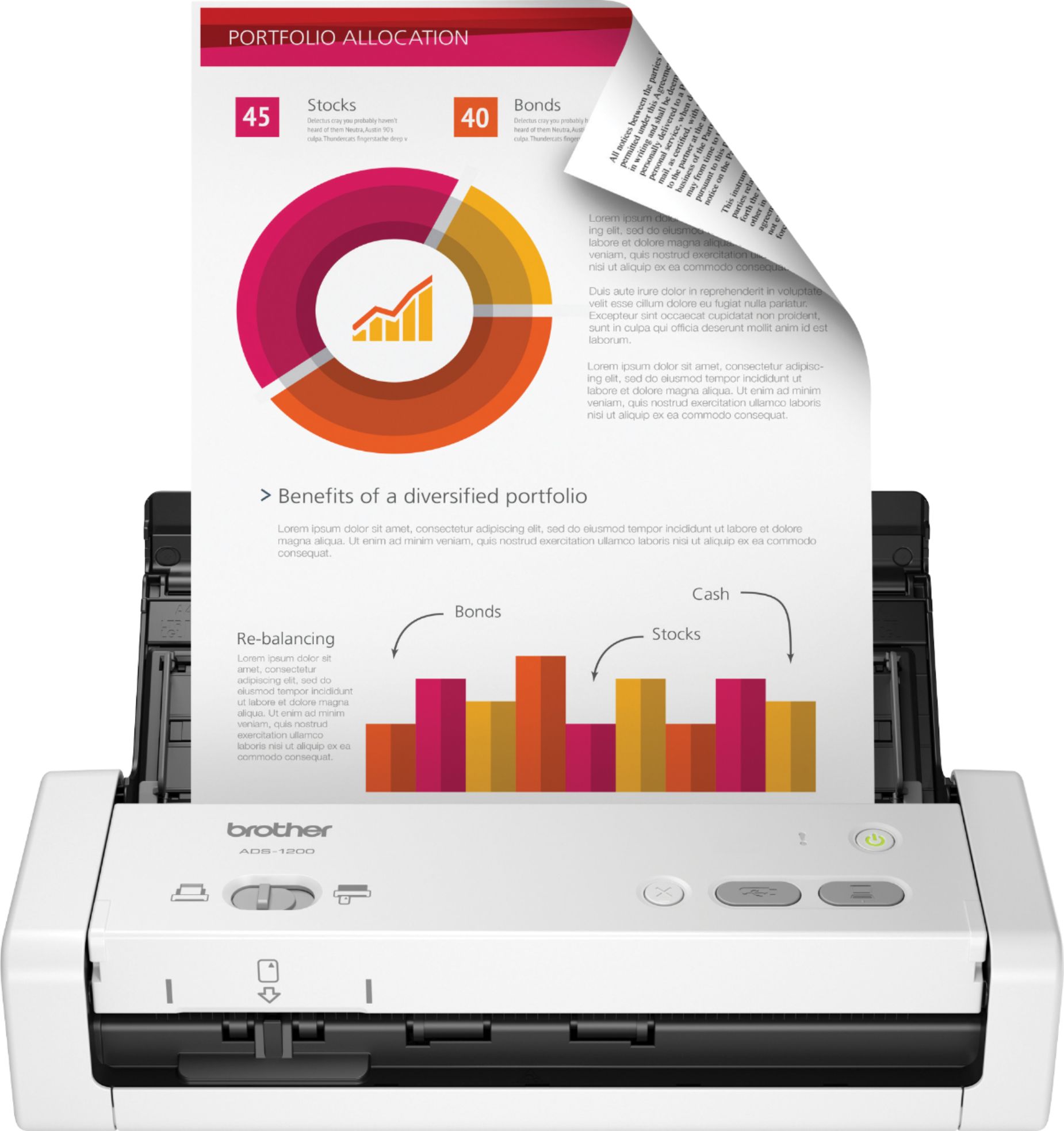
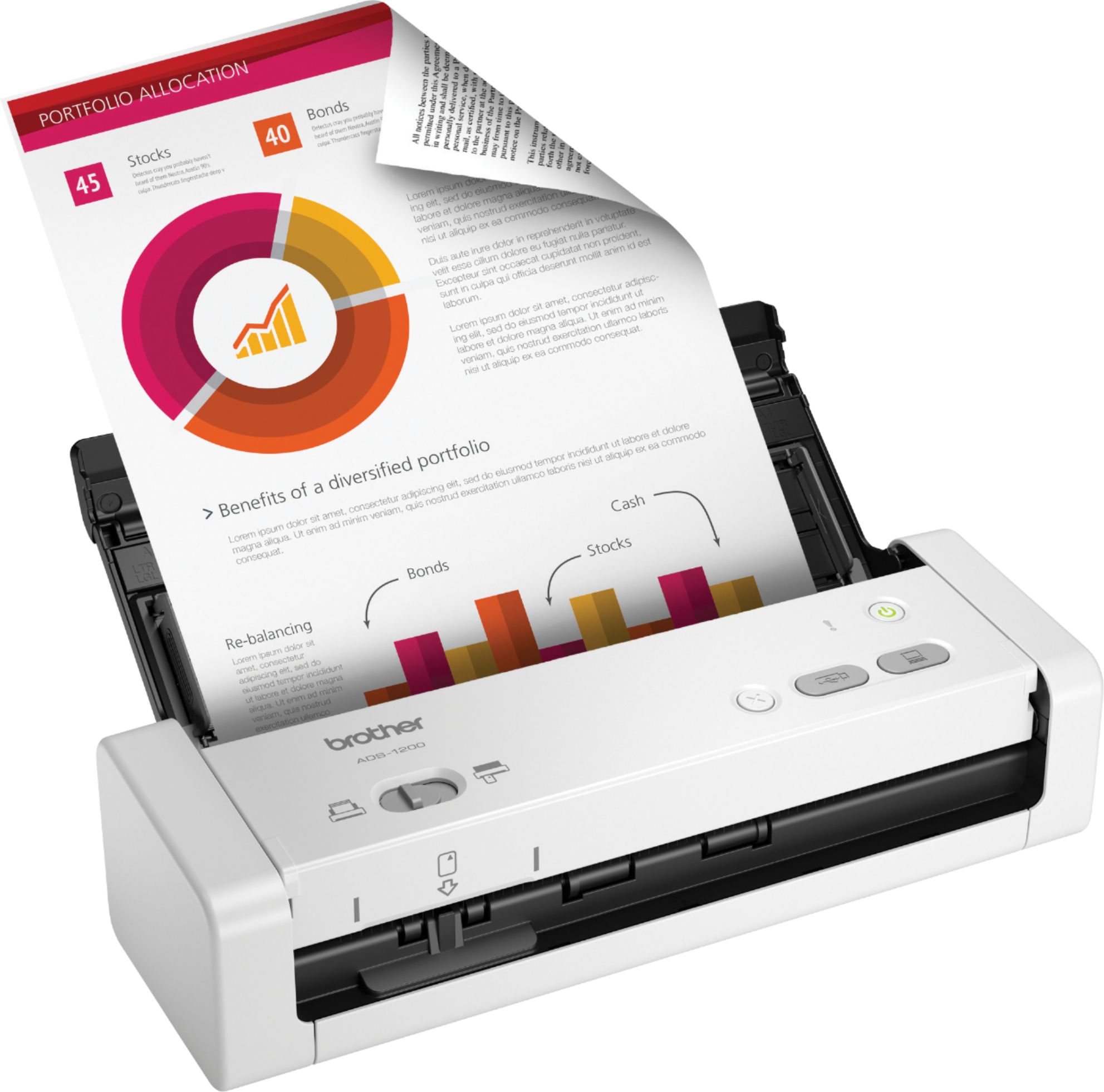
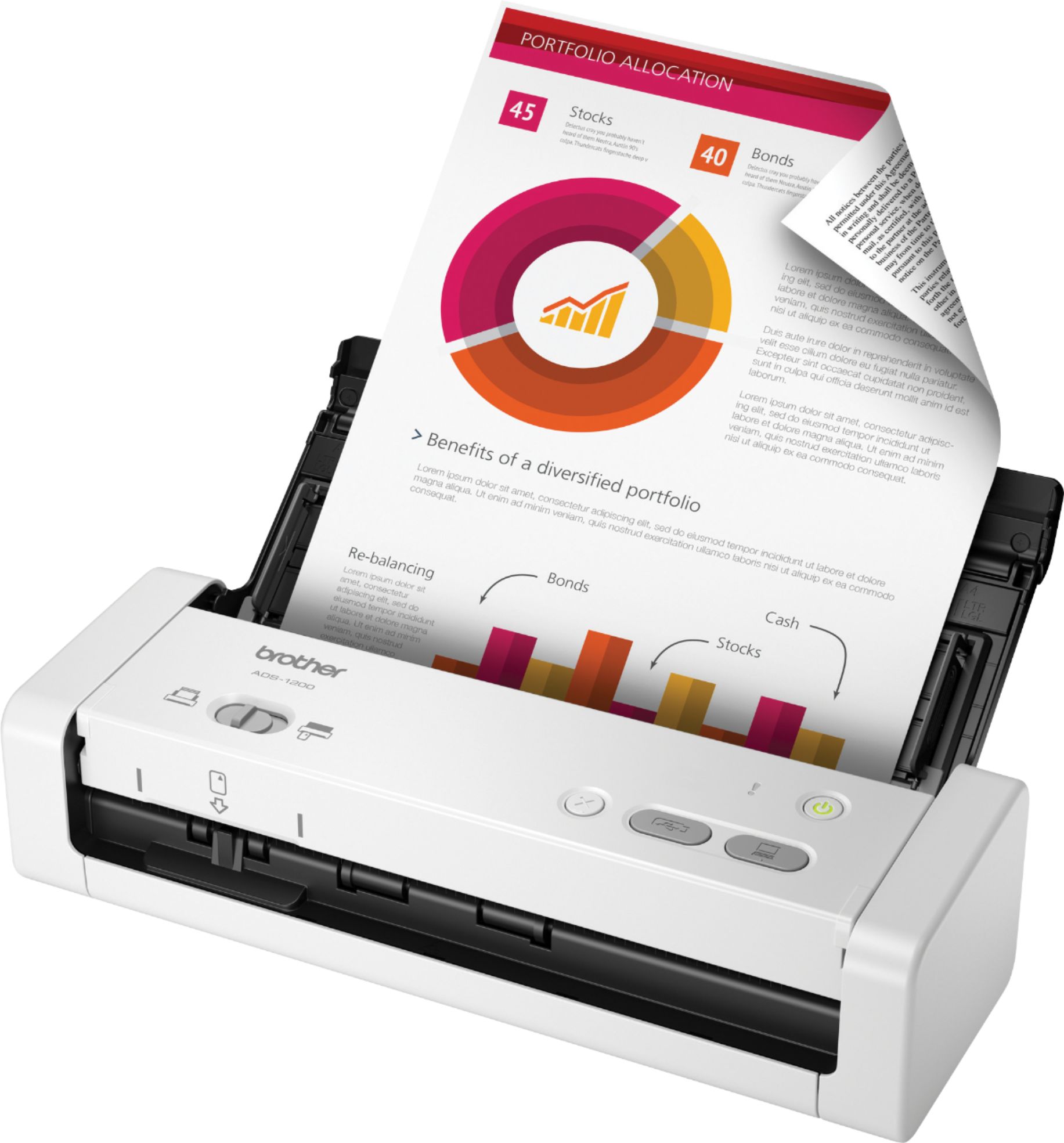
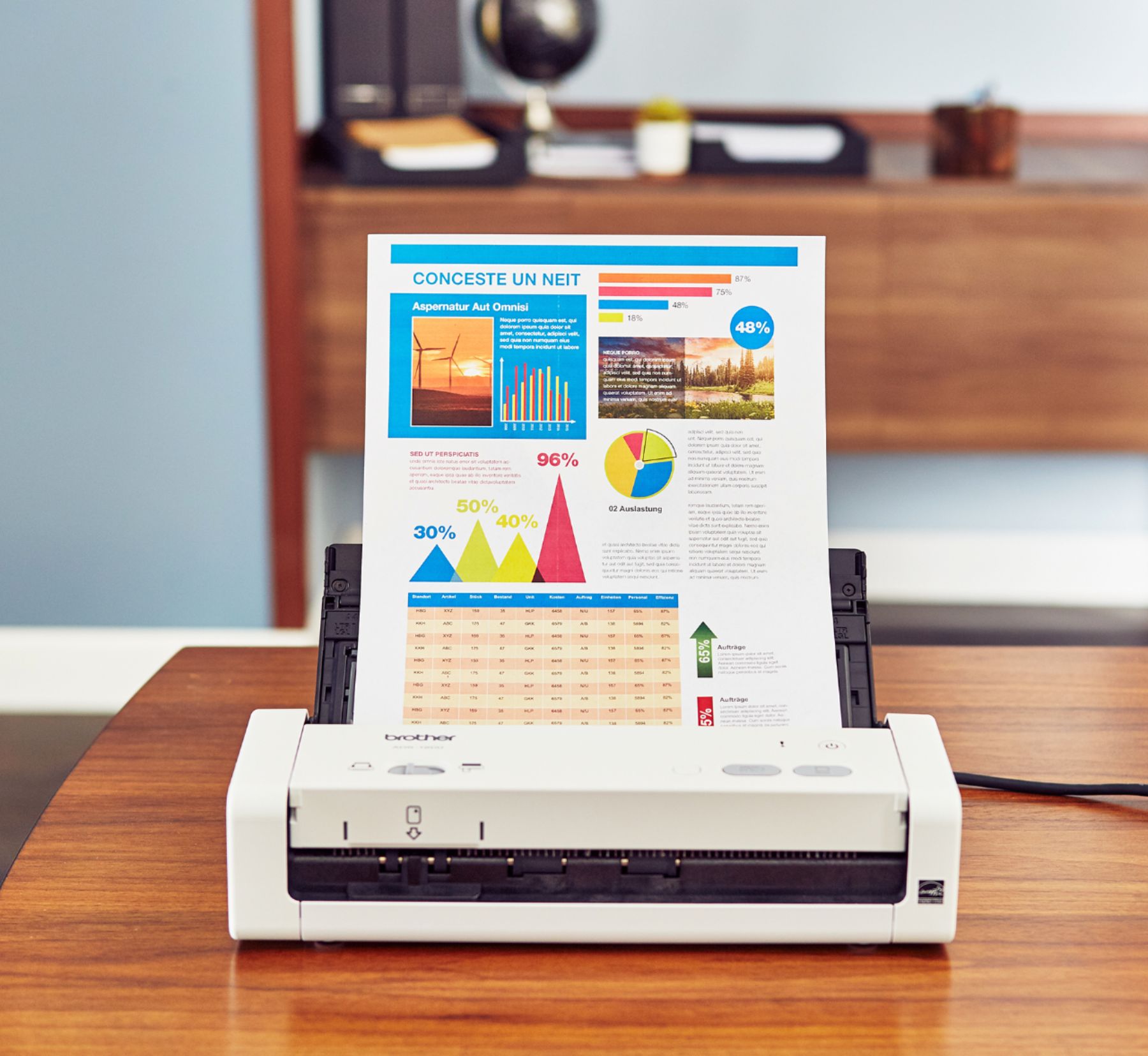
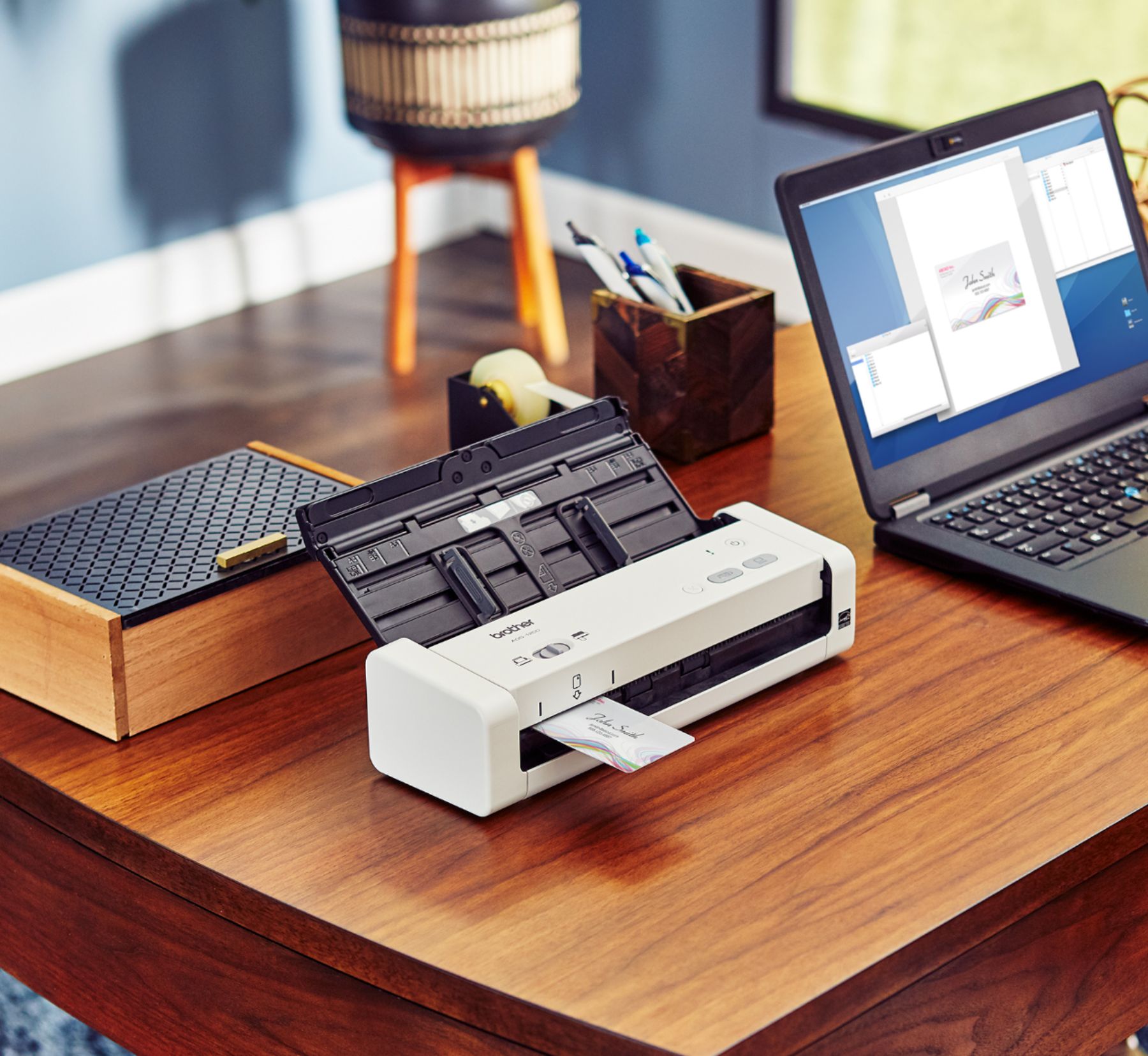
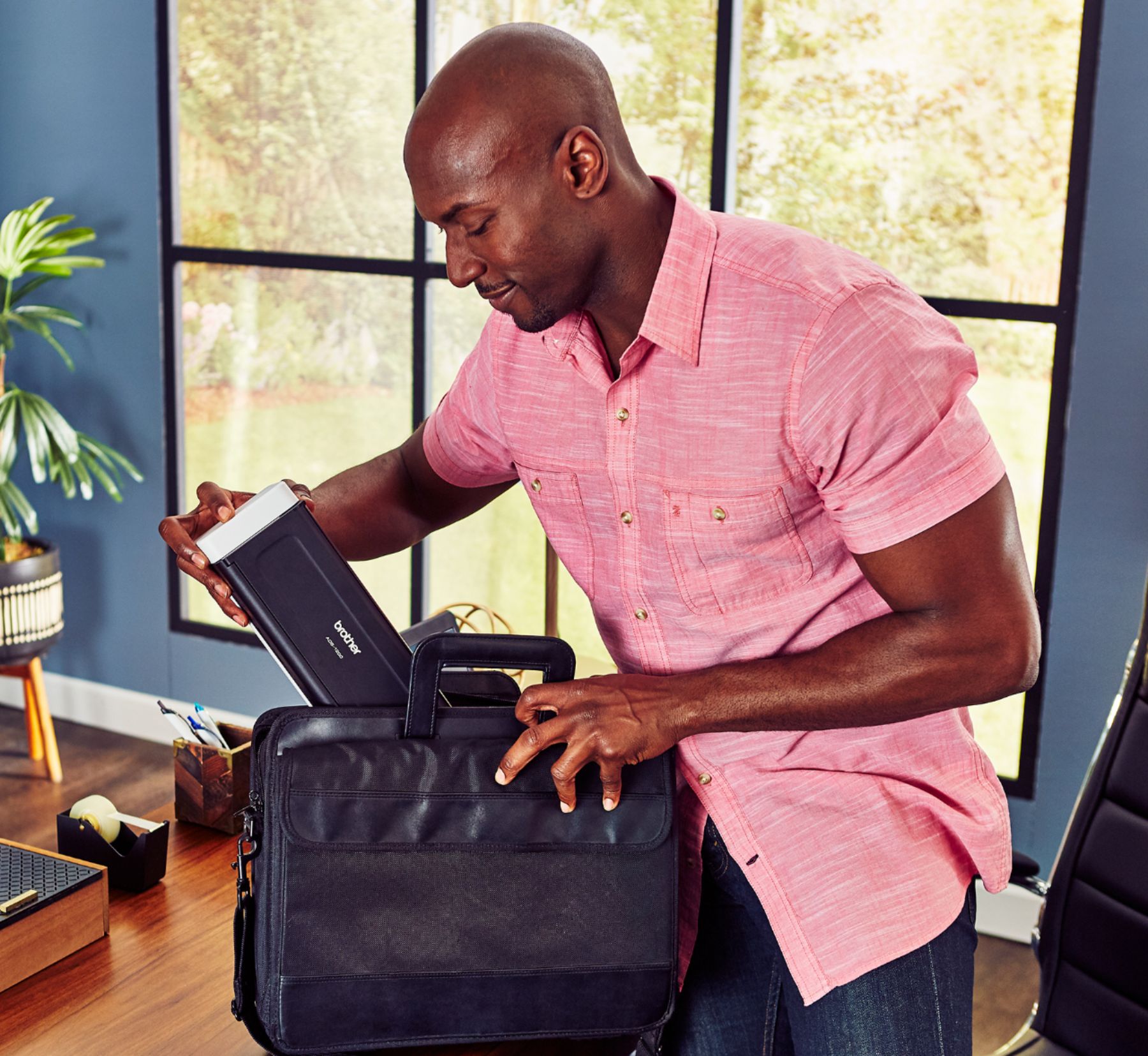
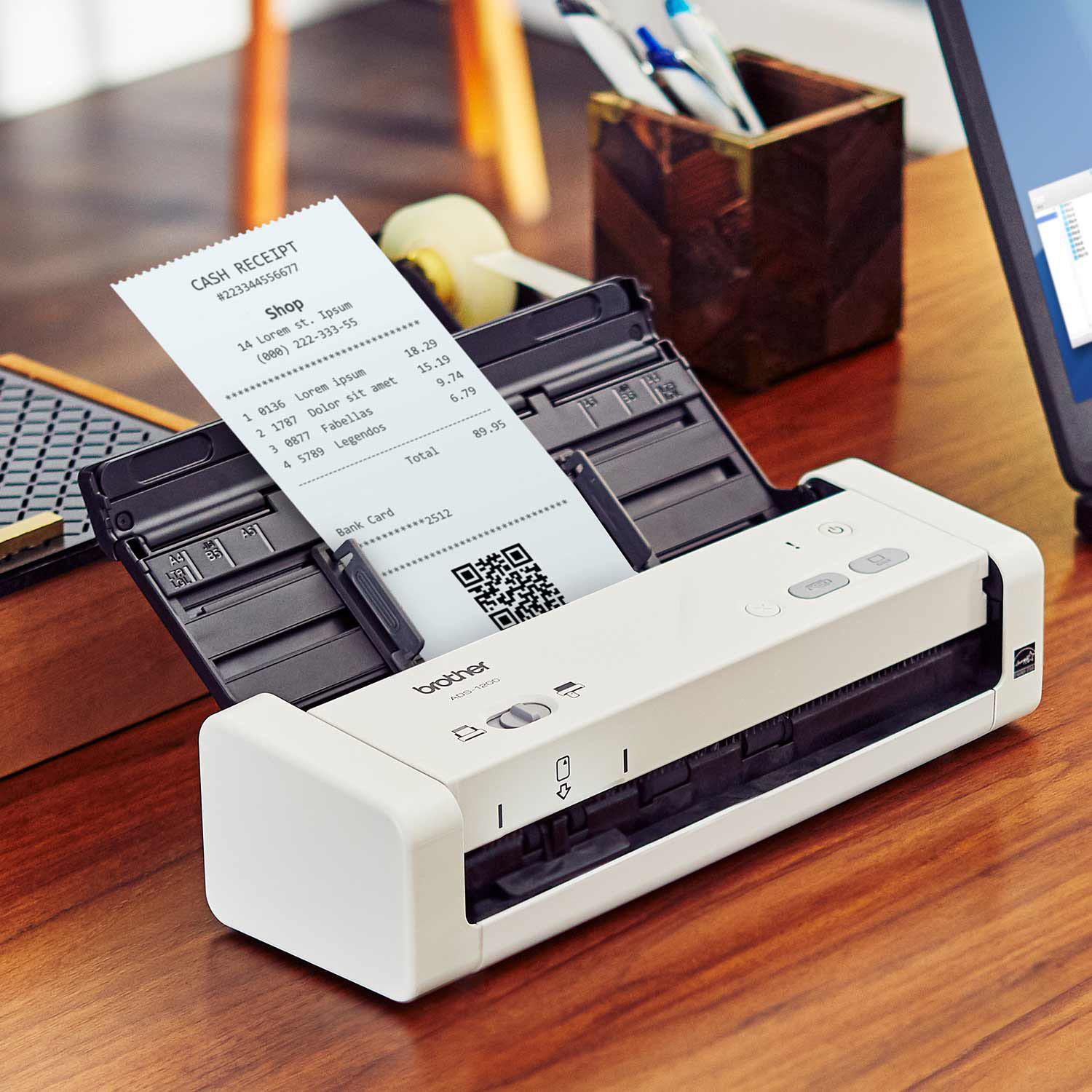
|Posted .This reviewer received promo considerations or sweepstakes entry for writing a review.**Summary** The Brother ADS 1200 is a compact, quiet, and highly capable portable scanner that will meet the needs for most light to moderate duty scanning demands of the home office or mobile business professional. **What I Liked** +Compact, Lightweight, and Mobile. Having a footprint of only 11.7” wide x 3.9” depth x 3.4” high this thing takes up minimal table top space compared to more traditional scanners. Also, weighing in at a featherweight 3.3 lbs, a mobile professional can easily pick it up, put it in a bag, and transport it. The scanning tray and accompanying “wings” which support the paper all fold up nicely. It's like a transformer. +Single Pass Duplex Color Scanning. I was impressed by how the scanner quickly scanned both sides of a document in a single pass. I was previously using a flatbed scanner where I had to scan one side at a time, so having the duplex scanning feature is a truly wonderful time saver. +Fast Scanning. Scans color and black/white documents at up to 25 pages per minute. +Quiet. The gears and rollers on the scanner are very quiet. I wouldn't be afraid of using it in a library. It doesn't have any annoying beeps when powering on and off. Again, it is quiet. A simple light on the power button indicates if the scanner is on/off. +Automatically detects the size of the sheet of paper. I fed a mix of 8.5”x14” and 8.5”x11” documents in the tray and it easily scanned and detected the differing paper lengths with no problem. +Dedicated business card/ID card scanning slot. Run a business card through the dedicated card slot, and it will automatically scan both sides of the card. The resulting scanned image will have both sides of the card placed next to each other on the same side of the sheet. +Useful Software. There is no installation CD. You'll need to follow the Quick Setup Guide to go to the Brother website to download the driver and installation software. The main software is Brothers “iPrint & Scan” software which allows you to adjust scan quality, file format, double/single sided, and many other scanning functions. You have the option to save directly to your computer or save the file to cloud storage such as Google Drive, Drop box, and One Drive. I also suggest you download the two optional bundled software: (1) Nuance Power PDF standard, and (2) Paper Port – a file management software While Power PDF is no Adobe Acrobat Professional, it includes some of the basic and more common pdf editing features such as inserting pdfs from another file, extracting and deleting sheets, and flattening a file. +Choice of File types. You can save the scan as PDF, JPEG, PDF/A, Bitmap, PNG, Txt, Tiff, RTF. +Options to power the scanner. You can power the scanner with the included AC adapter. You also have the option of powering the scanner from a usb 3.0 micro B cable (not included in the box) connected to your computer/laptop's usb 3.0 port. **Things I Didn't Like** -My biggest gripe is that Brother doesn't include the required usb 3.0 micro B to usb 3.0 type A cable. You'll need to connect it during driver and software installation. You'll also need to have the cable connected to your desktop or laptop's usb 3 port to transfer all the data during scanning. The cable is a required element for the scanner to function. I'm a bit disappointed that Brother doesn't include one. If you don't have one lying around, you'll need to spend a couple bucks to purchase it. -Seems a little Fragile. The tray, the supporting “wings”, and the paper guides all seem to be a little fragile and delicate. In its folded configuration, ready for transport, the plastic top (which is the folded up tray) flexes a little under pressure. I'm concerned that it may get damaged in a bag during transport if it gets bumped around too much. **Would I recommend the Brother ADS 1200?** Yes, this scanner does a great job scanning regular documents, photos, receipts, business cards, id cards. While it may be a bit on the expensive side at the MSRP price, you get the convenience of a portable scanner that can do most of what a larger desktop scanner can do with a much smaller footprint and the versatility of being able to be put away in storage when not needed.
I would recommend this to a friend Works great for single scans
||Posted . Owned for 1 month when reviewed.This reviewer received promo considerations or sweepstakes entry for writing a review.works good but not for what I need. I need to be able to add to the documents, my files are approximately 200 pages and it scans them all individually
I would recommend this to a friendBrand response from Brother
Posted .Hi, we understand your documents scan individually. The ADS-1200 has the capability to scan multiple pages into a single file. Follow the steps in the link below.
https://help.brother-usa.com/app/answers/detail/a_id/159883
If you continue to have issues, our Brother Customer Support Team is available to assist you direct: https://www.brother-usa.com/brother-support
Cheap scanner, not worth it
||Posted . Owned for 1 month when reviewed.This reviewer received promo considerations or sweepstakes entry for writing a review.Terrible. It scans the paper last page first and if your doing double sided, you have it place it in a specific order for it to scan the pages correctly. Your much better off spending more for a scanner that doesn’t require this ridiculous process to just scan.
No, I would not recommend this to a friendBrand response from Brother
Posted .We would like to take this opportunity to thank you for your feedback. We are sorry to hear that you are having issues with your Brother ADS1200. At Brother, customer satisfaction is something we take seriously. Your feedback is important to us and will be reviewed to help us improve our future products.
We would like to hear more details to be able to better assist you. Our Brother customer support is available to assist you directly at www.brother-usa.com/brother-support.
brother scanner
||Posted . Owned for 9 months when reviewed.This reviewer received promo considerations or sweepstakes entry for writing a review.didnt use it all that much but when do do its ok i guess. wish it was a bit easier to set up too
No, I would not recommend this to a friendpages stick together makes it hard to operate
||Posted . Owned for 3 weeks when reviewed.This reviewer received promo considerations or sweepstakes entry for writing a review.better choices than this one! Nice to have to enter w25 characters
No, I would not recommend this to a friendBrand response from Brother
Posted .Hi, we understand the Brother ADS1200 pages stick together. We'll be happy to help. Remove any pieces of paper and other foreign debris that might be inside the scanner. Follow the steps in the link below to assist you.
https://help.brother-usa.com/app/answers/detail/a_id/165368
If you continue to have issues, our Brother Customer Support Team is available to assist you direct:
https://www.brother-usa.com/brother-support
Disappointed
||Posted .This reviewer received promo considerations or sweepstakes entry for writing a review.Dryer is extremely noisy and not worth the money..
No, I would not recommend this to a friendOK scanner
||Posted . Owned for 1 month when reviewed.This reviewer received promo considerations or sweepstakes entry for writing a review.Scanner start great, but after scanning few pictures, the scan start showing some undesire lines and scratchs. I may return the scanner.
No, I would not recommend this to a friendBrand response from Brother
Posted .We understand the Brother ADS-1200 is scanning with lines. Please contact Brother Customer Service directly at https://www.brother-usa.com/support/ads1200
Its ok
||Posted . Owned for 3 weeks when reviewed.This reviewer received promo considerations or sweepstakes entry for writing a review.A tray would have been nice for the money it cost.
I would recommend this to a friend- Pros mentioned:Ease of use, Scan speed, Size
Useful scanner with great quality
|Posted .This reviewer received promo considerations or sweepstakes entry for writing a review.I am someone who likes to have everything digital. I keep copies of important documents, business cards, invitations, in the cloud so I can access them at any time. I've gotten by using one at with where a PDF is sent to my inbox, but I need something at home. This Brother scanner fits the bill, it's small, compact, easy to set up and use. SETUP It's pretty simple, you plug the power cord in and plug the USB into your computer and voila. Now, some caveats. It doesn't come with a USB cord so you'll have to bring it. If you have a micro USB 3.0 cable (I don't see them out in the wild, last I bought one was with my Galaxy Note 3), you can actually power the scanner which makes it extremely useful on those seldom occasions when you need to pack it up and take it with you and use on the go. Now, once you plug it in, power it on, unfold the feeding tray (which is simple to do) you can start scanning immediately. When I hooked it to my Windows 10 machine I scanned a document immediately and it went straight to my documents folder as jpg. Now for some that might be just fine, but I prefer PDFs. So to adjust the settings, I had to go to the Brother website in order to download the scanning software. It was easy to find and download but did take a surprising amount of time to install. But once that was installed I was able to open up the scan program (the name escapes me). EASE OF USE like I said, you can immediately start scanning if you like, but to take full advantage of the scanner, I suggest you download the scan software. Once you do, it's pretty user friendly to change the settings you want. Honestly, there aren't many settings you need when scanning. The software allows you to change scan quality, folder where the document is saved and the file name (basically, you don't have to go back and rename the file after it's scanned, you can do it upfront). You can also change the type of file you want to save. I pretty much only scan to PDFs. In terms of use if the machine, again pretty simple. After set up, all you have to is adjust the weight l width of the document feeder, and hit a button. There is a clearly labeled spot where you can insert something like a business card to scan, and if you do, there's a slide switch. Again, very self explanatory. QUALITY I don't use many scanners, so I can't compare this one to another, and while I mostly scan documents for my own use, the quality is top notch and could be used professionally. Best of all, it scans double sided...in one scan. If you have ever used the scanner in a big copy machine, you know that the document has to (generally) be fed through the scanner twice to get both sides. This bad boy scans both in one fell swoop which is awesome. I initially thought I'd have to manually flip the pages over after they went through the scanner once. I have scanned one 4x6 photo and the quality was just fine. The document tray claims to hold 20 pages at once, I haven't tested that claim but I put a 10 page document on it and the scanner breezed through scanning them like it was no big deal. CONCLUSION This is what I would call a pretty basic device. It only does one thing (scan) but it does it very well. Even if you have a multi function printer at home, if you scan even a fraction of the time, this scanner is worth it. Plus, it's compact, so it doesn't take up much room. Highly recommend. The only reason it didn't get 4 stars because of no network connectivity. That's available in "higher end" models but I believe in 2018, network connectivity should be like anti lock brakes - standard.
I would recommend this to a friend - Cons mentioned:Software
brother scanner.
||Posted .This reviewer received promo considerations or sweepstakes entry for writing a review.poor. i returned it. Inexpensive , but you get what your pay for. Additionally the Brother software mess up my computer and wouldn't load properly.
No, I would not recommend this to a friendBrand response from Brother
Posted .We understand you were experiencing an issue with your ADS1200. We wish you had contacted our Brother Customer Support Team to be able to guide you through the issue. If we can be of any assistance is the near future, please don't hesitate to contact us directly at www.brother-usa.com/support.
Not too happy
||Posted . Owned for 6 months when reviewed.This reviewer received promo considerations or sweepstakes entry for writing a review.Less than 6 months after I purchased this item it doesn’t really work well anymore. I am glad I purchased the warranty. I will take it back in the morning.
No, I would not recommend this to a friend- Pros mentioned:Ease of use, Scan speed, Size
Amazingly Clear, but...
|Posted .This reviewer received promo considerations or sweepstakes entry for writing a review.I run a small business out of my home and have a home office that I perform a lot of my administrative duties in. My home office is fairly small, so using the space efficiently is a must. Enter the Brother ADS-1200. This thing is small. But not small enough to lose or feel like it is going to break. The build quality feels exceptional. I am confident that I could push this thing off of my desk and it would laugh at me. Toughness is a key feature as the size of this scanner makes it very portable and it is inevitable that it will hit something in transport. With its portability, I have no problem taking this with my as I meet with my payroll company, etc to scan documents immediately into my laptop so that I immediately have a digital copy. Set up was a bit of a chore though. Download this, download that, install this, that, and everything. Lots of downloading and installing. I think it took longer to install everything that I needed to run this scanner than it did to install everything on my PC after I finished building it. But you will get through it and it will be worth it. My only real complaint about this scanner is that it seems like every scan, although as clear as if the document originated as a digital copy, rarely seems to be straight. I have read the instructions, observed the markings and directions on the scanner itself, but it just seems as if its almost a lottery to whether it comes out straight. It appears to go in straight, come out smooth, but still ends up slightly crooked. Maybe getting a little bit more practice with scanning documents will get me straight as it is still probably user error. Also, the ADS-1200 is wired connection only. If that is a deal breaker, you may wish to upgrade to the 1250w or 1700 for wireless connectivity. Given the total package, I would highly recommend this scanner. It gives you crystal clear scans, is small, simple, and durable. Just be smarter than I am and I have no doubt that you would give this scanner 5 stars.
I would recommend this to a friend Not WiFi
||Posted .This reviewer received promo considerations or sweepstakes entry for writing a review.Needed to hook up to a device to run or print or save.
No, I would not recommend this to a friendBrand response from Brother
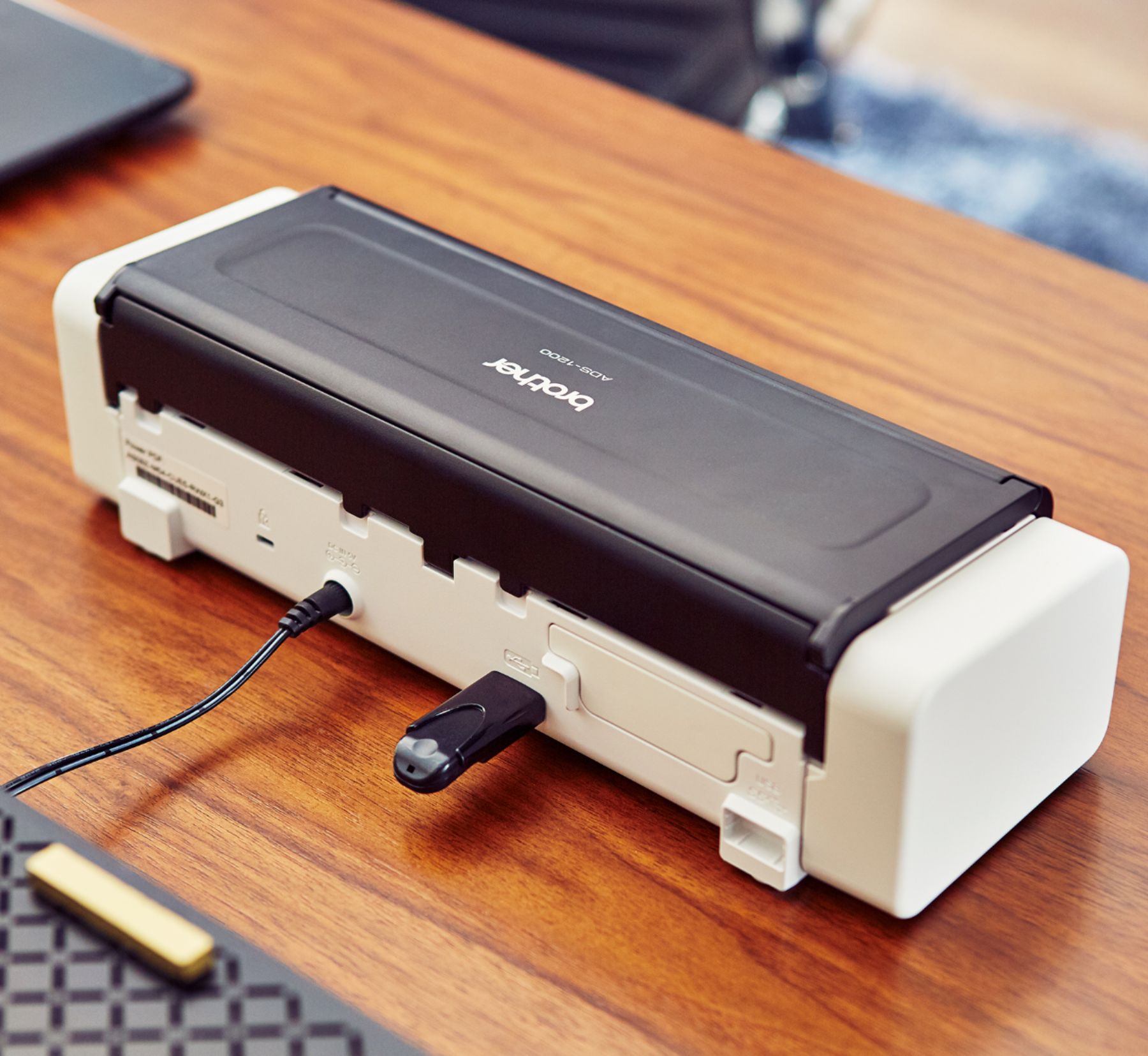
Posted .Hello. Thank you so much for the feedback on your Brother ADS-1200 Scanner. Thanks for giving us feedback on the experience you've encountered with the scanner requiring to be connected to a device. This particular model does have the option to scan directly to a USB flash drive instead of to a computer. If there's anything else we can help you with, please don't hesitate to contact us for support.
Not wireless
||Posted . Owned for 2 weeks when reviewed.This reviewer received promo considerations or sweepstakes entry for writing a review.Returned. Not wireless. Needs cable for PC connecting.
No, I would not recommend this to a friend