Customer Ratings & Reviews
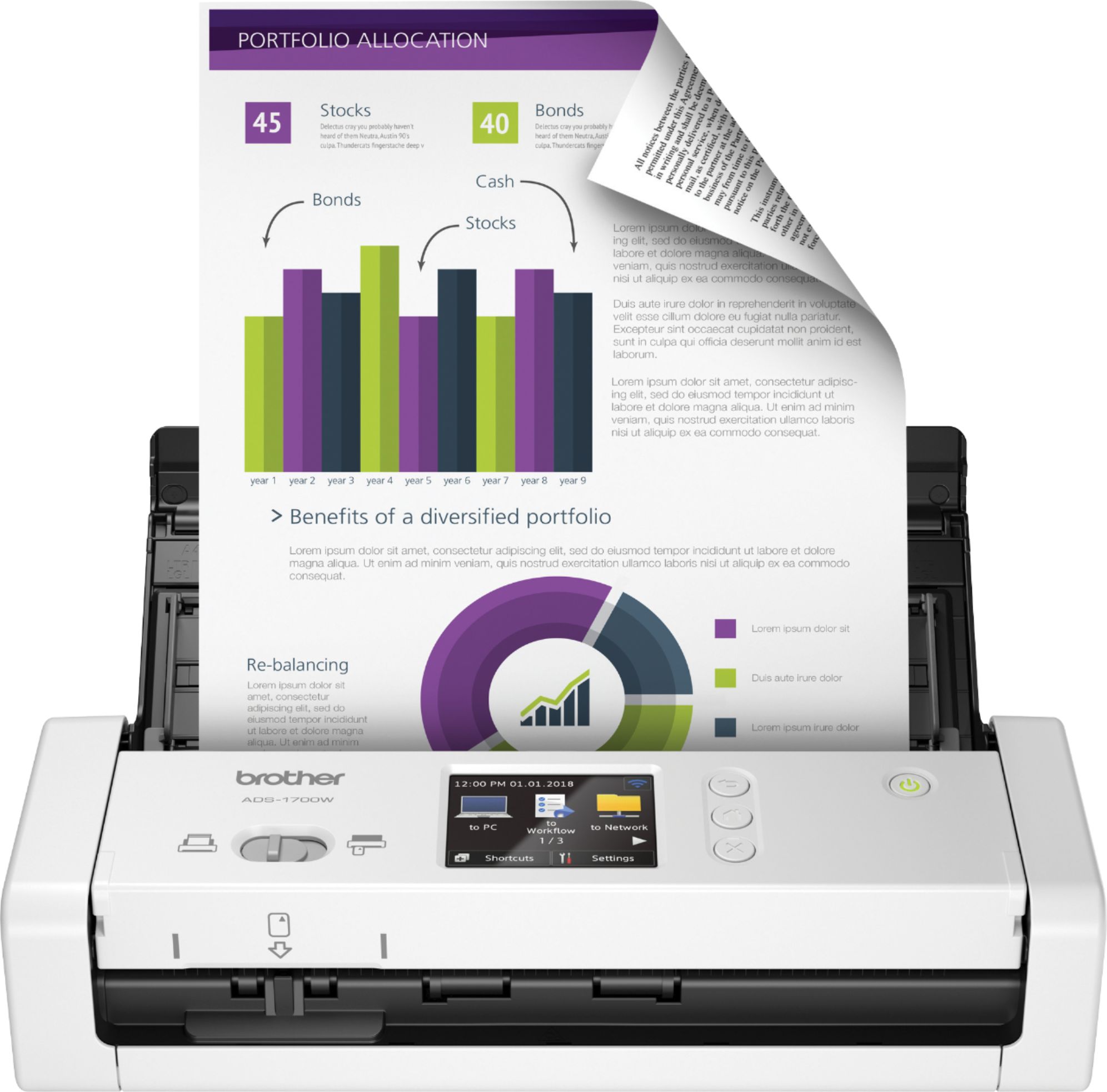
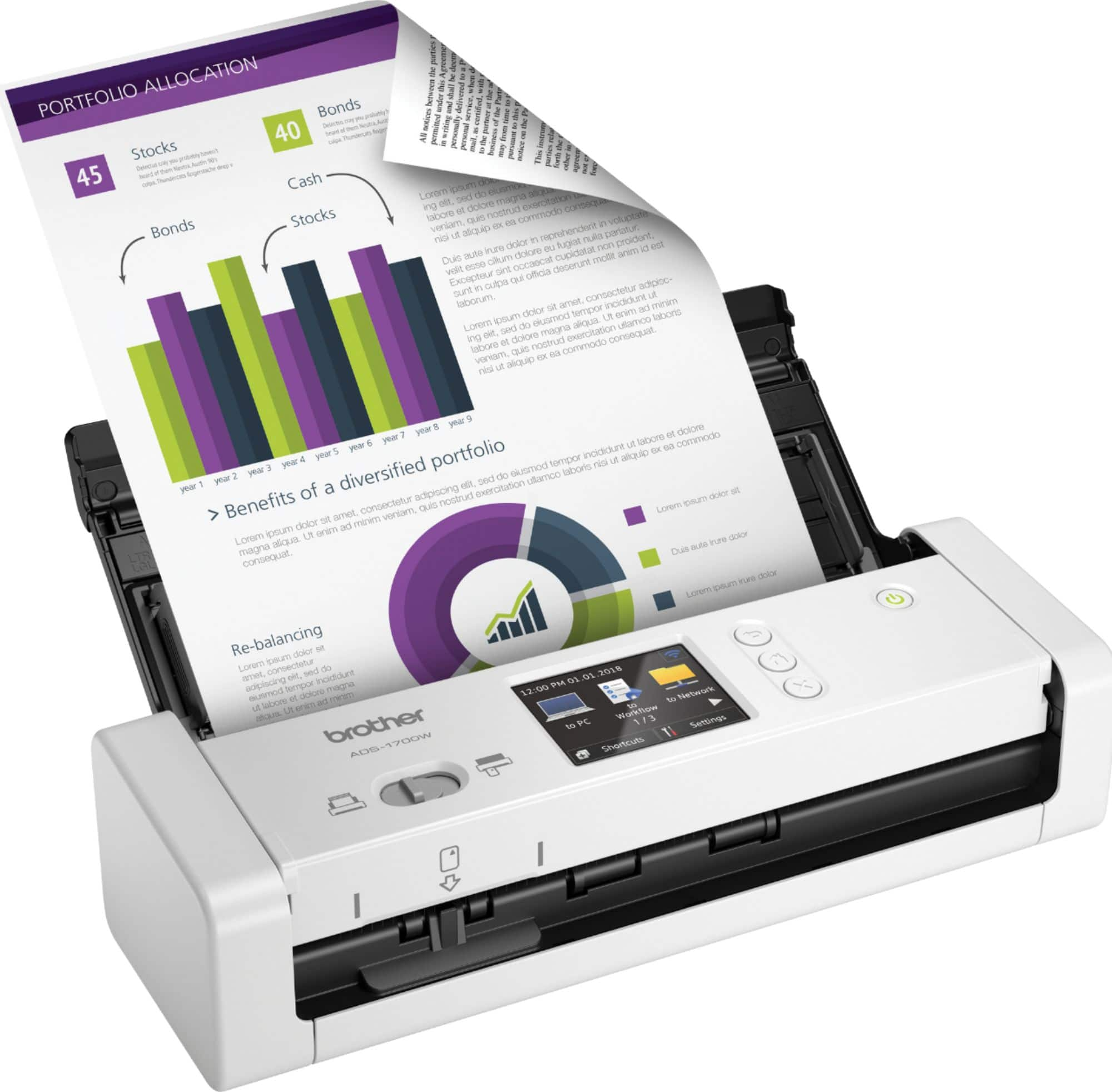
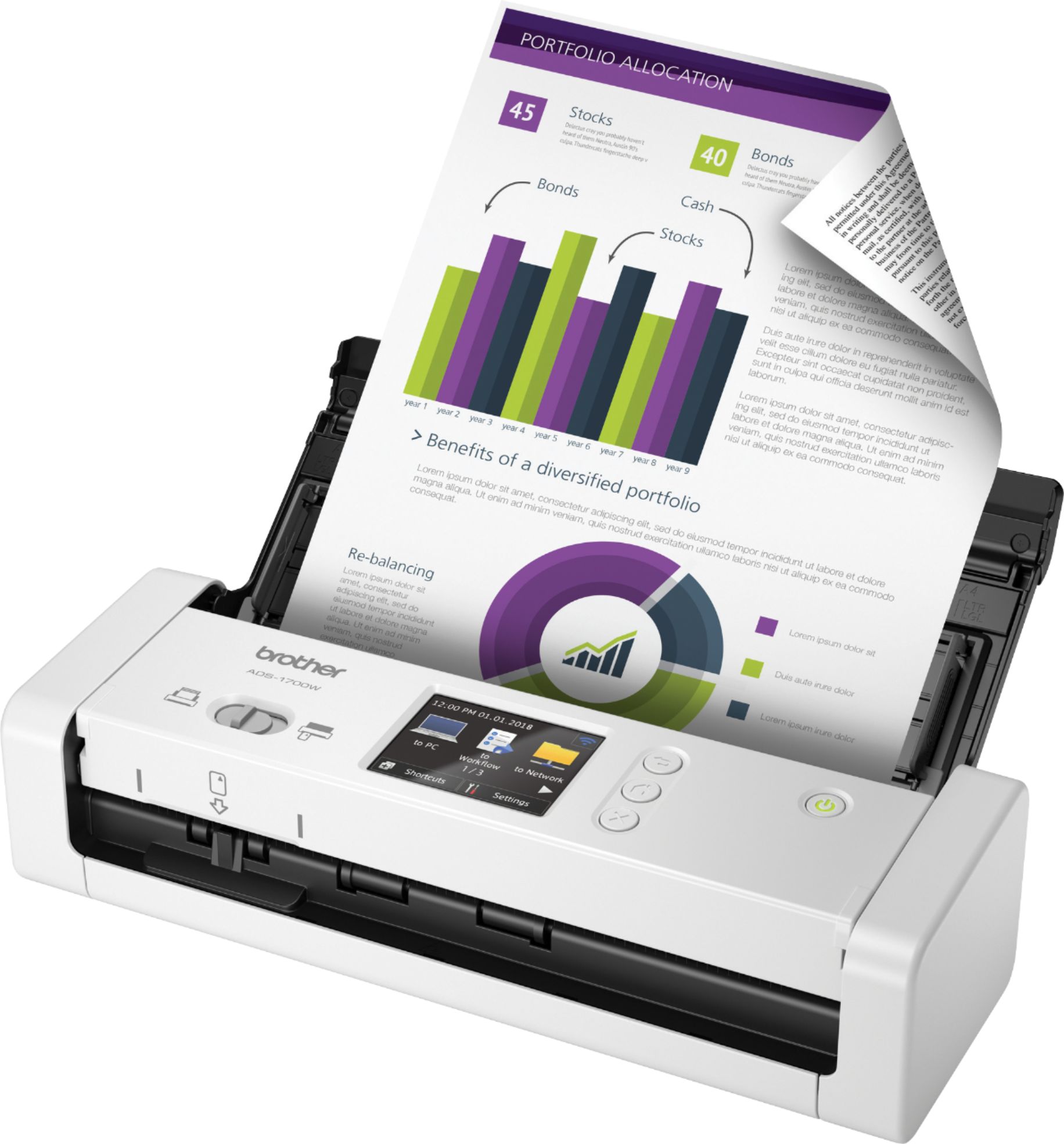
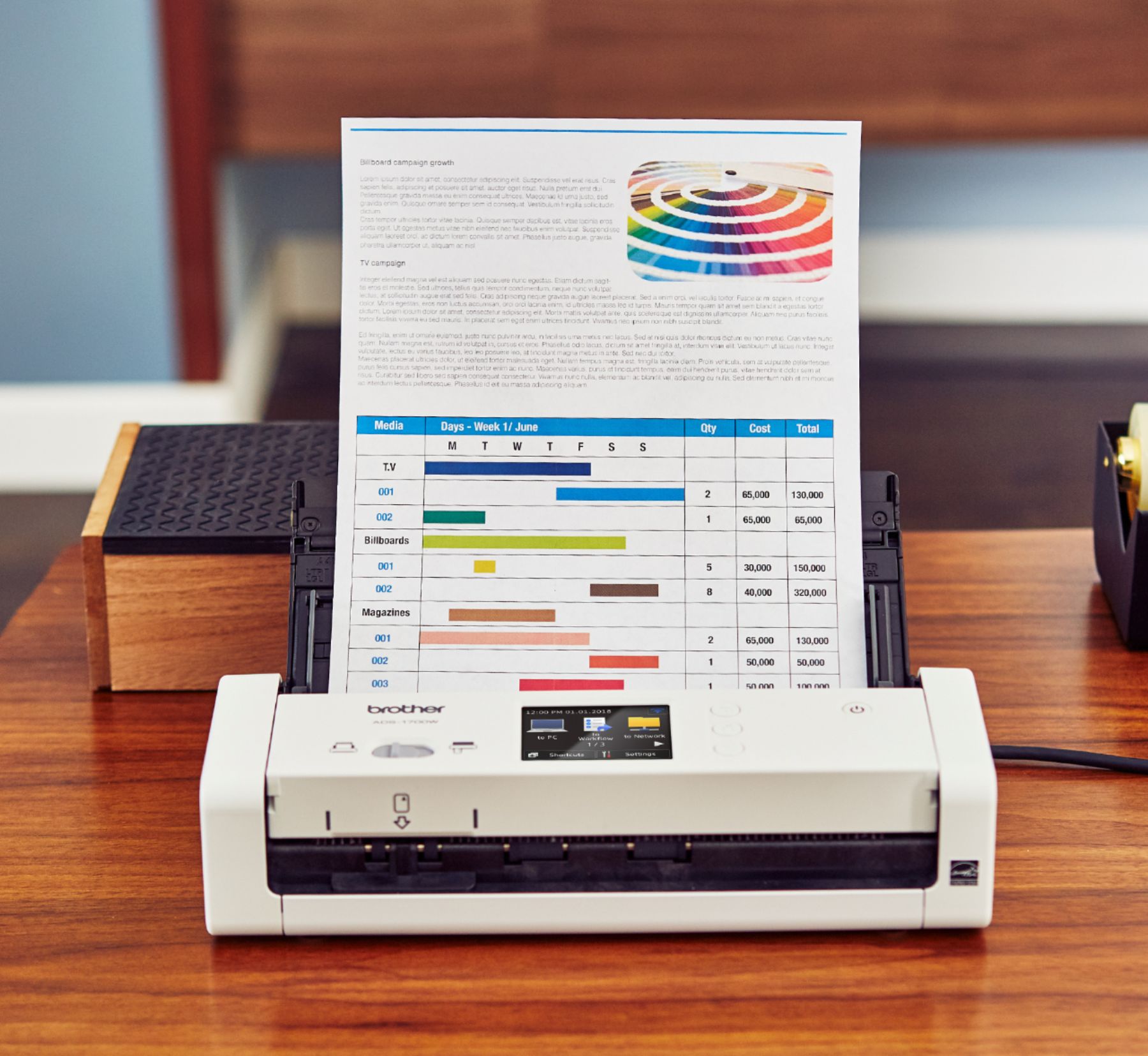
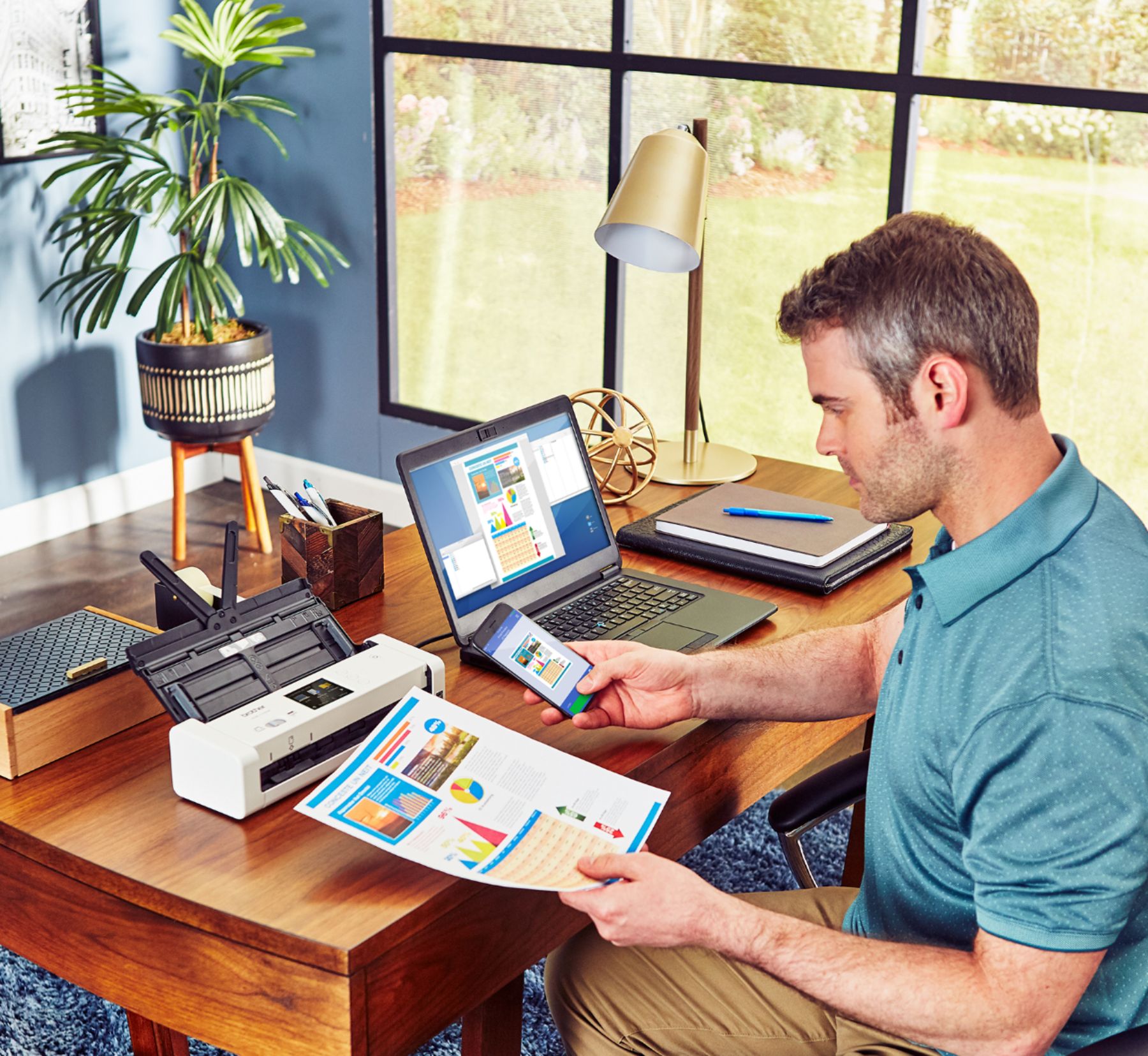
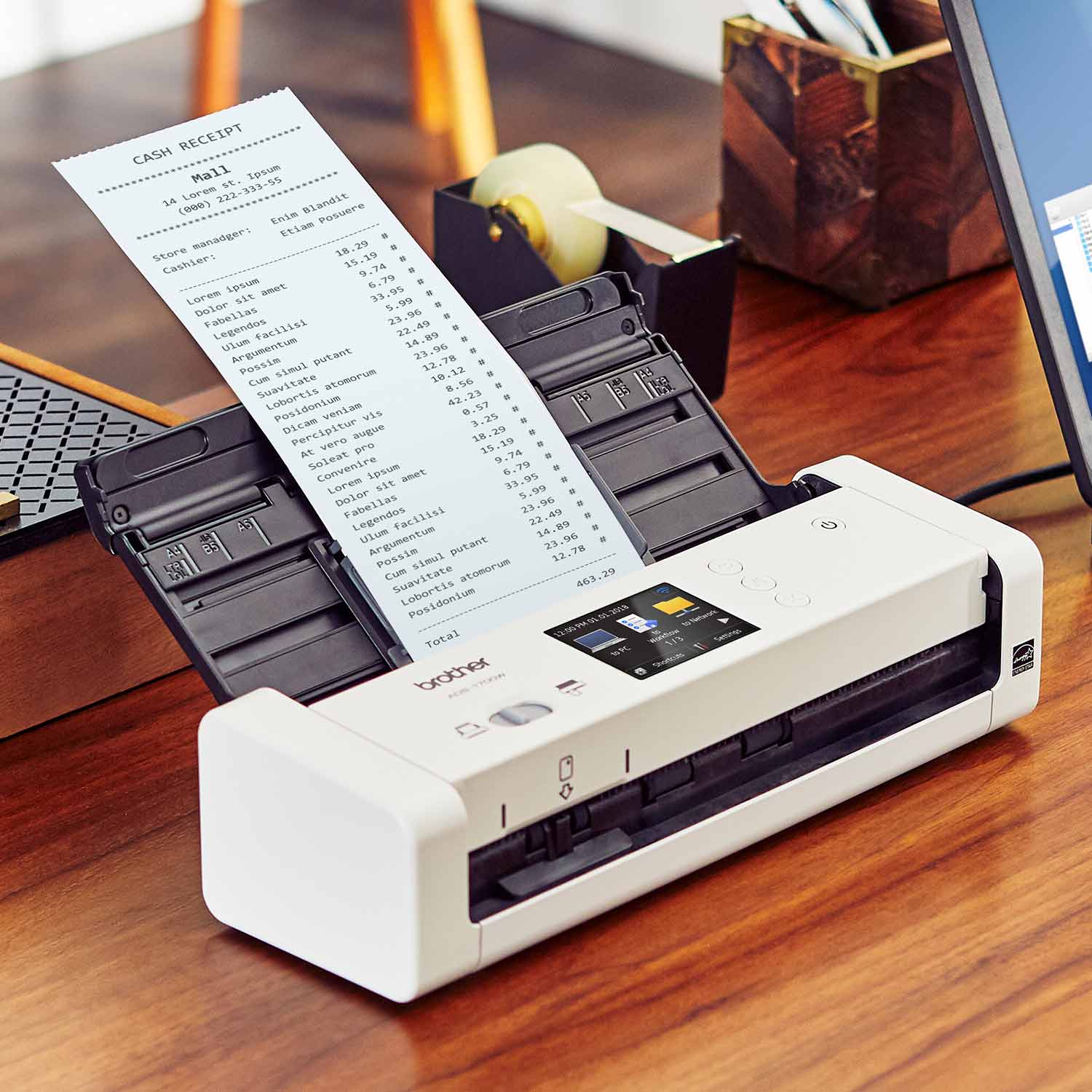
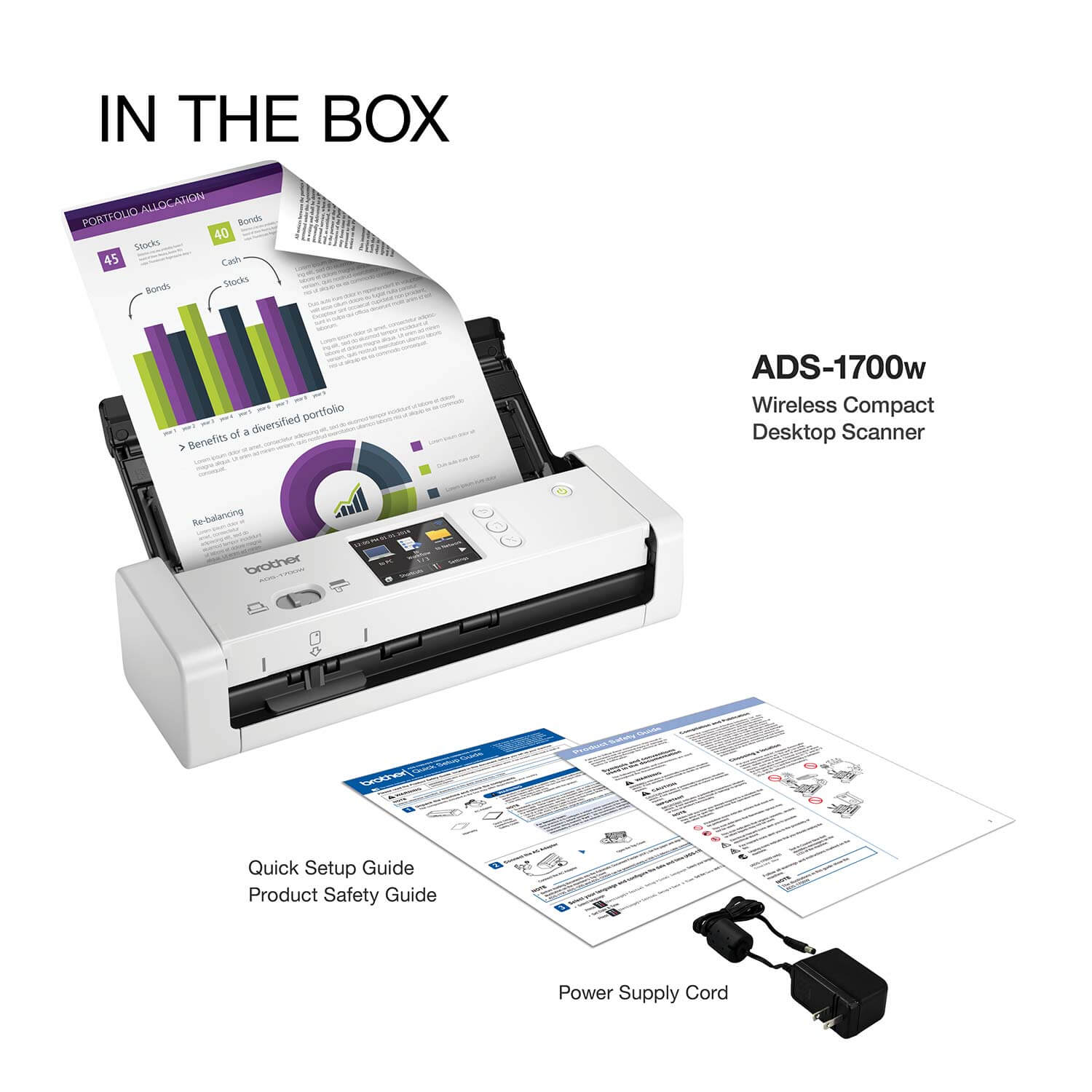
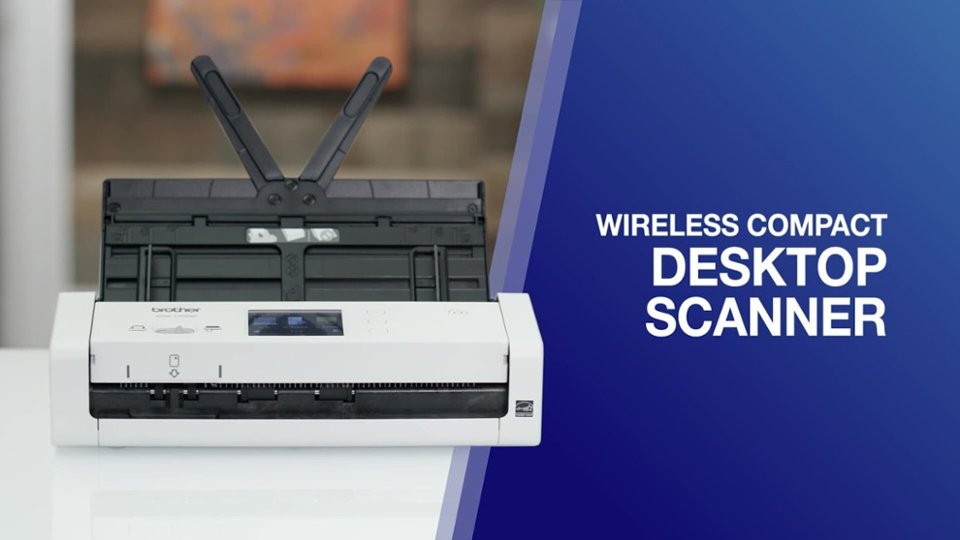
- Model:
- ADS-1700W
- SKU:
- 6283805
Rating by feature
- Value
Rating 4.2 out of 5 stars
- Quality
Rating 4.4 out of 5 stars
- Ease of Use
Rating 4.2 out of 5 stars
Customers are saying
Customers often highlight the ease of use, excellent scan quality, and compact size of the ADS-1700W Wireless Desktop Document Scanner with Touchscreen LCD. The wireless functionality and touchscreen interface are also frequently praised, while some users mention areas for improvement in the software and the lack of a battery for complete portability. A few customers also noted challenges with paper handling.
This summary was generated by AI based on customer reviews.
Not well for beginners
||Posted . Owned for 1 year when reviewed.This reviewer received promo considerations or sweepstakes entry for writing a review.Very confusing, and difficult to operate. Would not recommend for those who aren’t tech savvy
No, I would not recommend this to a friendBrand response from Brother
Posted .Hi, we are sorry to hear the Brother ADS1700W is difficult to operate. We would love to hear from you with details to be able to get your machine up and running. Our Brother Customer Support Team is available to assist you direct:
https://www.brother-usa.com/brother-support
- Pros mentioned:Ease of use, Scan qualityCons mentioned:Battery

works great
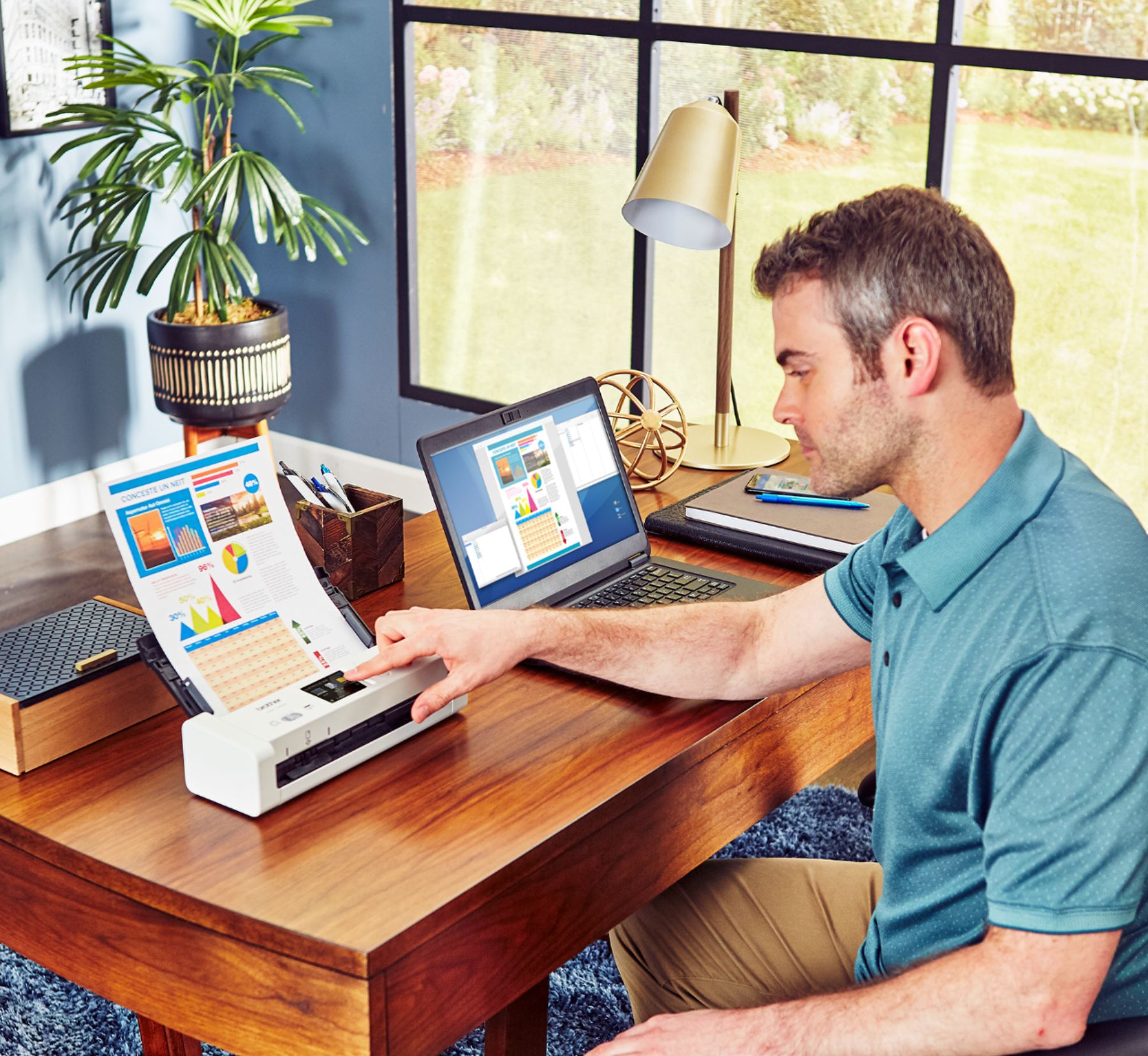
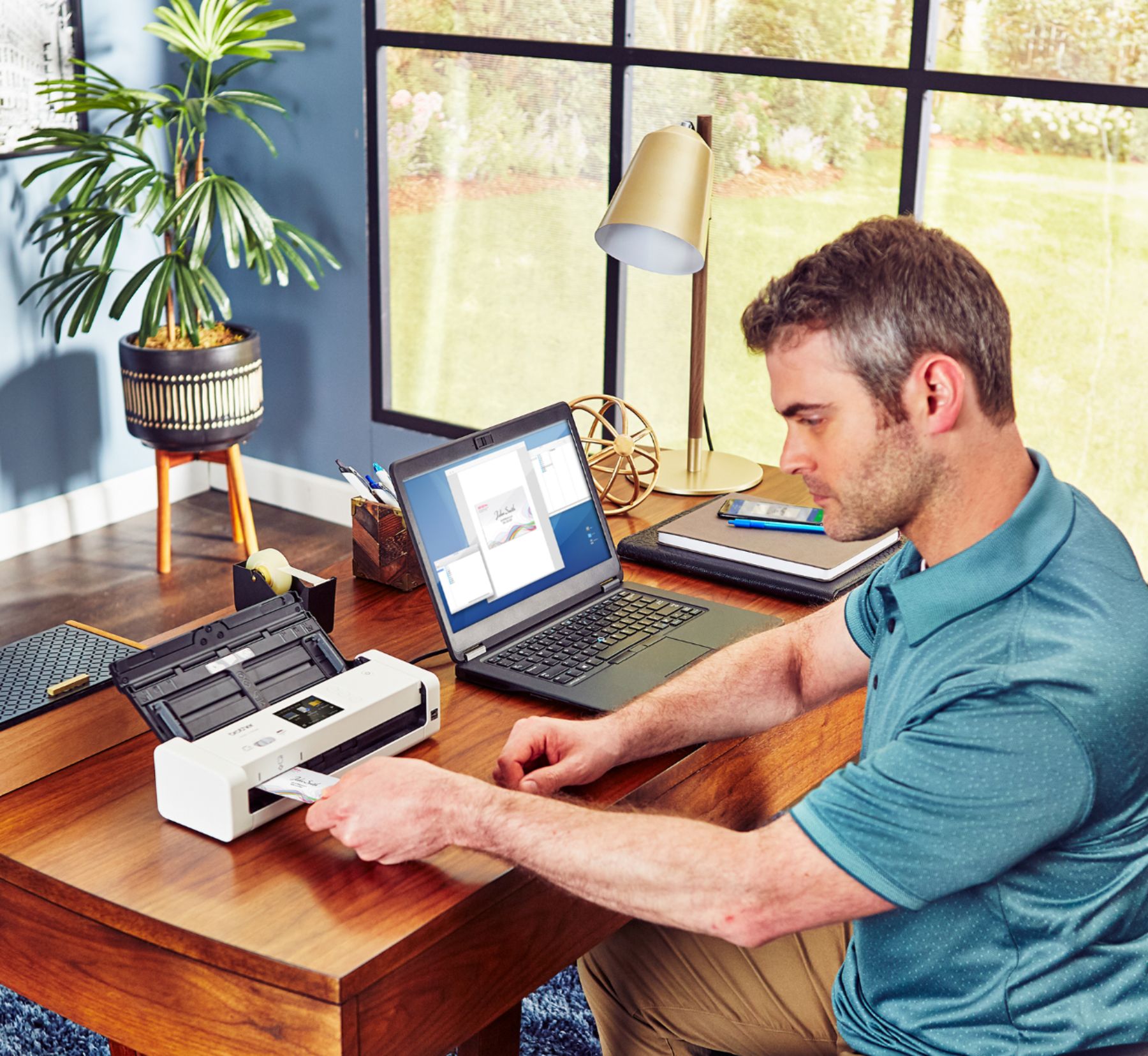
|Posted .This reviewer received promo considerations or sweepstakes entry for writing a review.This scanner has some great features, that work very well. it's very easy to set up, and connect to your current WIFI The LCD touchscreen is a pleasure to have, it makes accessing jobs and settings a lot easier than always having to connect a separate device to change things. The beauty of this is that you can save "WorkFlow" profiles to the unit for your most common jobs and settings. This unit offers pretty much every option possible for devices to scan to. Some like the ftp/sftp and email server might require additional time and skill to set up. However it scans very easily to your phone, pc, or direct USB port. Download the brother iprint&scan app, it's available on all platforms. You also have access to Paperport and PowerPDF. The Scanner scans business cards and Id cards from the front of the unit. Just flick the switch over, and you can get a duplex scan of any card. This unit is capable of dual sided scanning in one pass, even though the apps make it look like the paper needs to be flipped for the other side to be scanned, Just select any " 2 sided" scan option, and it will scan both sides in one pass. - works fine. At the default setting this unit will scan stacks of documents or photos extremely fast. With great color and clarity. However I did make some minor adjustments on the brightness+19,contrast+5 and gamma+1.6 for the most natural color palette and detail on photos. Overall this portable scanner is very good at what it does. It's not as compact as some of the other portable units, but for the slight difference in size, I am happy to have the LCD screen as a trade off. It also does not have a battery for total portability, but that is OK for my needs. Very pleased with the performance so far !!!
I would recommend this to a friend - Pros mentioned:Ease of use, Scan quality, Size
A perfect movil companion to go paperless
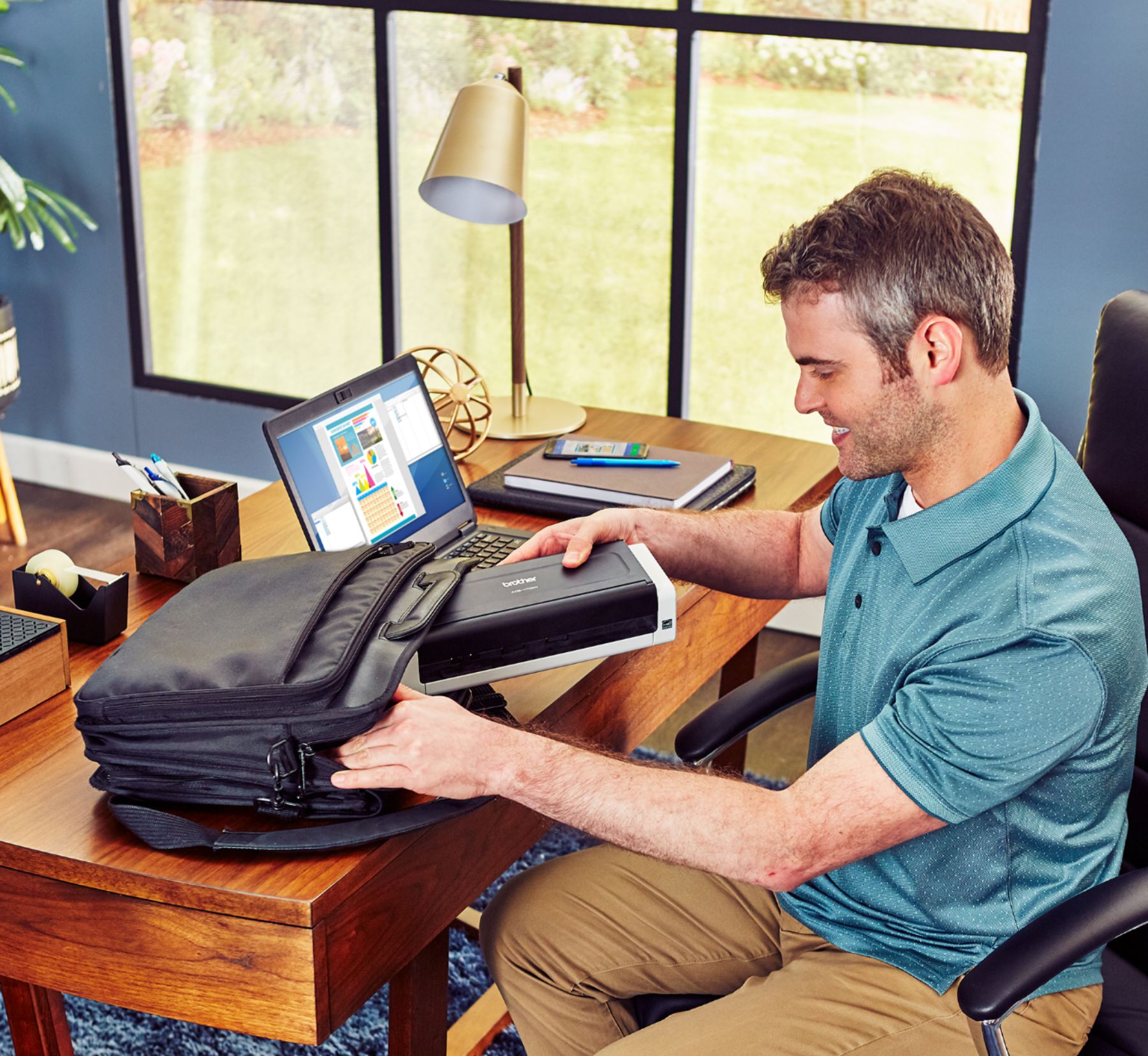
|Posted .This reviewer received promo considerations or sweepstakes entry for writing a review.I think that the paper is taking too much space and progressively I plan to get rid of most of it but keeping filed all the info in an external drive. This compact and light piece of equipment is the right companion to do my task. In my opinion, the best features are related to its capacity to quickly scan color documents (thanks to its ability to process several pages in one turn and double sided) and transferring them automatically to your computer, phone or USB. Your inputs don’t need to be regular a4 size documents but it’s quite efficient with small business cards and bill receipts. If you add the small size of this scan, you could have the best ratio in scan efficiency in the market. Having a tool that fits in my laptop bag and can be moved together is specially nice when I work from a coffee shop. In addition to my work outside the office, I have a quite strong wireless network at home so all the connections between laptop and scan have been absolutely wireless. At this stage, and after trying a setup with windows 10 and several failures, I downloaded the recommended software and it works perfectly (don’t lose your time, take this option from the beginning). My only regret is that this piece of equipment would be a world start of the portability with a battery that could allow to work autonomously, that it’s not currently the case.
I would recommend this to a friend It does work wireless
||Posted . Owned for 1 year when reviewed.This reviewer received promo considerations or sweepstakes entry for writing a review.I tried to connect to the wireless many times. Not results
No, I would not recommend this to a friendBrand response from Brother
Posted .Hi, the Brother ADS1700DW works wireless. Click the link below for the wireless setup.
https://help.brother-usa.com/app/answers/detail/a_id/158455
If you continue to have issues, our Brother Customer Support Team is available to assist you direct:
https://www.brother-usa.com/brother-support
It Didn't Do What I Hoped
||Posted . Owned for 6 months when reviewed.This reviewer received promo considerations or sweepstakes entry for writing a review.I loved everything about this scanner, until I tried to use it. It never connected to my wireless network. I could only get it to work with the USB. I ended up taking it back and bought a Brother instead.
No, I would not recommend this to a friendBrand response from Brother
Posted .We understand you were experiencing an issue with the Brother ADS1700W wireless setup. We wish you had contacted our Brother Customer Support Team to be able to guide you through the issue. If we can be of any assistance is the near future, please don't hesitate to contact us directly at www.brother-usa.com/support.
- Pros mentioned:Ease of use
Very happy
||Posted .This reviewer received promo considerations or sweepstakes entry for writing a review.Portable easy to use and definitely worth the money
I would recommend this to a friend - Pros mentioned:Scan quality, Size
Undeniably Good
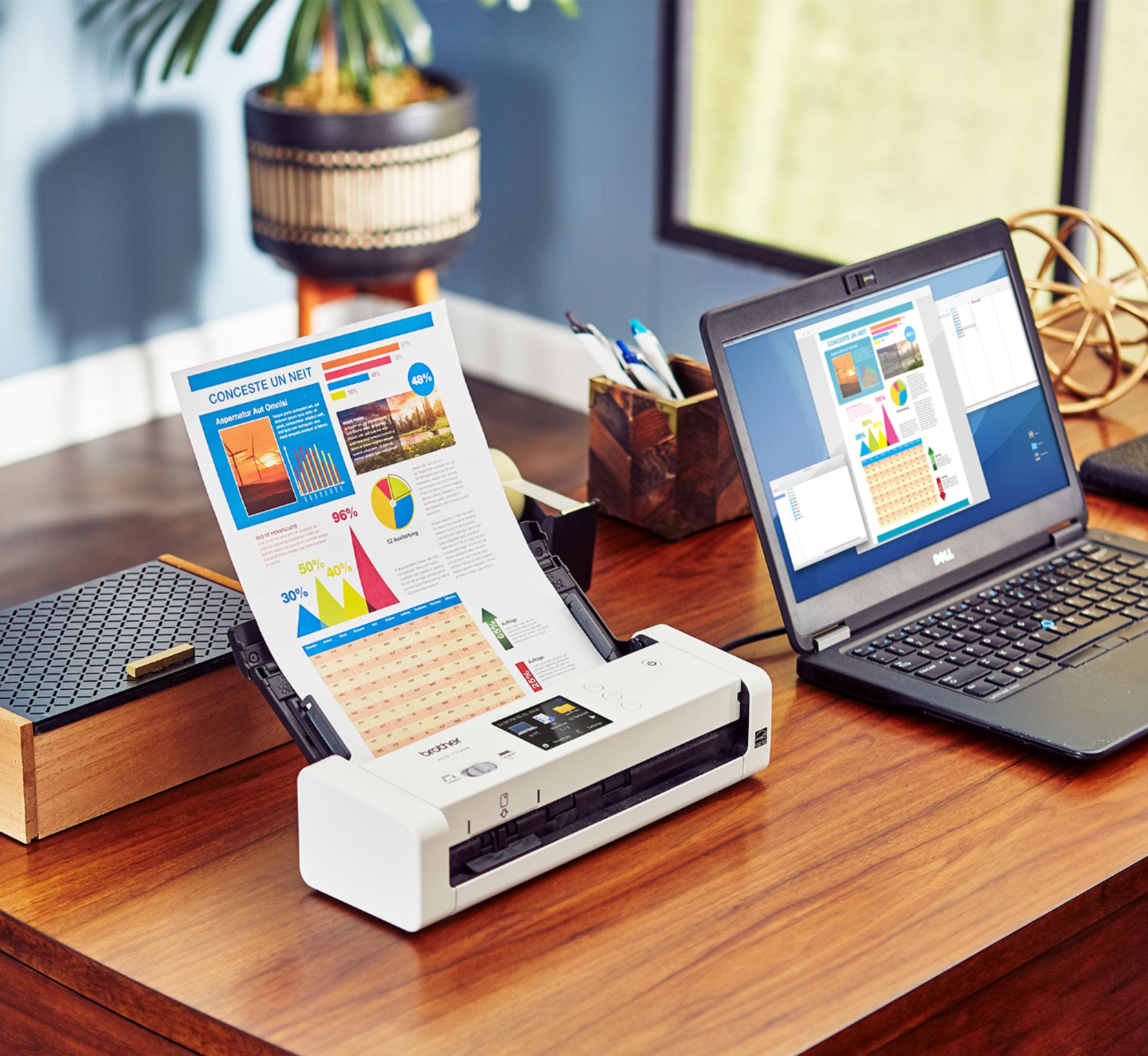
|Posted .This reviewer received promo considerations or sweepstakes entry for writing a review.If you are like me, and just get sick of paper, a scanner can be a useful tool. I like the fact of digitizing all documents because it gives me a greater level of flexibility, and it aids in organizing information in a way that’s practical and efficient. The ADS-1700w by brother is a small and compact scanner aimed at turning all your important papers into an elaborate file folder tree. The first thing I noticed about this thing was its size; heck, it was evident before I even opened the box. The box is small and very light – almost made me wonder was the actual product inside. Once opened, there really isn’t much to it. The scanner is in one piece with only a few strips of tape in select places. There is a quick start guide and a power cord… That’s it! Opened the top cover, powered it on, and I could instantly see this was going to be a pleasant experience – as long as execution wasn’t a problem. I navigated to network settings, entered my credentials, and it was ready. Basically, I had this thing plugged in, powered on, and wirelessly connected in a snap. The touch screen interface is very responsive, and the screen clarity is admirable. The compact design doesn’t keep the ADS-1700w from stretching out to hold your paper work. There are wings and foldaway guides that hold your documents in the feeder opening quite well. Good job Brother. Next was preparing the receiving device(s) by downloading the appropriate software. For my mobile, I went to the Play Store and downloaded the Brother iPrint&Scan app. Set up was extremely easy. Accept the terms and conditions, select the device (automatically searches your network), and start scanning. I must admit, Brother has done a great job making the start up process seamless for the user. It took little to no thought setting up the ADS-1700w on a mobile device. Set up for my Windows 10 device was a bit different. The quick start guide instructs users to go to the support.brother.com/windows link for windows setup. Well, that link was not found… So, I had to navigate through the support page interface to find the files for my device. Once I got to the place I needed to be, I noticed several files for download. The instructions read ‘download the full driver and software package’, so I stuck with that. Good thing… After configuring the PC to connect to the scanner, I was prompted to install the iPrint&Scan software, along with other software – a document management application and a PDF tool. I will say the Windows installation was not quite as user friendly. I felt it didn’t fit the mold of newer Windows 10 installations and made me feel like I was installing something on an older version of the OS. The good things about the PC experience are the options and flexibility. With your PC, you can connect to your scanner physically using a USB cable. There also seems to be greater flexibility in the software. Well, enough of that. I wanted to start scanning… So, I did, and I was pleasantly surprised. The ADS-1700w is a fast scanner, and it supports dual side scanning. Images were transferred to the device within a couple of seconds, and all at 300 dpi. Wow! This little thing has the goods. Performance was equally good on both mobile and PC. I really give Brother props on the speed and quality of the scan. Kudos to Brother in this regard. Once scanned to a device, there are options to save the file in a couple of formats (image or PDF), push it to the cloud, or share it. This is expected functionality, but there are more options on the device itself. You can attach a USB drive and scan directly to the USB. You can scan to a network location. You can also scan to an FTP location. These are options that offer tremendous upside and benefit to users, especially when you consider this can be done from the scanner without another device. Great flexibility. I could go on and on about this thing, but why? This is one of the easier recommendations I have made. This scanner is one of the best portable office devices I have used in the last 10 years or so. It is very useful, efficient, and produces quality scans, all in a compact, lightweight package. This is a definite no brainer for those that want to go from paper to digital in nearly any capacity.
I would recommend this to a friend Scanner did not work for me.
||Posted . Owned for 2 weeks when reviewed.This reviewer received promo considerations or sweepstakes entry for writing a review.I had trouble with this scanner. Difficulty with having paper go thru the feeder. I returned this scanner, and purchased the ADS2700, which cost more, but is worth it.
No, I would not recommend this to a frienddon't get it!
||Posted .This reviewer received promo considerations or sweepstakes entry for writing a review.i bought this after checking reviews and comparing to other products. I bought this one because it would send the scanned copy to my email. However, I cannot get it to do that! It's useless! Cannot hook up to internet so i got a cable to plug into the machine that also plugs into my laptop, but that doesn't work either! I'm so ticked off about it that i haven't tried again to get it hooked up! it's very disappointing!
No, I would not recommend this to a friendBrand response from Brother
Posted .We understand that you are experiencing issues setting up the wireless connection with the Brother ADS-1700W scanner and we'd like to help. This scanner does offer Scan to E-mail Server, however, this feature requires a network connection. We have many helpful resources on our support website which should assist. If the problem persists, feel free to contact Brother Customer Service directly at https://www.brother-usa.com/support/ads1700w
Great document scanner
||Posted .This reviewer received promo considerations or sweepstakes entry for writing a review.This replaces a Fujitsu SnapScan that is no longer supported and was malfunctioning. This Brother ADS-1700W handles my small amounts of documents just fine, and takes up less space. I am pleased with the machine.
I would recommend this to a friendNot that good
||Posted . Owned for 4 months when reviewed.This reviewer received promo considerations or sweepstakes entry for writing a review.Brought for my office it sometimes does not scan all the papers like it said it would. We have to rescan it a lot.
No, I would not recommend this to a friendscanner not easy
||Posted . Owned for 1 month when reviewed.This reviewer received promo considerations or sweepstakes entry for writing a review.wanted for quick scanning, have not set up yet. tried to set up and was complicated.
No, I would not recommend this to a friendBrand response from Brother
Posted .Hi, we understand you are experiencing an issue with setting up your Brother ADS1700W. We'll be happy to help. Make sure the computer is connected wirelessly to the same network being used for the Brother machine. Below is a FAQ to assist with the wireless setup.
https://help.brother-usa.com/app/answers/detail/a_id/158455
If you continue to have issues, our Brother Customer Support Team is available to assist you direct:
https://www.brother-usa.com/brother-support
Does not combine pages for one file
||Posted . Owned for 6 months when reviewed.This reviewer received promo considerations or sweepstakes entry for writing a review.Very disappointed in how hard this was to set up with network etc. then when using, it does not allow scanning multiple pages into one file onto computer. that is not good. i am trying to replace it.
No, I would not recommend this to a friendIt not portable.
||Posted . Owned for less than 1 week when reviewed.This reviewer received promo considerations or sweepstakes entry for writing a review.I was looking for a portable scanner this one have to be connect to the wall.
I would recommend this to a friendADS Brothers are the Best!!!
||Posted .This reviewer received promo considerations or sweepstakes entry for writing a review.I have purchased this same series of Brother scanner for years and have been pleased with everyone!!!
I would recommend this to a friend- Pros mentioned:Ease of use, Scan quality, Wireless
No more trips to the office!
|Posted .This reviewer received promo considerations or sweepstakes entry for writing a review.I work from home a lot and the one thing that forces me to go into my office is to scan documents. I work in sales and sometimes collect lots of paper that I need to submit. I had been looking for a scanner but wanted something on the smaller side and this fits the bill. Plus, I love my Brother printer so I am not worried about reliability. The set up of this scanner could not be easier. Unpack it, plug it in and turn it on. I have this sitting about 10 feet from my computer and it has Wifi. Setting that up was simple, it has a keyboard on the display to enter the password which is awesome, I hate using arrows to around the letters on other devices. Once connected, I downloaded the software to my PC and the Brother app to my iPhone. I grabbed a bunch of papers of various sizes and put the scanner to work. From the app, you simply hit the scan button and without a delay, the scanner started going. Within 30 seconds, all of the documents were there on my phone, crystal clear. None of the papers got stuck together and the smaller ones went right through. I tried the same papers to scan to my PC and that worked flawlessly as well. The scanner does have a business card slot as well but I either use an app that dictates that information directly to my CRM or I enter it manually so I will not be using these feature. This scanner could not be easier to use, looks great (portable if need be), and works like a champ. Such a great value as well. Thanks for keeping me out of Newark!
I would recommend this to a friend - Pros mentioned:Scan quality, Speed
Great Scanner - works on LAN, PC or mobile
|Posted .This reviewer received promo considerations or sweepstakes entry for writing a review.We're moving and I have a stack of old tax returns and other paperwork I want to shred and destroy before we move. There's also old copies of my kids report cards which I would rather store in the cloud than put in the basement of our new home. So I need a scanner. The Brother 1700W jumped out at me as it could work as a LAN, PC or mobile scanner. It can also scan direct to USB. So now I have given my kids the job to scan in all of their old report cards, all of which automatically get saved to our network drive. The Brother 1700W is fast, almost silent, and quality is stunning. Not documented in the manual, there's is also a Brother Scanning App for iOS so all that paperwork we need to sign and scan for our move to NJ, I can scan straight from my phone. Brilliant. The only downside is that the scanner doesn't come with a USB Micro B cable for connecting it straight to your PC (why I have given it 4/5). I can live with that as it has WiFi and was a dream to setup on my LAN (connected quickly, color touch screen setup UI is a dream) but it would be nice to include the cable. If you need a dedicated scanner you can't go wrong with the Brother 1700W
I would recommend this to a friend Love how fast it is
||Posted .This reviewer received promo considerations or sweepstakes entry for writing a review.I love how fast (via USB3) this scanner runs pages and create a PDF.
I would recommend this to a friendGreat. Does what I need it to do
||Posted .This reviewer received promo considerations or sweepstakes entry for writing a review.Replaced an older Brother scanner. Works well for my home office.
I would recommend this to a friend- Pros mentioned:Ease of use, SizeCons mentioned:Paper handling
great scanner
|Posted .This reviewer received promo considerations or sweepstakes entry for writing a review.This is my first sole purpose scanner, so kinda excited to try it out. I travel a lot for work, and keeping receipts is always a pain to submit when you have to do 1 at a time. The scanner has a pretty small footprint on my desk. I will not keep it out all the time but I will see. i had some issues with setup. My home computer is a Windows 10, I have a mesh computer network (this ended up being the problem). Once I did get this setup, the use was pretty straight forward. I love putting in several receipts of different sizes and they all just scanned. I can search them after for to better submit for work. I do not like you have to keep an eye out for when the paper ejects, it can fly under a desk etc since there is no exit paper tray. Not sure why this is called portable, but I guess I can put it into a desk drawer when I dont need it easier. For a small office or independent contractor like me this is a great benefit. There are a couple shortcomings that you can probably easily fixed so pretty easy to see go ahead and grab one.
I would recommend this to a friend