Customer Ratings & Reviews
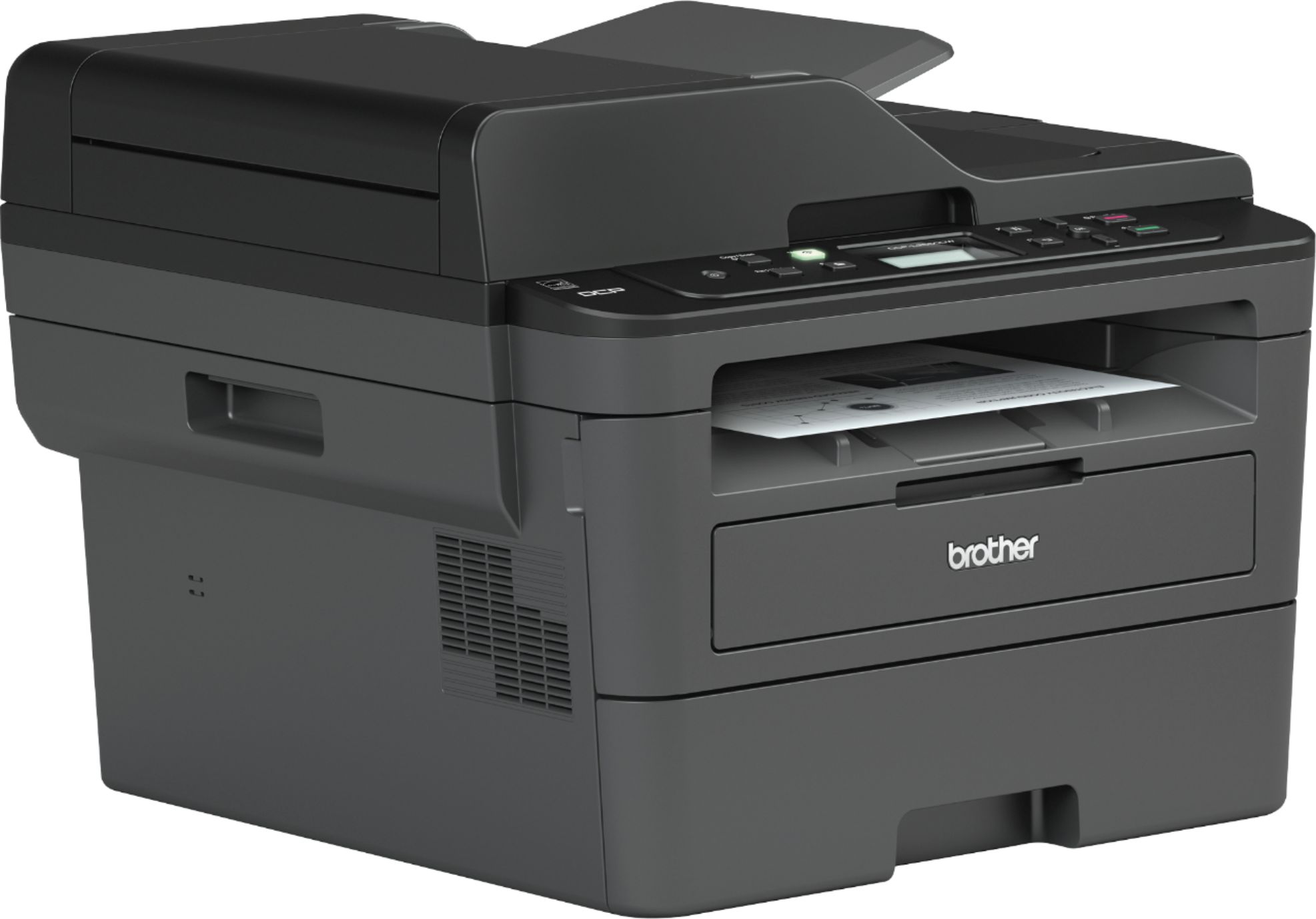
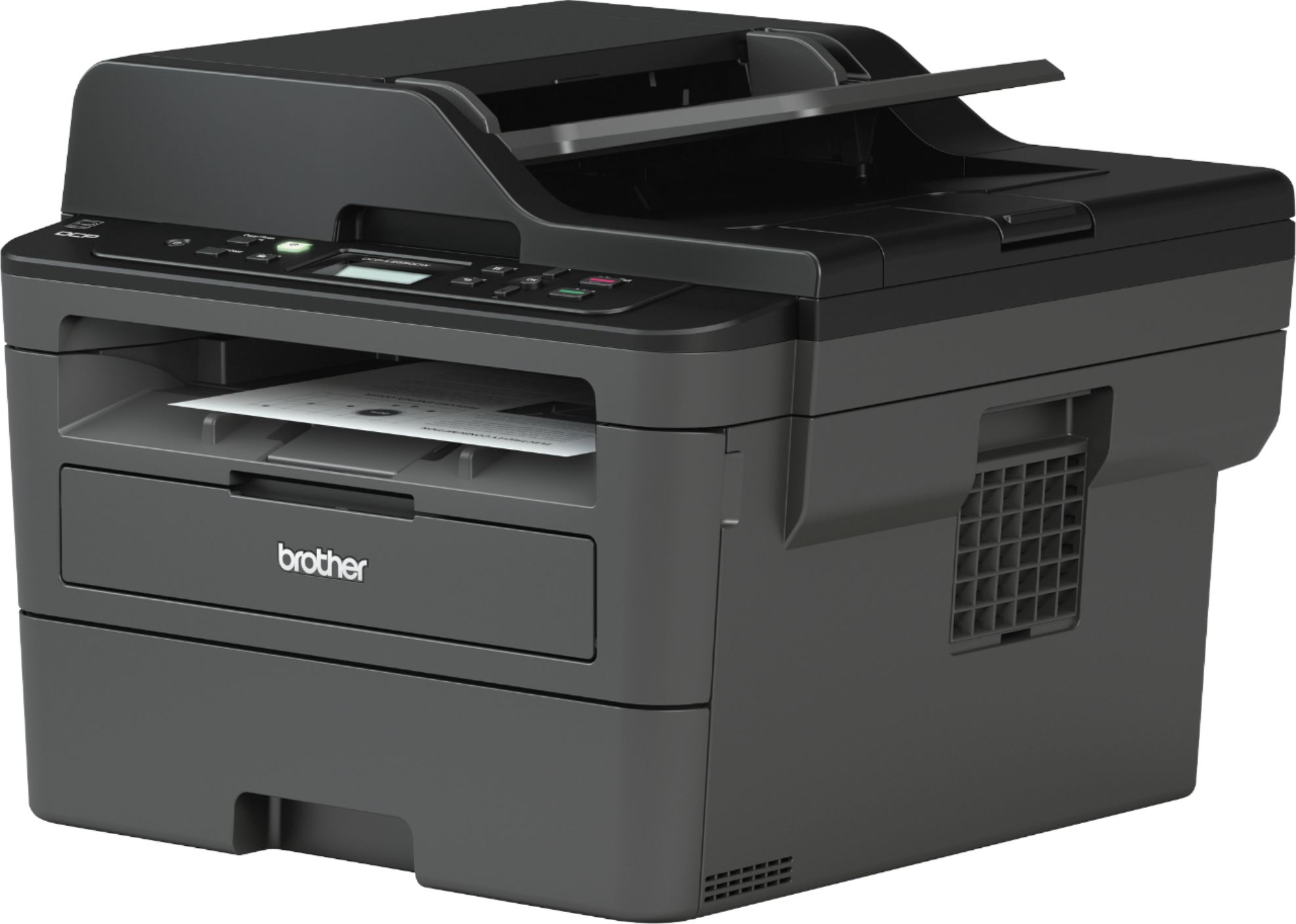

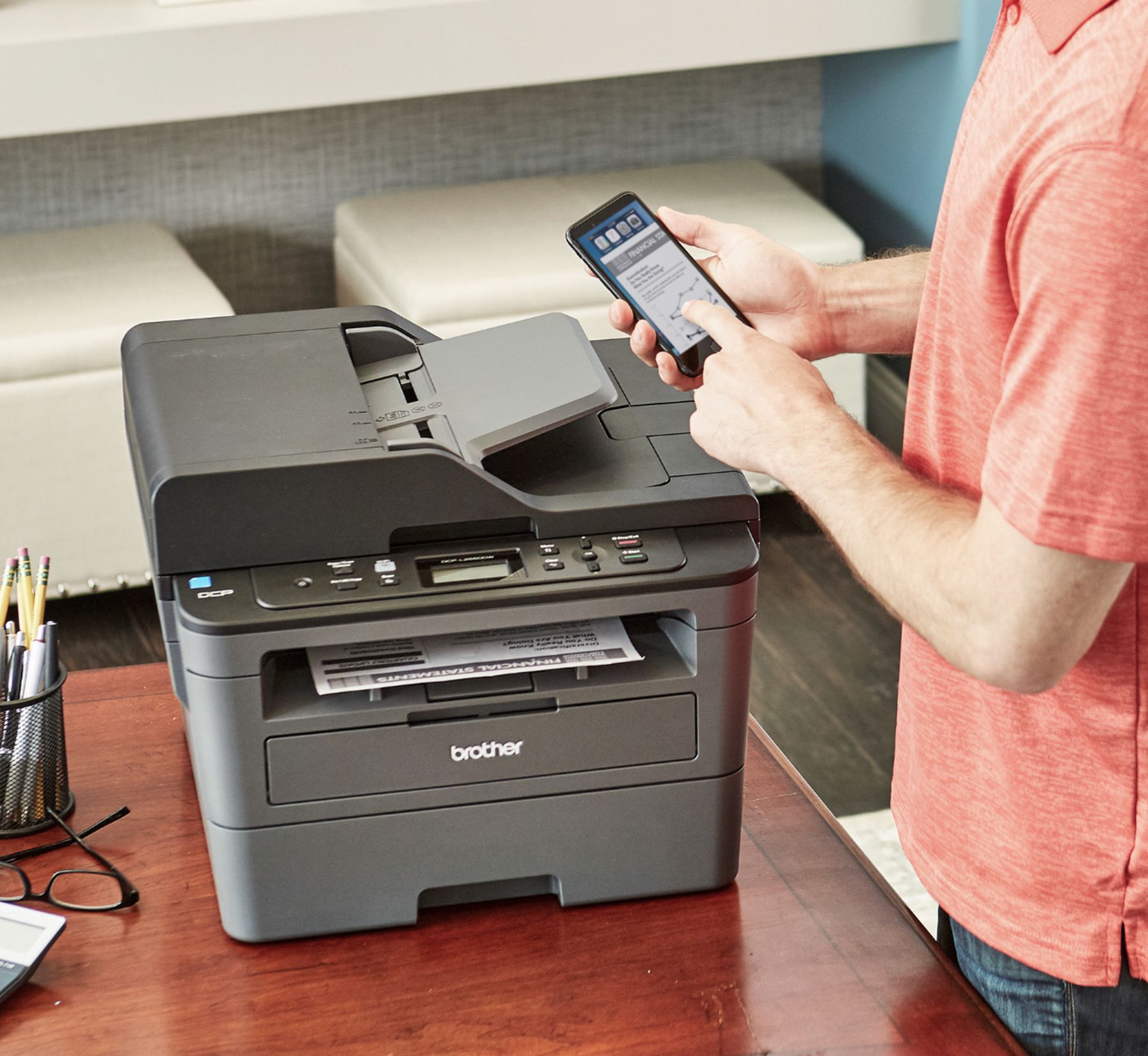
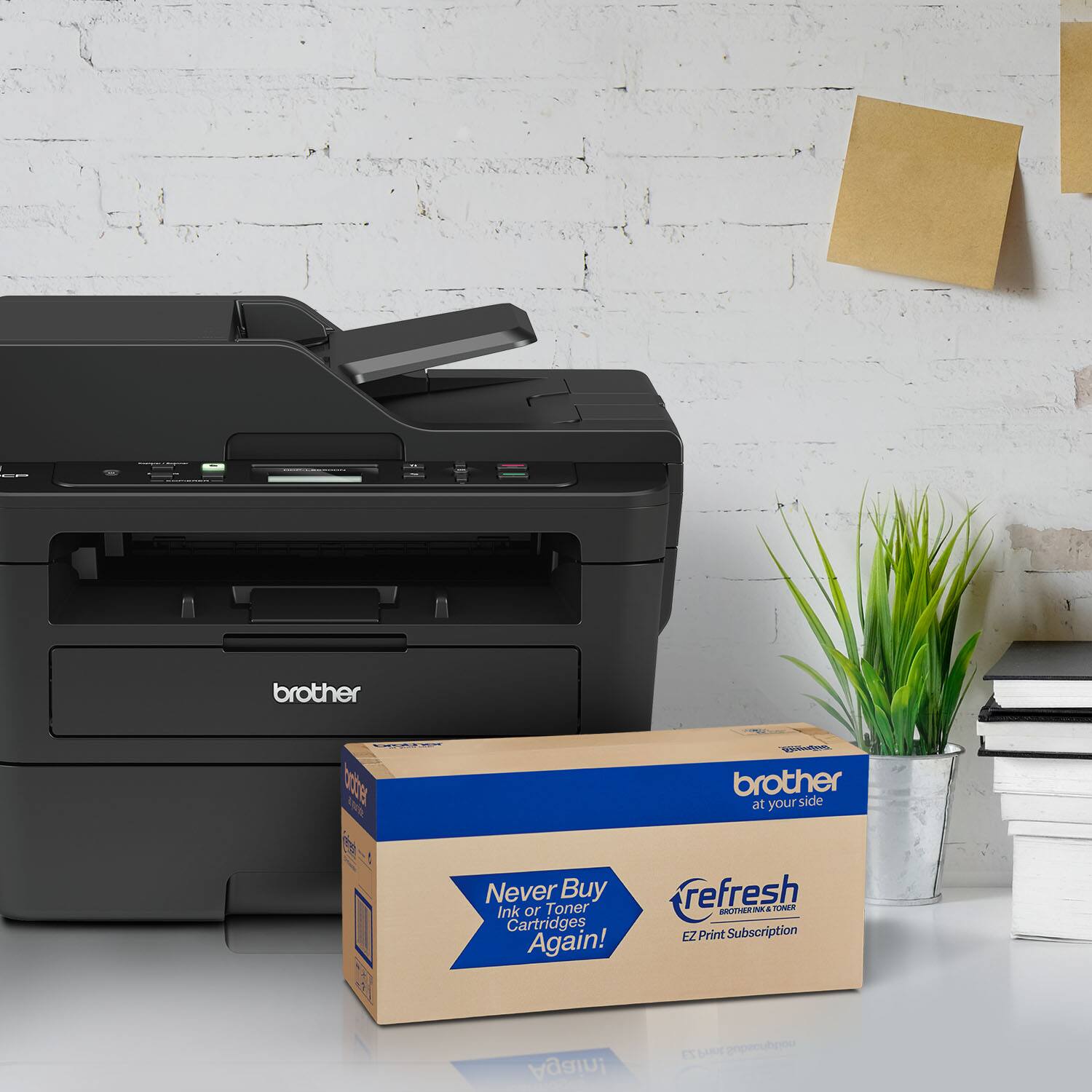
- Model:
- DCP-L2550DW
- SKU:
- 6138318
Rating by feature
- Value
Rating 4.7 out of 5 stars
- Quality
Rating 4.7 out of 5 stars
- Ease of Use
Rating 4.5 out of 5 stars
Customers are saying
Customers praise the DCP-L2550DW's print quality, ease of use, and wireless functionality. Many appreciate its affordable price and the added convenience of the scanner and copier. Positive feedback also highlights the printer's relatively quiet operation and straightforward setup. A minor drawback mentioned by some users is the printer's larger-than-expected size.
This summary was generated by AI based on customer reviews.
great printer for home office
||Posted .This reviewer received promo considerations or sweepstakes entry for writing a review.It has most features for home office and runs very well. It could be better if a usb jacket is installed.
I would recommend this to a friend- Pros mentioned:Ease of use, Print quality

If you don't need color, this is the best option
|Posted .This reviewer received promo considerations or sweepstakes entry for writing a review.Brother is one of the best manufacturers entry-level and small business laser printers. They do not disappoint with this laser model. It really just comes down to how much you need color. Overall, I would recommend buying this printer and am happy with it's performance, flexible functionality, and print quality. This printer is perfect for any household, and will work for light duty small business purposes. I don't think it has the functionality/capability to be efficient enough for a full blown small business. The biggest disappointment is a lack of fax functionality, which may be trivial to many users but is something that many rely on from time to time, especially in the business setting. Set-up is simple and once the printer is on the network, you really have nothing else to do. I can print from my computer, phone, tablet, etc with ease and speed. The printer comes with a good amount of ink to start you up with. The print quality is great for my use. I'm not making flyers or brochures but for documents, study materials, prints with charts and tables, and even black/white images-I'm satisfied. Auto-duplex is a must and it works flawlessly. Great paper-saver. Wireless scanning was excellent, but takes a little setting up to do and can be a little slow with my Mac. This seems to be a common problem across many multi function printers. Pros: Easy set-up (VERY easy!) Endless features like fax, mobile print, auto-duplex Laser–flexible cartridge options Fast printing Wireless everything including scanning It really only took me 10 minutes to get everything up and running. It's a smooth process. Setting it up on the network is best so you don't have to ever be near the printer and everyone can easily access it. This printer really offers a ton of flexibility and works smoothly. Wireless scanning worked well, although slightly slow. Takes a little time to get everything right, but overall no issues there. Overall Brother has done a great job on the wireless functionality of this unit. It can be done so simply for even the most beginner users. If your router has WPS, you'll be set up in no time. I can print directly from my Apple devices on the network without any additional setup. The flexibility of printing is nice. I'm satisfied with the print speed. It's definitely slower than a more heavy duty laser printer that small businesses may require. I truly believe that if you're using this for home or light small business use you will be happy. The auto-duplex, which is a must for me, runs great. Brother has really got that down. All my prints came out good quality and even printing on photo paper came out nice. Brother printers in my experience have been very economical with ink usage. Although it's not recommended by the manufacturer, using third-party ink cartridges can really save you a lot of money in the long run. The printer is excellent and I would recommend it for those who looking for a reliable and high-quality laser printer at affordable price. Cons: No fax functionality I have owned a few Brother printers and I've been very satisfied with all them. This model does not disappoint. Of course I would really like to see the fax functionality on this model, which I believe Brother really dropped the ball on. However, most users we'll never need to use fax and will be perfectly happy with this device. Otherwise, there's not much negative I have to say.
I would recommend this to a friend - Pros mentioned:Ease of use
Great Affordable Choice for Home or Small Business
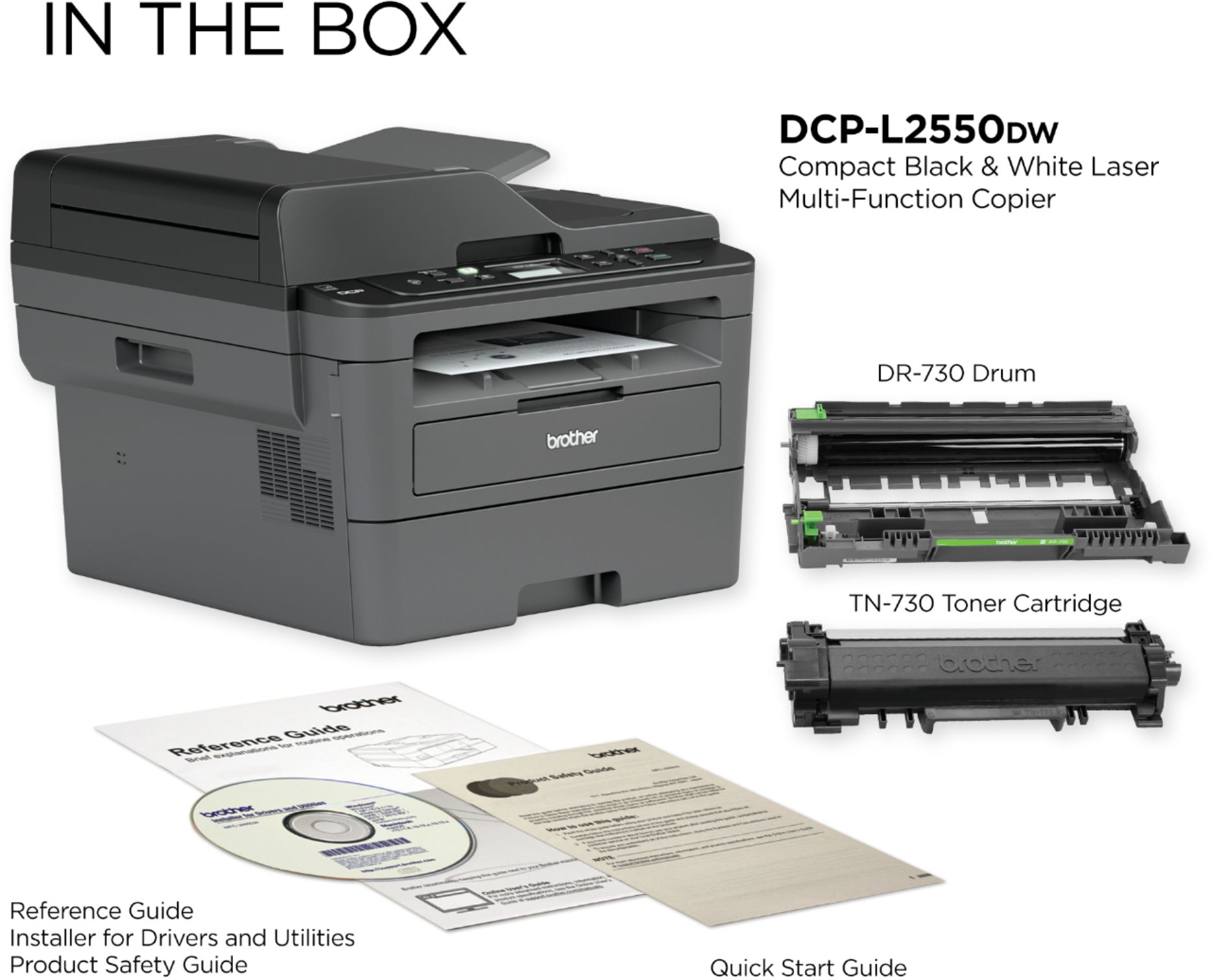
|Posted .This reviewer received promo considerations or sweepstakes entry for writing a review.Unboxing: Upon opening the very large box you will find the printer, AC cord and set up instructions with a disc. Footprint: Remarkably small, if a bit tall. It fit on my desk in the exact spot of my previous printer taking up 3 more inches of work surface real estate, while providing a flat scan and copy surface my previous printer lacked. Set up: Basic set up was quite easy, consisting of removing quite a few pieces of blue tape, installing the toner cartridge, plugging the printer in and pressing the power button. Home network set up was also very simple, after downloading the driver and software package from brother.com. The installer took a few moments to identify the printer on the local WiFi network and a few clicks later we were up and running. Google Cloud Print: Google Cloud Print is the main reason I got this printer. My older Brother printer didn't support Google Cloud Print and it drove me up the wall. After setting this printer up on a windows laptop and verifying that everything worked well, I grabbed my trusty Chromebook and set up Google cloud print. Once again, a few simple clicks had me up and running. Being able to print from my Chromebook was such a relief. MacBook: After setting up the Windows laptop and Chromebook, I tried my Apple Air Book. Setup was just as easy with the Apple device and printing was a breeze. Default Settings: The printer is preset to print two-sided documents. I found this to be a pleasant surprise and I kept the setting that way. Noise: Louder than I expected, but not at all disruptive. Just a bit louder than an inkjet printer. Toner: This is my second Brother laser printer and I can tell you the toner cartridges last a loooong time with average home use. My previous printer lasted almost 4 years before the toner ran out. The cartridges may seem expensive when it's time to replace them, but they are much cheaper than other inks on a page for page comparison. Overall: This printer is an excellent solution for a small business with its long-lasting cartridges and copy and scan abilities. It is more than sufficient for home use if you accept that little Johnny can get an A with a simple black and white book report. I prefer the monochrome devices to color, for savings. I have never printed photos and I never will. It's much more cost effective to print photos at the drug store or other stores that offer very competitive prices and fast service. Most people print emails, coupons, reports, and resumes. Sometimes we print interesting articles. None of these uses require color printing. If you find you printing habits don't actually require color inks, monochrome is the way to go. This Brother monochrome laser printer is a great choice. I highly recommend it.
I would recommend this to a friend - Pros mentioned:Print quality
Excellent Printer with Robust Features!!!
|Posted .This reviewer received promo considerations or sweepstakes entry for writing a review.I was elated to be chosen to review this printer due in large part of my being an owner of its predecessor, Brother 2540 DCPL model. I purchased the 2540 in January of 2015 and I must state that it has served me and continues to serve me extraordinarily well! The 2540 was my second venture into the world of laser printers. I stumbled on this model by happenstance as I did some internet research (on various models) with the biggest feature in mind was the desire to have a network printer. This model (2540) met that requirement along with its other great features immensely. However, a known problem came to surface—it was the fact that the 2540 would go into a deep sleep and would not awaken unless the machine was powered off and back on. After doing extensive research, I was fortunate to find a solution by changing some settings. Unfortunately, Brother has discontinued the (2540) model and this (2550) model is its replacement. I really don’t see but a few major differences that are evident in the two they are: OLD-Model 2540 DCPL: -Print Speed at 30 ppm -Toner cartridge used is Brother genuine 630 & 660 -Paperport Nuance 12 NEW-Model 2550 DCPL: -Print Speed at 36 ppm -Toner cartridge used is Brother genuine 730 & 760 which are now chipped. -Paperport Nuance 14 I can tell you the performance of this new machine alike the old machine is great as the machine prints out beautiful laser copies at a fast pace, scans clean and produces clean copies as well. The software, Paperport Nuance version 14 is very intuitive as it is user-friendly with many features such as folders for your scans and copies, a desktop for your scans, along with many other useful tools and features that enhances productivity. This is my sixth device from Brother, 5 of which are printers and 1 scanner. I can honestly say without reservation that Brother really manufactures quality products at affording pricing. Brother cares about their customers as they offer life time support of their products with excellent customer care support staff who really aims to resolve problems when they arise. Therefore, if you are in the market for a great printer with robust features at affordable pricing then please don’t look any further because Brother is at your side!
I would recommend this to a friend - Pros mentioned:Print quality
Best All in One Duplex Office Printer
|Posted .This reviewer received promo considerations or sweepstakes entry for writing a review.It's the weekend and I am in the office setting up Brother L2550 Laser Printer. The good news, it took less than 30minutes to connect this to the office WiFi and be ready to print. Setup was easy. Used my phone with the Brother iPrint & Scan app. Bonus you can also print and scan straight from the app. The only reason I was in the office for 30minutes was setting up a couple of other computers. Things you need to know. The L2550 is quiet. LCD screen display shows helpful information (thank you brother!). One of the reasons I got this was because the L2550 supports duplex printing. The duplex printing works exactly as described. Printing is fast, my tests get about 32-33 pages per minute. Print and Scan quality is flawless.
I would recommend this to a friend - Pros mentioned:Print qualityCons mentioned:Size
Very Nice Printer
|Posted .This reviewer received promo considerations or sweepstakes entry for writing a review.I really like this printer. It does everything I need all in one package. First, there is the upper paper tray. Slide in a stack of pages to scan or copy, push a button, and let the work begin. This thing spits out copies fast! Place pages directly on the glass if you cannot use the paper tray. Controlling all functions of this printer is easy with the buttons on the front. This printer also has WiFi connectivity! That is my favorite part. It is so convenient to not have to connect a laptop or desktop printer. You can download apps that will work with the printer or most phones work with it by installing drivers from the App Store. This printer allows you to not only print from your phone but also to scan to your phone! You can also print to this printer even when your not at home. You can set up remote printing. Keep in mind, you can only print in black as this printer does not have color ink. It also prints from a single toner cartridge. The only drawback that I can mention is the size and weight of this printer. It is large and takes up a decent amount of real estate on your desk. All in all, this is a great printer that will function well in a small office environment.
I would recommend this to a friend Never WORKED! BRAND NEW PRODUCT
||Posted . Owned for 3 weeks when reviewed.This reviewer received promo considerations or sweepstakes entry for writing a review.I bought this printer for my classroom on and received it on August 12, 2022. I finally opened it today August 31st. Our school's tech service guy came to my classroom to set it up. We tried for an hour and continued to get the same error. We did everything that it asked to do online. Please keep in mind this is a brand NEW printer. SO STUPID!! I understand that this is not Best Buy's fault, but I am unable to return it due to it being passed my 14 days for returns.
No, I would not recommend this to a friend- Pros mentioned:Print quality
Nice laser printer and quiet
|Posted .This reviewer received promo considerations or sweepstakes entry for writing a review.It has been quite some time since I have used a laser printer. Keep in mind that this is a black and white printer, but it does a great job and it's very fast. The print quality is very good and it's also very quiet. Even with the duplex, it hardly makes a sound when compared to most inkjet printers. The setup was fairly simple except for the wireless setup. I tried using the utilities on my Macbook Pro and was frustrated. I ended up using the manual method and that was simple and smooth. Brother provides a DVD for the software setup, but you can also download it from their website. Since most laptops no longer have a DVD player, the download is a great option. The copier and scanner work as well as anything I have used. I attempted to use the two sided copy option, but it appears to be a manual option using the scanner. The printer also has an Ethernet port, which is nice to see. This model does not have fax capabilities, so keep that in mind if you're looking for a multi-function printer with a fax machine.
I would recommend this to a friend Defective printer
||Posted . Owned for 1 month when reviewed.This reviewer received promo considerations or sweepstakes entry for writing a review.The printer and copier output had a black line down the right edge. I called brother customer service, spent an hour doing various maintenance and tests before I was told brother would send me a new drum. Received drum and it did not correct the problem. Returned to BestBuy for a full refund. BestBuy was the best part of the experience.
No, I would not recommend this to a friend- Pros mentioned:Print quality, Scanner
Great For Appropriate Use Scenarios
|Posted .This reviewer received promo considerations or sweepstakes entry for writing a review.The Brother - DCP-L2550DW Wireless Black-and-White All-In-One Printer is a good, affordable choice for the features it offers. The high-capacity paper tray and high-resolution Black-and-White print quality is great for reliable day-to-day use. Having a scanner for both Black-and-White and Color is a big plus, as is the wireless printing feature for desktops and mobiles. The only caveat with this unit is to understand that, though it prints 2-sided, it does not effectively scan 2-sided. There is, technically, a workaround that requires scanning each side individually and then having it print out, but that is not practical if your needs require true 2-sided scanning. Otherwise, this is an excellent value and highly recommended.
I would recommend this to a friend All in one but not a fax
||Posted . Owned for 1 month when reviewed.This reviewer received promo considerations or sweepstakes entry for writing a review.Bought this for a small office. Uses quite a bit more ink than I would like. Biggest thing was that it says all in one but it’s not a fax. Very disappointed.
No, I would not recommend this to a friendBrand response from Brother
Posted .Hi, we can understand your disappointment. However, the Brother DCP-L2550DW does not have fax capabilities. The stated page yields for genuine Brother cartridges are based on the ISO testing standards. The number of pages that can be printed with a cartridge is affected by several factors, including paper size, number of pages per print job, amount of print on each page, font size, and print content (graphics, charts, etc.). Print jobs with large text fonts, graphics, charts, and/or large amount of solid coverage (black or any given color) will use much more toner and will shorten the life of the toner cartridge.

- Pros mentioned:Print quality
Excellent Entry Level Office / Home B&W Printer!
|Posted .This reviewer received promo considerations or sweepstakes entry for writing a review.Setup is quick and easy for Brother DLP L2550DW. I was using brother HL-2170W before and compare to my current model this one has lot good features and bigger size. I have downloaded the required software in windows PC and followed the instructions. I was able to connect the printer wirelessly with WPS setup in printer / Router. It can hold up to 250-sheet capacity paper tray, 50-sheet auto document feeder and 100-sheet output tray with duplex printing option. Documents can be printed wirelessly from Ipad or iPhone with apple Airprint. The printing speed is great and it prints much faster than my old brother printer. The quality of printing is outstanding as well. This printer has all features like Print, Scan and Fax. It prints up to 36 ppm* in black and generates documents quickly. I like laser printer than inkjet printers as it is good for high volume printing. This printer handle large volumes quickly and at a low cost per page. Toner (powder) is used instead of ink, so you get smudge-free images and text. Up to 2400 x 600 dpi (dots per inch) high resolution print to produce incredible quality and detail in documents and photos. I have connected this printer with USB port 2.0 for simple connectivity to windows desktop. The Two-line monochrome LCD screen is super helpful to control printing, copying and scanning directly from the printer. I like Built-in duplex printing Print on both sides of the page without turning it over manually to minimize your printing costs and help the environment which was missing in my old printer. Brother DLP L2550DW is a excellent laser printer for office and home use with lot of great features. I highly recommend this printer to anyone and it is exceeded my expectations.
I would recommend this to a friend - Pros mentioned:Print quality, Scanner
Awesome Laser Printer
|Posted .This reviewer received promo considerations or sweepstakes entry for writing a review.I'm really enjoying this printer. I owned several Brother laser printers, but they can only print. This printer has the ability to scan and make copies. Making quick copies of a documents is now a breeze. Scanning to a PC seems to work better using a USB cable, which they do not provide in the packaging. Scanning to a PC wirelessly seems to take a while for the info to transfer over. The printer is fast and print quality is good.
I would recommend this to a friend - Pros mentioned:Print quality
Excellent product
|Posted .This reviewer received promo considerations or sweepstakes entry for writing a review.Replaced a BW Xerox laser printer (print only). Needed to upgrade to an all in one laser that would allow me to scan documents to pc as well as to print receipts for clients. Setup was easy following the wonderfully large set up instruction guide. Wifi connection was a breeze following these instructions. Actual printing is quick though this unit is considerably noisier than the Xerox machine it replaced. Speed of multiple prints is faster, however. Scanned documents and it was okay in doing so - speed seemed a bit slow, but I'm used to the monster Ricoh machine upstairs that is blazing fast. Speed is acceptable for scanning, however, on light duty applications. Set it up using mobile on my phone. Worked well. About 15% larger in overall footprint than just a stand alone laser printer. I thought it looked much bigger but it fit in the space that I had and that is all that really matters. Excellent print quality and I have set it down to toner saver to extend the print cartridge. Unit was well packed and had several pieces of blue tape but they easily removed.
I would recommend this to a friend - Pros mentioned:Print quality, Scanner
Great laser printer
Posted .This reviewer received promo considerations or sweepstakes entry for writing a review.This printer was very easy to set up and prints pages out super fast. Scanner works fine so far as well. I use this at home mainly for printing out large volume notes for school, but assume it would be more than fine for a small office. It has no fax machine but I did not need that. Upgraded from an inkjet printer and I am very pleased with this printer.
I would recommend this to a friend - Pros mentioned:Print quality
Great Multi Function...just short of perfect
|Posted .This reviewer received promo considerations or sweepstakes entry for writing a review.If you have a small office or home office and need something with print, scan and copy capabilities with WiFi connectivity then this is your machine. Tons of paper in the tray? Yes...250 sheets. Multi page scanning? Yes..up to 50 page in the document feeder. Speed? Prints VERY quickly. WiFi printing? Yes...works flawlessly from tablets, cellphones and PC’s within your network. Easily available toner? Yes...and it includes a drum that can print up to 12,000 pages! Also available in App stores is the Brother iPrint & Scan that allows you to check toner level, preview any scans etc which works great. The thing that makes this just short of perfect is, if you also need something with fax capabilities then you are out of luck as that’s the one thing this lacks. Perhaps it’s a sign of the times as I can’t remember the last time I sent or received a fax (have done so from apps but not on my fax in a while) but if you definitely need a physical fax as well then this isn’t for you. Conclusion: Speedy, high quality non color printing, copying and scanning at a great value.
I would recommend this to a friend - Pros mentioned:Print quality
Ok Printer, Several Nagging Issues
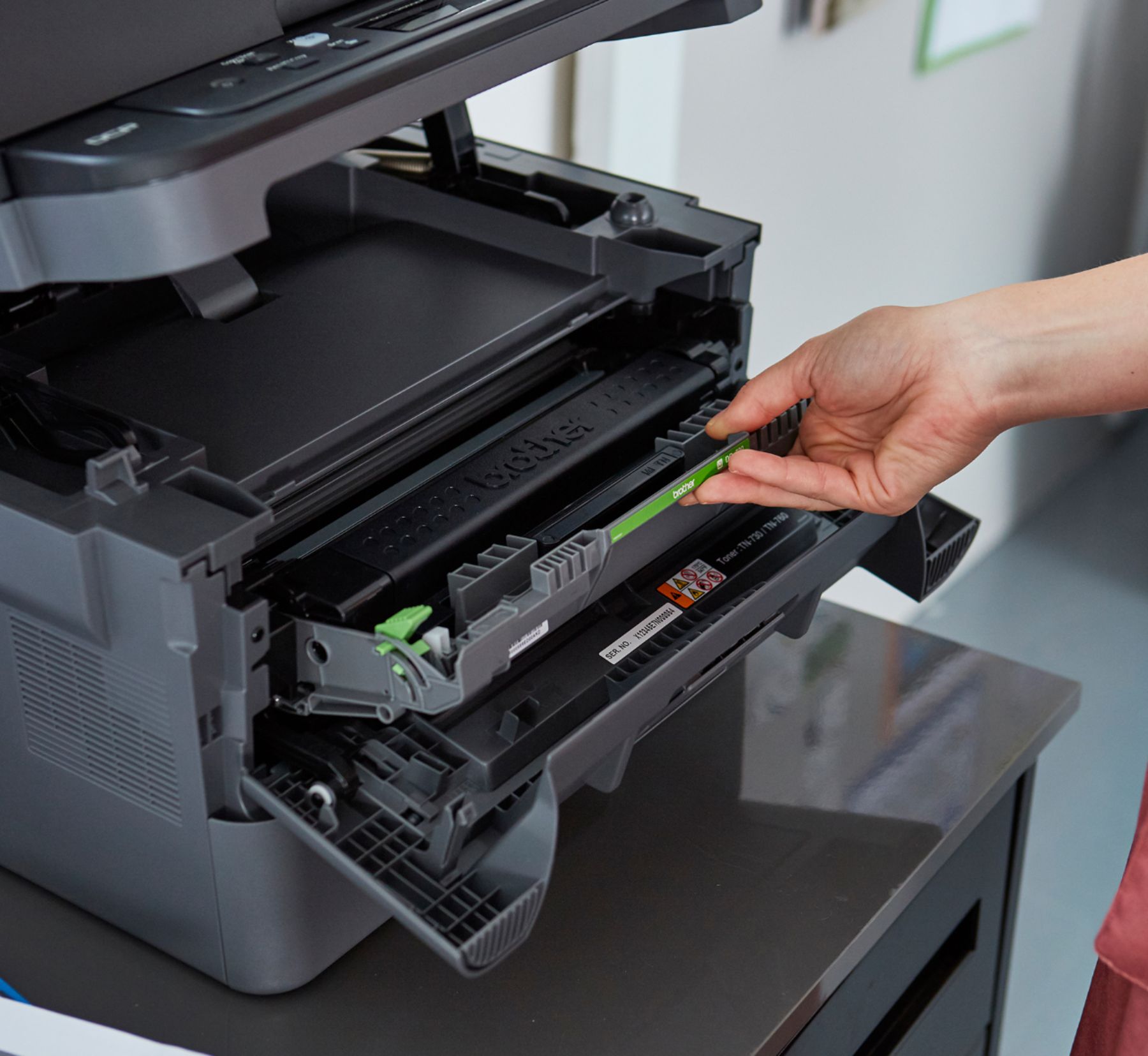
|Posted .This reviewer received promo considerations or sweepstakes entry for writing a review.The Brother DCP-L2550DW is a decent multi-function black and white printer. It is a laser printer, so you get decent text printing at a nice speed. It scans documents with a tray so you can feed multi-page documents as well as a scan window for more free form items. However, I experienced a few issues which concern me about the long term use of this printer. My overall rating is three stars, good enough for a home office, but not necessarily a printer to cover most home needs that don't require color ink. The printer was nicely packaged and seemed like it would be pretty easy to set up. The first issue that I ran into was the laser ink cartridge. Unlike most others that had an obvious orientation, this one wasn't so clear. No matter, usually, the guides/slides at the printer itself will make things clear, or at least the printer would have a mini diagram on the inside cover showing correct orientation. . . .not the case here either. In fact, even after reading the quick setup guide, I still was unsure how to install it. Eventually, I got the cartridge installed. However, the mechanism felt flimsy. I didn't get a good satisfactory click of it latching in place. The space looked slightly too big for the cartridge. Next up was connecting the printer to my wireless network. Navigating the menu was straightforward and once I figured out how to speed through the selection, it went relatively quickly. Still, having essentially a one-button interface to entire a complex security key is not ideal. One's ability to correct mistakes is also limited and if you're not paying close attention, you may accidentally not save the password on your first try. The second time around, you'll go much faster. Just hope you don't need to repeat the process a year later. I was pleased with the print and scan quality across my test documents, mainly resumes and a few legal and financial items. Then, I decided to read up a bit on the scan to cloud feature where you can connect something like google drive or dropbox and scan directly to a cloud based folder. This is great for things like itemized receipts. Scanning with my phone works ok, but a true scanner would make things a lot easier and faster. However, in that process, I happened to notice that the printer (and scanner) have margins that they can't print or scan! This means if you have a full page document, photo, schematic, drawing of some sort, some elements at the very edge of the paper are not scannable. Now, this mainly effects you at the larger paper sizes, like letter, but it is still annoying given how ubiquitous that paper size is. For example, I sometimes print templates for paper airplanes. With this printer, I will always miss out on text and markings at the very edge of the paper. Schematics can't be full page - though some have a border that eats up the unprintable area. Still, this would be annoying. I can see this being a good office device. You can print, scan most documents, operate wirelessly, and scan directly to the cloud. It has decent print speed and quality. However, there are some home use cases, particularly for those involved with crafts or projects, where limitations of the print/scan head will be annoying to work around. While adding paper is simple, the print head install isn't well designed and could be an early fail point with this printer.
No, I would not recommend this to a friend - Pros mentioned:Ease of use, Print quality
Easy and Reliable!
|Posted .This reviewer received promo considerations or sweepstakes entry for writing a review.Setting this wireless printer up is easy as pie, and the quality is top notch! The laser cartridge lasts so much longer than an inkjet, and is faster and cleaner. One of my favorite features is the double sided printing!
I would recommend this to a friend Workhorse of a Printer
|Posted .This reviewer received promo considerations or sweepstakes entry for writing a review.Just buying a new house, I've had to print (and scan/copy) out a TON of documents. My inkjet was drinking the black ink like an alcoholic in a brewery. And while I love bestbuy, going there every few days for ink was becoming tiresome. In comes this fantastic Brother laser printer. It truly copies and prints like a champ! Text is crisp and clean. Miles ahead of what my inkjet could do. I love the choice of either the document feeder on top, or the very generous paper tray. It is not your usual office printer - in that it can fit where laser printers just couldn't before. In fact, it is sitting in the exact same spot as the above mentioned inkjet. You can place it virtually anywhere - because of the ability to use it via a wireless connection. So whilst i do most of my printing in my office upstairs - my wife can print downstairs from her laptop. VERY convenient! The only nit-pick I can think of with this is that images are not as crisp as the text. But, those in the market for a laser printer - especially a black and white one are probably not too concerned with image quality, I imagine it would suffice for "Office handouts" from PDF files that contain basic images/clip-art/etc would be just fine. What I like the most is that I no longer have to worry about running out of black "ink", as I did with the inkjet. Maybe I'm just gushing about this because I've never owned a laser printer before. But the speed, quality, and reliability have me blown away!
I would recommend this to a friend- Pros mentioned:Ease of use, Print quality
Fantastic Printer
|Posted .This reviewer received promo considerations or sweepstakes entry for writing a review.This printer was very easy to set up and use. It's very quiet and the print quality is fantastic. It fits all of my home office needs perfectly.
I would recommend this to a friend