Save up to 50% on 3-Day Sale deals.Ends 12/14.Shop now

Skip to content
Gift Ideas
Main Content

Customer Ratings & Reviews
Your price for this item is $269.99

Customer reviews

Rating 4.6 out of 5 stars with 198 reviews

Rating Filter

Rating by feature

  • Value

    Rating 4.6 out of 5 stars

  • Quality

    Rating 4.6 out of 5 stars

  • Ease of Use

    Rating 4.5 out of 5 stars

90%
would recommend
to a friend
The vast majority of our reviews come from verified purchases. Reviews from customers may include My Best Buy members, employees, and Tech Insider Network members (as tagged). Select reviewers may receive discounted products, promotional considerations or entries into drawings for honest, helpful reviews.
Page 10 Showing 181-198 of 198 reviews
  • Tech Insider Network Member

    Rated 5 out of 5 stars

    Excellent printer, as expected

    |
    Tech Insider Network Member
    Posted .
    This reviewer received promo considerations or sweepstakes entry for writing a review.

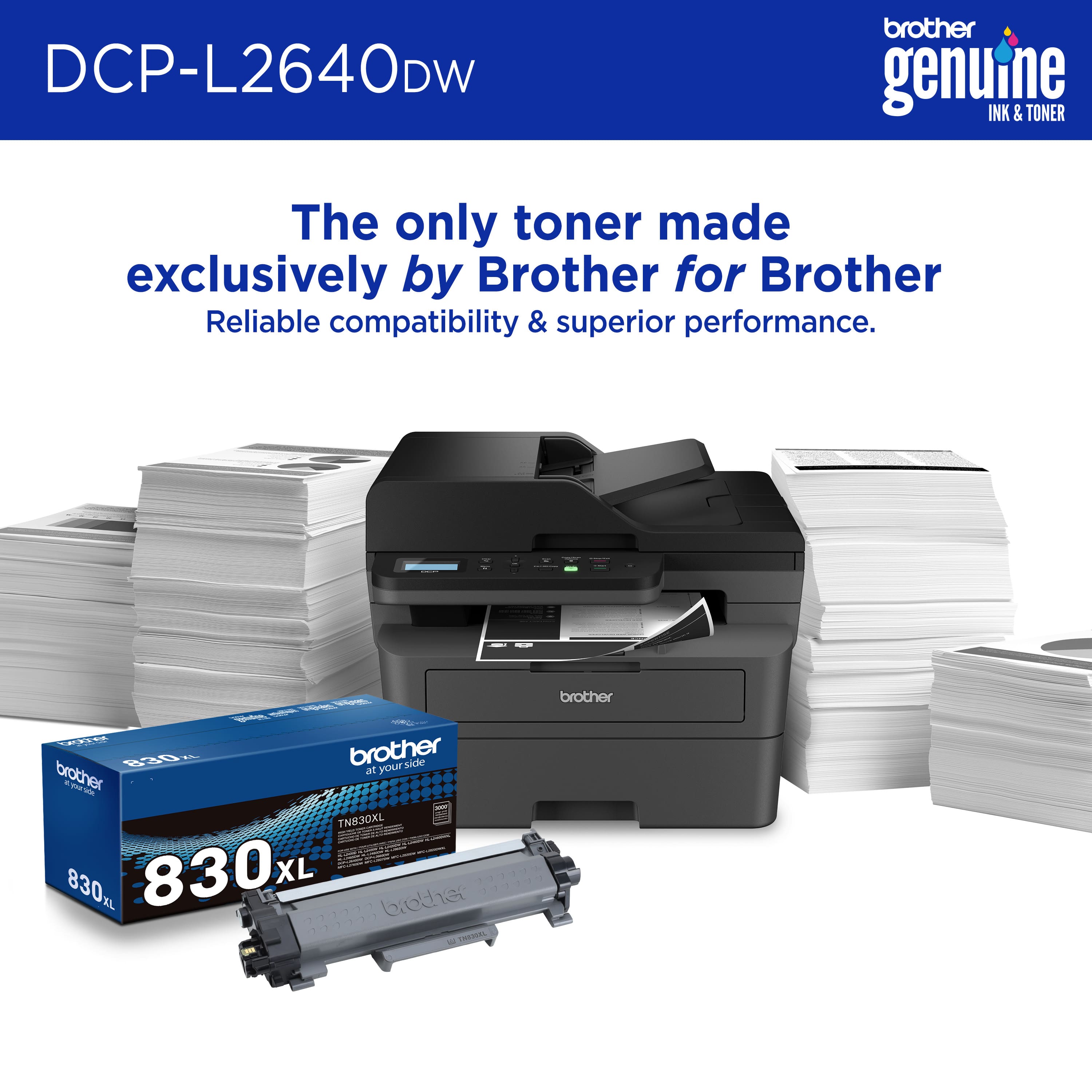
    This is my third Brother laser printer. I keep a color laser and my dad just got my black and white 3-in-1 because he found it easy to use. I got this one to replace the one he commandeered. There isn’t much to say about any Brother printer because it’s like a good referee: if it’s doing its job, you shouldn’t notice it. The actual printing is always crisp and clean and I’ve yet to have a paper jam in over a decade of Brother printer. The auto feeder when I’m trying to scan or upload or copy one or multiple pages is perfectly reliable. It does not get stuck or stuck in more pages than it’s supposed to. Everything just works and is ultra reliable. My favorite function is the Wi-Fi. I program a shortcut that anything I scan goes right into my Google Drive. Super useful. And then once it’s connected to my network, it just shows up as a printer in my iPhone, Mac, iPad. Being able to print anything from my notes to a webpage to tickets with a couple of clicks has been a life changer for me ever since I started doing it. The best part? Toner is cheaper than all of the other competitors and they don’t have lockout chips. I used to print with a grimace in the old days because I knew how expensive each page was. I would even try to reduce the black on the page so that I didn’t use up too much ink or toner. Printing is now second nature and I don’t hesitate to print anything, thanks Brother!

    I would recommend this to a friend
  • Tech Insider Network Member

    Rated 5 out of 5 stars

    Great laser printer for scanning and printing docs

    |
    Tech Insider Network Member
    Posted .
    This reviewer received promo considerations or sweepstakes entry for writing a review.

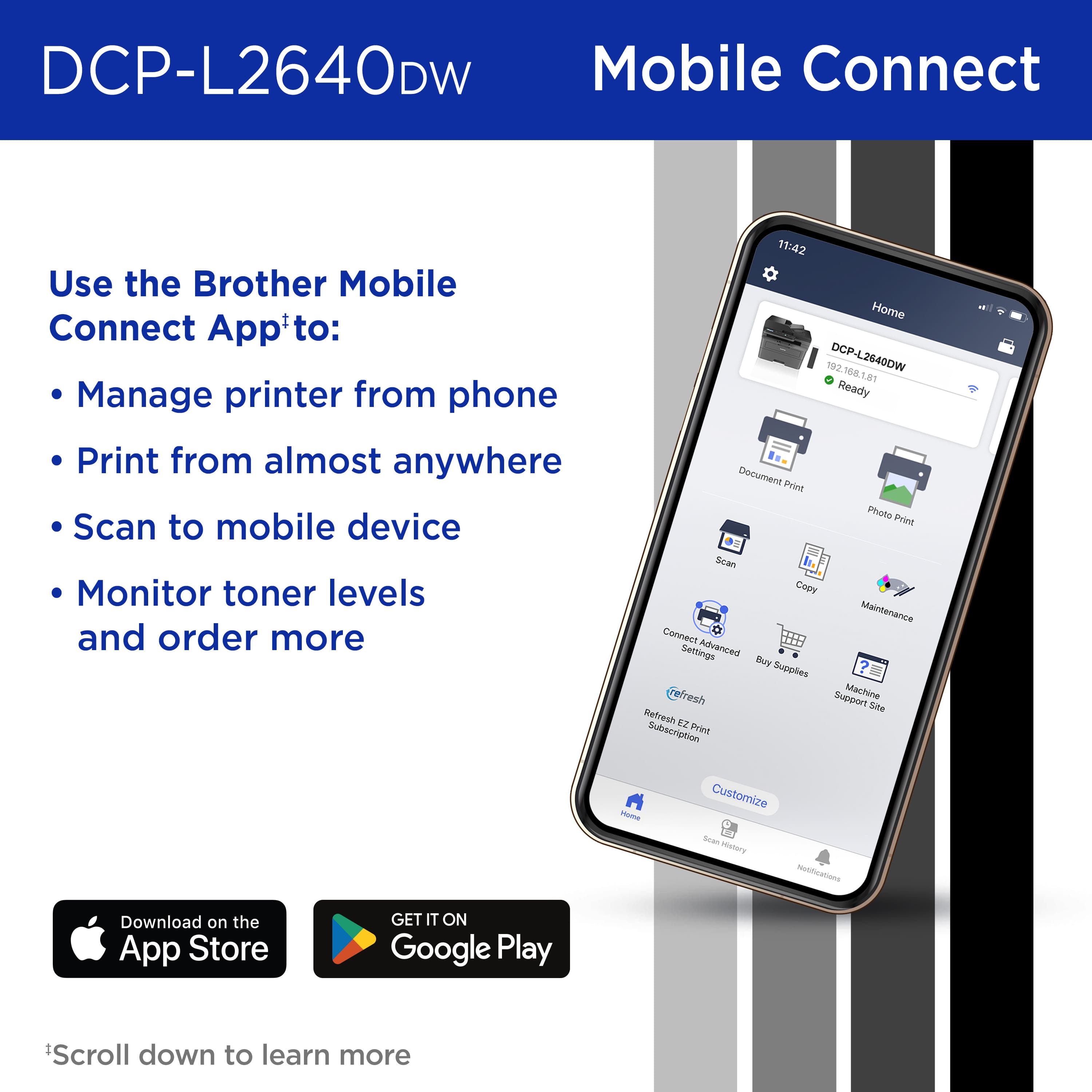
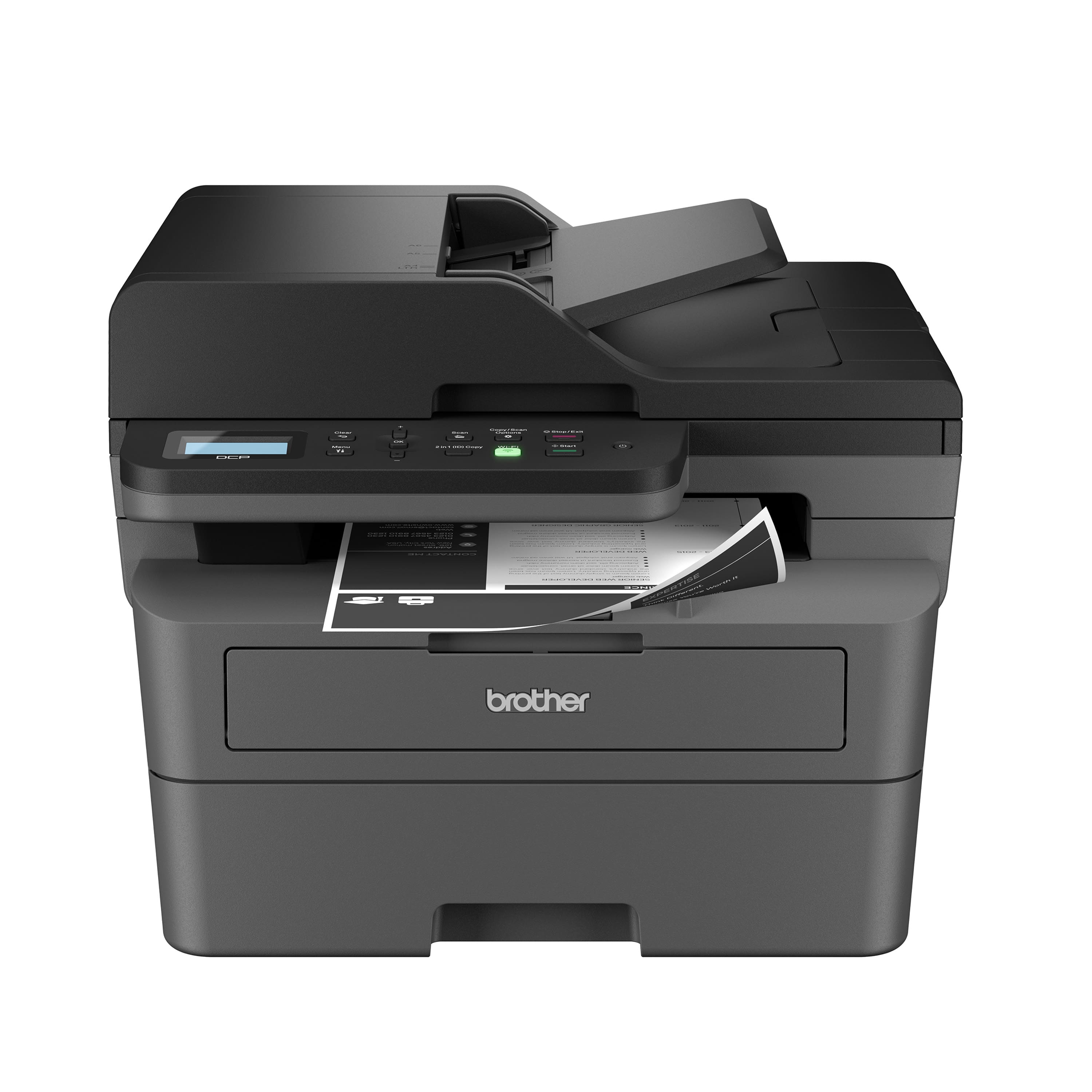
    The Brother - DCP-L2640DW Wireless Black-and-White 3-in-1 Laser Printer is a good all in one printer that’s great for my office and personal needs. The printer has the ability to scan documents using the flatbed scanner. This is great for receipts that maybe wrinkled and can’t go through the sheet feeder, scanning photos you don’t want going through the sheet feeder, or scanning pages from a book or magazine. The scanner sheet feeder is great for scanning multiple pages quickly and easily. The print quality of the printer is great. It only prints in black and white, but the quality is good. The setup process wasn’t too difficult. When I opened the Brother MobileConnect app it was not able to locate the printer. I noticed the display on the printer was asking me if I would like to connect to my wireless LAN network. I was able to select my WiFi network and enter my password. It took a while to enter my password because I had to use the up and down buttons to scroll through each character and use the OK button to move the cursor to the next character. Once I had my password entered, it was able to connect to my WiFi network successfully. The app was then able to locate the printer on my mobile phone and connect and setup the printer. During the setup process on the mobile app, it got hung up on the screen saying it was looking to see if my printer had a firmware update. After minutes had passed with it staying on that same screen, I foreclosed the app on my phone then reopened the app. After the app reopened it proceeded to the last page and informed me that setup was successful. It was easy to setup the printer on my MacBook using Bonjour. Overall, this is a great printer for scanning and printing documents.

    I would recommend this to a friend
  • Tech Insider Network Member

    Rated 5 out of 5 stars

    Fast, affordable B&W laser printer, copier/scanner

    |
    Tech Insider Network Member
    Posted .
    This reviewer received promo considerations or sweepstakes entry for writing a review.

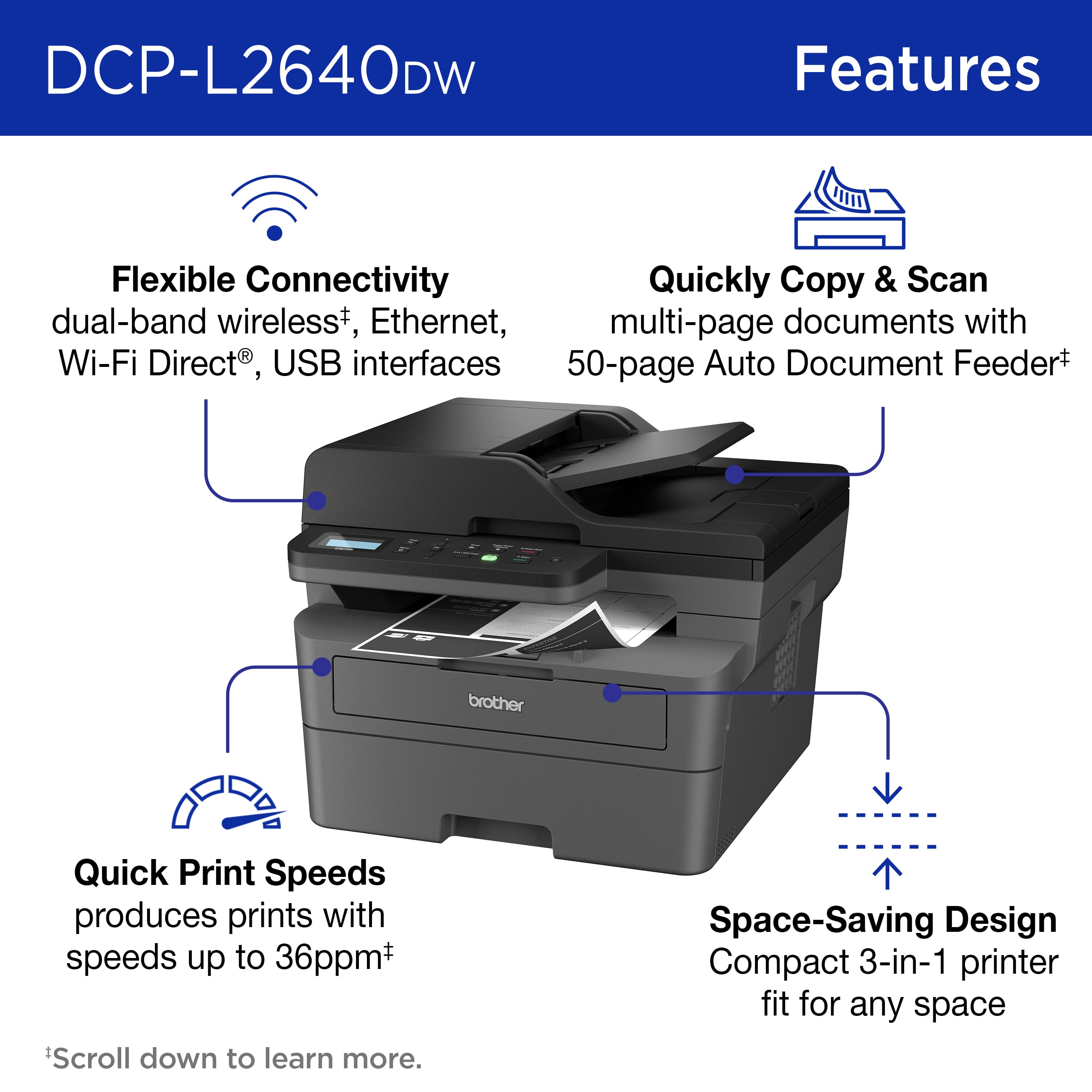
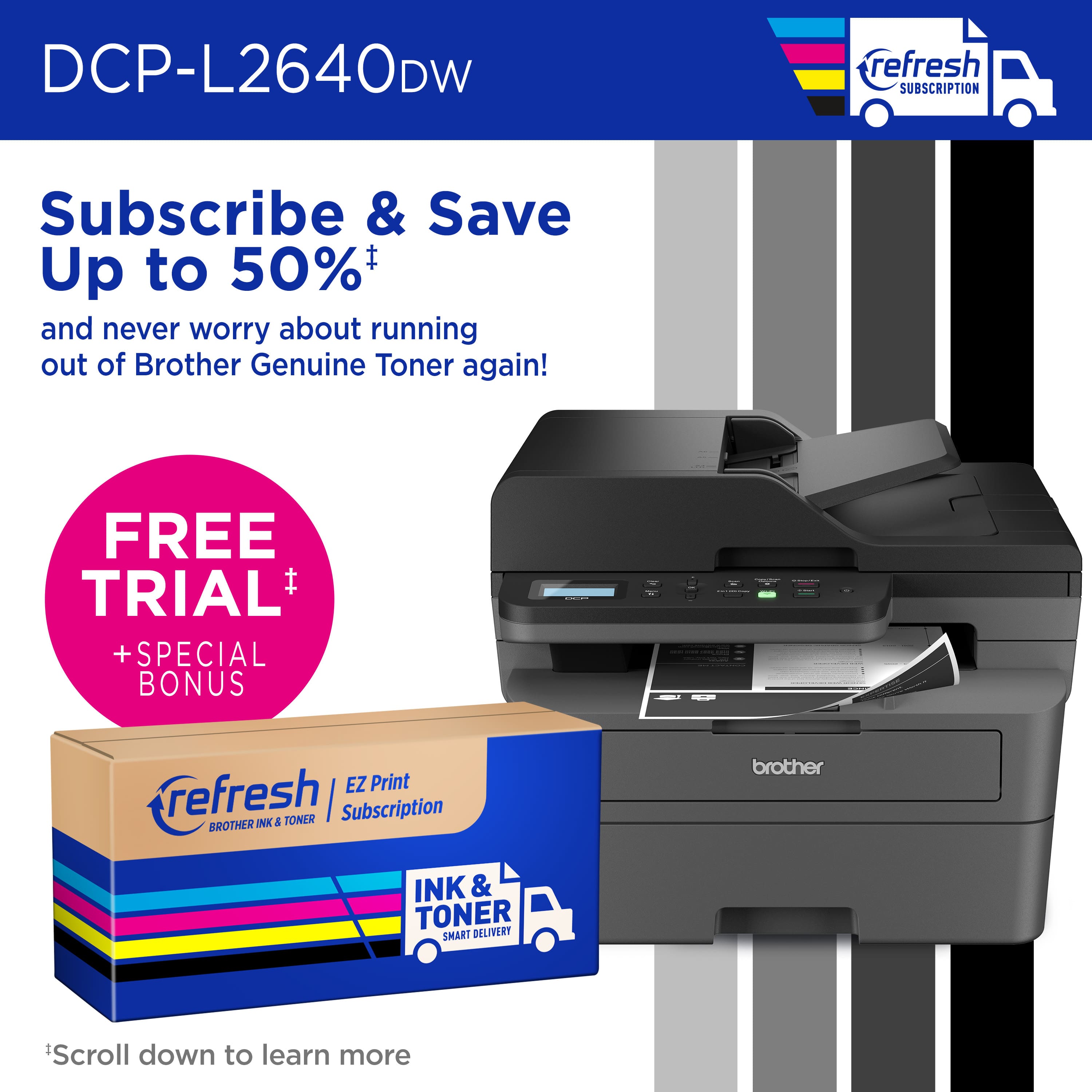
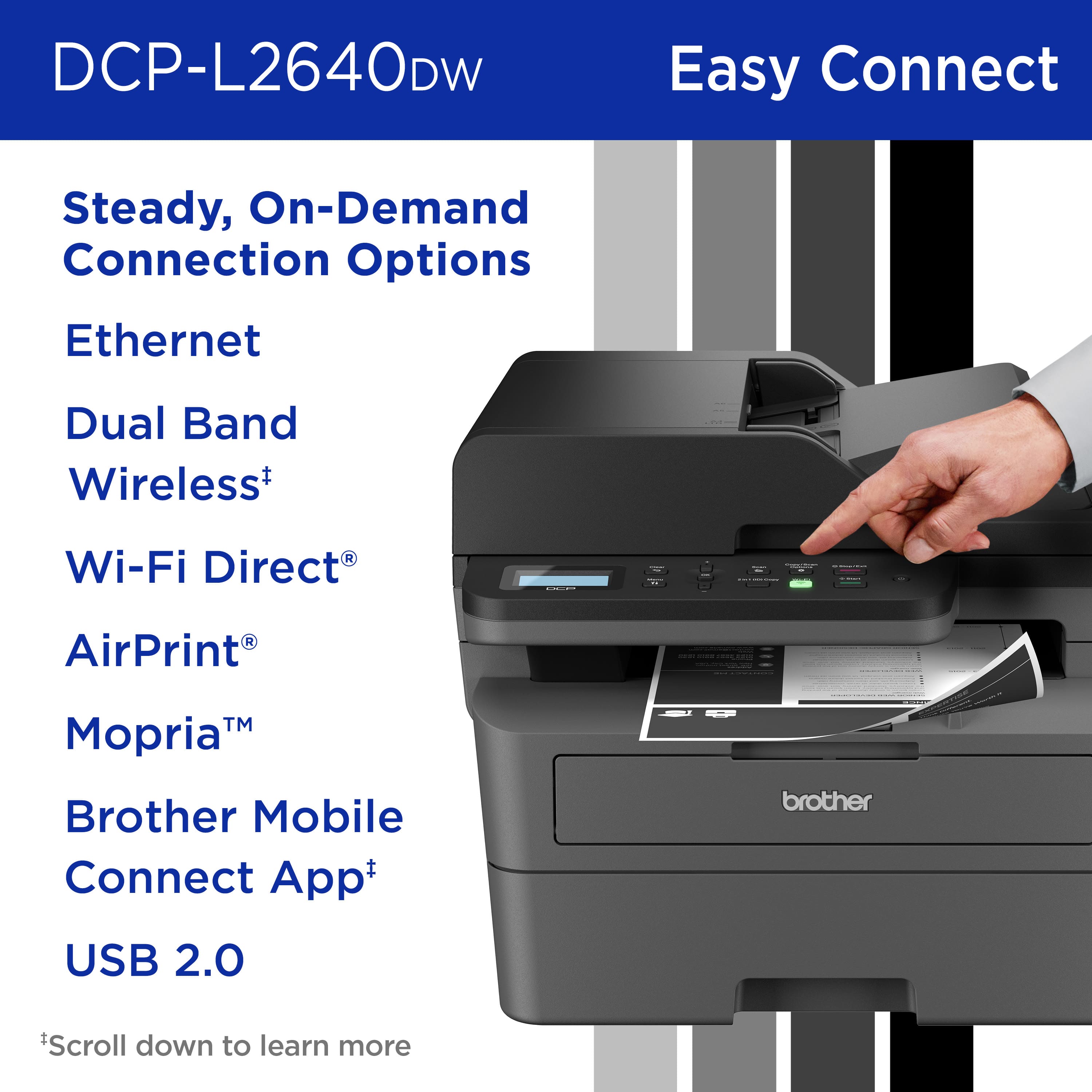
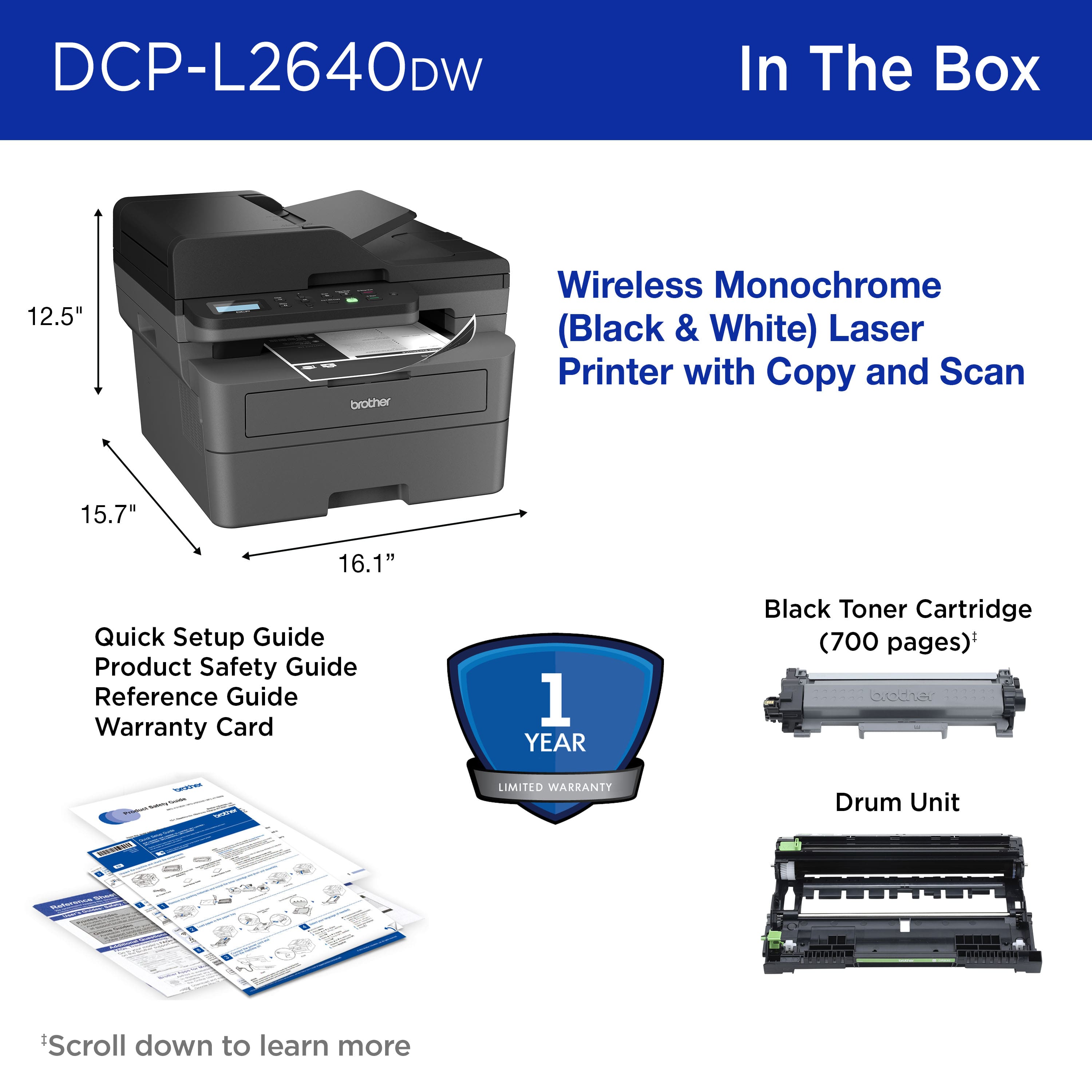
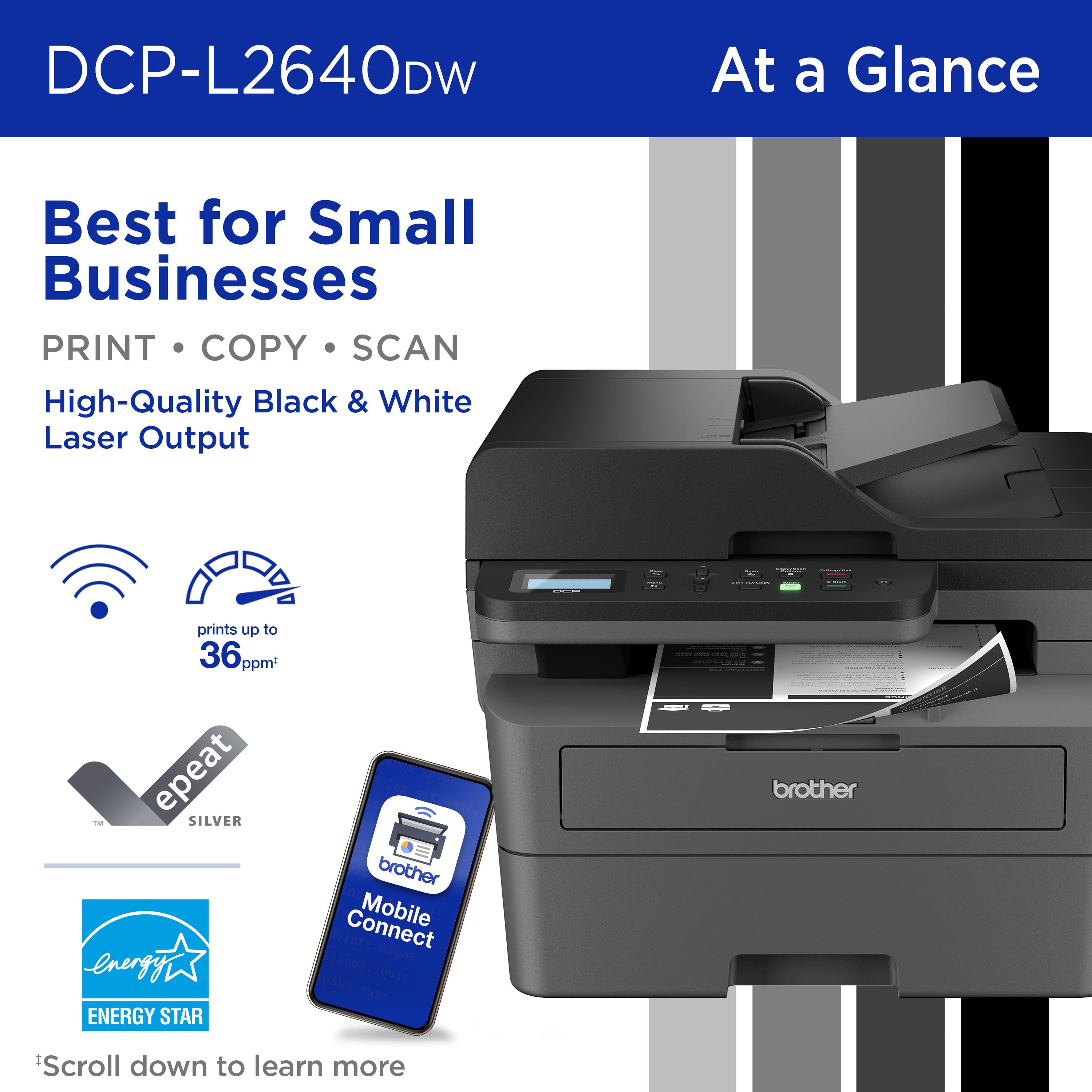
    The Brother - DCP-L2640DW Wireless Black-and-White Refresh Subscription Eligible 3-in-1 Laser Printer is a fairly compact laser printer, somewhat bigger than most InkJet printers due to its duplex printing and ADF scanning capabilities. Setup is simple and can be done a number of ways, depending on the devices you’ll be printing from. You can download the iOS or Android App that you can use to print from your smartphone after you connect the printer to your Wi-Fi network or your wired network via the built-in Ethernet port. There is also a USB port for direct connectivity to your PC, but that would limit your printing from other devices on your network. The print speed is quite good for such an inexpensive laser printer, up to 36 pages per minute and it renders sharp, clear looking, deep black text and graphics. This Brother B&W printer comes with a toner cartridge pre-installed that will last over 1,000 pages and will not dry up if not used for extended periods of time like most InkJet printers do. If you print a lot and don’t want to worry about keeping track and purchasing replacement toner cartridges, you can sign-up for Brother’s Refresh subscription that will automatically mail you toner cartridges as needed. The paper tray can hold a commendable 250 sheets and the ADF tray can handle a stack of 50 pages. If you don’t need to print in-color and you’re on a tight budget, I would recommend this Brother laser printer over any InkJet printer or other more expensive laser printers that may have additional features you don’t need for solid printing, copying and scanning capabilities.

    I would recommend this to a friend
  • Tech Insider Network Member

    Rated 5 out of 5 stars

    Works as it should

    |
    Tech Insider Network Member
    Posted .
    This reviewer received promo considerations or sweepstakes entry for writing a review.

    I've used Brother laser printers at work for years and they have been solid and dependable printers. This particular unit is very similar to one at work and navigating through the menu was also very familiar. Unfortunately another item is familiar - difficulty in actually getting this machine to connect to a computer following the directions provided. After 30 minutes of nothing happening other than trying different ways to get the machine to connect, I used my experience and just went to the Brother site and downloaded the software without trying to connect and then used a very tedious manual network installation entry (took 3 tries because the instruction sheet didn't tell you what to hit after entering the last password item). After just setting up the wifi manually and then using the software downloaded from brother's site (not the setup indicated in the provided instructions), I was able to locate the printer on wifi and installed the needed software with which I was familiar and all is good. I can testify that these laser printers can take lots of use - in the medical office I work, we print hundreds of receipts per week and I was honestly surprised the machines work as well as they do. I had though brother products were a grade below other printer companies, but that is truly not the case in the real world. I highly recommend this printer even given the foibles of following the instructions provided. Best bet, do the tedious manual entry for wifi on the printer itself - the usb attempt I made had a spinning wheel for over 15 minutes and nothing.

    I would recommend this to a friend
  • Tech Insider Network Member

    Rated 5 out of 5 stars

    Very large but basically does the job

    |
    Tech Insider Network Member
    Posted .
    This reviewer received promo considerations or sweepstakes entry for writing a review.

    I have had quite a few Printers, and this one is great for basic use. I have had it a while and I haven’t even needed to change the ink yet and it’s been a few weeks. If there were any cons, I would say maybe it is just very large, so be prepared for that. it was easy to get it out of the Box but it is quite a bit of work, getting it out and getting all of the packaging off of it. That makes the most mess. When I connected it, it of course, comes with an accompanying app to download. When I went to my computer, I easily found it And connected it wirelessly. It was very much plug and play. For the cost and what it does, I would say it’s absolutely worth the buy but as with anything else the thing that’s gonna run up the price is the cost of ink and toner overtime. I have yet to experience any of that, but I hope it is not too pricey. Other than that, I would definitely say it’s worth the buy as the print job was very crisp and clear. There has been once where I needed to unplug the printer as I’m not sure what happened with the connection, but it wasn’t connecting. However, that was a one time thing and I have not had the problem since then, and I should add that you will have that issue with anything that is wireless at some point so all in all this does what it says it does.

    I would recommend this to a friend
  • Rated 5 out of 5 stars

    DONT WASTE YOUR TIME/MONEY ON COLOR PRINTERS!

    Posted .
    This reviewer received promo considerations or sweepstakes entry for writing a review.

    I highly recommend getting this 3-1 printer because it only has one black ink drum and thats it. I had a color printer that couldnt work independently from the other color ink. I also love the app that comes on your smartphone/PC, easy set up, you can copy/print/scan. This laser printer feels very solid and sleek. If you are in the market, put up the $200 with the 4-year 34.99 Geek Squad Protection Plan. Future-proof yourself you will never know when you need to copy/print/scan something.

    I would recommend this to a friend
  • Rated 5 out of 5 stars

    Printer works great.

    Posted .
    This reviewer received promo considerations or sweepstakes entry for writing a review.

    I purchased this printer after reading the reviews of many printers. This one overall had some of the best reviews. I picked it up from the store November 1, 2024. So far this printer has worked fine with no issues. It took maybe an hour to get it out of the box, setup and working. I didn't have any issues downloading the app, setting up my computer to print with this printer. It seems to print quick. The print quality seems good. Overall I am satisfied with this printer. One good thing is this printer has a toner cartridge. It will last a long time compared to having to change inkjet cartridges out frequently and become costly. I don't need to print in color anyways.

    I would recommend this to a friend
  • Rated 5 out of 5 stars

    Quality Printer

    Posted .
    This reviewer received promo considerations or sweepstakes entry for writing a review.

    It was fairly easy to set up and the updates are easy to access once the product is registered at the Brother website. I recommend the update before using it. The functions work great and I appreciate the wireless printing and scanning.

    I would recommend this to a friend
  • Rated 5 out of 5 stars

    dcpl2640dw

    Posted .
    This reviewer received promo considerations or sweepstakes entry for writing a review.

    way better then hp office jet pro printer and brother laser printer are more reliable than any other manufacturer also you should try their subscription it is awesome

    I would recommend this to a friend
  • Rated 5 out of 5 stars

    Works Great!

    Posted .
    This reviewer received promo considerations or sweepstakes entry for writing a review.

    Easy Setup, Fast printing, love paper drawer, much better than previous printer!

    I would recommend this to a friend
  • Rated 5 out of 5 stars

    A ok

    Posted .
    This reviewer received promo considerations or sweepstakes entry for writing a review.

    Came fast and work's great. Would recommend any time

    I would recommend this to a friend
  • Rated 5 out of 5 stars

    BEST LASER PRINTER EVER

    Posted .
    This reviewer received promo considerations or sweepstakes entry for writing a review.

    It was so nice to have it delivered to my door free. Could not have asked for anything better. it is a sturdy machine and it works perfectly. I had a Brother dcp 1000 that still works perfectly as a copier as Brother stopped supporting the driver. Had it 17 years.

    I would recommend this to a friend
  • Rated 5 out of 5 stars

    Supernova

    Posted .
    This reviewer received promo considerations or sweepstakes entry for writing a review.

    My Brother - DCPL2640DW 3 - in - 1 Laser Printer, performs awesome

    I would recommend this to a friend
  • Rated 5 out of 5 stars

    No more expensive ink cartridges!!

    Posted .
    This reviewer received promo considerations or sweepstakes entry for writing a review.

    Working great so far. I love the idea of not paying ludicrous amounts of money for ink!

    I would recommend this to a friend
  • Rated 3 out of 5 stars

    Adequate for personal use

    Posted .
    This reviewer received promo considerations or sweepstakes entry for writing a review.

    The quality of pictures and text is grainy and light. I would not recommend it for official or professional reports.

    No, I would not recommend this to a friend
  • Rated 1 out of 5 stars

    Warning DO NOT USE THIS PRODUCT

    Posted .
    This reviewer received promo considerations or sweepstakes entry for writing a review.

    This printer is out of date. Setup requires manually going through arrows like it's 1995. The printer repeatedly loses wireless connection, and the entire setup process needs to be repeated in order to use. Even then, it is not always able to connect to the wireless network, so most of the time I would need to find a usb chord (which does not come with the printer), go connect it manually and then it can print. It is NOT wireless, although advertised as such. Literally the worst purchase I have made in a decade.

    No, I would not recommend this to a friend
    • Brand response from Brother
      Posted .

      We understand you are experiencing connectivity issues with your Brother DCPL2640DW. We'd like to help. Please contact the Brother USA support team at: https://www.brother-usa.com/support Brother

  • Rated 2 out of 5 stars

    Annoying toner issues

    Posted .
    This reviewer received promo considerations or sweepstakes entry for writing a review.

    Toner Cartridges are terrible. Not enough ink. Even XL begins to fade when settings show 1/2 full. Have to insert/re insert cartridge multiple times just to get it to recognize it. Scan feature is excellent. Too bad printing isn't better as I mainly need it for print jobs.

    No, I would not recommend this to a friend
  • Rated 3 out of 5 stars

    Scanner Resolution

    Posted .
    This reviewer received promo considerations or sweepstakes entry for writing a review.

    From Staples website scanner res is 1200 x 1200 dpi. I don't know anything about its quality or ease of setup and use.

    I would recommend this to a friend
    • Brand response from Brother
      Posted .

      Thanks for taking the time to review your experience with the Brother DCP-L2640DW. We appreciate your feedback. If you still need assistance, we would like to help. Please contact the Brother USA support team at: https://www.brother-usa.com/support
      ​​​​​​​ Brother