Customer Ratings & Reviews
- Model:
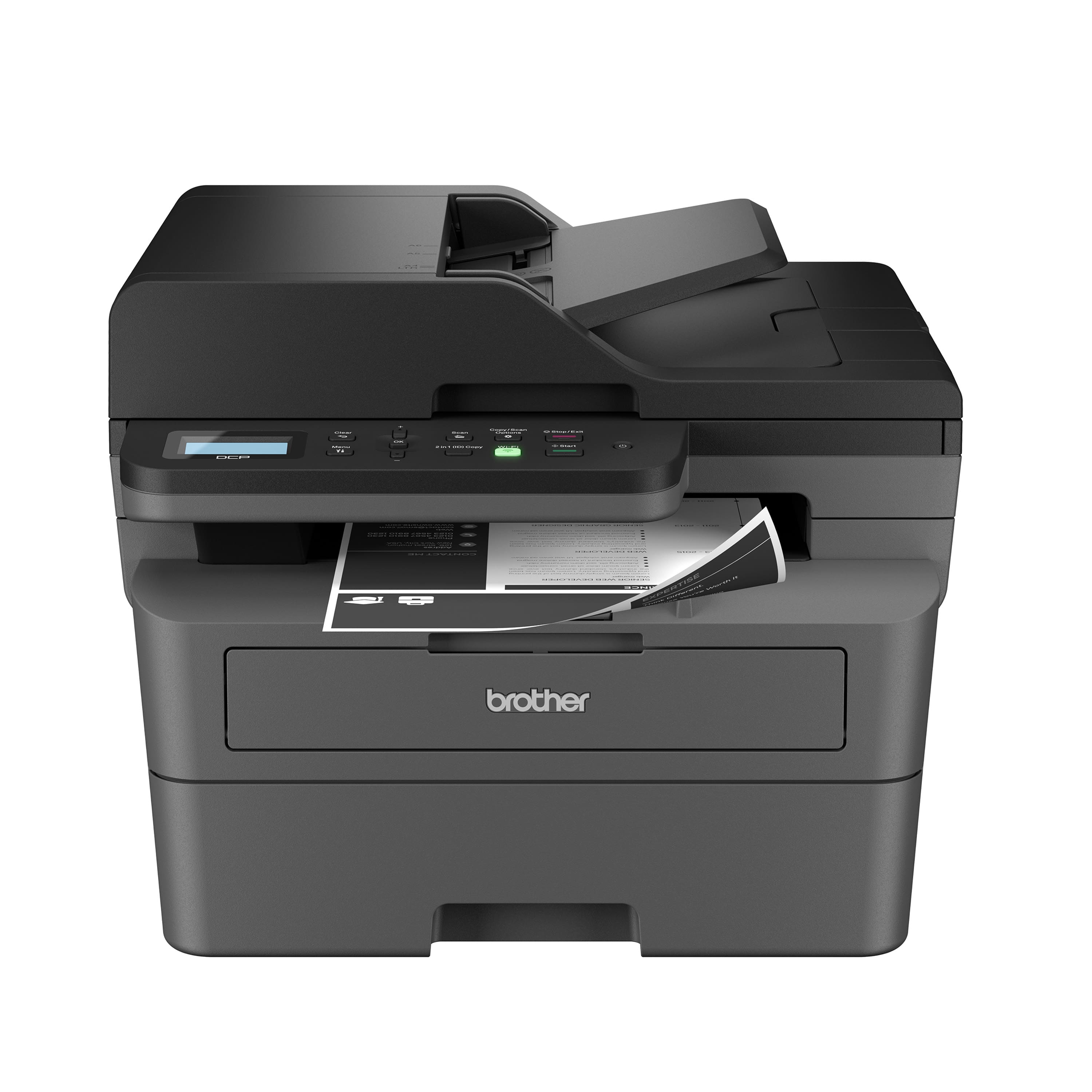
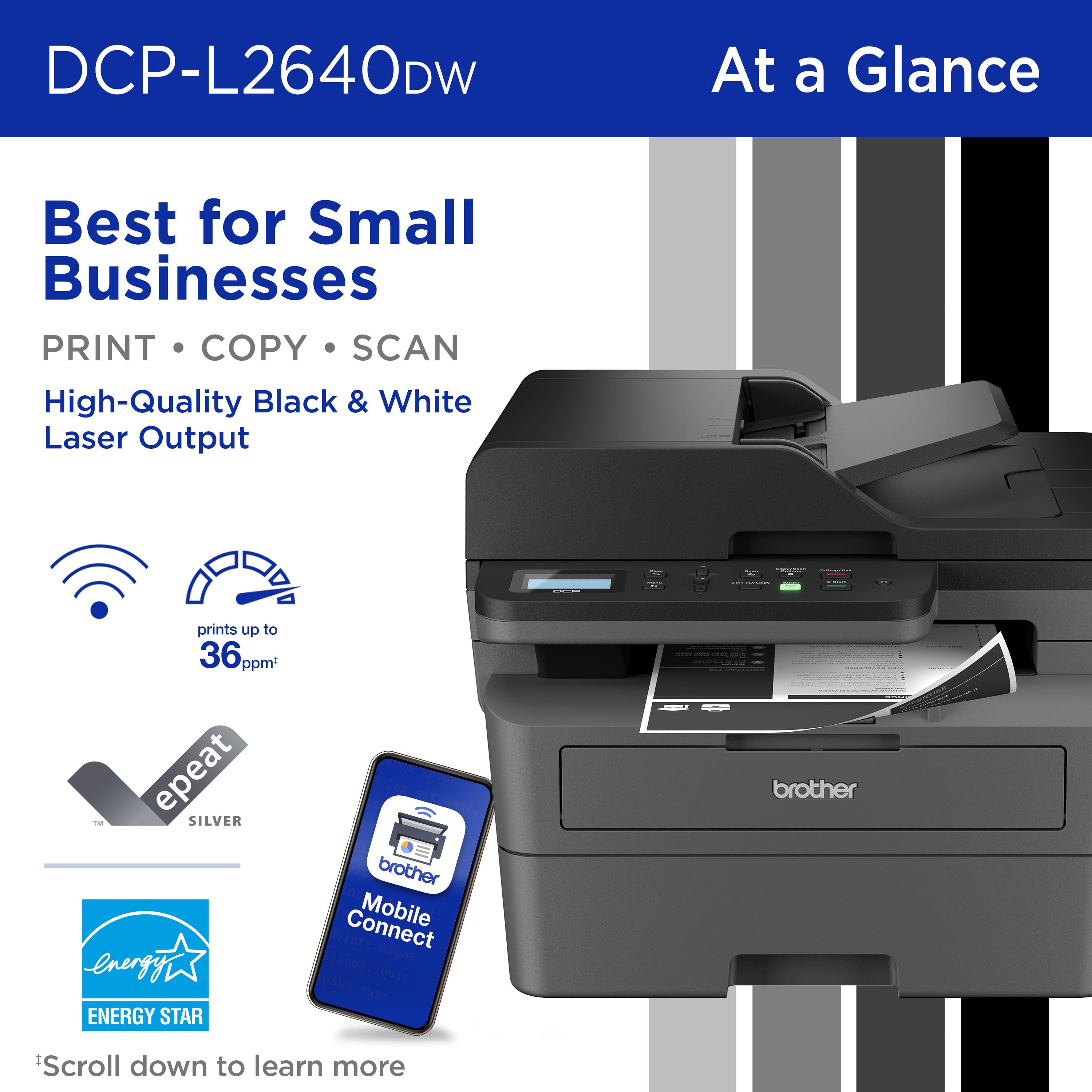
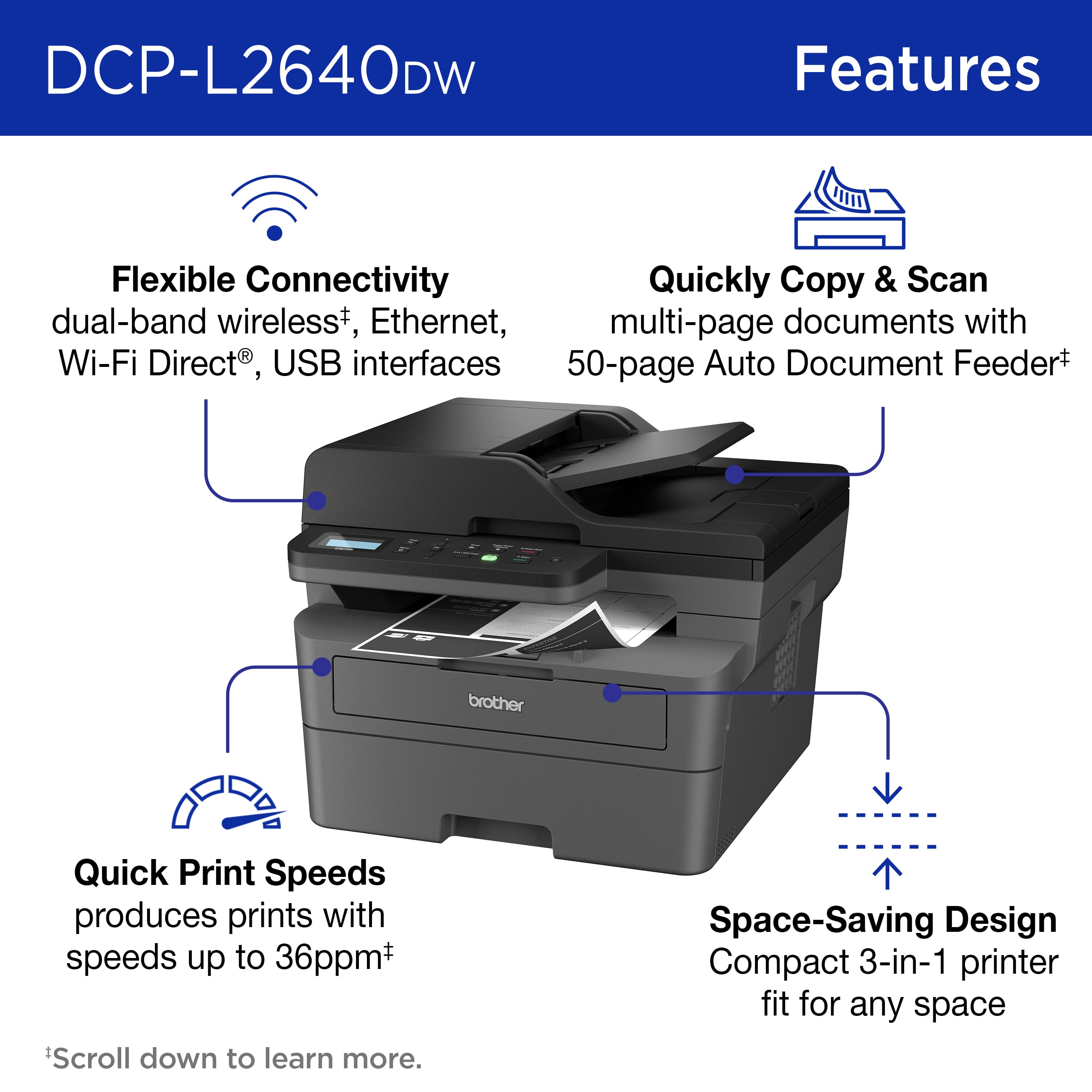
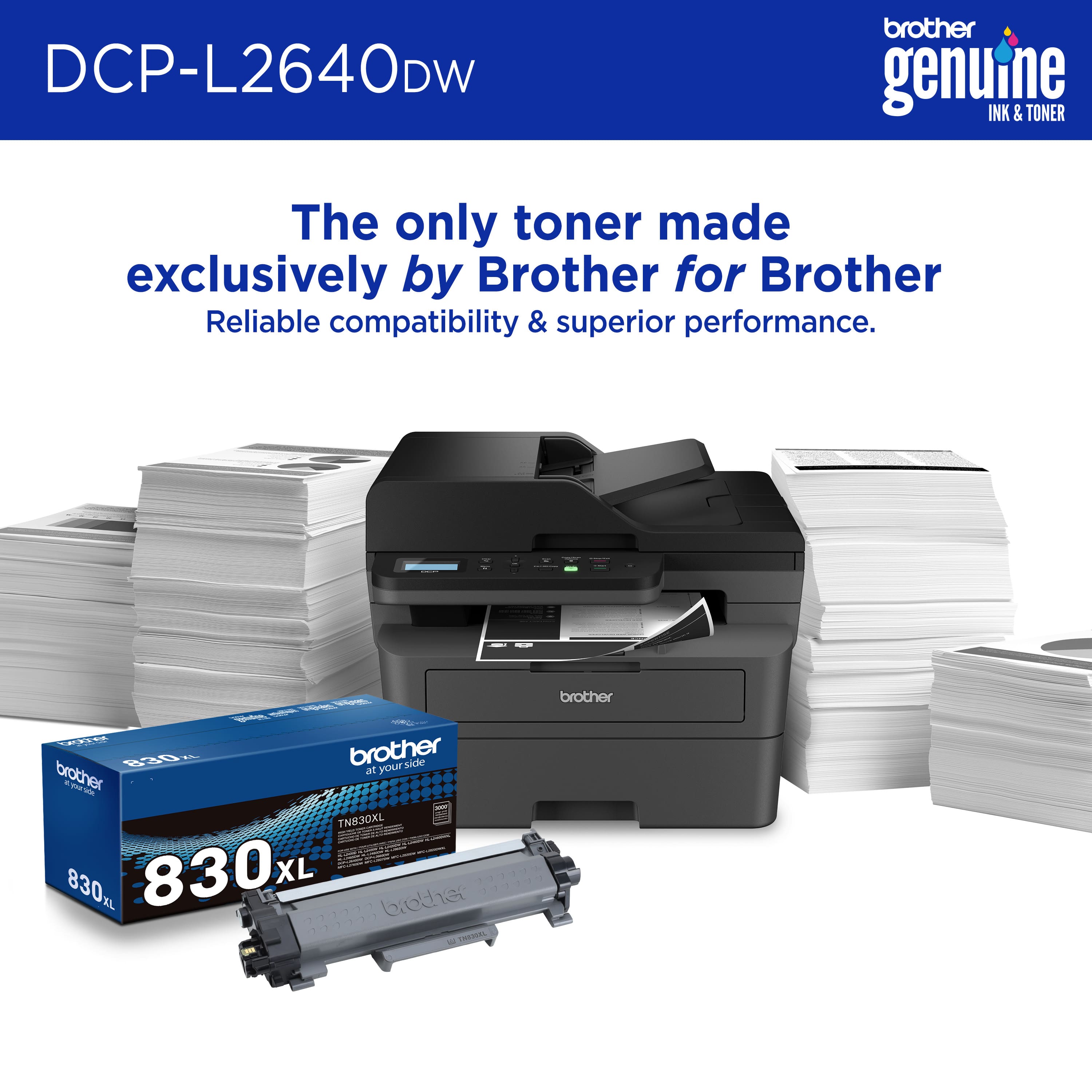
- DCP-L2640DW
- SKU:
- 11525244
Rating by feature
- Value
Rating 4.6 out of 5 stars
- Quality
Rating 4.6 out of 5 stars
- Ease of Use
Rating 4.5 out of 5 stars
Brother printer
Posted .This reviewer received promo considerations or sweepstakes entry for writing a review.Told next day delivery took six days ordered from BestBuy but was shipped by Staples. BestBuy blamed Staples and Staples blamed BestBuy and both blamed OnTrac the shipping carrier.
I would recommend this to a friendSupernova
Posted .This reviewer received promo considerations or sweepstakes entry for writing a review.My Brother - DCPL2640DW 3 - in - 1 Laser Printer, performs awesome
I would recommend this to a friendNo more expensive ink cartridges!!
Posted .This reviewer received promo considerations or sweepstakes entry for writing a review.Working great so far. I love the idea of not paying ludicrous amounts of money for ink!
I would recommend this to a friendAdequate for personal use
Posted .This reviewer received promo considerations or sweepstakes entry for writing a review.The quality of pictures and text is grainy and light. I would not recommend it for official or professional reports.
No, I would not recommend this to a friendWarning DO NOT USE THIS PRODUCT
Posted .This reviewer received promo considerations or sweepstakes entry for writing a review.This printer is out of date. Setup requires manually going through arrows like it's 1995. The printer repeatedly loses wireless connection, and the entire setup process needs to be repeated in order to use. Even then, it is not always able to connect to the wireless network, so most of the time I would need to find a usb chord (which does not come with the printer), go connect it manually and then it can print. It is NOT wireless, although advertised as such. Literally the worst purchase I have made in a decade.
No, I would not recommend this to a friendBrand response from Brother
Posted .We understand you are experiencing connectivity issues with your Brother DCPL2640DW. We'd like to help. Please contact the Brother USA support team at: https://www.brother-usa.com/support

Annoying toner issues
Posted .This reviewer received promo considerations or sweepstakes entry for writing a review.Toner Cartridges are terrible. Not enough ink. Even XL begins to fade when settings show 1/2 full. Have to insert/re insert cartridge multiple times just to get it to recognize it. Scan feature is excellent. Too bad printing isn't better as I mainly need it for print jobs.
No, I would not recommend this to a friendScanner Resolution
Posted .This reviewer received promo considerations or sweepstakes entry for writing a review.From Staples website scanner res is 1200 x 1200 dpi. I don't know anything about its quality or ease of setup and use.
I would recommend this to a friendBrand response from Brother
Posted .Thanks for taking the time to review your experience with the Brother DCP-L2640DW. We appreciate your feedback. If you still need assistance, we would like to help. Please contact the Brother USA support team at: https://www.brother-usa.com/support