Customer Ratings & Reviews
- Model:
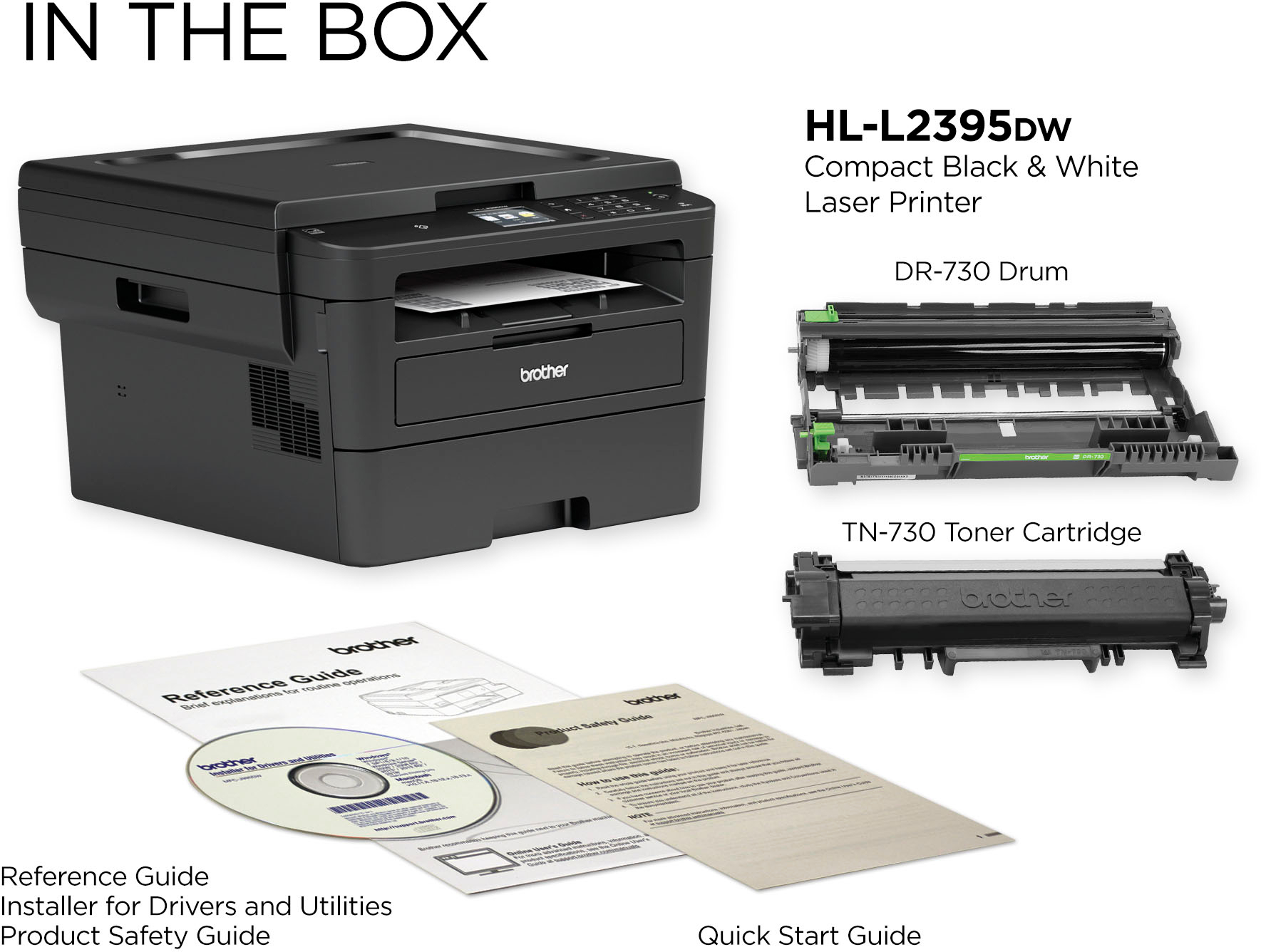
- HL-L2395DW
- SKU:
- 6130100
Rating by feature
- Value
Rating 4.6 out of 5 stars
- Quality
Rating 4.7 out of 5 stars
- Ease of Use
Rating 4.6 out of 5 stars
Customers are saying
Customers express satisfaction with the HL-L2395DW's print quality, ease of use, and wireless functionality. Many also appreciate its reasonable price, reliable performance, and straightforward setup process. Positive feedback also highlights the printer's compact size and quiet operation. The scanning feature also receives favorable comments.
This summary was generated by AI based on customer reviews.
Trash
||Posted .This reviewer received promo considerations or sweepstakes entry for writing a review.Absolute garbage. Two of these in the trash in two years and all the money down the drain.
No, I would not recommend this to a friendBrand response from Brother
Posted .We are sorry that you are experiencing issues with your Brother HLL2395DW machine and we understand your disappointment. Our Brother Customer Support Team is on stand-by to provide quality products and service to our customers via online, email or live chat: www.brother-usa.com/brother-support

Not happy!
||Posted . Owned for 1 year when reviewed.This reviewer received promo considerations or sweepstakes entry for writing a review.Purchased in June 2020, has completely stop working. LED screen black.
No, I would not recommend this to a friendBrand response from Brother
Posted .We are sorry to hear that your Brother HLL2395DW machine is no longer working. We know this is frustrating. We would love to hear from you with details to be able to get your machine up and running again. Our Brother Customer Support Team is on stand-by to provide quality products and service to our customers via online, email or live chat: www.brother-usa.com/brother-support
- Pros mentioned:Ease of use
Researched it; bought it; really like it.
Posted .This reviewer received promo considerations or sweepstakes entry for writing a review.Had this printer since November 2023. Setup was simple enough. Manual was found online. Directions for use were straightforward and easy to understand. Printing so far has been flawless. I really like this machine. By the way, so does Consumer's Reports.
I would recommend this to a friend Trash
||Posted . Owned for 1 year when reviewed.This reviewer received promo considerations or sweepstakes entry for writing a review.Broke in less than a year Won’t buy this again or recommend
No, I would not recommend this to a friendBrand response from Brother
Posted .We are sorry to hear that your Brother HLL2395DW machine is no longer working. We know this is frustrating. We would love to hear from you with details to be able to get your machine up and running again. Our Brother Customer Support Team is on stand-by to provide quality products and service to our customers via online, email or live chat: www.brother-usa.com/brother-support
Great Printer
Posted .This reviewer received promo considerations or sweepstakes entry for writing a review.The printer was easy to set up and works great! I had an inkjet printer but don’t print often so the ink dried up and I had to buy new ink every time I wanted to print something. The Laser printer will save money on ink.
I would recommend this to a friendEasy to set up, works very well.
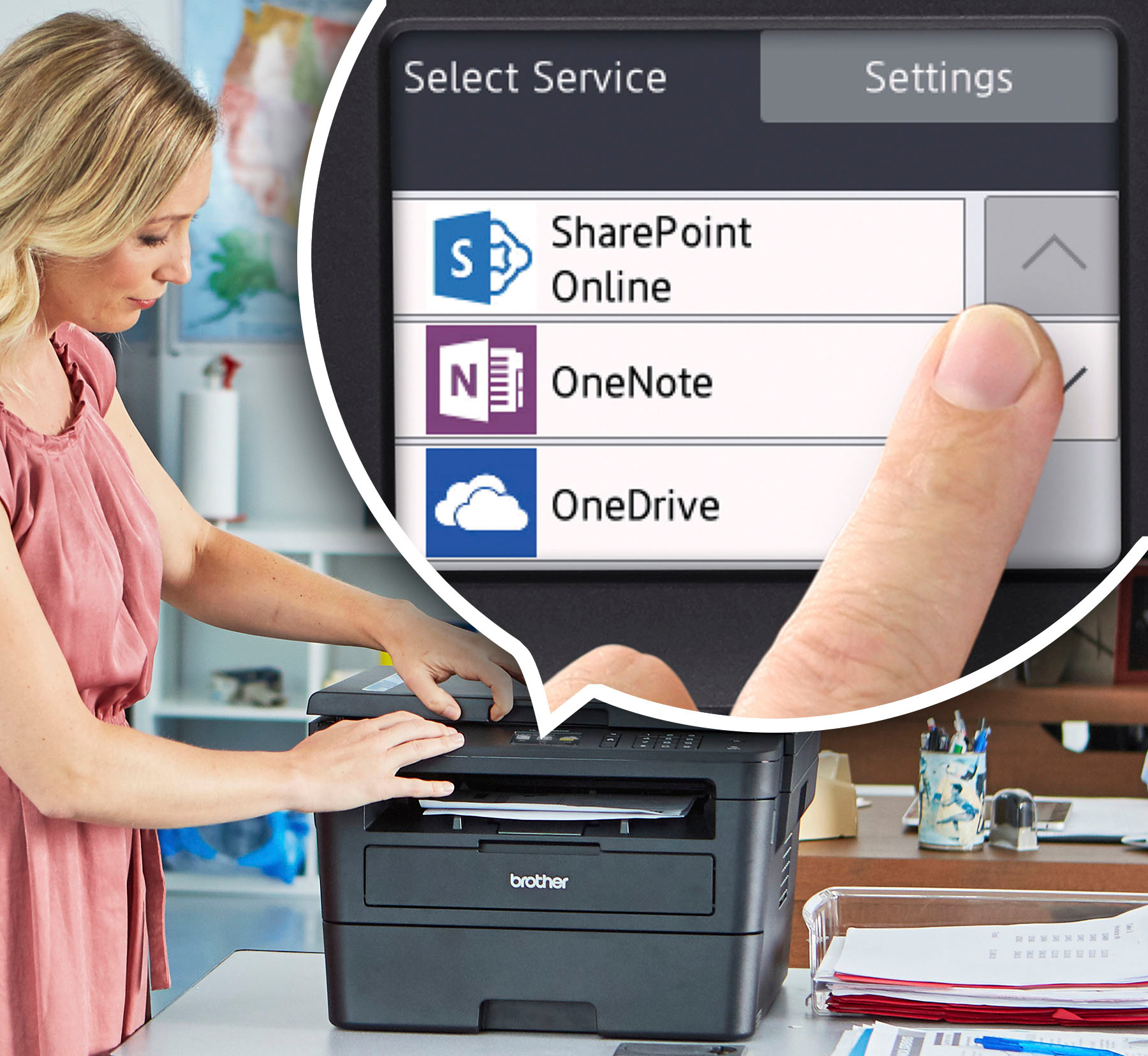
Posted .This reviewer received promo considerations or sweepstakes entry for writing a review.I have purchased several Brother printers/scanner combo's over the years. They have been very dependable for our small home office and tend to last us about 7-8 yrs before the drum unit starts squeaking/grinding then no longer works. We typically print about 15-30 pages per week. USB cable does not come in the box and I didn't have an extra one at the office, so I had to also purchase that as well. I bought the Insignia 6' USB 2.0 A-Male to B-Male cable ( SKU 5886035 ) Model: NS-PU065AB. This printer/scanner can be set up just using your home's wireless signal, but I never got around to setting that up, I'm used to old school USB cable. Setting it up was fairly easy. We have an newer HP desktop computer with Windows 10 operating system. I unpacked the printer/scanner, removed all the tape strips from the unit, installed the starter toner cartridge, plugged in the power code, then pressed the power button the printer. My computer prompted me for the software CD which also comes in the box. PLEASE NOTE: You may have to turn off any antivirus/malware protection you have installed on your computer prior to putting in the CD to download the software & drivers. It was taking forever to download with having my antivirus/malware up and running in the background. As soon as I turned them off, the download went very quickly. During the download it asks if you want to install additiional different software apps, but I didn't add those in for now I just wanted the basic software that comes with it. Printing is working really well. No drips or smears from toner, I use 20 lb multipurpose paper. There are various selections you can make: Copy, Scan, Web, Apps. I have only used the Copy and Scan and well as printer functions. Laser printers in general are 'louder' when preparing to print compared to an inkjet printer, so be prepared for that. I didn't give this printer 5 starts because some plastic components such as the hinge you open to install toner cartridge seems too flimsy.
I would recommend this to a friend- Pros mentioned:Ease of use, Print quality
Great All IN One Printer
Posted .This reviewer received promo considerations or sweepstakes entry for writing a review.This printer is super easy to set up and does a great job. Highly recommend
I would recommend this to a friend - Pros mentioned:Print quality
No nonsense, high quality printer
Posted .This reviewer received promo considerations or sweepstakes entry for writing a review.We decided we didnt need a color printer but wanted a good quality one. Always had ink jet printers so love the speed and print quality of this.
I would recommend this to a friend - Pros mentioned:Wireless
Good Laser Scan/Printer
Posted .This reviewer received promo considerations or sweepstakes entry for writing a review.I purchased this laser B&W scanner/printer/wireless on 4/4/19, and I loved it. Configured it wasn't easy because I have an old MacBook Pro, but I went to support.brother.com, clicked on FAQ & Troubleshooting, 4. Easy Scan to E-mail and found the answers to my questions. Highly recommended for a home office.
I would recommend this to a friend - Pros mentioned:Wireless
Great Printer
Posted .This reviewer received promo considerations or sweepstakes entry for writing a review.I use this printer for a small home office and it has been great. First monochrome printer i have ever purchased and the ink cost savings alone is worth it. Connected to my wifi and was printing in less than 10mins. If you need only black and white and love saving money then this printer is for you.
I would recommend this to a friend Brother HL-2395DW Printer
Posted .This reviewer received promo considerations or sweepstakes entry for writing a review.I am satisfied with it so far. I am looking forward to not having to buy ink cartridges two or three times a year as I was doing with an old inkjet printer that recently died. The setup was not difficult. Printer seems to be made out of a lighter weight material (plastic) than my old (2012) printer. I will have to learn not to be so rough when opening and closing the lid when making copies and accessing the paper tray. If this lasts as long as my old printer it will be a good investment.
I would recommend this to a friend- Pros mentioned:Print quality
Solid
Posted .This reviewer received promo considerations or sweepstakes entry for writing a review.Prints well, fast, some difficulty at times pairing with remote devices.
I would recommend this to a friend - Pros mentioned:Ease of use, Price
Best value there is!
Posted .This reviewer received promo considerations or sweepstakes entry for writing a review.Purchased over 2 years ago and it has been the best investment ever. Highly recommended by company IT. Use it as a network unit for my sons business. Compared to inkjets. you get a hell of a bang for the buck. Easy to use and configure with diverse pc operating systems like Windows, IO's and ChromeOS in the network. Lots of useful features. Will not hesitate to buy again. Recommend using the hi capacity toner cartridges. I got it at a great price at the time. My next purchase will be a color unit for home office use.
I would recommend this to a friend - Pros mentioned:Ease of use
Good Brother Printer
Posted .This reviewer received promo considerations or sweepstakes entry for writing a review.It is a good printer for the price. It is easy to use and makes printing easy.
I would recommend this to a friend Google Cloud Print - I figured it out
Posted .This reviewer received promo considerations or sweepstakes entry for writing a review.The printer works great after updating to newest firmware. One thing I've noticed is that the printing draws quite some power, like a vacuum cleaner - my lights dimmed a bit when a print job starts. I'm guessing this is normal for laser printers? Re: Google Cloud print, I'm not sure why they don't have easy instructions on how to set up google cloud print, but just launch Chrome (while signed into your Chrome profile) and go to: chrome://devices/ (this is after connecting it to the same wifi network as your computer and adding the printer to your computer. The printer should automatically show up on the list, you just have to click the register button)
I would recommend this to a friend- Pros mentioned:Print quality
Good printer
Posted .This reviewer received promo considerations or sweepstakes entry for writing a review.Good quality printer. Prints both sides of paper without having to turn the paper over.
I would recommend this to a friend - Pros mentioned:Ease of use
Great purchase!
Posted .This reviewer received promo considerations or sweepstakes entry for writing a review.Compact, easy to install, and get it going! Great for a small home office.
I would recommend this to a friend Works great with easy setup
Posted .This reviewer received promo considerations or sweepstakes entry for writing a review.I ordered online and picked up at the store. I was shocked by the large box and laughed when "compact" was written on the side. I lugged the printer home and unboxed. It was big but it fit on my desk so the size was fine. I had it set up and printing and scanning within 5 minutes. It was super easy. I printed from my desktop, my phone, and my laptop. I also scanned to email. I was not able to scan to my desktop because it is an Apple with an older operating system and I don't think it supports the software. It's Mac OSX 10.6 or something and has to be 10.10 or later. But whatever, I can still scan to email. I need to try scanning to Google Drive. I didn't even need to out the app on my phone to use the printer on my phone. It recognized the printer easily on my wireless network.
I would recommend this to a friend- Pros mentioned:Ease of use
Happy Purchaser
Posted .This reviewer received promo considerations or sweepstakes entry for writing a review.Love the printer. Easy to install and works great.
I would recommend this to a friend So very easy
Posted .This reviewer received promo considerations or sweepstakes entry for writing a review.I've had this printer about an hour and I already love it. Set up was easy. It prints. It does what it's supposed to do. That's all I want it to do. Work. And it does.
I would recommend this to a friend