Customer Ratings & Reviews
- Model:
- HL-L2395DW
- SKU:
- 6130100
Rating by feature
- Value
Rating 4.6 out of 5 stars
- Quality
Rating 4.7 out of 5 stars
- Ease of Use
Rating 4.6 out of 5 stars
Customers are saying
Customers express satisfaction with the HL-L2395DW's print quality, ease of use, and wireless functionality. Many also appreciate its reasonable price, reliable performance, and straightforward setup process. Positive feedback also highlights the printer's compact size and quiet operation. The scanning feature also receives favorable comments.
This summary was generated by AI based on customer reviews.
- Pros mentioned:Ease of use
Great printer, but missing accessories
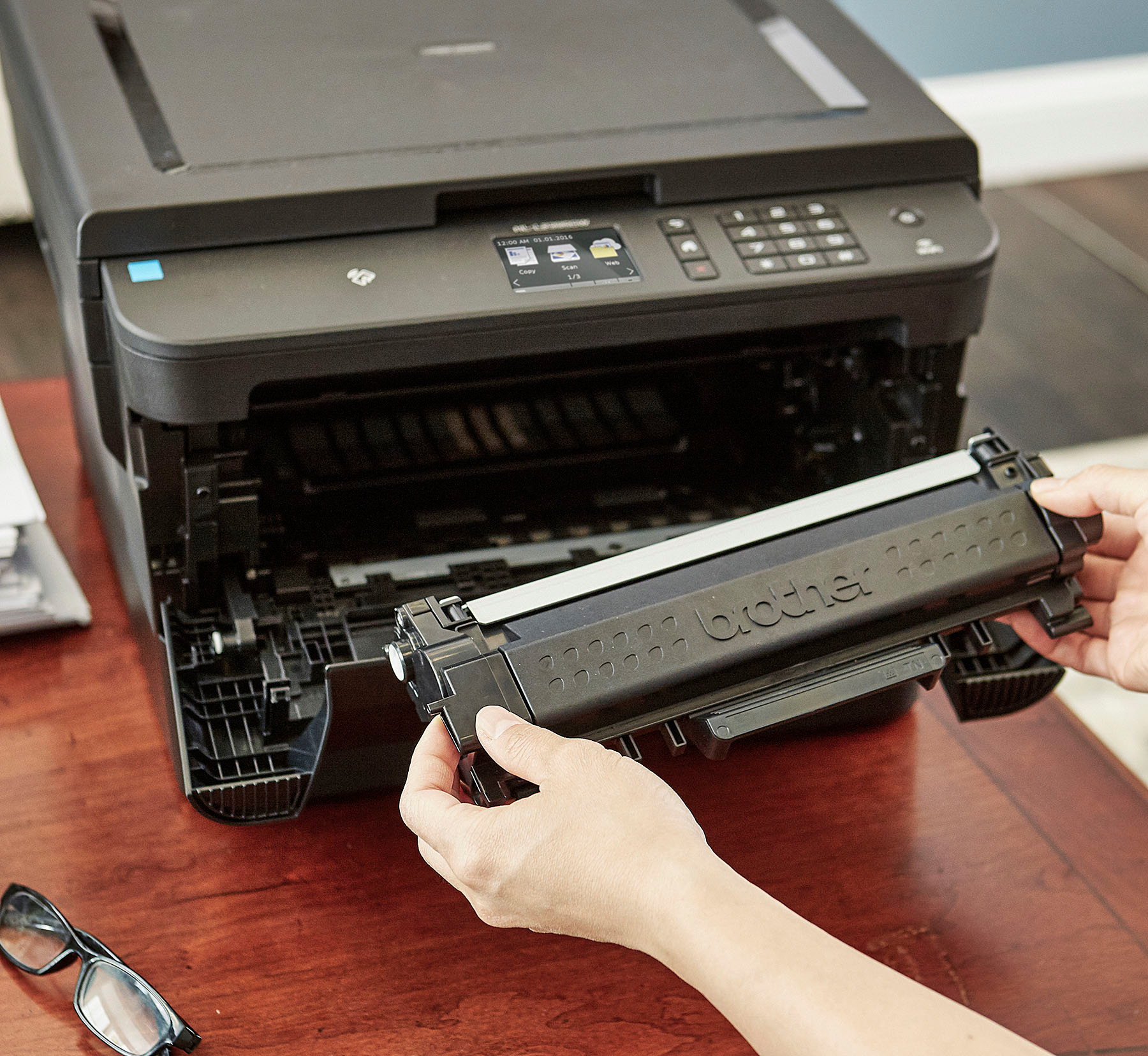
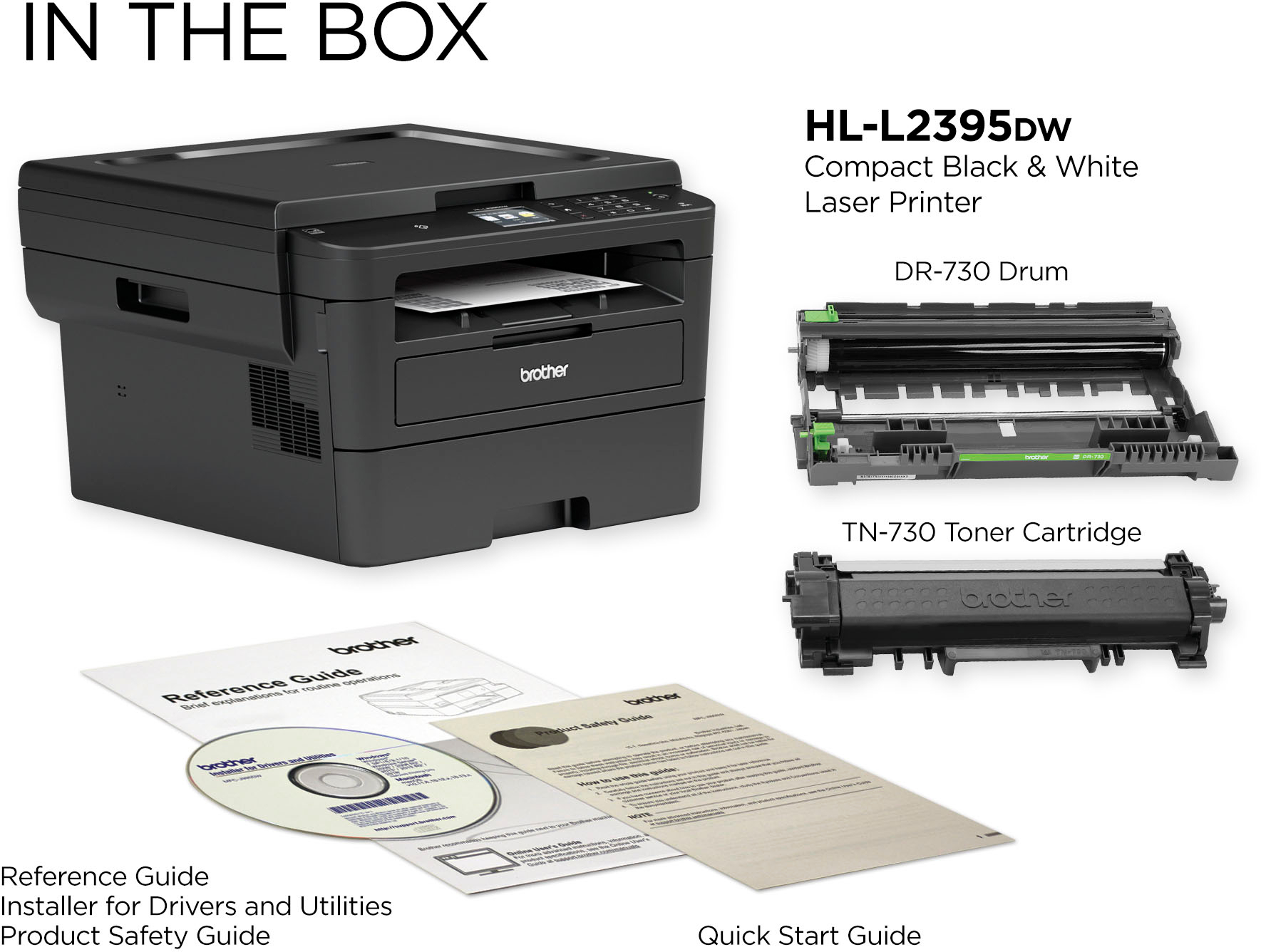
||Posted . Owned for 2 weeks when reviewed.This reviewer received promo considerations or sweepstakes entry for writing a review.This printer has the features I needed, and was easy to set up. Easy, that is, but the box was missing the printer drum and toner cartridge. I had to get this going right away, so I bought the missing pieces from Amazon. BTW, the web interface has so few features that the printer can't be remotely managed effectively.
I would recommend this to a friendBrand response from Brother
Posted .Hi Stan, I'm sorry to hear the toner cartridge and drum unit was missing. I'd like to help. Please contact our customer support team for a possible replacement set via Email or Live Chat:
https://www.brother-usa.com/brother-support
Nice all-in-one printer! Love the wifi conectivity
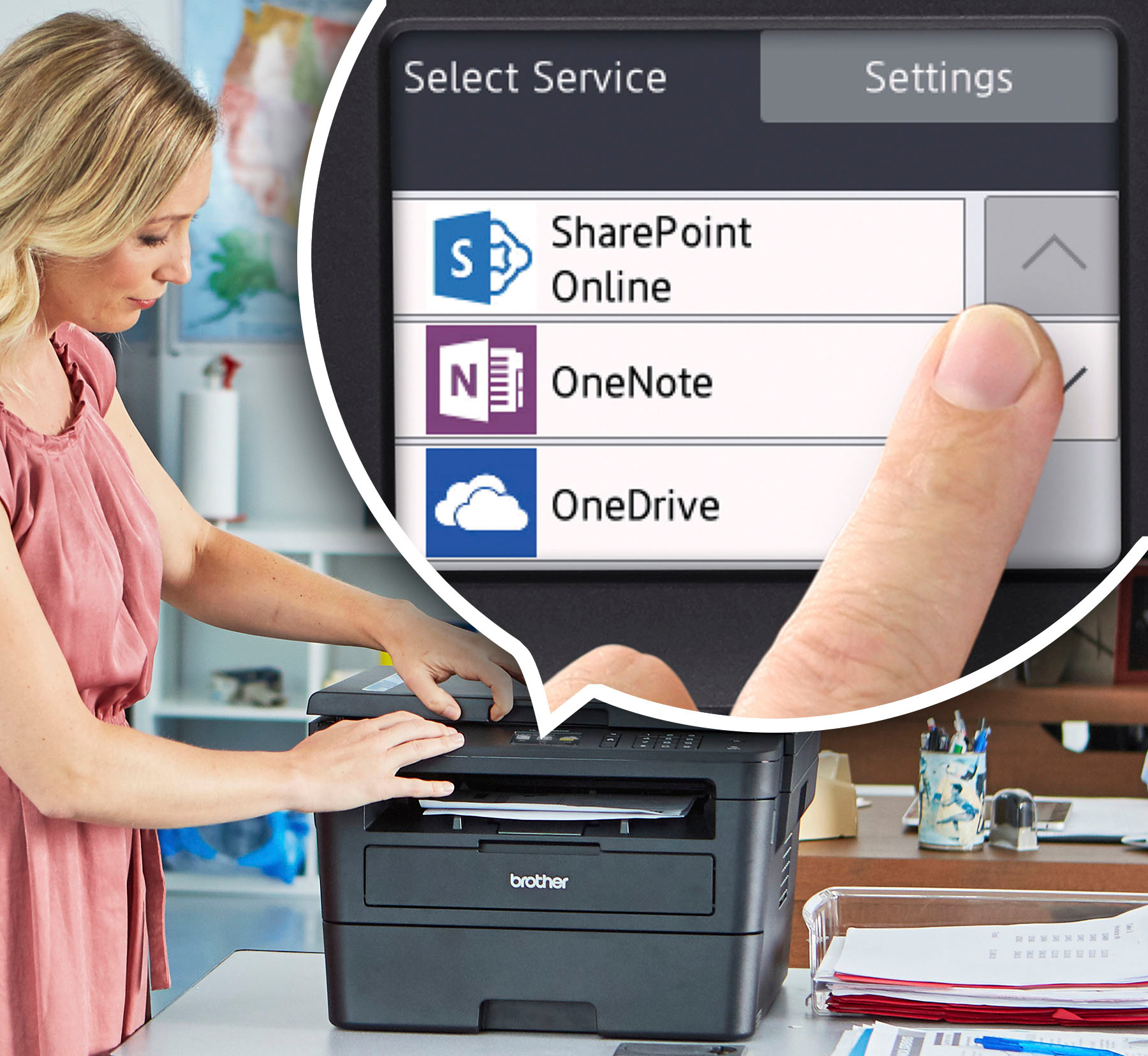
||Posted . Owned for less than 1 week when reviewed.This reviewer received promo considerations or sweepstakes entry for writing a review.I love this printer!!! The wifi functionality is amazing! I can use my phone to send print jobs or uploaded to Dropbox and print them from there! All my family now is taking advantage of this all-in-one device-. THe scanner quality is great BTW!
I would recommend this to a friendprinter
||Posted .This reviewer received promo considerations or sweepstakes entry for writing a review.The color printer I had was not used enough and the color cartridges constantly dried up and not cost effective to replace any more. So I bought a laser printer to save on cost.
I would recommend this to a friendgreat printer
||Posted . Owned for 1 month when reviewed.This reviewer received promo considerations or sweepstakes entry for writing a review.this printer is great, it has built in wifi and you can also use usb on this, which i like, my wifi isnt that good and i print a lot and the usb is great for that, other printers dont have the usb port.
I would recommend this to a friendGood buy.
||Posted . Owned for 1 month when reviewed.This reviewer received promo considerations or sweepstakes entry for writing a review.Good unit for the price. A bit loud when revving-up to print, otherwise dead quiet. Good stand-by mode.Easy setup with my PC. Wireless printing via my router flawless. Iphone and tyablets print to it great. Ctcle time is pretty fast.
I would recommend this to a friendGreat value for a multipurpose printer
||Posted . Owned for 3 months when reviewed.This reviewer received promo considerations or sweepstakes entry for writing a review.Needed something inexpensive since working from home and so far this has been excellent!! Print quality is great, scanning feature has worked great too!! If you need a basic B&W printer that scans and copies, I highly recommend this
I would recommend this to a friend- Pros mentioned:Print quality
Sucks as a wireless printer...
||Posted . Owned for 1.5 years when reviewed.This reviewer received promo considerations or sweepstakes entry for writing a review.Randomly decides when to connect or not. Printer prints great and all. But it seems quite random when it wants to work, it shows offline FREQUENTLY. Let it sit for a few hours, do nothing, it will show up. Then disappear. Then show up. No other wireless devices have this issue. Literally the worst printer I've ever used.
No, I would not recommend this to a friendBrand response from Brother
Posted .I understand you are experiencing an issue with wireless connection and receiving "Offline". Here is a FAQ that may help. https://help.brother-usa.com/app/answers/detail/a_id/141092?R3ModelID=HLL2395DW
If you still have the issue, please let us know by Email or Chat so we can explore other options.
https://www.brother-usa.com/support/hll2395dw
Second monochrome Brother. Previous lasted 20+ yrs
||Posted . Owned for 1 month when reviewed.This reviewer received promo considerations or sweepstakes entry for writing a review.Happy with this printer based on features vs cost which is low. The wirelesness of it was only affected by my sketchy internet connection. Solved with a low cost booster... :- )
I would recommend this to a friendOk
||Posted . Owned for 3 weeks when reviewed.This reviewer received promo considerations or sweepstakes entry for writing a review.Have to fiddle w/the paper tray - the message reads “no paper” there’s plenty.
No, I would not recommend this to a friendGreat working from home choice
||Posted . Owned for 3 weeks when reviewed.This reviewer received promo considerations or sweepstakes entry for writing a review.I just plugged in an ethernet cable and the whole family can take care of their working/schooling from home needs. Way lower headaches that a colour inkjet with all those tanks, but still they only include a "starter" cartridge. The price per page will be higher than a high-volume office model, but for 100 pages/month or so, really pretty good.
I would recommend this to a friend- Pros mentioned:Ease of use
Printer
||Posted . Owned for 9 months when reviewed.This reviewer received promo considerations or sweepstakes entry for writing a review.Good product and easy to use. No problem so far Thank you
I would recommend this to a friend The Real Deal
||Posted . Owned for 1.5 years when reviewed.This reviewer received promo considerations or sweepstakes entry for writing a review.Great Printer. Has a scanner. Brother, the go to brand. Unlike printing brands they do not anything shady like slowly draining your color ink when not in use or using your your color when printing black when you have black.
I would recommend this to a friend- Pros mentioned:Print quality
Needs fine tuning
||Posted . Owned for 3 weeks when reviewed.This reviewer received promo considerations or sweepstakes entry for writing a review.Not easy to install toner since the manual photos don’t match the actual printer. Scanned copies are practically illegible and there’s no way to make adjustments. Copies are fine, and it prints quite key, but don’t buy this if you’re planning on scanning copies.
No, I would not recommend this to a friendBrand response from Brother
Posted .We understand that you are experiencing issues scanning with your Brother HL-L2395DW and we'd like to help. Please ensure the scanner drivers are installed. We have many helpful resources on our support website which should address this issue. If the problem persists, feel free to contact Brother Customer Service directly at https://www.brother-usa.com/support/hll2395dw
Cover is Open - error appears constantly
Posted .This reviewer received promo considerations or sweepstakes entry for writing a review.I bought this as a new printer in April 2019. Am trying to replace the original new laser toner today for the first time and am constantly getting the error message in the display saying "Cover is Open" even though all my doors are closed properly. I tried closing multiple times but it still appears. There is no option to override this message and now my printer would not print at all. The "Cover is open" seems to be a common issue with Brother printers due to the faulty sensors. I have just used this for 1.5 Yrs and now I need to purchase another printer. This printer has no value for money at all.
No, I would not recommend this to a friendBrand response from Brother
Posted .We understand you're experiencing a Cover is Open issue with your Brother HLL2395DW. We'd like to help. Below is a FAQ that will help you:
https://help.brother-usa.com/app/answers/detail/a_id/152322
- Pros mentioned:Ease of use
Good printer
||Posted .This reviewer received promo considerations or sweepstakes entry for writing a review.Easy to set up and quickly use. Good value for the money.
I would recommend this to a friend Larry L
||Posted . Owned for 1 month when reviewed.This reviewer received promo considerations or sweepstakes entry for writing a review.The Brother Printer I bought is performing as expected. I am a long-time user of Brother products. In 1985 I wrote a dissertation on a TRS 80 computer and a parallel connected Brother Typewriter .. It is all I expected.
I would recommend this to a friend- Pros mentioned:Print quality
Great for home office
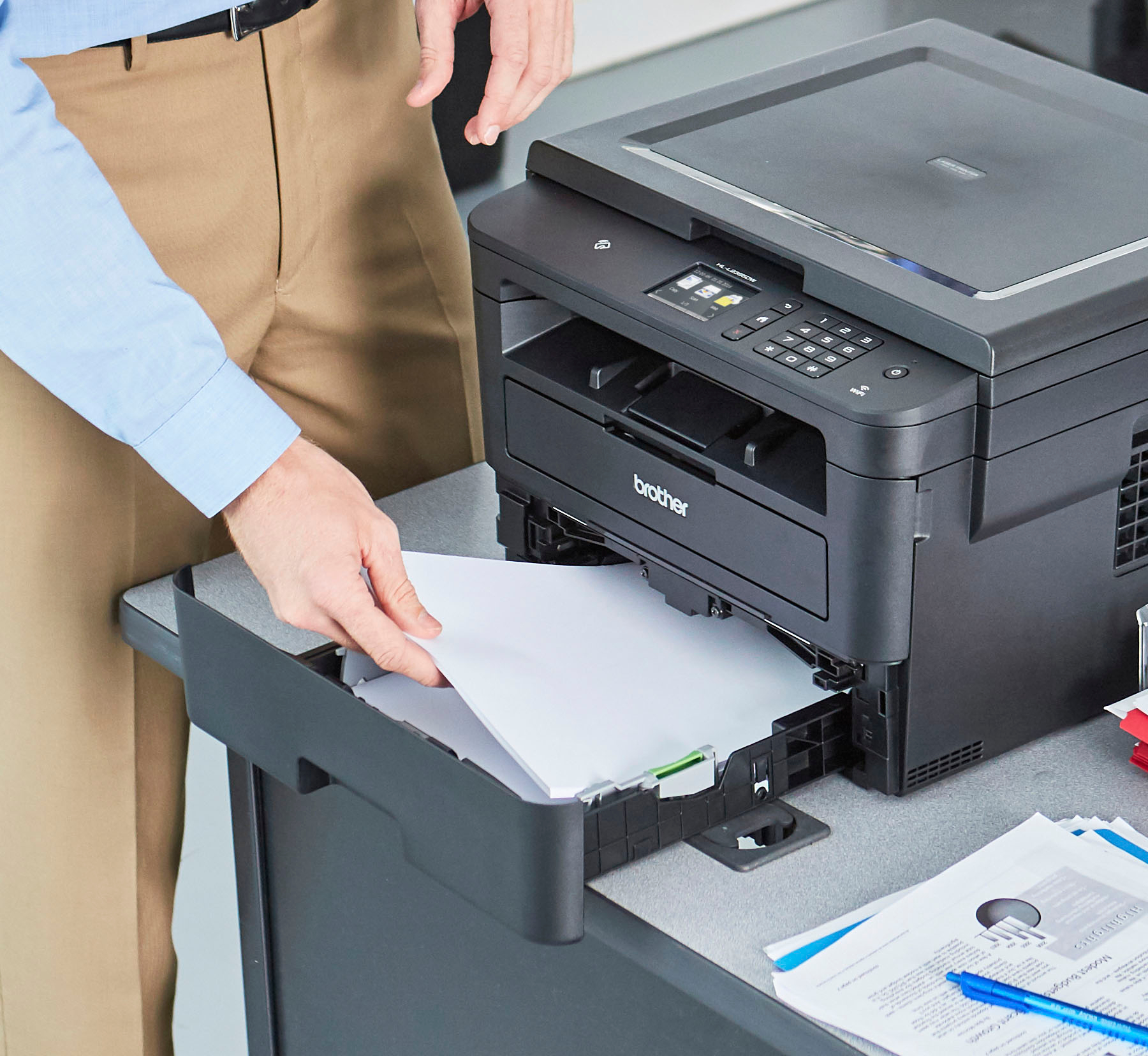
||Posted . Owned for 3 weeks when reviewed.This reviewer received promo considerations or sweepstakes entry for writing a review.Works great! Just make sure you refill paper on time.
I would recommend this to a friend Good Inversion
||Posted . Owned for more than 2 years when reviewed.This reviewer received promo considerations or sweepstakes entry for writing a review.College is pretty easy to assemble and can print a lot if you are a student. I use it for most of my essays. I'm a pre-med student, so I publish a lot of papers to review.
I would recommend this to a friend- Pros mentioned:Ease of use
Printer review
||Posted . Owned for 1 month when reviewed.This reviewer received promo considerations or sweepstakes entry for writing a review.Easy set up, easy to use basic printer for home use
I would recommend this to a friend Lose of connection
||Posted . Owned for 5 months when reviewed.This reviewer received promo considerations or sweepstakes entry for writing a review.It loses connection with the router every time it goes to sleep mode. I don’t recommend it. I called the costumer service couple times about the issue, they didn’t respect the warranty, and refused to change it. They claimed I have issue with my router even thought My router work perfectly with all my wifi devices including the old HP printer. Customer service are very rude and carless.
No, I would not recommend this to a friendBrand response from Brother
Posted .Hi Mike, I see you are experiencing an issue with your wireless connection. I apologize for the customer service experienced you received. I'd like to help. I understand that you spoke with our customer service team and the router may be the issue. Your Brother machine will only connect to the 2.4 GHz wireless band. The Brother machine will not "see" or connect to the 5 GHz band of your router. Below are some important points to confirm before connecting to wireless.
https://support.brother.com/g/b/faqend.aspx?c=us&lang=en&prod=hll2395dw_us_as&faqid=faq00002806_010