Customer Ratings & Reviews
- Model:
- HL-L3280CDW
- SKU:
- 10732205
Rating by feature
- Value
Rating 4.4 out of 5 stars
- Quality
Rating 4.4 out of 5 stars
- Ease of Use
Rating 4.4 out of 5 stars
to a friend

Great color laser printer for small business needs
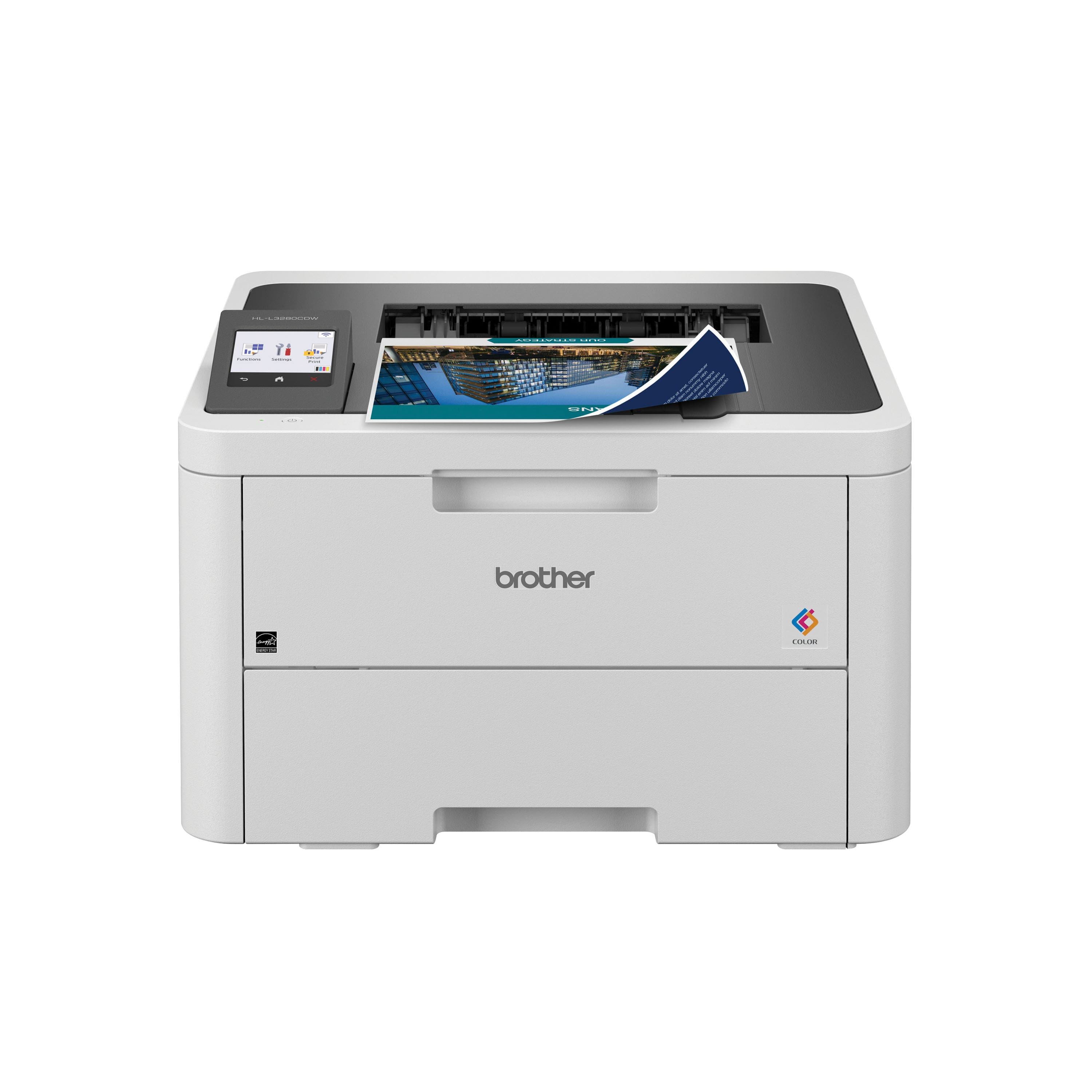
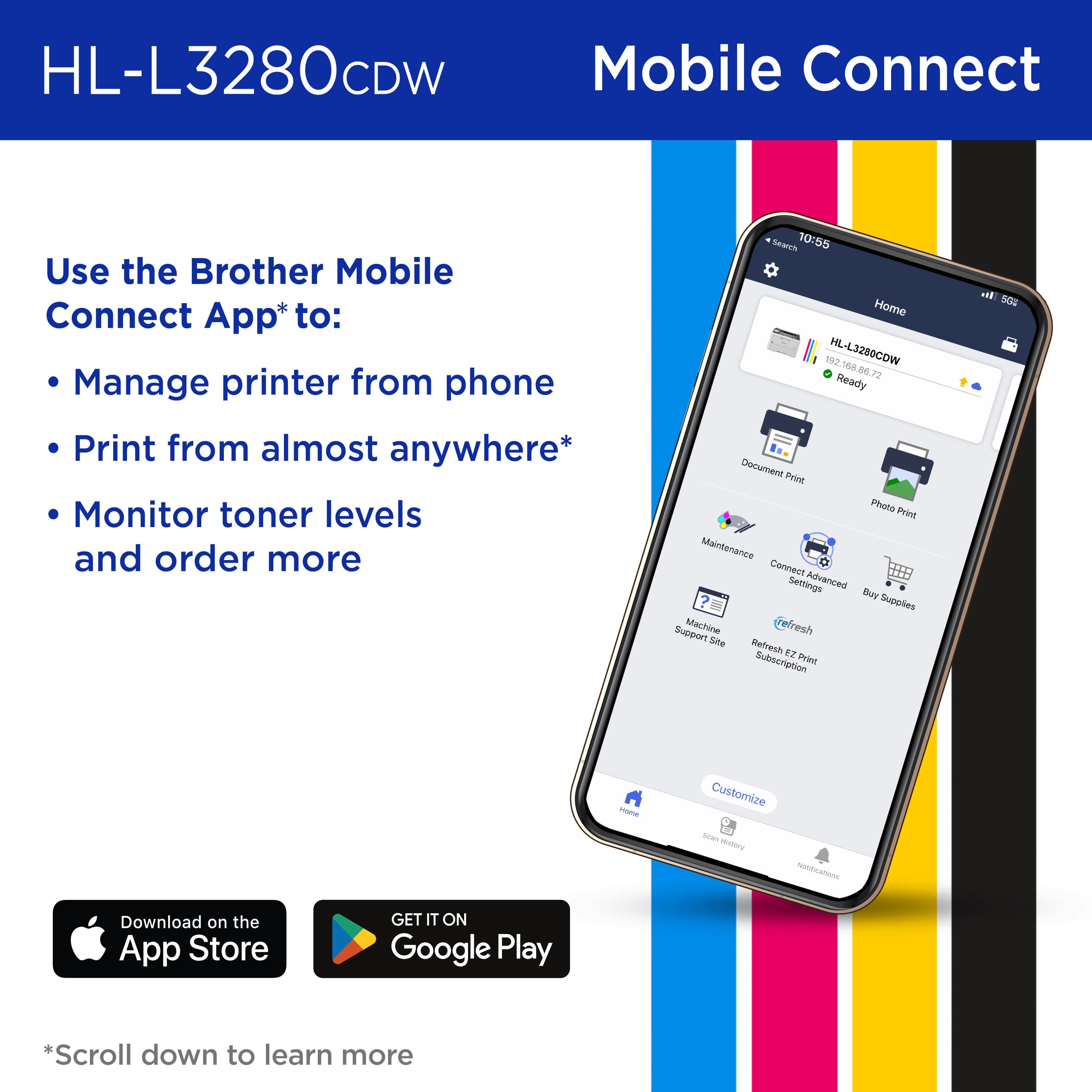
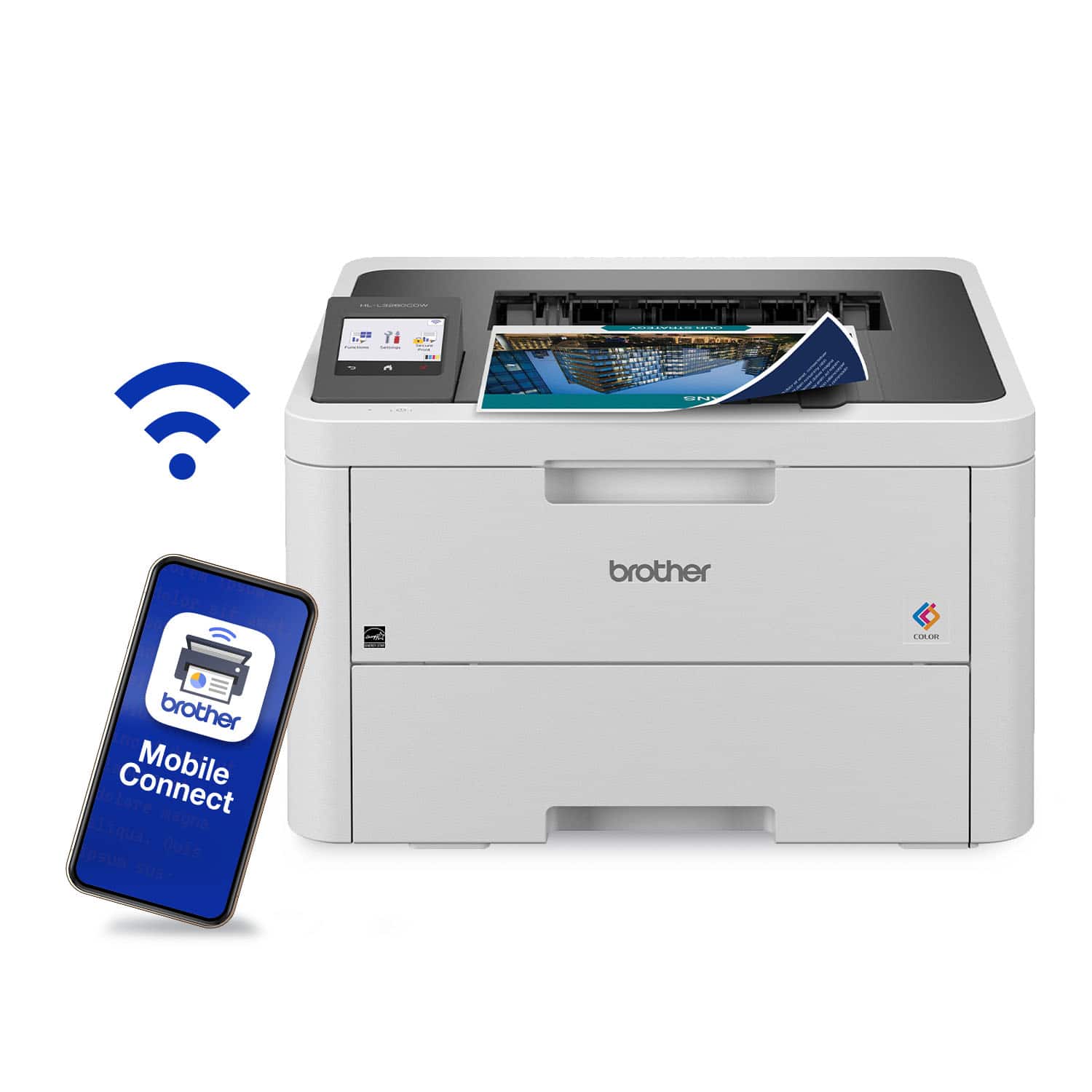
|Posted .This reviewer received promo considerations or sweepstakes entry for writing a review.The HL-L3280CDW Wireless Color Laser printer is a good printer for small business needs. It’s most likely recommended for small business due to the size and number each cartridge can print before it needs to be replaced. The printer has a somewhat of a small footprint compared to large laser printers. Don’t let the small footprint fool you, because it’s a fairly heavy printer. Unpacking the printer and installing the toner cartridges was fairly easy. I ran into issues during the setup process. It has a QR code sticker on the printer directing you to download the Brother Mobile Connect app on my iPad. After downloading and installing the app, I had issues getting the app to connect to the printer. First the instructions said I should press and hold the WiFi button. This printer does not have a manual WiFi button. The WiFi settings are accessible through the printer’s touchscreen interface so I’m not sure why they have incorrect instructions for this printer via their app. I then went through the user menu on the printer’s LCD screen and connected the printer to my WiFi network. The printer was then connected to my WiFi network. The Brother Mobile Connect app said it could now search for the printer if it’s connected to my WiFi network. After trying for several minutes, the app was never able to find the printer. While going into the settings on the printer, I noticed there was a firmware update. After the update the app still was not able to find the printer. I then saw there was another firmware update. After the second firmware update install, the Brother Mobile Connect app was finally able to locate my printer. I was then able to proceed and setup the mobile print feature. Being able to print documents from my mobile device to the printer remotely is a nice feature. It’s a feature I don’t use too often, because it’s easier for me to email the documents back to the office for them to print, or upload them to a cloud account for them to download. However, it’s convenient for those times when you need to print something to the office without having to email the documents. I was unable to find a driver on the Brother website for my Mac. I was able to go into the Mac settings and add the printer via Bonjour, which was easy and painless. The pages that are printed from this printer are of good quality and the printer is also capable of duplex printing. Overall, I’m happy with the size and quality of this printer.
I would recommend this to a friendReplaces my 2 home printers!
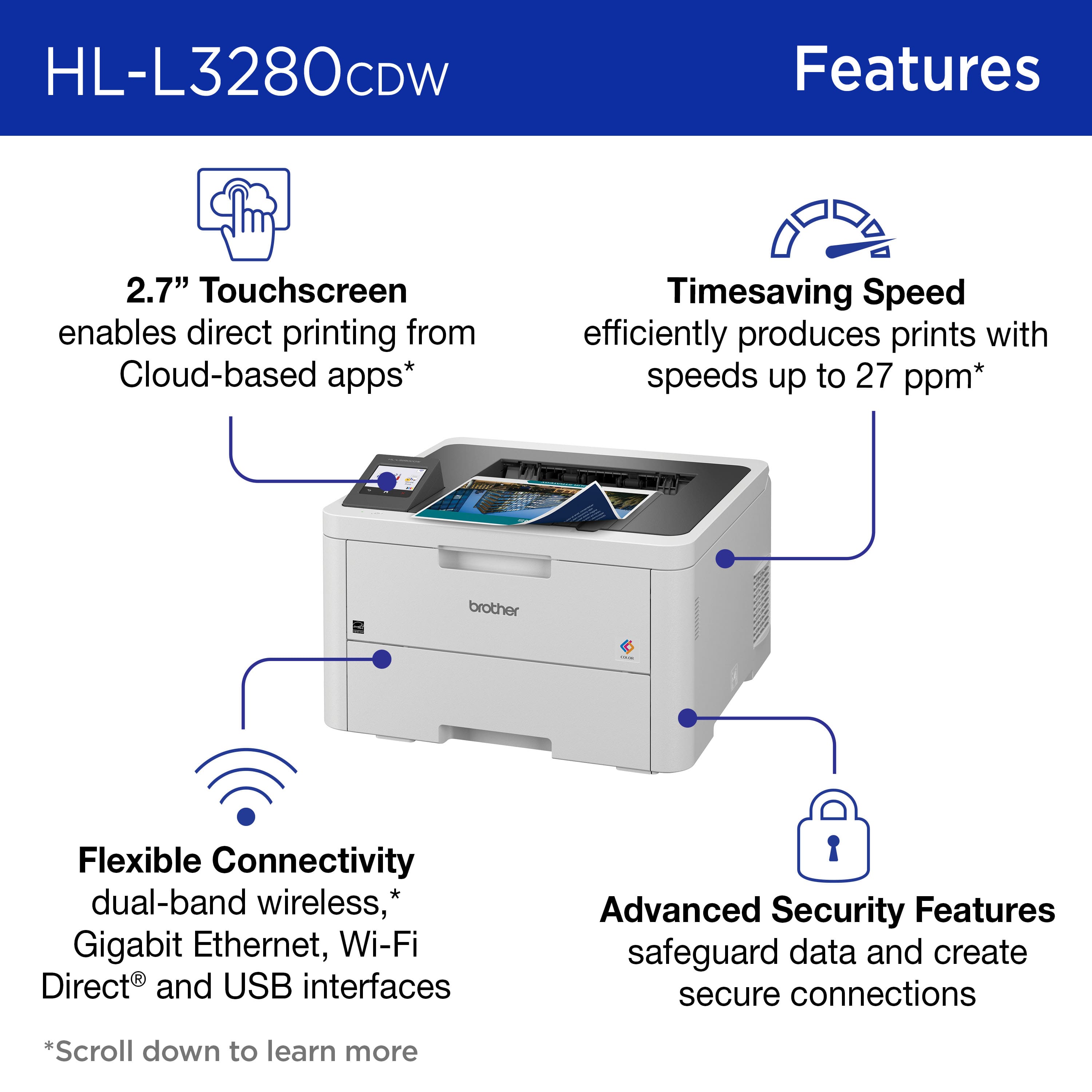
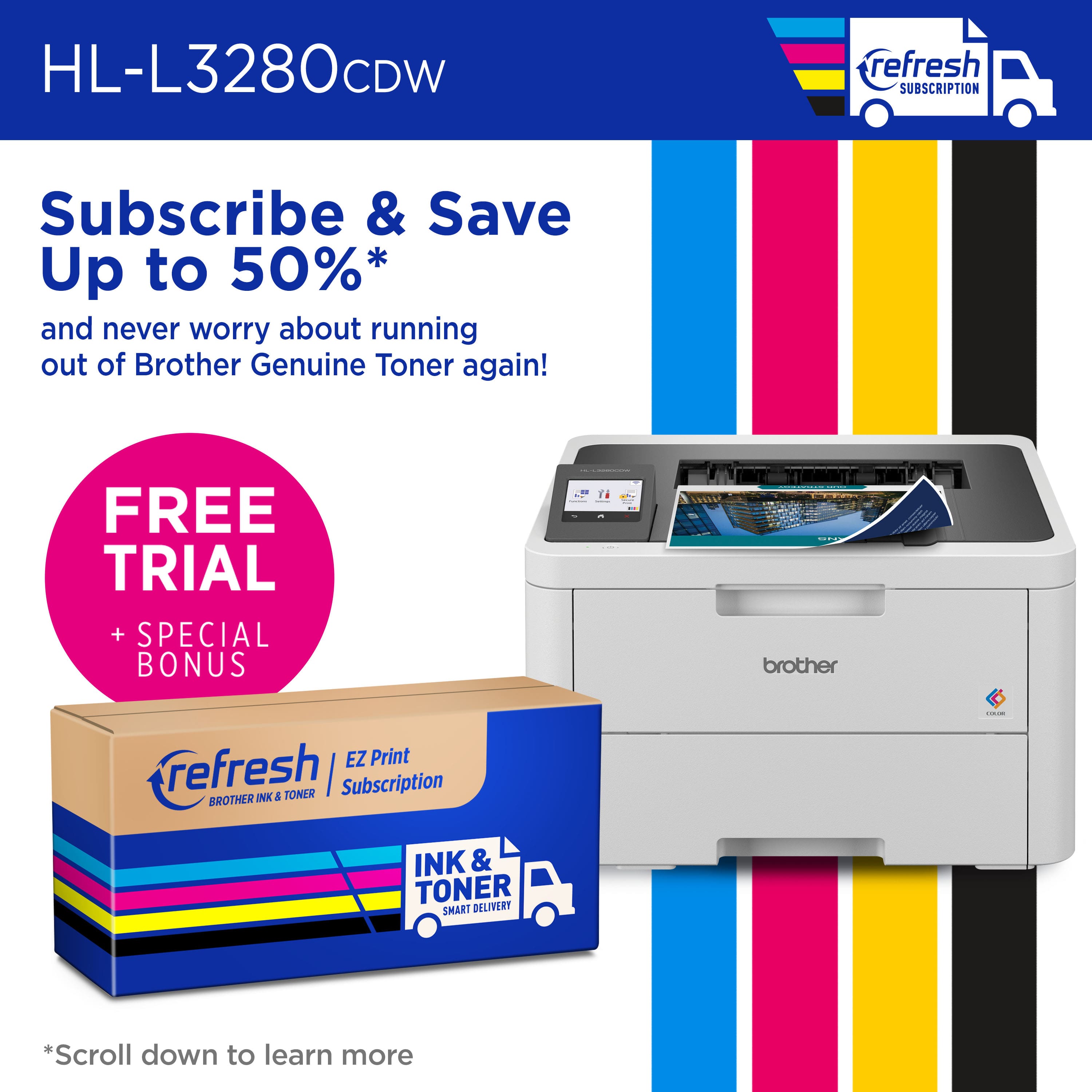
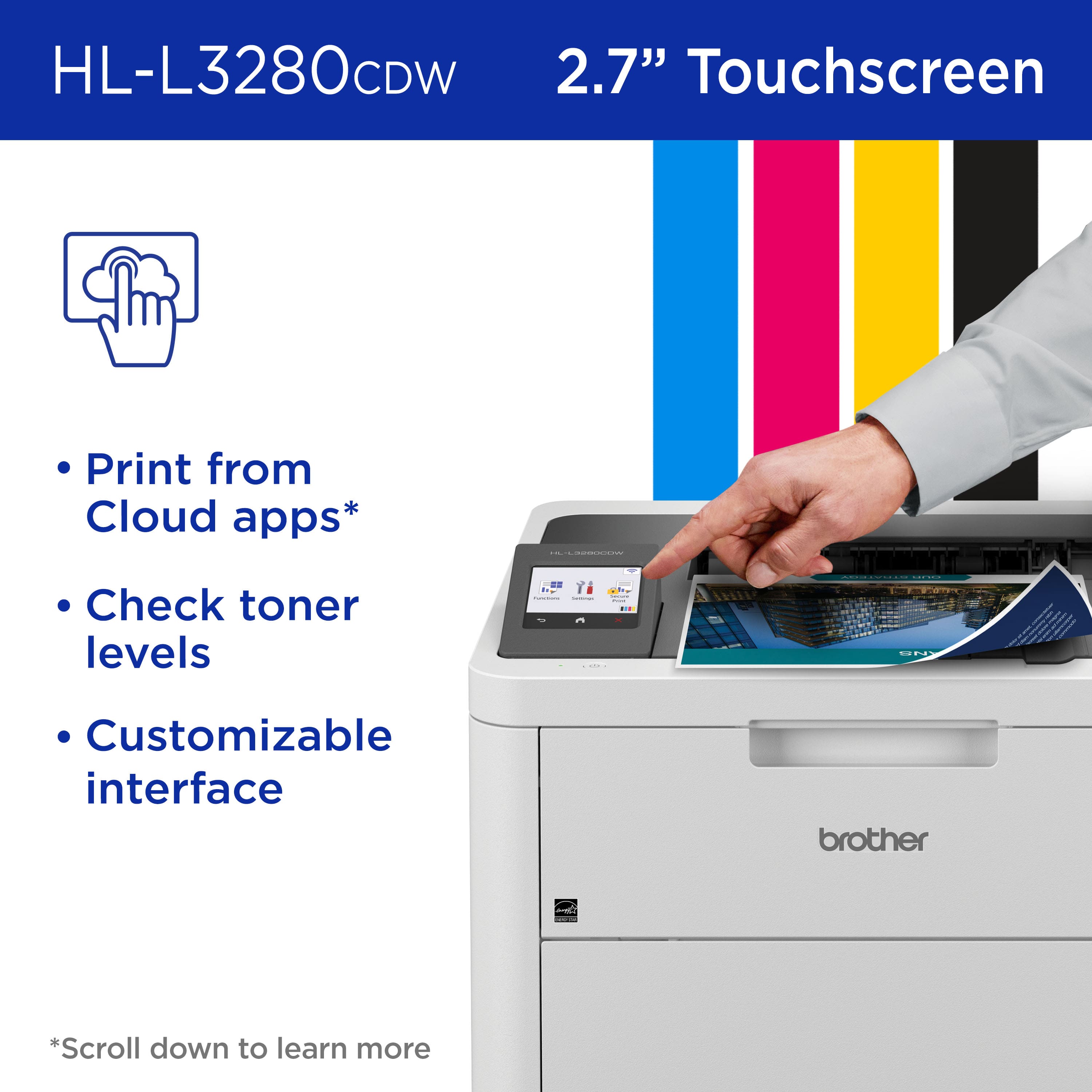
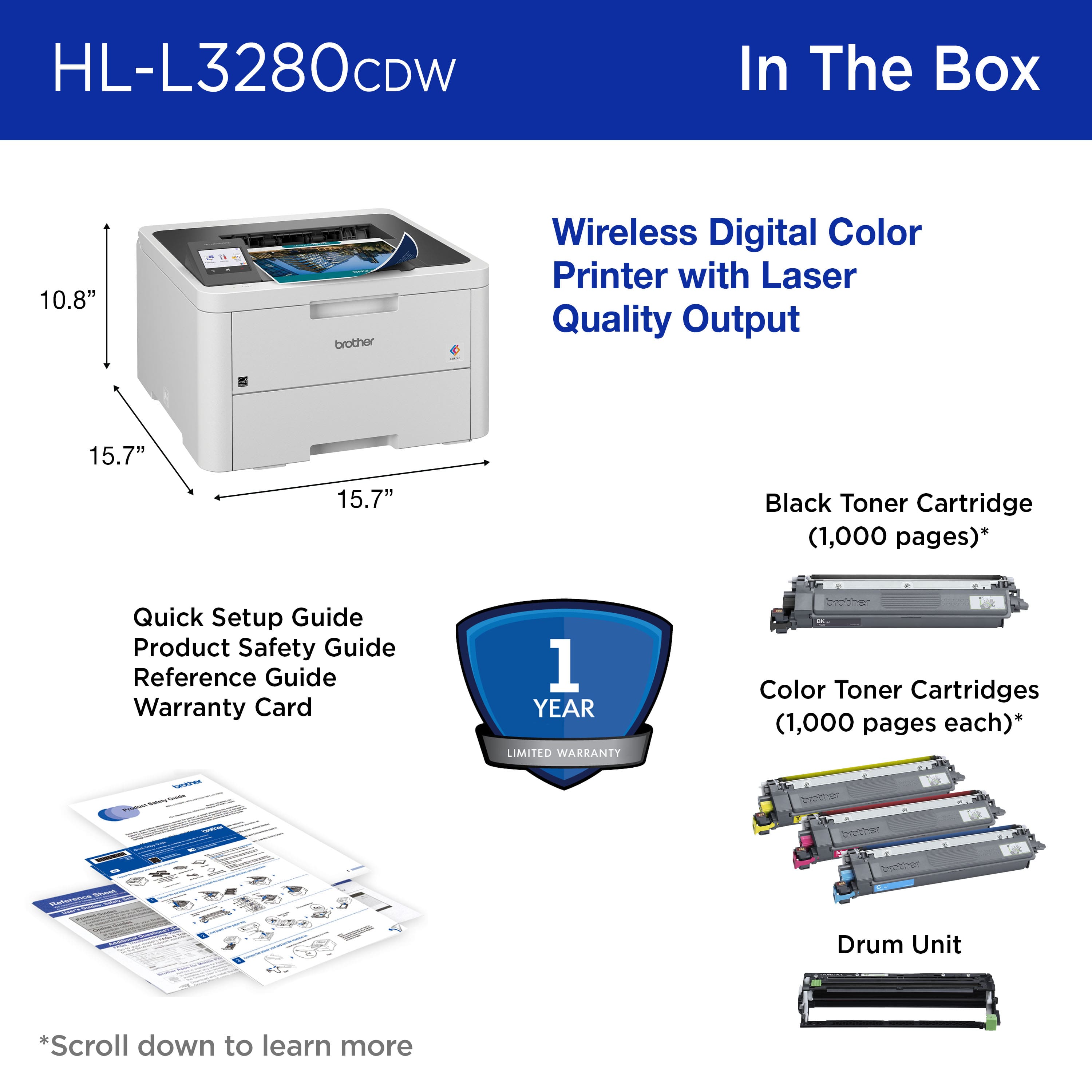
|Posted .This reviewer received promo considerations or sweepstakes entry for writing a review.The Brother HL-L3280CDW Wireless Color Laser Is a compact wireless network printer designed for home of office use. It comes with toner cartridges that should print about 1000 pages. The black cartridges come in 2 sizes that print approximately1500 and 3000 pages respectively. The color cartridges are rated at about 1300 pages. Brother offers a Refresh subscription program that for a monthly fee automatically ships toner based on the number of pages per month that the subscription covers. The printer has an introductory offer of a 4-month trial subscription to the Refresh program. The Mobile Connect app is simple to use and guides you through setup. Setup was quick and easy for both my mobile devices and computers. The printer has a small touchscreen that lets you control basic functions right on the printer. The paper bin has a capacity of 250 sheets. The printer is rated to print 27 pages per minute in both color and black and white modes. There are several connectivity options, wired and wireless. The app enables remote and cloud-based printing. This is my first color laser printer. I really like the speed compared to my color inkjet printers. This printer really zips through real estate listing handouts from our multiple listing service. Color photos on plain paper are perfect in all sizes. While I understand that my photo paper was designed for ink jet printers, not laser, I had to try some full-page photo prints and found the results lacking. I can't wait to try this with the proper paper. The only minor negatives I have found are that at times the printer is very slow to wake up and become available and the manual paper feed often requires multiple attempts to feed. Overall, this printer is perfect for our home use and the increasing amount of real estate printing that I do from home. I have used this printer to replace a black and white laser printer and an all-in-one color inkjet printer/scanner which saves some desk space. I have and prefer my stand-alone scanner to the one attached to my ink-jet, so the loss of the built in scanner didn't matter. This has proven to be a great improvement to my home printing program and saves space too!
I would recommend this to a friendWorst printer
||Posted . Owned for 1 month when reviewed.This reviewer received promo considerations or sweepstakes entry for writing a review.Worst printer I have ever purchased I would not recommend
No, I would not recommend this to a friendBrand response from Brother
Posted .We would like to take this opportunity to thank you for your feedback. At Brother, customer satisfaction is something we take seriously. We would love to hear from you with more details to be able to better assist you. Our Brother Customer Support Team is available to assist you direct: www.brother-usa.com/brother-support

The Perfect Printer for Small Offices
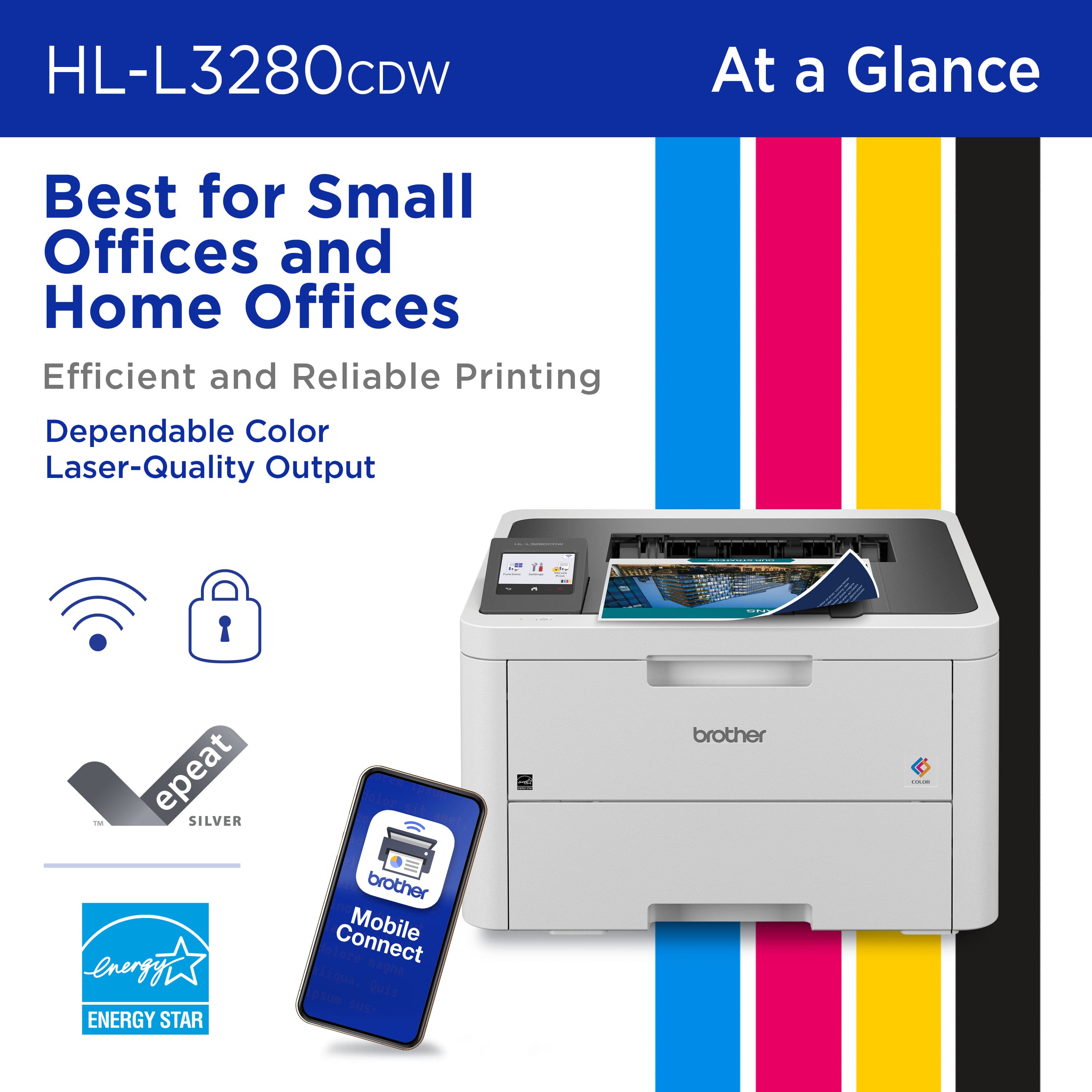
|Posted .This reviewer received promo considerations or sweepstakes entry for writing a review.I've been using the Brother HL-L3280CDW wireless printer for a few weeks now, and I'm still amazed at how much it's improved my workflow. The print quality is top-notch. I've printed everything from simple documents to complex presentations, and the results have always been impressive. The colors are vibrant and the text is sharp. I'm especially impressed with the printer's ability to handle high-resolution images. The speed is also fantastic. I can print a multi-page document in seconds, which is a huge time-saver. The automatic duplex printing feature is also a big plus. It saves me a lot of time and paper, especially when I'm printing large documents. The Brother Mobile Connect App is another great feature. I can use the app to print from my phone or tablet from anywhere in the house. I can also use the app to scan documents and send them directly to my email or cloud storage account. This is incredibly convenient, especially when I'm working on the go. The HL-L3280CDW is also very easy to use. The control panel is intuitive and the touchscreen display is responsive. I was able to set up the printer and start printing within minutes of taking it out of the box. One of the things I appreciate most about the HL-L3280CDW is its versatility. It's perfect for both home and office use. It's small enough to fit on a desk, but it's powerful enough to handle heavy-duty printing tasks. Overall, I'm extremely impressed with the Brother HL-L3280CDW wireless printer. It's a reliable and high-quality printer that offers a variety of features that make it perfect for both home and office use.
I would recommend this to a friendBrother quality, as usual
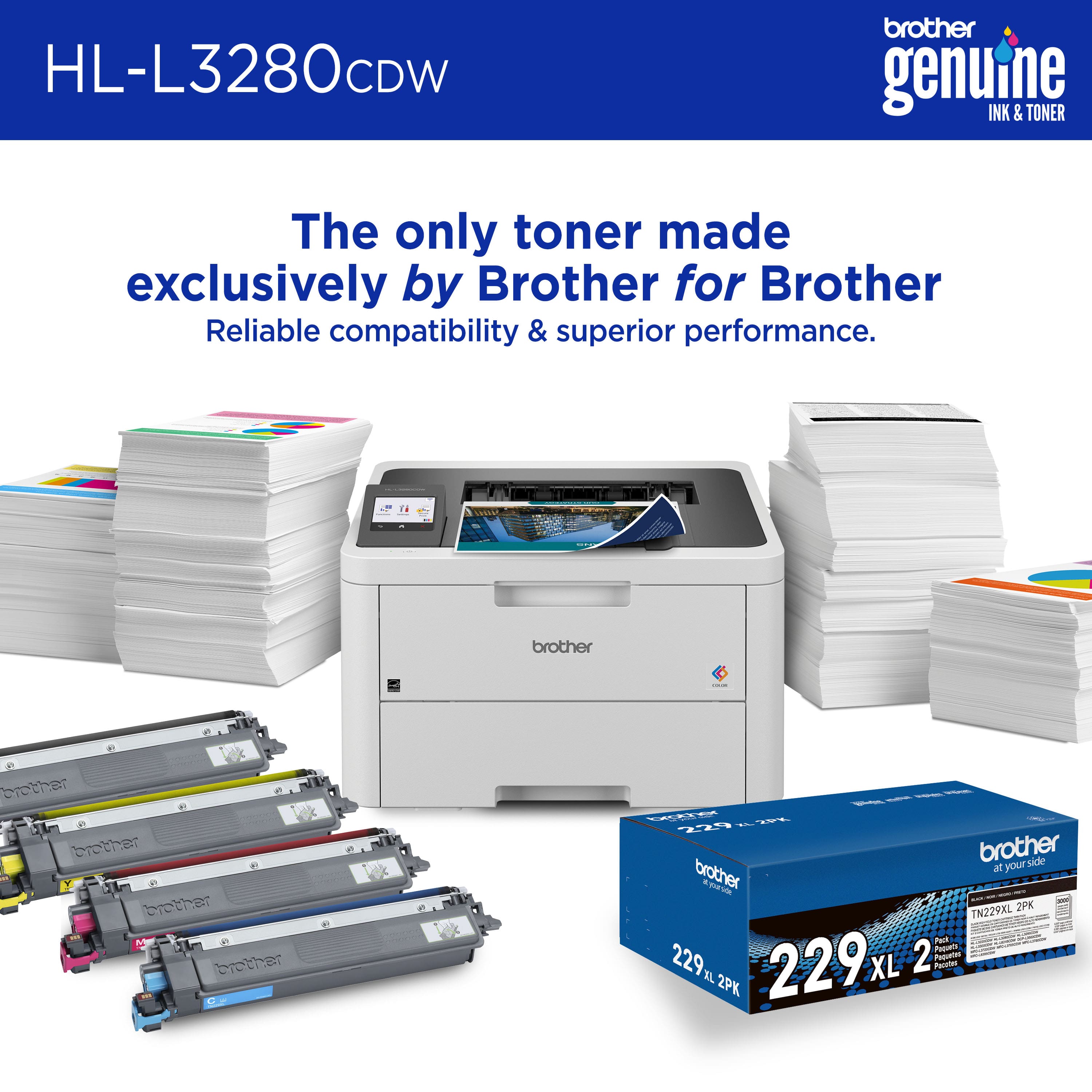
|Posted .This reviewer received promo considerations or sweepstakes entry for writing a review.I only use Brother printers due to their overall reliability and quality. (Sorry Brother) - one of the major draws for Brother printers has always been the fact that the company doesn't put stupid chips in their toner cartridges, artificially locking out their customers who use 3rd party ink/toners or prefer to refill their printing media of choice. Print quality is exactly what you'd expect. Photos look sharp when paired with 8 mil glossy paper. Perhaps not as good as photo shop quality, but certainly 90% as good. Printing on good 32lb paper produces excellent prints with sharp edges and zero color bleed. This is my first color laser, so I don't have anything to compare it to, but I can't imagine going back to black and white printouts for everyday work. WiFi works the same as any other Brother printer - a *tiny* bit of setup (easy unless you're a complete luddite) and everything just works. Which brings me to my first "but." As of this writing, I haven't found any cheap 3rd party toner for this printer, which is rare for Brother. Perhaps the 229 toner that this printer requires is too new, but I'm on the fence about whether there will be some budget toner for this. I hope so because branded toner is $250 for a standard 4-pack (3 colors and 1 black). If some 3rd party toner comes out, I'll never print black and white again. For now, I'm keeping my previous Brother laser for the cheap toner and for the scan/copy.
I would recommend this to a friendSolid Color Laser Printer
|Posted .This reviewer received promo considerations or sweepstakes entry for writing a review.Really nice printer. Worked with minimum setup right out of the box. Setup was quick and I was able to customize the printer for my network and workflow easily. Built in web server allowed me to configure the printer using my laptop rather than the small LCD screen (which in itself was quite effective). Prints quickly and with high quality. Using Eco and quiet mode slowed the printing down bit made a big difference in printer sound (quiet mode was as quiet as a typical inkjet). Printer speed was more than adequate - by the time I got up to fetch my printout it was done. I didn’t really notice any lengthy waiting for the printer to start up and start printing. It is noticeably faster with Eco and Quiet mode off if printing large amounts of pages. But for one or two pieces I left Eco and Quiet mode on. Printer quality on fine / vivid color mode was equal to any non-professional inkjet. On Eco / Quiet / Normal mode the color graphic printing was acceptable but clearly not as good as the higher quality modes. AirPrint from my iPhone was seamless and required no configuration whatsoever. The printer is heavy so get a sturdy table or desk to place it on. The only reason I give it 4 stars is the ‘entry’ cartridges they supply. I mean really why can’t they just include regular full sized toner cartridges, charge an extra $30-50 initially and I would still purchase.
I would recommend this to a friendGood quality, color laser printer
|Posted .This reviewer received promo considerations or sweepstakes entry for writing a review.For those interested in a color laser printer without forking over a lot of money, this is something you might be interested in. I've been an inkjet user for ages so I just always had an inkjet printer. I recently got a B/W laser printer that's really nice but, every once in awhile, I need to print color. I had the opportunity to try out this color laser printer and it's quite a nice device; the best of both worlds. Inkjet printers are really inexpensive which is why I've always gotten them. The price for lasers printers is sorta high still but even more so for color laser printers. This one, I think, is reasonably priced as is the toner for it. The print quality of a laser printer is unmatched so this is no exception. As far as connectivity, it'll print from wifi, ethernet, cable as well as through it's companion app. The companion app is nice in that you can print from anywhere so no need to sit around the printer like before. Print quality is very nice and very fast too. Color prints come out really nice. The unit is a bit hefty so you'll need to put it somewhere sturdy.
I would recommend this to a friendBudget Color Printer without the inkjet headaches
|Posted .This reviewer received promo considerations or sweepstakes entry for writing a review.The Brother HL-L3280CDW Wireless Compact Digital Color Printer has Laser Quality Output. I’m unsure what the difference between Laser and Laser like is, but regardless this printer provides good color printing. I would not regularly print photographs on plain paper and expect exceptional results, if I wanted better results in printing photographs I would use better stock paper including something that has a more glossy finish. For everyday business printing this printer does a very good job. The printer is larger and heavier than I expected and has enough room to have an integrated 2.7-inch touch screen to configure settings (including networking parameters). One issue I had was entering my Wi-Fi password for the wireless access feature, it was a bit cumbersome trying to use a finger, so I had to use a stylus from another device and type the characters in a very deliberate fashion. AirPrint is built into this printer so printing from an iOS device is seamless and easy. I downloaded the Brother Mobile Connect app and was able to print photos, although the upload of the photos to the printer took a while (sixty to ninety seconds). Duplex printing is also a feature that is highly desirable at this price point. In addition, the small color screen provides the ability to print from cloud-based apps like Google Drive, EverNote and Dropbox. I like the idea of four separate toner cartridges as opposed to the old color ink jet technology that often clogs due to non use. Having color printing on demand without having to unclog ink nozzles or wasting a bunch of ink to clean them could be considered the best feature with this type of printer. Longer term I will likely utilize Brother’s subscription service for consumables. >> Pros: printer is a good value > does a great job printing color pages for business or home use > Duplex printing > varied ways to connect to your network (gigabit Ethernet port or Wi-Fi) > small color touchscreen panel << Cons: photo printing is not a strong point < some of the plastic parts seem a bit delicate.
I would recommend this to a friendFast, high quality printer
|Posted .This reviewer received promo considerations or sweepstakes entry for writing a review.I've owned a brother all-in-one for the last 6 or so years and being in the market to upgrade I was wanting to keep Brother in mind due to the experience I've had with my previous one. The Brother HL-L3280CDW is exactly what I hoped for, a full featured, fast, high quality color laser with wireless capabilties. Packaging is much as you'd expect from any printer these days, comes in a standard box, packed in foam with necessary documentation and a power cable. The printer itself is fairly compact when compared to many other color lasers of similar capability, just as all Brother lasers tend to be. This one uses the new L229 cartridges which is the next iteration up from their previous line which has had a long and noteworthy existence in their previous generation of laser printers, so there's a good chance this toner line will be used in multiple of their lasers as well. Connecting it to my wireless network and having it found by my PC was nearly a no brainer. Navigate the menus on the screen, attach to the network and search for the printer in Windows. I downloaded the Brother printer drivers and software, but the default printing capabilities of Windows 11 was able to function with it without having to install additional drivers if you didn't desire to do so. Printing is fast and high quality, as the title suggests, I'd say it's a fair amount faster than my previous Brother color laser, so it's good to see. Warm up time seems to be a touch faster as well. All in all, while this may just be a printer and not an all-in-one, if you're in the market for a wireless color laser with good quality prints, this really would be the workhorse quality device you're looking for. I heartily recommend it.
I would recommend this to a friendUpgrade your office printing!!!!
|Posted .This reviewer received promo considerations or sweepstakes entry for writing a review.The Brother HLL3280CDW is a perfect printer for any office space with multiple print jobs going throughout a busy day. The quality of print on this laser printer will blow you away. And it’s easily achieved in color as well. Boasting a print rate of about 27 pages per minute with the automatic duplex printing, it prints very well on both sides of paper too. It also works well with most of your cloud-based apps, which makes more versatility for print jobs. You also have access to the Brother mobile connect app, which lets you print remotely and on the go and also monitor toner levels for easy restocking of your toner. This is also great when used with a refresh print subscription. The printer comes with a free trial for you to try. Refresh subscription is convenient when you’re running low on toner, Brother sends you more automatically. You get a solid Wi-Fi connection for both 2.4 GHz and 5 GHz, a gigabit on ethernet and also Wi-Fi direct, so you have a seamless connection for your print jobs. If you’re looking for a great laser printer, this will be the one you want.
I would recommend this to a friendBrother Printer Observations
Posted .This reviewer received promo considerations or sweepstakes entry for writing a review.It's relatively easy to connect to the internet and I was able to print from both my phone and my computer. I've successfully used this printer with adhesive label paper, bristol card stock, and clear laser printer friendly laminate sheets (for the laminate sheets I sometimes had to try multiple times to get the machine to grab the sheet, but it did work). If you have a fairly finicky electrical system, before a printing job you should turn off anything power hungry like a heater or air conditioner on the circuit. The breaker will go (I live in a residence made before the 70s).
I would recommend this to a friendBrother HL L328OCDW
Posted .This reviewer received promo considerations or sweepstakes entry for writing a review.Great printer. It prints very fast and was easy use.
I would recommend this to a friendPrints really nice.
Posted .This reviewer received promo considerations or sweepstakes entry for writing a review.It works great, prints very nicely, no smearing and is quite quick. I love that i is color, and doesn't have the drying out liquid inks that have ruined all my inkjets. I do wish it had a scanner, though,
I would recommend this to a friendA star performer right out of the box
Posted .This reviewer received promo considerations or sweepstakes entry for writing a review.I connected it to the home WiFi and it worked immediately for both Apple & Android users. Duplexing is great. Color is fine for non-photo quality printing. Highly recommended.
I would recommend this to a friendKind of a scam, buy another brand.
Posted .This reviewer received promo considerations or sweepstakes entry for writing a review.The printer refuse to print if new toner is not added, even when there is plenty of toner in the cartridge. Cannot recommend this printer. Seems like a scam.
No, I would not recommend this to a friendBrand response from Brother
Posted .Thanks for taking the time to review your experience with the Brother HLL3280CDW. We appreciate your feedback. I’m sorry to hear that you are having toner issues with the Brother HLL3280CDW. I sincerely apologize for any inconvenience this issue may have caused you. We would love to hear from you with more details to be able to better assist you. Our Brother Customer Support Team is available to assist you direct: www.brother-usa.com/brother-support/HLL3280CDW