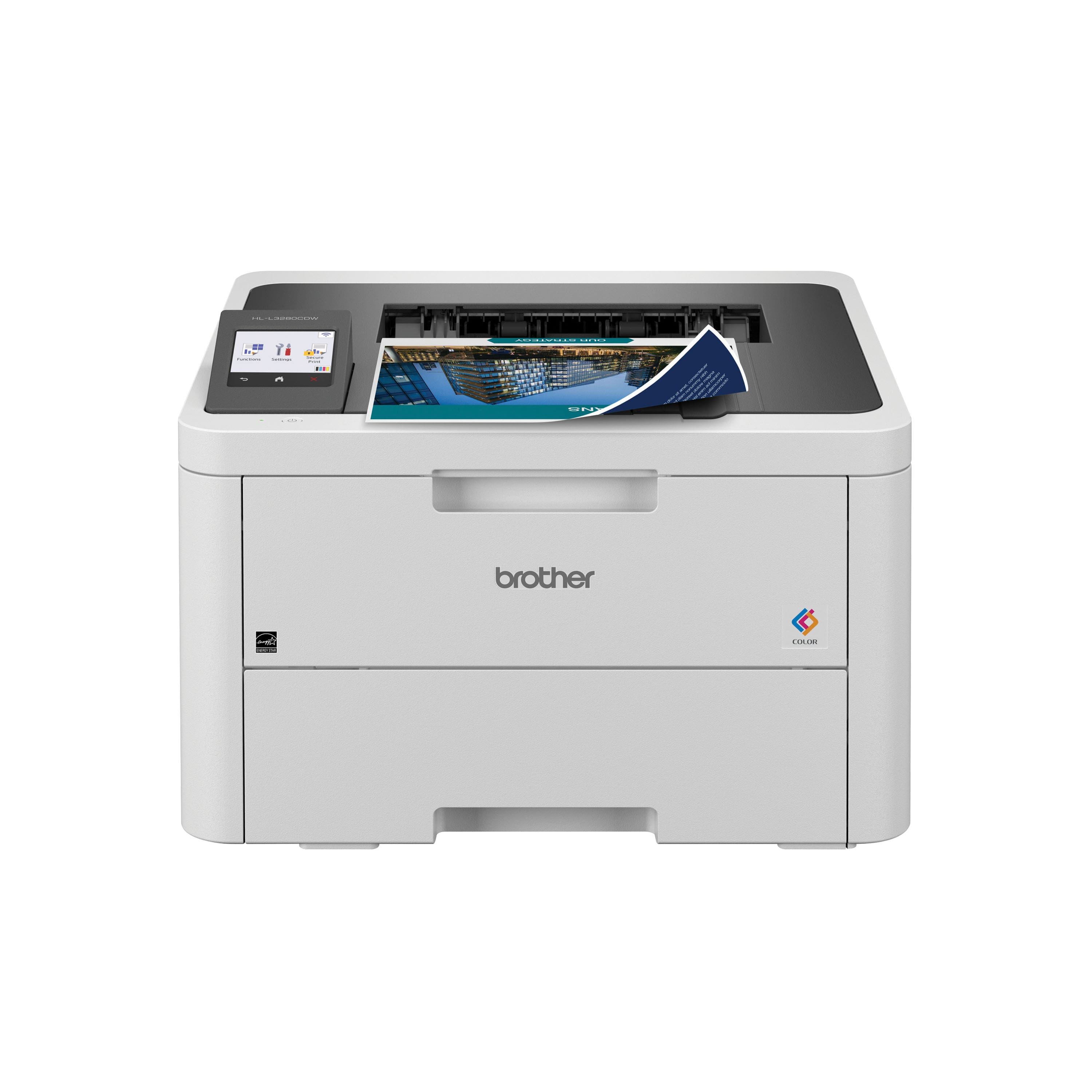
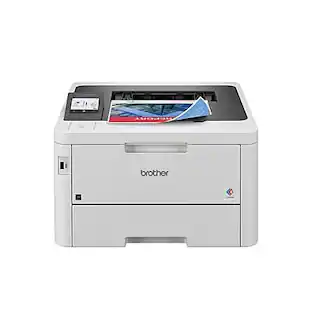
Brother - HL-L3280CDW Wireless Digital Color Printer with Laser Quality Output , Great for Home Offices - White
Customers are saying
Customers are pleased with the high print quality and reliable overall performance of this printer. Users frequently highlight how easy the device is to set up and appreciate the variety of wired and wireless connectivity options available. Additionally, many find the compact size and quiet operation to be standout features that enhance their experience.
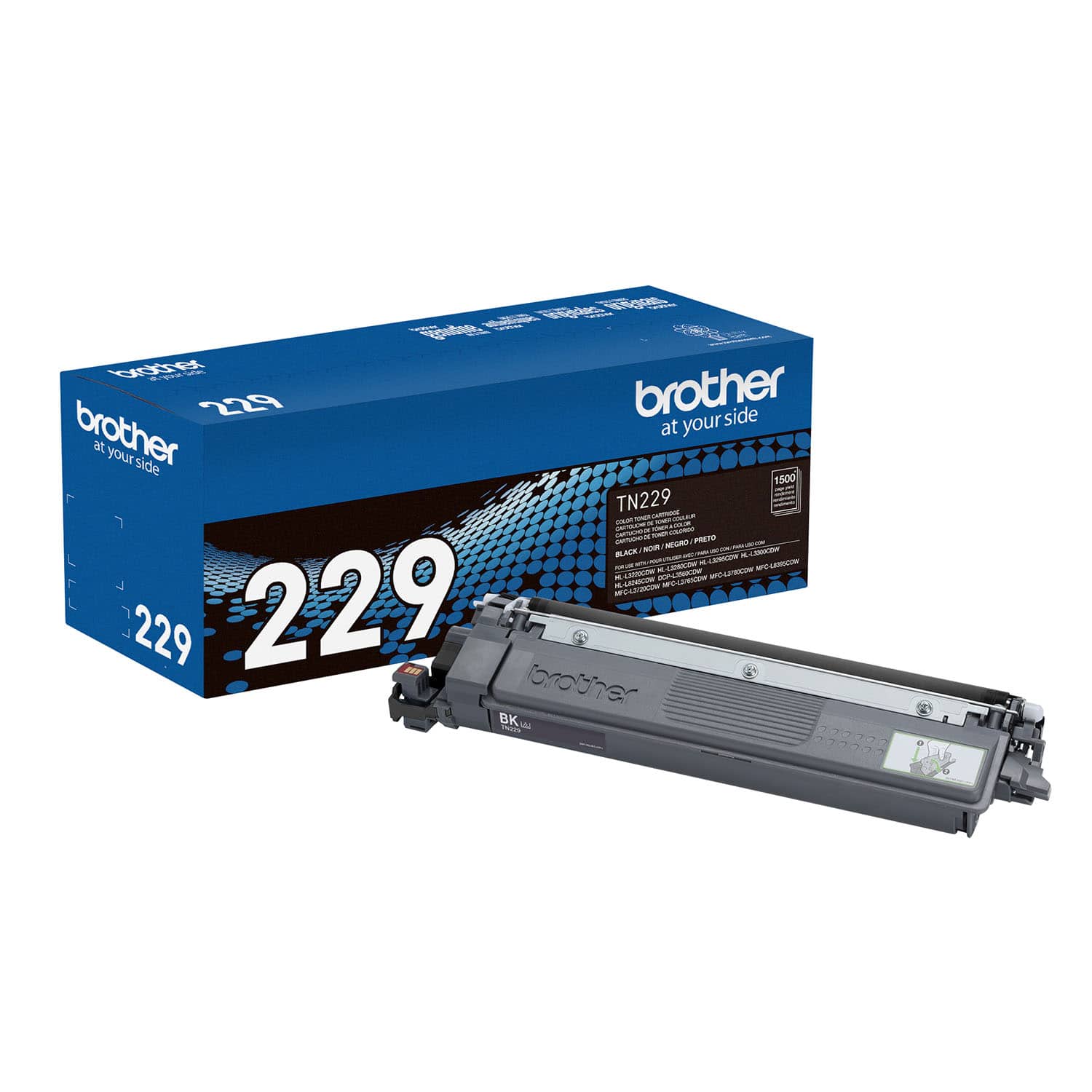
Brother Genuine Toner
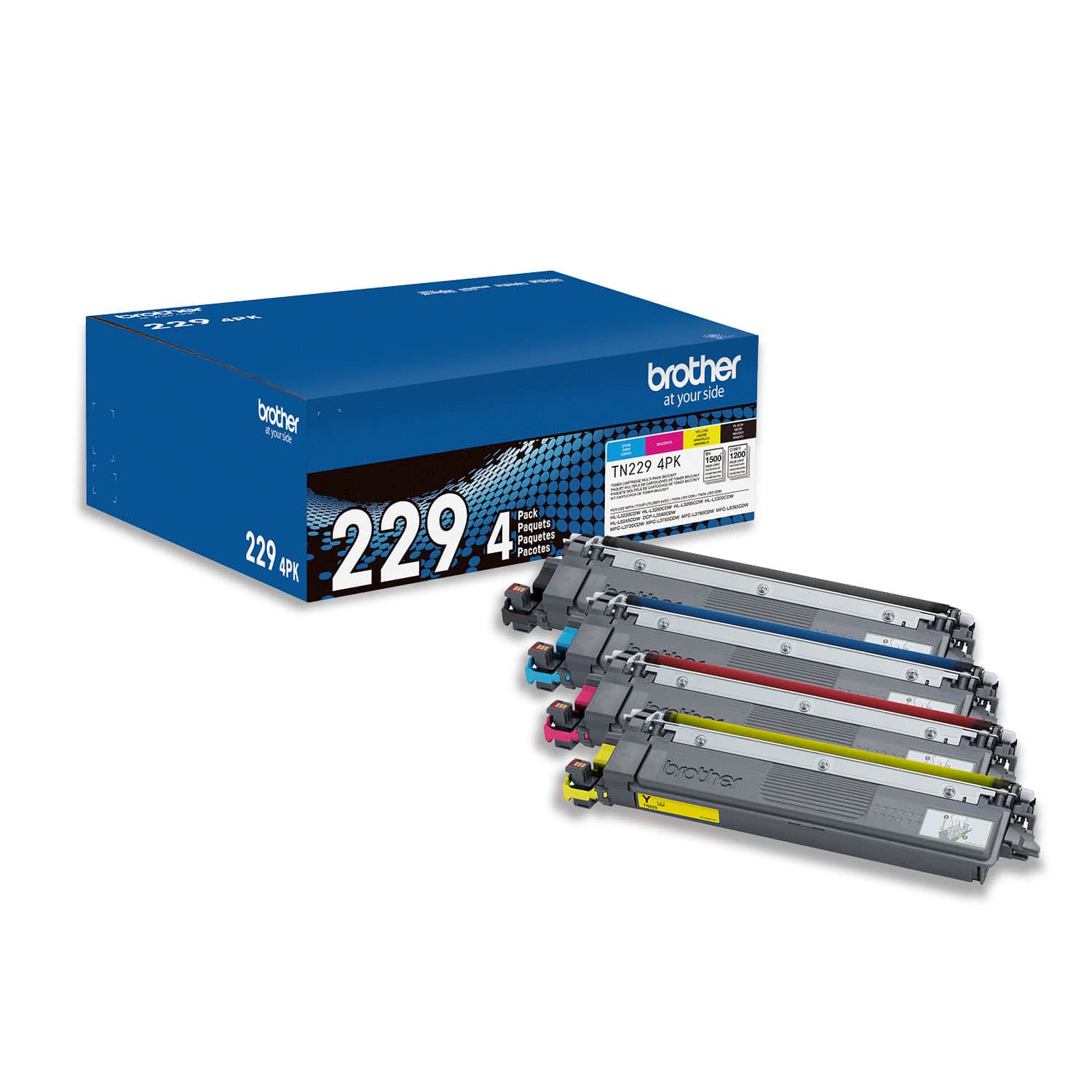
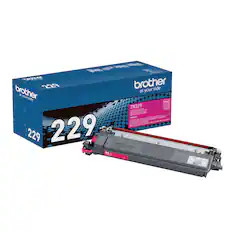
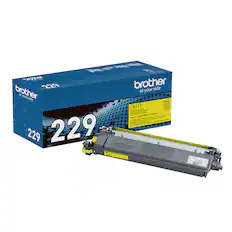
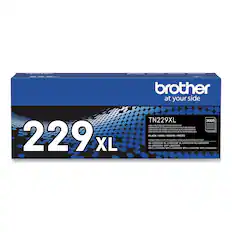
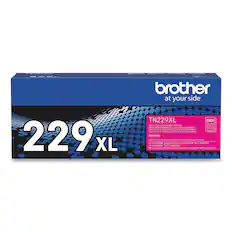
Choose TN229 Standard or TN229XL High Yield replacement cartridges. And with Refresh Subscription Service, you’ll never worry about running out and you’ll enjoy savings up to 50%(4). Get started with a Free Trial(5).
Upgrade your professional documents
With the consistent dependability of laser-quality digital color printing.
Maximize efficiency with laser focused functionality
Compact and capable it creates documents with timesaving print speed up to 27 ISO ppm(1). Automatic Duplex printing saves even more time by quickly producing double-sided pages.
Cloud connectivity
The intuitive 2.7” touchscreen provides the convenience of printing from popular Cloud apps including Google Drive, Dropbox, Evernote, and more(6) – all popular choices amongst businesses and entrepreneurs.
Print from virtually anywhere
Brother Mobile Connect app puts the power of printer management in your hands. Print remotely, scan to mobile app, monitor toner levels, and re-order Brother Genuine supplies(3).
Flexible connection options
Steady, reliable multi-device connectivity with built-in dual-band wireless (2.4GHz / 5GHz)(2), Gigabit Ethernet, Wi-Fi Direct or connect locally to a single computer via USB 2.0 interface.
Versatile paper handling
Save time, refill less, and effectively handle high-volume printing with a 250-sheet capacity paper tray(7). The single-sheet manual feed slot is a practical tool for printing specialty media such as labels and envelopes.
Advanced security features
Delivering peace of mind protection by safeguarding sensitive documents and creating secure connections to devices and networks while printing.
Print with purpose
Engineered to be environmentally friendly, HL-L3280CDW is ENERGY STAR compliant and EPEAT Silver rated. Eco-friendly printer features include Eco Mode, Toner Save Mode, and automatic duplex printing.
Trust Brother Genuine
Formulated specifically for use with Brother printers, Brother Genuine Toner offers the reassurance of reliable compatibility and consistent performance. Look for multipack options that can help optimize your budget.
Brother at your side support
Backed by Brother with a 1-year limited warranty and free online, call, or live chat support for the life of your printer.
(1) Based on one-sided printing. Change from default setting required.
(2) Requires connection to a wireless network.
(3) Free app download and wireless connection required. Compatibility may vary based on device and operating system.
(4) Based on monthly subscription cost in U.S. for Color Laser High Plan vs. average cost per page of eligible like standard capacity cartridges. Savings will vary based on Refresh EZ Print Subscription plan selected.
(5) Requires enrollment in a monthly billed Brother Refresh EZ Print Subscription service plan based on monthly printed page allotments. Unused pages roll over, limitations apply. Additional page set charges and taxes apply during trial.
Plan, options offer, and pricing subject to change. Open to new subscribers located in the contiguous United States only. After the free trial period your credit card will be charged on a monthly basis for the Plan Fee, Overages, and Taxes in accordance with the Terms of Service.
Overage fees will apply during free trial. Your service will continue on a month-to-month basis until you cancel it. May be canceled at any time. Upon cancellation, cartridge will be deactivated and must be replaced at users’ expense in order to continue printing.
(6) Requires an Internet connection and an account with desired service.
(7) Maximum capacity based on using 20 lb. paper.
(8) Free app download and wireless connection required. Compatibility may vary based on device and operating system.
Wi-Fi Direct is a registered trademark of Wi-Fi Alliance. EPEAT is a trademark of the Green Electronics Council in the United States and other countries.
ENERGY STAR and the ENERGY STAR mark are registered trademarks owned by the U.S. Environmental Protection Agency. Images are for illustrative purposes only. Specifications subject to change.
- NetworkingWireless, WiredENERGY STAR CertifiedYesPrinter TypePrinterDuty CycleUp to 3,000ISO Color Print Speed27 pages per minuteISO Mono Print Speed27 pages per minute
Reviews
Rating 4.4 out of 5 stars with 164 reviews
- Print Quality (93)
- Overall Performance (31)
- Ease of use (17)
- Connectivity (12)
- Setup (11)
Customer Images
The vast majority of our reviews come from verified purchases. Reviews from customers may include My Best Buy members, employees, and Tech Insider Network members (as tagged). Select reviewers may receive discounted products, promotional considerations or entries into drawings for honest, helpful reviews.

- HP - LaserJet M140w Wireless AI-Enabled Black and White Laser Printer - White$139.00The price was $209.00
- HP - LaserJet Pro MFP 3101sdw Wireless AI-Enabled Black-and-White All-in-One Laser Printer - White$229.99The price was $349.99


Compare similar products

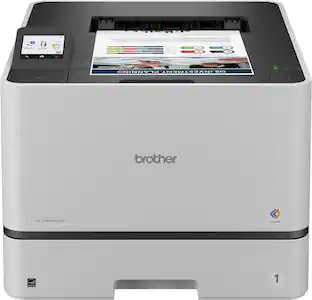
Great for shared workspaces and working from home, the Brother HL-L3280CDW wireless digital color printer is engineered to facilitate efficiencies that simplify every workday. Space-saving, capable, and trustworthy, this high-volume printer creates laser-quality, smudge-free documents that position you for success. Steady, flexible connection options and consistent performance means it is ready to get to work whenever you need it. Achieves timesaving print speeds up to 27 ISO pages per minute (ppm)(1) and features an easy to use 2.7” touchscreen, dual-band wireless connectivity(2) and mobile device compatibility(3). For peace of mind while printing, you can rely on its advanced security features to safeguard sensitive data. Engineered and supported by Brother, the HL-L3280CDW is a natural fit in any small, bustling workspace.

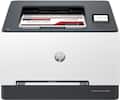
Designed for business work teams that need professional performance with fast, high quality two-sided color printing, laser productivity, and award-winning reliability in a space-saving design. Reliable, high-quality color wireless printing for your office or small business.
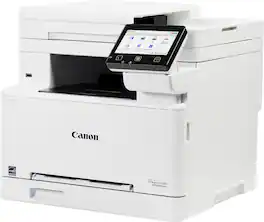
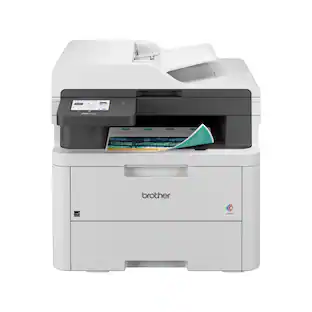
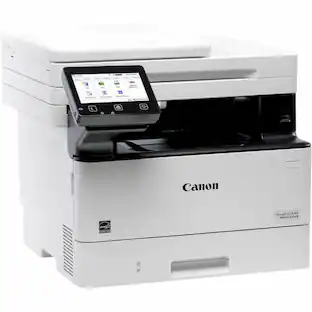
Designed for small / home offices and hybrid work environments, the imageCLASS MF663Cdw model balances speedy performance and minimal maintenance. The MF663Cdw is easy to set up and has a customizable, 5" color touchscreen that delivers an intuitive user experience. Produce crisp, colorful documents with fast print speeds of up to 26 pages per minute ¹, using high quality Canon Genuine Toner 075 / 075 H. Use Poster Artist Online to create professional-posters, banners and signage. The MF663Cdw offers a plain paper capacity of up to 250 sheets, 1-sheet multipurpose tray, and 50-sheet simplex (1-sided) automatic document feeder. Easily connect wirelessly ² from computers or mobile devices. Print using a variety of mobile apps, including the Canon PRINT app &179; using your compatible mobile device. The MF663Cdw comes with a 3-year limited warranty ⁴ and is backed by Canon's Service and Support network.

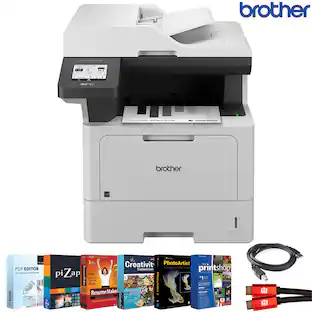
Great for small businesses, the Brother MFC-3780CDW wireless digital color all-in-one printer with copy, scan, and fax functionalities offers remarkable efficiency with impressive print speeds and productivity-centric features. Consistently produces smudge-free, laser-quality prints for documents that garner the attention of colleagues, clients, and customers. Achieves print speeds up to 31 ISO pages per minute (ppm)(1) and scan speeds up to 29/22 ISO images per minute (ipm)(2) (black/color). With its versatile paper handling and an intuitive 3.5” touchscreen, it is engineered to help boost productivity, simplify tasks, and keep your business thriving. Advanced security features help safeguard sensitive information while printing and include the added protection of an NFC card reader for badge authentication. Engineered and supported by Brother, the MFC-L3780CDW is an industrious addition to any small workspace.
| Pros for Brother - HL-L3280CDW Wireless Digital Color Printer with Laser Quality Output , Great for Home Offices - White | |||
|---|---|---|---|
| Print Quality, Overall Performance, Ease of use, Connectivity, Setup | Print Quality, Ease of use, Overall Performance, Size | Print Quality, Connectivity, Setup Ease, Noise Level | Print Quality, Overall Performance, Setup, Connectivity, Ease of Use |
| Cons for Brother - HL-L3280CDW Wireless Digital Color Printer with Laser Quality Output , Great for Home Offices - White | |||
| There were no cons for this product— | Connectivity | Weight, Size, Duplex Scanning, Cartridge Life | Weight, Size |
Specs
Can this printer copy 2 sided papers as well as just printing 2 sided papers?
Answered by BrotherThe Brother HLL3280CDW does not support copying. This machine is only support printing.
What type of toner cartridges does this printer use?
This printer uses Brother TN229 Standard or TN229XL High Yield replacement cartridges.
This question and answer was generated by AI based on customer and product data.What is the printing speed of this printer?
This printer can print up to 27 ISO pages per minute (ppm).
This question and answer was generated by AI based on customer and product data.How can I connect this printer to my devices?
The printer offers both wired and wireless connectivity options, including built-in dual-band wireless, Gigabit Ethernet, Wi-Fi Direct, and USB 2.0 for local connections.
This question and answer was generated by AI based on customer and product data.What is the paper handling capacity of this Brother printer?
This printer has a 250-sheet capacity paper tray and a single-sheet manual feed slot.
This question and answer was generated by AI based on customer and product data.

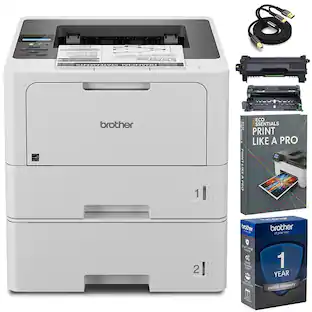
Package deals that include this item
Customers often buy these together
Toner Cartridges
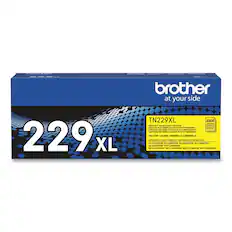
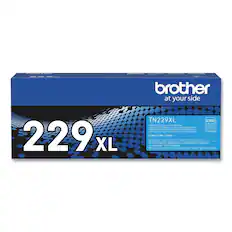
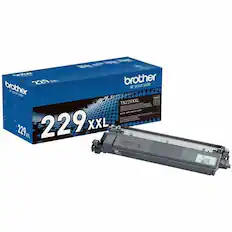
Copy and Multipurpose Paper



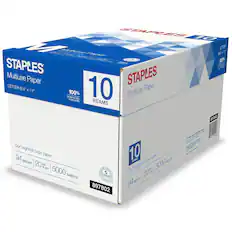
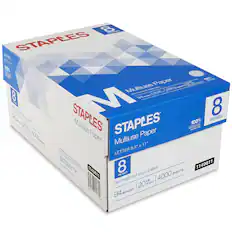
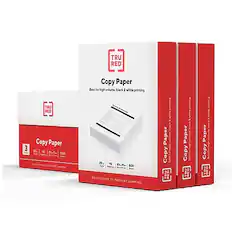
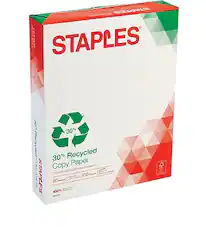
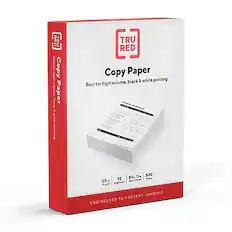
Printer Paper
Epson - Paper - Bright White
Top Deal$7.14The price was $14.29
More to consider
 $470.81The price was $481.98


Explore tech essentials Sponsored
 Top Deal$199.99The price was $239.99
 Top Deal$269.99The price was $329.99
Discover related products
 $589.99The price was $599.99
 $799.00The price was $899.00
 $12.99The price was $13.99
 $143.99The price was $144.99









Keep exploring
 $1,606.99The price was $2,069.95
 $429.99The price was $434.99
 $316.29The price was $432.52
 $499.00The price was $557.88
 $2,364.00The price was $3,308.84
 $599.99The price was $636.97
 $569.99The price was $653.98