Customer Ratings & Reviews
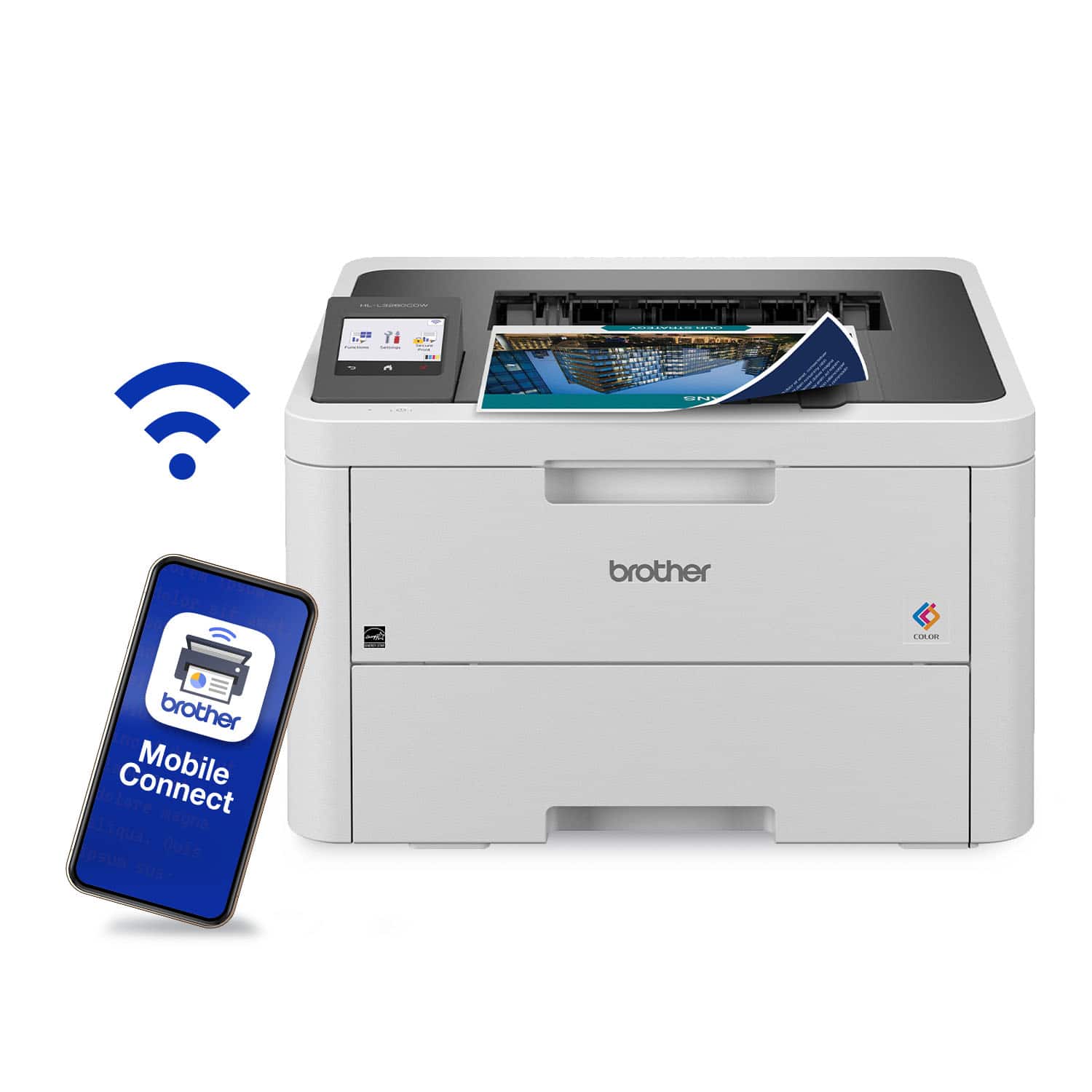
- Model:
- HL-L3280CDW
- SKU:
- 12347745
Rating by feature
- Value
Rating 4.5 out of 5 stars
- Quality
Rating 4.5 out of 5 stars
- Ease of Use
Rating 4.4 out of 5 stars
to a friend
Returning HL-L3280CDW Printer
||Posted .This reviewer received promo considerations or sweepstakes entry for writing a review.I have spent many hours over many days trying to get this printer to print. After jumping to many different places in order to get full and understandable instructions regarding the printer error message DRUM ! - Having followed the instructions several times I am now just going to return this printer. Also, while looking at other of Brother's documentation I saw that there is a lot of maintenance and clean up expected from the owner of the PC. I just want a printer to handle 99% of these tasks. GOOD BYE to this printer. Very disappointed.
No, I would not recommend this to a friendBrand response from Brother
Posted .Thanks for taking the time to review your experience with the Brother HLL3280CDW. We appreciate your feedback. I understand you are planning to return the Brother HLL3280CDW. If you still have the machine, we’d like an opportunity to help. Please contact us directly at:
https://www.brother-usa.com/support/HLL3280CDW
Had to return it
||Posted . Owned for 1 week when reviewed.This reviewer received promo considerations or sweepstakes entry for writing a review.I was able to print only one page then it tried to do firmware updates then it never worked again. So sad because my previous Brother laser printer was great and lasted for years.
No, I would not recommend this to a friendBrand response from Brother
Posted .We would like to take this opportunity to thank you for your feedback. We are sorry to hear that you had some issues with your Brother HLL3280CDW . At Brother, customer satisfaction is something we take seriously. Your feedback is important to us and will be reviewed. Thank you for being a Brother customer. Please know that we will be here, should you need to contact us in the future. Please contact us direct at https://www.brother-usa.com/contact-us
Brother Won - THEY RIPPED ME OFF!
||Posted . Owned for 1 month when reviewed.This reviewer received promo considerations or sweepstakes entry for writing a review.The printer works fine; however, I feel used and defeated. I'm very sorry I bought this product. I'm ready to set it in front of Best Buy with a sign on it saying, "Free! Works Perfect! You buy the toner for it." It is a complete rip-off that the machine quits working at a certain page count claiming the toner is low. I know it has plenty more toner. I can't seem to find out how to reset it. BROTHER WON - I'M TRASHING MACHINE. I WILL NEVER BUY BROTHER AGAIN. IS THAT WHAT THEY WANT.
No, I would not recommend this to a friendBrand response from Brother
Posted .We would like to take this opportunity to thank you for your feedback. We are sorry to hear that you are not satisfied with your HLL3280CDW. At Brother, customer satisfaction is something we take seriously. Your feedback is important to us and will be reviewed.
Thank you for being a Brother customer. Please know that we will be here, should you need to contact us in the future. Please contact us directly at:
https://www.brother-usa.com/support/HLL3280CDW
horrible printer
||Posted . Owned for 1 month when reviewed.This reviewer received promo considerations or sweepstakes entry for writing a review.this is the worst printer i've owned in 15 years and I have had various, HP, Epson, Canon. I've had nothing but issues since buying this. I gave it a chance, but wish i would have returned it.
No, I would not recommend this to a friendBrand response from Brother
Posted .I’m sorry to hear your experience with the Brother HL-L3280CDW has been difficult. If you’ll give us another chance, we’d like to make things right. For support please contact us directly at:
https://www.brother-usa.com/support
Look at all the pictures of this item
||Posted . Owned for 3 weeks when reviewed.This reviewer received promo considerations or sweepstakes entry for writing a review.I'm neutral on the printer because i never opened the box. This review is to warn others to look at all the pics of this printer. It's not a scanner, multifunction device. It's simply a Laserjet printer. Change the listing need buy.
I would recommend this to a friendBrand response from Brother
Posted .We would like to take this opportunity to thank you for your feedback. At Brother, customer satisfaction is something we take seriously. We would love to hear from you with more details to be able to better assist you. Our Brother Customer Support Team is available to assist you direct: www.brother-usa.com/brother-support

Powerful, shareable workhorse
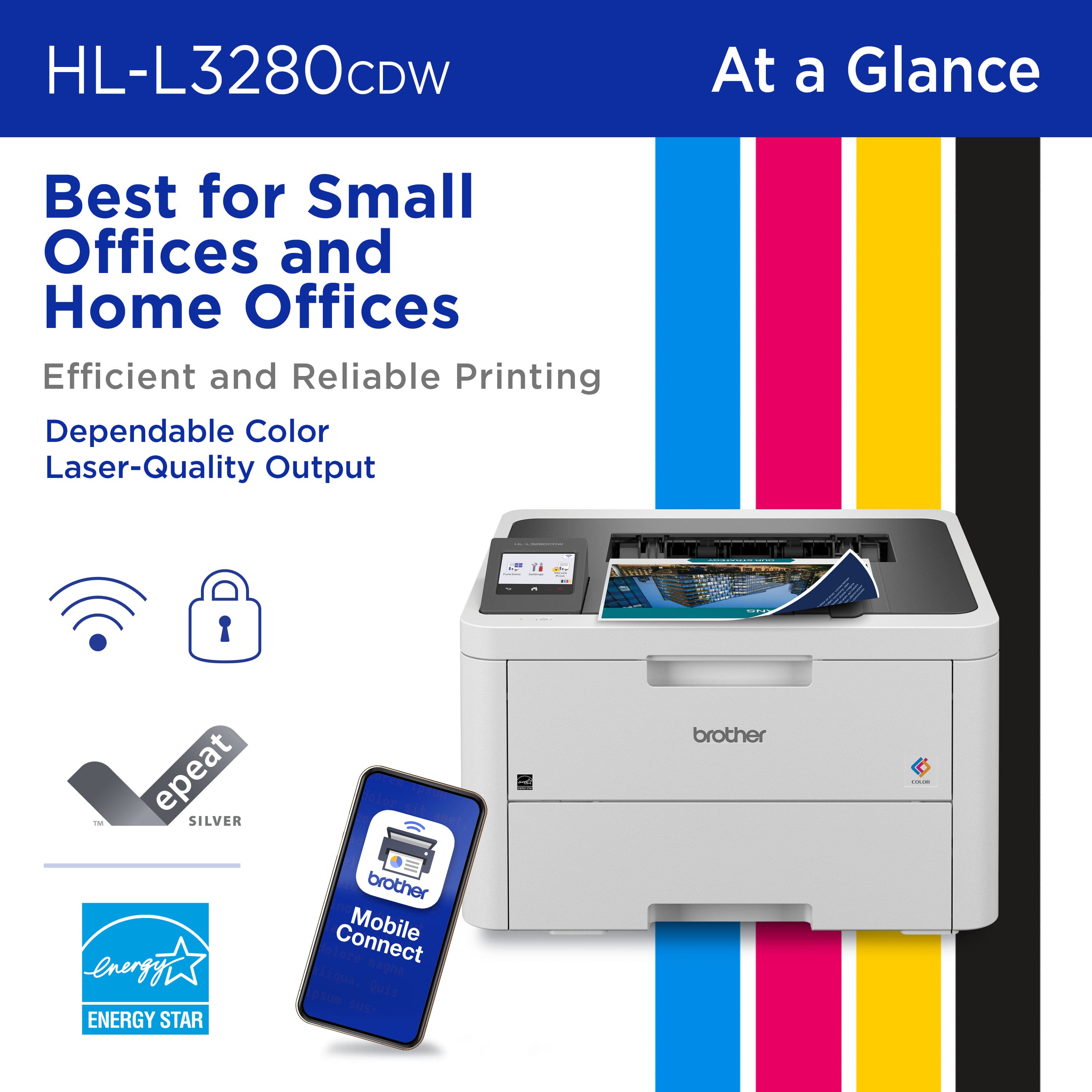
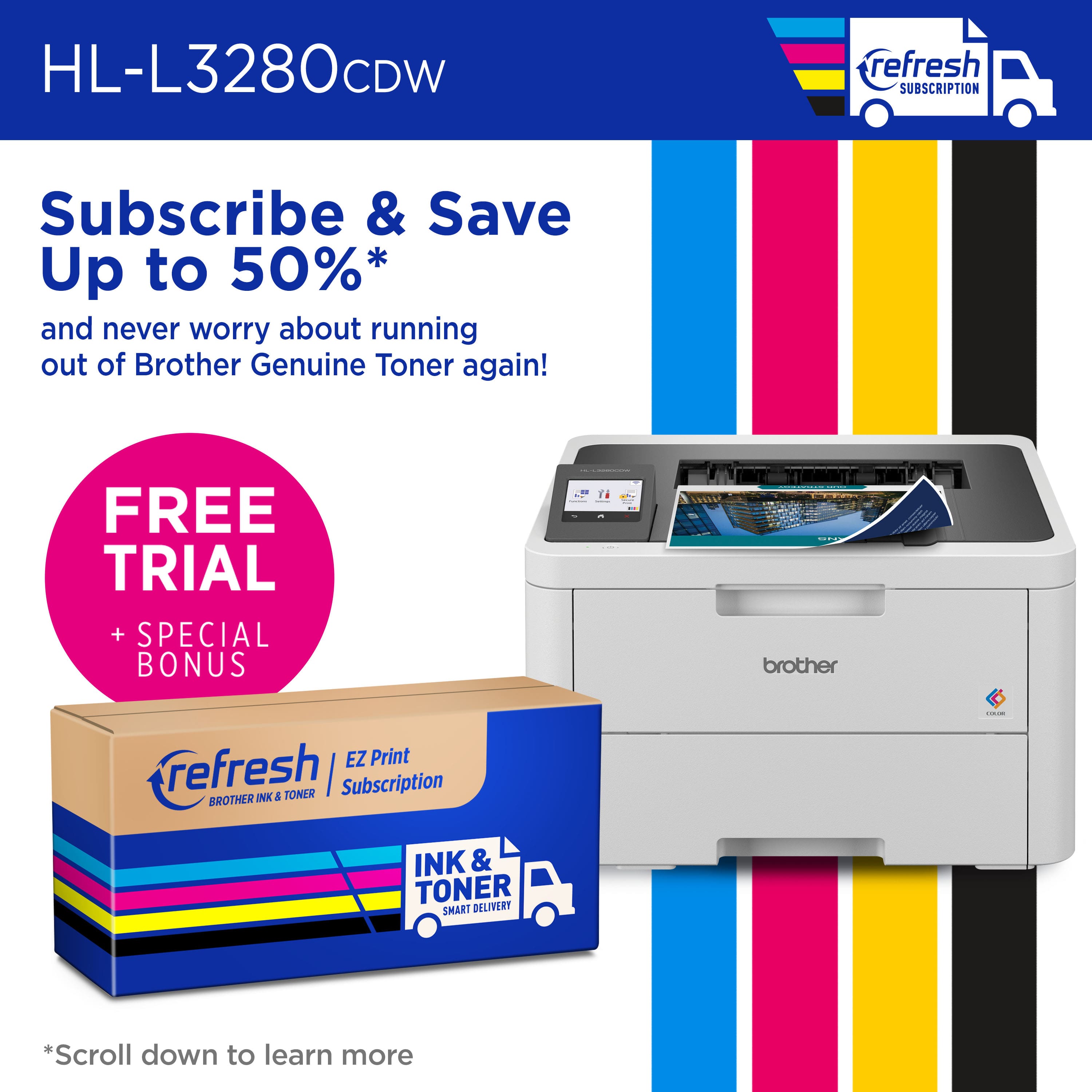
|Posted .This reviewer received promo considerations or sweepstakes entry for writing a review.I must admit up front here that I am a huge fan of Brother printers. I've owed two of their black and white laser printers, and the only reason I bought a second one was to get wireless connectivity. The original Brother Laser printer I bought is now over 20 years old and still works great! When I saw this Brother HL-L3280CDW available, I knew it had to be my first color laser printer, and I am not disappointed. The fit and finish on this printer is exactly as good as I've come to expect from Brother, and so is the speed and quality of printing. I am impressed by how well this prints, and I've tried both photos and pdf reports. Both come out looking crisp and professional at the 2400 x 600 dpi resolution. I'm even more impressed in the 2-sided printing, ease of setup, and ease of adding this printer to Windows computers on the network. There are both wi-fi and gigabit ethernet connections to be had. Particular advantages of this printer include a 4-month trial subscription to Brother's Refresh EZ Print service, which sends out new toner cartridges when it sees that you're getting low. I am typically no fan of ink/toner refill subscriptions, but Brother does not make its program mandatory to use the printer. You can cancel and re-buy toner whenever you need it, just like in "the old days." And before I decide whether to do that, this 4-month trial will give me ample time to evaluate the HL-L3280CDW's ability to handle my needs. After the trial, a plan costs between $9.99 and $34.99 per month for 75-500 pages, and additional pages are automatically charged at an affordable rate. The only thing I'm not in love with when it comes to this printer is the name of the App. Yes, I said "name," haha. Using the app is fine, but you have to remember that it has neither "Brother" nor "Print" in its title when searching for it in your app drawer. Instead, it's just called "Mobile Connect." Come on and change the name, Brother! Other than that tiny gripe, I am impressed with the HL-L3280CDW, and I recommend it to anyone looking for a capable wireless color laser printer for their home or small office!
I would recommend this to a friendPiece of crap
||Posted . Owned for 3 months when reviewed.This reviewer received promo considerations or sweepstakes entry for writing a review.Horrible printer! It's App-based so you can only print through the app. But the app doesn't connect to the printer. It continually says "Receiving Data" but it doesn't. I'm be returning this piece of crap.
No, I would not recommend this to a friendBrand response from Brother
Posted .Thanks for taking the time to review your experience with the Brother MHLL3280CDW. We appreciate your feedback. I’m sorry to hear that you are having connectivity and printing issues with the Brother HLL3280CDW. I sincerely apologize for any inconvenience this issue may have caused you. I understand you are planning to return the Brother HLL3280CDW. If you still have the machine, we’d like an opportunity to help. Please contact us directly at:
https://www.brother-usa.com/support/HLL3280CDW
Qualty color laser printer for your small business
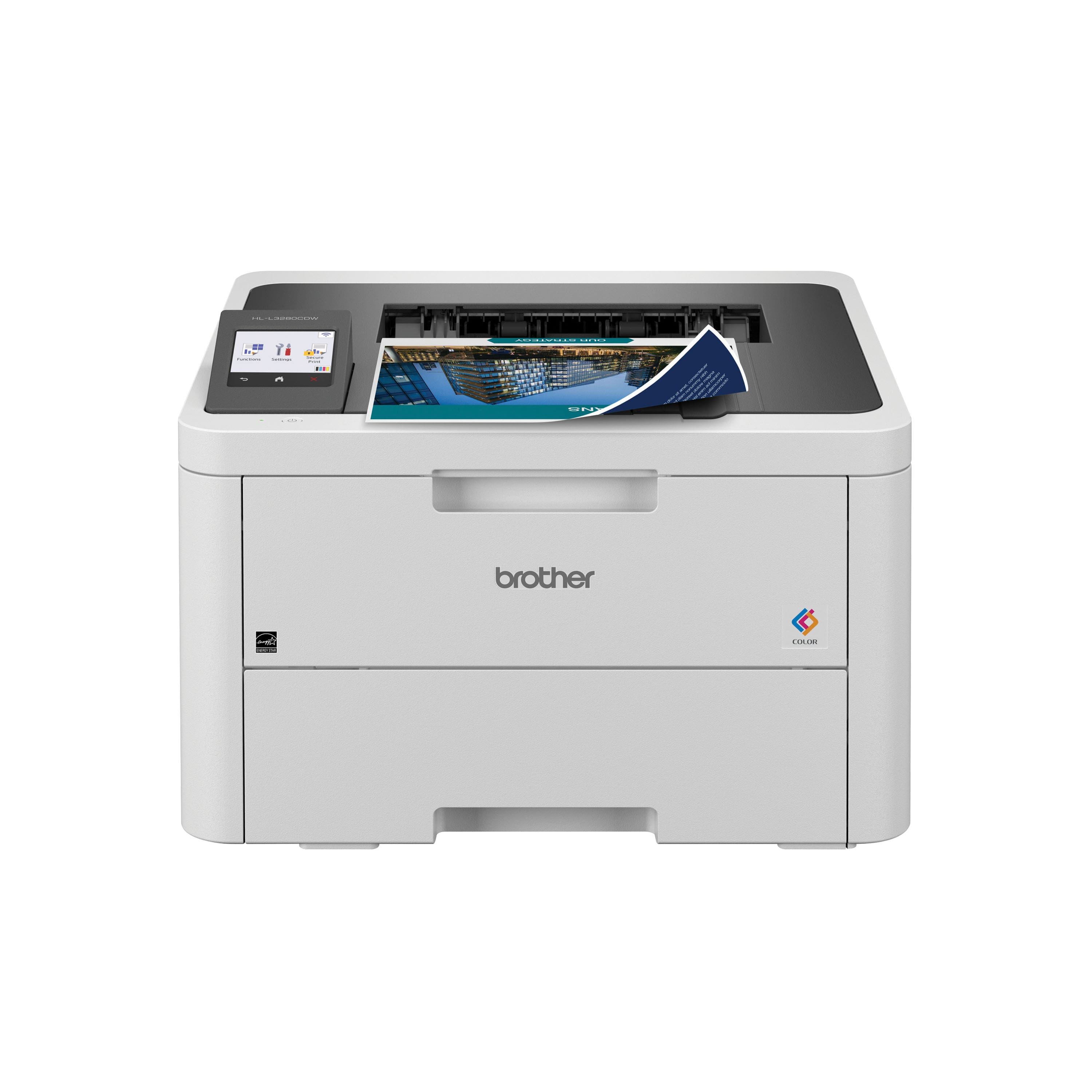
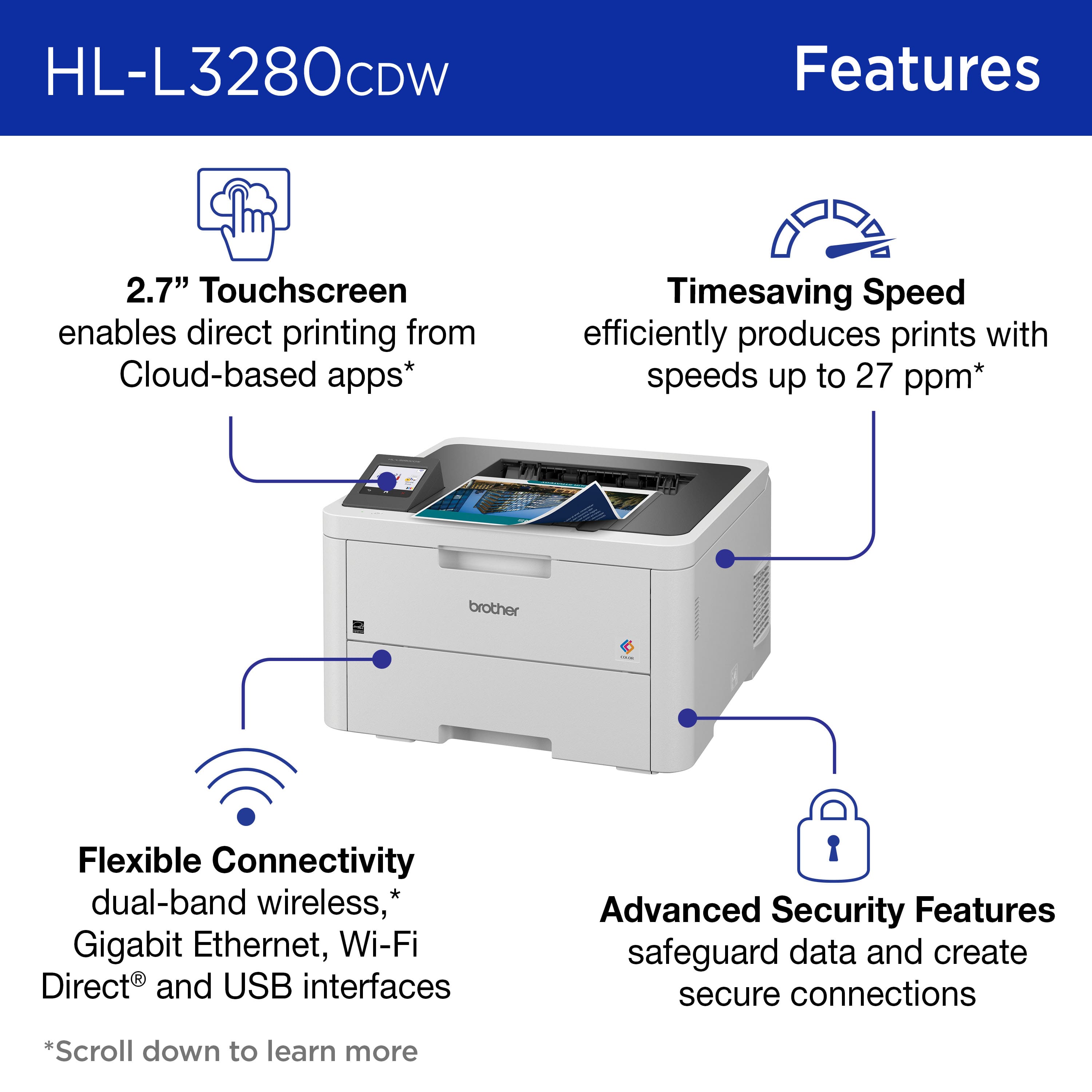
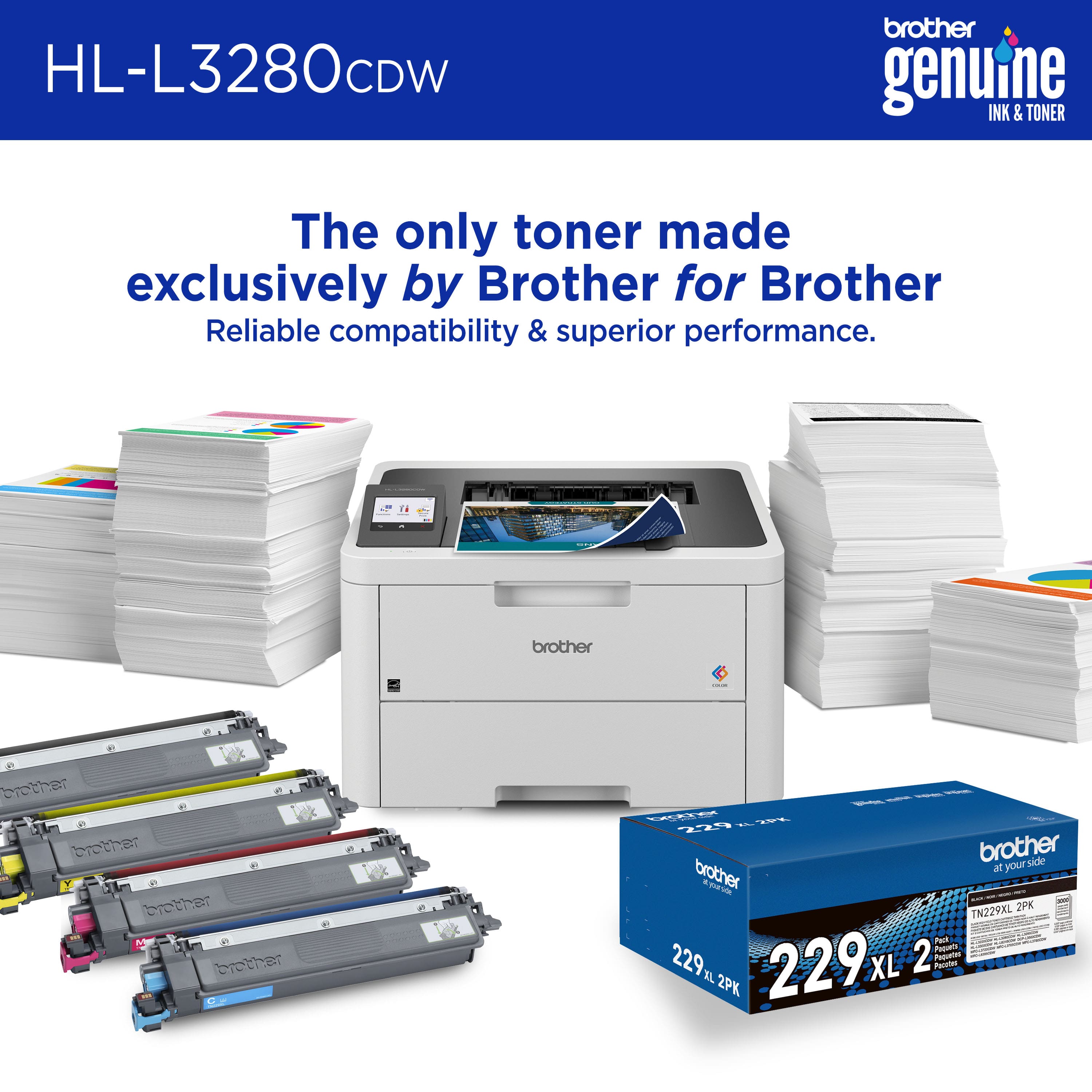
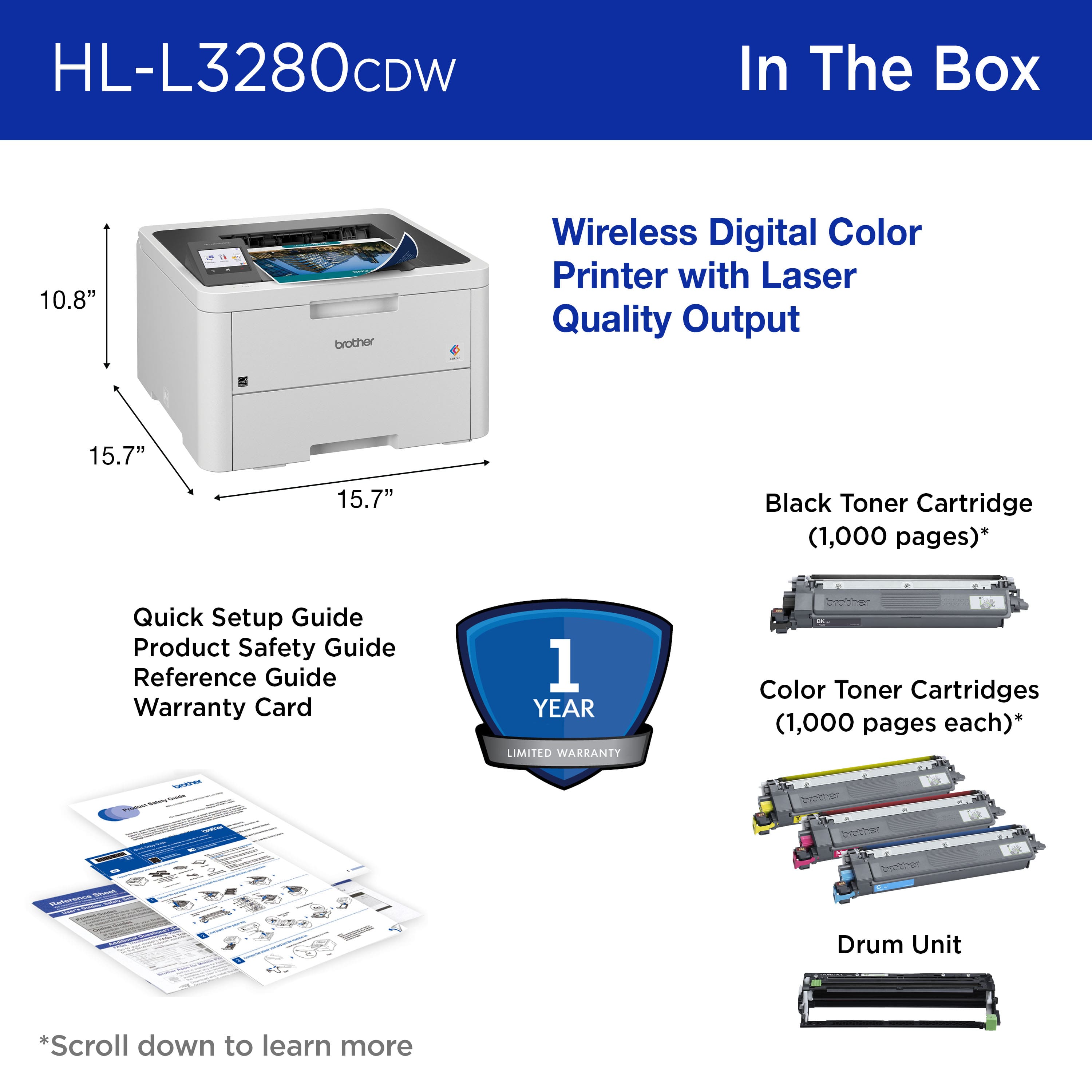
|Posted .This reviewer received promo considerations or sweepstakes entry for writing a review.The Brother HL-L3280CDW Color Laser Printer is a nice printer for a home office or small business that needs full color laser printing. The printer itself is fairly compact at 15.7” wide by 15.7” deep by 10.8” tall. It has a 250-sheet input paper tray. Right above it is a manual feed tray that fold up or down, keeping it out of the way when not in use. It has a 2.7” color touch LCD control panel on the top. You can connect to the printer via Wi-Fi, USB, or Gigabit Ethernet. You can print to the device from almost any type of device. They have drivers and software to print from Windows 10, 11, Server 2022, 2019, 2016, 2012 R2 and 2012. They also support macOS 14.x, 13.x, 12.x and 11.x. On the Linux side they support rpm and deb. On mobile, they support both Android and IOS. The printer prints nice rich colors at about 27 pages per minute. If you are using the automatic duplexer, it will print about 10 sides per minute. The 1st page comes out in about 13.5 seconds. I printed a page with 20 round animations on the HL-L:3280CDW as well as a nice inkjet printer. I printed both on the same paper in default print quality. The page printed on the HL-L3280CDW was more vibrant. The darks were darker and there was more contrast than from the inkjet. I really like the print quality and you really can’t beat the speed for this price. While I love the printer but there is 1 big drawback. The toner cartridges are very expensive. The printer requires 4 toner cartridges. And a printer drum. The cartridges fit into the drum. The drum will print 30,000 pages before it has to be replaced. A new drum from Brother costs $154.99. Then there are the toner cartridges. For standard yield cartridges black is rated for 1500 pages and costs $65.99 each color are rated for 1200 pages and cost $69.99 each. Black high yield cartridges are rated for 3000 pages and cost $78.99 while color cartridges are rated for 2300 pages and cost $101.49 each. They also have super high yield cartridges where black cartridges are rated for 4500 pages and cost $104.99 and color cartridges are rated for 4000 pages and cost $132.99 each. They have a normal yield package with all 4 cartridges for $247.99. A full set of 4 high yield cartridges cost almost as much as the printer and the super high yield cartridges cost more than the printer. This is a huge drawback to the printer. If you can afford the toner, this is a great printer and I would recommend it to you.
I would recommend this to a friendPoor service
||Posted . Owned for 3 weeks when reviewed.This reviewer received promo considerations or sweepstakes entry for writing a review.Do not have yet, expected on May 7th, which is 2 weeks after purchasing . this the 5th printer I have gotten, from Best Buy with the past 6 or 7 months, that is 4 printers are being replace due to different faillers. There was no abusive use, used minimal My complaint, is Home Depot .My main complaint 2weeks between order and delivery.
No, I would not recommend this to a friendGreat speed/quality, not as great value prop
|Posted .This reviewer received promo considerations or sweepstakes entry for writing a review.I love color laser printers and was thrilled to get the chance to review the Brother HL-L3280CDW. I've had the chance to use a ton of printers over the last few years both in my work and personal life where I am the personal IT guy for my elementary educator spouse. For the last year or so our primary printers have been the "tank" variety, but I've used everything from "dumb" ink jet and laser printers to subscription based printers. The Brother HL-L3280CDW seems like kind of an in-between of a traditional non-tank printer and a subscription model. Brother offers the "Refresh" subscription for this model which allows you to pay for a monthly allotment of pages, or you can just buy the toner cartridges. More on that in a second, I want to talk about the high points with this printer first. First, and I've said this before about Brother products - unboxing and physically setting this printer up were super easy thanks to smart packaging design. Kudos to the Brother packaging team for the well thought out bag with reinforced handles which let you easily take the printer out of the box. Also kind of shocking to me is that this printer could be configured incredibly easily without having to use an app or computer. I just plugged it in and was able to use the touch screen on the printer to add my wifi network. The touch screen was remarkably good for something that's an afterthought on many printers. Print quality and speed were phenomenal for what is really a low-cost device. I was able to easily add the device to my Android phone and a Windows computer and print within 60 seconds on either device. Kudos again to Brother for not badgering me to install a Windows app to use the printer. On the value proposition though, this printer is a tough call. In the era of "tank" style printers, the HL-L3280CDW is kind of a dinosaur since it uses traditional toner cartridges (4 in total, black plus 3 colors). The cost of replacement cartridges is incredibly high compared to an ink/toner kit for a tank style printer. The Refresh service could be a decent value if you have a constant, predictable usage pattern, but in my experience the risks of such a service make it hard to recommend subscription services. You pay way too high a price for overages with these services, to the point that any realized value of the service evaporates pretty quickly. Right now a standard yield 4 pack costs around $247 from Best Buy, and that prints 1500 pages in black and 1200 in each color. The top monthly option is 500 pages per month and costs $35. That does save you some money if you constantly print just under 500 pages per month in black, but the overage charge of $2 for 30 pages. That's 2 bucks whether you print one extra page or 30. It's just not consumer friendly when they could just as easily charge overages on a per-page basis since they clearly track usage on a per-page basis. The overage fee is even worse if you choose one of the lower page plans as you only get 10 or 20 pages per overage block on the 75 and 200 page plans. I just don't like it. So, if you have a real need for a color laser printer from a speed and quality perspective, this Brother printer is a great choice in terms of up front cost and easy setup. It becomes a less great deal compared to "tank" style printers unless you fit the right usage patterns to get your money's worth on the Refresh subscription. I'll be keeping my eyes peeled for great deals on the toner cartridges, myself.
I would recommend this to a friendInconsistent
||Posted . Owned for 2 months when reviewed.This reviewer received promo considerations or sweepstakes entry for writing a review.Trash box, Doesn't always print all the jobs sent to printer. Struggles to print PDF documents from Google Docs, and Chrome browser.
No, I would not recommend this to a friendBrand response from Brother
Posted .Thanks for taking the time to review your experience with the Brother HLL3280CDW. We appreciate your feedback. I’m sorry to hear that you are having print issues with the brother HLL3280CDW. I sincerely apologize for any inconvenience this issue may have caused you. We would love to hear from you with more details to be able to better assist you. Our Brother Customer Support Team is available to assist you direct: www.brother-usa.com/brother-support/HLL3280CDW
Crap
||Posted . Owned for 1 month when reviewed.This reviewer received promo considerations or sweepstakes entry for writing a review.Garbage. We had nothing but trouble trying to use this machine. Couldnt connect it to either laptop we tried. Terrible
No, I would not recommend this to a friendBrand response from Brother
Posted .I’m sorry to hear that you are having connectivity and unable to print from computer issues with the Brother HLL3280CDW. I sincerely apologize for any inconvenience this issue may have caused you. We’d like an opportunity to help. Please contact us directly at:
https://www.brother-usa.com/support/HLL3280CDW
Great color laser for small business use
|Posted .This reviewer received promo considerations or sweepstakes entry for writing a review.The Brother HL-L3280CDW consistently delivers stunning, vibrant color prints with sharp text. Whether I'm printing documents, photos, or brochures, the results are always impressive. The color accuracy and clarity are top-notch, making it an excellent choice for a variety of printing needs. This laser printer is lightning-fast. It can handle complex print jobs with ease and effortlessly churns out pages at a rate of 27 pages per minute. The automatic duplex printing feature is a time-saver, and the 250-sheet input tray means fewer refills, allowing me to focus on my work without interruptions. The wireless capabilities of this printer have been very useful for me. Setting up the printer on my home network was a breeze, and now I can print from any device, be it my laptop, phone, or ipad, without the hassle of connecting cables. The Brother iPrint&Scan app simplifies the process even further. This printer is built like a tank. It feels durable and well-constructed, and I haven't encountered any paper jams or other technical issues during my usage. The robust build quality instills confidence that it will serve me well for years to come. The printer is impressively quiet. I can print without disturbing others in my home, and that's a huge plus for a home office environment. The toner cartridges last quite a while, which is great for reducing ongoing costs. The in-box toner is rated to print 1000 black and white pages. However, I wish the replacement cartridges were a bit more budget-friendly. It's a minor concern, given the overall cost-effectiveness and quality of the printer, but worth noting. In summary, the Brother HL-L3280CDW Wireless Color Laser Printer is a fantastic addition to any home office or small business setup. Its exceptional printing quality, wireless connectivity, and overall reliability make it a standout choice. I highly recommend this printer to anyone seeking top-notch performance, efficiency, and convenience. It has certainly exceeded my expectations.
I would recommend this to a friendCapable & feature-rich duplex color laser printer
|Posted .This reviewer received promo considerations or sweepstakes entry for writing a review.I am using this printer in a home office to replace an aging competitor's (not Brother) color laser printer. Thus far, I am pleasantly surprised with the printer. The form factor is about as compact as a color laser printer can be and, while I really do not move the printer around very much, it is actually a little lighter than my previous printer. Printing speed is good. The print quality is exactly what I would expect from a laser printer. Standby mode is great in that the display turns off and the printer is quiet to the extent that it may as well as be unplugged. Yet, when I send a print job to the printer, it wakes right up, warms up, and does its thing relatively quickly. (This is in contrast to my previous printer that sometimes would simply fall off the face of the earth, so to speak, and would not wake from sleep mode when a job was sent over.) The ability to print duplex was also a "must have" for me, so another one in the "plus" column for this printer. The printer is internet accessible and will actually check automatically for firmware updates, if you turn on that setting through its control panel (which I think is a rather nice feature). It is also possible to print from a remote location (using the Brother Mobile Connect application). The printer can connect wireless to a network or via ethernet (I use the hardwired ethernet option, personally). I like the color touchscreen display. One challenge I have experienced is that, given the smaller size of the screen, the on-screen keyboard can be difficult to "type" on with my average adult male fingers. It also lacks the feel of a smartphone or tablet... It feels like plastic and is "soft" to the touch (if that makes sense). Not necessarily a fan of how it feels, but it works and I do not have to access it often, so I suppose it is not a big deal. Brother also has their "refresh" EZ Print Subscription service for this printer. While I am not sure how I feel about being charged to use my own printer, that monthly charge covers replacement toner and, given how expensive toner was with my last printer, I am thinking it may not be a bad deal... (There is a free four month trial when setting up a new printer, so I am giving it a shot. Unfortunately, I do not have anything to report on at this time because I am only a few days into it.) The printer does ship with toner cartridges, but they are "low yield" cartridges, so I am guessing they will need to be replaced sooner rather than later with average printing volumes. Ultimately, there is a lot to like about this printer and, while I would probably give it 4.5 stars (if allowed to do half-stars), the positives I noted outweigh the negatives to the point where I am very comfortable rounding up to a 5 star rating (at least at this point having only used the printer for a few days).
I would recommend this to a friendGreat color laser printer for small business needs
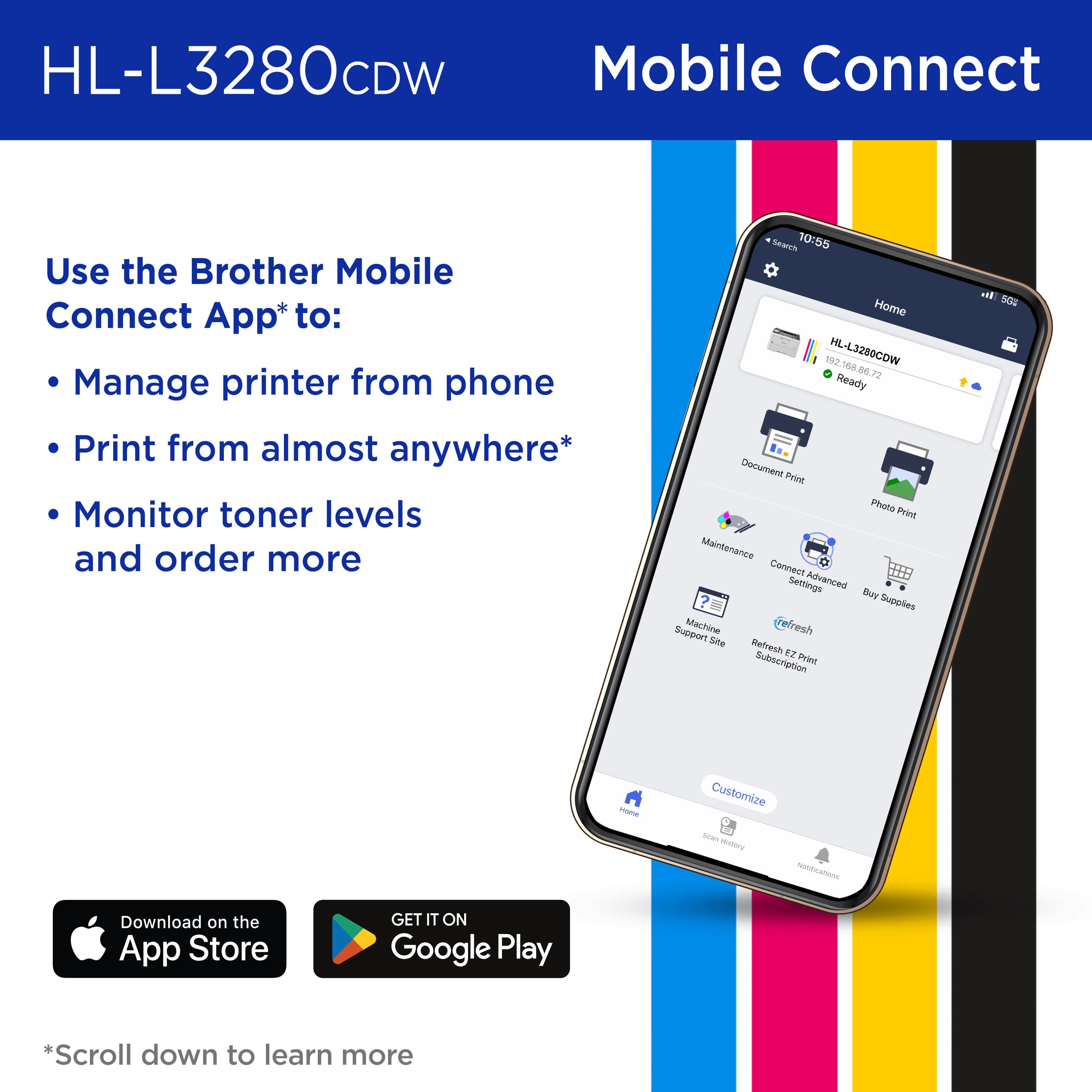
|Posted .This reviewer received promo considerations or sweepstakes entry for writing a review.The HL-L3280CDW Wireless Color Laser printer is a good printer for small business needs. It’s most likely recommended for small business due to the size and number each cartridge can print before it needs to be replaced. The printer has a somewhat of a small footprint compared to large laser printers. Don’t let the small footprint fool you, because it’s a fairly heavy printer. Unpacking the printer and installing the toner cartridges was fairly easy. I ran into issues during the setup process. It has a QR code sticker on the printer directing you to download the Brother Mobile Connect app on my iPad. After downloading and installing the app, I had issues getting the app to connect to the printer. First the instructions said I should press and hold the WiFi button. This printer does not have a manual WiFi button. The WiFi settings are accessible through the printer’s touchscreen interface so I’m not sure why they have incorrect instructions for this printer via their app. I then went through the user menu on the printer’s LCD screen and connected the printer to my WiFi network. The printer was then connected to my WiFi network. The Brother Mobile Connect app said it could now search for the printer if it’s connected to my WiFi network. After trying for several minutes, the app was never able to find the printer. While going into the settings on the printer, I noticed there was a firmware update. After the update the app still was not able to find the printer. I then saw there was another firmware update. After the second firmware update install, the Brother Mobile Connect app was finally able to locate my printer. I was then able to proceed and setup the mobile print feature. Being able to print documents from my mobile device to the printer remotely is a nice feature. It’s a feature I don’t use too often, because it’s easier for me to email the documents back to the office for them to print, or upload them to a cloud account for them to download. However, it’s convenient for those times when you need to print something to the office without having to email the documents. I was unable to find a driver on the Brother website for my Mac. I was able to go into the Mac settings and add the printer via Bonjour, which was easy and painless. The pages that are printed from this printer are of good quality and the printer is also capable of duplex printing. Overall, I’m happy with the size and quality of this printer.
I would recommend this to a friendExceptional performance for home and office use
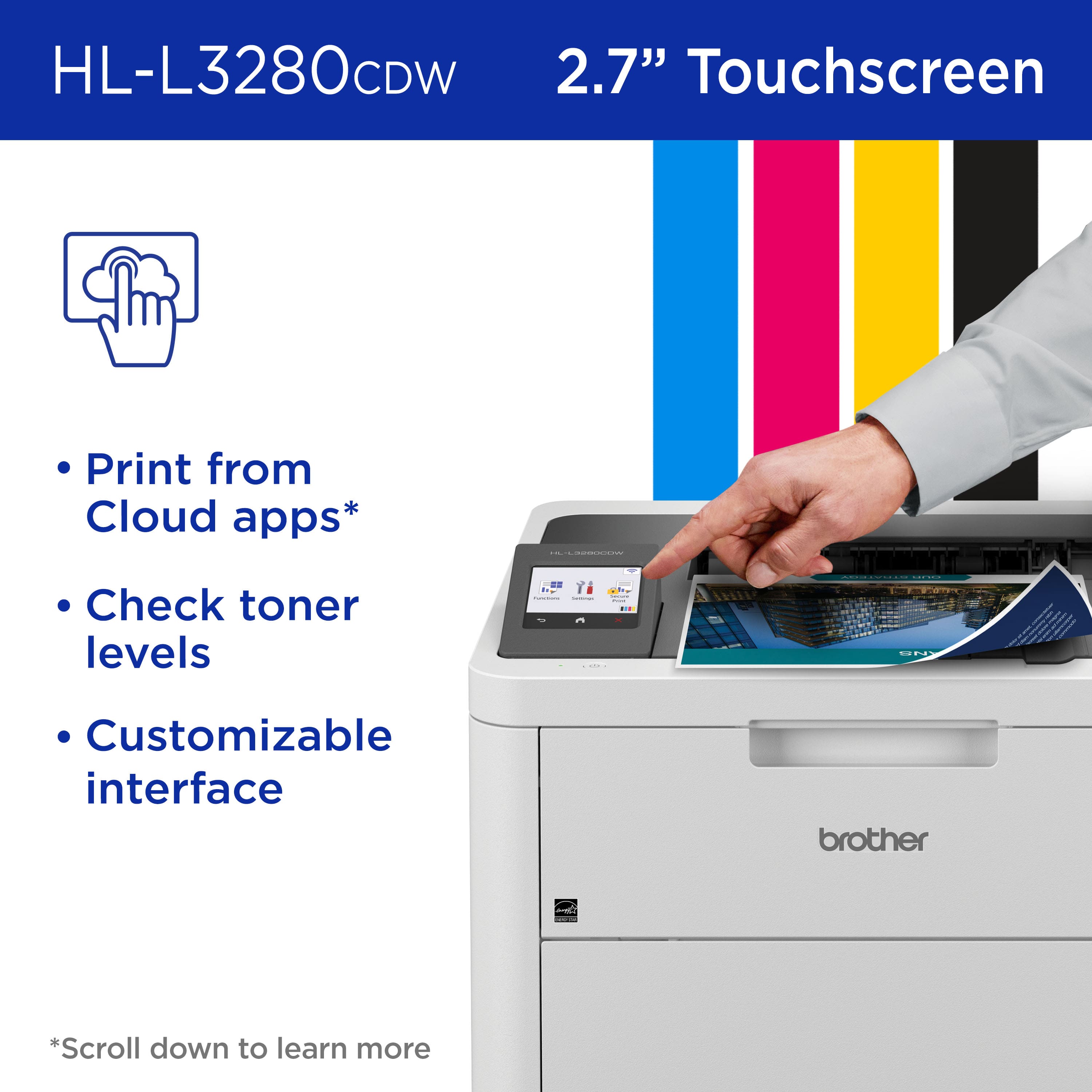
|Posted .This reviewer received promo considerations or sweepstakes entry for writing a review.The Brother HL-L3280CDW wireless printer has truly made a lasting impression on our family with its outstanding printing quality, effortless setup, and wireless functionality. Its compact design renders it perfect for home use, and its portability allows for easy transportation between different locations when necessary. Setting up the printer was a straightforward process, and the added convenience of wireless connectivity has been highly appreciated by my family. My kids seamlessly connected their iPads and phones for hassle-free printing of school assignments. Additionally, the printer effortlessly linked to my laptop and our home desktop, proving versatile for various printing needs, including work documents. A standout feature is the laser-focused functionality that optimizes efficiency. With impressive print speeds of up to 27 pages per minute, this printer is a true time-saver. The automatic duplex printing capability further enhances efficiency by effortlessly handling double-sided pages. This feature is particularly beneficial for those seeking to elevate the quality and efficiency of their document production. The print quality is exceptional, featuring sharp text and bold colors that make every document stand out. The printer excels in reproducing pictures with impressive accuracy, capturing details and maintaining color fidelity. The noticeable difference in quality, especially when compared to our previous inkjet printers, is truly commendable. The integration of a 2.7" touchscreen is a well-thought-out design choice, providing easy access to cloud-based apps such as Google Drive, Dropbox, and EverNote. This functionality aligns seamlessly with the needs of both businesses and entrepreneurs, allowing for seamless printing from various devices. The availability of the Refresh EZ Print subscription service adds an extra layer of convenience, guaranteeing that I never have to worry about running out of toner while enjoying significant savings of up to 50%. Overall, whether for home or work use, the Brother HL-L3280CDW printer is a solid recommendation due to its exceptional printing quality, user-friendly interface, and wireless capabilities that contribute to a seamless and efficient printing experience.
I would recommend this to a friendReplaces my 2 home printers!
|Posted .This reviewer received promo considerations or sweepstakes entry for writing a review.The Brother HL-L3280CDW Wireless Color Laser Is a compact wireless network printer designed for home of office use. It comes with toner cartridges that should print about 1000 pages. The black cartridges come in 2 sizes that print approximately1500 and 3000 pages respectively. The color cartridges are rated at about 1300 pages. Brother offers a Refresh subscription program that for a monthly fee automatically ships toner based on the number of pages per month that the subscription covers. The printer has an introductory offer of a 4-month trial subscription to the Refresh program. The Mobile Connect app is simple to use and guides you through setup. Setup was quick and easy for both my mobile devices and computers. The printer has a small touchscreen that lets you control basic functions right on the printer. The paper bin has a capacity of 250 sheets. The printer is rated to print 27 pages per minute in both color and black and white modes. There are several connectivity options, wired and wireless. The app enables remote and cloud-based printing. This is my first color laser printer. I really like the speed compared to my color inkjet printers. This printer really zips through real estate listing handouts from our multiple listing service. Color photos on plain paper are perfect in all sizes. While I understand that my photo paper was designed for ink jet printers, not laser, I had to try some full-page photo prints and found the results lacking. I can't wait to try this with the proper paper. The only minor negatives I have found are that at times the printer is very slow to wake up and become available and the manual paper feed often requires multiple attempts to feed. Overall, this printer is perfect for our home use and the increasing amount of real estate printing that I do from home. I have used this printer to replace a black and white laser printer and an all-in-one color inkjet printer/scanner which saves some desk space. I have and prefer my stand-alone scanner to the one attached to my ink-jet, so the loss of the built in scanner didn't matter. This has proven to be a great improvement to my home printing program and saves space too!
I would recommend this to a friendWorst printer
||Posted . Owned for 1 month when reviewed.This reviewer received promo considerations or sweepstakes entry for writing a review.Worst printer I have ever purchased I would not recommend
No, I would not recommend this to a friendBrand response from Brother
Posted .We would like to take this opportunity to thank you for your feedback. At Brother, customer satisfaction is something we take seriously. We would love to hear from you with more details to be able to better assist you. Our Brother Customer Support Team is available to assist you direct: www.brother-usa.com/brother-support
The Perfect Printer for Small Offices
|Posted .This reviewer received promo considerations or sweepstakes entry for writing a review.I've been using the Brother HL-L3280CDW wireless printer for a few weeks now, and I'm still amazed at how much it's improved my workflow. The print quality is top-notch. I've printed everything from simple documents to complex presentations, and the results have always been impressive. The colors are vibrant and the text is sharp. I'm especially impressed with the printer's ability to handle high-resolution images. The speed is also fantastic. I can print a multi-page document in seconds, which is a huge time-saver. The automatic duplex printing feature is also a big plus. It saves me a lot of time and paper, especially when I'm printing large documents. The Brother Mobile Connect App is another great feature. I can use the app to print from my phone or tablet from anywhere in the house. I can also use the app to scan documents and send them directly to my email or cloud storage account. This is incredibly convenient, especially when I'm working on the go. The HL-L3280CDW is also very easy to use. The control panel is intuitive and the touchscreen display is responsive. I was able to set up the printer and start printing within minutes of taking it out of the box. One of the things I appreciate most about the HL-L3280CDW is its versatility. It's perfect for both home and office use. It's small enough to fit on a desk, but it's powerful enough to handle heavy-duty printing tasks. Overall, I'm extremely impressed with the Brother HL-L3280CDW wireless printer. It's a reliable and high-quality printer that offers a variety of features that make it perfect for both home and office use.
I would recommend this to a friendBrother quality, as usual
|Posted .This reviewer received promo considerations or sweepstakes entry for writing a review.I only use Brother printers due to their overall reliability and quality. (Sorry Brother) - one of the major draws for Brother printers has always been the fact that the company doesn't put stupid chips in their toner cartridges, artificially locking out their customers who use 3rd party ink/toners or prefer to refill their printing media of choice. Print quality is exactly what you'd expect. Photos look sharp when paired with 8 mil glossy paper. Perhaps not as good as photo shop quality, but certainly 90% as good. Printing on good 32lb paper produces excellent prints with sharp edges and zero color bleed. This is my first color laser, so I don't have anything to compare it to, but I can't imagine going back to black and white printouts for everyday work. WiFi works the same as any other Brother printer - a *tiny* bit of setup (easy unless you're a complete luddite) and everything just works. Which brings me to my first "but." As of this writing, I haven't found any cheap 3rd party toner for this printer, which is rare for Brother. Perhaps the 229 toner that this printer requires is too new, but I'm on the fence about whether there will be some budget toner for this. I hope so because branded toner is $250 for a standard 4-pack (3 colors and 1 black). If some 3rd party toner comes out, I'll never print black and white again. For now, I'm keeping my previous Brother laser for the cheap toner and for the scan/copy.
I would recommend this to a friend