Customer Ratings & Reviews
- Model:
- MFCJ6960DW
- SKU:
- 12590734
to a friend
Customers are saying
Customers frequently mention the excellent print quality, reliability, and ease of setup. They also note that the noise level is not an issue. However, some customers have concerns regarding the size of the product.
This summary was generated by AI based on customer reviews.
- Pros mentioned:Print quality

INKvestment tanks are legit!
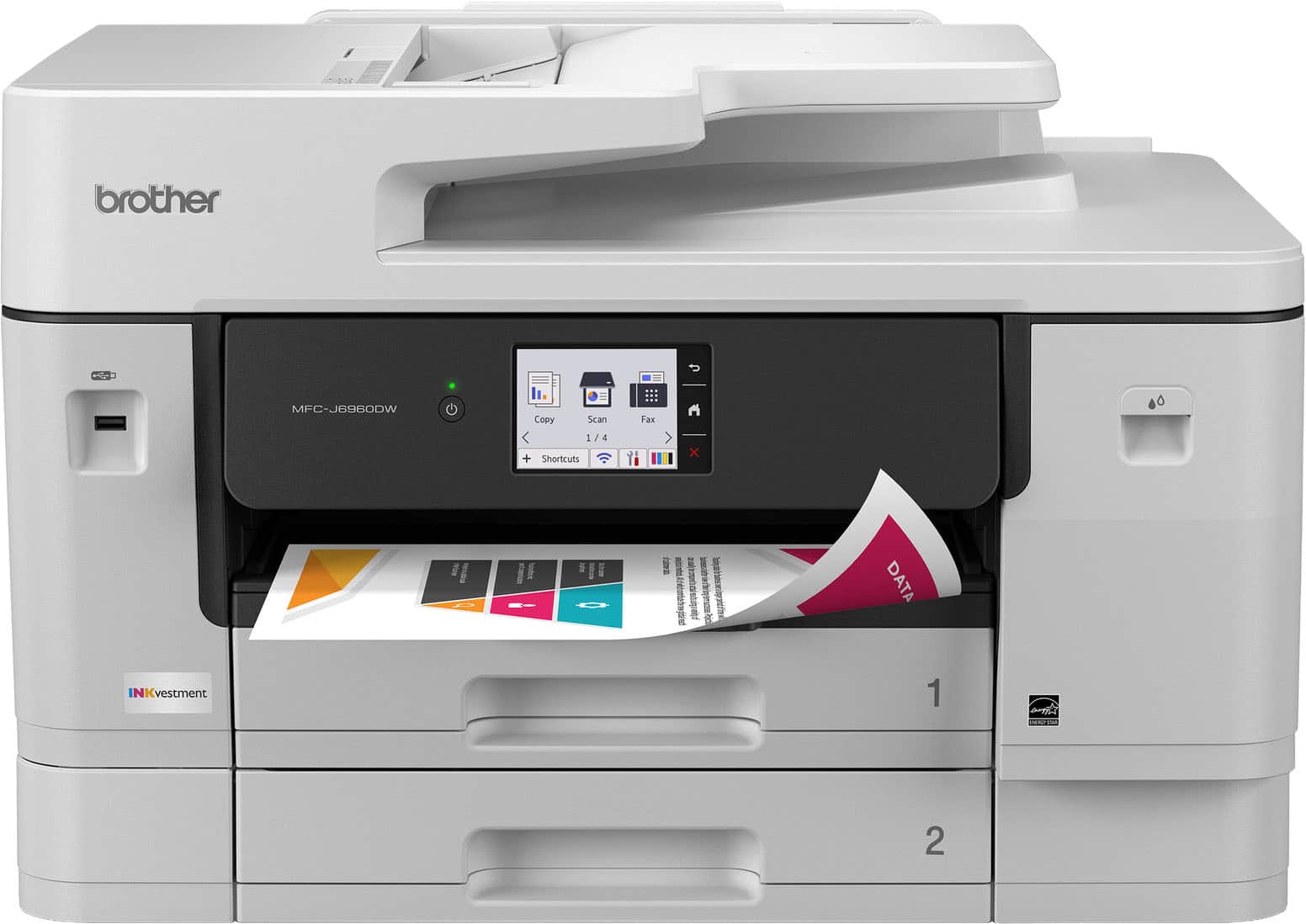
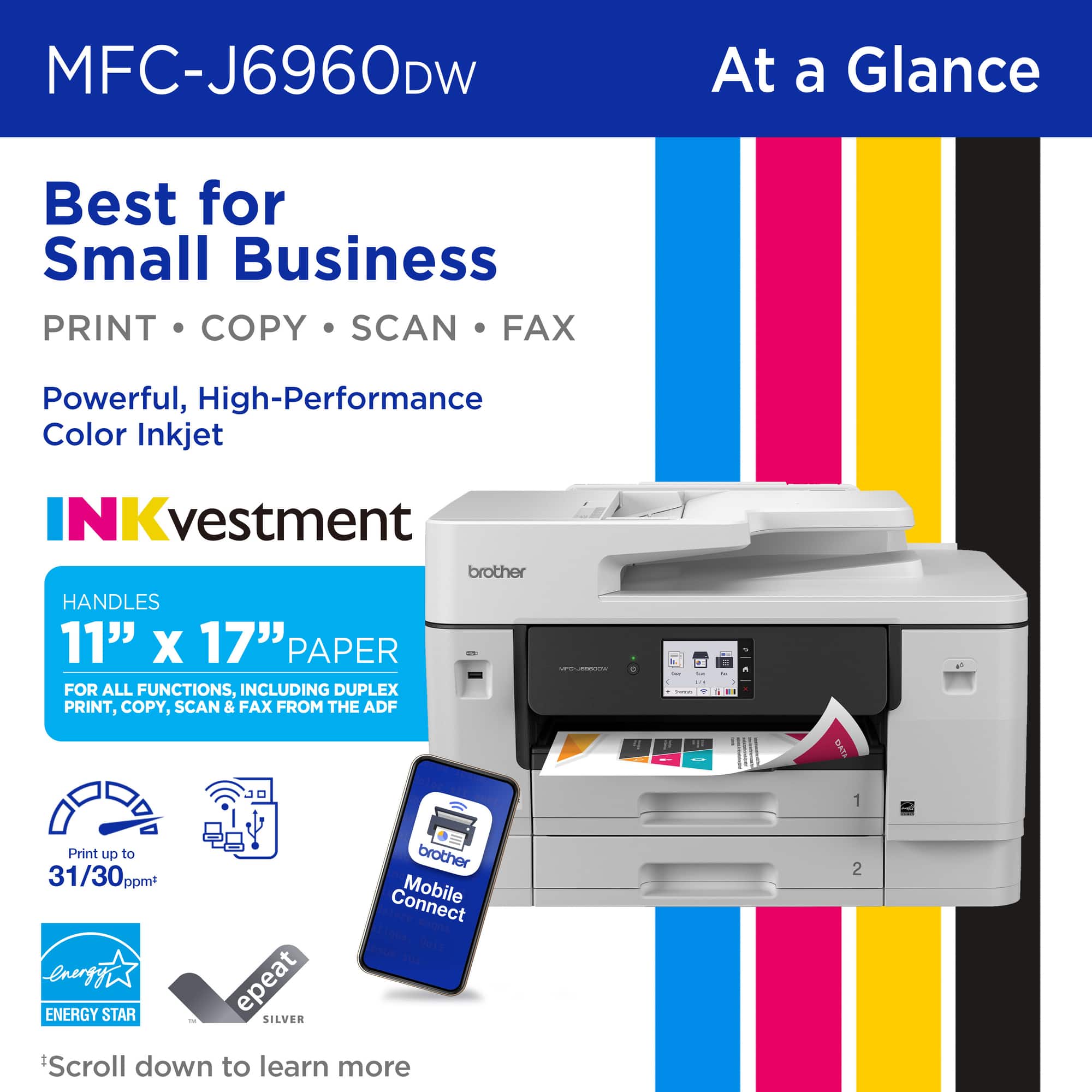
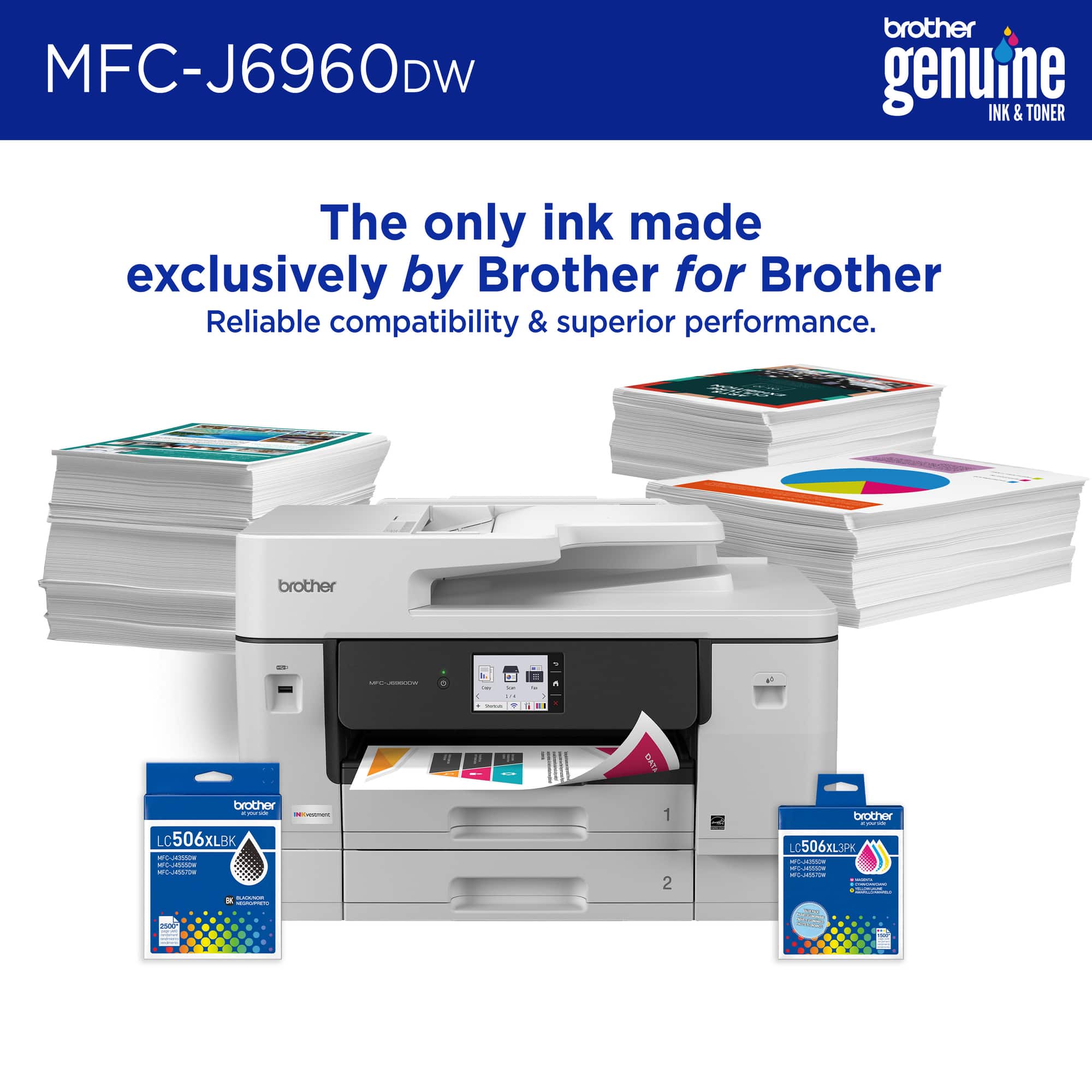
|Posted .This reviewer received promo considerations or sweepstakes entry for writing a review.I got the Brother INKvestment 6960 (MFCJ6960DW) mainly because I needed something that could handle serious color printing without draining my wallet every month — and it’s been solid. First off, the color printing is legit. The reds are deep, greens pop (which matters for what I print), and gradients don’t band or streak like cheaper inkjets. When I print sticker sheets or 11x17 layouts, the detail stays crisp. It doesn’t muddy dark areas, and blacks actually look black — not that faded charcoal gray some printers give you. For regular documents, it’s fast. For color-heavy prints, it’s surprisingly consistent. I’ve run full-page color sheets back-to-back and it doesn’t start fading halfway through like older models I’ve owned. Lines stay sharp, text stays clean, and the alignment is on point. Now the big thing: INKvestment tanks. This is honestly why I’d get it again. The cartridges last way longer than standard ink carts. I’m not constantly getting that “low ink” message after printing 40 pages. The cost per page is noticeably better, especially if you print color often. It feels more like a refill system without actually being a messy refill system. Snap in, go. Simple. The dual paper trays are great too. I keep standard paper in one and heavier stock in the other so I’m not swapping paper every time I change projects. And the 11x17 capability? That alone makes it worth it if you do layouts, posters, or larger designs. Overall, this printer feels built for someone who actually prints — not just the occasional return label. Strong color performance, clean output, and ink that doesn’t disappear overnight. If you print a lot of color and want something reliable without jumping into commercial-level pricing, this thing delivers.
I would recommend this to a friend - Pros mentioned:Print quality
Bother inkvestment printer
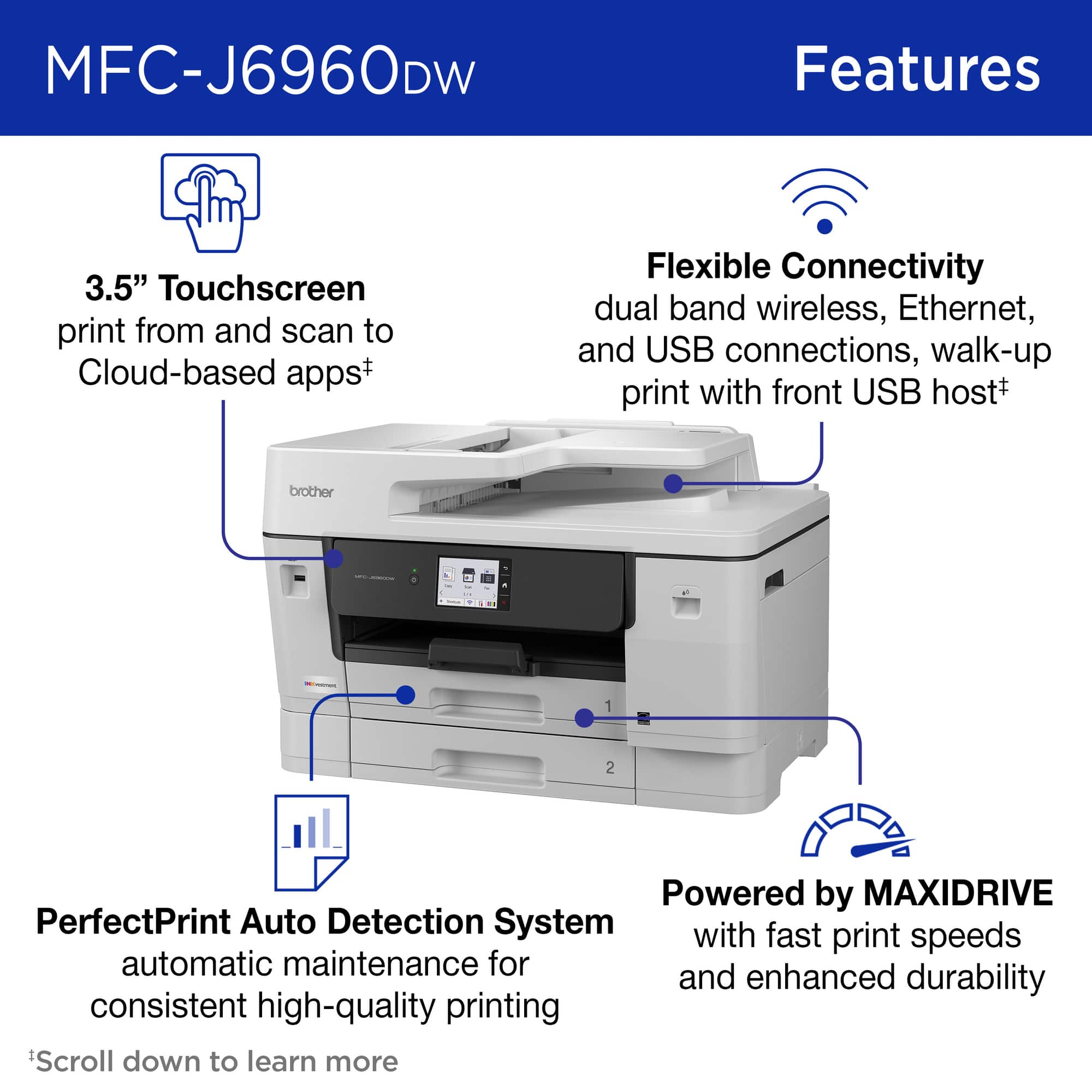
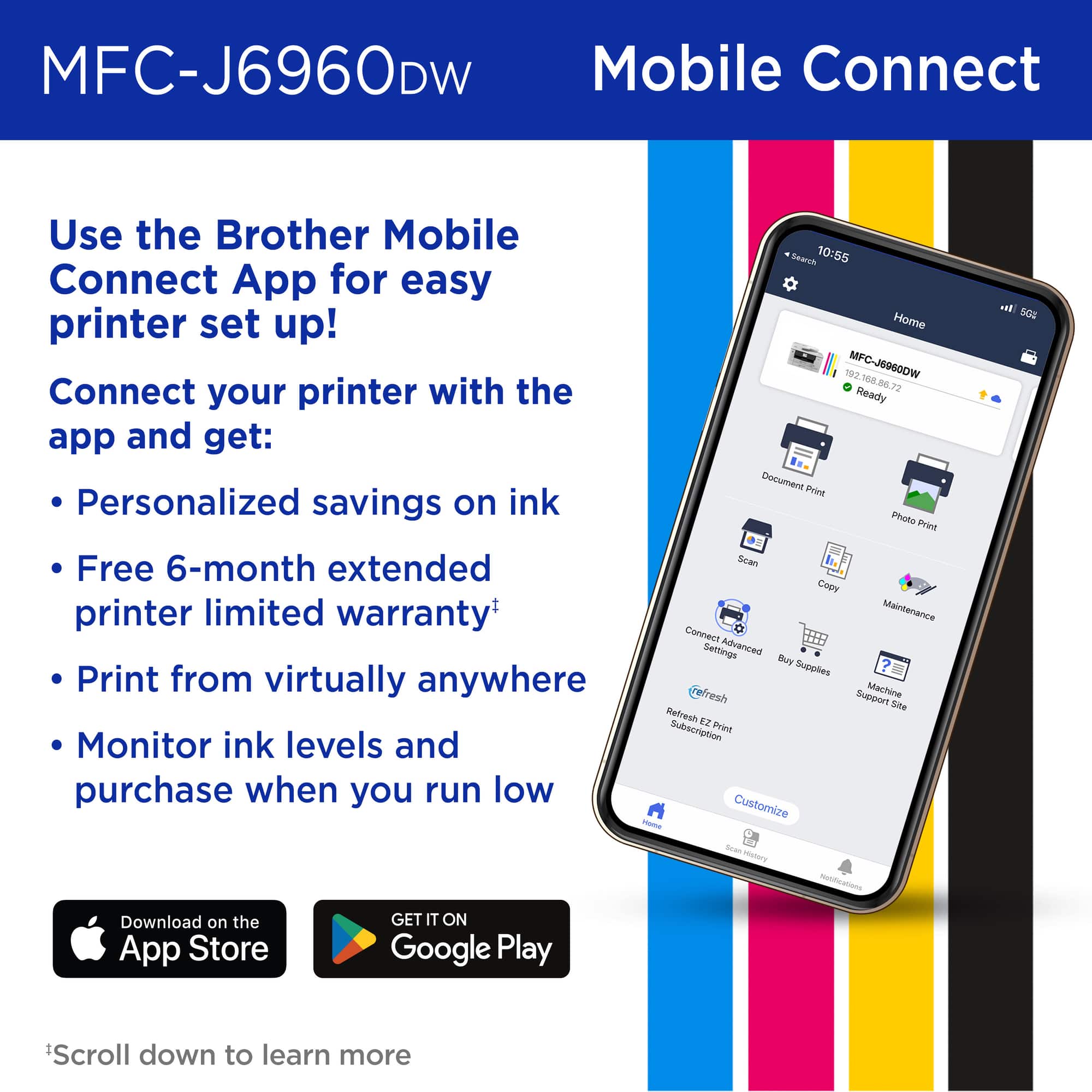
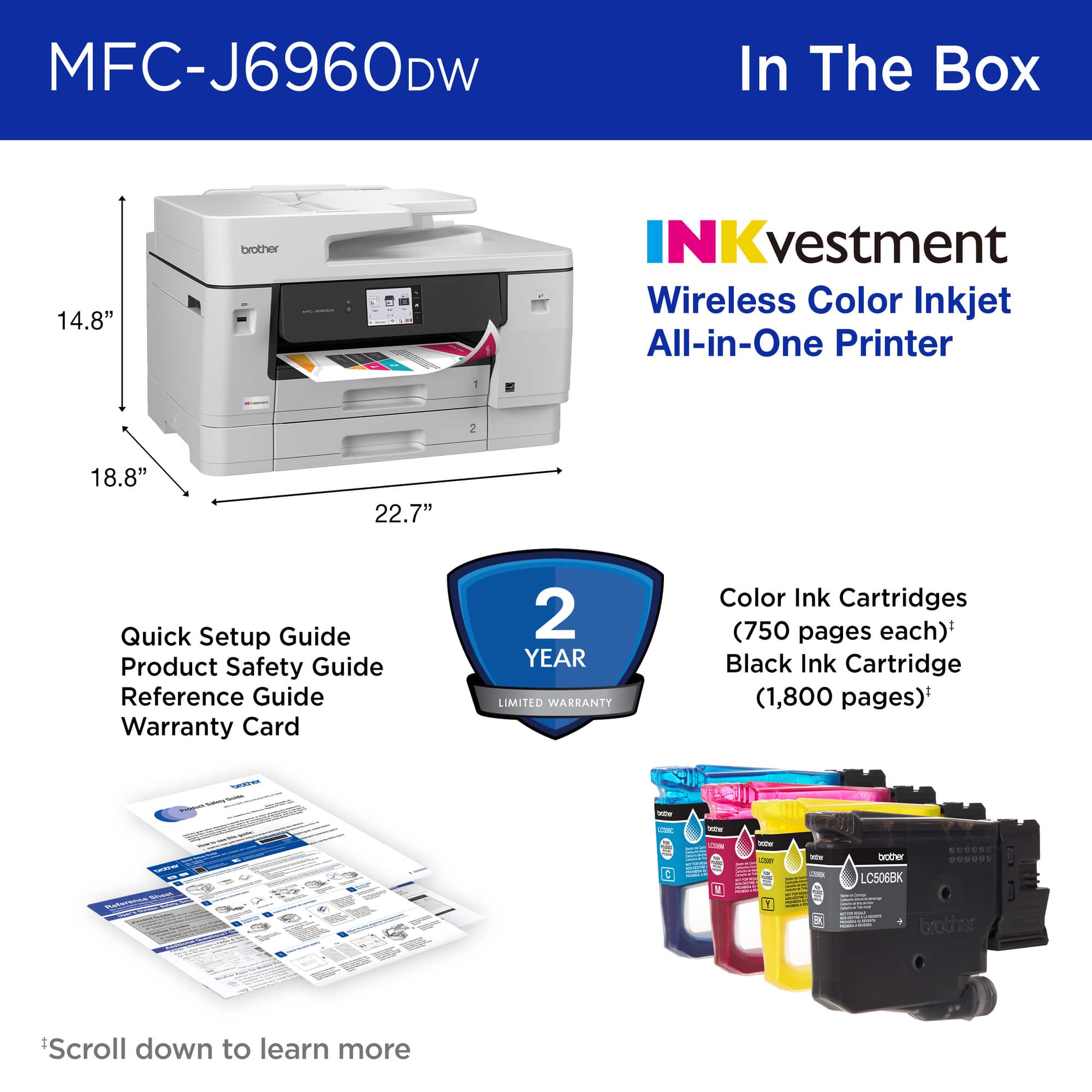
|Posted .This reviewer received promo considerations or sweepstakes entry for writing a review.When UPS brought the box to my door, I was shocked by the box size! Could the printer truly be that big? Why YES, yes it is! I'm not sure what I expected with a printer that can handle 11x17 inch paper. I literally unpacked it in my living room. I'm glad it came in plastic wrap with handles that helped remove it from the box with a little more ease than I expected. Used the plastic to drag it down the hallway and into the office and with the hand holds at the bottom, I was able to lift into place. It was a bit lighter than I really expected. It is lighter than the color laser printer in my shop. I got it plugged in, turned on and followed on screen prompts to get ink installed and printer set up on my phone. I like the mobile app dashboard and ease of use. I also attempted to install on my laptop. I followed the directions to go to the website and download the executable. When trying to run the program, it kept telling me that there was no network connection. Uhh sure there was. I went to the website and downloaded the file. I tried numerous times and finally decided to come back to that later. All prints from my phone looked fantastic and printed very quickly. I came back to the pc installation the next day and that time it went very smoothly. At the time of writing this, there is a firmware upgrade. I have already forgotten the printer password I created, so I will have to do a factory reset to finish that upgrade but it's something I'll revisit in a few days. I think this printer is a great addition to my small business and allow me to create larger prints and posters for my marketing. I'm also looking forward to saving money in ink. I highly recommend this printer.
I would recommend this to a friend - Pros mentioned:Print quality
Speedy printer with great paper handling
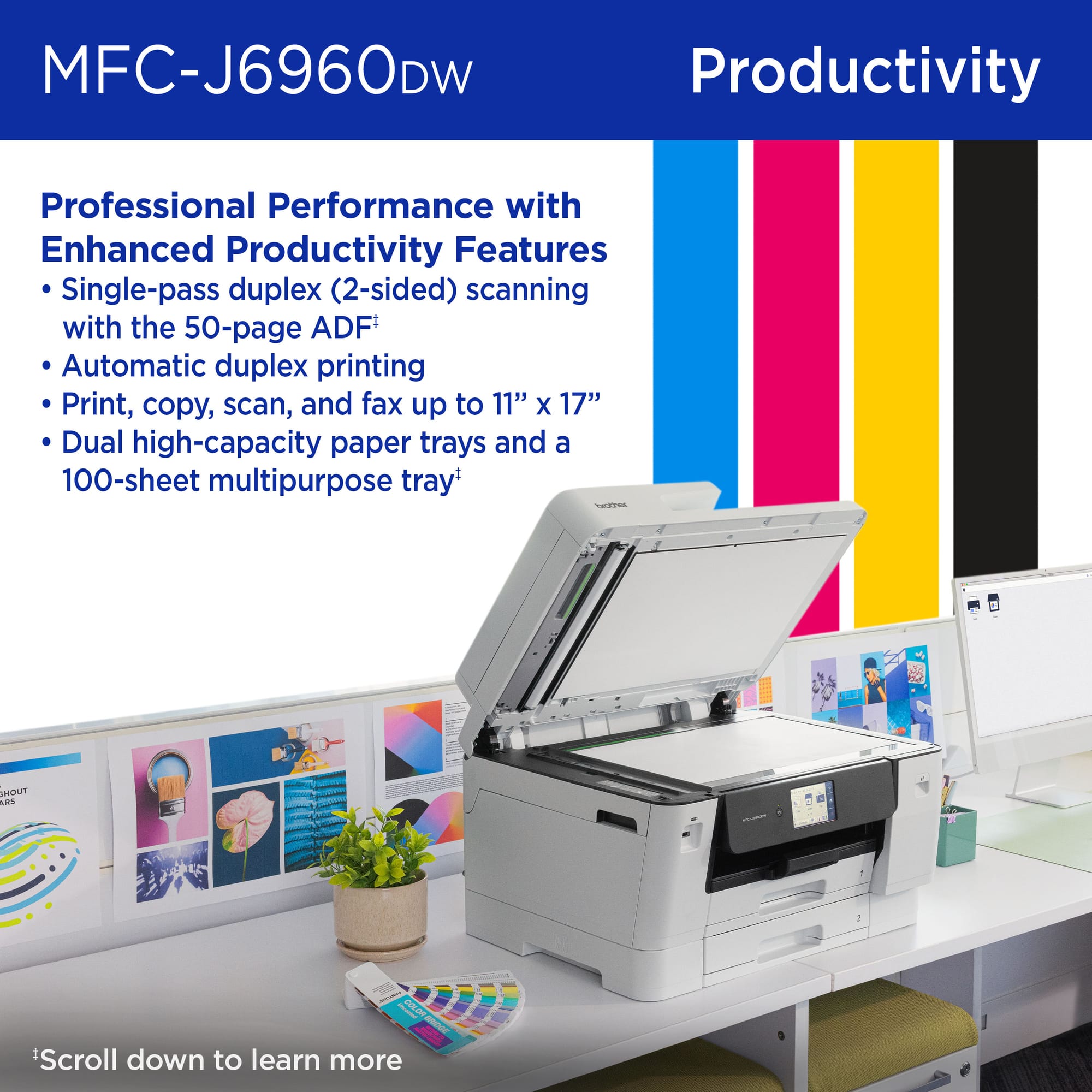
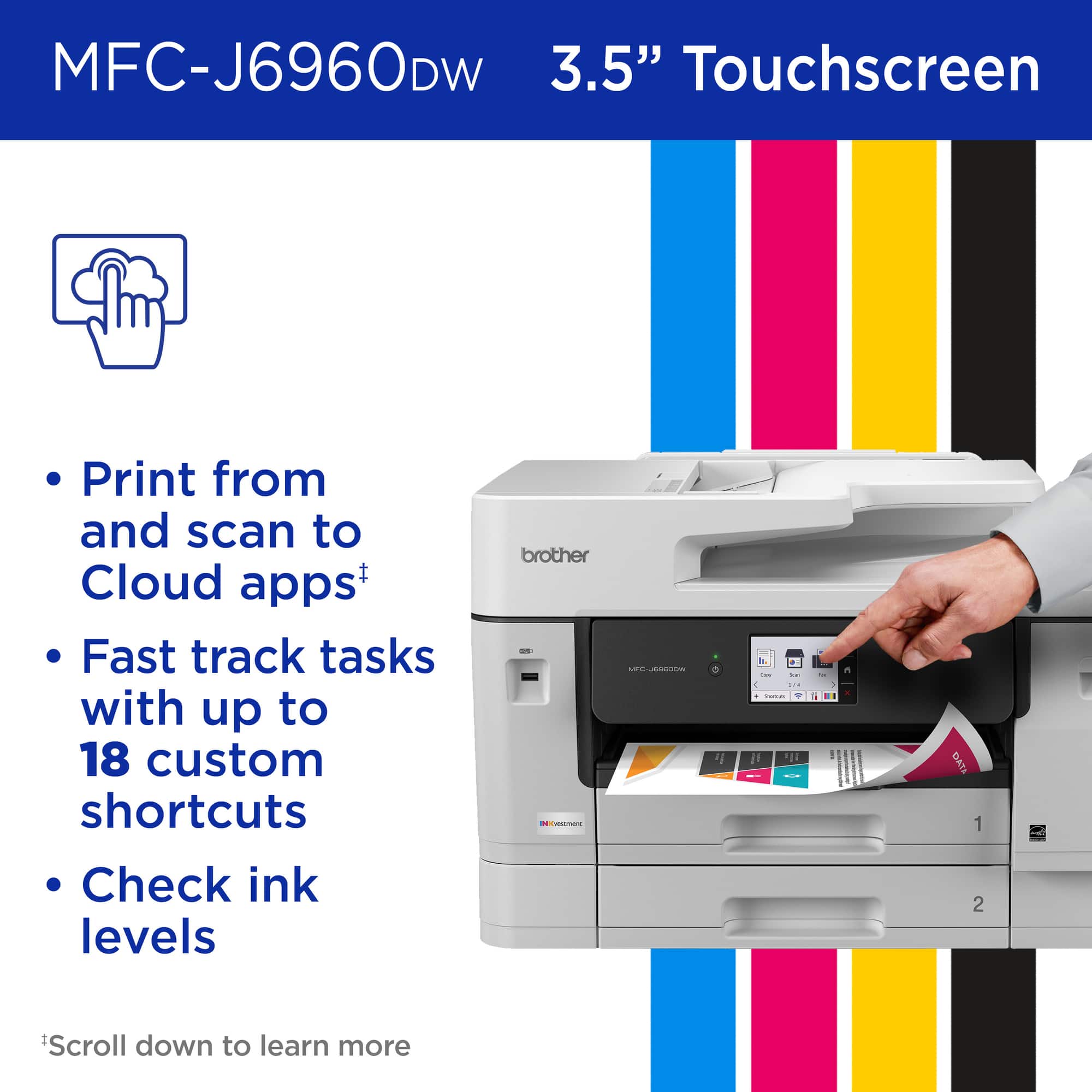
|Posted .This reviewer received promo considerations or sweepstakes entry for writing a review.Unpacking... The printer is packed well with a nice handle built into the plastic bag the machine is packed in. All of the essentials are there and the machine comes with full XL cartridges instead of "starter" ones. Setup... Setup was pretty straightforward at first, but I quickly ran into problems. There is a QR code on the machine to install with a smartphone, but the link says there is no model like this available. Maybe it was just too soon after release and the Brother website didn't have a driver. I even went to the Brother support website myself and searched for drivers with no search results available. I did a manual connection to my network and it connected very easy, aided by the touchscreen and decent size onscreen buttons. Once it was available on my network, my smartphone could print fine. Once I fired up my laptop, Windows installed a driver for it but then said an app was available. That took me to a generic Brother website that stated that a driver should be installed to get full capability from the printer but didn't have any links to a driver. I have dealt with many printers over the years and was not surprised by the whole situation. Even with just the Windows driver, things printed fine and I was able to use all of the trays. I have the full Brother driver set for a laser installed on my laptop, so I opened the Brother Utilities application and it indicated that I could install a driver from there. When I clicked on that, it brought me right to a regular Brother webpage that had Windows 11 drivers for this exact model. Once they were installed, everything looked great and runs just fine. Paper handling... This machine has two regular paper trays that can extend out to take ledger size paper and a rear top multipurpose slot that handles that size as well. This MP slot is the reason for my interest in this printer, as I use some thicker paper that does not feed well from regular trays. I ran some very thick photo paper and it pulled it very well and printed some nice photos that dried as soon as they came out. I had a very old Brother large format printer and this one reminded me of how fast the prints come out with landscape printing. It is advertised at 31 ppm and I would imagine it is every bit that fast! Ink usage... I should have looked a bit closer, I had been researching several Brother printers and didn't remember that this one takes old-style cartridges instead of ink tanks as most of the ones I had looked at. I'm not even sure why companies sell these style any longer as the tanks make it much better for customers as well as being much better for recycling. While these cartridges are very large, they are rated for about 700 pages per color and about 1000 for the black. Because of the high cost of replacement, this will definitely cut into what I print with this machine. I took one star off for the driver challenges, which might be a bigger problem for someone not accustomed to the trials of printer installation and wrangling drivers. Overall, the printer is impressive with its paper handling and speed. For a small office or home business that needs large format prints, this will probably be cheaper than outsourcing over time. For me (a teacher) I will be using my Epson Eco-tank printer (that has been faithful for several years now) for most color prints and save the Brother for large format posters and other projects that need it.
I would recommend this to a friend