Customer Ratings & Reviews
- Model:
- MFCJ4335DW
- SKU:
- 10115888
Rating by feature
- Value
Rating 4.4 out of 5 stars
- Quality
Rating 4.4 out of 5 stars
- Ease of Use
Rating 4.3 out of 5 stars
to a friend
wasting my valuable papers doesn't print both side
||Posted . Owned for 2 months when reviewed.This reviewer received promo considerations or sweepstakes entry for writing a review.at first it was okay but for some reason I couldn't print both side of paper. eventhough I checked everywhere to ensure that it is printed both side. it still doesn't print both sides at all. So I checked the returnable date. it is today. I am too late to return this crap printer because it is wasting my paper.
No, I would not recommend this to a friendBrand response from Brother
Posted .We understand you're experiencing issues printing on both sides of the paper with your Brother MFCJ4335DW machine. We'd like to help. Below is a FAQ that may help you with this issue:
https://help.brother-usa.com/app/answers/detail/a_id/178485
If you continue to have issues, our Brother Customer Support Team is available to assist you direct: www.brother-usa.com/brother-support
Bad Software
||Posted . Owned for 4 months when reviewed.This reviewer received promo considerations or sweepstakes entry for writing a review.5 months old and hardly used and it keeps having software errors. I'm tired of uninstalling and reinstalling the program. Save your money and go elsewhere. I usually buy HP and decided to give this a try. A total waste of money. the set up page looks so windows 98. Don't do it. I never complain about products but this is ridiculous.
No, I would not recommend this to a friendBrand response from Brother
Posted .We are sorry to hear that your Brother MFCJ4335DW machine is not working properly. We know this is frustrating. We would love to hear from you with details to be able to get your machine up and running again. If you continue to have issues, our Brother Customer Support Team is available to assist you direct: www.brother-usa.com/brother-support
Good printer, not so much for photos.
||Posted . Owned for 2 months when reviewed.This reviewer received promo considerations or sweepstakes entry for writing a review.So far so good no complains, a little pricey but hopefully last printer ever bought. Photo quality could be better
I would recommend this to a friendPoor printing
||Posted . Owned for 1 year when reviewed.This reviewer received promo considerations or sweepstakes entry for writing a review.This is only about a year and a half old and has never worked very well. The printer gets light use Printed pages are useless at this point even with new cartridges and us cleaning the heads numerous times.
No, I would not recommend this to a friendBrand response from Brother
Posted .We understand you're experiencing printing issues with your Brother MFCJ4335DW machine despite performing multiple printhead cleanings. We'd like to help. Please contact our Customer Service department and we will work with you to resolve this issue. Brother Customer Support Team is available to assist you direct: www.brother-usa.com/brother-support
Maybe I Got A Lemon
||Posted . Owned for 11 months when reviewed.This reviewer received promo considerations or sweepstakes entry for writing a review.My Brother All-In-one began by functioning properly until I realized I was unable to use the feeder to scan. Later it kept dropping off of wifi (no other wifi issues w/laptops , etc). Maybe I got a lemon. Hard to know
No, I would not recommend this to a friendBrand response from Brother
Posted .We would like to take this opportunity to thank you for your feedback. At Brother, customer satisfaction is something we take seriously. We would love to hear from you with more details to be able to better assist you. Our Brother Customer Support Team is available to assist you direct: www.brother-usa.com/brother-support

Nice printer, compact size, lots of ink
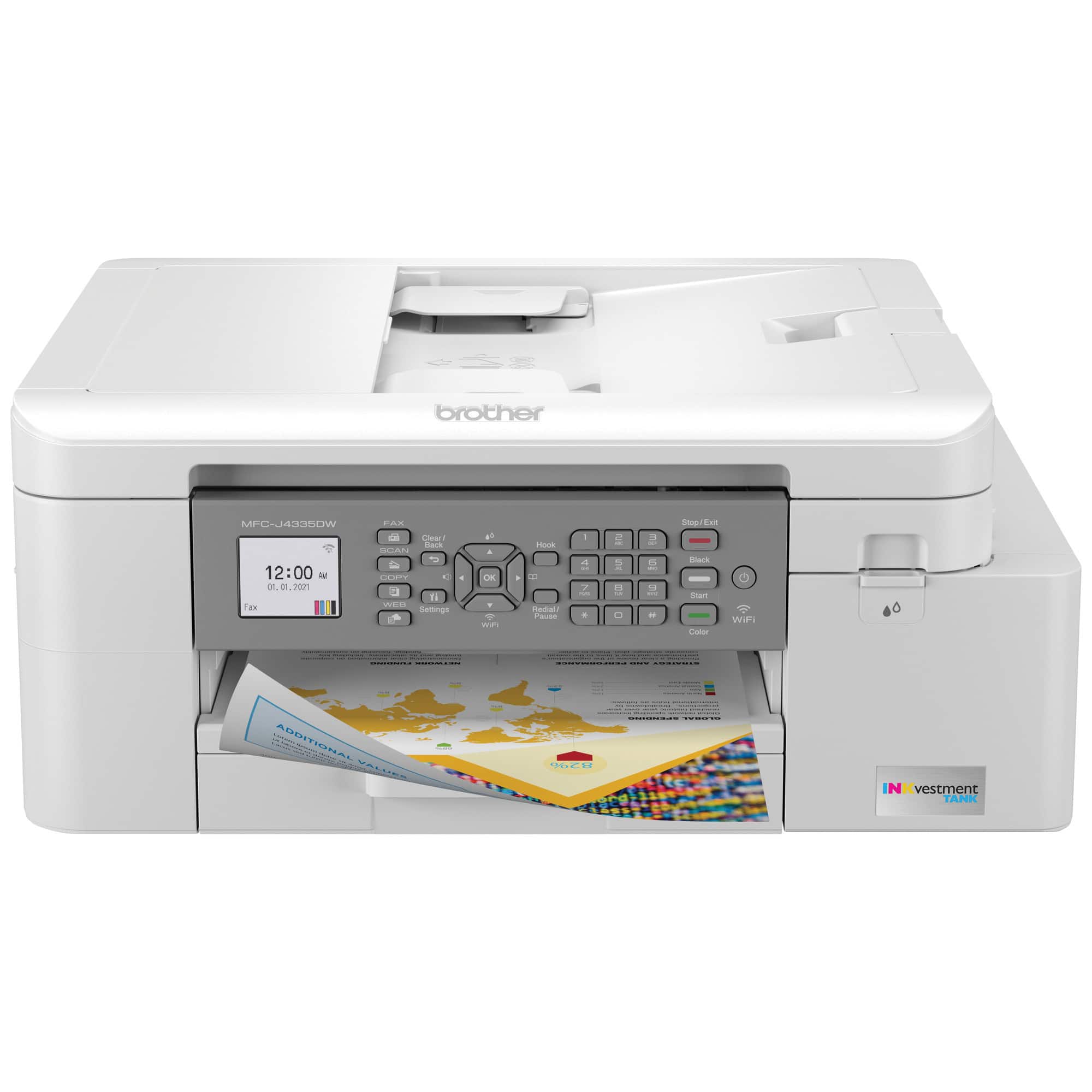
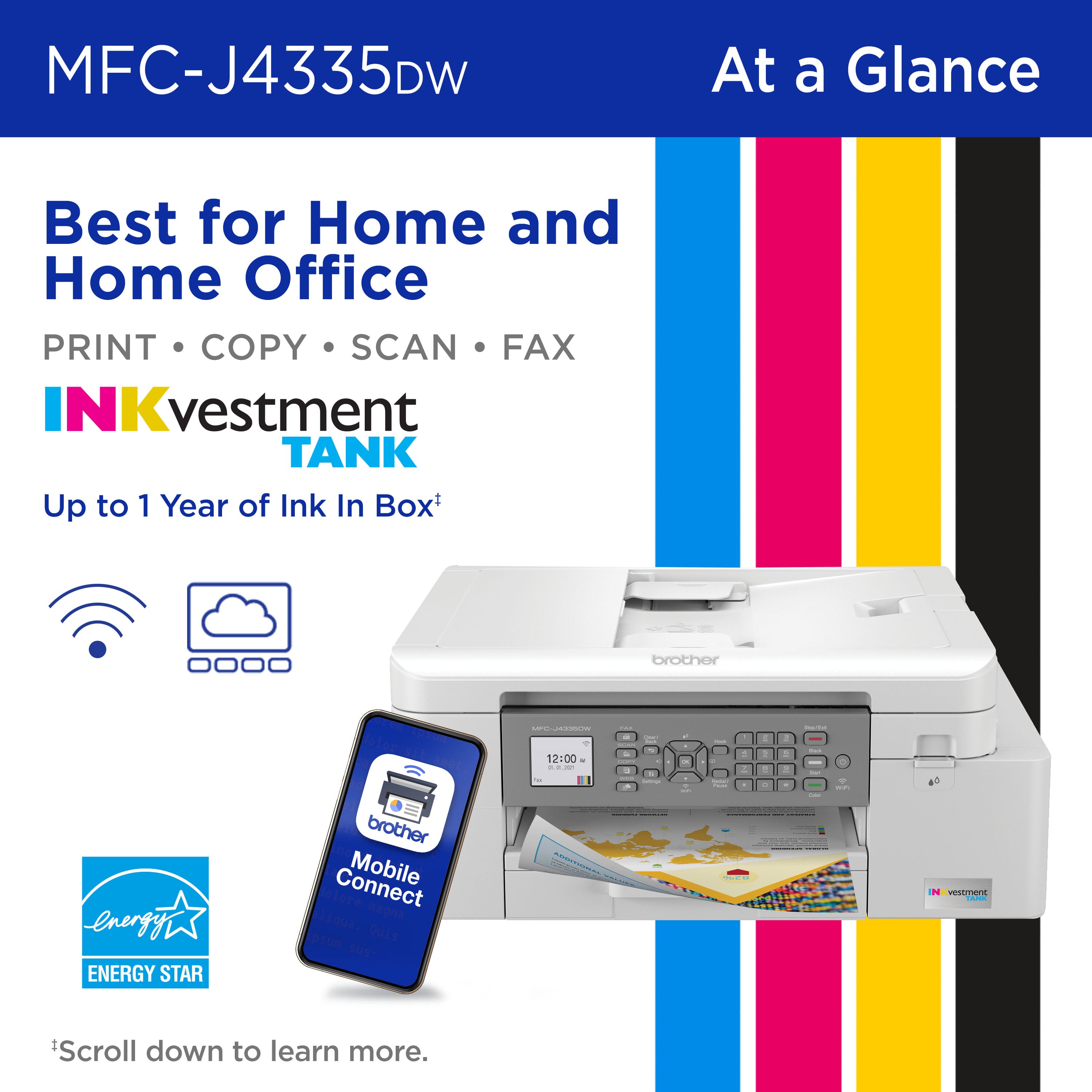
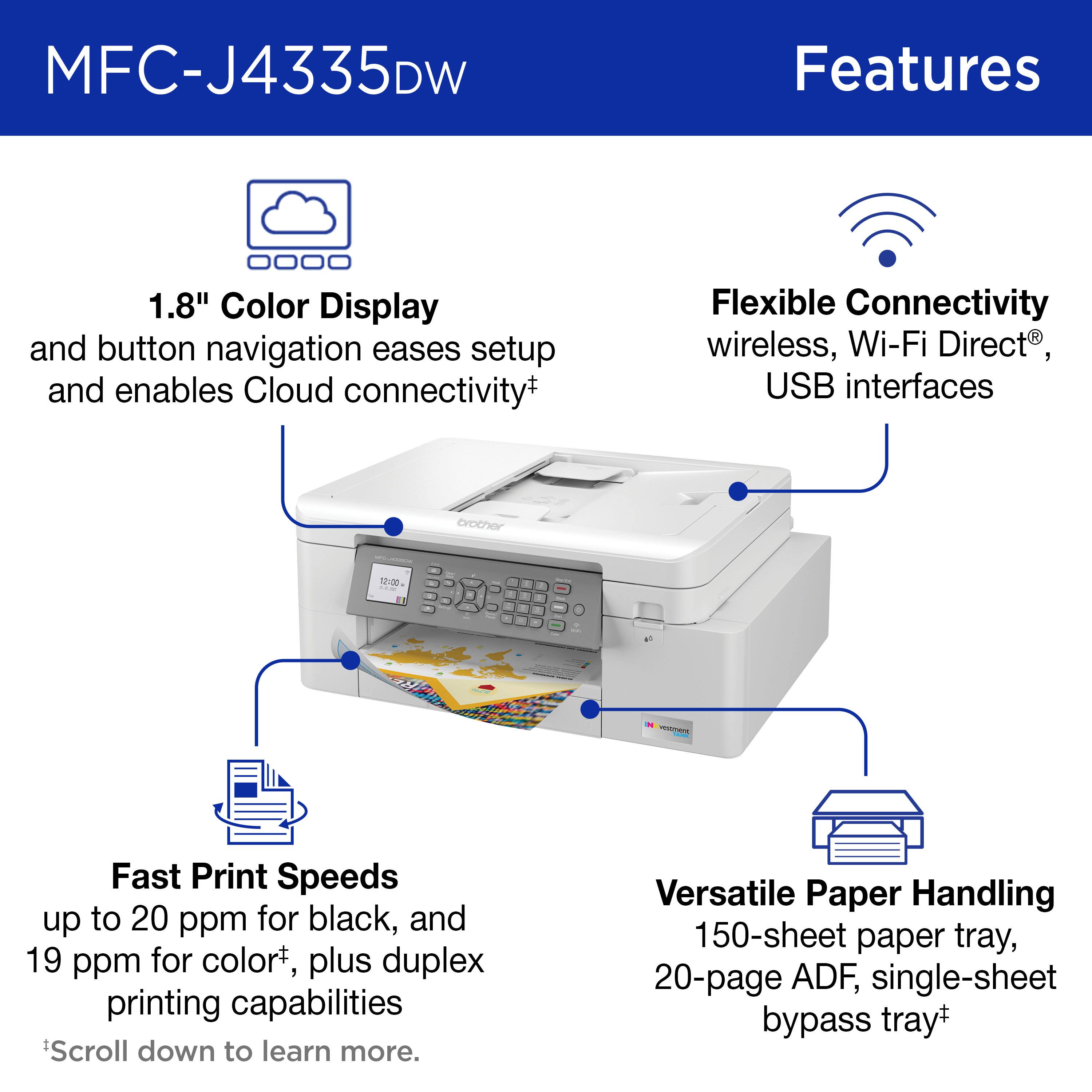
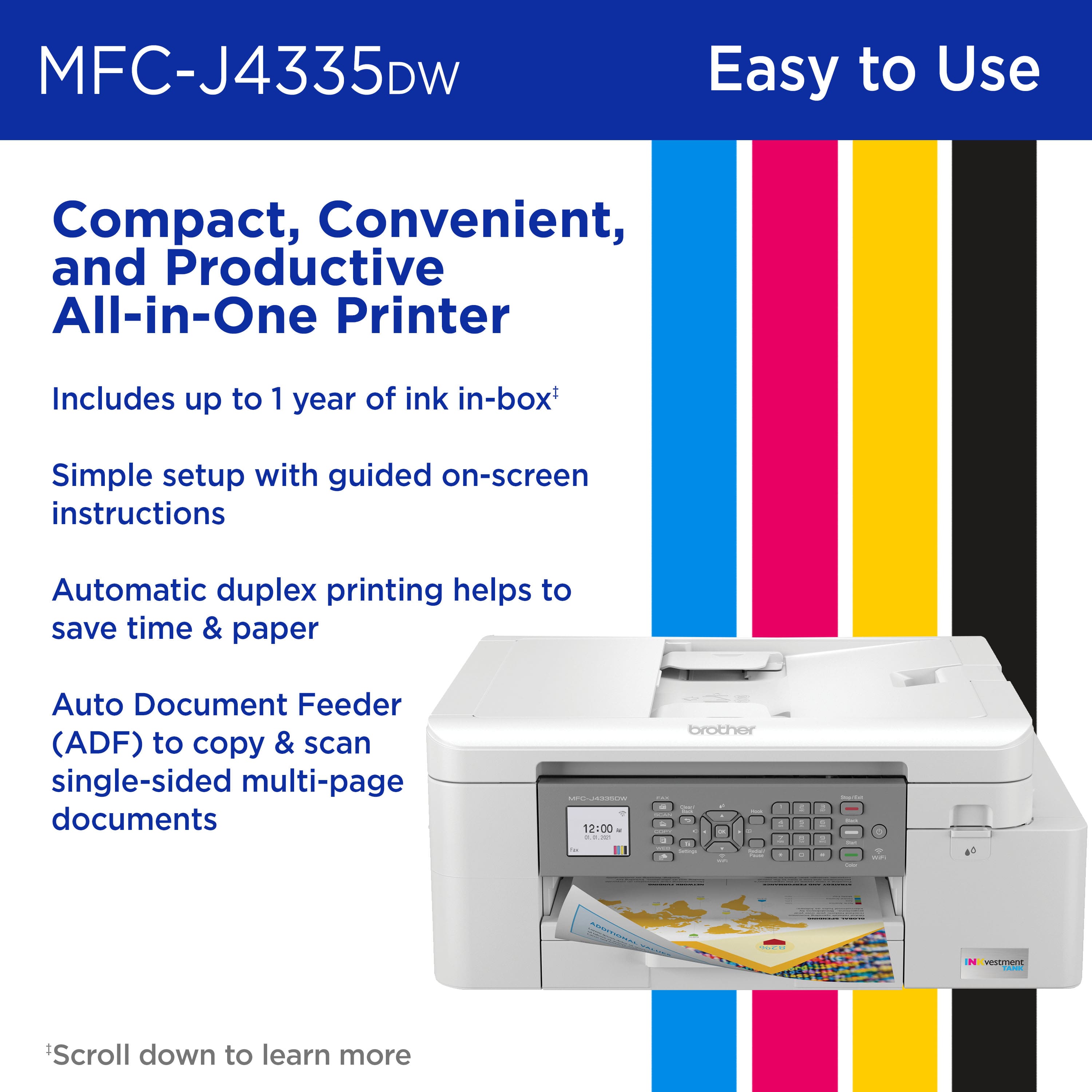
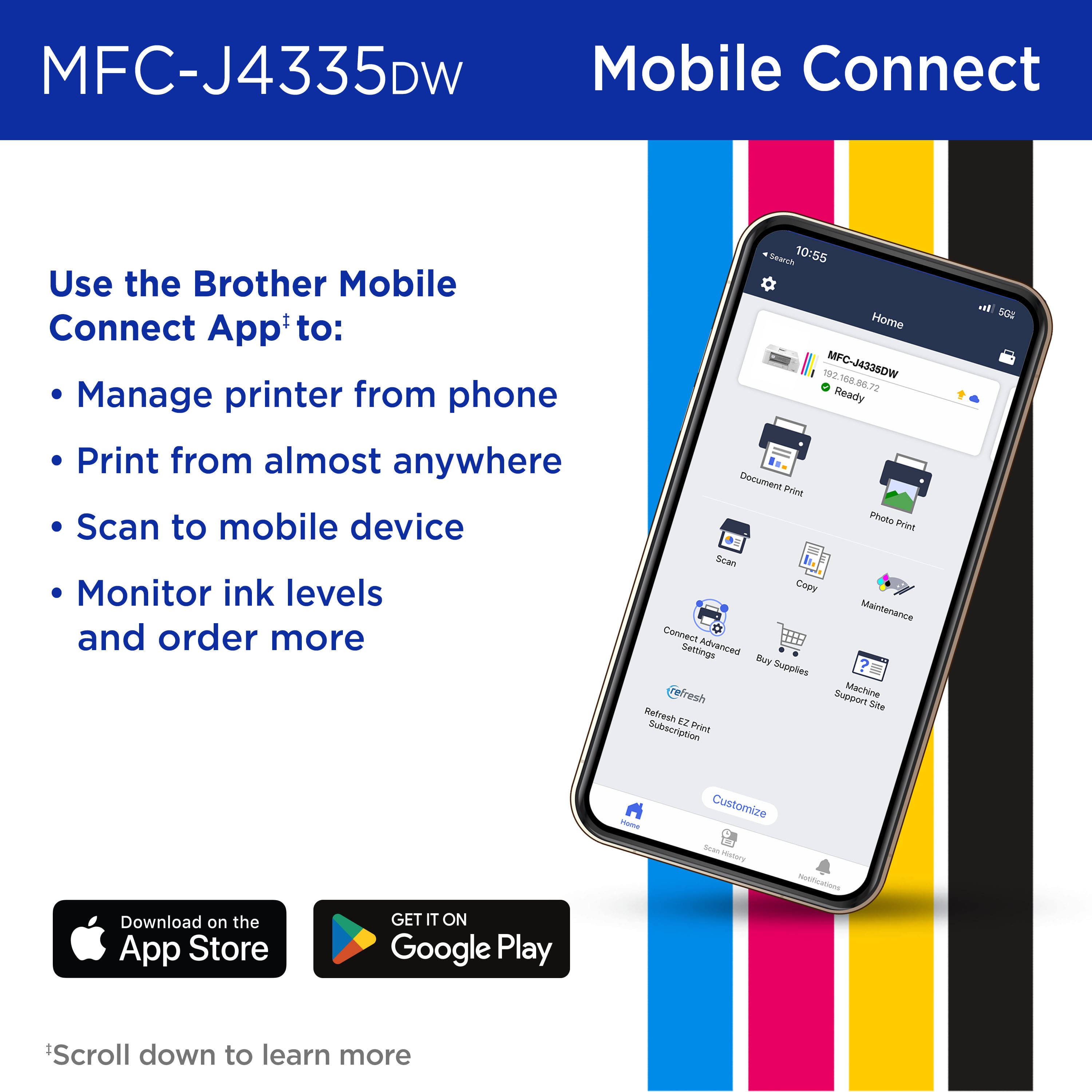
|Posted .This reviewer received promo considerations or sweepstakes entry for writing a review.This is a really nice printer, with crisp text, good images, a perfect size for the home office, and lots and lots of ink in the tank. Starting with setup, the unit is pretty simple to setup using the phone app. The only real glitch was that the instructions said to push the WiFi button to connect to the network and showed a button - except there is no WiFi button on this model. I finally figured out that the down arrow button would work. Beyond this, connecting to the network was seamless and simple. Once set up, text is sharp and images are quite good for a four color printer. The FAX, copy, and print functions all work as expected. The ink reserve on this appears to be quite impressive, with a claimed one year supply at 125 pages per month. This means the ink will likely last me even longer than a year. Brother also offers a subscription service for automatic ink refills. The printer will monitor the status of the cartridges, order, and ship replacements, so you never have to worry about running out of ink at an inconvenient time - and really, isn't that when we always run out of ink? There are a lot of nice extras on this model, including a quiet mode and timeout for shutdown to save energy. What I really appreciate, though, is the size of this unit. It's large enough to take plenty of paper and ink, but small enough to fit right into a home office environment. An excellent printer at a reasonable price.
I would recommend this to a friendNice printer
||Posted . Owned for 2 weeks when reviewed.This reviewer received promo considerations or sweepstakes entry for writing a review.Brother makes great printers. This was easy to set up and works great so far. Printing, scanning, wifi connection were all fantastic. Highly recommend for home office.
I would recommend this to a friendPrinter.
||Posted .This reviewer received promo considerations or sweepstakes entry for writing a review.Easy to set up. good product for the money spent. No issues yet.
No, I would not recommend this to a friendDO NOT BUY
||Posted . Owned for 1.5 years when reviewed.This reviewer received promo considerations or sweepstakes entry for writing a review.!!! Never works It never corrects once in a while.It will print, and then it doesn't.It's a piece of junk Do not buy do not buy.Do not buy, don't waste your money
No, I would not recommend this to a friendBrand response from Brother
Posted .Thanks for taking the time to review your experience with the Brother MFCJ4335DW. We appreciate your feedback. I’m sorry to hear that you are having connectivity issues with the Brother MFCJ4335DW. I sincerely apologize for any inconvenience this issue may have caused you. We’d like an opportunity to help. Please contact us directly at:
https://www.brother-usa.com/support/MFCJ4335DW
Goes Offline
||Posted . Owned for 5 months when reviewed.This reviewer received promo considerations or sweepstakes entry for writing a review.Issue with he going offline on its own, preventing printing.
No, I would not recommend this to a friendNot a good home printer
||Posted . Owned for 1.5 years when reviewed.This reviewer received promo considerations or sweepstakes entry for writing a review.Horrible printer. Not matter how much adjust the print quality, it skips and the lines are wavy. Still uses cartridges that are just bigger.
No, I would not recommend this to a friendBrand response from Brother
Posted .Thanks for taking the time to review your experience with the Brother MFCJ4335DW. We appreciate your feedback. I’m sorry to hear that you are having print quality issues with the Brother MFCJ4335DW. I apologize for any inconvenience this issue may have caused you. We can help with that. I have included a link to the FAQ answer that should assist you. Please follow all the steps listed in the following link:
Answer Link: https://help.brother-usa.com/AgentWeb/api/contextmanager/v.32410250004/workspaceContext/workspace/processedPrint/Answer/182110
Answer Link: https://help.brother-usa.com/AgentWeb/api/contextmanager/v.32410250004/workspaceContext/workspace/processedPrint/Answer/174203
If you still have difficulties please contact Brother Customer Service at:
https://www.brother-usa.com/support/MFCJ4335DW
Poor quality printer.
||Posted . Owned for 1 month when reviewed.This reviewer received promo considerations or sweepstakes entry for writing a review.I never could get the printer to work. The Geek Squad could not get it to work either.
No, I would not recommend this to a friendBeautiful, attractive, but poorly designed.
||Posted . Owned for 1 month when reviewed.This reviewer received promo considerations or sweepstakes entry for writing a review.Don't buy! It Jams constantly. we tried everything. The Brother agent told us to send it back as soon as we got started. These 5-star reviews are either bought or posted without even trying it. Any printer should be kept at least a month before posting a review.
No, I would not recommend this to a friendBroke down right away
||Posted . Owned for 2 months when reviewed.This reviewer received promo considerations or sweepstakes entry for writing a review.Had it a little over a month and it broke down already. Waiting for them to send another one
No, I would not recommend this to a friendBrand response from Brother
Posted .We are sorry to hear that you had issues with your Brother MFCJ4335DW machine. Once you receive the replacement machine, please feel free to contact us if you encounter any issue. Our Brother Customer Support Team is on stand-by to provide quality products and service to our customers via online, email or live chat: www.brother-usa.com/brother-support
Terrible quality printer
||Posted . Owned for more than 2 years when reviewed.This reviewer received promo considerations or sweepstakes entry for writing a review.Terrible. Even after cleaning the heads three times it can’t print Amazon return labels. Barcode is always messed up.
No, I would not recommend this to a friendBrand response from Brother
Posted .We would like to take this opportunity to thank you for your feedback. At Brother, customer satisfaction is something we take seriously. We would love to hear from you with more details to be able to better assist you. Our Brother Customer Support Team is available to assist you direct: www.brother-usa.com/brother-support
Not good for me.
||Posted . Owned for 1 month when reviewed.This reviewer received promo considerations or sweepstakes entry for writing a review.Worked once. Jammed twice. Bought top loader. Better for me.
No, I would not recommend this to a friendSpeedy Brother MFC-J4335DW Printer
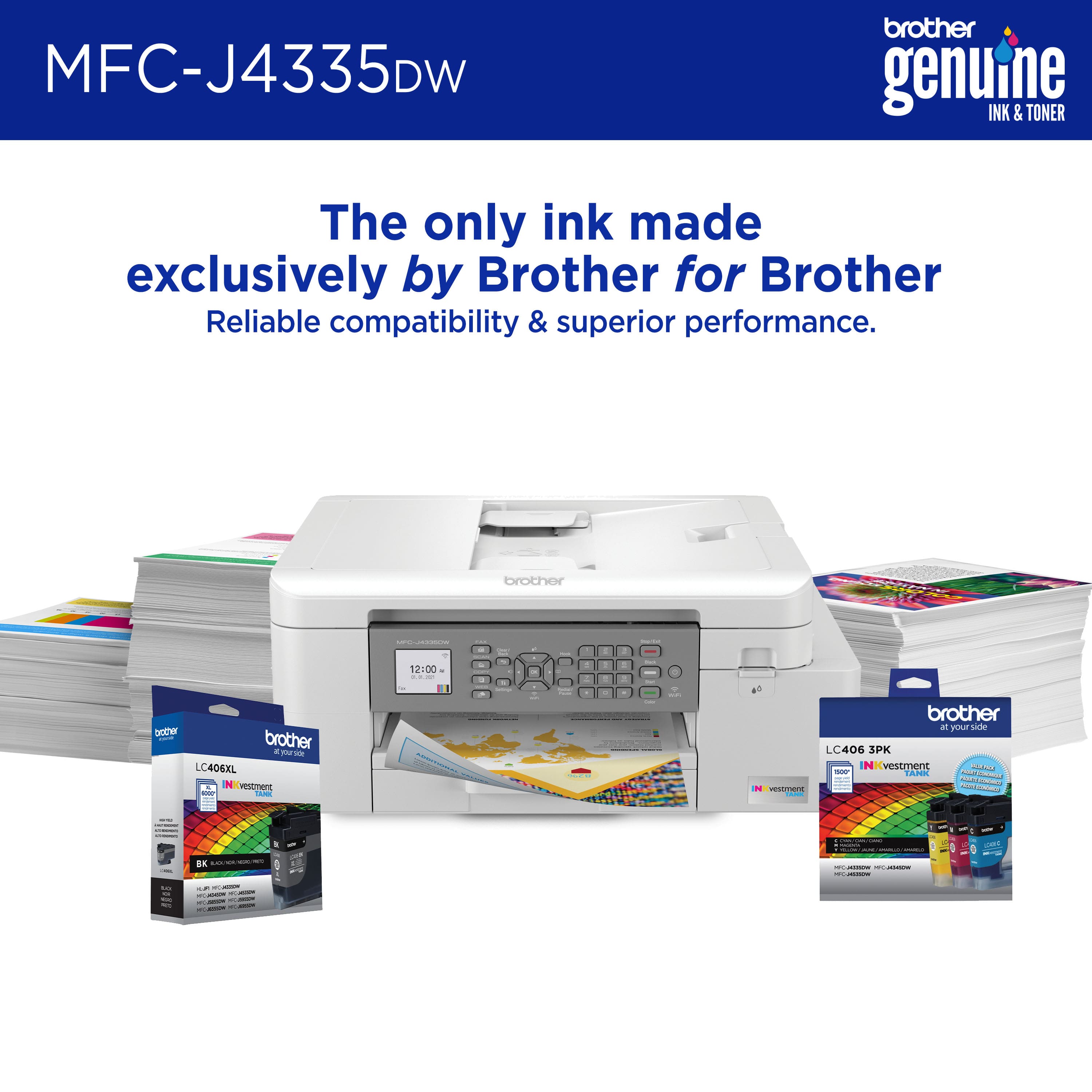
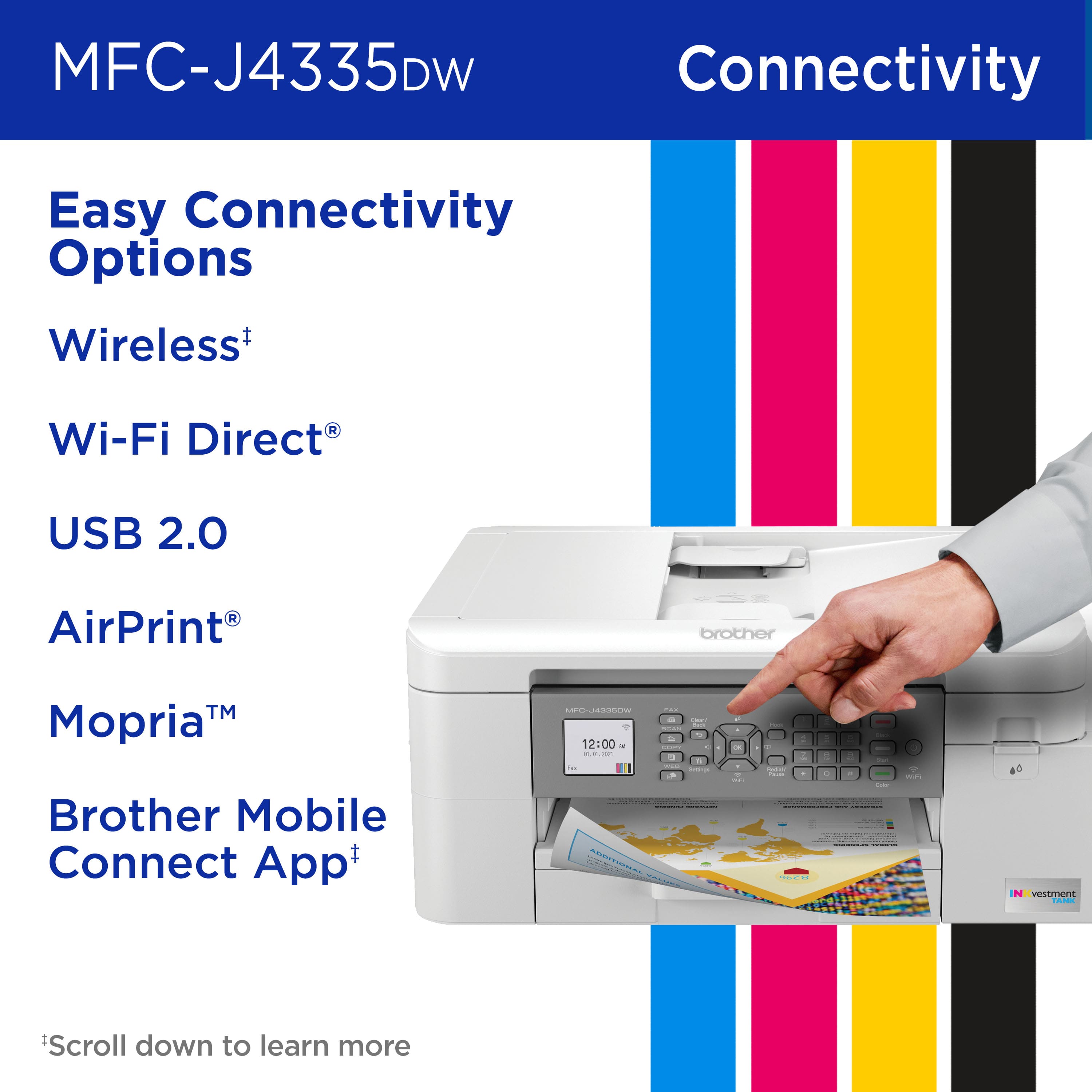
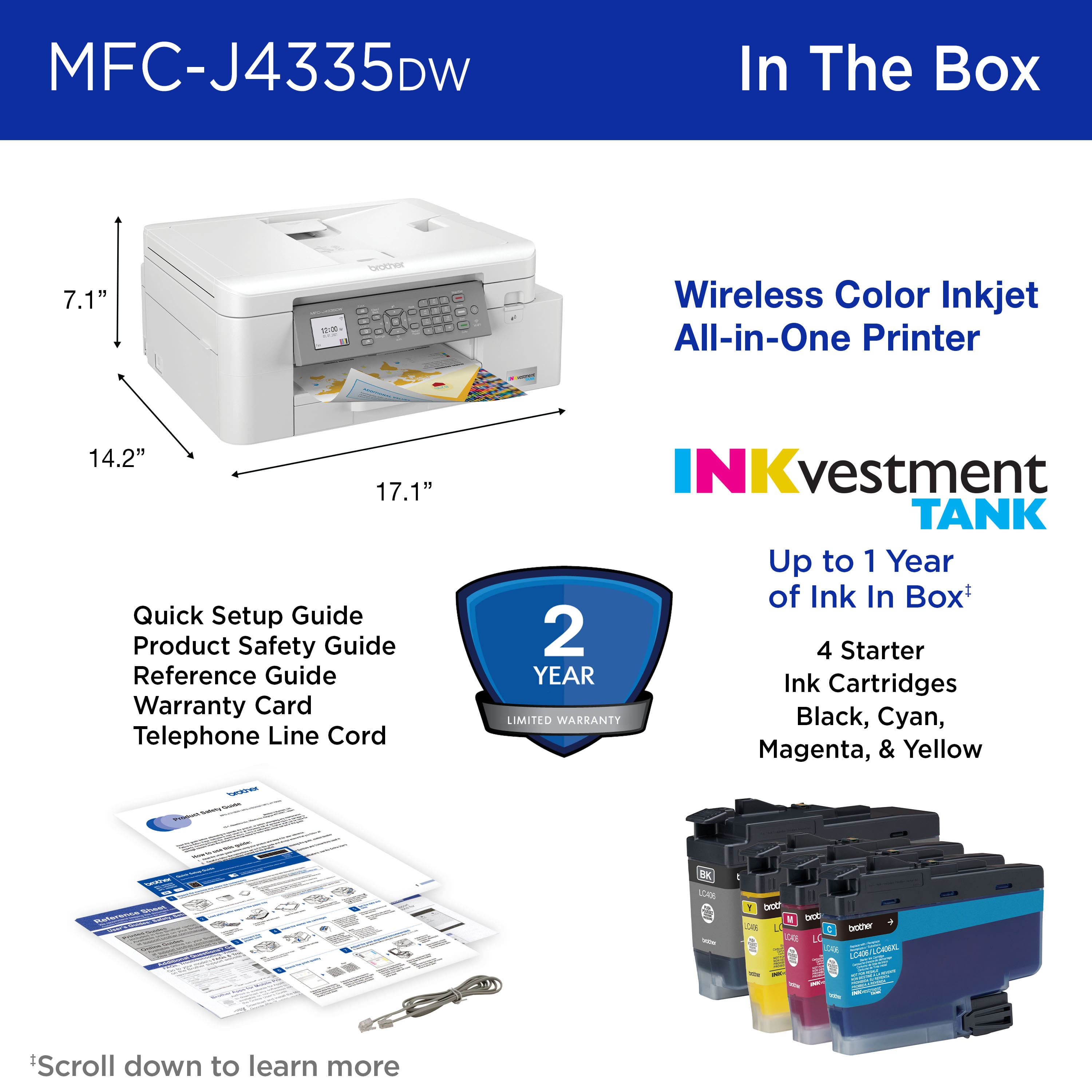
|Posted .This reviewer received promo considerations or sweepstakes entry for writing a review.Needed to replace an all-in-one printer that was from a discontinued brand that could only use hard to find compatible ink cartridges and was near the end of use. I have had Brother fax machines and printers at a previous job so decided to try the new Multi-Function Center-J4335DW. Measures approximately 17 inches wide, 14 inches deep and 7 inches high. Rare device that has a permanently attached power cord about 6 feet long instead of the generic plug in type. . This machine does it all. Prints, copies, scans, even faxes like in the olden days if you still have a phone line! I didn't need to add it to my computer to use. Just downloaded the Brother Mobile Connection app and manually connected to my WiFi using the buttons on the front of MFC after easy assembly out of the box. Manually check for firmware updates once you are connected to your WiFi. My laptops see it in Devices/Printers and I can print to it without adding the printer and then downloading software. Can also be directly connected with a USB-A or USB-B cable 6 feet long or less (sold separately). Ink cartridges are a bit confusing since it looks like they have a cover but don't remove it. No idea what size they are since they aren't labelled. Just insert in the order instructed on the LCD screen and they will prepare the ink tubes for printing on first setup. Just found the ink cartridge size on the carton. LC406 or LC406XL for extra long use. Set the time and date following instructions on LCD screen. On first use, you should check the print quality to make sure ink cartridges are working. This can be done on the LCD screen or on the iPhone app. Next adjust the print alignment using the buttons or the app. Box and sticker state that printer comes with one year of ink in the box (based on 150 pages per month). You can sign up for Brother Refresh to have ink delivered to your door when the printer detects low ink. Pay as you go with no monthly fees or subscription costs (unlike my other printer that costs me $2.99 per month plus tax for a similar program). Sounds like a great idea if ink cost is the same or less than retail at my local Best Buy store. Printing is almost instant even if printer is in the usual Sleep Mode status. My other printers take a bit to wake up and warm up and then decide that they want to print. Scanning documents on the glass from the app is easy and good quality plus it saves the scan on your iPhone in the app until you delete it. You can text or email the scan from the app. Sheet feeder on top makes you fully insert pages to get it to pull through. Not sure how many it can handle. The most I have scanned is 4 pages. Copies are fast and accurate and can be done in color or black & white as needed. So far I am really impressed with the fast printing and easy iPhone app.
I would recommend this to a friendBad choice ,
||Posted . Owned for 1 month when reviewed.This reviewer received promo considerations or sweepstakes entry for writing a review.It's ok. The printer constantly gives error code . Prints delayed printer 24hr later etc Bad choice no direct connect cord to computer works only off wifi so beware! If you have no internet or poor connect or whatever, you will be up th creek!
No, I would not recommend this to a friendBrand response from Brother
Posted .We understand you're experiencing issues with your Brother MFCJ4335DW machine. We'd like to help. Please contact our Customer Service department and we will work with you to resolve these issues. Brother Customer Support Team is available to assist you direct: www.brother-usa.com/brother-support
Terrible printer
||Posted . Owned for 1 month when reviewed.This reviewer received promo considerations or sweepstakes entry for writing a review.This printer clogged and failed in a few short weeks. Brother customer service could not resolve the errors. Thankfully, I was able to return this.
No, I would not recommend this to a friendBrand response from Brother
Posted .We would like to take this opportunity to thank you for your feedback. At Brother, customer satisfaction is something we take seriously. Your feedback is important to us and will be reviewed to help us improve our future products.
Thank you for being a Brother customer. Please know that we will be here, should you need to contact us in the future.
Best buy this year.
||Posted . Owned for 1 month when reviewed.This reviewer received promo considerations or sweepstakes entry for writing a review.This item is a very good buy for the money and it works great from anywhere.
I would recommend this to a friend