Customer Ratings & Reviews
- Model:
- MFCJ4335DW
- SKU:
- 10115888
Rating by feature
- Value
Rating 4.4 out of 5 stars
- Quality
Rating 4.4 out of 5 stars
- Ease of Use
Rating 4.3 out of 5 stars
to a friend

Good All in One with Massive Ink cartridge
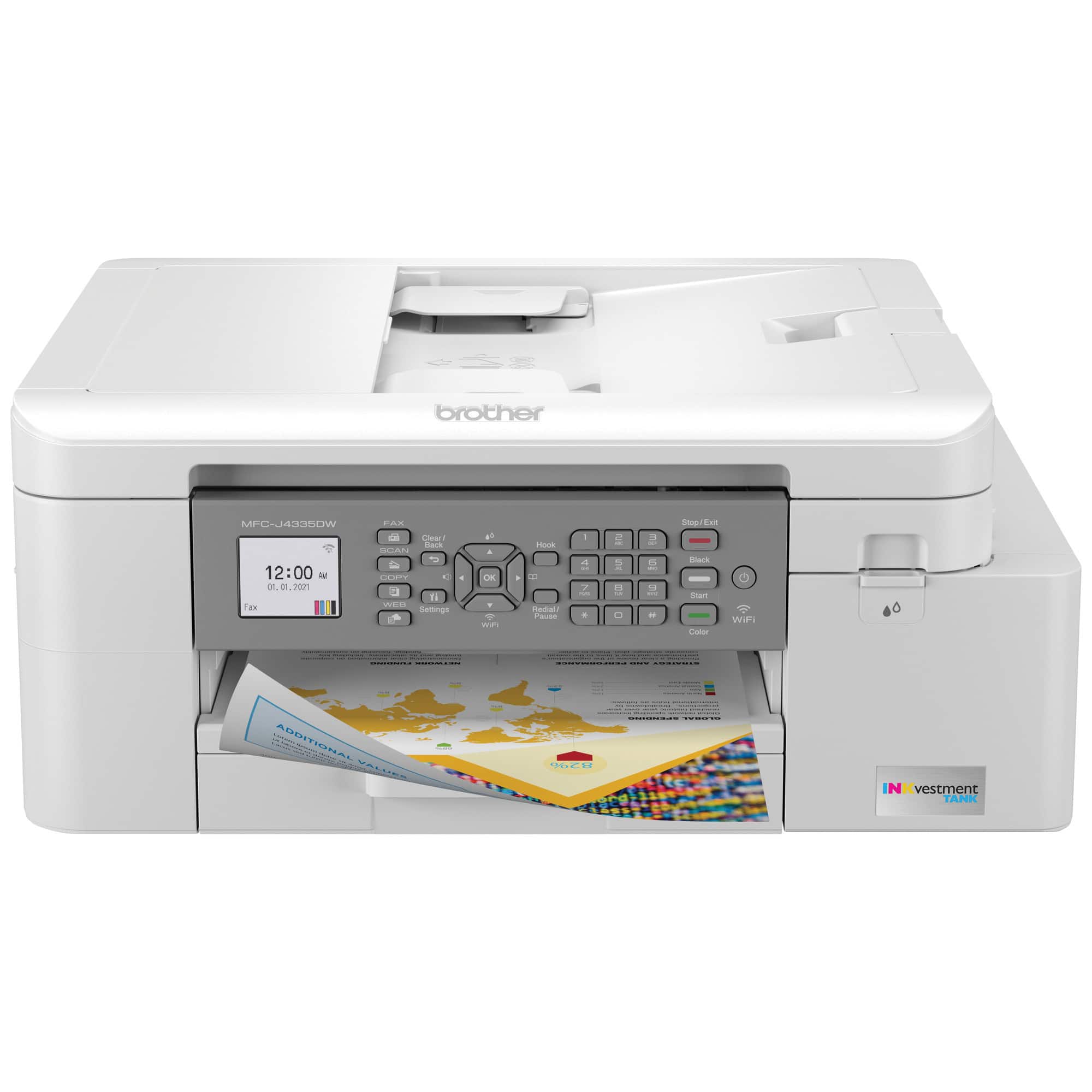
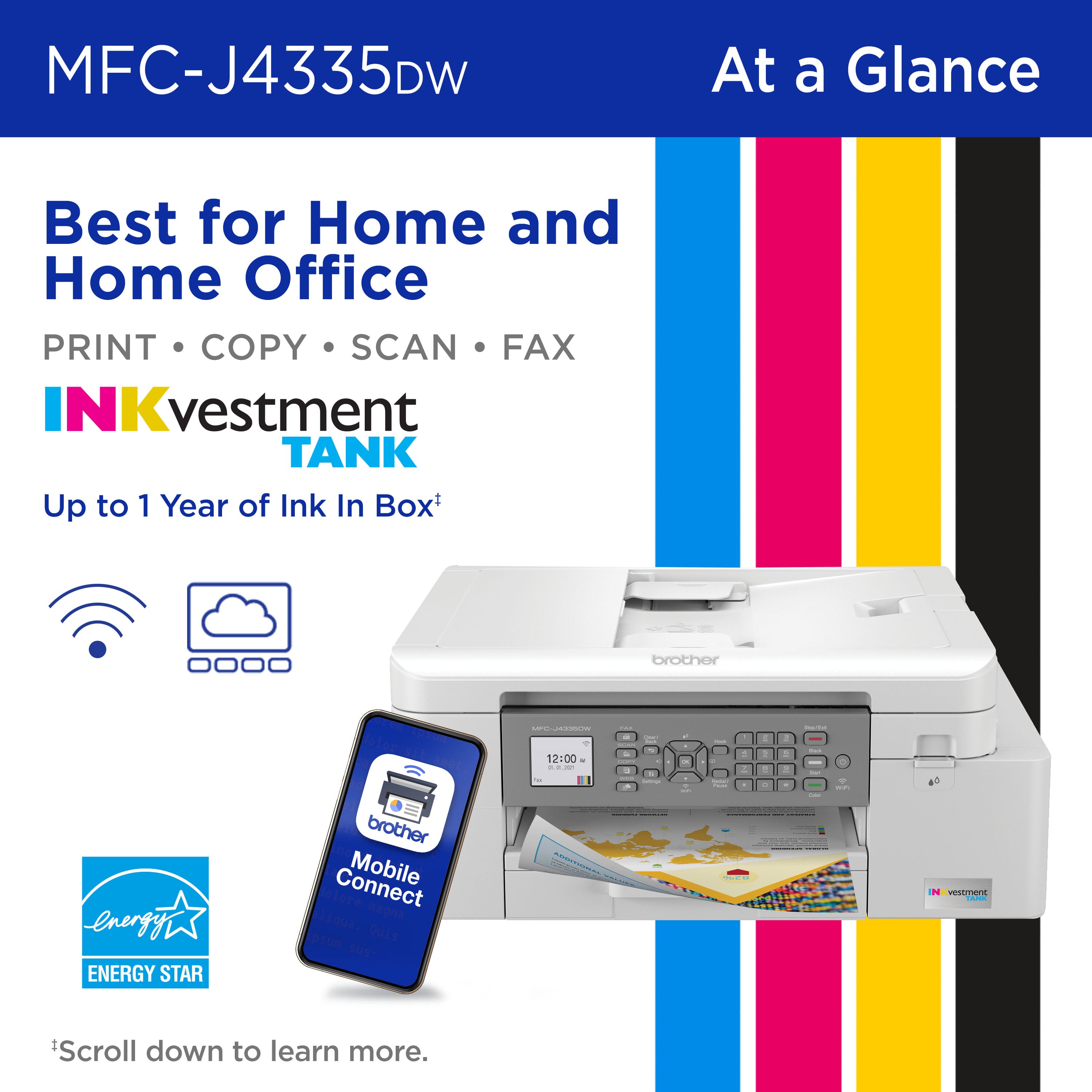
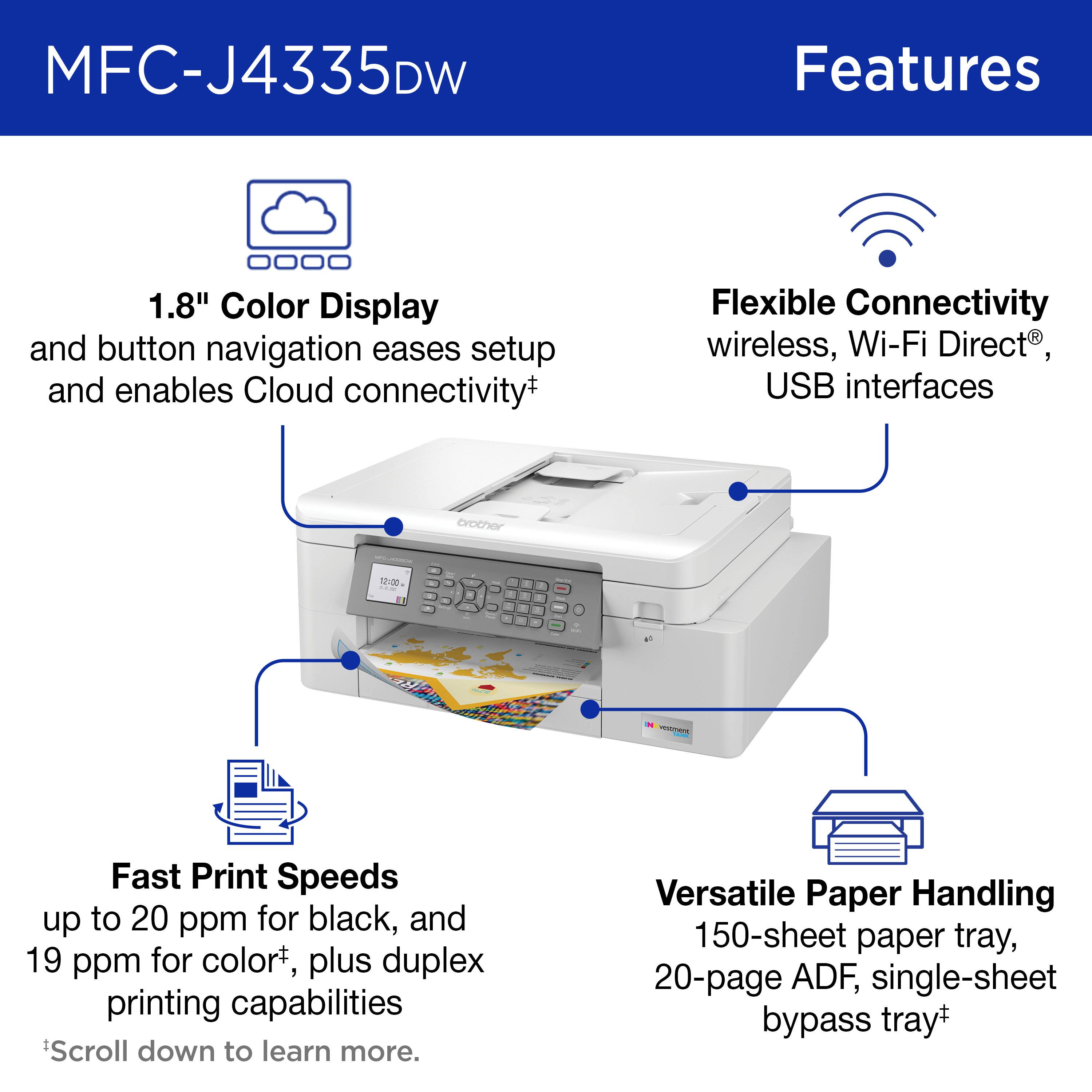
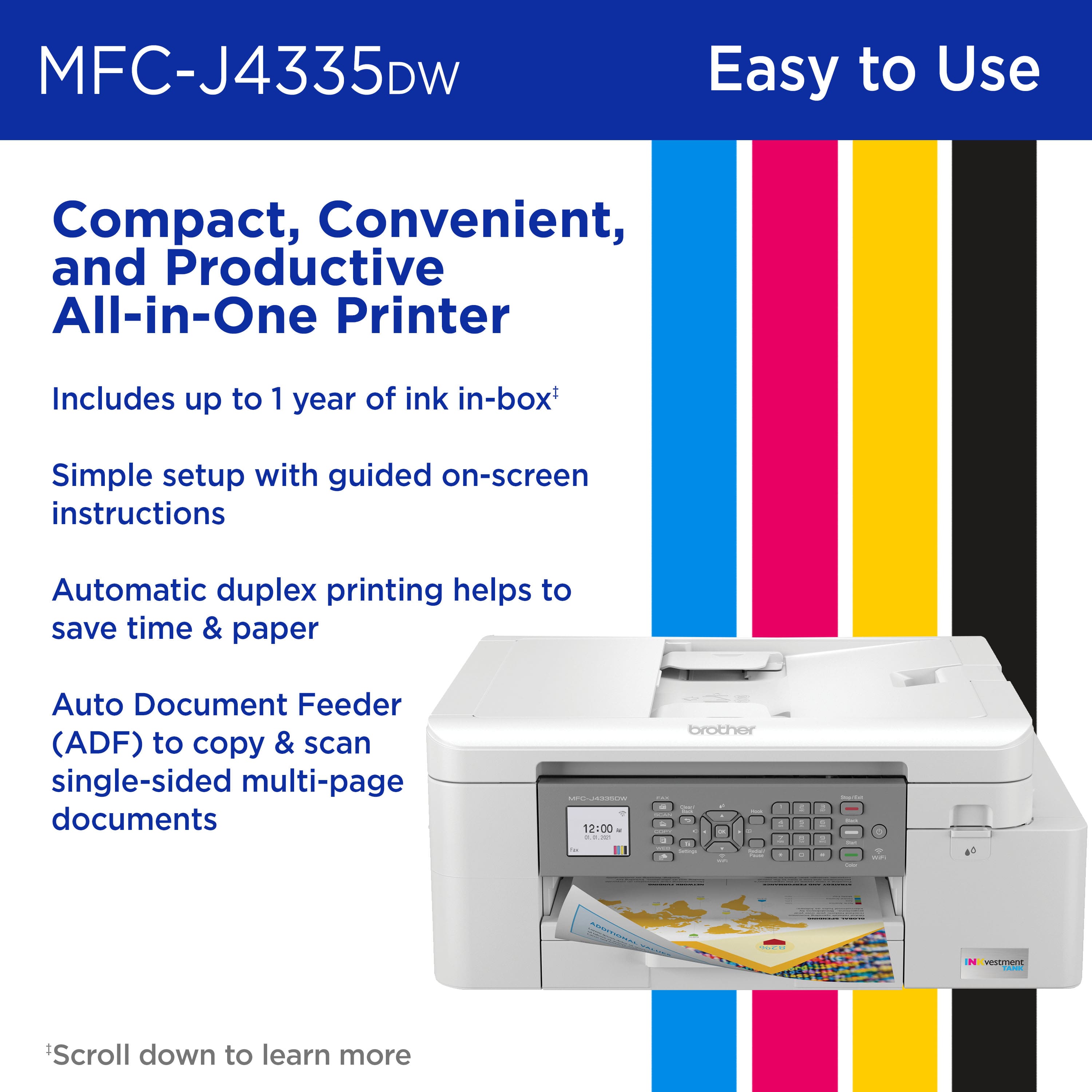
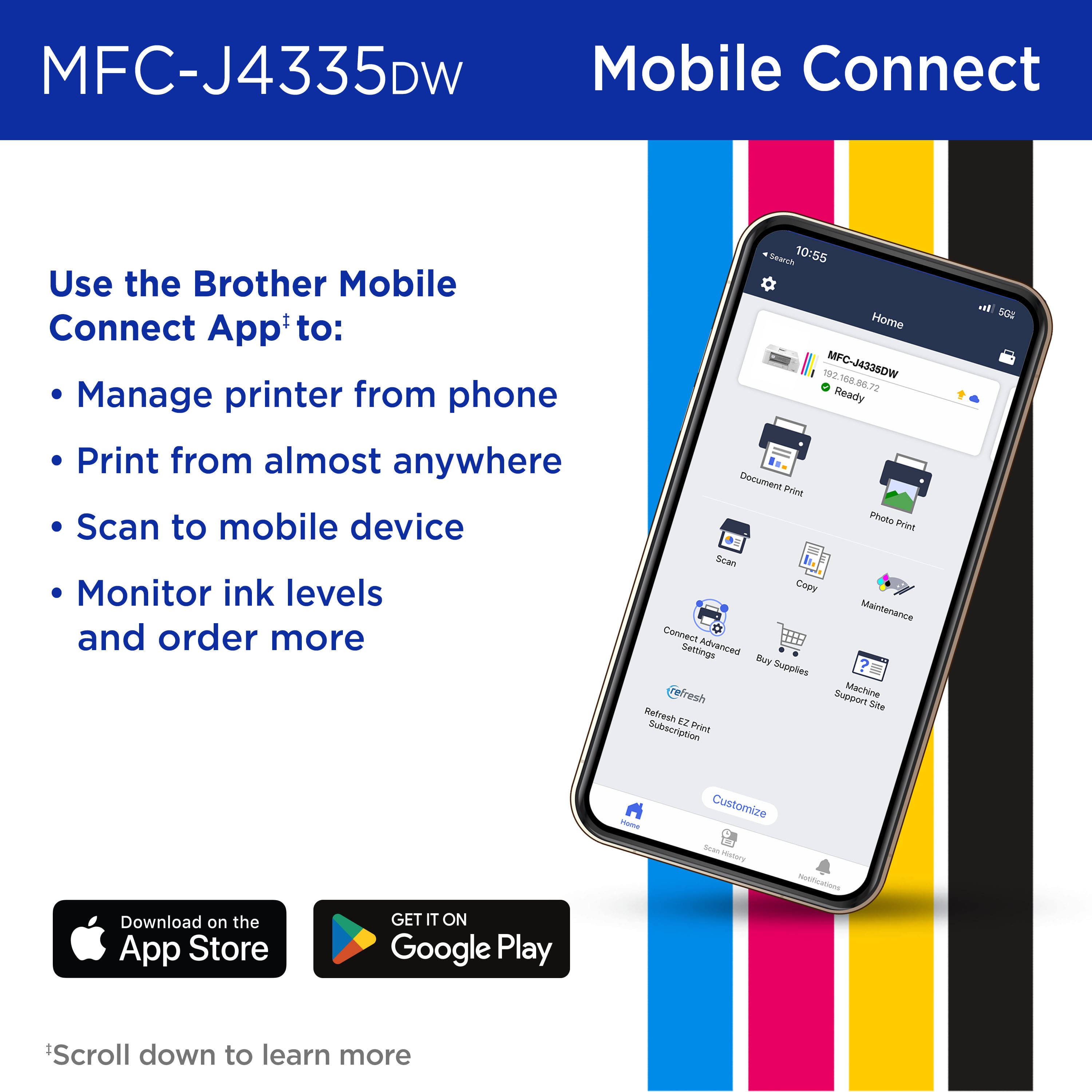
|Posted .This reviewer received promo considerations or sweepstakes entry for writing a review.SUMMARY -------------- This is a good all in one printer - Copy, Printer , Scanner and Fax. The printer comes with the largest cartridge I have seen and it also has an internal storage tank. Setup is straight forward with the color screen or using the app on your android or apple phone. It's WIFI, its got a document feeder and a paper tray. Changing the ink cartridges is a breeze and it last forever and the printer shows you if you are running low on a color. PROs ------- 1. 1 year worth of Ink. 2. 2 year warranty on device. 3. It's an all in one - Printer, Copier, Scanner and Fax 4. 150 paper tray and 20 paper feeder 5. Quick to setup and print 6. Its WIFI CONS ------ 1. Does not come with a printer cable but it does come with ethernet cable. DETAILS ----------- Setup and build quality ------------------------------ Brother makes printers that are actually well built. The best part is that the ink cartridges are actually inserted through a door on the side of the printer, so taking it out is easier. The setup is easy and you can either use the 2.7 inch color screen or the app. The App is simpler I would say than using the screen to setup the printer. The printer will connect to the WIFI and can be visible on any Mac or windows computer. The printer has a 2 year warranty which really is industry best. Printer ,Copier and Fax ------------------------------- The printer can print documents in color and black and white in decent amount of speed. The colors are vivid.. Note that this is not a photo printer and I won't use it for one. Scanner works great, you can scan to cloud such as google cloud, one drive etc. and you can also scan and send to an email. Overall it’s a good buy just because the ink lasts so long!
I would recommend this to a friendgreat opportunity, poor execution
||Posted . Owned for 4 months when reviewed.This reviewer received promo considerations or sweepstakes entry for writing a review.The rollers stopped working after a few months. I am re-buying it hoping it was a lemon. For what it does at this price point, its still a great deal.
I would recommend this to a friendBrand response from Brother
Posted .We understand you're experiencing issues with your Brother MFCJ4335DW machine's rollers not working. We'd like to help. Please contact our Customer Service department and we will work with you to resolve this issue. Brother Customer Support Team is available to assist you direct: www.brother-usa.com/brother-support

Terrible printer and retailer
||Posted . Owned for 1 month when reviewed.This reviewer received promo considerations or sweepstakes entry for writing a review.horrible. broken in two months. Best buy won't take the return. throwing it in the garbage and total waste of $200. don't do it.
No, I would not recommend this to a friendBrand response from Brother
Posted .We understand you're experiencing issues with your Brother MFCJ4335DW machine. We'd like to help. Please contact our Customer Service department and we will work with you to resolve this issue. Brother Customer Support Team is available to assist you direct: www.brother-usa.com/brother-support
Jams all the time
||Posted . Owned for 1 year when reviewed.This reviewer received promo considerations or sweepstakes entry for writing a review.Jams constantly. Old brother printer works better but is discontinued
No, I would not recommend this to a friendBrand response from Brother
Posted .We understand you're experiencing constant paper jam issues with your Brother MFCJ4335DW machine. We'd like to help. Please contact our Customer Service department and we will work with you to resolve this issue. Brother Customer Support Team is available to assist you direct: www.brother-usa.com/brother-support
Waste of Money!!! Buy a Cannon
||Posted . Owned for 5 months when reviewed.This reviewer received promo considerations or sweepstakes entry for writing a review.Jam, Jam, Jam...constant Paper Jams. This Machine is Unusable & Worthless. Past 30 Day Return Window. No help from Best Buy or Brother on getting an Exchange.
No, I would not recommend this to a friendBrand response from Brother
Posted .We understand you're experiencing paper jam issues with your Brother MFCJ4335DW machine. We'd like to help. Below is a FAQ that may help you with this issue:
https://help.brother-usa.com/app/answers/detail/a_id/174793
If you continue to have issues, our Brother Customer Support Team is available to assist you direct: www.brother-usa.com/brother-support
horrible
||Posted . Owned for 1.5 years when reviewed.This reviewer received promo considerations or sweepstakes entry for writing a review.Don't waste your money. I've had this a year and a half and it no longer prints.
No, I would not recommend this to a friendBrand response from Brother
Posted .We would like to take this opportunity to thank you for your feedback. We are sorry to hear that you are not able to print with your Brother MFCJ4335DW. At Brother, customer satisfaction is something we take seriously. Your feedback is important to us and will be reviewed to help us improve our future products.
Below is an answer link for unable to print from computer.
Answer Link: Unable to print from a computer
Please note if the answer link does not help or if you are unable to print because of an error message or for other issues. We would like to hear more details to be able to better assist you. Our Brother customer support team is available to assist you at www.brother-usa.com/brother-support
Garbage
||Posted . Owned for 1 week when reviewed.This reviewer received promo considerations or sweepstakes entry for writing a review.Very hard to set up, poor instructions that don’t work, and never had a single page print without jamming or coming out mangled. Returned
No, I would not recommend this to a friendThe printers a 5, the installs a 3
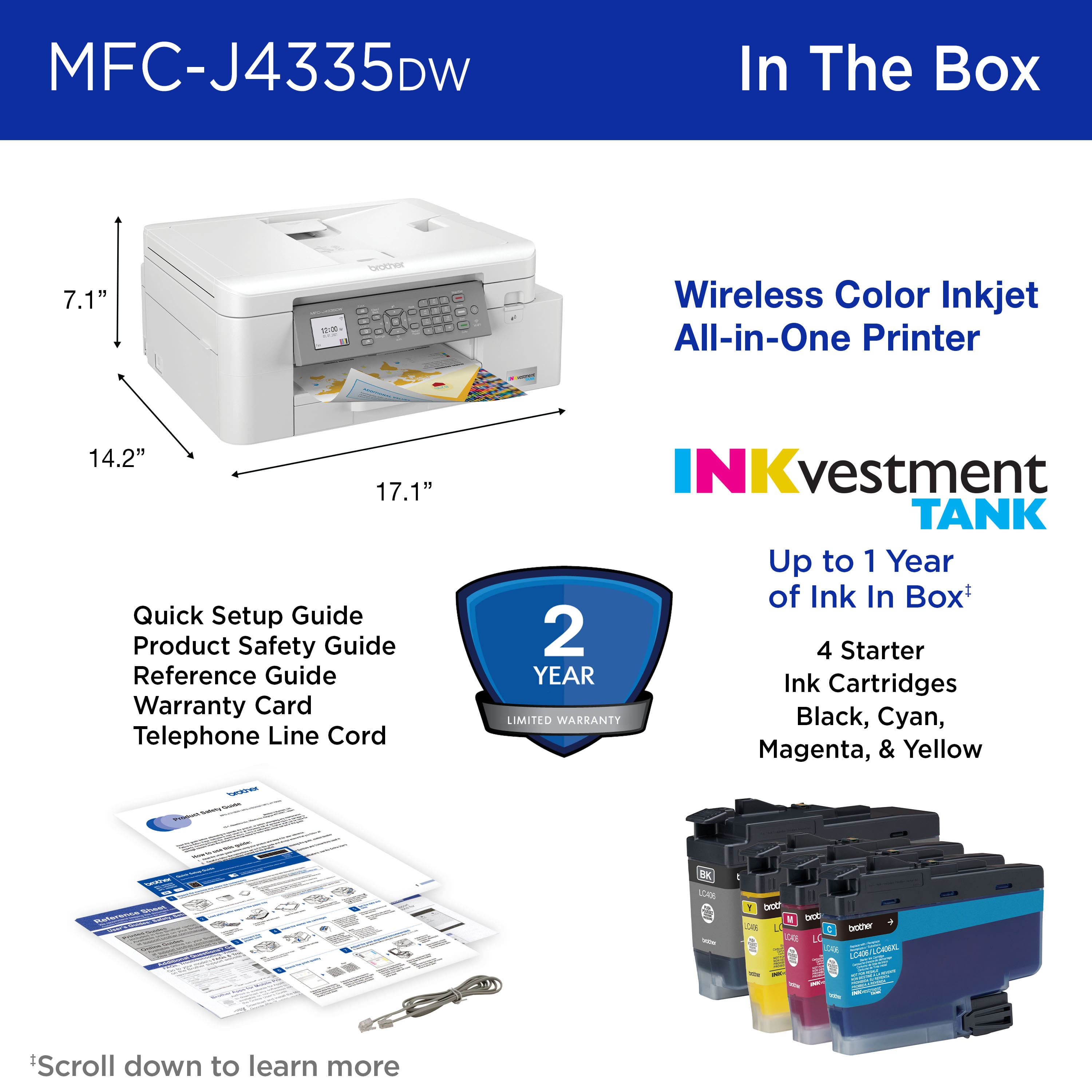
|Posted .This reviewer received promo considerations or sweepstakes entry for writing a review.I own 3 other Brother printers, so I thought getting this one up and running would be easy. I thought wrong. I open the box and found the Brother MFCJ4335DW INKvestment Tank Inkjet Printer, 4 starter ink cartridges (black, cyan, yellow, and magenta) and a power cord. I made room for the printer and got to installing. I installed my Android phone first via Wi-Fi. No big deal. I downloaded the app from the Play Store and installed the drivers. It saw the printer and connected. I loaded a PDF and printed it. I thought It was one page, but it said 1/1 and was 56 pages. I hit the stop/cancel button on the printer, and it quit printing and ejected the partially printed page. So that works, now for the PC. I figure it would be a breeze since the phone worked so quickly. I should have known better. I used the provided link to download the full package software suite from the Brother website and installed it. Well, unzipped it and it started the installer. I got to where it asks if I want to install it via Wi-Fi or USB. I chose Wi-Fi and it couldn’t find the printer. I tried several times, then I tried a bunch more times with the USB cable attached when the software asked me to do so. Doing that allowed me to enter my Wi-Fi network information and then go right back to, can’t find the printer. After about an hour of this, I gave up. I came back in the morning with a fresh set of eyes and decided to search for the printer on the Brother website. I found it and downloaded the recommended full package as well as a tool called Wireless Setup Helper. I ran the helper and it didn’t see my Wi-Fi network. I tried it about 3 times and then it did. I left that open and ran the full package installer. Hey, what do you know, there’s my new printer without needing the USB cord attached? Just hit next it says. I do and then it finished. That took all of a few minutes and I was up and running. I fired up a PDF and sent it to the printer where it printed a color cover great. What I like about the printer. It prints great. I like the LCD screen but know that it’s not touch. You need to use the direction keys next to the display. Installing the ink was a no-brainer and Brother didn’t attach a large plastic throw-away piece like many other manufacturers that I’ve used do, kudos Brother! The paper tray holds 150 sheets which works well for me, YMMV. I also like that it works with Windows and Mac, listing the latest versions, 7–10; server 2008-2019 and 11 respectively. What I don’t like is the lack of a touchscreen. Using a keypad right next to the LCD is cumbersome. Where touchscreen allows you to read and go, using it as a guide allows for error and or trying to locate the button that corresponds with what the tiny screen is trying to instruct the user to do. Basically, it causes a loss of time and user frustration. Also, this unit doesn’t have a LAN port. It connects via USB 2.0 and Wi-Fi very well (once you get Wi-Fi installed), but no wired network connection. So, this all in one does scan, copy, print, and fax (do people still fax???). It prints fast and very well. Color looked great on plain generic white inkjet paper. Brother offers the automatic ink service through what they call refresh@ Brotherrefreshink.com I do like the fact that unlike some of its competitors, Brother’s program is a pay-as-you-go service. Signing up is free. The box states up to 1 year of ink in-box, but I’ve yet to figure out if that means free ink for a year and if so, how do I enable that? As of this review, I’m unable to register the printer with my other Brother products as it’s too new and hasn’t been added to the drop-down menu. I’ve emailed a representative, but I haven’t received a reply as to when it will be available. So, my opinion is: as usual I really like Brother printers. My history with them is that their ink is reasonable, and I don’t have to use 3rd party ink unless I choose to. I’d recommend this printer but know that you may run into some setup issues on a Windows PC, at least I did. But other than that, it works great. Oh, I forgot to mention, so here it is. The printer works with Google Drive, Evernote, Dropbox, Box, OneDrive, OneNote, and Brother Cloud apps. It also scans to Office.
I would recommend this to a friendDidnt make it out of warranty
||Posted . Owned for more than 2 years when reviewed.This reviewer received promo considerations or sweepstakes entry for writing a review.Hard to set up. Ink prices to high and now wont print no matter what i do.
No, I would not recommend this to a friendBrand response from Brother
Posted .We would like to take this opportunity to thank you for your feedback. At Brother, customer satisfaction is something we take seriously. We would love to hear from you with more details to be able to better assist you. Our Brother Customer Support Team is available to assist you direct: www.brother-usa.com/brother-support
Functional Printer, but Ugly
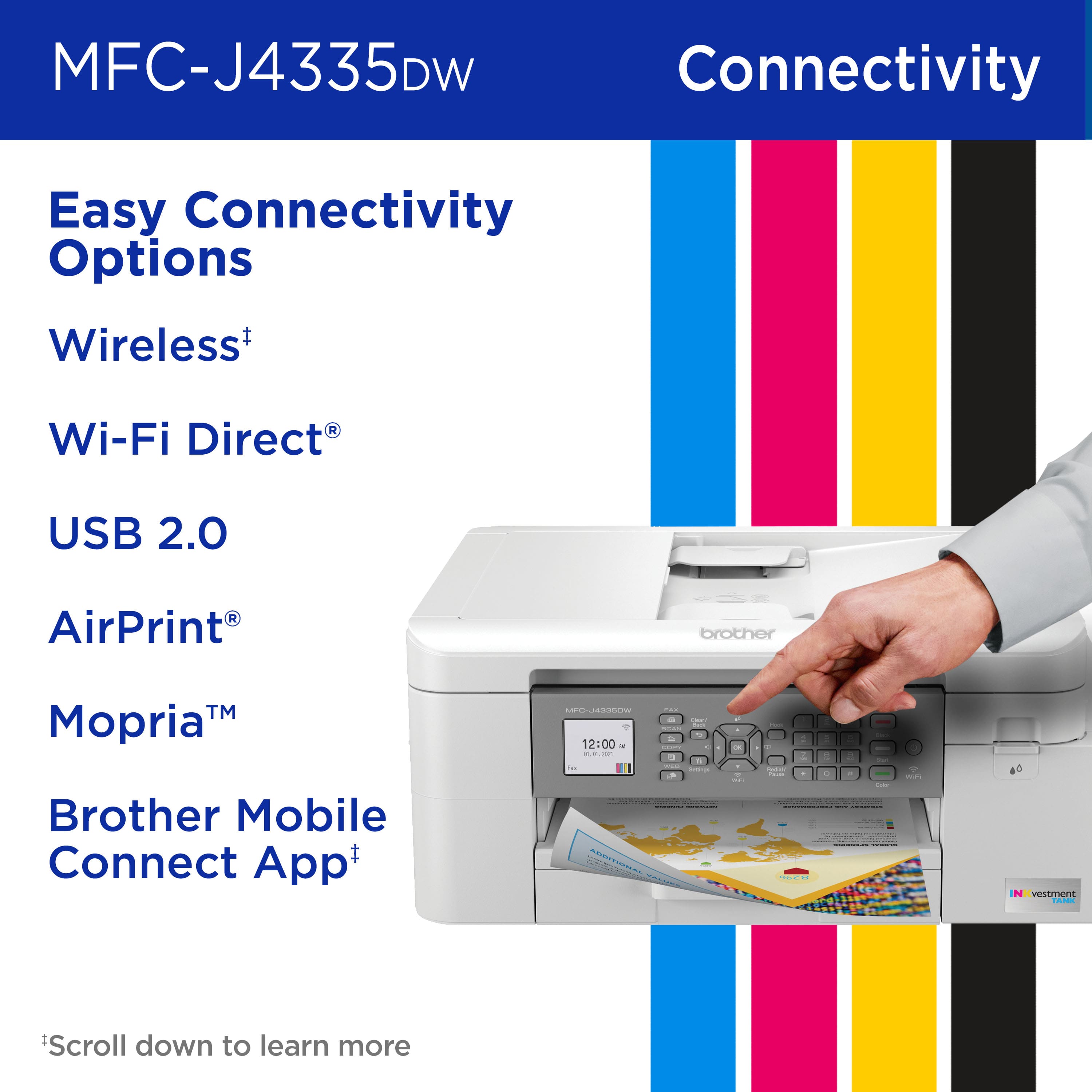
|Posted .This reviewer received promo considerations or sweepstakes entry for writing a review.As a printer, it functions perfectly well. It is simple enough to setup and use. I like that it has Air Print connectivity, so I can just print things from my phone. That is probably how I use it 90% of the time, and it is just really convenient. The scanner works pretty well too. It takes crisp, clear scans. I didn't test out the fax feature, because, well, I don't have any one to fax :-P . The performance it pretty good too. It prints fairly well, and the quality is very nice. The best feature is probably it's high capacity ink cartridges included in box. It says up to one year of ink included. I don't know about one year, that will have to wait to be seen, but it's definitely more than the demo cartridges you usually get with printers. My biggest issue with this printer is something that is completely subjective. I think it is really ugly. It doesn't look like all the other sleek, modern pieces of consumer electronics in my home. It looks like something from the 80s or 90s. I have other printers that have a more modern look to them, and to be honest, those will stay my daily use printers. This one is going to go in a closet and be my "backup" printer. It might seem like a silly reason, but hey, it's my reason. Luckily, it's something that you can judge for yourself before ever dropping a dime on it. If you're just looking for something functional, then this printer will absolutely work, and you won't be disappointed. If you want something with a little nicer design, well, you probably already moved on based on the pictures and didn't even make it to my review.
No, I would not recommend this to a friendBrother
||Posted . Owned for 1 month when reviewed.This reviewer received promo considerations or sweepstakes entry for writing a review.Hard to set up. It messed up my operating system. Somehow I now have two barcodes on my desktop and takes forever to load up
No, I would not recommend this to a friendBrand response from Brother
Posted .We are sorry that you are experiencing computer issues with your Brother MFCJ4335DW machine and we understand your disappointment. Our Brother Customer Support Team is on stand-by to provide quality products and service to our customers via online, email or live chat: www.brother-usa.com/brother-support
Always jams
||Posted . Owned for 2 weeks when reviewed.This reviewer received promo considerations or sweepstakes entry for writing a review.Awful. Jams at least one time every time I try to use it.
No, I would not recommend this to a friendBrand response from Brother
Posted .We are sorry to hear that you are having jam issues with your Brother MFCJ4335DW machine. Please make sure that you are using the recommended paper for this model:
https://help.brother-usa.com/app/answers/detail/a_id/174641
If you are using the compatible paper and still having issues, our Brother Customer Support Team is on stand-by to provide quality products and service to our customers via online, email or live chat: www.brother-usa.com/brother-support
Jams frequently
||Posted . Owned for 2 months when reviewed.This reviewer received promo considerations or sweepstakes entry for writing a review.Jams frequently and difficult to correct the problem. Not happy.
No, I would not recommend this to a friendBrand response from Brother
Posted .We understand you're experiencing paper jam issues with your Brother MFCJ4335DW machine. We'd like to help. Below is a FAQ that may help you with this issue:
https://help.brother-usa.com/app/answers/detail/a_id/174793
If you continue to have issues, our Brother Customer Support Team is available to assist you direct: www.brother-usa.com/brother-support
just didn't work
||Posted . Owned for 1 month when reviewed.This reviewer received promo considerations or sweepstakes entry for writing a review.Was so bad I returned it. Best Buy was very good. No issues with the return
No, I would not recommend this to a friendBrand response from Brother
Posted .We understand you were experiencing an issue with your MFCJ4335DW. We wish you had contacted our Brother Customer Support Team to be able to guide you through the issue. If we can be of any assistance is the near future, please don't hesitate to contact us directly at www.brother-usa.com/support.
You know what you get with Brother printers
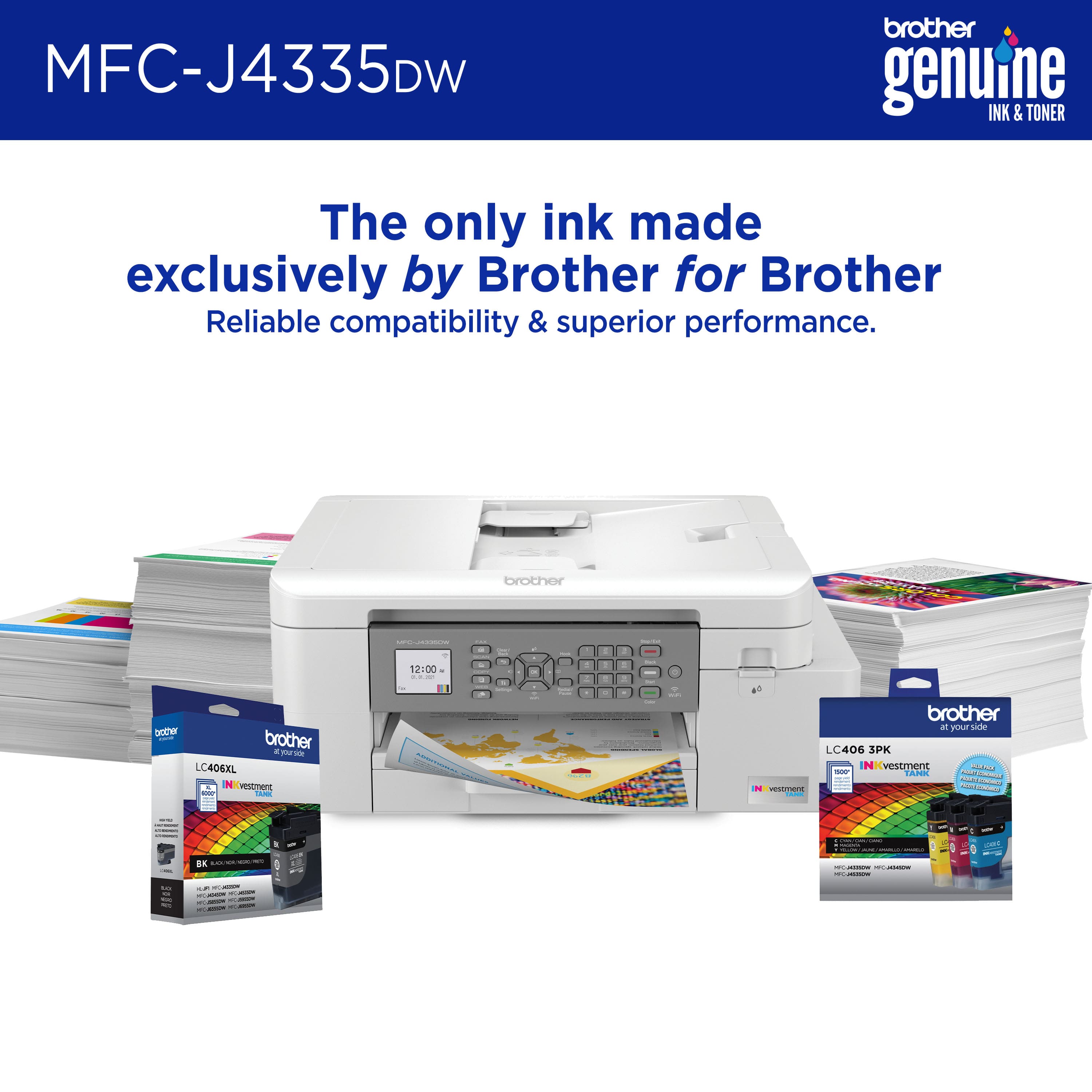
|Posted .This reviewer received promo considerations or sweepstakes entry for writing a review.Good entry-level all-in-one for home or (small) office. Brother is always a solid choice for printers. The MFC-J4335DW is no different. The MFC-J4335DW is part of Brother’s INKvestment Tank line. On their website, it is listed as one of their Premier Product lines. Unboxing was a typical printer unboxing experience. The design of the MFC-J4335DW is classic Brother in my opinion. It feels sturdy with a solid build quality. Inside the box are the printer, 4 ink cartridges (black, cyan, magenta, yellow), fax cable, and required guides/warranty/etc. Note that a USB cable is not included but it does work with a USB cable. The printer is fairly wide so keep that in mind when setting aside desk space. It also needs room to open the scanner lid so be aware of that as well. There is touchscreen display about 2” that displays the information that you need. Setup was fairly straightforward. You download the necessary drivers from Brother’s website and you are good to go. In terms of connectivity, you can print through Wi-Fi Direct, Apple Airprint, Mopria, and Brother’s own IOS and Android apps. You can also print through USB directly but will have to supply your own cable. In terms of the specs, there is a 20-sheet automatic document feeder (ADF). So you can scan like a pro. However, it is manual-duplexing so if you are scanning double-sided pages, you have to flip them. The paper tray holds about 150 sheets. Printing speed is decent. I got around 10-12 ppm for black pages and 6 ppm for color pages. For more complex pages with gradients, it is much slower and drops to about less than 5 ppm. I do think that these numbers make it one of the slower printers in its class. The quality of the prints are decent. The text is crisp and readable at all font sizes. There is banding with the gradient backgrounds that is noticeable. Brother is also venturing on the ink subscription programs that have become popular with the printing industry. That being said, Brother claims that the included ink inside the box is good for up to a year based on a monthly 150 pages. The printer also does not work with third-party ink cartridges so be aware of that as well. With printers these days, you are essentially committing to that company. All in all, this is a good entry-level all-in-one. Prints are good quality and the included ink should last you for a while if you are a home/small office user.
I would recommend this to a friendBrother hit out of the park again
|Posted .This reviewer received promo considerations or sweepstakes entry for writing a review.Brother printer When you first open it, you see the in cartridges neatly packaged each displaying their corresponding color. I love simple packaging because right under is the printer, manual, and voila. Another piece of styrofoam. This, in my opinion, is a precursor to a very simple setup. I opened my camera app and pointed it at the QR code located on the bottom left corner of the printer and clicked on the link. It takes you to the AppStore and that’s actually pretty great for people who aren’t tech savvy. I installed the cartridges, plugged it in, and connected it with the app. The prompts it gives you on the printer are the initial setup and you just need to put the time and date etc. I had issues connecting but this was all due to my router. If you reset your router, in case you fail multiple times going through the app, it should connect once your router is back up and running. Very straight forward product and the print quality, precision, scan quality, affordability and the flexibility to choose your own plan makes this a home run.
I would recommend this to a friendGreat inkjet printer with fax
|Posted .This reviewer received promo considerations or sweepstakes entry for writing a review.The Brother INKvestment Tank printer has been a good printer so far. The setup was fairly easy. When you plug up the printer for the first time and put paper int he paper tray, the LED screen on the printer will walk you through each step. I was able to pair my mobile device to the printer and connect it to my home WiFi. The WiFi setup requires you to go to your WiFi settings on your mobile device and connect to the printer’s built in WiFi, then switch back to the app to complete the pairing process. Hopefully, they can work on this setup without having the users to go into settings on their device. This process might confuse some. The printer is quiet and prints pages really fast for an inkjet printer. The scanner works well too. The telephone port is on the side of the device. The USB port is in a strange place. Most people will not find it. Good thing they placed a sticker on the side of the printer with an illustration on where it’s located. This sticker can be removed. You have to lift up the scanner bed, and it’s tucked underneath. Not the most ideal location. Overall, it’s a good inkjet printer that I hope to get good use from.
I would recommend this to a friendThis is very nice
|Posted .This reviewer received promo considerations or sweepstakes entry for writing a review.This is the easiest printer set up I've ever done. It was so quick and simple. Pretty much turned it on, put on wifi, install cartridges and quick update. I used the print, scan to pc and card, copy and receive fax function. I wasn’t able to use the sending fax. But everything worked very well and print and scan were quick and quiet. I also just love the way it looks very nice and great in home office. The investment tank cartridges are included and they are suppose to last up to one year. It will be interesting to see how long it actually last. I'm just learning about that part and hopes it does last close to that time, but just not sure. I find it an interesting concept though. It can print on many different paper sizes and envelopes. I also used card stock and it printed effortlessly and clear. Both color and black printed very nicely and clear. We were able to print from the laptop, a Samsung Galaxy s10 and IPhone with no issues once we installed the app. It's also nice to print on the glass or through the feeder that's convenient .
I would recommend this to a friendFantastic for the home office, but...
Posted .This reviewer received promo considerations or sweepstakes entry for writing a review.I love everything about this printer, and I agree with everything said in the other positive reviews. One minor downside is the auto feeder doesn't duplex feed for duplex printing. That's ok though as I only need that occasionally. What has not been mentioned so far is the chemical smell that emits from this printer. I've had it two days and I've had to have the windows open full time to even be able to sit in my office. One window is not enough. I have a headache from the smell, and I look forward to when the "new" smell wears off and I can close my windows! It's worth it though...simple setup, fast printing, easy to use, remote printing, scan/copy/print/fax, enclosed paper tray...so many great things about this printer I can't list them all.
I would recommend this to a friendBrother - MFC-J4335DW Printer Review
Posted .This reviewer received promo considerations or sweepstakes entry for writing a review.2/18/2022 Though I have had this printer only a month, it is working great, the set-up was a piece of cake with my imac, and am very pleased so far. Am looking forward to the convenience of allegedly only needing to replace the ink once a year. How convenient is that!? Best Buy was a great place to purchase it, too. The printer is so popular, it was actually out of stock at the Brother website. But Best Buy came through, and had it delivered to my store right on time. Thank you!
I would recommend this to a friend