Customer Ratings & Reviews

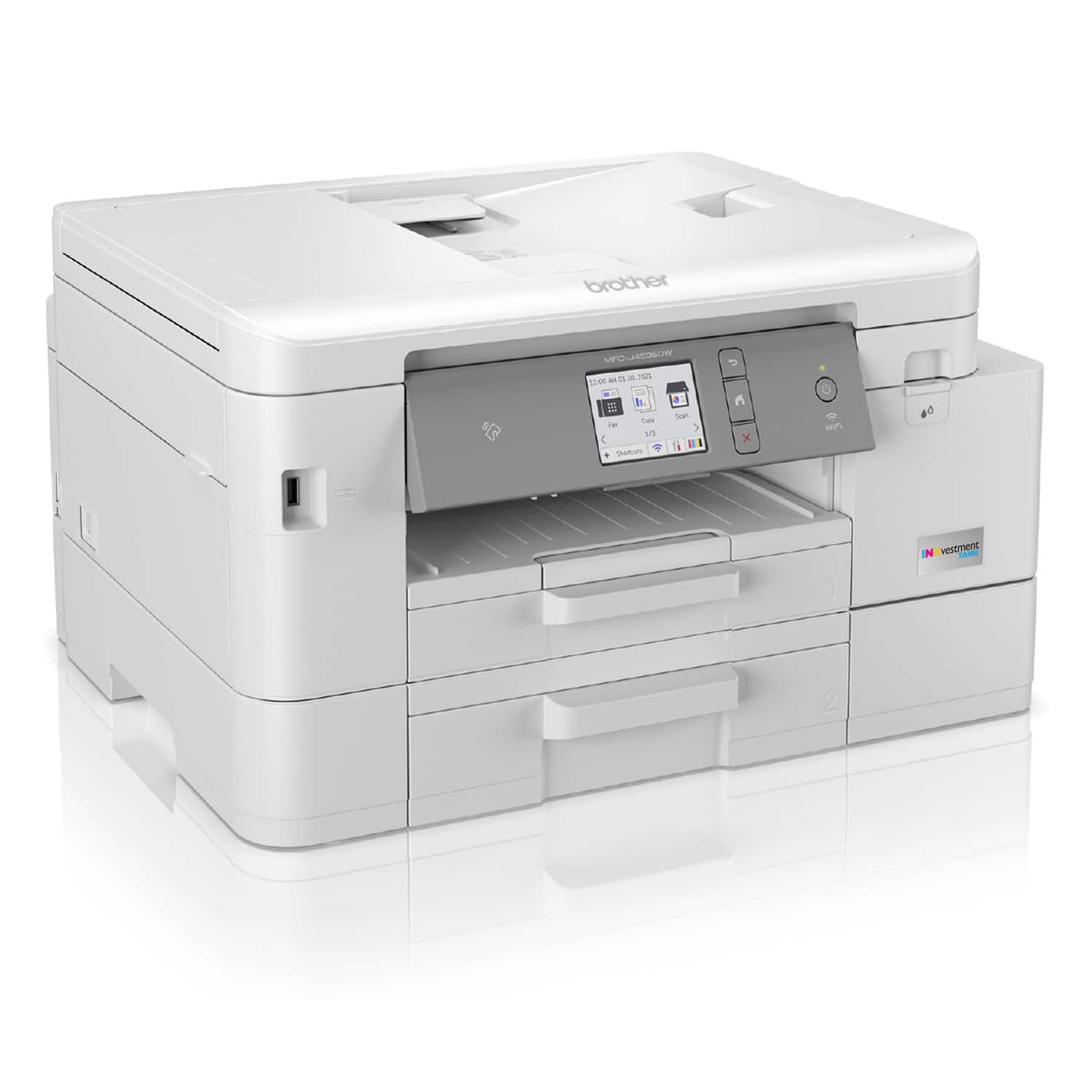
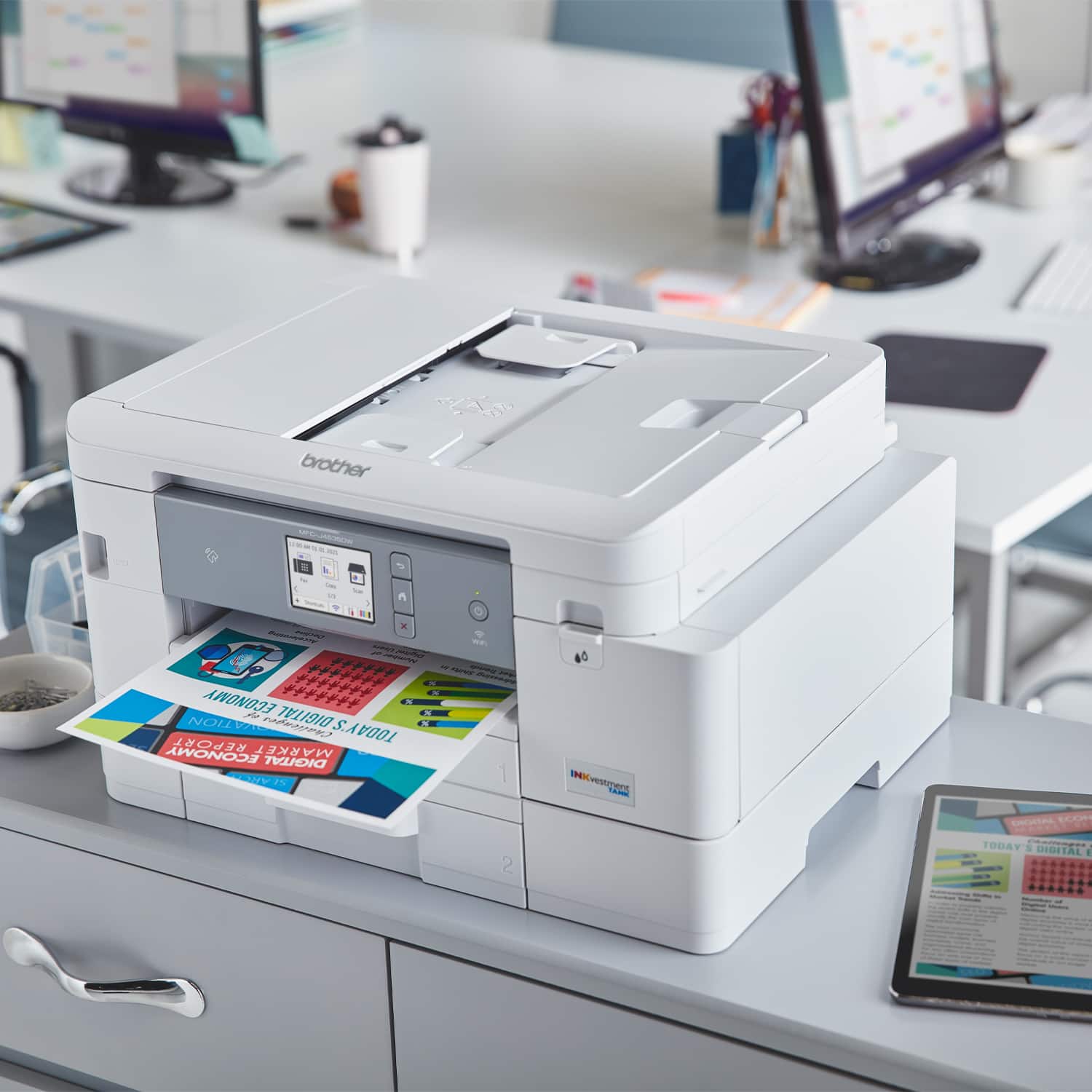
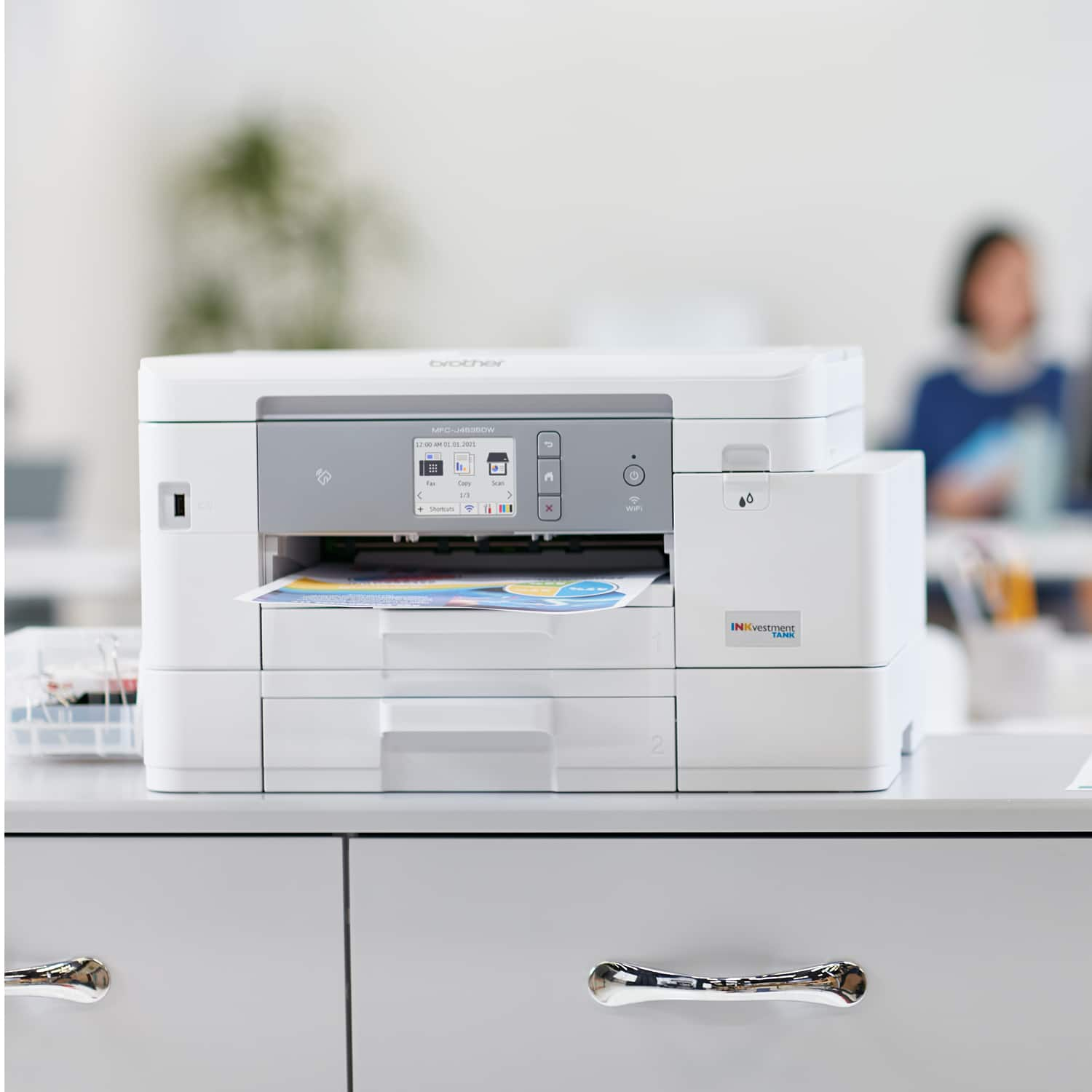
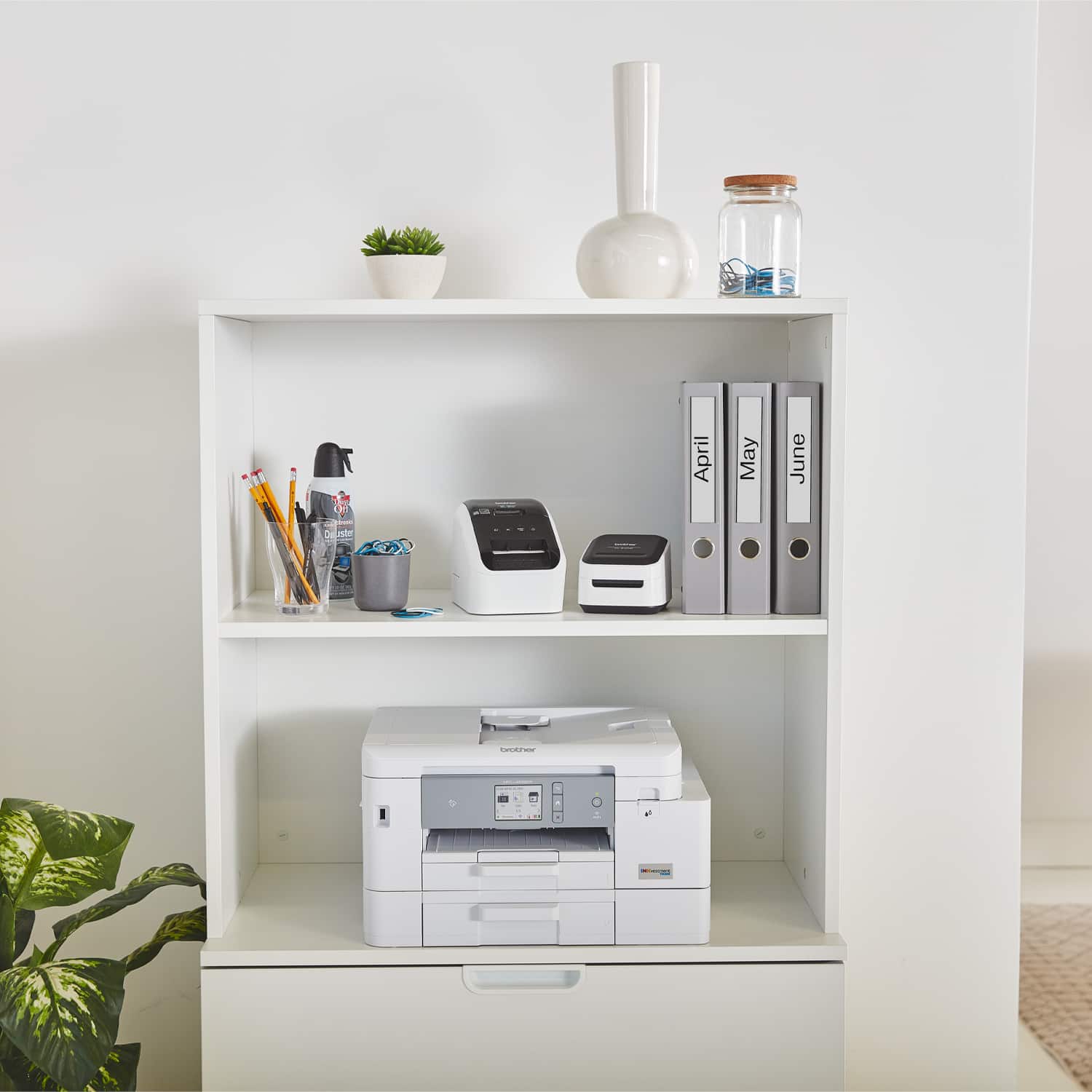
- Model:
- MFCJ4535DW
- SKU:
- 10117091
Rating by feature
- Value
Rating 4.4 out of 5 stars
- Quality
Rating 4.4 out of 5 stars
- Ease of Use
Rating 4.3 out of 5 stars
to a friend

Quick & Crisp
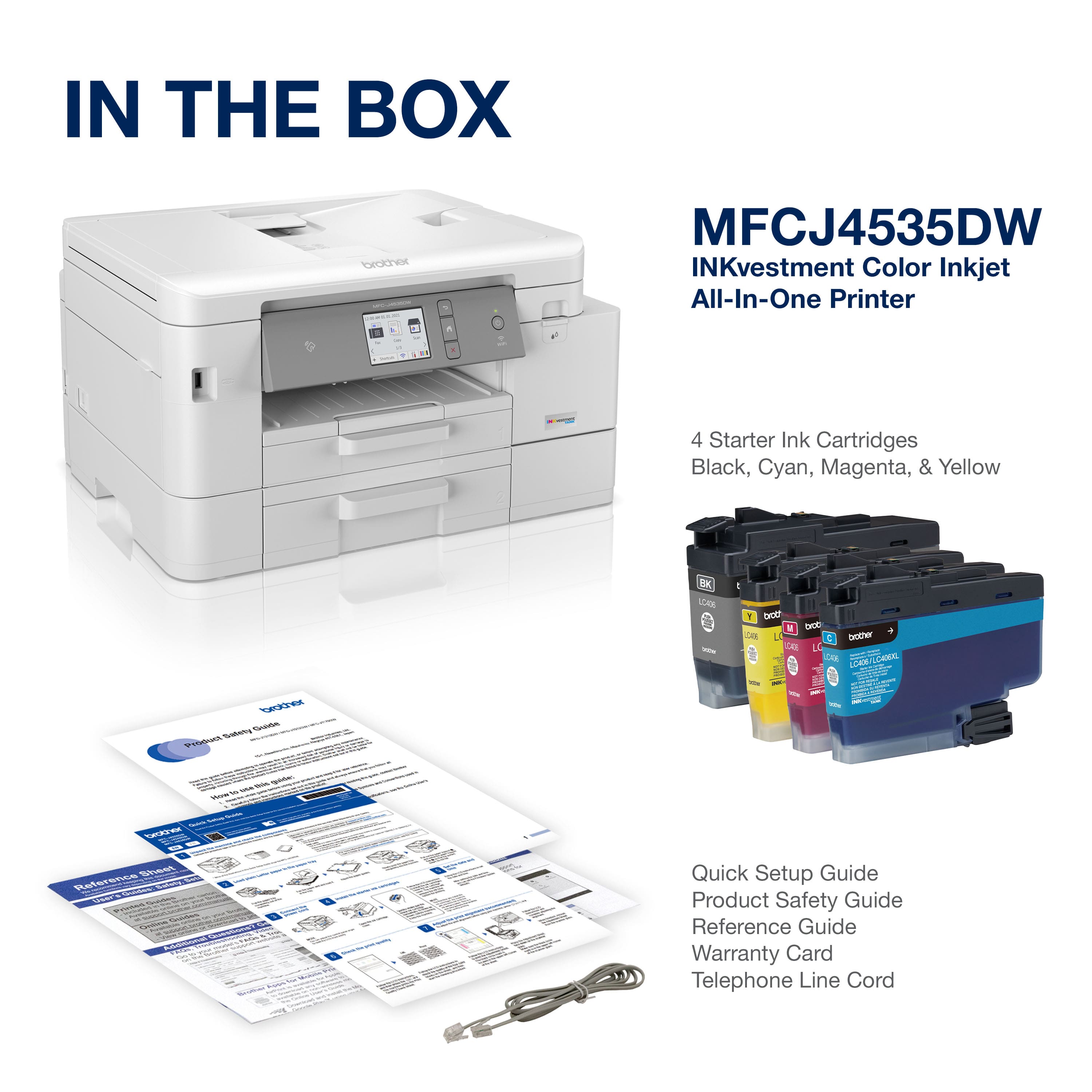
|Posted .This reviewer received promo considerations or sweepstakes entry for writing a review.I was impressed with the white color as I unboxed, thought I was never going to like white but it has stuck to me. Pretty standard unboxing, all of your necessary components. Once I had all of the cables hooked up I attempted to get started BUT could not find the driver download on the Brother website. I will excuse this since it is a brand new item that has not been released to the public as of yet & Brother did rush to get this resolved. Once I had the driver installed everything went smoooth. This thing is fairly quick & prints really nice sheets for an inkjet. It pairs easily with my iphone and the cloud. I can't say much about the inkvestment aspect because I have only had this for a few days but I think it may give ecotank a run for its money as long as build quality holds up. Overall I would recommend to anyone
I would recommend this to a friendgreat printer
Posted .This reviewer received promo considerations or sweepstakes entry for writing a review.extremley easy set up. prints very fast. Have enrolled in the refresh ink program which give you another 1 year warranty. Have had multible printers over the years(H.P., cannon epson. this performs better than these)
I would recommend this to a friendMr.
Posted .This reviewer received promo considerations or sweepstakes entry for writing a review.I have not yet tried photos and I don't use the fax, but I have printed, scanned, and copied several hundred pages. This was pretty easy to set up and so far has worked flawlessly. Unlike the HP9015e I returned because I had nothing but problems. If I have one complaint so far it would be the scanner could be a bit faster and you have to use the software you install on your computer to do the scanning to a pdf. You can scan straight from the printer to the computer but if you do that it automatically becomes a jpeg which would be fine for photos but that is not what I use it for. However, the software is easy to use and gives you more options anyway.
I would recommend this to a friendEasily handles your small & large printing jobs.
|Posted .This reviewer received promo considerations or sweepstakes entry for writing a review.I’ve been using my Brother INKvestment Tank Injet Printer for about a week now and I am more than pleased with its performance and overall usefulness. I’ve used and owned other printers before, but this one is by far much more simpler and easier to use. It is exactly what I needed to get the print jobs I need to get done without much effort; regardless the task. There are times when you just want to print out a document, scan or copy something and move on to the next task, but that hasn’t always been easy with my previously owned printers. However, this printer makes lite work of some of the most arduous of tasks. I am able to send a document or photo directly from my phone, laptop or tablet wirelessly and print it out with a few clicks from the app or my dropbox account. Printing has never been easier for me; and because it is an All-In-One color printer, it is perfect to use at home for school and other activities as well as a home office. You have a variety of ways to connect to this printer (USB, Ethernet, or Wirelessly) and even large documents print fast and effortlessly. The printer arrived well packaged without any damage. The box is light and easy to cary. I was able to locate everything I needed with ease as I followed along with the quick start guide to get me up and running. This is my first printer that I am able to load my ink cartridges in the front and it is so simple that I don’t plan to ever purchasing another printer like my last one where I had to move the printer, unplug it and load the ink in the back or others where I had to raise up the top half to load the ink. The ink cartridges are easy to hold and there is nothing to remove or tear off. You simply take them out of the plastic covering (shake the black ink only) and then install with ease. You can, if necessary, follow along with the instructions on the LCD. And if that wasn’t easy enough, it came with enough ink to last or a year. I appreciate that I am able to load almost an entire pack of paper (up to 400 sheets) in the trays (it has two trays). This printer comes with a nice sized 2.7” LCD color touch screen. Aligning the page, adding paper, setting the date and time is fairly easy. This printer is loaded with features that can be accessed directly from the printer, laptop or cell phone. It is extremely convenient. It is compatible with windows or mac apple AirPrint. However, I found that you’re able to have a lot more control if you use the app that you can download from the brother website and or the App Store. I downloaded the Brother iPrint&Scan app from the Mac store. Once it completed the download, I was able to connect to my printer with it and print a document. However, I experienced some issues with the scan feature and received several notices to “Download “iPrint&Scan Push Scan Tool” from the Brother support website and install it. I have an older version of Mac and some of the drivers are not compatible with my version of Mac. I also wasn’t able to complete the additional software requirements via the setup wizard without those drivers. So I decided to locate just the drivers for the Push Scan Tool. I found it, used the closet version to my Mac iMacOS (10.14) and it downloaded and worked with the iPrint&Scan app I got from the Mac store. Everything is working fine. I am able to access a lot more features utilizing the app verses just using AirPrint. The only difference I noticed printing with the app versus using AirPrint was that I couldn’t print in black only. My choices were color and mono. When I used mono it utilized a lot of my color and black ink but the print wasn’t nicer than just printing in Black. I had to use AirPrint to print in Black only and save my ink. But the documents still looked good. I printer out tax documents for the family. I printer close to 200 pages and the ink is still almost full. This ink will last me a year and is well worth the purchase. In closing, this is truly an All-In-One printer that is capable of handling your small and large projects with ease.
I would recommend this to a friendAfter 2 Cannon printers, this Brother is a Godsend
Posted .This reviewer received promo considerations or sweepstakes entry for writing a review.I’ve had two Cannon printers that sounded like being inside an MRI machine with all the knocking. This Brother printer is fast and quiet. It was easy to set up and connect to WiFi. I’m a Brother customer for life.
I would recommend this to a friendBrother wireless printer
Posted .This reviewer received promo considerations or sweepstakes entry for writing a review.It is a well built and very fast printer. I had some problems hooking it up to my two computers but I am no a pro with new technology. It has many features and I am still learning how to use them. I am a senior and wish it would be more user friendly for me. The led screen is small and hard for me to read and push the buttons. It seems like all the new printers are not senior friendly. So far I am happy with it and I am sure it will get easier to use as I learn more. I do like the extended ink tank cartridge's.
I would recommend this to a friendBrother printer
Posted .This reviewer received promo considerations or sweepstakes entry for writing a review.Easy set up, great print quality. Very pleased with printer.
I would recommend this to a friendGREAT printer
Posted .This reviewer received promo considerations or sweepstakes entry for writing a review.Loving it. Very fast. Very quiet. I only wish I could remove the lower paper tray (which I don't need)
I would recommend this to a friendGood printer for price.
Posted .This reviewer received promo considerations or sweepstakes entry for writing a review.Really good printer, easy set up, Had some issues with the scanning images not being able to be sent to a preferred folder, wanted to send to Brother/Temp file. PDFs scanned where ever i wanted them to go. Quality for the price was really good, Scanned some old photos and they looked better than the original. Printed photos were good too, plenty of options to optimize quality.
I would recommend this to a friendWould buy again.
Posted .This reviewer received promo considerations or sweepstakes entry for writing a review.Love this printer. Quick output. Ink will last a long time and color is a great quality. Easy to set up the printer. Also, love the fact that you can enlarge.
I would recommend this to a friendNot bad so far...
Posted .This reviewer received promo considerations or sweepstakes entry for writing a review.So far, mostly so good, but have only had it for about a month. It was easy enough to set up and get it to listen to both my computers and phone. Day 1 it did jam when I printed double side, but other than that it has been fine. We'll see how it does over the long haul, but until then 4/5.
I would recommend this to a friendThe best is forever
|Posted .This reviewer received promo considerations or sweepstakes entry for writing a review.I've been using brother products since I was a kid. The printers have always been very reliable. This one was no different. Easy setup, the ink seems extremely manageable. And as long as you're the least bit tech savvy you're not going to have the same problems you have with say some other printers. HP's have a tendency to disconnect and be real spotty with Wi-Fi connection. I'm in the business of Wi-Fi and internet and I'm the foremost authority I don't get a lot of brother calls. For what it's worth, I'm pretty sure it's because of a good printer like this.
I would recommend this to a friendGreat home printer
Posted .This reviewer received promo considerations or sweepstakes entry for writing a review.Great printer. I switched to Brother after being with another brand for years and glad I did. I like the two paper trays as well as the individual INKvestment tank which, unlike some other brands, allows replacement ink to be added one color at a time when that color is exhausted. The printing is quick. The scan feature works great and makes clear copies. The only issue is the setup. Although minor, one should fully read the instructions before proceeding. I had no problems downloading from the Brother website.
I would recommend this to a friendAmazing printer/all-in-one!
|Posted .This reviewer received promo considerations or sweepstakes entry for writing a review.This all-in-one printer is amazing - the ink lasts for a significant amount of time. Additionally, it stays connected to wifi and works perfectly with my Macs/iPhones/iPad for printing at any moment. I had another brand prior to this one that I would have to turn off and on again even though it would show it is connected. Not so with this Brother printer - works great. The scanning feature is simple as well once you install the drivers and Brother app on your PC/Mac/iPad. All in all, highly recommended!
I would recommend this to a friendBrother Does It Again
|Posted .This reviewer received promo considerations or sweepstakes entry for writing a review.I've been enjoying the Brother MFCJ4535DW INKvestment Tank Inkjet printer. I've used Brother products before, and hadn't had too much success to be honest. This one has changed my mind. All of the prints are great, quick and easy setup as well. I'm using it for brochures and documents mainly. Very simple to use, and I know the ink will last for a while!
I would recommend this to a friendbrother printer
Posted .This reviewer received promo considerations or sweepstakes entry for writing a review.the buttons on the display screen are VERY small when entering the information to set it up but it did set up nicely after I retyped several times
I would recommend this to a friendQuite the Inkvestment
|Posted .This reviewer received promo considerations or sweepstakes entry for writing a review.What a lot of printers come with nowadays is a good supply of ink, whether it's with the initial ink cartridge or with a subscription ink plan. This is nice marketing, but is also practical and I'm thankful for it. Of course, at the time of this review I haven't tested to see if this really lasts 1 year out of the box for the amount of ink that it comes with, but I print multiple ebay labels weekly and this will be tested! In terms of quality, prints nicely. No weird gaps/lines while printing, it's a full and smooth image all the way. The Brother Mobile Connect App is pretty decent. To find it on the Apple App Store, you have to type in the full name though as it doesn't show up in search easily. In my opinion, set up is expectedly not easy. It's not just plug and play. But if you can set up an Echo or Dot, or any smart device in general, you should have no problem really. Instructions are straight forward (to me). In terms of price, it's not quite a steal but it seems fair. If it drops down by $50 on sale, it's a total buy in my book. Highly recommended
I would recommend this to a friendNot as versatile as I'd hoped.
Posted .This reviewer received promo considerations or sweepstakes entry for writing a review.I got this printer for my home office for my small business as a replacement for my HP all-in-one. It's a great printer, as long as you are only printing on standard copy paper. This printer is incapable of printing labels, specifically Avery-style sheet labels. I thought my old HP printer was terrible at printing labels, but this printer is worse. They jam, smear, come out crooked, and don't line up properly. It has similar issues with other thicker specialty papers, and though I'd been hoping to use one tray for standard paper and the second tray for printing checks, it not only has trouble printing checks, but the printer defaults to "auto select" it's tray, no matter what you do in printer settings, so I've had to only put checks in when I need to print one, or this printer will accidentally print a report or other item on a check. All in all, I'm happy with its performance for basic printing needs, but underwhelmed by every other aspect. Don't get it, unless you're only going to be printing/copying on standard copy paper.
No, I would not recommend this to a friendBrand response from Brother
Posted .We would like to take this opportunity to thank you for your feedback. At Brother, customer satisfaction is something we take seriously. We would love to hear from you with more details to be able to better assist you. Our Brother Customer Support Team is available to assist you direct: www.brother-usa.com/brother-support

Good printer
Posted .This reviewer received promo considerations or sweepstakes entry for writing a review.Very easy to use, nice printer! Occasionally loses network, but actually has a button to fix it.
I would recommend this to a friendBrother MFC-J4535DW
Posted .This reviewer received promo considerations or sweepstakes entry for writing a review.While I haven't tried scanning or copying with it, it prints super fast with great detail.
I would recommend this to a friend