Customer Ratings & Reviews
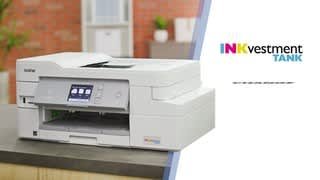

- Model:
- MFC-J995DW
- SKU:
- 6255013
Rating by feature
- Value
Rating 4.5 out of 5 stars
- Quality
Rating 4.5 out of 5 stars
- Ease of Use
Rating 4.5 out of 5 stars
Customers are saying
Customers often highlight the excellent print quality and ease of use of the INKvestment Tank MFC-J995DW Wireless All-In-One Inkjet Printer. Many also appreciate the printer's relatively compact size and straightforward setup process. Positive feedback also mentions the quiet operation and wireless connectivity. However, some users experienced issues with paper jams and occasional reliability concerns.
This summary was generated by AI based on customer reviews.
Great printer
||Posted . Owned for 1.5 years when reviewed.This reviewer received promo considerations or sweepstakes entry for writing a review.Great printer for the money, would definitely recommend purchase.
I would recommend this to a friendGreat printer/scanner/copier
||Posted . Owned for 3 weeks when reviewed.This reviewer received promo considerations or sweepstakes entry for writing a review.Best Bluetooth printer ever! I highly recommend using Brothers inks!
I would recommend this to a friendthe best printer i have ever bought its wireless
||Posted . Owned for 1 month when reviewed.This reviewer received promo considerations or sweepstakes entry for writing a review.you can print from any room in the house ,its really nice
I would recommend this to a friendA printer that performs
||Posted .This reviewer received promo considerations or sweepstakes entry for writing a review.After trying other printers, the Brother outperforms past ones I have had.
I would recommend this to a friendWorks great
||Posted . Owned for 5 months when reviewed.This reviewer received promo considerations or sweepstakes entry for writing a review.Works great. Easy to use. I always try to support local businesses.
I would recommend this to a friendFab home printer
||Posted . Owned for 2 months when reviewed.This reviewer received promo considerations or sweepstakes entry for writing a review.Fab printer: Quick clear copies, good color & just right
I would recommend this to a friend- Pros mentioned:Print qualityCons mentioned:Paper jam

Great All In One for a Wireless Network
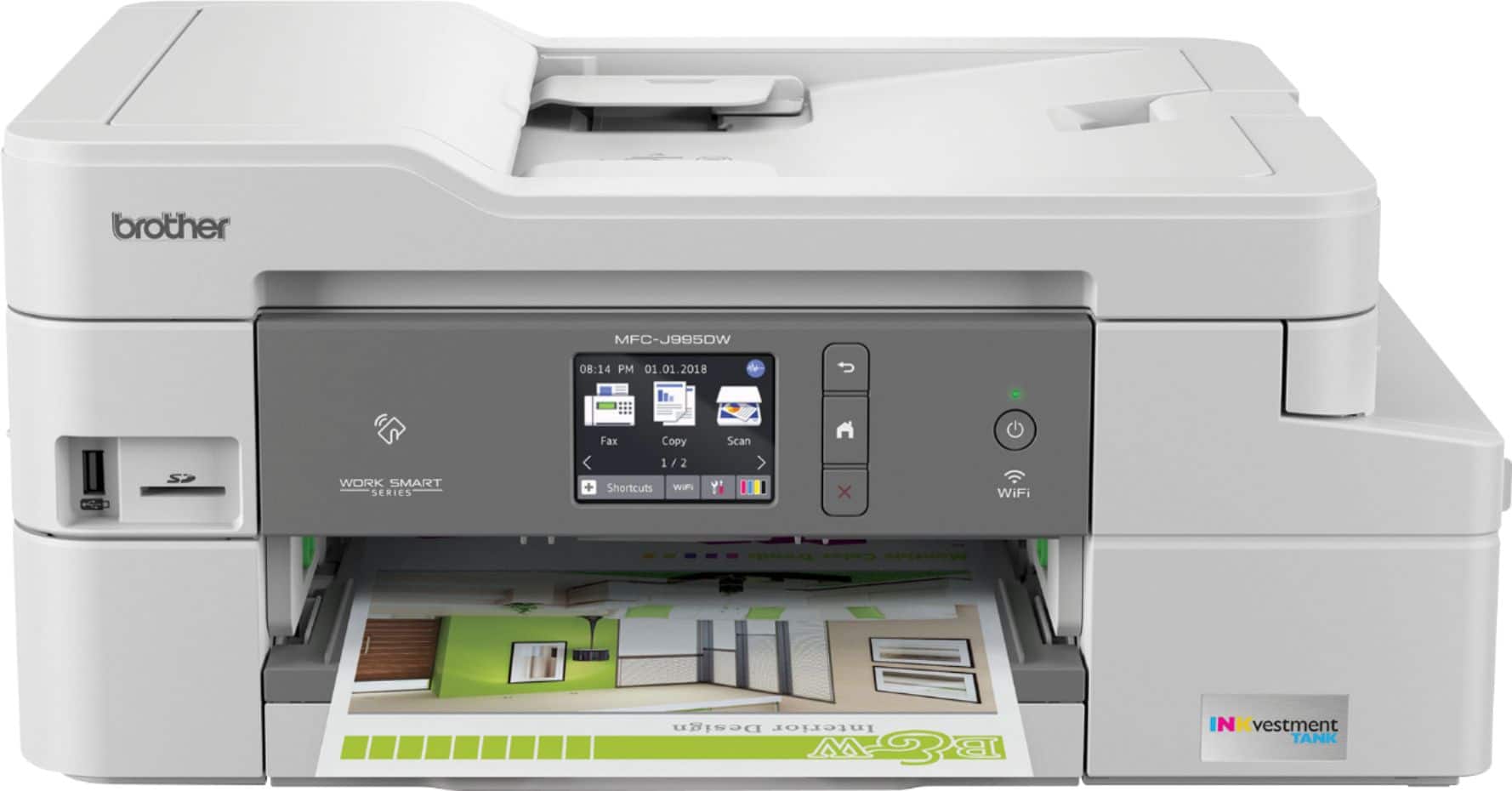
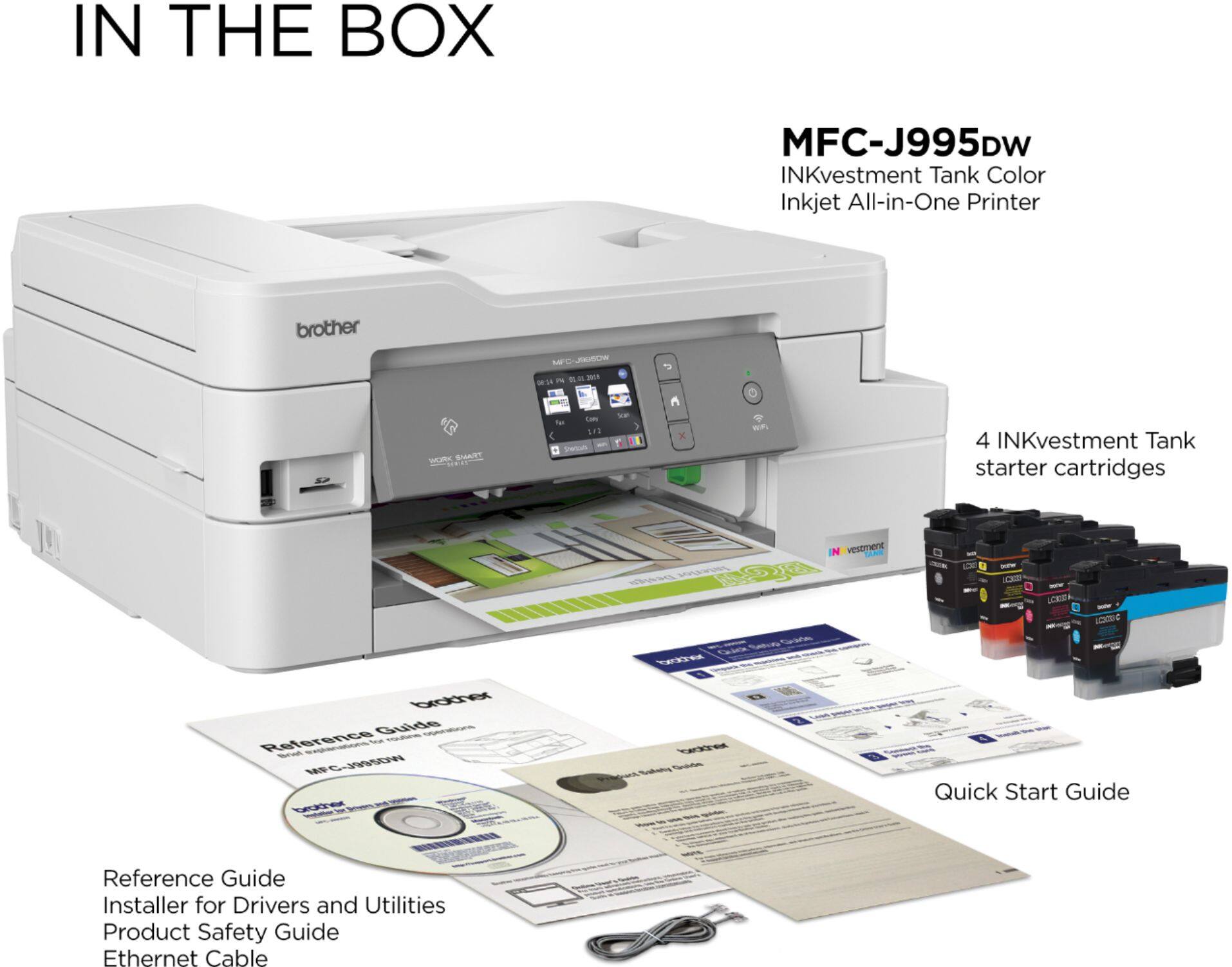
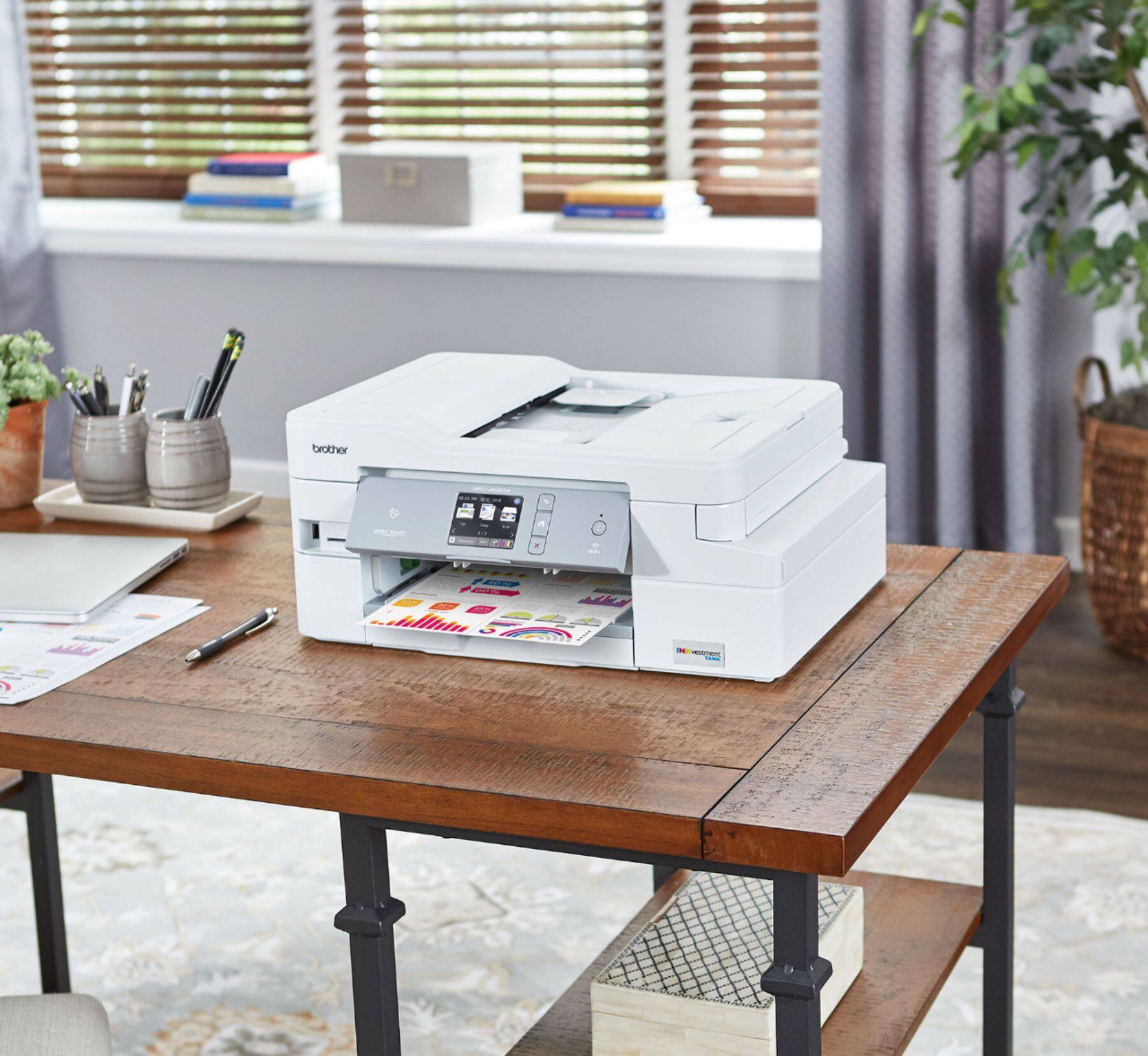
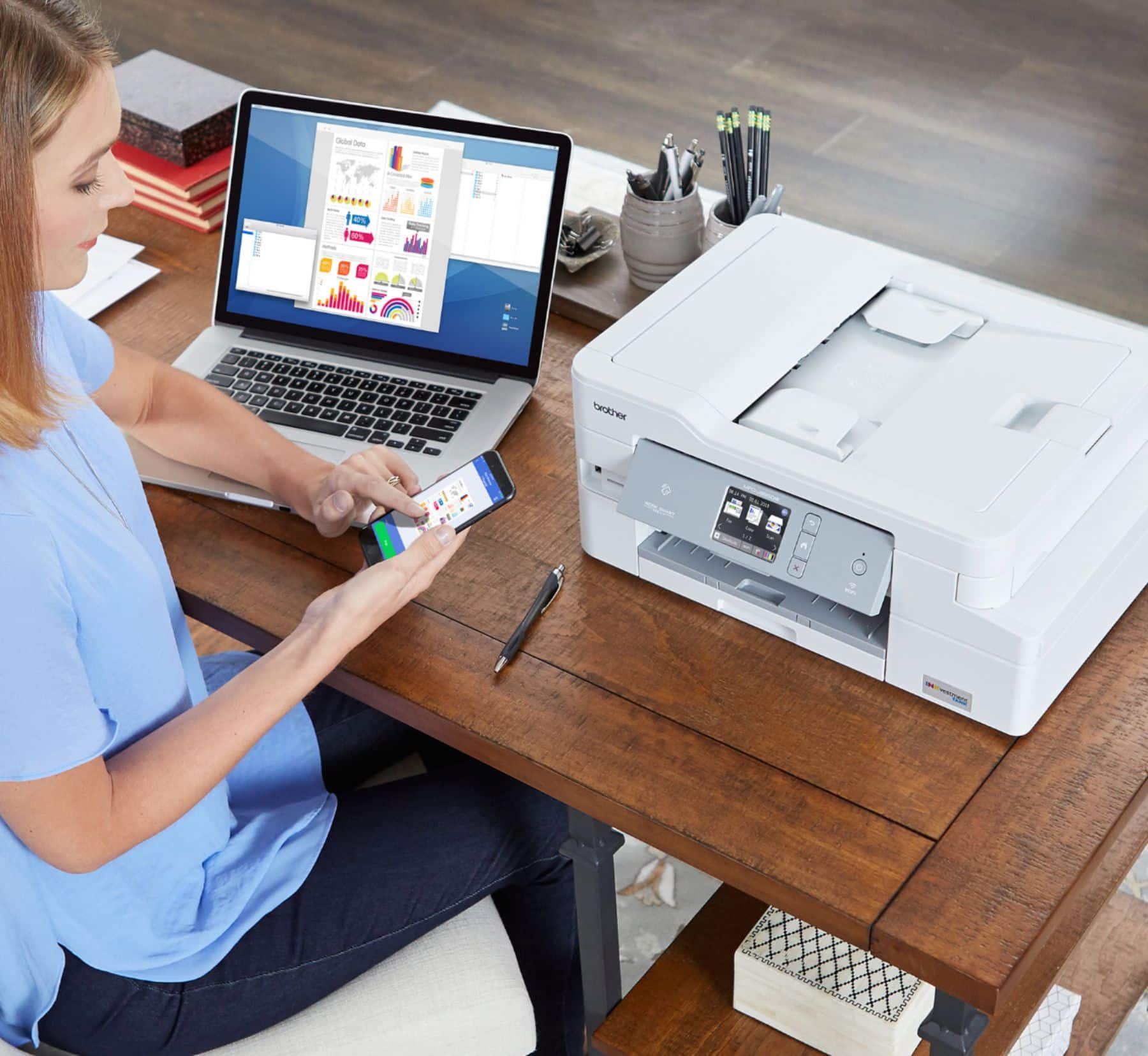
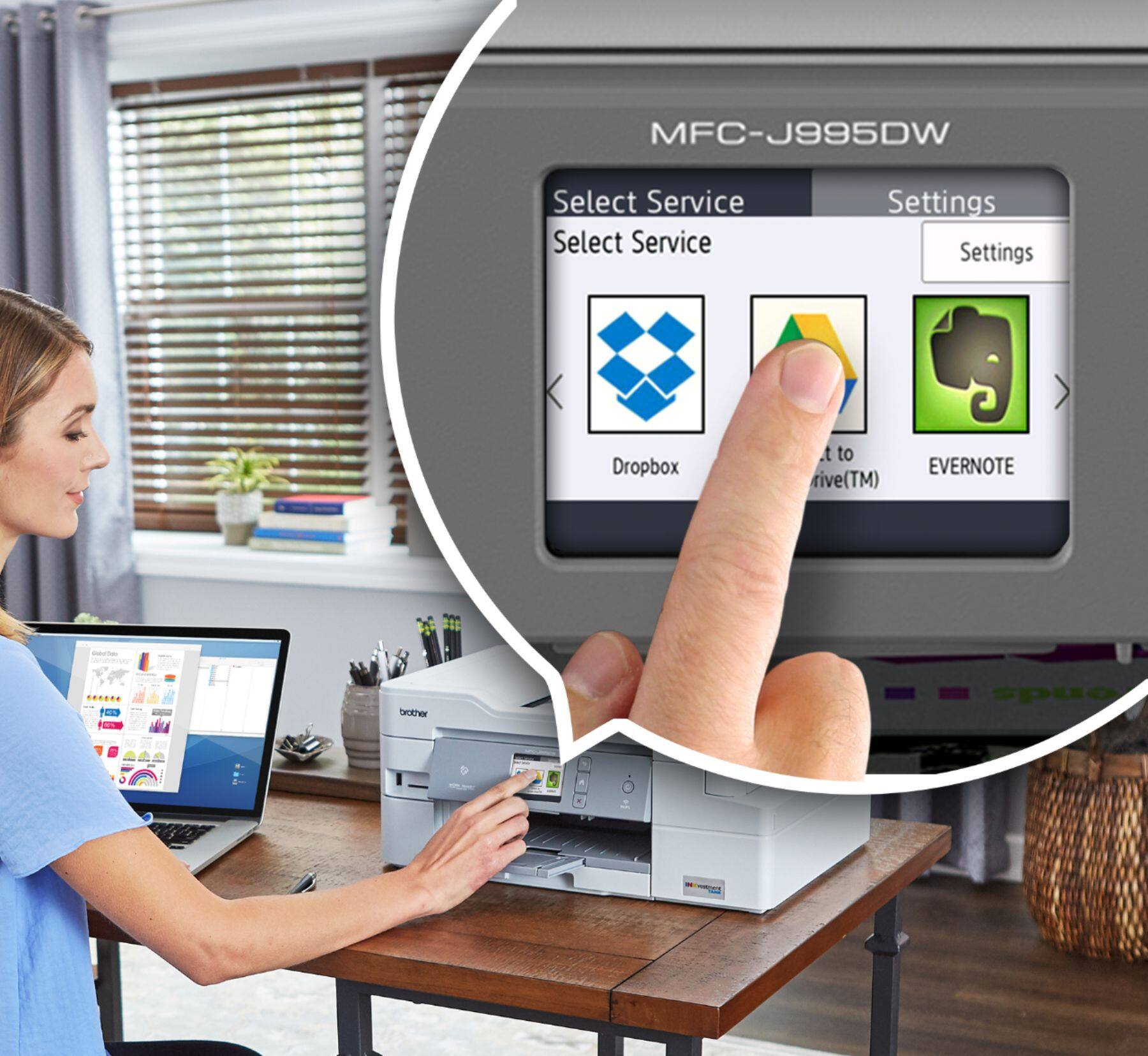
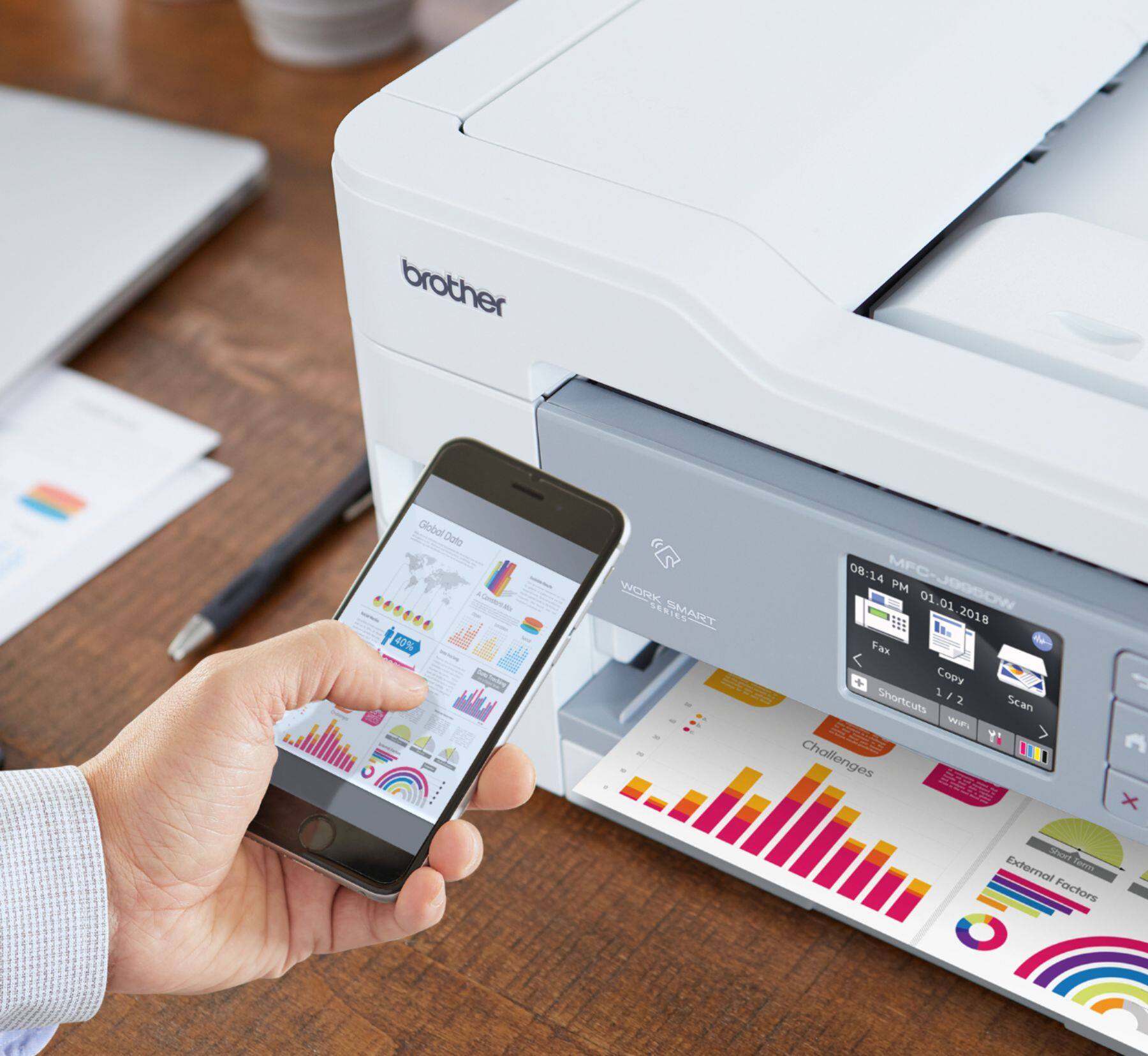
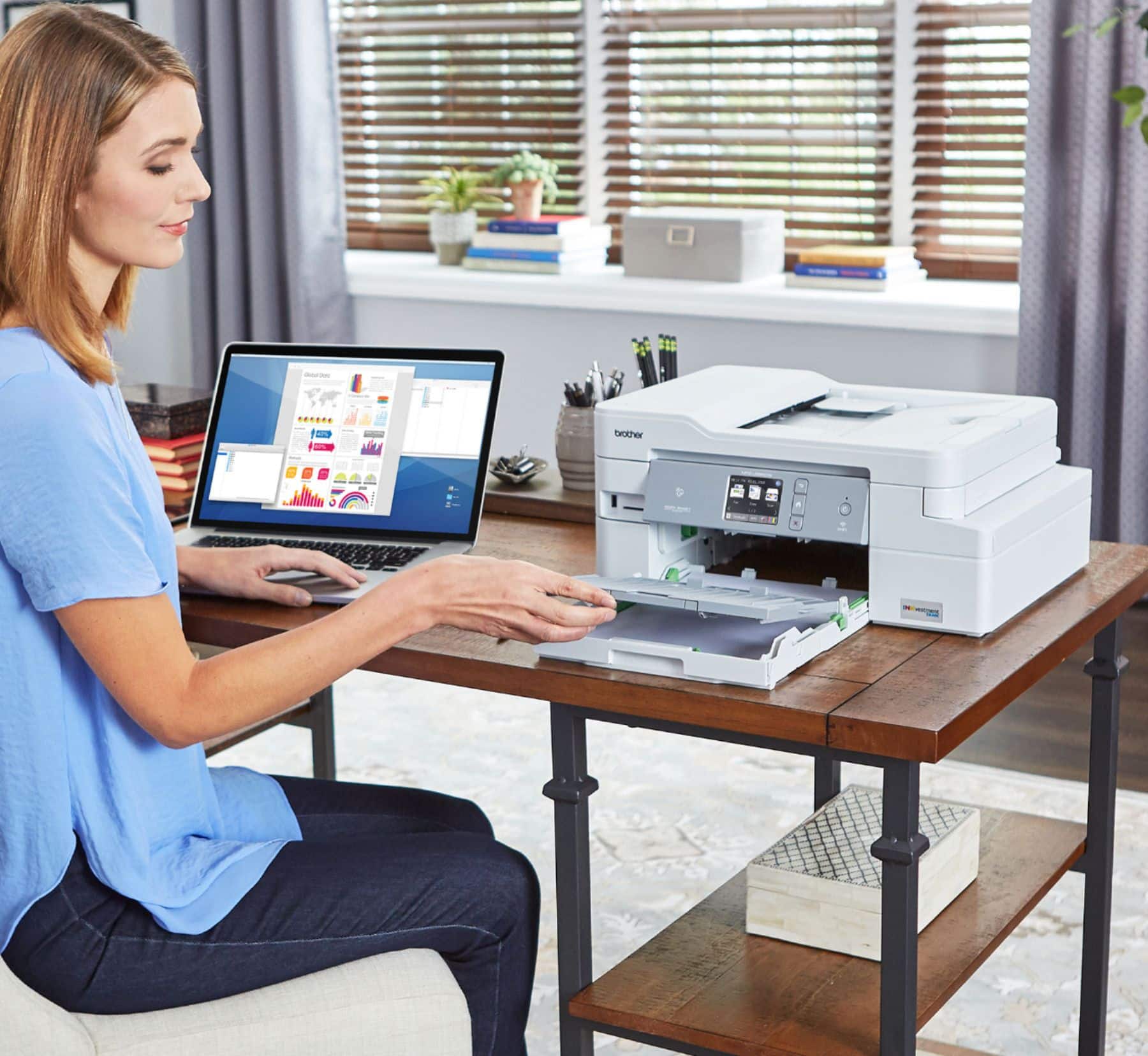
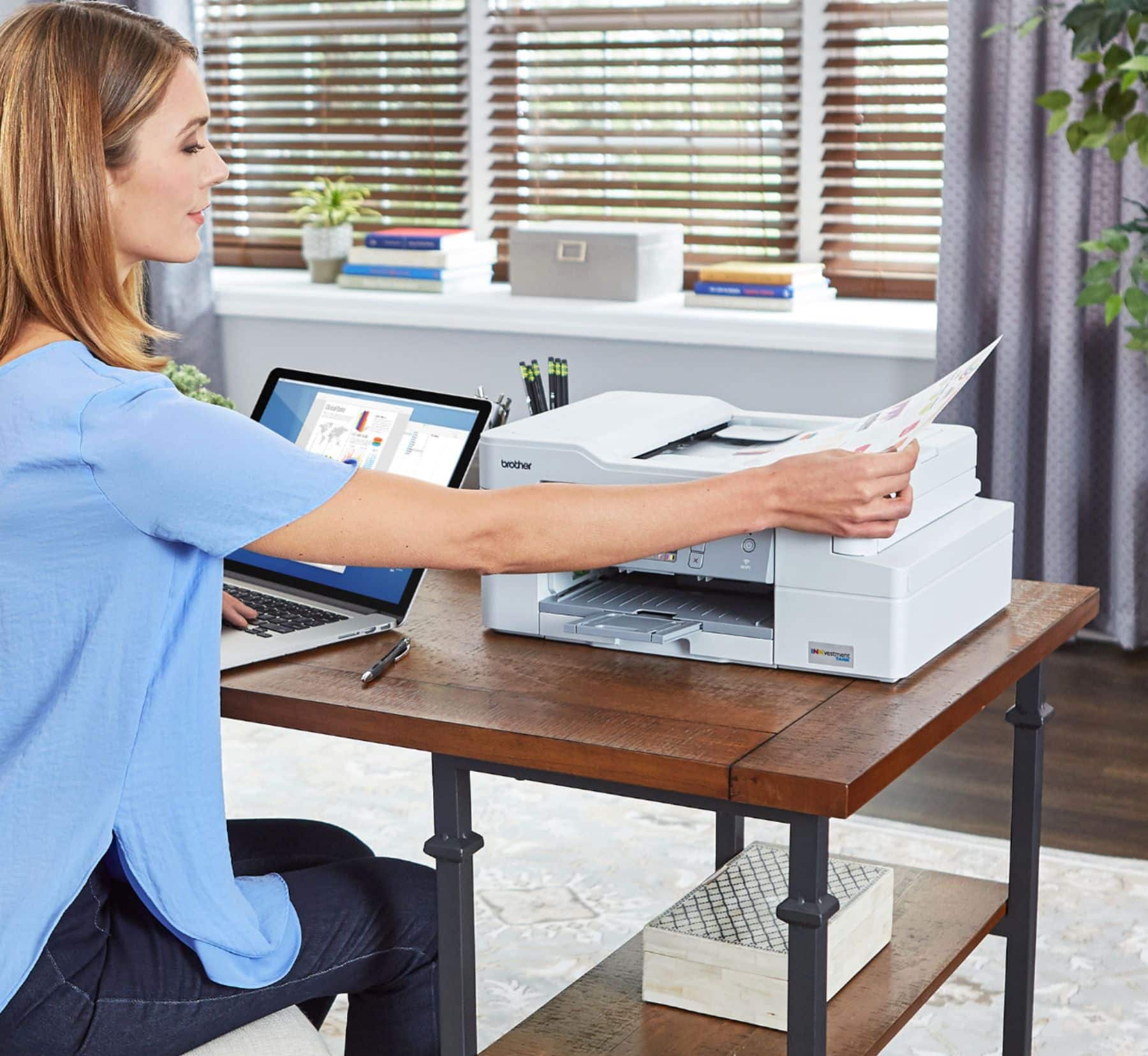
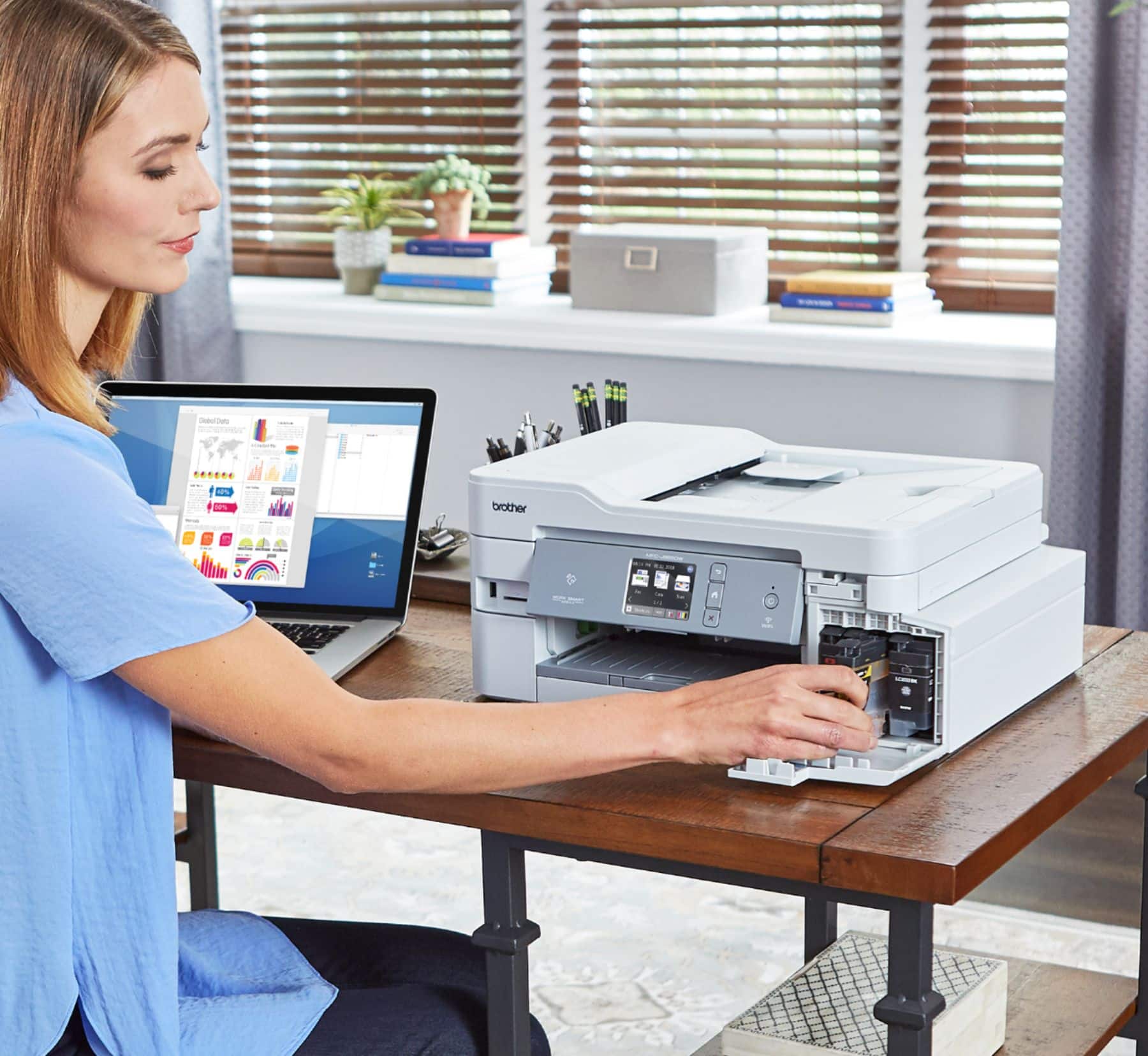
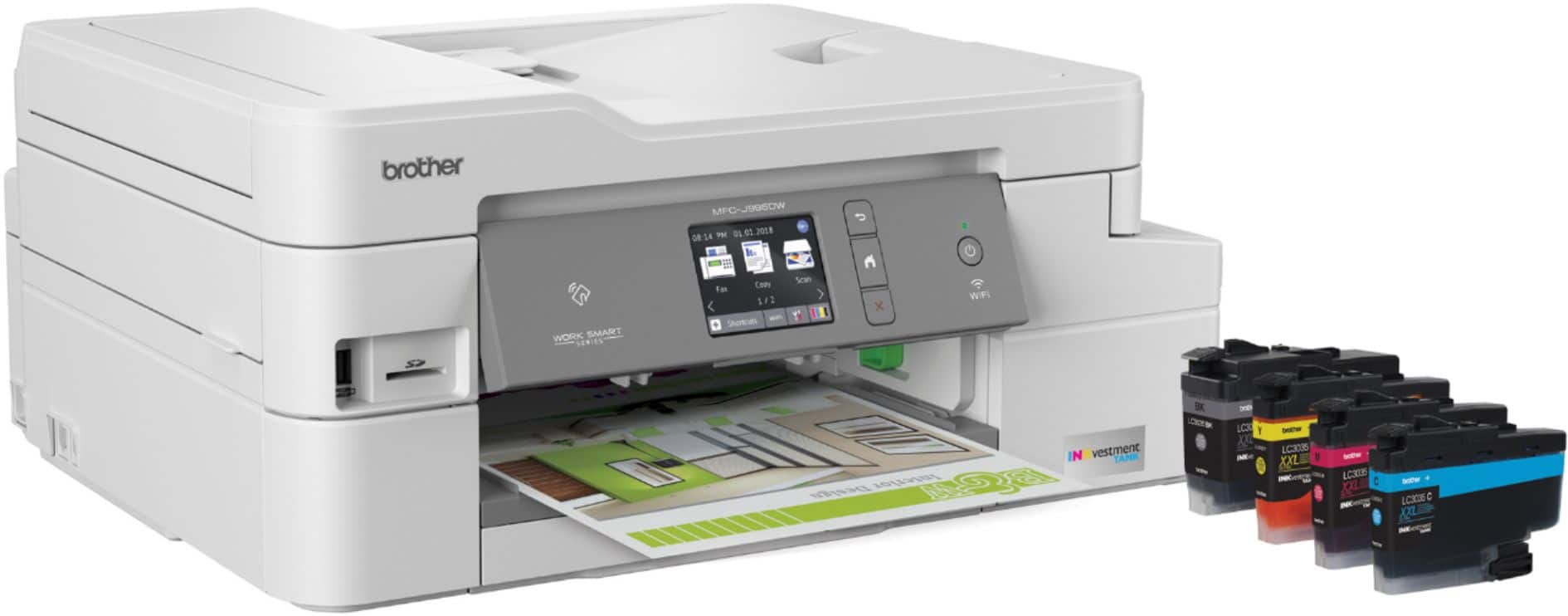
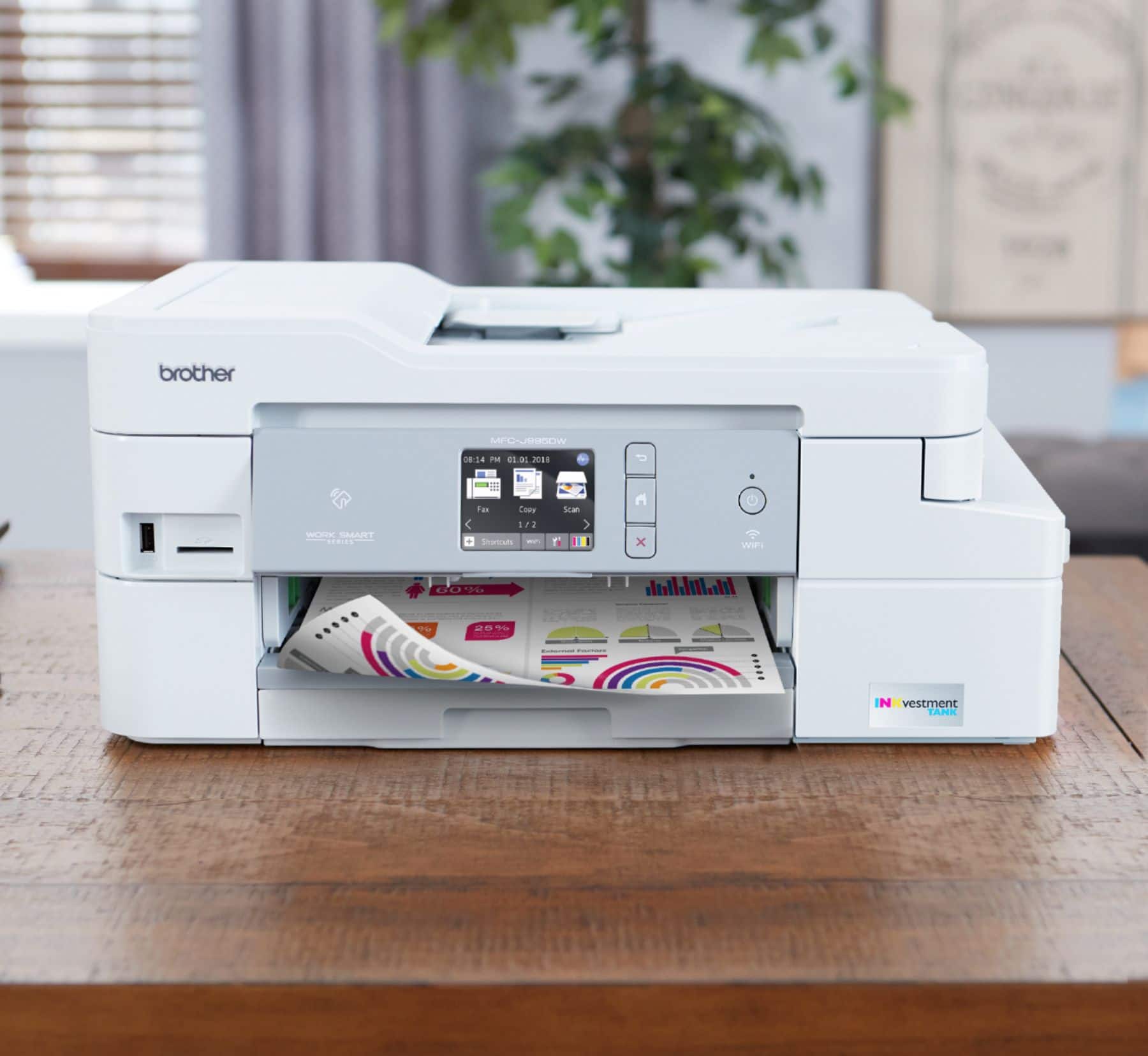
|Posted .This reviewer received promo considerations or sweepstakes entry for writing a review.You can usually tell the quality of a product by the way it is packaged. This Brother MFC-J995DW was packed very well, yet easy to get out of the box without struggle. This Printer really was better than I expected. The set-up can be from an internet download address or a CD-ROM included. The average time for setting up this machine was around 40 minutes. I used the disc on one laptop to sync on the network. It did take a little bit of time, around 25 mins. I then installed a desktop with just the download address. It barely took 10 mins. The network found the device and connected to the Printer with me hardly doing anything. This great set-up for the Brother MFC-J995DW on my computers, made the whole experience easier by the install not being exhausting. Another great piece of hardware on this machine is the 2.7 inch color touch window. It is very easy to read and offers real solutions to help the user with the touch of a finger. The color window screen made it easier to set up and maintain a certain level of productivity. It helps control the time when the Printer goes to sleep or when connecting to the wireless network. The color screen was an added bonus that I hadn’t expected but now I can’t work without it. Also in the installation of the Printer, two programs appeared on my desktop on my computer. The Brother Utilities program monitors the status and has the ability to scan, PC-Fax, Tools, Photo Print and help with broken connections or software updates. The other program is the Brother Creative Center. It helps templates, for instance, a Father’s Day I worked on. I mean, you can even do Business Card Templates, Brochures and even Poster Templates. You can think it up, and the Brother Creative Center will help make it a reality. I used my computer but you can use your tablet as well. INKvestment you might ask? It is an ink tank inside the Printer that stores ink. I installed my black ink cartridge (which is on the front, making access easy). Then according to the color screen, I dumped my black ink into the ink tank. That is a simple to use tank and doesn’t change the size of the Printer in the least. You can print a number of ways through your Brother Printer from a laptop, tablet, your even your smartphone. All very convenient depending on your printing situation when you are ready to use it. I prefer the old simple way from my computer to the Brother Printer wirelessly. I print a lot of pages from Word. I have had no issues at all. One more important issue I have had with other printers in the past was that the printed pages would slide right of the paper tray holder when completed. This Brother Printer has no such problems. That was a real sticking point for me, but not to worry because the paper actually stays in the tray after printing. The paper is also easy to refill with the paper sliding out in front. Printing is fast with 12 ppm B&W and 10 ppm in color. Printer does double sided printing that you don’t have to flip. Color and Black/White, of course you can always scan and print an image while using this Printer. I use a wireless network but the printer will hook up directly to your computer through a USB port or telephone cord (optional with cord included). I have been testing this Printer for a week now and it has surpassed my expectations. Hooking up the wireless Brother Printer to the wireless network was painless (and I did by internet download and CD-ROM). The Printer is a convenient compact, medium size machine that doesn’t require a lot space. Not a single paper jam. Paper feed through without issue on to the tray. The only thing I could not find is something that told me when I was low on paper. So I ran out in the middle of a project. I added more paper and had no problems. I like the INKvestment and the ability to print for a whole year. Although I print a lot, so I don’t expect a year, but it is a creative way to use ink storage. Color images came out nice as well with the pictures I used. I even did Black&White pictures. I am very happy with the result. Infact, I am happy with this Brother MFC-J995DW wireless all in one. It handles all I need and more.
I would recommend this to a friend Great device
||Posted . Owned for 11 months when reviewed.This reviewer received promo considerations or sweepstakes entry for writing a review.Great product. Works great. Love the way it’s designed.
I would recommend this to a friendEverything is what I wanted
||Posted . Owned for 1 month when reviewed.This reviewer received promo considerations or sweepstakes entry for writing a review.Not my first Brother Printer, but the best I ever owned.
I would recommend this to a friendExcellent Product
||Posted . Owned for 3 weeks when reviewed.This reviewer received promo considerations or sweepstakes entry for writing a review.Easy startup process, everything worked the first time.
I would recommend this to a friendPrinter
||Posted .This reviewer received promo considerations or sweepstakes entry for writing a review.I believe I got a great printer at a great price. Set up was easy.
I would recommend this to a friendGood product
||Posted .This reviewer received promo considerations or sweepstakes entry for writing a review.This is not to bad for the price. Wasn’t to hard to get it going.
I would recommend this to a friendExcellent
||Posted . Owned for 3 weeks when reviewed.This reviewer received promo considerations or sweepstakes entry for writing a review.Great product !! Easy to use and set up. Highly recommend.
I would recommend this to a friendExcellent product
||Posted . Owned for 1 month when reviewed.This reviewer received promo considerations or sweepstakes entry for writing a review.Works as advertised with no problems. Easy set up and start up.
I would recommend this to a friendSurprisingly good
||Posted .This reviewer received promo considerations or sweepstakes entry for writing a review.Quality is much better than expected. Easy to set up and quiet. Well worth trying.
I would recommend this to a friendBrother printer
||Posted .This reviewer received promo considerations or sweepstakes entry for writing a review.Very happy with product. Works well for the things I need it for.
I would recommend this to a friendWorks great
||Posted . Owned for 1 month when reviewed.This reviewer received promo considerations or sweepstakes entry for writing a review.Efficient on ink. Great value. Love it. A little noisey
I would recommend this to a friendgood all-in-one copier/printer/scanner
||Posted .This reviewer received promo considerations or sweepstakes entry for writing a review.good overall performance, just loud. excellent value for the price
I would recommend this to a friendGood
||Posted . Owned for 3 weeks when reviewed.This reviewer received promo considerations or sweepstakes entry for writing a review.Great printer have not used as much to give it 5 stars.
I would recommend this to a friendGreat Printer for beginners
||Posted . Owned for 1 month when reviewed.This reviewer received promo considerations or sweepstakes entry for writing a review.Great printer for beginner. Reasonable priced. Would recommend.
I would recommend this to a friend