Customer Ratings & Reviews
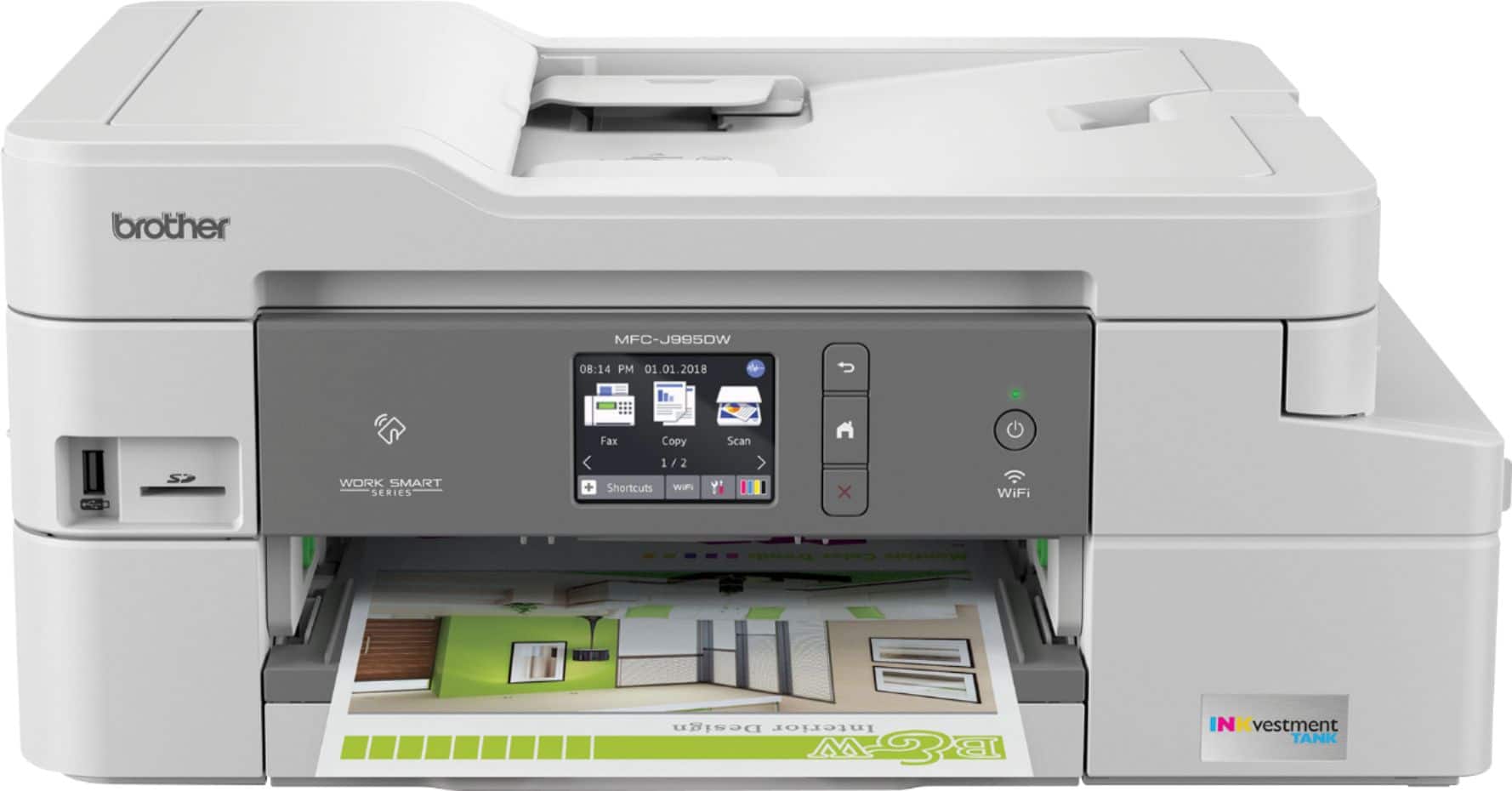
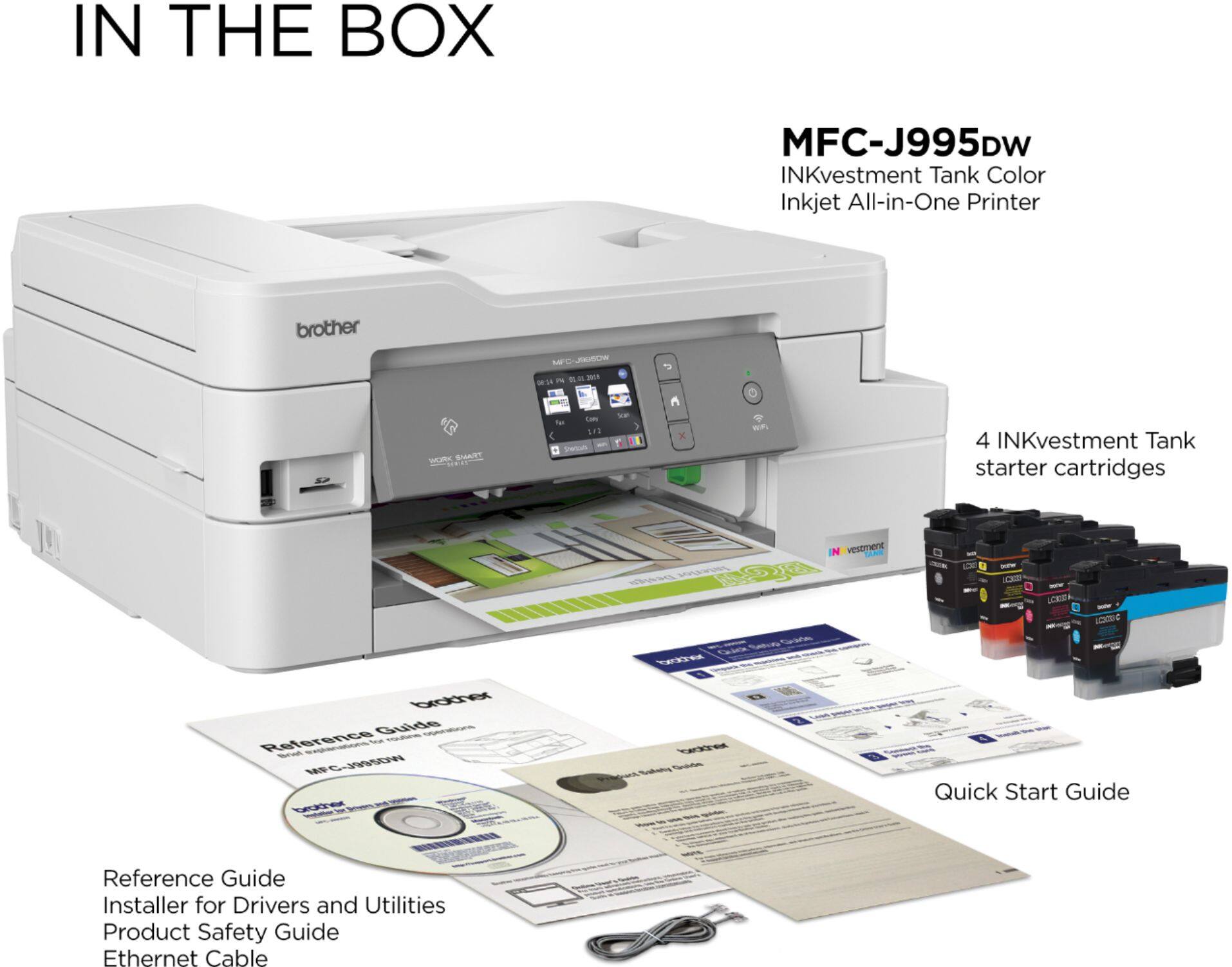
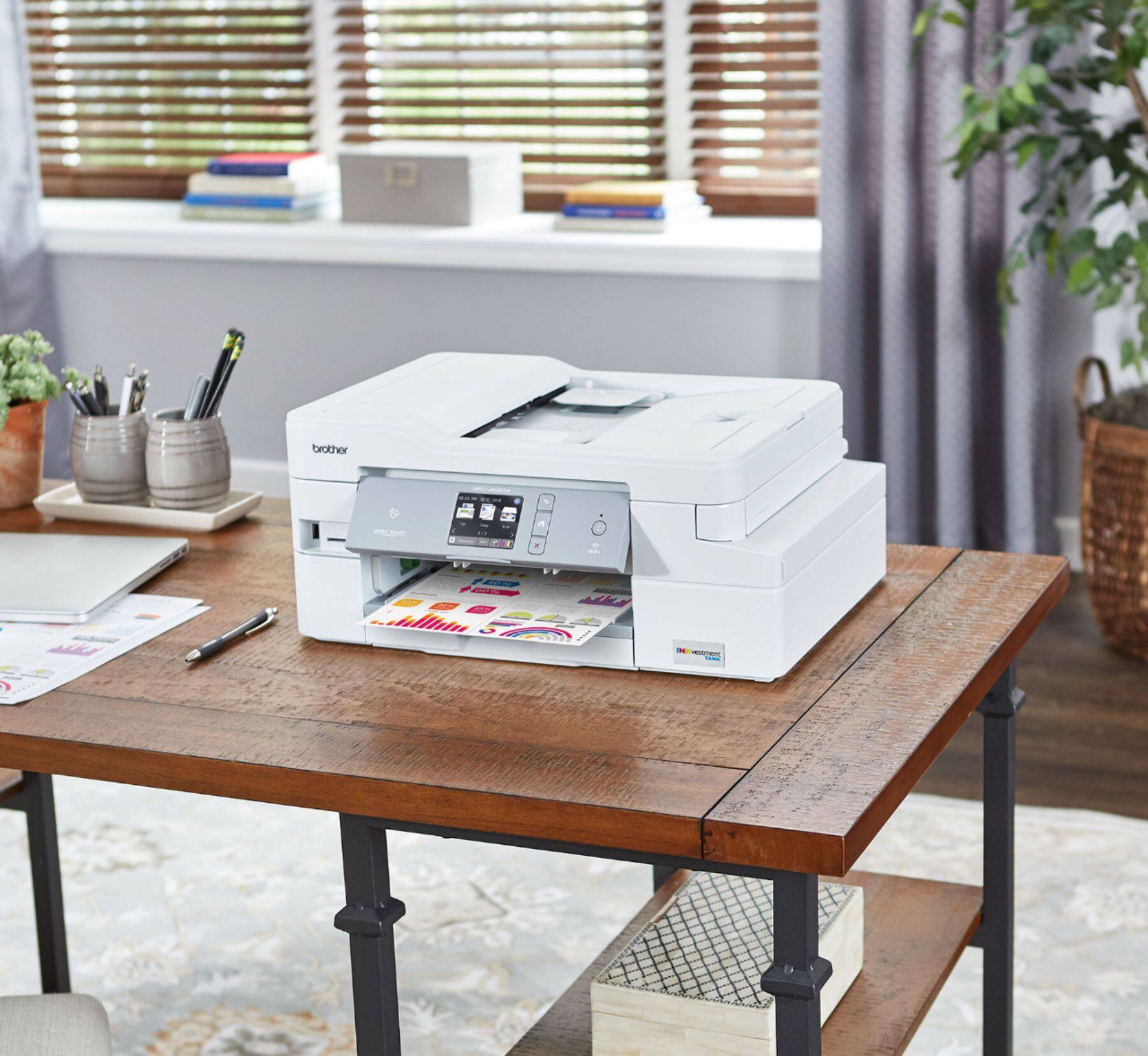
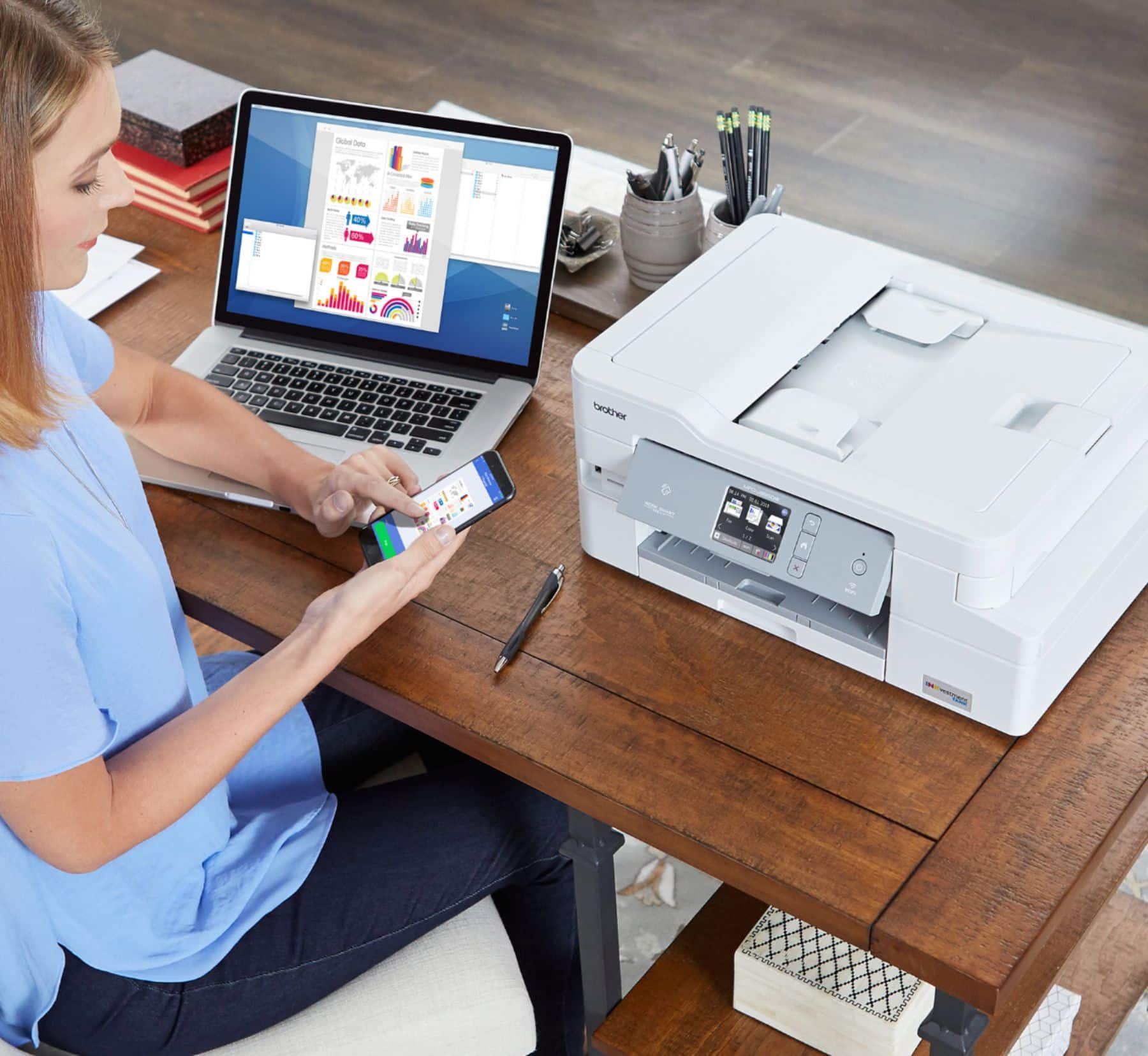
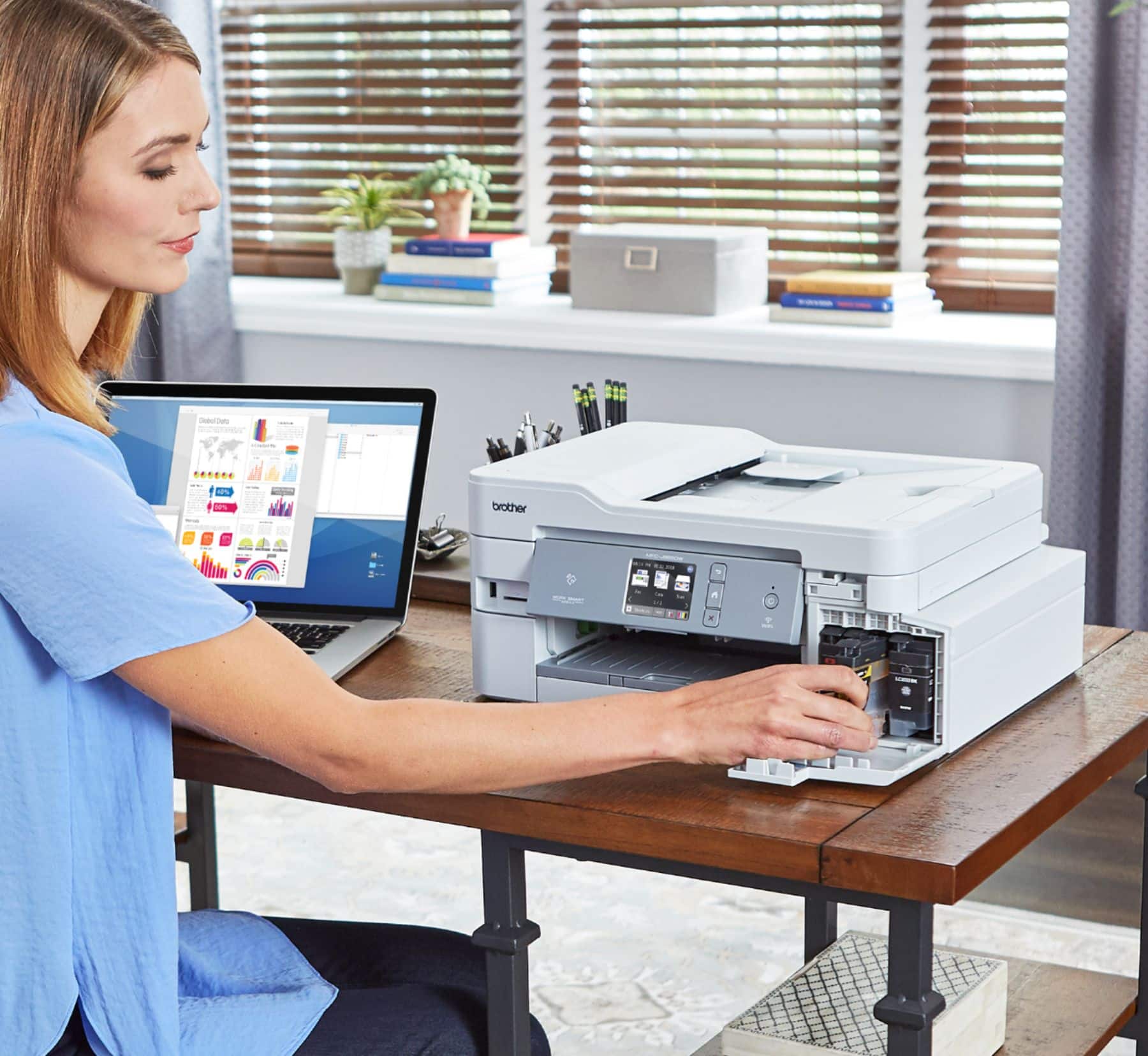
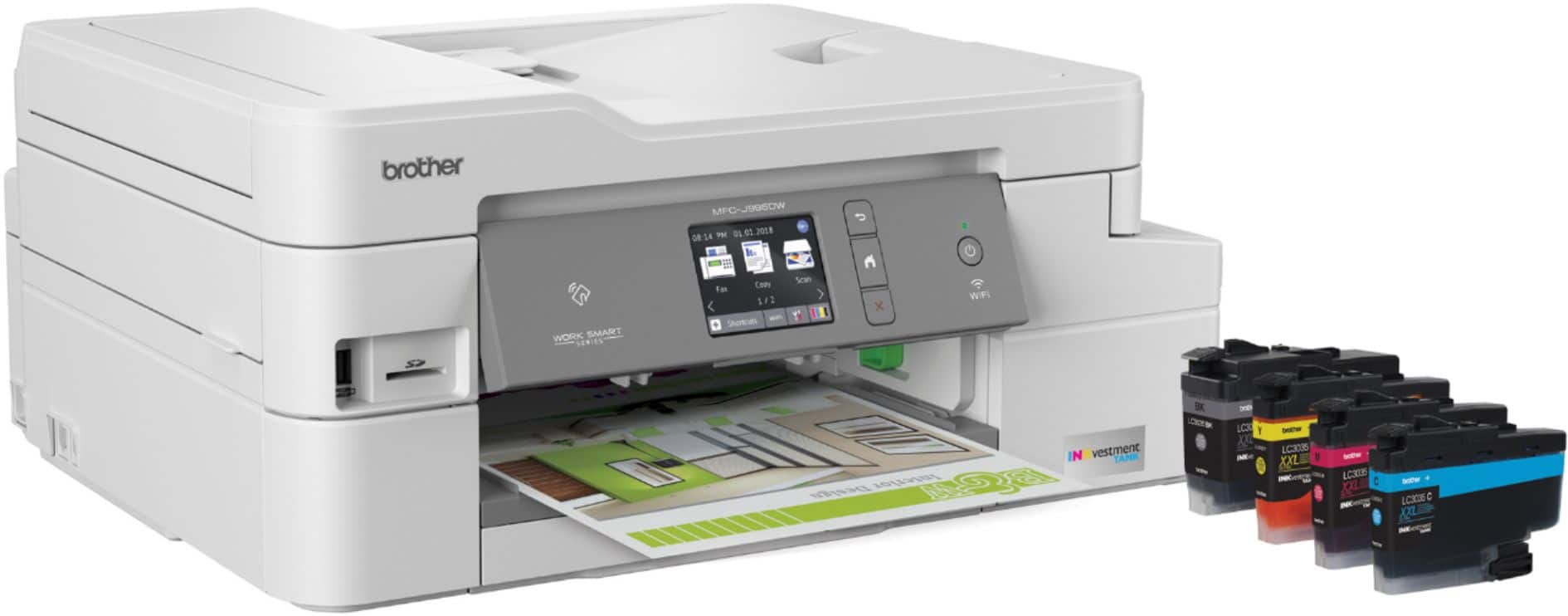
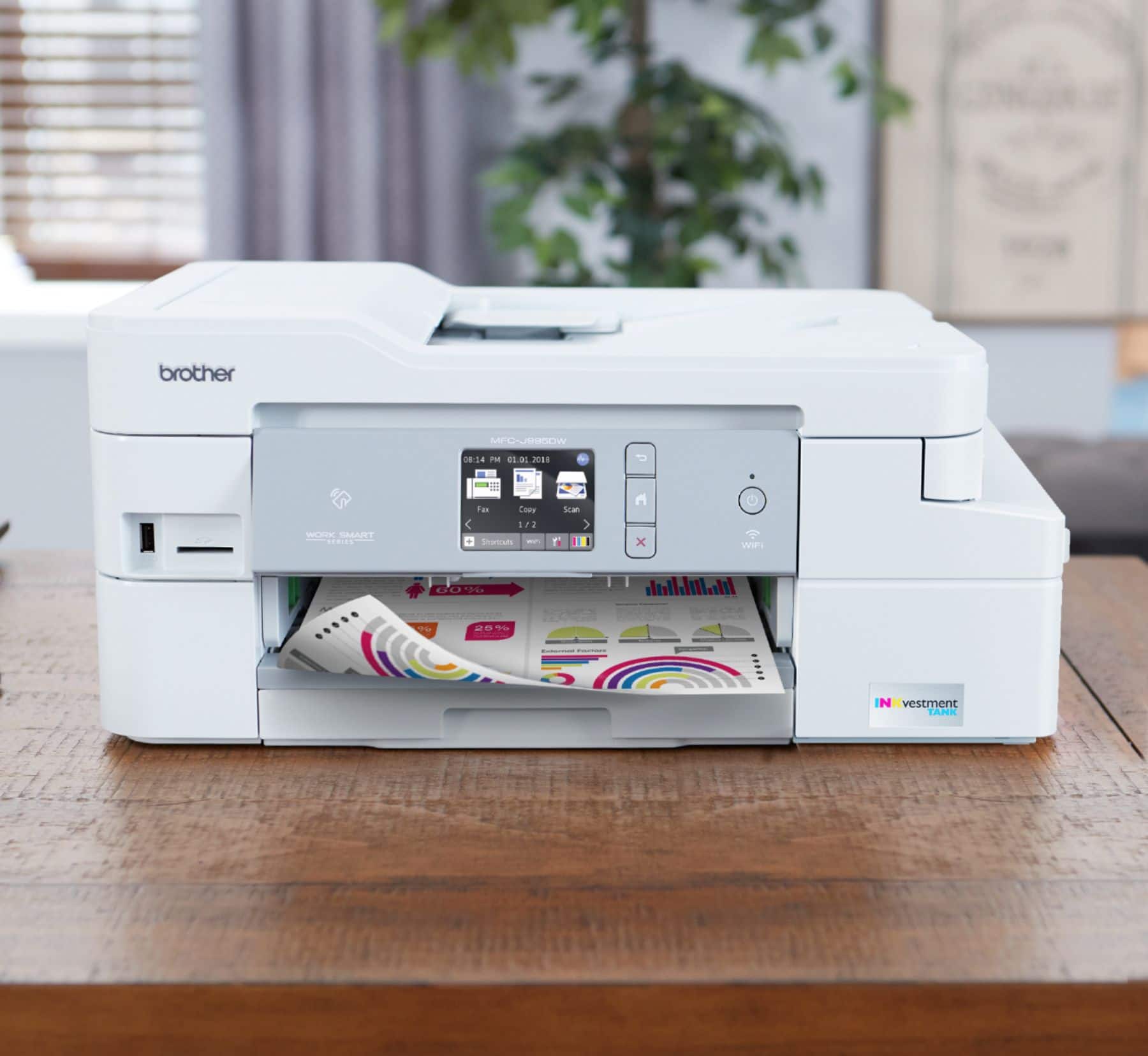
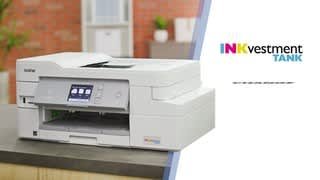

- Model:
- MFC-J995DW
- SKU:
- 6255013
Rating by feature
- Value
Rating 4.5 out of 5 stars
- Quality
Rating 4.5 out of 5 stars
- Ease of Use
Rating 4.5 out of 5 stars
Customers are saying
Customers often highlight the excellent print quality and ease of use of the INKvestment Tank MFC-J995DW Wireless All-In-One Inkjet Printer. Many also appreciate the printer's relatively compact size and straightforward setup process. Positive feedback also mentions the quiet operation and wireless connectivity. However, some users experienced issues with paper jams and occasional reliability concerns.
This summary was generated by AI based on customer reviews.
Connectivity Issues
||Posted . Owned for 11 months when reviewed.This reviewer received promo considerations or sweepstakes entry for writing a review.This is nice Printer at first and I had good experience with Brother Printers in the past, but this one had killed that, The main issues is connectivity with this printer, it seem every time I go to use it the printer can not be found. I have to uninstall the software reinstall on every machine and disconnect the printer from the wifi and reconnect it.
No, I would not recommend this to a friendBrand response from Brother
Posted .We are sorry that you are experiencing connectivity issues with your Brother MFCJ995DW and we understand your frustration. We'll be happy to help you. Below are two FAQs that will assist you. Please follow the steps on the option that corresponds to your computer's operating system:
Windows:
https://help.brother-usa.com/app/answers/detail/a_id/163156
Macintosh:
https://help.brother-usa.com/app/answers/detail/a_id/162654
If you continue to have issues, our Brother Customer Support Team is available to assist you direct: www.brother-usa.com/brother-support
Disappointed in both the scan & print quality
||Posted . Owned for 1 year when reviewed.This reviewer received promo considerations or sweepstakes entry for writing a review.I needed something to replace my outdated Epson but my funds were limited at the time. When I read all the good reviews I though that this should be a quality replacement. Totally disappointed in both the scan quality and print quality (even when using top quality paper). For me the scanner was more than a major disappointment as we were trying to scan old family photos to use for our Dad's funeral. My daughters iphone took better photos of the pictures than the scanner did! On top of that it keeps disconnecting from WiFi and won't recognize our WiFi password that works find for every other electronic when we're signing into WiFi. Somehow I manage to get it reconnected (definitely not the same way each time!), but this time it just won't reconnect - even when following the instructions from Brother and other sources I searched to help. I so wish I could return this printer but we've put up with it for a year. Guess you could say the only 'pro' we've found about this printer is that we haven't had to replace the ink all year, it's going to need replacing soon, but using that $100. to switch back to Epson.
No, I would not recommend this to a friendBrand response from Brother
Posted .Hi Larimar, I apologize you are experiencing an issue with scan and print quality from your Brother MFC-J995DW. We will be glad to help you with this issue. Here are some FAQs that may help.
https://help.brother-usa.com/app/answers/detail/a_id/156166?R3ModelID=MFCJ995DW
https://help.brother-usa.com/app/answers/detail/a_id/52672?R3ModelID=MFCJ995DW
If you still have the same issues, please contact us by Email or Live Chat so we can work on this issue together. https://www.brother-usa.com/support/mfcj995dw
- Pros mentioned:Print quality

Pleasantly surprised by the photo quality
|Posted .This reviewer received promo considerations or sweepstakes entry for writing a review.I had read some online reviews prior to getting this unit to review and I was worried about the quality of the photo printing; This unit would replace an Epson WorkForce all in one that I had come to really appreciate for its HQ photo printing. But the Epson Ink was another issue; if you didn't use it regularly it would dry up and clog the heads and genuine ink was expensive and went quickly. So I was interested in Brother's InkVestment approach that promised 1 Year of ink in the box. The carts are well designed and bigger than most. Ink formula seems as good if not better than competitors; saturates well. The printer itself is typical Brother; efficient, quiet and solid. There's a quiet mode, but it's already so quiet I couldn't tell the difference except for the increase in printing time. I'd rather black than putty/off white, but Brother seems to have a thing for that look; the color laser I have is the same theme. Packed thoughtfully and it was up and running quickly and easily - all things I've come to expect from Brother printers. I tested some graphic artwork with standard inkjet paper and was pleased with the output, both in color matching and quality. But I was surprised about the quality of the first 5 x 7 borderless photo I printed out. It really looked great! Based on those reviews I expected sub par color matching and resolution but I thought the output was comparable to my Epson which cost almost twice the price. I think the only slight tweaks I would make would be to saturation and contrast, but that may have been the difference between the screen and output; I didn't do any calibration or select a color space. Given that, I would say they've done a fine job and I question some of those reviews; color is a subjective thing though. If I were to pick at threads, beside the putty/off whiteness, I think the position of the plug on the side instead of the back, as well as making it a permanent hardwired cable rather than a plug is a little questionable. And I had to do a little research to figure out how to get the LCD display - which is small but responsive and clear - to stop doing a slide show of all the features, LOL. But these are small things in comparison to the awesome number of pluses. Features like USB *and* SD card slots, NFC Printing, Wifi *AND* Ethernet don't usually come on a PRINTER at this price, let alone an AIO Printer with an auto document feeder! Brother is continuing to impress me with their printers. I'd definitely recommend this one.
I would recommend this to a friend Problem printer
||Posted . Owned for less than 1 week when reviewed.This reviewer received promo considerations or sweepstakes entry for writing a review.As a tech savvy consumer, I was disappointed in this printer and decided to return it promptly. Wifi connectivity was unreliable, and required turning my computer and devices on and off repeatedly to reconnect. Print quality was muddy. Online support via the Brother site was not helpful and poorly organized. While I like the idea of economical ink, the hassle of dealing with this printer's problems far outweighed any benefit.
No, I would not recommend this to a friendGood quality for the price.
||Posted . Owned for 1 month when reviewed.This reviewer received promo considerations or sweepstakes entry for writing a review.I am very happy with the printer. We use it for personal printing jobs. We don't print a lot of photos etc. If you are critical about color quality you may need to buy a higher priced unit.
I would recommend this to a friendBrand response from Brother
Posted .Hi, i understand you are having a issue with print quality. Here is a FAQ for improving the print quality.
https://help.brother-usa.com/app/answers/detail/a_id/156166?R3ModelID=MFCJ995DW
If you still have the issue, please let us know by Email or Live Chat for assistance. https://www.brother-usa.com/support/mfcj995dw
Slow and prone to jamming
||Posted .This reviewer received promo considerations or sweepstakes entry for writing a review.I thought this would be a decent machine, but from the outset, I had problems with it being slow to print, then jamming if I had more than 1 print to produce. Rather disappointing.
No, I would not recommend this to a friendGood for a home printer.
||Posted .This reviewer received promo considerations or sweepstakes entry for writing a review.The printer provides a decent image but not of the highest quality image. Installation is slightly challenging.
No, I would not recommend this to a friendIt's okay
||Posted . Owned for 3 weeks when reviewed.This reviewer received promo considerations or sweepstakes entry for writing a review.Only bought this because pretty much everything else was sold out. I don't think it prints very well. You'd think for $200, it would produce better quality prints.
No, I would not recommend this to a friendBrand response from Brother
Posted .Hi, We understand you are experiencing issues with your print quality for your MFC-J995DW. I'll be happy to help. The link below will improve the print quality.
https://help.brother-usa.com/app/answers/detail/a_id/156166
If you continue to have issues, our Brother Customer Support Team is available to assist you direct:
https://www.brother-usa.com/brother-support
Must Clean Print Heads
||Posted . Owned for more than 2 years when reviewed.This reviewer received promo considerations or sweepstakes entry for writing a review.I loved this printer for the first six months but now I have to clean the print heads before each and every print otherwise the print quality is poor. Faint black text with visible lines. On top of that, it now jams every third print or so when duplex is enabled. I'm done with this machine and ordering something new. Software is great on Mac OS.
No, I would not recommend this to a friendBrand response from Brother
Posted .We are sorry that you are experiencing print quality issues with your Brother MFCJ995DW. We undestand you've already taken some steps to try and resolve this issue. We believe the additional steps below should help.
If you continue to have issues, our Brother Customer Support Team is available to assist you direct: www.brother-usa.com/brother-support
unreliable internet connectivity
||Posted . Owned for 1 year when reviewed.This reviewer received promo considerations or sweepstakes entry for writing a review.Constantly having to reconnect. Then the machine doesn't recognize the router network key. I have to unplug and replug to get it to connect and not always.
No, I would not recommend this to a friendBrand response from Brother
Posted .Hi Dachabra, I understand you are having connection issues. We will be glad to help you with resolving the issue. Please contact us by Email or Live Chat so we can work on this together. https://www.brother-usa.com/support/mfcj995dw
It prints...
||Posted . Owned for 9 months when reviewed.This reviewer received promo considerations or sweepstakes entry for writing a review.I am not a big fan of this printer. Got it for the office for the inkvestment tank tech but its slow and whiny. It was inexpensive to get it.
No, I would not recommend this to a friendBrand response from Brother
Posted .Hi, We understand you are experiencing an issue with your Brother MFC-J995DW printing slow. Print speed varies by connection method. Click the link below to optimize print speed.
https://help.brother-usa.com/app/answers/detail/a_id/155826
If you continue to have issues, our Brother Customer Support Team is available to assist you direct:
https://www.brother-usa.com/brother-support
- Pros mentioned:Setup, Size
Great all in one!
|Posted .This reviewer received promo considerations or sweepstakes entry for writing a review.I wish I would have listened to others when they told me to just get a Brother printer when I was in search for a new inkjet printer. Ive tried a few different models recently from different companies and I can tell you that this printer is superior to them. This one just works every time I go to use it! The pinter is very solid and well made. The size is just right. I was very impressed with the little touchscreen. It is responsive, in color, and I had no issues connecting it to my home wifi. Note that it has no 5ghz wifi support so I had to connect it to my 2.4ghz network. The power cord comes out of the side instead of the back so I found it a lot easier to squeeze it into a small shelf. It has a usb and sd card reader on the front which is a nice plus if you were to use it for photo printing. The setup software and drivers work really well. Very easy to setup and install. It comes with a quick setup guide that is very helpful so you will want to make sure to read that with first time setup. I found this printer a lot easier to setup compared to others. Had no issues connecting it to Windows and Linux workstations. Very configurable as well. You can tweak a lot of settings by using the software or by going to the printers ip address in a browser. Its firmware auto updates via network. The ink cartridges are awesome. The are broken out in separate cartridges so if you run out of one color you can just buy that one instead of having to replace all of them just to get it to print blue again. They are larger and come filled with plenty of ink. You get a lot more ink out of the box with this than you would with other printers and that alone is a huge plus. I would say the print speed and the print quality is about the same as others. I didn't notice much of a difference there. Works great for printing documents but I personally wouldn't use it as a photo printer. Scanner/copier work pretty well too for making basic copies. Cant comment on the fax functionality since I don't use it but it comes with a analog phone cable as well. I feel like you get a lot of bang for your buck out of this especially with the amount of ink it comes with. Great printer for a small office or home setting.
I would recommend this to a friend Brother Inkvest
||Posted . Owned for 1 year when reviewed.This reviewer received promo considerations or sweepstakes entry for writing a review.I'm not disappointed with my purchase but not exactly excited, either. I have connection issues with my phone.
I would recommend this to a friendBrand response from Brother
Posted .We are sorry to hear that you are experiencing connection issues with your Brother MFC-J995DW printer and we'd like to help. We have many helpful resources on our support website which should address this problem. If the issue persists, feel free to contact Brother Customer Service directly at https://www.brother-usa.com/support/mfcj995dw
Works When It Feels Like It
||Posted . Owned for 5 months when reviewed.This reviewer received promo considerations or sweepstakes entry for writing a review.When the machine wants to work, it's fine, but every few weeks it decides it can't find the network. I've tried online chat, and they solve the problem temporarily, but it recurs again and again. It seems to fix itself after a few days, but I've bought my last product from Brother.
No, I would not recommend this to a friendBrand response from Brother
Posted .Hi, We apologize you are experiencing this issue. The standard specification for Dual Band routers allow devices connected to different bands (2.4 GHz or 5 GHz) to communicate. Your computer can be connected to the 5 GHz band network and be able to print or scan (depending on your machine's specifications), to the Brother machine connected to the 2.4 GHz band.
Your Brother machine will only connect to the 2.4 GHz wireless band. The Brother machine will not "see" or connect to the 5 GHz band of your router. We recommend configuring the 5 GHz band to use a unique name. If you name both networks the same thing, this may cause repeated connection loss between the Brother machine and the computer.
Here is a FAQ that may help.
https://help.brother-usa.com/app/answers/detail/a_id/73618?R3ModelID=MFCJ995DW
If this still does not resolve the issue, please contact us back by Email or Live Chat so we can further investigate the issue. https://www.brother-usa.com/support/mfcj995dw
- Cons mentioned:Reliability
Printer broke after 6 months
||Posted . Owned for 7 months when reviewed.This reviewer received promo considerations or sweepstakes entry for writing a review.Had to have Geek Squad come to home to service printer. Was told printer head was broken. Usage was moderate. Surprising to have break after only 6 months.
No, I would not recommend this to a friendBrand response from Brother
Posted .Hi, we would love to speak with you regarding your Brother MFC-J995DW. Please contact customer support.
https://www.brother-usa.com/search#q=mfcj995dw
Okay but slow
||Posted .This reviewer received promo considerations or sweepstakes entry for writing a review.Good for the price but slow. Never could get the fax to work properly.
No, I would not recommend this to a friendPrinter
||Posted . Owned for 6 months when reviewed.This reviewer received promo considerations or sweepstakes entry for writing a review.It is working well still I have ink in it even I took so many prints.
I would recommend this to a friendNot worth for money . Poor Quality
||Posted . Owned for 1 week when reviewed.This reviewer received promo considerations or sweepstakes entry for writing a review.I bought this review after many days review as am going to spend good amount of money . My expectation was very high after reading the review in Amazon, Office depot ,TigerDirect and Best Buy etc.. After arrival of printer , I started printing couple of pictures and documents. I noticed the picture printouts has lots lines (not highly visible) and color print out is not coming out with actual printout. I had another printer Canon TR4522($55) , which prints better than this costly printer .. I am going to return this printer.
No, I would not recommend this to a friendBrand response from Brother
Posted .Hi, we understand you are experiencing an issue with the color print not coming out as expected for your Brother MFC-J995DW. We'd like to help. Click the link below to improve the print quality.
https://help.brother-usa.com/app/answers/detail/a_id/156166
Our Brother Customer Support Team is available to assist you direct: https://www.brother-usa.com/brother-support
Doesnt print as clear as I hoped it would but is s
||Posted . Owned for 3 weeks when reviewed.This reviewer received promo considerations or sweepstakes entry for writing a review.Doesn't print as clear as I hoped it would but it is sufficient
I would recommend this to a friendBrand response from Brother
Posted .Hi, I'm sorry to hear the print quality is not as expected. I'd like to help. Below is a FAQ below to help improve the print quality.
https://help.brother-usa.com/app/answers/detail/a_id/156166
Returned
||Posted . Owned for 3 weeks when reviewed.This reviewer received promo considerations or sweepstakes entry for writing a review.This product was returned as it was a bit larger than what I needed.
I would recommend this to a friend