Customer Ratings & Reviews
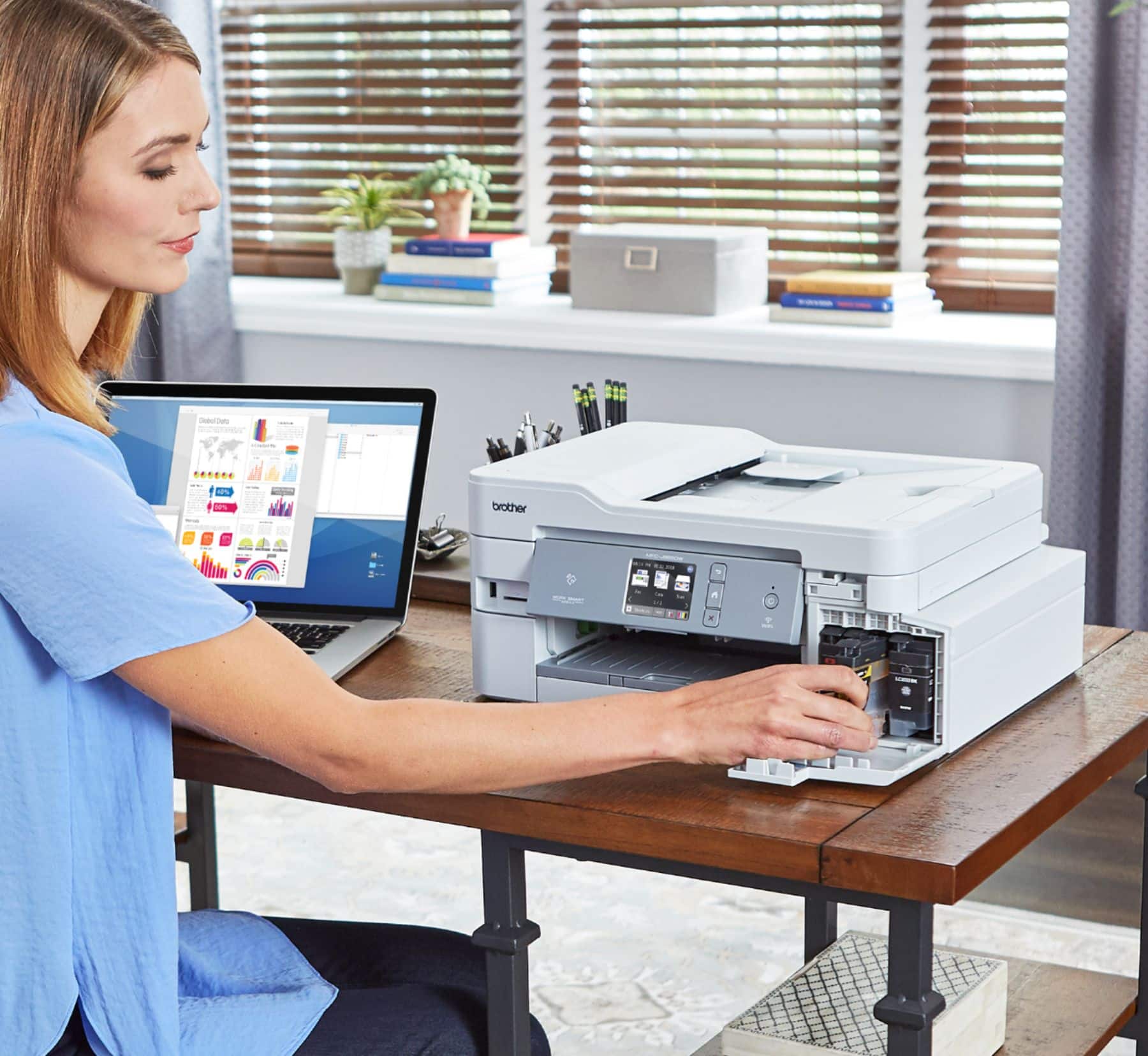
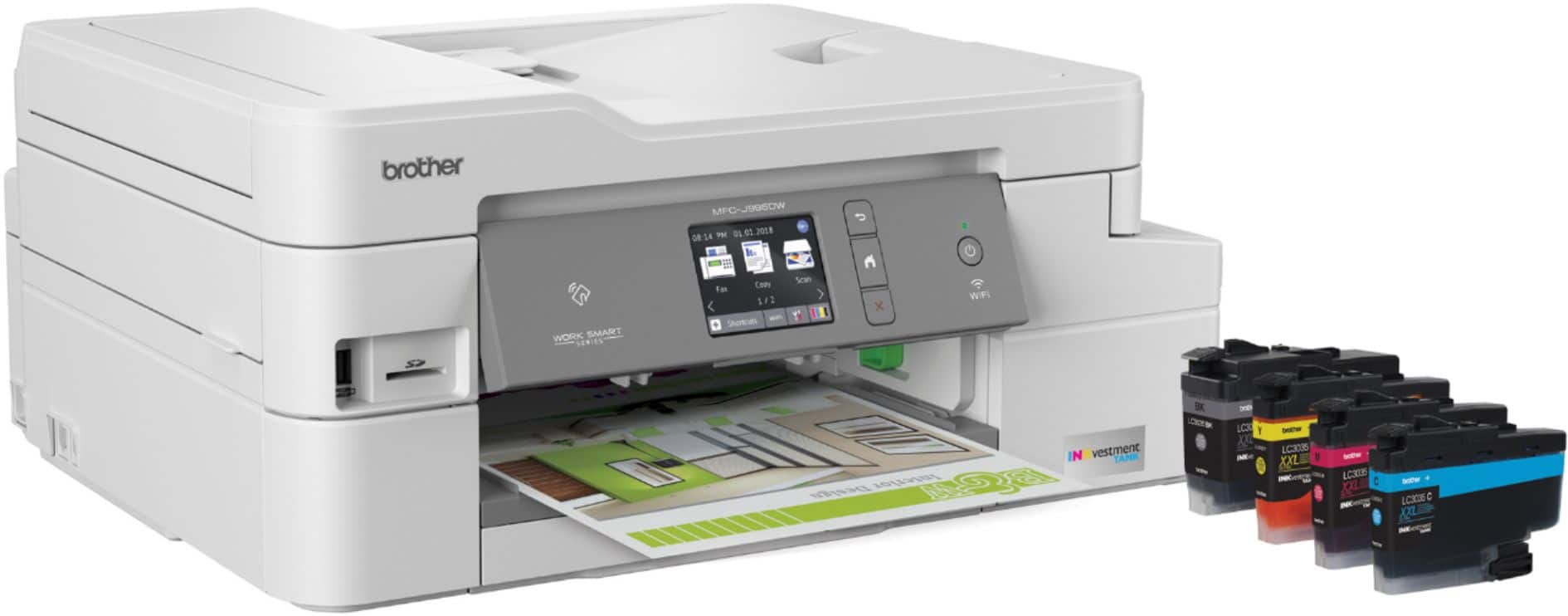
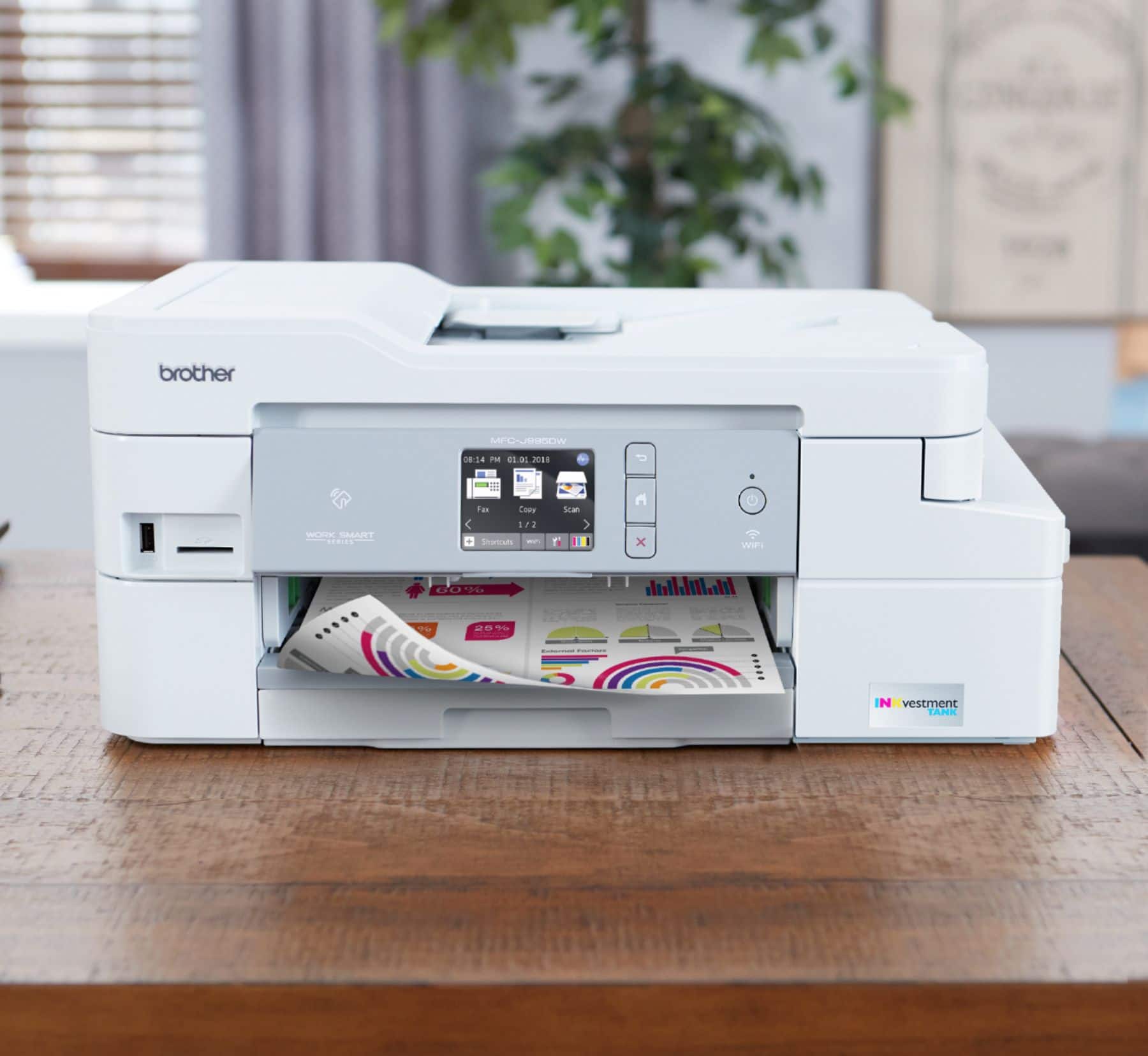

- Model:
- MFC-J995DW
- SKU:
- 6255013
Rating by feature
- Value
Rating 4.5 out of 5 stars
- Quality
Rating 4.5 out of 5 stars
- Ease of Use
Rating 4.5 out of 5 stars
Customers are saying
Customers often highlight the excellent print quality and ease of use of the INKvestment Tank MFC-J995DW Wireless All-In-One Inkjet Printer. Many also appreciate the printer's relatively compact size and straightforward setup process. Positive feedback also mentions the quiet operation and wireless connectivity. However, some users experienced issues with paper jams and occasional reliability concerns.
This summary was generated by AI based on customer reviews.

Can you say duplex!
|Posted .This reviewer received promo considerations or sweepstakes entry for writing a review.I was very excited to unbox this new printer. The one drawback to my previous printers was the need to think way to hard to print double sided documents. This printer solves that with true duplex printing. Easy to setup, I was printing in just a few minutes. I was a little disappointed that the ADF did not support duplex but it was easy enough to follow the onscreen prompts to do that manually. The touchscreen interface is also easy to use and intuitave for copying and faxing. Text is clean and clear and picture quality is more than acceptable. All in all a welcome addition to my home office.
I would recommend this to a friend- Pros mentioned:Print quality
Ink is not cheap (like Canon/Epson megatank)
Posted .This reviewer received promo considerations or sweepstakes entry for writing a review.Brothers is getting on the bandwagon of Mega/Supertank printer. Instead of following Canon / Epson (and let's be honest here, they are pretty much the same), and sell the ink in bottles, it comes in a cartridge. This cartridge fills an internal tank that "holds a lot of ink". A high yield black ink is $35 and of course, you'd need four (B, C, Y, M) to make it work - so replacing a set of ink (and according to them, the print yield is 3,000 pages at 5%, is more or less a hundred dollars. You can get genuine Canon inks for $15 for black, and $12 for CYM, and that's half and each set lasts 7,000 pages. I also hate to bring up the fact that there are generic inks (in bottles) for Canon (and Epson) printer. I found a place that sells the four color set for $8 dollars with free shipping. I thought it was too good to be true, and it didn't disappoint me - still print along with no problem. A friend brought this printer and he didn't look into Canon or Epson and didn't get around to setting it up that it was too late to return. He's not unhappy with it - it works fine (typical multi-function printer). But Brothers missed the boat in the drawing room.
No, I would not recommend this to a friend Nice printer
|Posted .This reviewer received promo considerations or sweepstakes entry for writing a review.Great printer especially for this price. Has all the features you could want and does them well. Great for home office use or casual use as well. Nice touchscreen interface with sound effects as well. Ink might be a little expensive if you do a lot of printing so check that out but I expect that with printers nowadays especially at such low prices. I personally don't print that much so it shouldn't be much of a problem for me. Get one, you'll like it.
I would recommend this to a friend- Pros mentioned:Print quality, Setup
Speed....Wonderful!!
Posted .This reviewer received promo considerations or sweepstakes entry for writing a review.It's an excellent printer...setup could not have been easier...but my favorite thing is....unlike so very many printers, it doesn't do a bunch of head shaking and stuff....you tell it to print, and almost immediately, it starts to print.
I would recommend this to a friend - Cons mentioned:Paper jam
First Brother Printer
Posted .This reviewer received promo considerations or sweepstakes entry for writing a review.The first thing you will notice is the poor quality plastic used in the body of the printer. The paper tray feels as if it will break in your hand. I didn't handle it in the store enough to realize this. No printer cable included which must be an industry standard. If you can get it setup without breaking it you have done well. It prints OK. not fantastic. I switched from HP to Brother. Not sure I made the right choice. The saying "you get what you pay for" definitely applies. Seems more like a disposable printer than a good piece of small office equipment.
No, I would not recommend this to a friend - Pros mentioned:Print quality
Scanned Docs not clear
Posted .This reviewer received promo considerations or sweepstakes entry for writing a review.I just purchased this printer and it seems to be a good printer. For a home printer it is quick, quite and good quality. However the scanned documents are horrible. I have not seen any reviews regarding this problem. I'm thinking of returning it, I use the scan feature a lot for my work from home.
No, I would not recommend this to a friend - Pros mentioned:Print quality
Only works as USB wired printer; wifi doesn't work
Posted .This reviewer received promo considerations or sweepstakes entry for writing a review.Print quality is nice, works fine wired by USB, but this printer does NOT work as a wireless printer. It goes to sleep, disconnects from the wifi network, and never rejoins. The only way to print to this printer wirelessly is to reboot the printer whenever you want to print. Brother should not advertise this as a wireless printer.
No, I would not recommend this to a friendBrand response from Brother
Posted .We understand you're experiencing communication issues with your Brother MFCJ995DW once it goes to sleep mode. We'd like to help.
Below are two FAQ that may help to correct the issue. Please follow the steps on the link that corresponds to your computer's operating system:
Windows:
https://help.brother-usa.com/app/answers/detail/a_id/163156
Macintosh
https://help.brother-usa.com/app/answers/detail/a_id/162654
If you continue to have issues, our Brother Customer Support Team is available to assist you direct: www.brother-usa.com/brother-support
Could be Better.
Posted .This reviewer received promo considerations or sweepstakes entry for writing a review.Broke, stopped working after five years. gotta get another printer. The only goof thing is the amount of ink inlcuded.
No, I would not recommend this to a friendAwesome printer
Posted .This reviewer received promo considerations or sweepstakes entry for writing a review.Must have in your home office. I recently bought this and happy about it.
I would recommend this to a friendGreat All In One Printer
Posted .This reviewer received promo considerations or sweepstakes entry for writing a review.Got this printer to replace my old Brother printer. It works great and has 1 year of ink that comes with it!
I would recommend this to a friendIt’s the best
Posted .This reviewer received promo considerations or sweepstakes entry for writing a review.This printer amazing in every thing , I love it so much
I would recommend this to a friend- Pros mentioned:Print quality
Constant Cleaning of Heads
Posted .This reviewer received promo considerations or sweepstakes entry for writing a review.The ink has definitely lasted awhile but the main problem is that you pretty much have to do a cleaning cycle every time you use the printer or you will get missing lines in your print. I have have had to do cleanings within 3 days of doing a print. I am on the original ink from Brother and have only use their ink and the ink is not running low.
No, I would not recommend this to a friendBrand response from Brother
Posted .Hi, Your Brother machine will perform maintenance purges of the print head at regular intervals. The cleaning is to ensure consistent print quality and prevent damage to the print head. These purges remove any air or debris that may have gotten into the print head manifold. Your machine will use the minimum amount of ink necessary to perform this operation. Review the link for details.
https://help.brother-usa.com/app/answers/detail/a_id/85399
Banding and poor print quality
Posted .This reviewer received promo considerations or sweepstakes entry for writing a review.I love the concept, but the print quality is poor. It is so bad that I have gotten into the habit of running the 'strong' print head cleaning before I print anything. Even then there is smudging and banding along with overall weak resolution. Other than that, the printer is great. Networking works flawlessly, the scanning is excellent, and the app and desktop software are really good. I want to like this printer, but I just can't.
No, I would not recommend this to a friendBrand response from Brother
Posted .We are sorry to hear that you are experiencing print quality issues with your Brother MFC-J995DW printer and we'd like to help. We have many helpful resources on our support website which should help, such as the following link with step by step instructions: https://help.brother-usa.com/app/answers/detail/a_id/156565
If the problem persists, feel free to contact Brother Customer Service directly at https://www.brother-usa.com/support/mfcj995dw
Slow & lacking
Posted .This reviewer received promo considerations or sweepstakes entry for writing a review.I returned this printer less than 24 hours after purchase. It prints so slowly and does not have auto duplex copying for 2 sided documents. Who has time to sit and flip pages on a scanner? I purchased an upgraded version of my Epson Workforce instead and should have stuck with that choice to begin with. If you have double sided copies to make often and need things printed quickly, go for an Epson instead. My last Epson lasted me 5 years. As a busy homeschooling mom of 3, 2 printers are a must- a color inkjet and a monochrome laser printer. This was such a disappointment.
No, I would not recommend this to a friendBrand response from Brother
Posted .It's so awful to hear you've experienced these difficulties with the printer; I can certainly imagine how frustrating this must have been. I'm so sorry that you've had a less than seamless experience through this and I assure you this is not at all what we strive for with our customers. It's very unfortunate you've had to spend what sounds like a tremendous amount of time and effort on reaching a resolution with this.
Despite the printer not working well for you, I do hope that in the future you'll allow us the opportunity to make things right and provide you with a more seamless experience, as it should have been from the get-go. If you ever need to reach out to us, please don't hesitate: https://www.brother-usa.com/brother-support
- Cons mentioned:Paper jam
Regret purchasing
Posted .This reviewer received promo considerations or sweepstakes entry for writing a review.Frequent paper jams, very frustrating. Would not recommend.
No, I would not recommend this to a friendBrand response from Brother
Posted .We are sorry that you are experiencing paper jam issues with your Brother MFCJ995DW and we understand your frustration. We'll be happy to help you.
If you continue to have issues, our Brother Customer Support Team is available to assist you direct: www.brother-usa.com/brother-support
Don't buy this printer
Posted .This reviewer received promo considerations or sweepstakes entry for writing a review.I bought this printer after reading the reviews to replace an HP that was giving me fits. The Brother will not stay connected to the wireless network, throws errors with every print job and is basically worthless. I would give it zero stars if that was an option.
No, I would not recommend this to a friendBrand response from Brother
Posted .Hi Mont, I apologize you are experiencing a issue with wireless connection loss. We will be glad to assist you with this issue. Here is a FAQ that may help. https://help.brother-usa.com/app/answers/detail/a_id/73618?R3ModelID=MFCJ995DW
If you still have the issue, please let us know by Email or Live Chat so we can work on this together.
https://www.brother-usa.com/support/mfcj995dw
The prints are the worst
Posted .This reviewer received promo considerations or sweepstakes entry for writing a review.I read the reviews and thought this was going to be the right printer for me. Boy was I wrong. I want to, "Office Space" this printer like I did my last one. The top quality prints from this thing are faded like they've been sitting in the summer sun for the entire summer. Gonna take it back as soon as possible. I'm trying to figure out how people are giving it such a good review? Stay far from this thing.
No, I would not recommend this to a friend